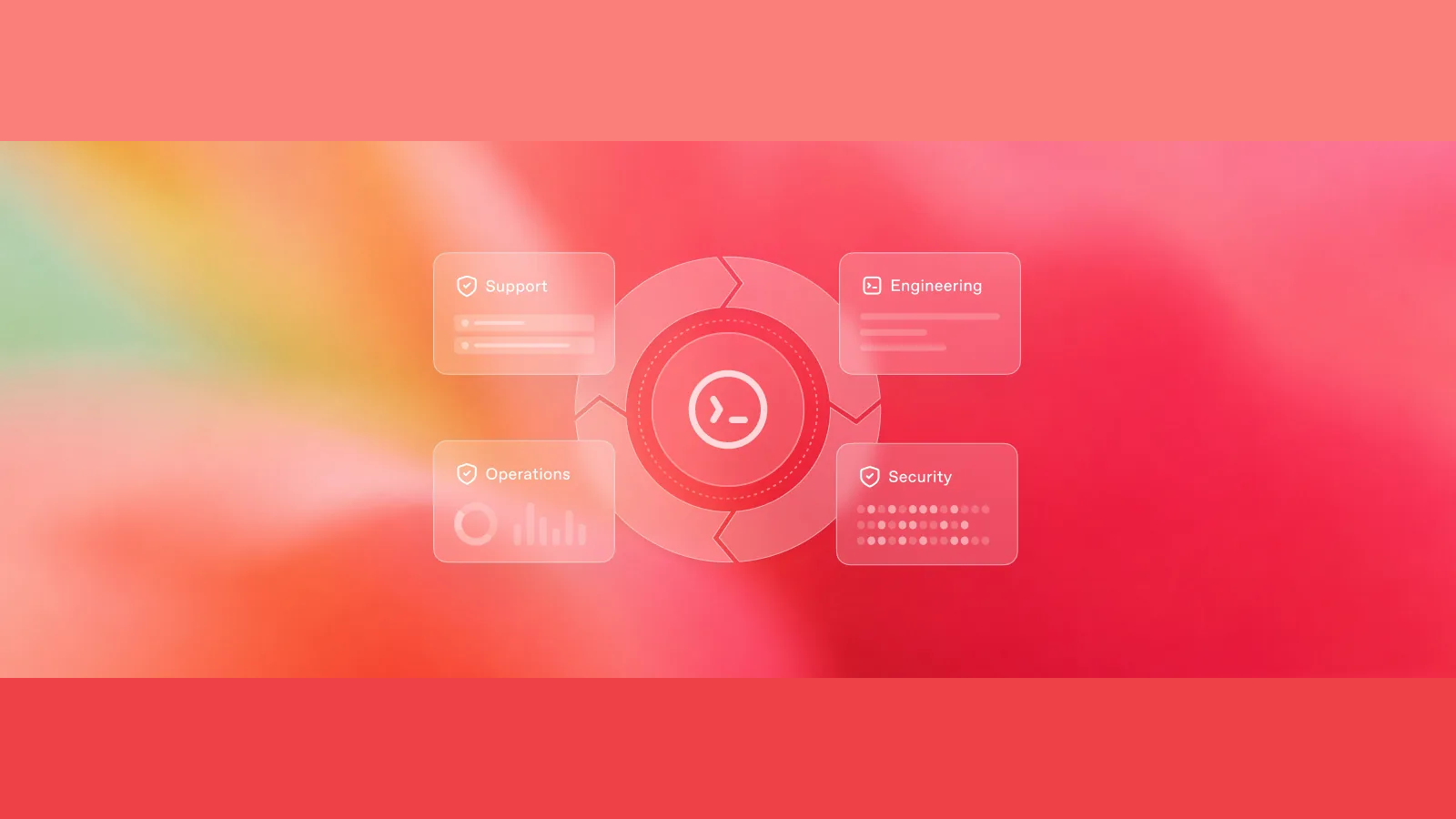
OpenAI Open-Sources Codex's Core Agent Harness Framework: Easily Bring Agents into Your Own Business Systems
OpenAI is releasing the execution backbone that manages context, tool calls, sandboxes, and approvals for Codex. Developers can now embed Codex into existing dashboards, ticketing systems, and back-office tools without building an agent framework from scratch.
- Codex is no longer confined to a coding plugin or chat window; its agent capabilities can integrate with logistics dashboards, ticketing, tax filing, and monitoring systems.
- Users stay in their existing tools. The host system hands the current object and business state to Codex, important actions wait for human approval according to policy, and results are written back to the official records.
- Development teams can reuse Codex's open-source components for context memory, tool calls, sandboxing, progress tracking, and approval flows, instead of building those mechanisms from nothing.
- What's open-sourced is the execution foundation: the CLI, SDK, and app-server. Models, hosted services, IDE extensions, and Codex cloud are not included.
What OpenAI actually open-sourced
OpenAI released the underlying framework that lets Codex work continuously: Agent Harness.
Think of a large language model as a smart brain. It can reason, but it doesn't automatically know which ticket it's working on, can't naturally remember what step it took last, doesn't know which system to query for data, which actions it can execute directly, or who needs to approve a purchase or record change. To actually function inside a company, it needs a work journal, a toolbox, access control, and an approval workflow. Agent Harness provides that operational scaffolding.
This release delivers three practical benefits:
- For developers: skip building infrastructure. Context memory, tool calling, sandboxing, progress tracking, and approval mechanisms can all reuse Codex's existing open-source components.
- For products: AI can enter existing software. Logistics dashboards, ticket systems, tax software, and monitoring boards can all become Codex's work interface.
- For users: no need to re-describe work in a chat box. The original system provides the current object and business state, and results are written back to the same official records.
In a logistics dashboard, it works like this: a dispatcher selects a delayed shipment, Codex pulls the current status and investigates the cause; when an action has consequences, like rebooking or spending money, the system pauses and waits for human approval.
But let's be clear about the boundaries: OpenAI did not open-source the entire Codex, its models, or its cloud services. The release covers the Harness and integration components—the Codex CLI, SDK, and app-server. Model access, hosted services, the IDE Extension, and Codex cloud remain separate. To be precise, developers get Codex's agent execution core and integration layer, not a self-hosted version of the full Codex platform.
Why a model alone doesn't make a real agent
A simple model call is easy: ask a question, get an answer. But when the task shifts from "answer" to "accomplish," the gaps become obvious.
The model needs to know which object it's handling, remember what it has already done, read files or logs or business records, call external tools, switch course after failures, and distinguish between actions it can execute automatically and those that require a waiting period for human approval. For tasks that stretch over tens of minutes or multiple sessions, it also has to compress old context without discarding critical early judgments.
Agent Harness is the execution system that tracks progress, orchestrates tools, enforces permissions, and keeps the task moving.
An agent's capability comes from a running loop that maintains state
Business objects, historical state, rules, and success criteria enter the task.
Keep prior reasoning and compress old context in long tasks.
Read files and the system, then perform operations within permitted scope.
Write tool results back into task state and reroute on failure.
The most direct question about why Harness matters: how much difference does the same model show when run with a different execution setup? OpenAI offered a striking—and easily misused—number.
On the ARC-AGI-3 public benchmark, an agent must observe, experiment, and infer rules in an unfamiliar interactive environment, making it crucial to preserve prior reasoning and action history. With GPT-5.6 Sol using the official general-purpose Harness from ARC-AGI-3, the RHAE (Relative Human Action Efficiency) score was 13.3%. After switching to retaining reasoning state and using compaction—compressing old context into a usable summary rather than simply dropping the oldest entries—the RHAE rose to 38.3%, while output tokens dropped to about one-sixth.
The mechanism is not mysterious. Discarding reasoning is like making the agent re-learn the game with every step; rolling truncation gradually erases earlier observations and actions. Retaining reasoning lets plans carry forward, while context compaction keeps the agent's core knowledge intact over long tasks instead of simply forgetting the oldest information.
But these results are tied to a specific model, a specific public benchmark, and a specific metric. They don't translate into "every agent gets three times better when you plug in Codex." They demonstrate that the architecture around the model also shapes how much of the model's capability actually surfaces.
We have a separate deep dive on the full 13.3%→38.3% experiment:
What each of the three layers does when you integrate a business system
Once you understand Harness as the operational scaffolding, the practical question becomes: when you integrate Codex into a product, what do the host application, the Codex app-server, and MCP each handle?
The architecture cleanly divides responsibilities into three layers.
Keep business logic in the app, let Codex run the agent loop, and route trusted reads and writes back through MCP
Current object · Page state · Business rules · Human approval
Threads and turns · Reasoning loop · Sandbox · Streaming events
Trusted data · Query tools · Business actions · Permission boundaries

The first layer is the host application—your existing logistics dashboard, ticket system, or tax software. It defines which alert, ticket, or order the user selected, what state the current page shows, what actions the business allows, and which steps require human consent.
The second layer is the Codex app-server. It takes that context, saves the task state, drives the agent's continued tool use, and keeps execution within sandbox and approval rules. The product can also observe the process, interrupt at any time, and respond to approval requests.
The third layer is the application's own MCP service—think of it as a set of business interfaces built specifically for the agent. MCP is not the business database itself; the agent uses it to read authoritative records and to request business actions like rebooking, creating tickets, or updating status. Those actions only take effect when the host application's rules and approval conditions are satisfied.
The results then flow back into the original product interface. The agent's conclusions land in the formal business system, which remains the final record and control center.
This division resolves three things that often blur together in agent products:
- Codex drives the task forward;
- MCP hands Codex trusted data and controlled actions;
- The host application tells both what matters, what's allowed, and where the final result should land.
From one-off tasks to product features: choosing your integration approach
Most tasks don't need the app-server. You can remember the three approaches in one line: use codex exec for scripts or background jobs, the SDK for calls from business code, and the app-server when you're building the agent as a product feature.
The deeper the product needs to intervene, the closer the integration layer sits to the agent runtime
codex exec
- Lifecycle
- Single process
- Product control surface
- Input, permissions, final or structured output
- Typical scenarios
- CI, scheduled tasks, background batch jobs
Codex SDK
- Lifecycle
- Start, continue, resume
- Product control surface
- Business code manages tasks and streaming results
- Typical scenarios
- Server-side workflows, internal tools, application logic
app-server
- Lifecycle
- Persistent threads and multi-turn sessions
- Product control surface
- Events, interruptions, approvals, and custom UI
- Typical scenarios
- Make agents a native product feature
codex exec fits well-defined one-off tasks like reviewing code in an automated check, periodically cleaning up records, or batch-processing a set of inputs in the background. It can return either the final text or structured output that a program can continue processing. The lifecycle is simple: start, run, finish.
Codex SDK suits cases where business code launches and manages Codex tasks directly. The application can start new tasks and also resume or recover prior work—without the product team having to deal with app-server's low-level protocols.
Codex app-server is for building the agent directly as a product feature. The application can maintain long-running tasks, watch execution in real time, interrupt at will, provide tools on the fly, and handle approval requests when Codex asks.
Don't think of these as "basic, medium, and premium" tiers. Choose based on three questions: Does the task need ongoing state? Does the product need to observe and intervene during execution? Does the agent need to complete consequential business actions within the user's current interface?
If you're just running a one-time background analysis, jumping straight to the app-server only adds integration cost. Conversely, if the agent will live permanently in an operations dashboard, a single codex exec command can't realistically handle sessions, approvals, and UI synchronization.
Choosing the layer is purely an implementation decision. The bigger product question is: where should these capabilities ultimately appear? The answer isn't necessarily a new chat box.
Embedding an agent doesn't mean adding another chat box
Product teams now face the question: where does the AI live? OpenAI's answer is to put the agent where the work already happens, not to bolt a generic chat box onto every piece of software.
A generic chat window that sits apart from the business system has no access to current context, so it pushes all the work of organizing the situation onto the user: please translate the order you're working on, the page state, the business rules, and your objective into a fresh prompt.
The user has to restate which record they're viewing, copy the dashboard status into the model, and guess whether the model's advice is based on the latest data. After the model responds, the user still has to toggle back to the business system to act. Context, analysis, and action get scattered across two places, and important boundaries can easily get lost in copy-paste.
Side by side, the difference isn't whether the model can answer. It's who assembles the context, where the business boundaries come from, and where the final result lands.
The difference isn't whether the model can answer — it's who hands the business context to the model
That's why dashboards, ticket pages, tax forms, and security event queues don't lose their value when AI arrives. They already gather the objects, states, evidence, and buttons needed to do the work. The natural place for an agent is inside those interfaces, using the context that already exists—sparing users the job of recreating the scene from a blank input box.
Chat isn't going away. Open-ended exploration, vague questions, and ad hoc analysis still belong in a conversation. What deserves to go is the idea that a generic chat box should be the only form an agent product can take.
Relay demo: how an AI completes a task in a logistics dashboard
Relay runs on synthetic seed data, not a real customer system. It takes the three-layer division of labor and the integration approaches described above and turns them into a complete logistics operation.
Read, judge, request, execute, and write back — all within the original workflow
The dispatcher picks a real work object first.
Route, promised time, shipment value, and the exception all enter the task.
Codex pulls trusted operational state.
Analysis can run automatically.
Stop when rebooking, record changes, or fees come up.
Only run changes that were explicitly allowed.
Results re-enter system records and the UI.

The dispatcher doesn't start from a blank prompt like "help me analyze shipping delays." Instead, they select a shipment in the exceptions queue, then click "Investigate Delay" or "Compare Remediation Options." That click alone delivers the business object and user intent; the page continues to offer visible context like route, promised time, shipment value, and the current exception.
Codex then reads current operational records through Relay's MCP tools, determines where the problem is, and compares available options. The analysis runs automatically; but if the next step involves rebooking, changing a business record, or incurring costs, the system pauses and asks the dispatcher to approve. Once approved and executed, the changes re-enter the logistics records and the business view refreshes.
The whole loop compresses into seven steps:
Select object → Inject context → Query authoritative data → Investigate and compare → Human approval → Execute business action → Refresh official records
What this adds beyond "a chat box with a few tools" is precisely the product design: when to deliver context automatically, which tools are available, which actions have consequences, and where a human should take back control of the decision.
The pattern is already spreading across domains. GitHub and JetBrains are putting Codex into existing IDE workflows; Cisco uses the Codex SDK in the App Builder within Cloud Control; Thrive Holdings, Crete, and OpenAI have connected Codex to tax preparation and practitioner feedback loops.
The tax preparation pilot involving Thrive Holdings, Crete, and OpenAI processed 7,000 tax returns, with partners reporting about a one-third reduction in preparation time. That number isn't from an independent third-party evaluation, but it shows a second layer of value from workflow embedding: the agent doesn't just complete a single task. It reads production records, absorbs expert corrections, builds evaluation tasks, and feeds the next round of product improvements.
Setting the record straight: what's open and what isn't
There's one more boundary that's easy to misread: the Harness being embeddable doesn't mean the entire Codex platform is freely self-hostable. The official open-source boundary is narrower than that.
| Open-sourced | Not open-sourced with Harness |
|---|---|
| Codex CLI | Models and model access |
| Codex SDK | OpenAI-hosted services |
| Codex app-server | Codex IDE Extension |
openai/codex repository, Apache-2.0 license |
Codex cloud |
Developers get an agent execution foundation they can inspect, modify, and integrate into their products, plus entry points ranging from one-off tasks to deep product integrations. What they don't get is an open-source implementation of the models or the cloud services.
More importantly, Harness doesn't generate the business domain for product teams. Which records are authoritative, which tools can be called, which actions require approval, and how results are written back into existing systems—all of that still has to be defined by the host application.
In short, OpenAI saves developers a substantial amount of work in building the agent execution foundation, but the business product still needs to be built by the team itself. The real gap comes down to understanding the business, and whether you can wire data, tools, permissions, and human judgment into a reliable workflow that lets AI actually finish the job inside existing systems.
Further reading: Harness engineering's twelve principles of practice.
Codex open-sources its Agent Harness
Plug memory, tools, sandboxes, and approvals into existing product screens. Your product still owns data, permissions, and outcomes.
What is open—and what is not
Open sourceCodex CLI, SDK, app-server, and openai/codex.
Still separateModels, hosted services, IDE extensions, and Codex cloud.
You can modify the Harness layer; model and cloud source code are not included.
The model thinks; the Harness keeps work moving
RememberKeep progress and key decisions; compress old context.
ActCall tools, inspect results, and retry.
BrakePause consequential writes for approval.
In one ARC-AGI-3 test, RHAE rose 13.3% → 38.3% while output tokens fell to ~1/6. This is not a universal 3× gain.
Three layers, one controlled loop
Host appSupplies context, rules, approval boundaries, and the final record.
Codex app-serverSaves progress, runs the agent, streams events, and handles pauses.
Your own MCPExposes trusted data and controlled actions—not the database itself.
The host sets boundaries, Codex runs, MCP supplies trusted actions, and approved results return to official records.
Choose by task lifetime and control
codex execOne-off scripts, checks, and batch jobs.
Codex SDKStart, continue, or resume tasks from business code.
app-serverBuild observable, interruptible, approval-aware product features.
Use the lightest fit: exec for one-offs; app-server for persistent, interruptible work.
The gain: stop re-explaining the job
Generic chat boxCopy context, rewrite prompts, verify freshness, then switch back to act.
Native product UIPass live context and boundaries directly; write results back to official records.
Chat still suits exploration; it should not be every agent product's only interface.
Relay: automate analysis, approve consequences
1—31–3 · Deliver the sceneSelect the shipment, pass page context, query trusted MCP data.
4—54–5 · Human handoffCodex investigates and compares; consequential actions wait for approval.
6—76–7 · Close the loopExecute the approved action, update records, refresh the UI.
OpenAI supplies the common execution base. Your product still defines trusted data, tools, permissions, and accountability.
Moving Codex from chat to the workflow
The problem isn't that the model can't answer. It's that context, analysis, and action are split across two places.
Specific ARC-AGI-3 experiments show that the run architecture affects results, but you can't generalize that to all agents improving by threefold.
Host appObjects, rules, and approval boundaries are mine.
MCPI only deliver trusted data and controlled actions.
Codex drives tasks; MCP connects data and actions; the host app holds business rules and the final record.
Use exec for one-off tasks, SDK for business-code management, and app-server for deep product integration.
The click already delivers the business object and intent, and the page continues to show the current visible state.
Codex cartOptions compared. Rebooking has consequences—please approve.
DispatcherI've seen the evidence. Approved.
Analysis can run automatically. Write operations like spending money or changing records pause at the host's rules for human takeover.
The harness is a ready-made skeleton for bringing AI on board. Data, tools, permissions, and business responsibility still need to be wired up by your product.
Members can copy or download the full Markdown, and let their AI subscribe and ask.
Found this useful? Leave your email — every new explainer, the moment it's out. Unsubscribe anytime.