How the Grok Bot team designed a bot that keeps working across sessions
From chat history to bot rosters, avatar states to standalone computers and proactive triggers: the SpaceXAI team walks through how they turned a single bot into something that stays on task across sessions.
- Grok Bot's design starts by tying cross-session responsibility to the bot itself, rather than treating each chat as the product's primary object.
- The avatar handles identity, six work states, and minimal progress indication; execution details are revealed only when the user needs them.
- Standalone computers, structured outputs, and layered collaboration boundaries all serve the same goal: let the bot execute, and bring humans in only for judgment calls and exceptions.
- Routines let work begin not just from user prompts but from time, external events, or other bots; the team then stripped out interface elements that added oversight burden.
From early prototypes to a shipped product, the Grok Bot team has faced the same question: when a bot can remember its past work, keep operating across multiple sessions, use its own computer in the background, and begin tasks on its own after the user has left, should the product still be organized around individual chats? SpaceXAI's official design retrospective, Designing Grok Bot for a world of persistent agents, outlines the interface trade-offs they made.
Their underlying philosophy follows a clear progression: put the question of "who's in charge" at the center of the interface, then give that persistent worker an identity, a state, a workspace, outputs, and ways to act unprompted. With each new capability came a corresponding removal of some control surface that nudged users toward constant supervision.
Traditional AI products assume the user is always in the loop. You issue a prompt, watch the model respond, get an answer, and the session is over. But Grok Bot is built to be a long-lived entity. Work assigned today is expected to continue tomorrow with full context. Even with no new messages, the system may act on a timer or react to an external event. This forced the team to answer four fundamental questions about what their product should become.
- 01 IdentityThe same Bot remains
- 02 StateWhat is it doing?
- 03 WorkspaceThe Bot uses the computer
- 04 OutputResults can be inspected and used directly
- 05 Proactive triggersWork continues without a new prompt
The starting point: when agents take responsibility across sessions, chat logs become a supporting actor
A chat list is good for archiving individual exchanges, but not for holding a continuing responsibility. Once a conversation is done, it drifts downward beneath newer sessions. When users return a week later, they tend to open a fresh window anyway. That behavior makes sense for a model that only answers immediate questions. For an agent that is meant to know you, remember recent work, and keep going, it shatters a single ongoing task into a trail of disconnected history.
In their opening prototype, the Grok Bot team demonstrated an alternative. The sidebar is no longer split into "yesterday's chats" and "last week's chats," but instead lists named bots: Kenny, Justin, Luke, Tyler. Next to each name, the user is shown the latest update or any pending approvals — like the all-hands deck that needs sign-off, the sales intro draft that's ready to send, or two inbox messages still awaiting replies. When the user comes back, the interface answers "which worker is handling what," and only then does the user enter a conversation with that specific bot.
This became the principle steering every later decision. If a bot is expected to continue work across days, the product's primary object must persist. Otherwise, memory, automation, and tools only get layered onto sessions that keep sinking down the list.
Step one: replace Chat with Bot as the core unit of the product
A persistent agent sits on top of many technical objects: a model, a context window, system prompts, sandboxes, connectors, permissions, and automation rules. Expose them all and the user has to learn the system architecture before getting anything done. The team started by compressing this down to just five objects worth understanding:
| Object | Role in the product |
|---|---|
| Bot | A persistent agent with an identity, memory, execution environment, and tools |
| Chat | The window through which a user talks to a particular bot |
| Prompt | Supplies context or an instruction; can be used once, saved as a Skill, or triggered automatically by a Routine |
| Tool | Lets the bot read information and take action through software, APIs, connectors, shell, or the computer |
| Artifact | A lasting product created or modified by the bot: a document, design, code, or dataset |
Of the five, the team chose Bot to organize the product. A bot has a name, an avatar, and a role. It remembers its conversations, and it has its own computer and tools. When the user comes back the next day, they're still dealing with the same worker. Chat hasn't disappeared, but it no longer structures the main view — it is just the doorway into communication with a bot.
Request A · Request B · Request C
Drops down over time, with responsibility split across many pieces.This shift changed the question the sidebar is meant to answer. A chat log answers "what did I talk about?", while a bot roster answers "who's in charge?". Once a single job can span multiple sessions, that second question is the one the user needs to answer first.
Step two: make it instantly clear who each agent is and what it's doing
Once bots become long-lived objects, the roster has to handle three things immediately: who is this, what are they doing, and how much do I really need to know? Grok Bot's team concentrated all three into the avatar and the small slice of interface surrounding it.
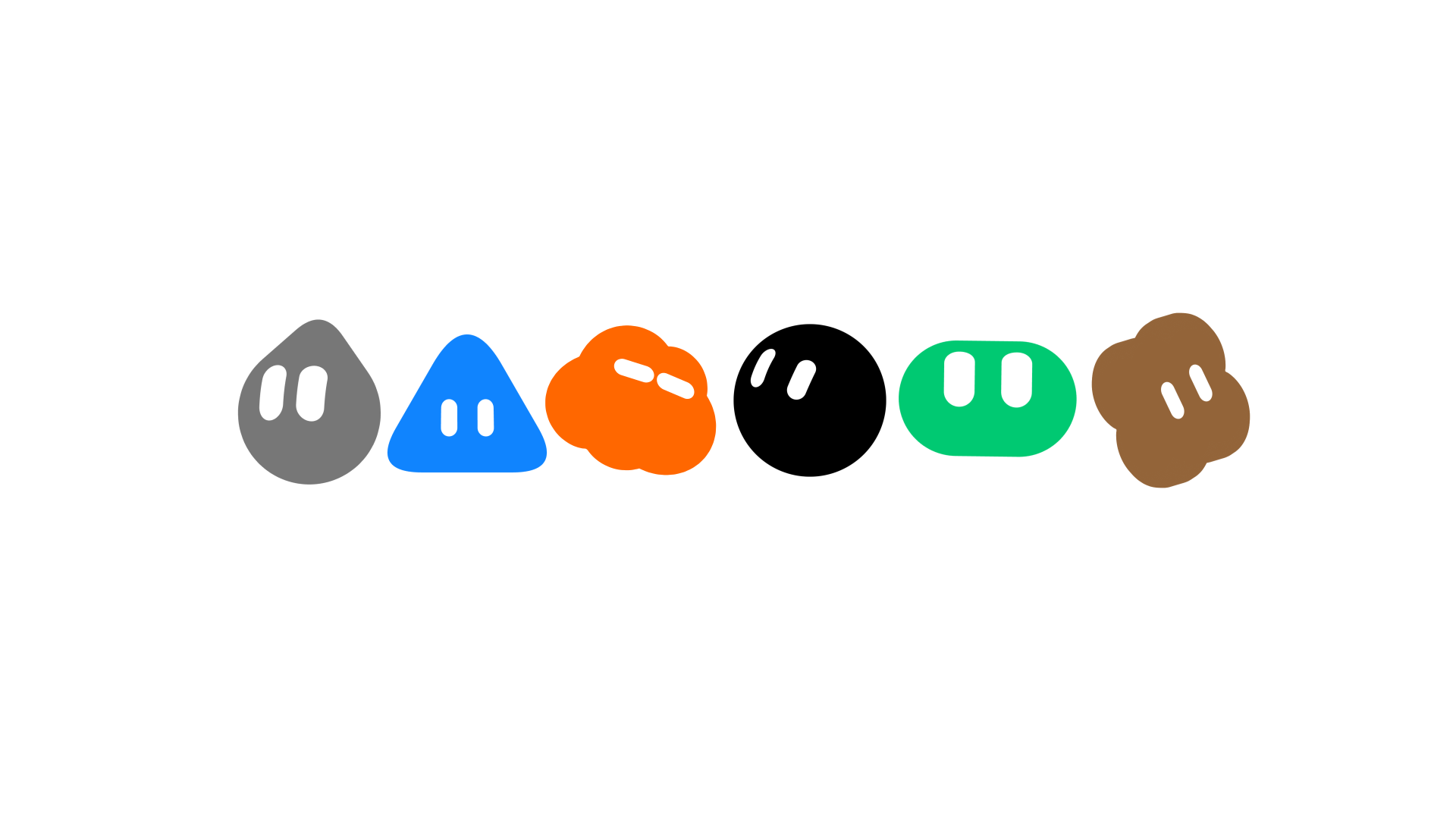
They wanted a system where dozens of bots still felt like part of the same family. Early experiments included initials, emoji, pixel art, watercolors, clay figures, Noritake-style line sketches, silhouettes, and identicons. Watercolor and clay were expressive, but too heavy once scaled down to a sidebar. Simpler systems blended in nicely but made bots look interchangeable. The final direction keeps a unified geometric base with expressive eyes and distinguishes bots through restrained variations and accessories.

The avatar then took on a second job: showing lifecycle. The team defined six states — idle, working, waiting, blocked, thinking, and done. A bot reacts when assigned work, moves more visibly once it begins executing, shifts motion patterns again when waiting for something or needing help, and returns to a steady state when finished. No separate row of badges is required. One glance at the same visual object reveals both identity and progress.
Third, the team set out to control the granularity of execution details. The standard pattern of three bouncing dots gives too little information — users cannot tell if the bot is still running or stuck. But a continuous, full activity feed pulls people right back into the role of supervisor. The team's research showed that users asked for more detail mainly to verify that the bot was still progressing in roughly the right direction. The final interface therefore uses the avatar's motion as the least-effort confirmation. Only when someone chooses to hover does the system reveal a textual description of the current action.
This produced the first complete design path in the system: the steady avatar identifies who is responsible, the motion state confirms whether work is still happening, and the on-demand current action reveals whether the direction is right. Information becomes more available exactly when the user's concern rises. By default, the interface stays quiet.
Step three: the computer belongs to the bot — the user only checks in or takes over
Every Grok Bot has its own computer: it can browse the web, process files, and run software. The team ran into a counterintuitive problem almost immediately. The more prominent that virtual screen became, the more the product felt like a remote desktop tool, and the more time users spent watching or steering it.
They tested four layouts. A floating window was easy to open but covered the conversation. A side-by-side view permanently exposed the execution stream and encouraged users to watch instead of leaving. A modal window was suitable for a brief peek but turned the bot's workspace into a disruption, and a full-screen view gave the computer more than enough space but pushed out the actual dialogue. None of the four solved the underlying problem — they all still framed the screen as something the user was expected to watch over.
The final approach splits intervention into three distinct layers:
- Status: While the computer is running, the title bar icon turns purple. The user knows the bot is actively using its workspace, but nothing forces attention.
- Preview: When context matters, a fixed side panel can be opened to observe the work without leaving the current conversation.
- Takeover: When the bot reaches something that actually requires the user, the person can take over full screen, handle the issue, and hand control back when done.
The status layer can also be expanded on demand to see the bot's current action. This yields a four-step inspection path that starts with low-friction awareness and only gets richer when needed: status → current action → preview → takeover.
- 1 · StatusAvatar is active: it is still working.
- 2 · Current actionHover to see: is it headed in the right direction?
- 3 · PreviewPinned sidebar: watch the Bot's computer.
- 4 · Take overGet full-screen control when you need to help, then hand it back when done.
These three access layers separate "you could check anytime" from "you must keep watching." The bot's computer also has a dynamic wallpaper that brightens in the morning and shifts darker at night. That is not just a decorative touch; it helps users treat the workspace as belonging to the bot itself, not as a remote mirror of their own desktop.

Step four: turn answers into interfaces that can be used directly
Early Grok Bot responded to almost everything with prose. A five-day forecast would appear as a written paragraph; a list of tasks was described line by line as text. The information wasn't wrong, but the burden of reorganizing dates, statuses, owners, and next steps fell back on the user.
So the team began treating the shape of information as part of the answer. Explanatory content still lands as text. Anything meant for comparison, scanning, or hands-on action now appears as an inline card or component. An email component shows recipients, subject, and body together, with send and discard buttons right there. Creating a Routine, changing settings, or messaging another bot can enter the conversation timeline as a system event.
The timeline is thus no longer strictly natural language. Chat messages, system events, interactive objects, and visualizations now share one continuous context. Users can see what was said, whether the action actually happened, what state the result is in, and whether any step needs their input — all in the same flow. An artifact also stops being just an attachment; it becomes the unit where a commitment made in conversation turns into a checkable result.
Step five: draw clear boundaries around skills, memory, and collaboration between multiple bots
When a user creates several bots, the system faces two opposing demands. Generic abilities like browsing the web, handling documents, and sending email should be reusable across bots. But long-running context for specialized roles — legal, finance, design — must not merge into one giant shared memory block.
Grok Bot ultimately applies different boundaries to capabilities and context:
- Tools and Skills are account-level: multiple bots can share their general utility.
- Memory and Routines are bot-level: long-term knowledge and standing responsibilities stay with a respective role.
- Group Chats are scoped to shared tasks: cross-role projects share only the context needed for collaboration.
Some users will create coordinator bots, like a chief of staff, to whom they hand high-level direction, leaving the actual task routing between specialized workers to that bot. The team played with dashboards, boards, and handoff controls, but every one of those options loaded routing work right back onto the human. The resulting direction is to let the coordinator handle day-to-day distribution and only surface a question to the user when a judgment call actually arrives.
This decision is where the multi-agent system either becomes a real team or a handful of separate chat windows that each need tending. Abilities can be shared broadly, role memory stays isolated, and within a shared project, the bots exchange only the facts needed for the work. The user's attention stops being spent on internal routing.
Step six: let time, events, or another bot trigger work on their own
A bot that can remember the past is still not truly carrying a responsibility if it waits for a new prompt every time it should act. Routines let the user define ongoing work in advance, and the bot wakes by itself on a schedule or in response to an event.
Triggers span fixed times, weekdays, weekly and monthly cycles. They also include GitHub issues, pull requests, pushes, failed checks, and workflow events; Slack messages and reactions; and status changes in project management tools. A separate bot can kick off work as well. Prompts still initiate conversations, but they no longer hold a monopoly on getting something started.
Initially, the team had buried routines under a settings menu. That changed when routines moved into the bot's main interface. The reason is straightforward: if autonomous work is a core capability, users should see which standing duties are running, what has run lately, where the results ended up, and which exceptions still need attention. The conversation timeline now acts as a record of responsibility — it includes both requests from the user and work that happened after they left.
Memory lets a bot recognize the work on the next day; routines let it continue that same work without waiting. Continuous responsibility across sessions depends on both.
Closing: delete the interfaces that turn users back into administrators
The retrospective ends with a candid admission: a large part of the project's later phase was deletion. Window and panel controls, computer-view options, and agent metadata were all compressed or removed. The team also established practical limits, roughly 50 bots per account and 6 bots per group chat. Every decision stood up to the same test: does this help the user delegate, or does it just create yet another object to manage?
Judged against that standard, the preceding choices stop looking like a grab bag of features. The bot roster establishes stable accountability. Avatars make progress visible. On-demand disclosure reduces log-checking. A separate computer keeps execution in the agent's hands. Structured components make outcomes directly useful. Layered boundaries cut the coordination cost of running multiple bots. Routines let work proceed without waiting for the next prompt. All of these work toward a single goal: when the person walks away, the responsibility, context, and work itself continue.
This official retrospective does not prove Grok Bot can already handle every long-term task reliably across all scenarios. Its value lies in a particular product judgment: if the interface still centers on a single session, if the user keeps chasing status, reading full logs, moving context around, and manually triggering the next step, then even a strong underlying model has not yet made the product into a true long-lived responsible agent.
How Grok Bot stays accountable across sessions
Give bots a stable identity, workspace, and proactive triggers, so people can step back from constant oversight and only step in for anomalies and judgment calls.
From chat threads to a bot roster
Chats sink into history. Bots tie identity, memory, tools, computer, ongoing tasks, and current state to the same responsible agent. The main interface now answers: who is handling what.
Signals first, details on demand
Avatars combine identity with six states: Idle, Working, Waiting, Blocked, Thinking, and Done. People can dive as deep as needed, without defaulting to full logs. The ladder goes from a quick status check to a full takeover only when necessary.
- StatusFirst, confirm it's still working
- Current actionThen, check if it's heading the right way
- PreviewPeek at the workspace when you need context
- TakeoverFull-screen intervention only when a human must act
The bot owns the computer; the human keeps override rights
Float windows, side-by-side views, modals, and full-screen modes tempt people into babysitting the machine. Instead, the team uses three access levels: Status, Preview, and Takeover. Weather, tasks, and email results become usable components based on their shape, rather than being dumped into prose.
Shared capabilities, isolated role memory
Tools and Skills are reused at the account level. Memory and Routines stick with each bot. Group chats only share context needed for the task. A lead agent handles routine routing, but judgment calls come back to the user.
Routines start without a fresh prompt
Prompts, time, external events, or another bot can trigger a routine. Results write back to the timeline; anomalies or judgment calls escalate to the person. Memory lets a bot pick up where it left off the next day, and Routines let it continue on its own.
Push capability up, default oversight down
In later builds, the team removed or collapsed window controls, computer view options, and agent metadata. They also capped bots at about 50 per account and 6 per group chat. Every screen must pass the same test: does it help delegation, or just add one more thing to manage?
Humans handle direction, exceptions, and trade-offs; bots handle responsibility, context, and sustained execution.
When you leave, does the bot stay on duty?
BotDoes responsibility vanish when the window closes?
Chat logs preserve Q&As but strip ongoing responsibility into disconnected history.
BotGive me the task; Chat is just for communication.
The main interface now answers 'who's responsible' rather than just 'what did I chat about.'
BotFirst check if I'm making progress; dive into details only if needed.
Identity, progress, and execution details unfold gradually based on how much you care.
BotThe computer is mine to use; you keep view and override rights.
Inspectability doesn't mean you must watch constantly.
BotAnswers should become usable results.
The timeline logs conversations, actions, and outputs together.
Coordinating botShared capabilities, separate memories, and only necessary facts exchanged for the project.
Routine coordination goes to the coordinating bot; judgment returns to humans.
BotNo new prompt needed; duty wakes me up.
Memory lets the bot recognize yesterday's work; Routine lets it continue on its own today.
UserResponsibility stays put; I don't have to be the admin forever.
The design direction is clear; that doesn't prove the bot is reliable in every scenario.
Members can copy or download the full Markdown, and let their AI subscribe and ask.
Found this useful? Leave your email — every new explainer, the moment it's out. Unsubscribe anytime.