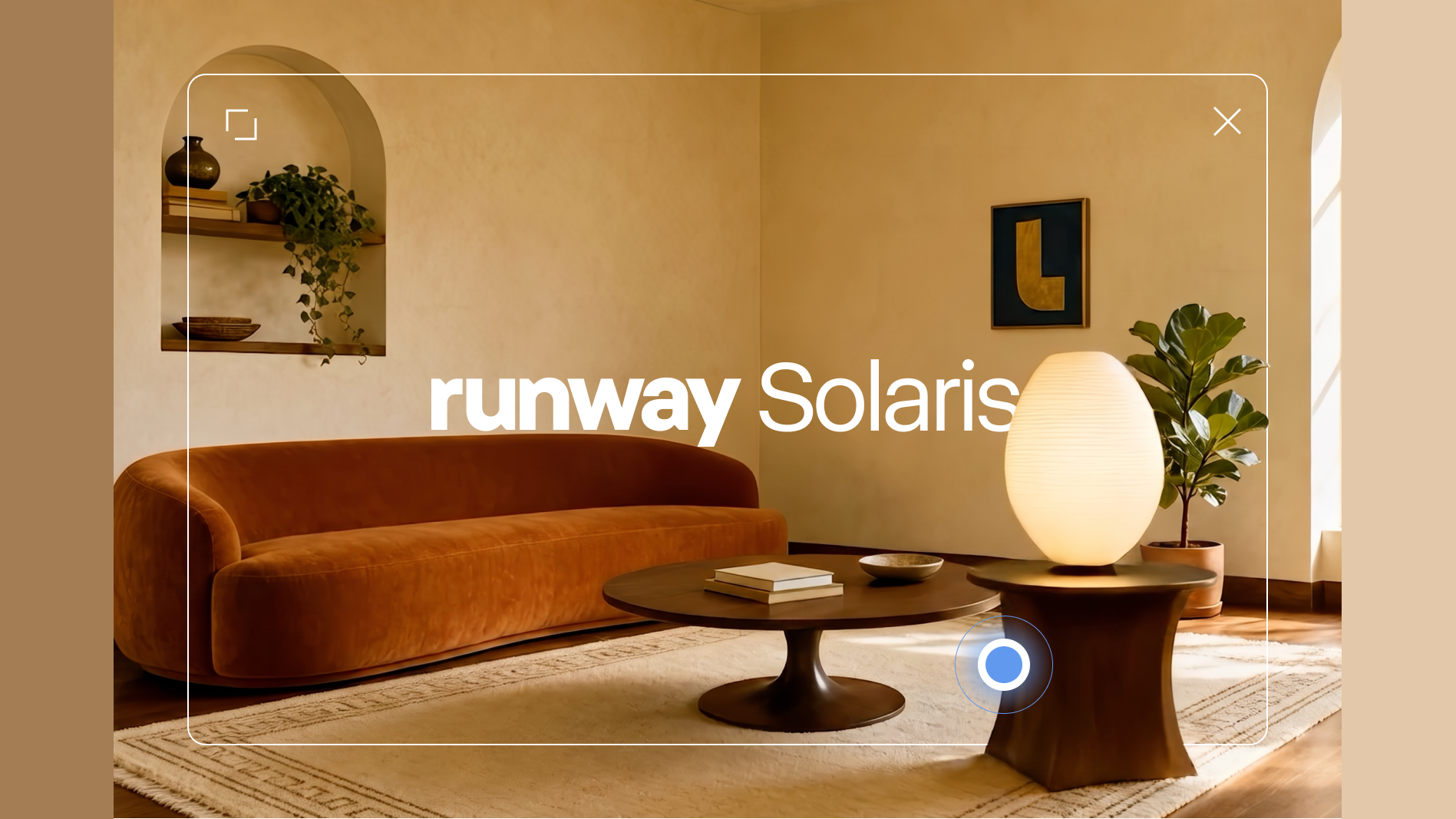
Runway Solaris turns video models into the operating layer for real-time interfaces
Clicking and dragging directly determines what the next frame looks like, and the interface shifts from prebuilt pages to a continuously generated visual space.
- What it is: Solaris, Runway's first interface world model.
- How it works: It generates the next frame in real time based on the current frame and user actions, and the new frame remains interactive.
- What you can do: Drag objects, change materials, combine ingredients, or switch scenes without writing interaction rules for each case.
- Core mechanics: frame-by-frame autoregression, few-step distillation, and self-output training; an LLM makes decisions while the world model renders.
- Impact: Interfaces move from prebuilt components to continuous generation, with video models taking on both the display layer and part of the interaction layer.
Runway has unveiled Solaris, a research system that uses a video model to generate software interfaces in real time. It's also the company's first "Interface World Model," extending its research from single videos to persistent, interactive scenes.
Users can click, drag, or type directly into the frame. Solaris takes the current image plus that action and generates the next frame, which then accepts further input. Where a typical video model delivers a finished clip for viewing, Solaris turns video generation into a continuous interactive loop.
That shift will redraw the division of labor in interface development. Materials, spatial changes, and continuous motion can be generated on the fly by the model, so developers no longer need to pre-script every front-end event rule for a demo. Identity, permissions, factual data, text, auditing, and failure recovery remain the responsibility of structured software.
Solaris is currently a research prototype, and the research page offers an Early Access application form. The official launch video below, which runs for 82.752 seconds, shows what the system can do today.
Interfaces shift from calling prebuilt pages to generating the next frame
Today's software stores structured state, and code renders that state into buttons, text, images, and animations. When you click a button, an event handler executes rules a developer wrote in advance, changes the state, and the interface re-renders. Even when AI generates an entire webpage from a prompt, the final deliverable is usually HTML, CSS, JavaScript, or some kind of component tree.
That traditional path pre-writes possible states and actions into the system, which means the same state can be read, searched, audited, and reproduced, and permissions and errors can be handled within a structured framework. Behavior the developer never defined won't just appear, and visual design has to be translated into elements that code can express. Subtle materials, spatial relationships, and continuous motion often get lost in that translation.
Solaris changes that last stretch. The current frame is no longer just the output of code; it also becomes the state the model uses to predict the next frame. Clicks, drags, and text instructions are fed into the model along with the image, and the next frame is generated on the spot. Runway describes this as "no intermediate representation": interface behavior in a demo no longer needs to be translated item by item into pre-written front-end rules, while model services, data connections, permissions, and underlying computation stay in the system.
- State
- Events
- Render
- Screen
Result: reproducible and auditable
- Frame
- Input
- Model
- Next frame
Result: visual continuity and open responses
As a result, the same thing can now be produced in two different ways. Traditional software writes all possible states into code ahead of time, while Solaris generates more on-screen change in the moment of interaction.
How clicks get into a video model
Solaris builds on Runway's Gen-4.5 video generation model and follows the GWM-1 approach. A world model predicts what comes next given the current environment and an action. GWM-1 already generates frame by frame and accepts action conditions like camera pose, robot commands, and audio. Solaris turns that action conditioning toward mouse, touch, and text input.
When a user clicks on a shirt, the system does not look up a fixed event for a "shirt button." Instead, the current frame, the click location, and the interaction semantics become the conditions for the next frame. The model learns visual consequences from the actions it has already seen, so the same drag gesture can move an object, change a material, or trigger a scene transition depending on the context.
A standard video diffusion model runs dozens of denoising steps across the entire clip, and a wait of several seconds or minutes is acceptable for content production but useless for continuous interaction. Runway made three changes to get Solaris to real-time speeds. First, it switched to frame-by-frame autoregressive generation, where each frame depends only on what's already been produced. Second, it distilled the many denoising steps down to a few. Third, the fast model keeps learning from its own output to reduce quality drift over longer generations.
- Current frame + user action Only the clicks, drags, inputs, and frame history that have already occurred
- LLM interpretation and decision Decides whether to change in place or transition, and generates rendering prompts
- Solaris few-step generation Autoregressive per frame, using distilled few-step denoising to produce the next frame
- New frame enters history The displayed result simultaneously becomes the state for the next operation
The language model and the world model split the work inside the loop. The language model interprets what the user asked for, decides whether the current scene should change in place or switch to a new one, and produces a prompt that guides Solaris. Solaris then draws that decision into a continuous sequence of operable frames. Separating reasoning from rendering means the language model doesn't have to rebuild every pixel in code, and the video model doesn't have to understand the whole task on its own.
Runway says the experience starts to feel less than real-time once interaction latency approaches half a second. The research page states that Solaris reaches interactive speed, is orders of magnitude cheaper than a standard video diffusion model, and maintains 720p quality.
What the four demos reveal about the new interactions
The Solaris demos fall into three categories of change: interfaces become fully visual, scenes persist and stay alive, and the range of interaction is determined by what the model can do.
In the virtual try-on demo, the reference image of a person, the rack, and the shirt all sit in the same scene, and the user drags the clothing directly onto the figure. The salad demo has no fixed pipeline of "ingredient list, confirm, generate result"; the act of dragging ingredients into the bowl is itself the operation. In the living room scene, lighting, furniture, and materials change across continuous frames, and the interface doesn't just swap in a fresh static page after a click. The fire-safety lesson lets users drop different materials into the flame and watch the model generate the ensuing reaction.
The four scenarios span try-on, spatial design, food combination, and science education. The same generation loop doesn't require switching between different menus, forms, and confirmation pages. The objects, positions, and continuous changes within a scene are the interaction language.
What the two evaluations each show
Runway first measured how much information is lost when an interface is rebuilt from a screenshot. GPT-4o, Gemini 2.5 Pro, and Claude Fable 5 each received a single screenshot and had to reconstruct the corresponding interface. The evaluation used DINOv3 feature similarity, CLIP similarity, and structural similarity across ordinary webpages, slides, graphic designs, and natural scenes. Scores for all three models drop as the visual content gets more complex, with Fable 5 posting higher overall scores and natural scenes producing the lowest reconstruction scores.


How to read it: as the source becomes more visually natural, all three models score lower on reconstruction; Fable 5 scores higher overall.
The results show that squeezing a rich visual scene into language or code and then rebuilding the interface loses information steadily in layout, materials, and spatial relationships. Solaris keeps working directly in pixel space to continue the current frame, precisely to avoid that compression-and-reconstruction round trip.
The second experiment compared Solaris against coded interfaces generated by Claude Opus 5. Both started from the same image and the same interaction request. 250 participants evaluated 30 examples, producing about 7,500 pairwise judgments on which result followed the instruction more closely and which felt more natural in the scene.
Click any element, and it keeps its shape while slowly floating upward.
The camera moves smoothly right and down from the lighthouse balcony, ending on coastal waves.

How to read it: the chart shows 62% prefer Solaris for instruction following, and 72% for scene naturalness.
The preference chart aggregates judgments from 250 participants—about 7,500 in total: 62% chose Solaris as better following the instruction, and 72% said Solaris looked more natural in the scene. Two side-by-side videos illustrate what participants actually saw. In one, clicking an underwater object keeps its shape while it floats upward. In the other, the camera moves continuously along a balcony, across the coast, and over the waves in a lighthouse scene.
How the generation model and existing software split the work
Solaris changes interface rendering from "code calls a prebuilt component" to "the model generates the next frame," and that introduces a new division of labor in the software stack. The generation model handles materials, spatial relationships, continuous motion, and open-ended visual responses. The structured systems handle identity, permissions, product data, transactions, logs, and searchable text.
Runway also describes a multi-model collaboration: a language model understands intent and decides when the scene should change, an image model handles crisp text and static visuals during pauses, and a video model produces continuous motion. Product data, documents, and account state come in through structured services, and the three model types together form an interface that stays operable.
How Solaris trains AI agents
Solaris has another purpose that isn't aimed directly at everyday users: training computer-operating agents. Today's agents often memorize button positions on fixed webpages, and their success rate drops sharply when a hotel site changes its layout, a pop-up covers the target, or the information refreshes mid-task.
Solaris can keep generating layouts and interactions the agent has never seen, giving it far more visual variation within the same task. The training objective can also shift from "find the coordinates and click" to "understand the objects, actions, and consequences in a scene." This is the same idea behind training robots with world models: first experience variation in an environment that can be generated at scale, then transfer the ability to real systems.
OSWorld 2.0 demonstrates the scale of what such training is up against. The benchmark contains 108 long-horizon real-world workflows, each with a median human completion time of about 1.6 hours. On the binary 500-step completion metric, the best system reported in the paper finishes only 20.6% of tasks. These tasks constantly switch pages, pop-ups, and intermediate states, making continuously generated interfaces a useful way to expand the variation seen during training.
In the training setup, structured services record the task goal, correct states, and feedback, while Solaris generates the layouts, objects, and visual changes. The same task can therefore quickly produce different button positions, pop-ups, occlusions, and scene refreshes, so the agent practices understanding objects, actions, and consequences instead of memorizing coordinates.
Which products Solaris might change first
The official demos point to four direct use cases:
- Interactive prototyping. A concept image can become a clickable, draggable, continuously changing interface for presenting design ideas and brand spaces.
- Shopping and configuration. Clothing, furniture, materials, and products can be combined directly in one scene, with the selection process and the visual result happening at the same time.
- Teaching and exploration. Learners can move objects, change conditions, and watch continuous reactions, turning an explanation into a scene they can operate.
- Agent training. The same task can generate a wide range of layouts and process variations, giving computer-operating agents a constantly changing practice environment.
Solaris pushes the video model from content generator to real-time interface engine: it continuously accepts human input and generates the next operable frame on the spot. Interface rendering changes from a one-shot coded output to a continuous generation process, and the video model begins to take on the display layer and part of the interaction layer of software.
Solaris: The Interface Is Generated Live
A click, drag, or prompt no longer has to trigger a prewritten screen state. It can condition a model that generates the interface's next frame.
From switching screens to generating the next frame
A conventional interface starts with buttons, states, and transitions. Solaris decides how the image changes at interaction time, using the current pixels and the user's action.
Developers predefine components, states, and rules; an action selects an existing branch.
The image is the interface; every action becomes a condition for the next frame.
An interaction loop that never really ends
A language model interprets the intent and scene transition; Solaris renders that change. The new image remains ready for the next action.
Read the people, objects, text, and space visible on screen.
A click, drag, or text prompt becomes a new condition.
The LLM describes the change; Solaris generates subsequent video frames.
The output is not an endpoint. It becomes the starting point for the next action.
One model, three kinds of interface
Solaris can generate more than button feedback: materials, light, space, and object state can change continuously with the interaction.
Try on clothing or alter a product and see the result directly on the person and scene.
Move furniture, swap materials, and change lighting while the image reconstructs around the choice.
Control a salad-making process or combustion conditions and observe the process instead of only reading about it.
Two signals from Runway's internal preference study
About 250 participants made roughly 7,500 pairwise judgments. In the chart, Solaris was selected more often for instruction following and natural behavior.
Preferred Solaris for following the instruction.
Preferred Solaris for behaving naturally in the scene.
The practical direction is a hybrid architecture
Generation is good at open-ended visual response. Work that must be exact, verifiable, and traceable stays with structured software. Solaris remains a research prototype with Early Access sign-ups.
Materials, space, motion, try-on, simulation, and open-ended visual feedback.
Identity, permissions, product data, transactions, logs, searchable text, and accessibility APIs.
Prototypes, shopping configuration, interactive education, and variable interfaces for training agents.
When the Screen Stops Waiting for the Developer
DeveloperClick A shows B, drag to C opens D… Every path has to be written first.
Conventional interfaces define components, states, and transitions before the user acts.
Living screenNo one wrote this branch.
A pre-coded interface can respond only through existing rules.
SolarisGive me the image now and your action. I will generate what happens next.
Current pixels plus a click, drag, or prompt determine the next frame, which remains ready for another action.
CursorChange the outfit, move the sofa, then lower the oxygen.
The official demos include try-on, spatial design, food preparation, and interactive learning.
Living screenGive me materials, space, and motion.
Control roomGive me identity, data, transactions, and records.
The more practical product form combines generative models with conventional software.
DeveloperThe interface can be generated. Software responsibility cannot disappear.
Solaris is Runway's first Interface World Model and remains a research prototype.
Members can copy or download the full Markdown, and let their AI subscribe and ask.
Found this useful? Leave your email — every new explainer, the moment it's out. Unsubscribe anytime.