
8 categories, 33 themes, and 350 image layouts: a visual atlas for posters, web pages, slides, publications, and design work
A visual layout dictionary: find a composition by task, break it down into subject, hierarchy, alignment, and whitespace, then apply your own text, images, and brand rules.
- This is a layout dictionary made of 350 typography cards, organized into 8 categories and 33 topics. It gives you reusable layout relationships, not ready-made PSD or Figma templates.
- Use it for posters, covers, web pages, UI, slide decks, publications, or video frames. It helps you quickly settle the relationship between subject, headline, body text, and whitespace.
- The workflow has five steps: define the task, list the content, narrow your options, compare three to five candidates, then swap in your own text, images, and brand.
- When reading a card, check the subject position, information hierarchy, reading path, density, and which relationships to preserve. Then test whether it still holds with real content.
- When handing this to an AI, include the confirmed reference image plus specifics on position, proportion, alignment, grouping, reading path, and what not to copy.
When you're designing posters, web pages, slides, print publications, or any other visual work, the hard part is rarely the software. The real challenge is deciding how to arrange titles, images, body copy, and whitespace.
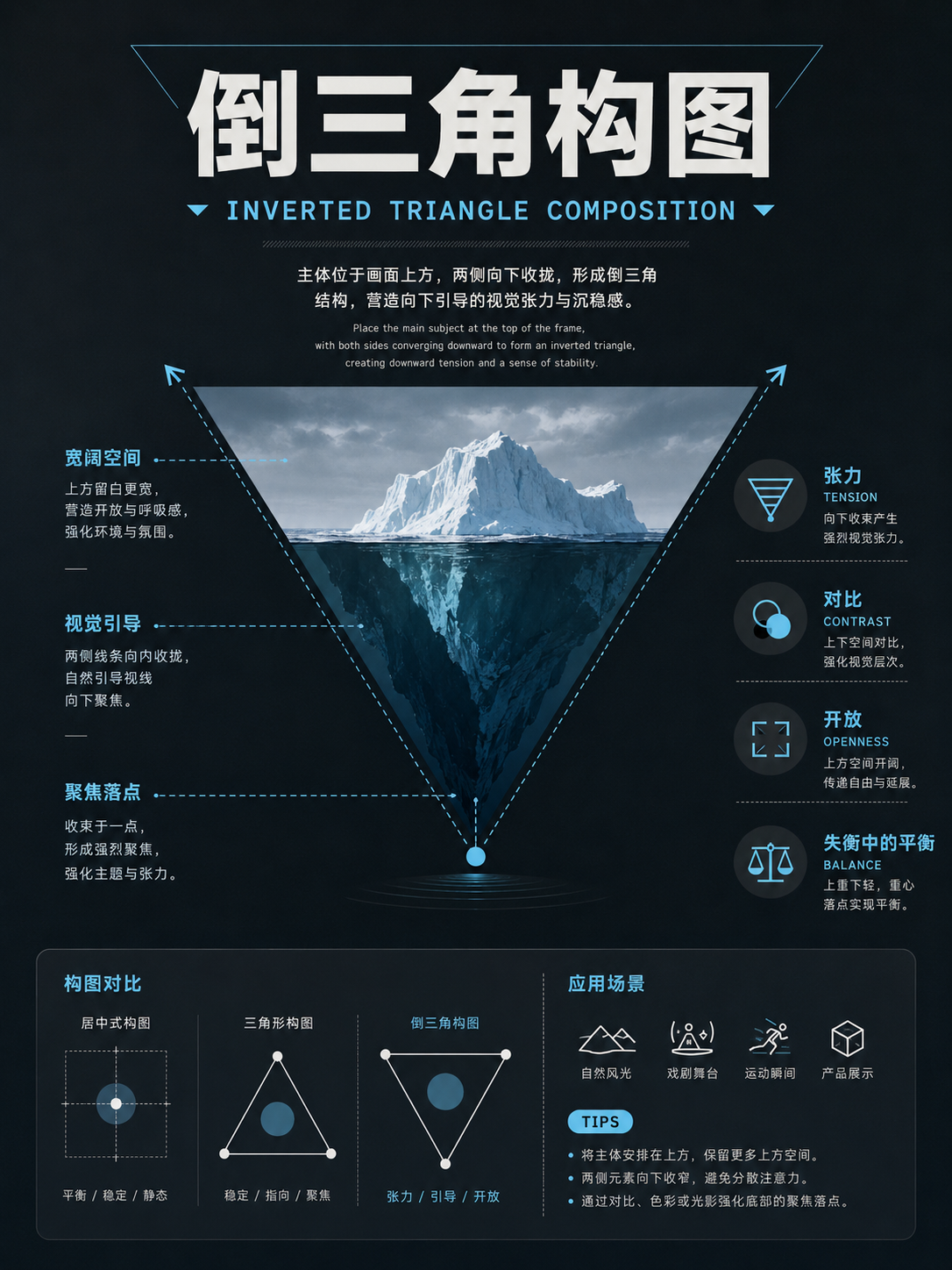
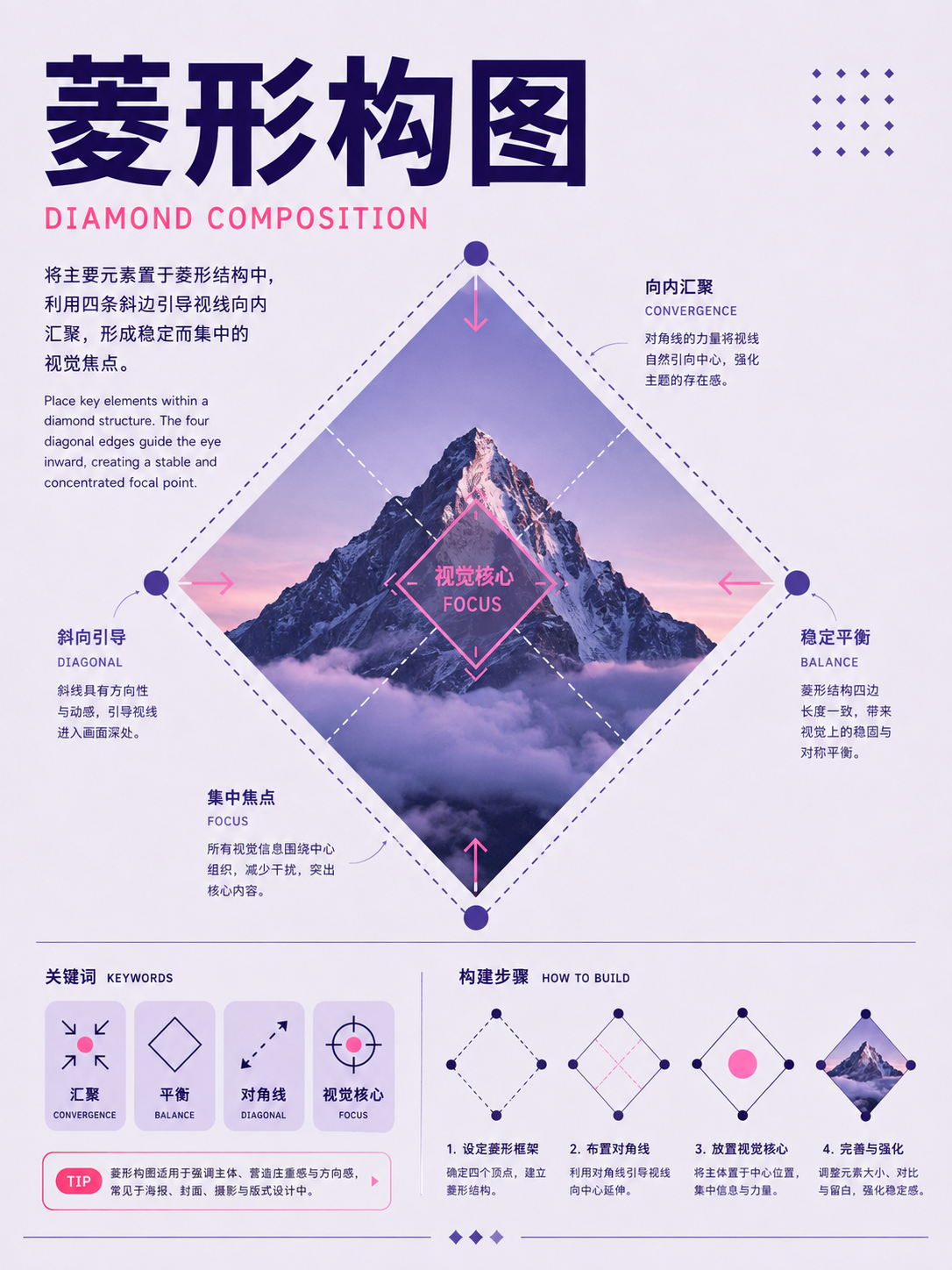
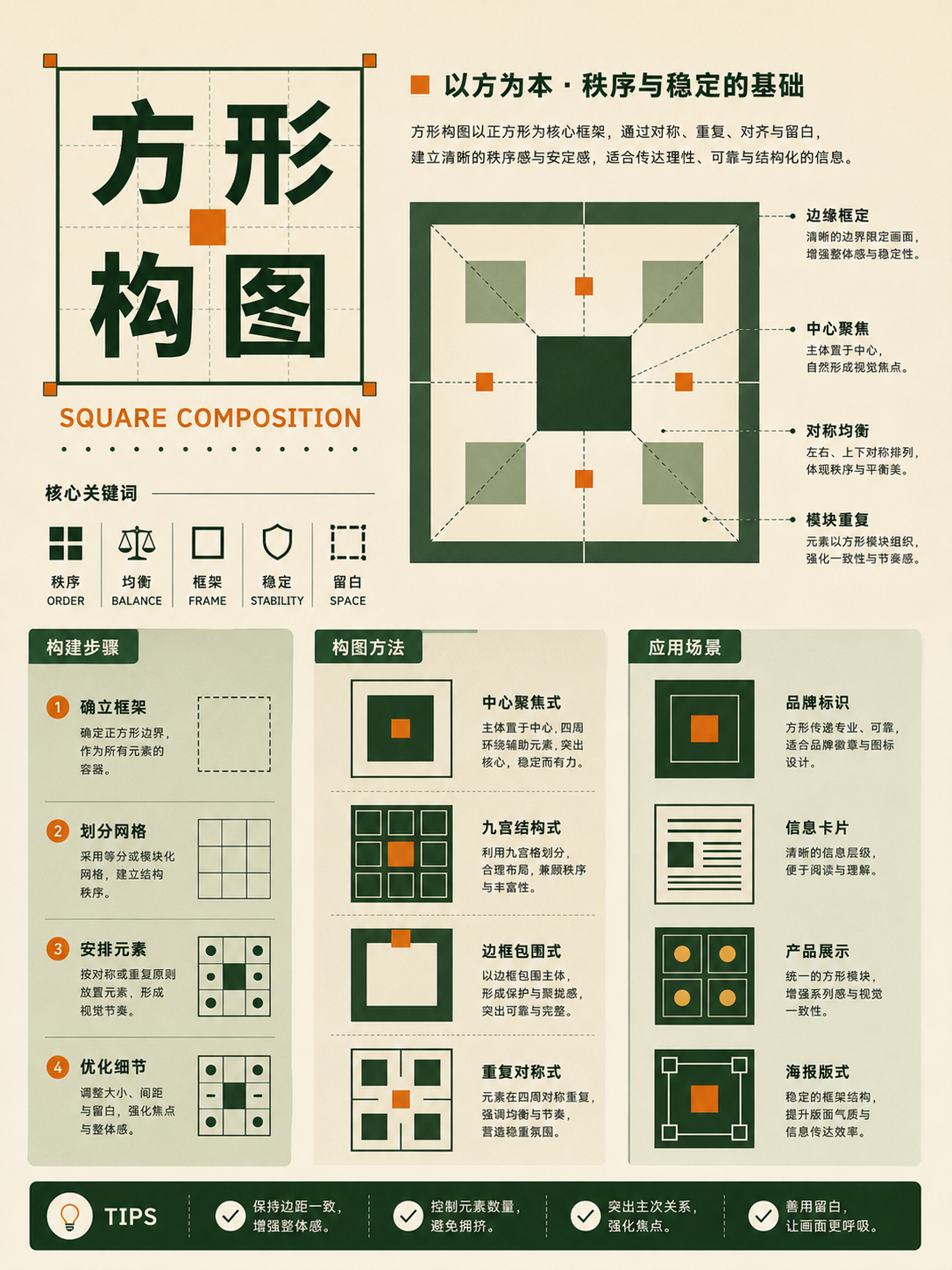
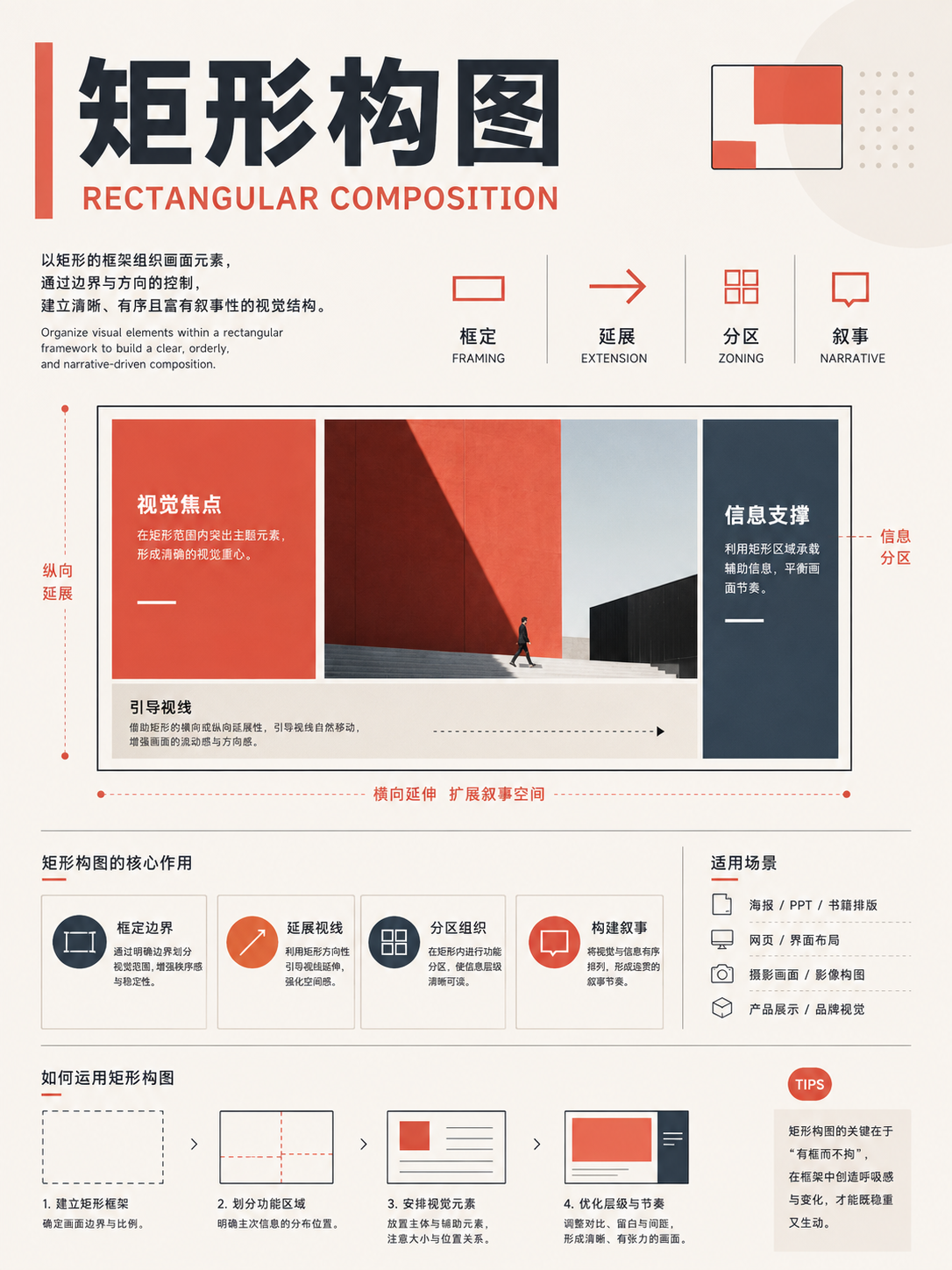
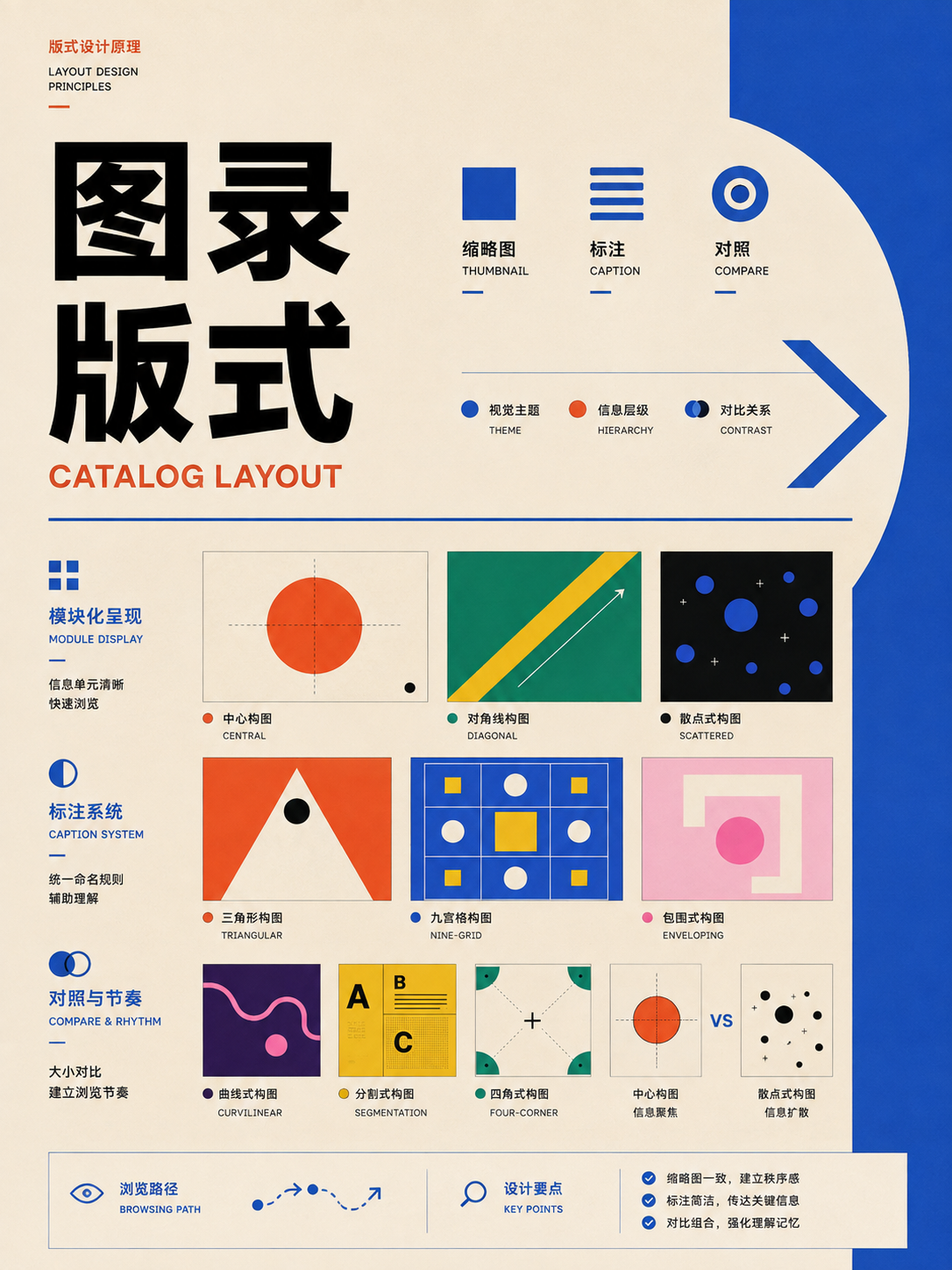
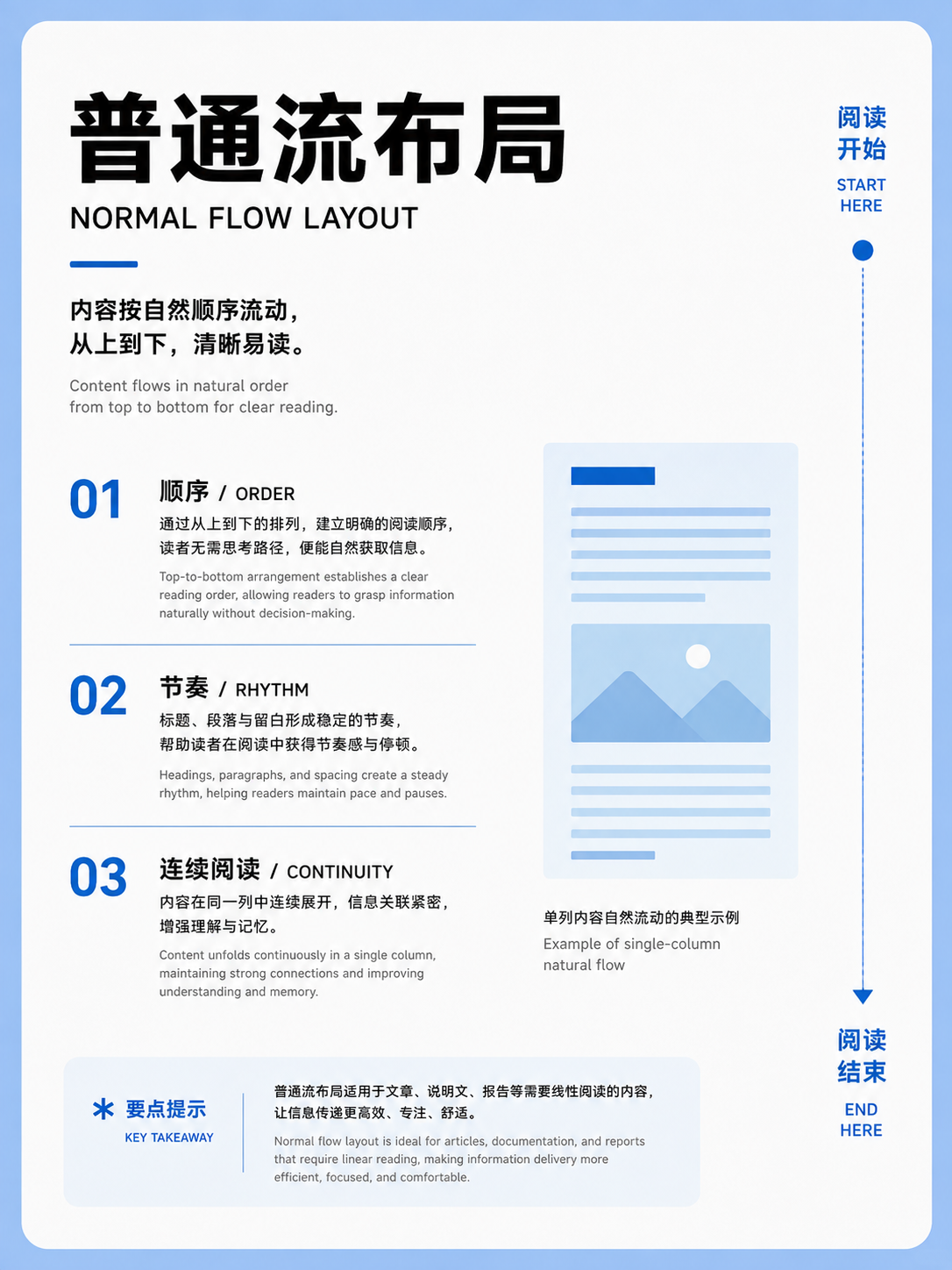
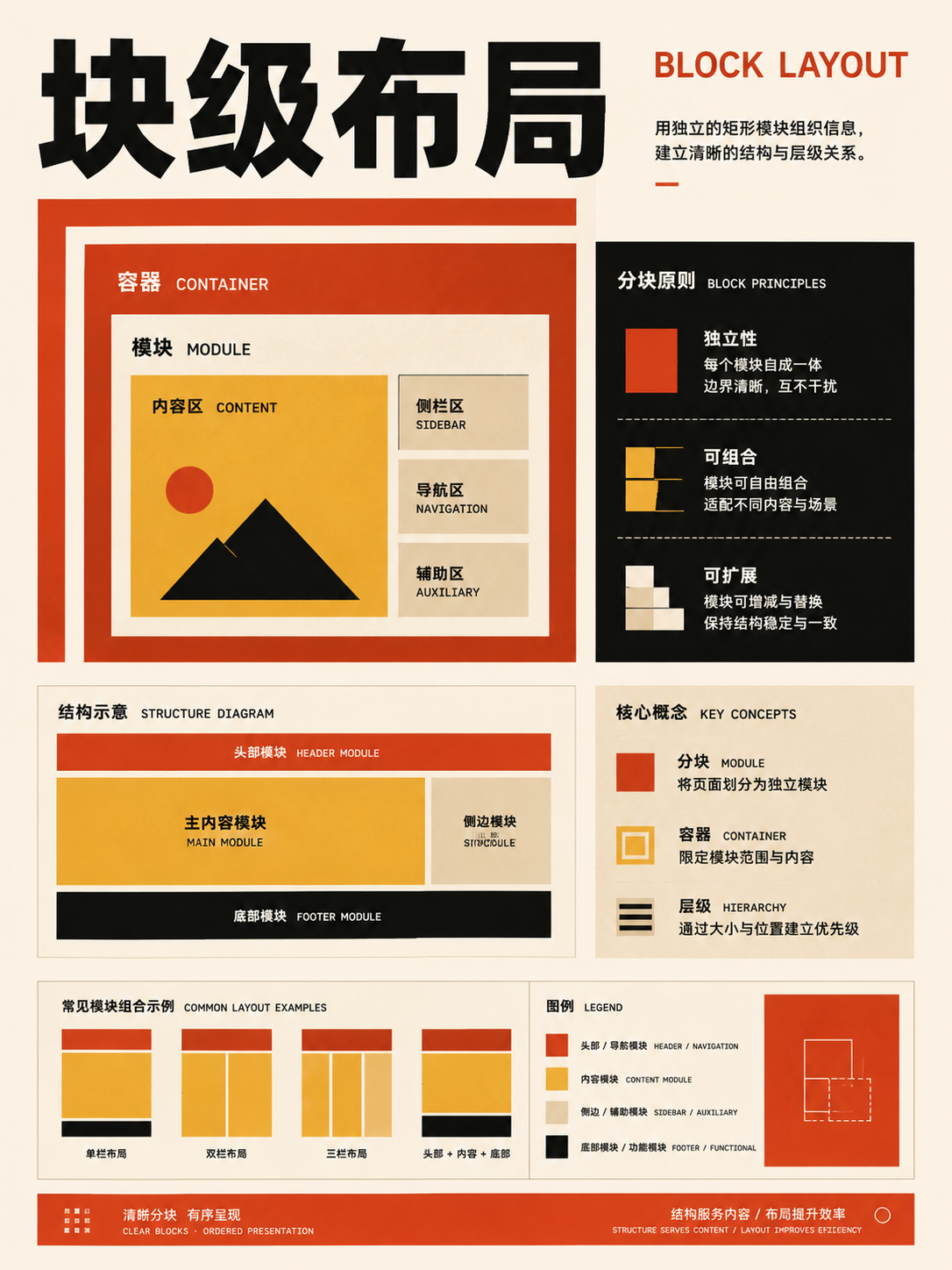
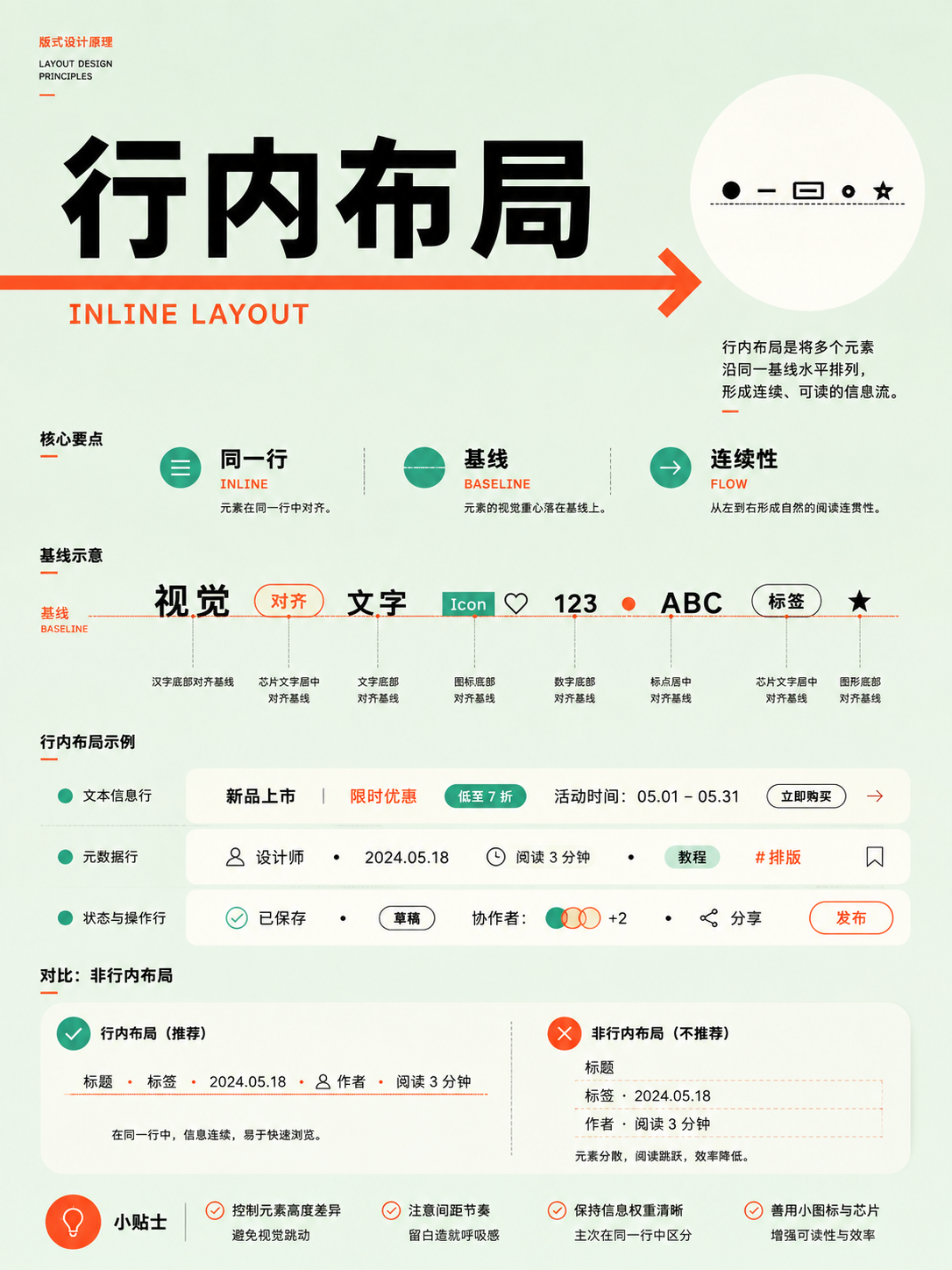
The open-source repository 350-layout-compositions, shared by Xiaoxiaodong, organizes 350 common graphic layout patterns into 8 broad categories and 33 themes. Each vertical knowledge card illustrates one compositional, grid, page, or camera relationship.
These are instructional cards, not ready-to-edit PSD or Figma templates. Think of the collection as a visual dictionary of layout principles. For posters and covers, use it to position focal points against whitespace. For print, use it to structure columns and grids. For web and UI work, use it to build page frameworks and responsive reflows. For slides, use it to outline title, comparison, flow, and data pages. What transfers is the underlying layout relationship; you'll need to swap in your own copy, imagery, and palette.
Here's a workflow for using the collection: first, define the final deliverable and its content. Then, jump to the relevant category and compare only three to five candidate layouts at a time. Extract the focal placement, information hierarchy, alignment lines, and whitespace ratios. Finally, replace the placeholder text, images, and brand styling with your own. This guide walks through choosing and reading the cards, shows all 350 layouts, and then demonstrates real-world application for a poster, a long article, a web page, a slide deck, and a video.
Note that some folder names don't perfectly match the theme shown in the image inside. Use the folder names to narrow your search, but always judge a layout by the image itself.
Once you pick a layout, break it down into six actionable relationships
The new images in the repository are all standardized to 1086 × 1448 portrait cards. Use the thumbnails for quick comparisons, and click through for the full-resolution PNG to see the details. When you're looking at any single card, it's more useful to ask six questions than to memorize its name.
- Where is the focal point? Find where your eye lands first. It could be at the center, a rule-of-thirds intersection, or a corner, or it might be formed by a repeating group of elements.
- How many levels of information exist? Identify the title, main subject, supporting copy, and secondary elements. Each level should be differentiated by size, mass, color, or position.
- How does the eye travel? Trace the reading path. Is it a top-down flow, a diagonal sweep, a rotation around the center, or a jump between modules?
- Where is the composition dense, and where is it loose? The tension between density and openness controls rhythm, speed, and focus. Whitespace groups elements, creates pauses, and provides emphasis—it's not leftover space that needs filling.
- Which relationships must be preserved? The value in a reference usually comes from its use of position, proportion, axes, repetition, or hierarchy. Color, typeface, and decorative flourishes can all be swapped out.
- Will it break when you insert your own content? Longer titles, different image aspect ratios, more data points, or a mobile reflow can all destroy the original relationship. Do a stress test with your real content before committing.
You can distill your observations into a single sentence describing the structure, like this:
The product image occupies roughly the right half of the frame, with the title and description stacked vertically on the left. The product sits near the upper-right rule-of-thirds intersection, while the call-to-action button is tucked in the lower left. The eye path goes from the title to the product, then to the button.
That sentence is enough to guide a designer building the framework, and it also works as a strong prompt for an AI image generator.
How to use it: a five-step method for finding and applying a layout
You don't need to flip through all 350 images from 001 to 350 one by one. Start with these five steps:
- Define the task: Clearly state whether you're creating a poster, a web page, a slide deck, a print page, or a video frame.
- List your content: Write down the actual elements you have, like the title, body text, hero image, data points, and buttons.
- Narrow your scope: Use the table below to enter a primary category and then a corresponding secondary theme.
- Compare candidates: Pick only three to five layouts at a time and test each one with the same content.
- Apply your content: Preserve the position, proportion, alignment, and reading path, and replace the original text, images, colors, and branding.
| Deliverable | Start here | Solve for |
|---|---|---|
| Poster, cover, social graphic | Composition, Visual Principles, Editorial | Focal point, headline scale, whitespace |
| Magazine, report, long-form page | Editorial, Type & Grid, Reading Patterns | Columns, image–text balance, annotations |
| Website, dashboard, mobile app | Web & UI, Visual Principles, Type & Grid | Page frame, components, navigation, reflow |
| Storyboard, interview, narrative video | Cinematography, Composition | Subject relationships, viewpoint, depth, coverage |
| Landscape or East Asian visual | Chinese Traditions, Composition | Viewing path, negative space, solid–void balance |
| Presentation, pitch, course slides | Presentation, Visual Principles | Slide purpose, data, narrative flow |
Limit your comparison to three to five layouts at a time. Keep your content the same as you test each one: put the same title, the same hero image, and the same set of data into each framework. Only by changing the structure itself can you see which relationship truly fits the task.
Choose a category by the deliverable, then a subtopic by the problem
Each path returns only a few candidates, so you don't have to leaf through all 350 images aimlessly.
Set the subject, title area, and negative space
Set column width, image-text ratio, and continuous reading flow
Set the framework, component relationships, and small-screen reflow
Set the people, camera angle, depth, and coverage
Set the wandering view, void-solid, negative space, and opening-closing
Set the role of each page and the narrative rhythm
8 categories and 33 themes: the complete catalog of 350 layouts
Below is the complete gallery of all 350 thumbnails, organized into 8 primary categories and 33 secondary themes. The "primary action" line before each theme describes the core problem that group helps you solve. You can filter by entering a number or folder name; if you disable the script, all images will still display grouped by category.
01 · Composition Logic: establishing the visual skeleton first
These 86 cards deal with placement of the subject, lines, shapes, space, and point of view. It's a good starting point for posters, covers, photography, and key visuals. As you browse, ignore the card's typeface and colors. Focus only on the subject's placement, directional lines, whitespace ratios, and foreground/background relationships.
Full Atlas · 86 images
Composition Logic
First set the frame:FocusSubject position, gaze direction, negative space, and depth。
86 / 86 visible
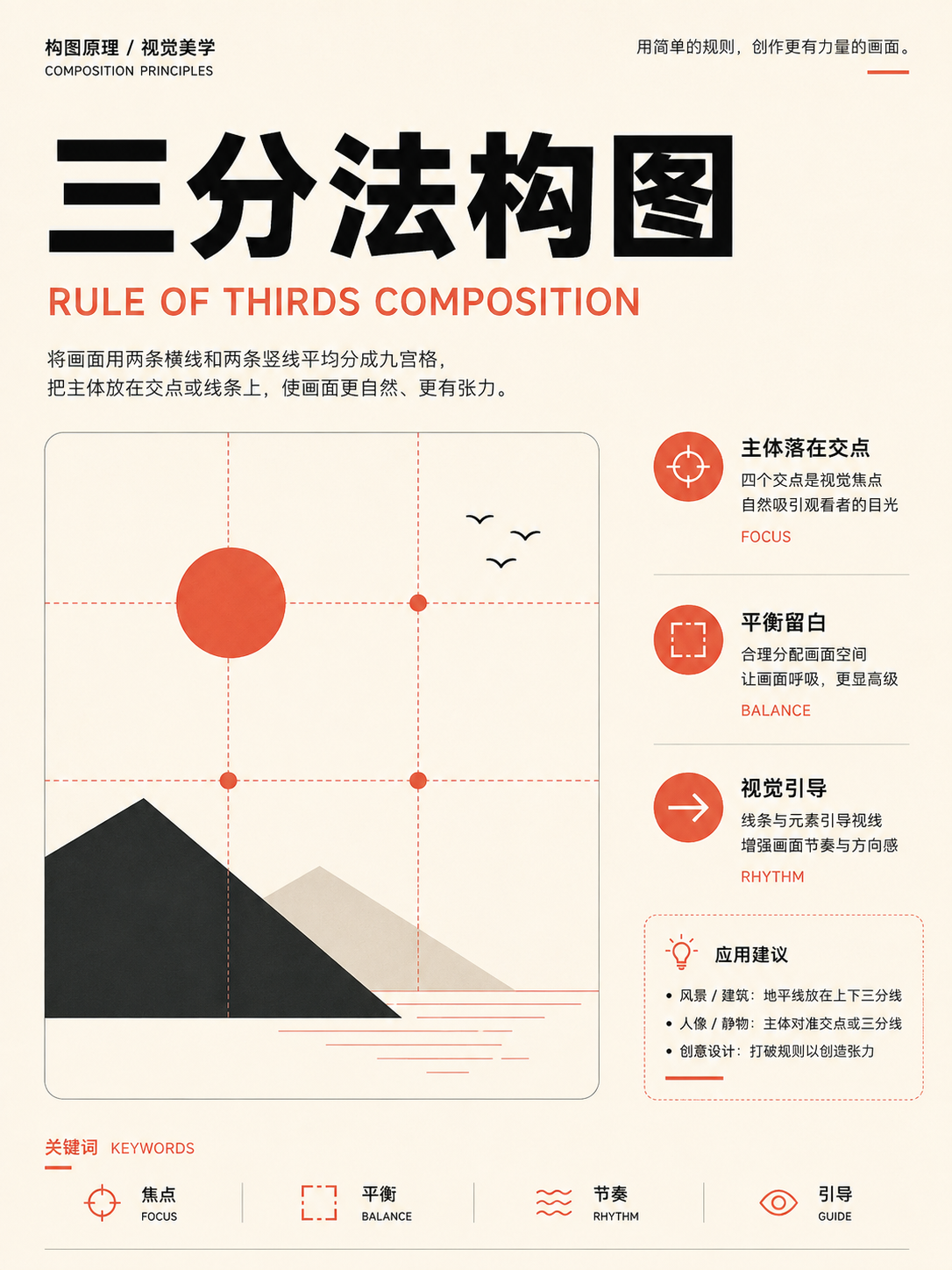
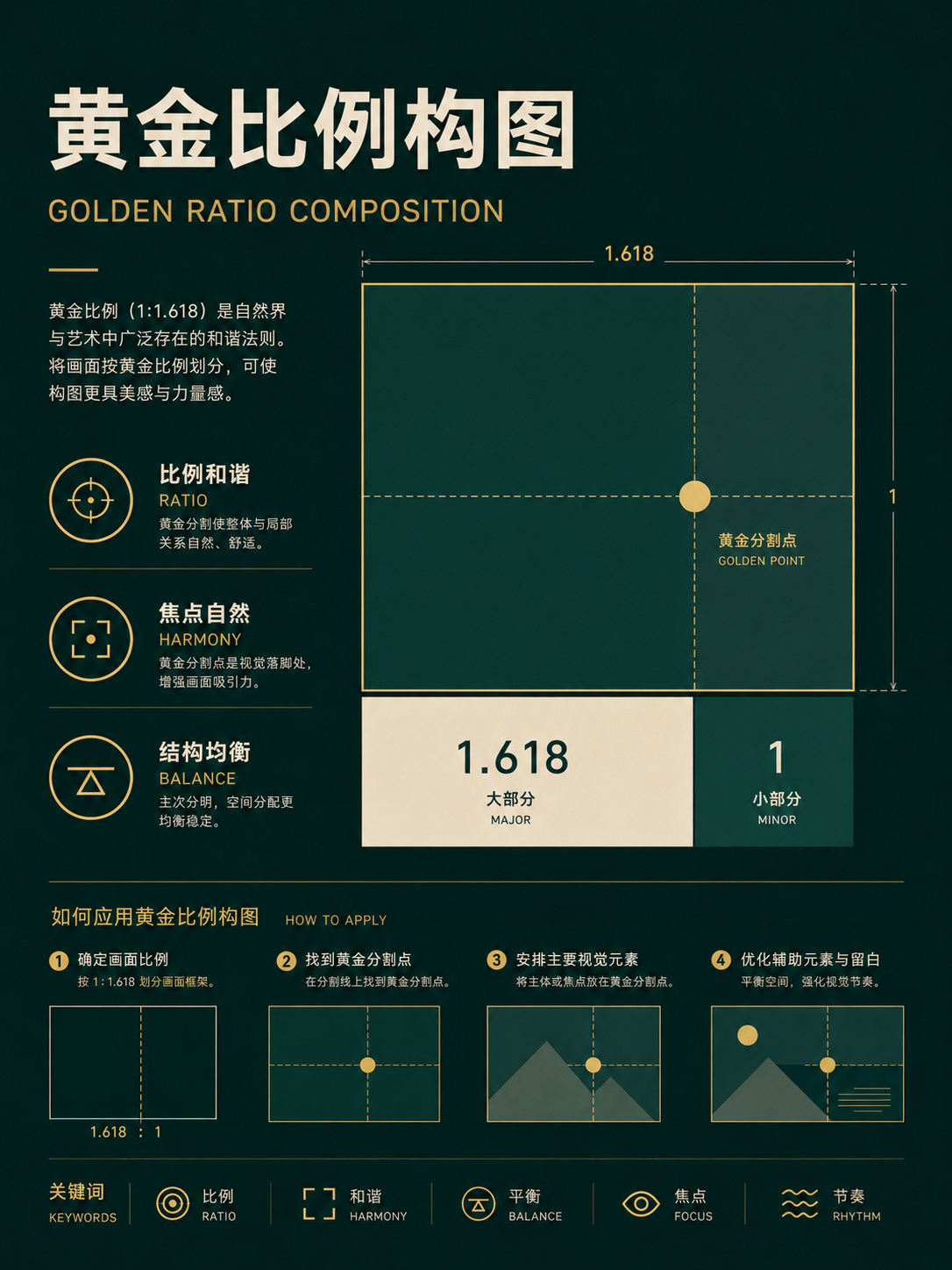
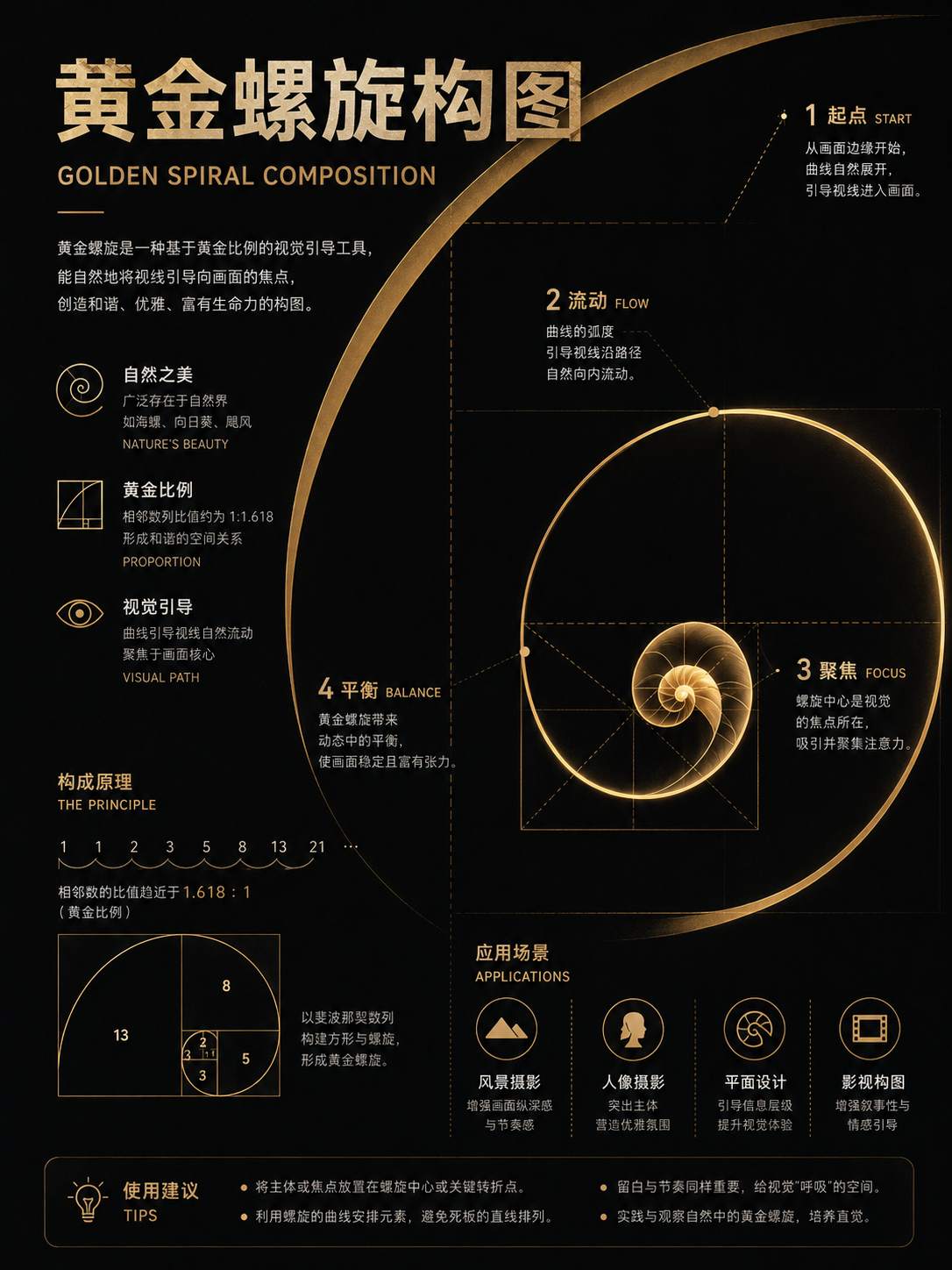
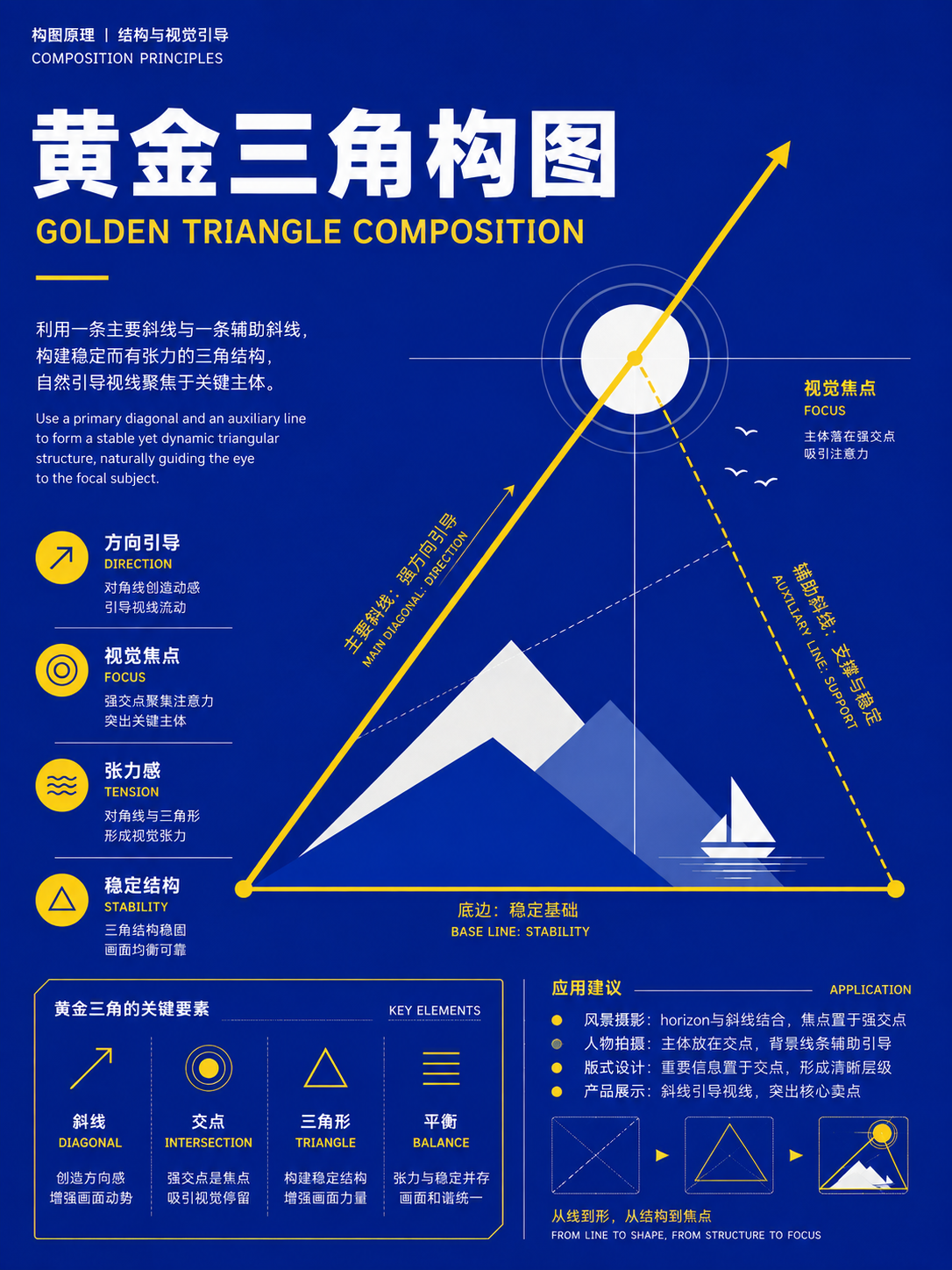
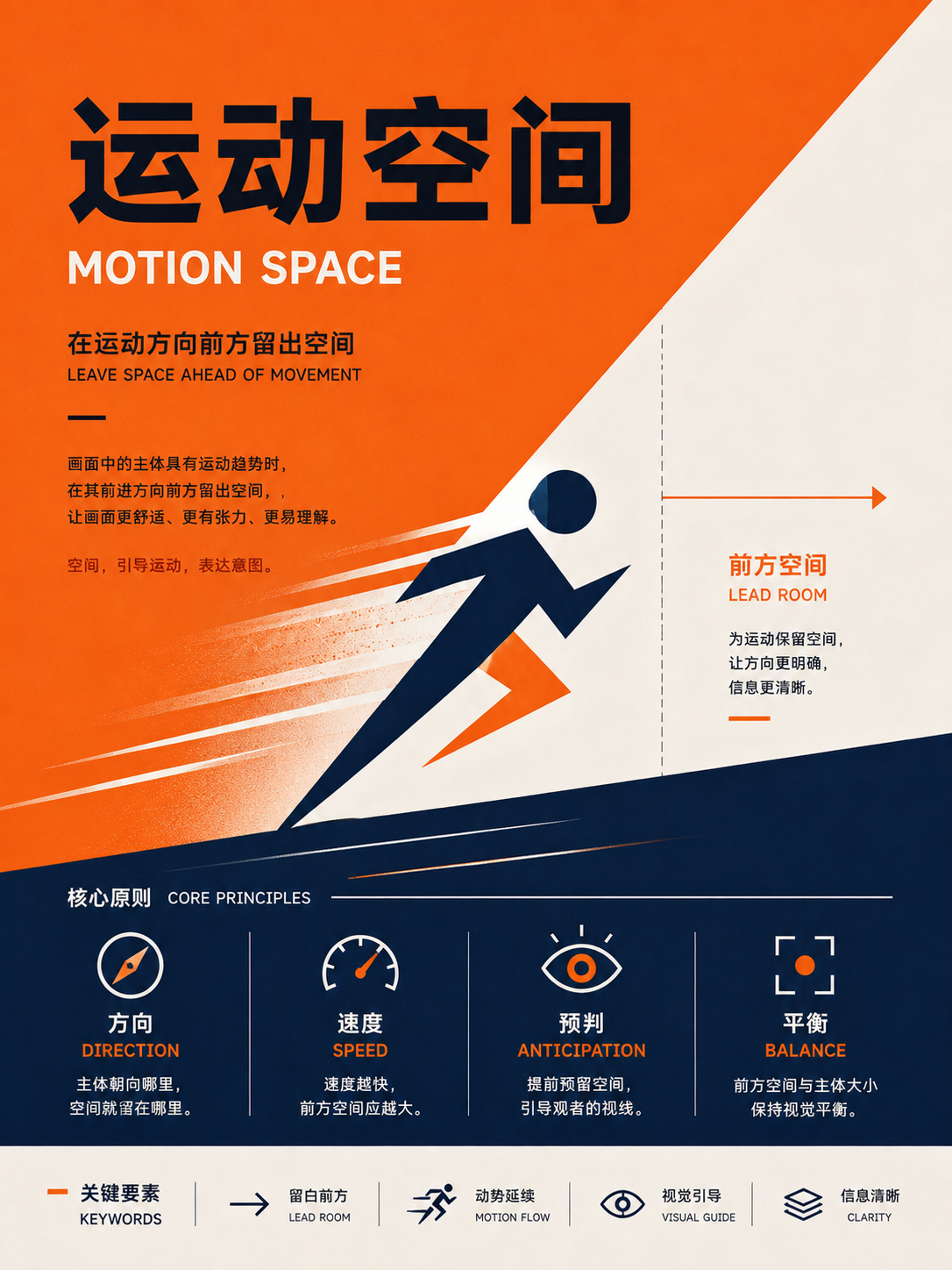
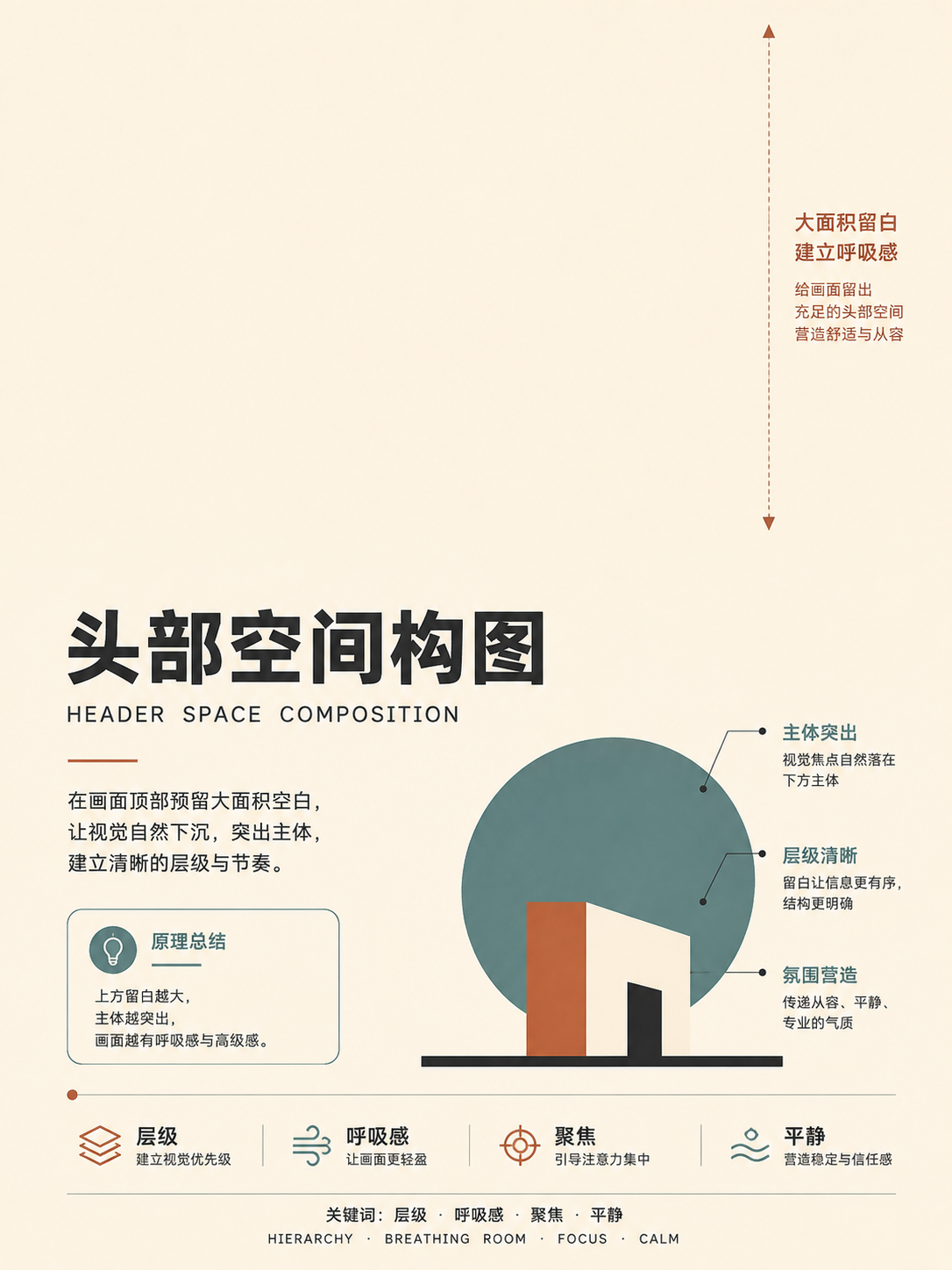
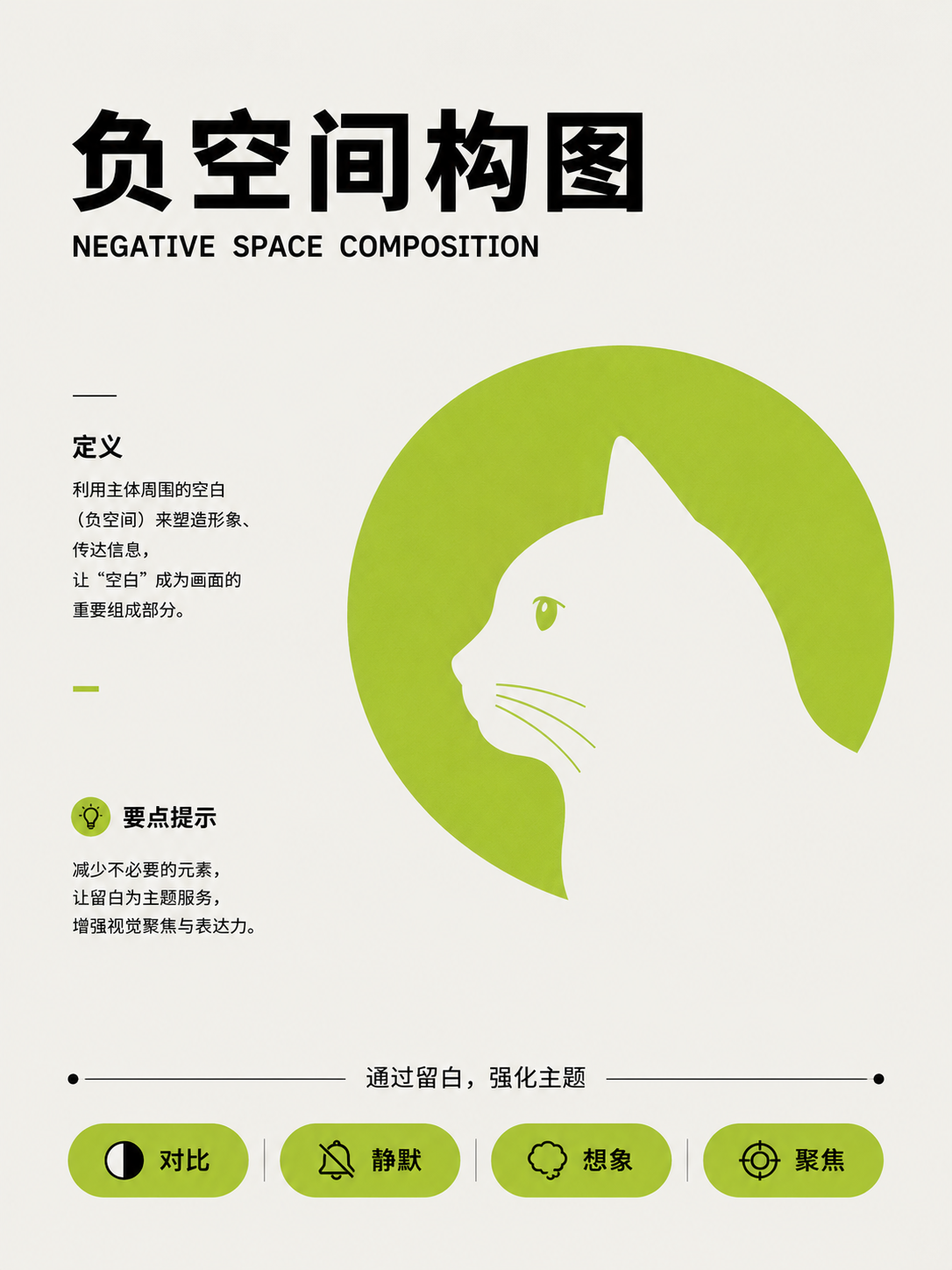
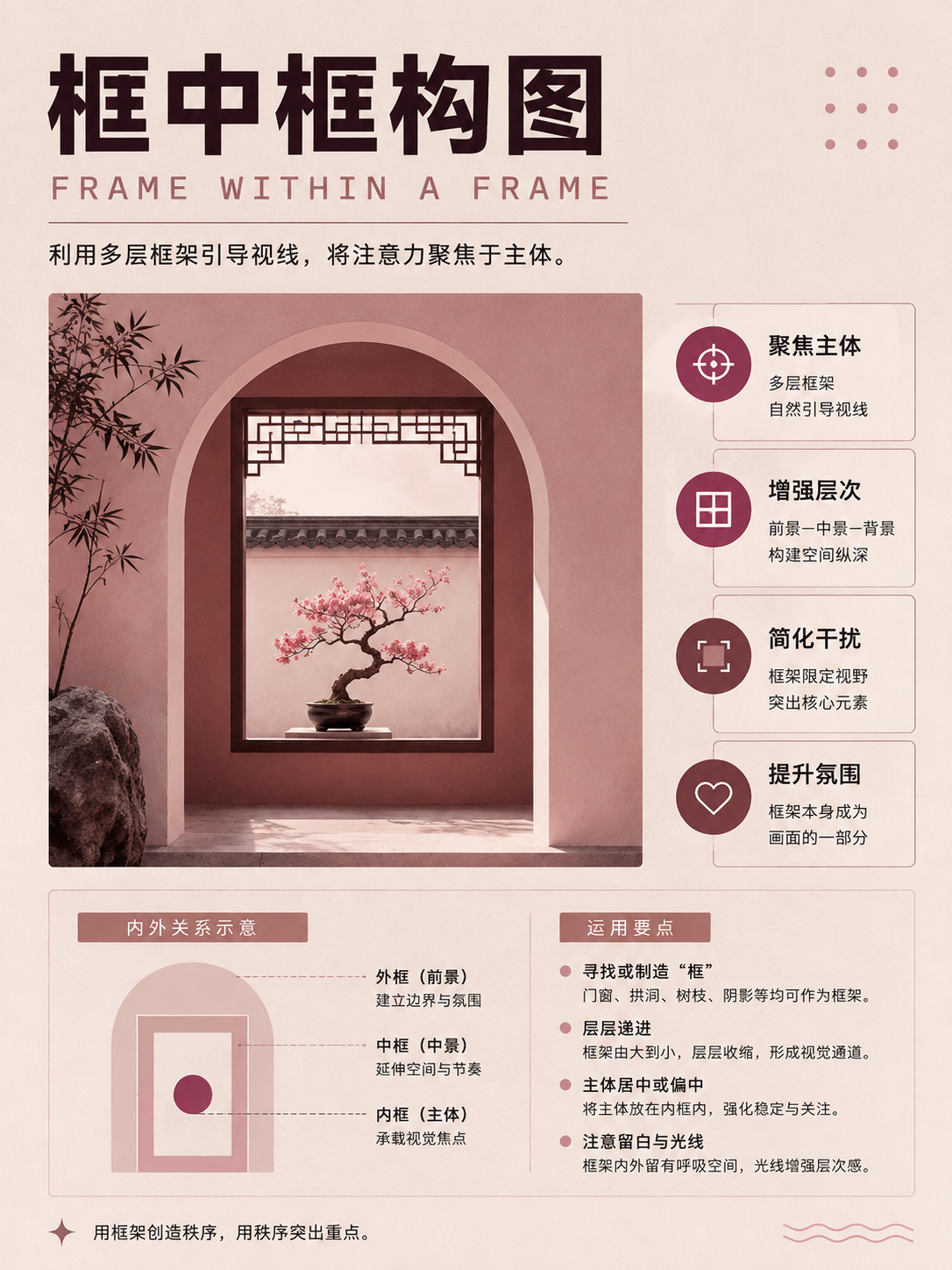
Classic rules and negative space
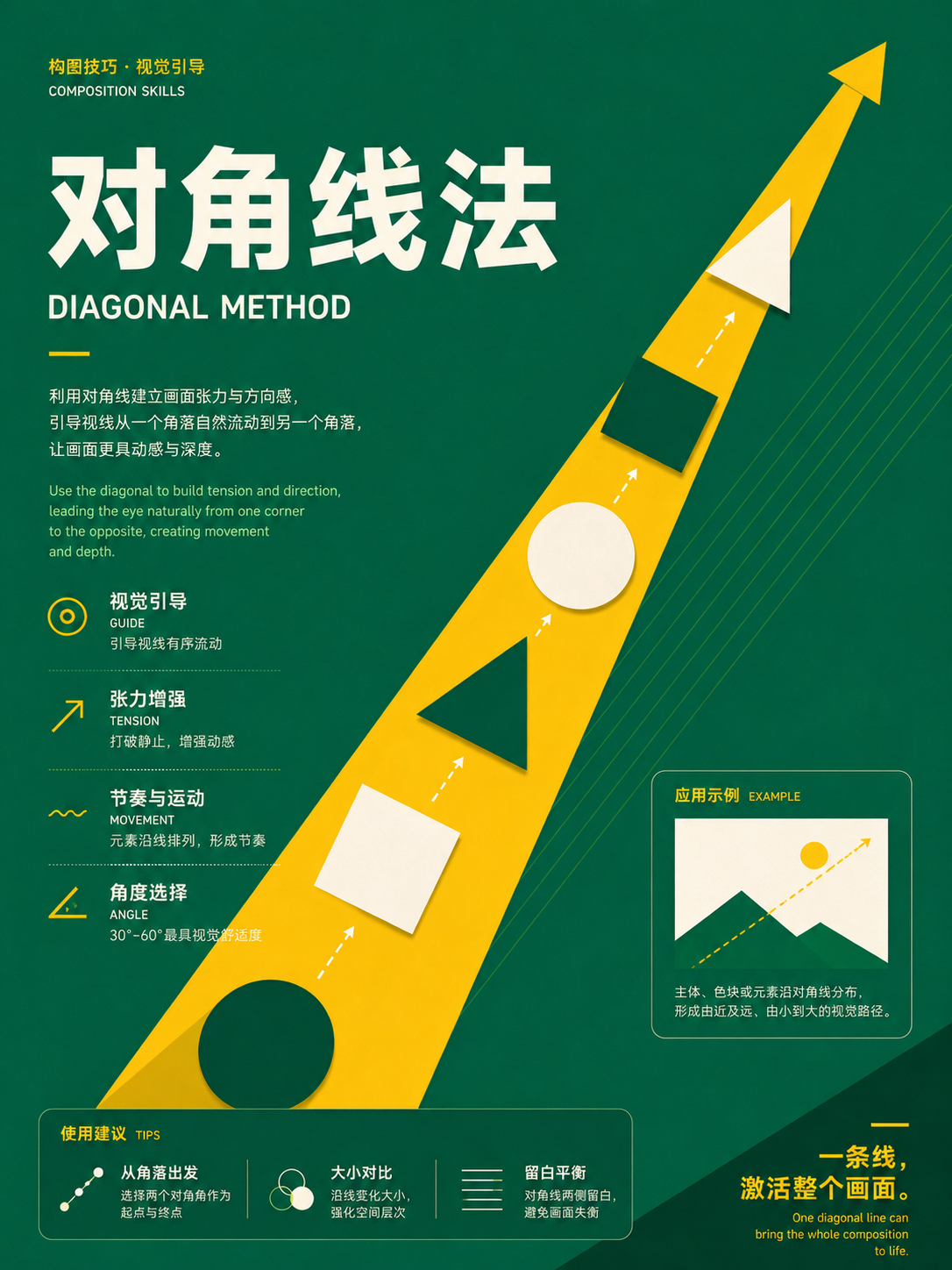
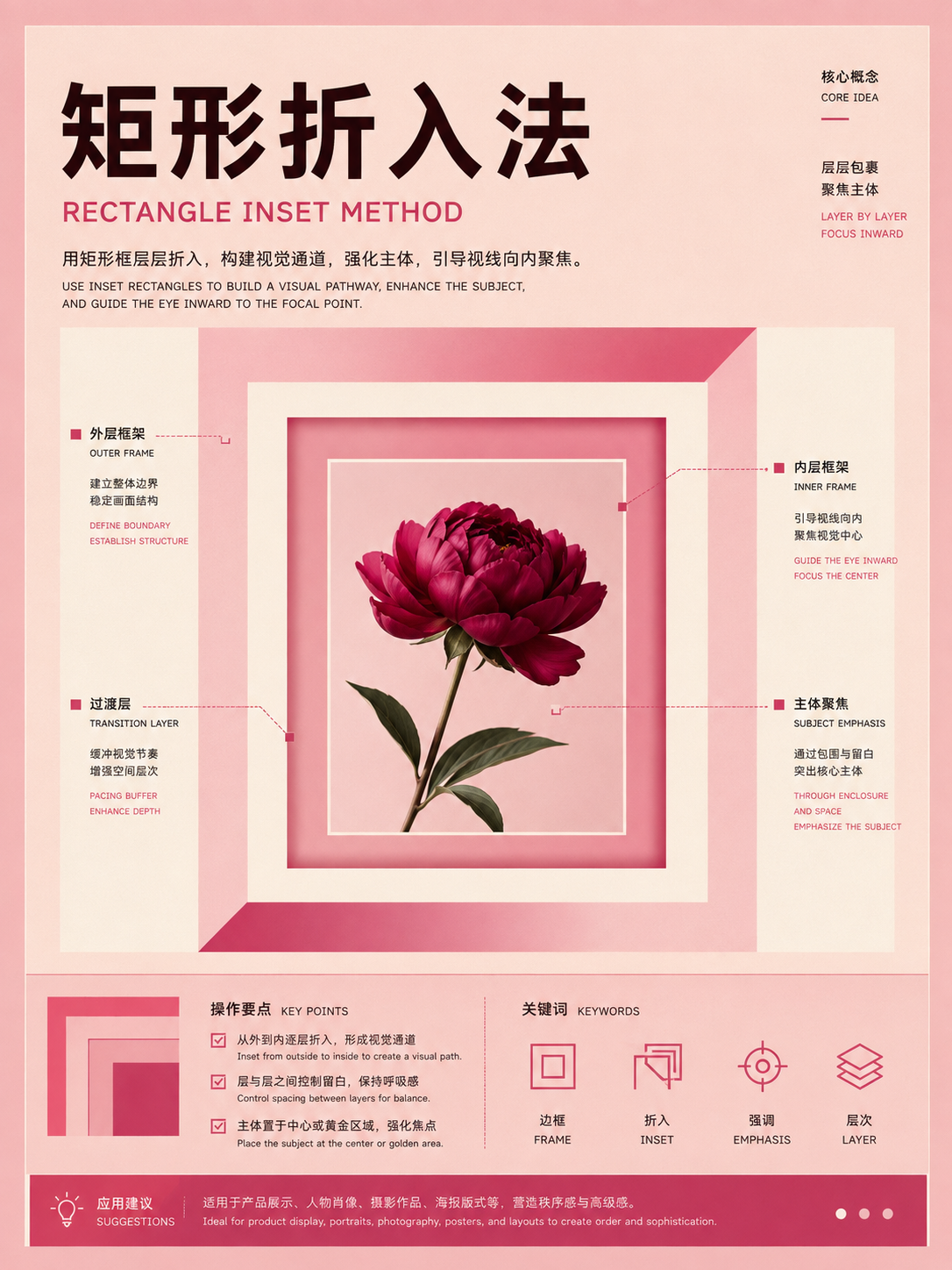
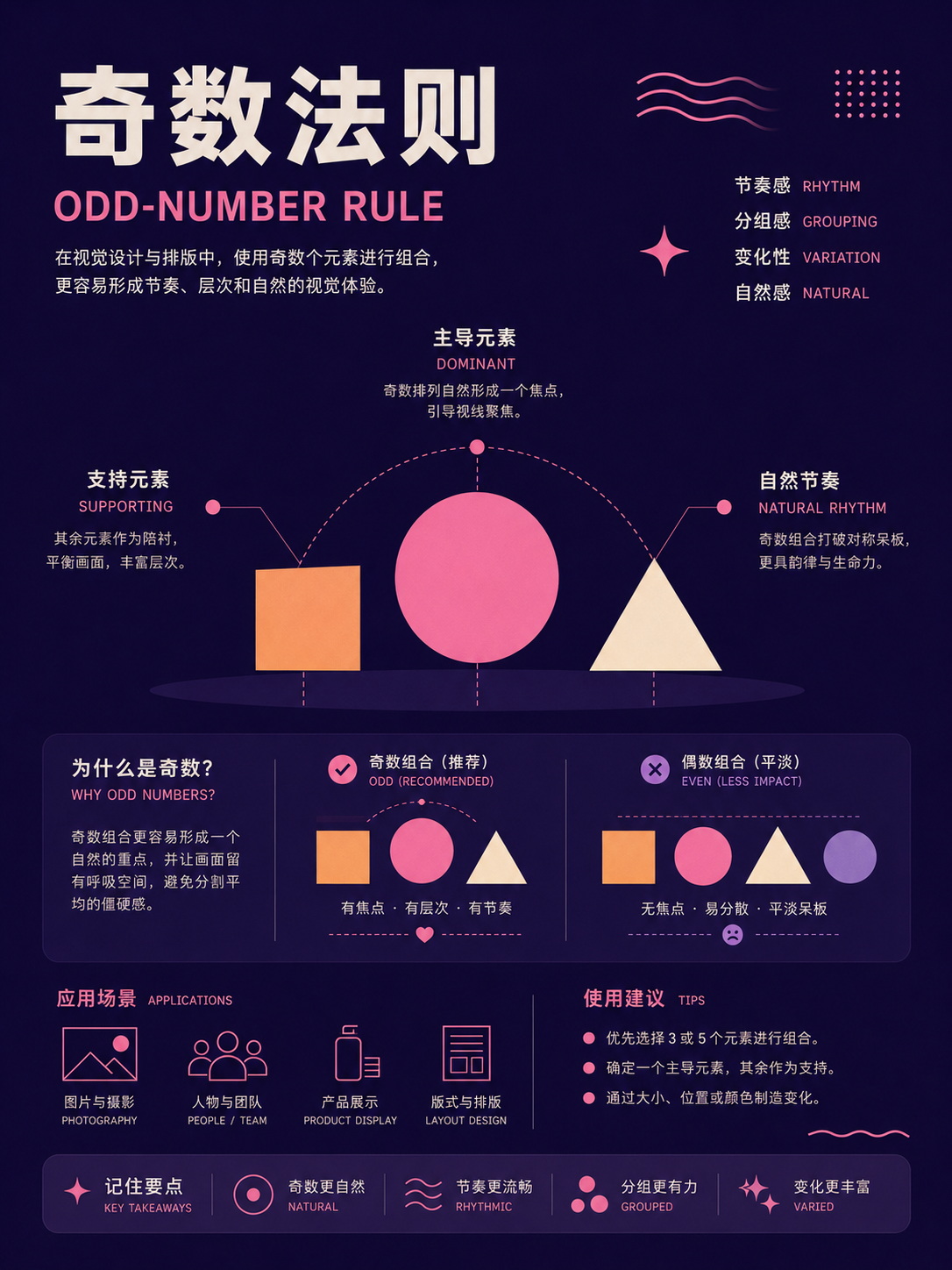
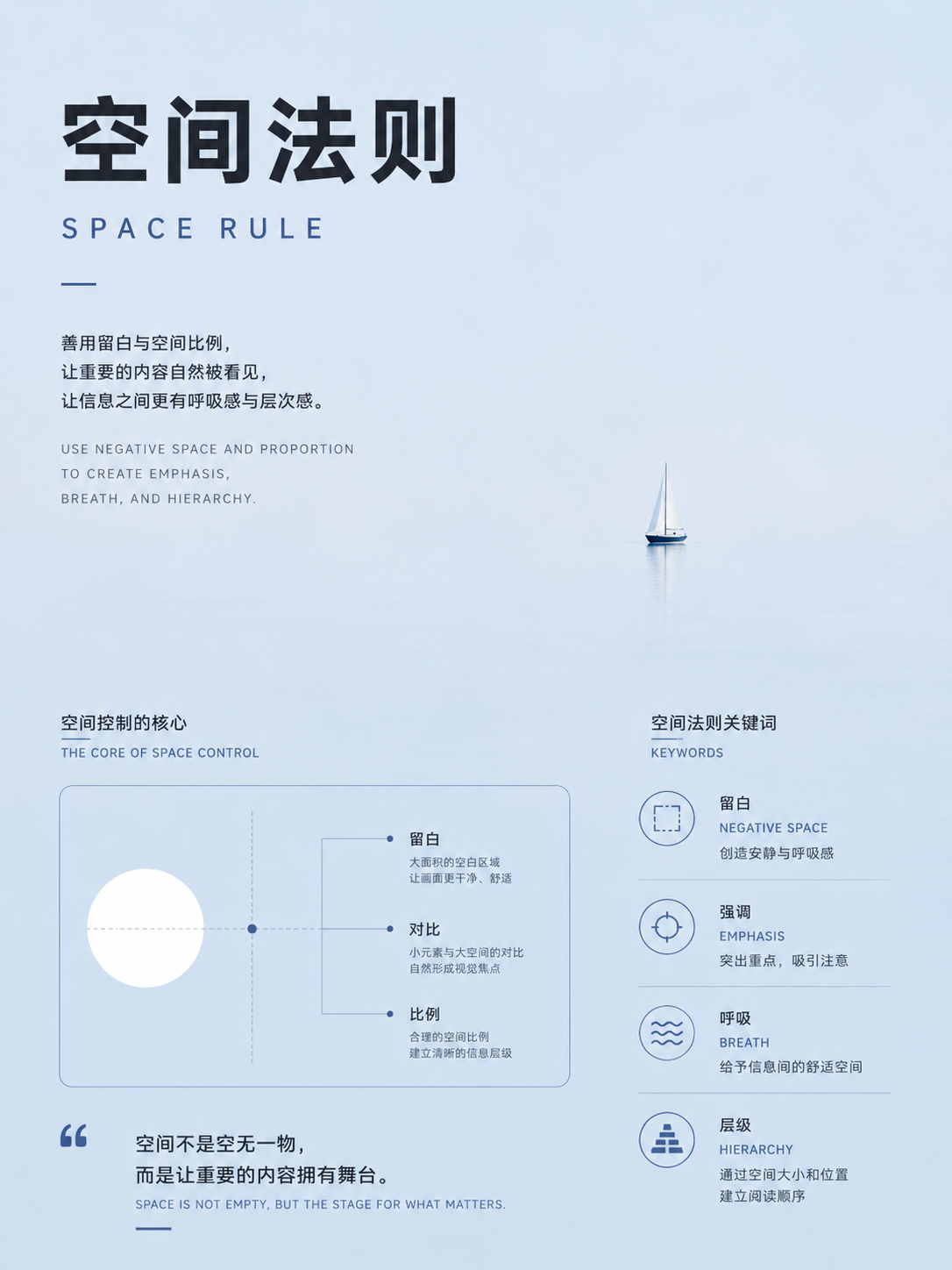
UseStart with a single subject and a clear focal point. Mark the subject first, then decide whether text fills the remaining space or follows a leading line.


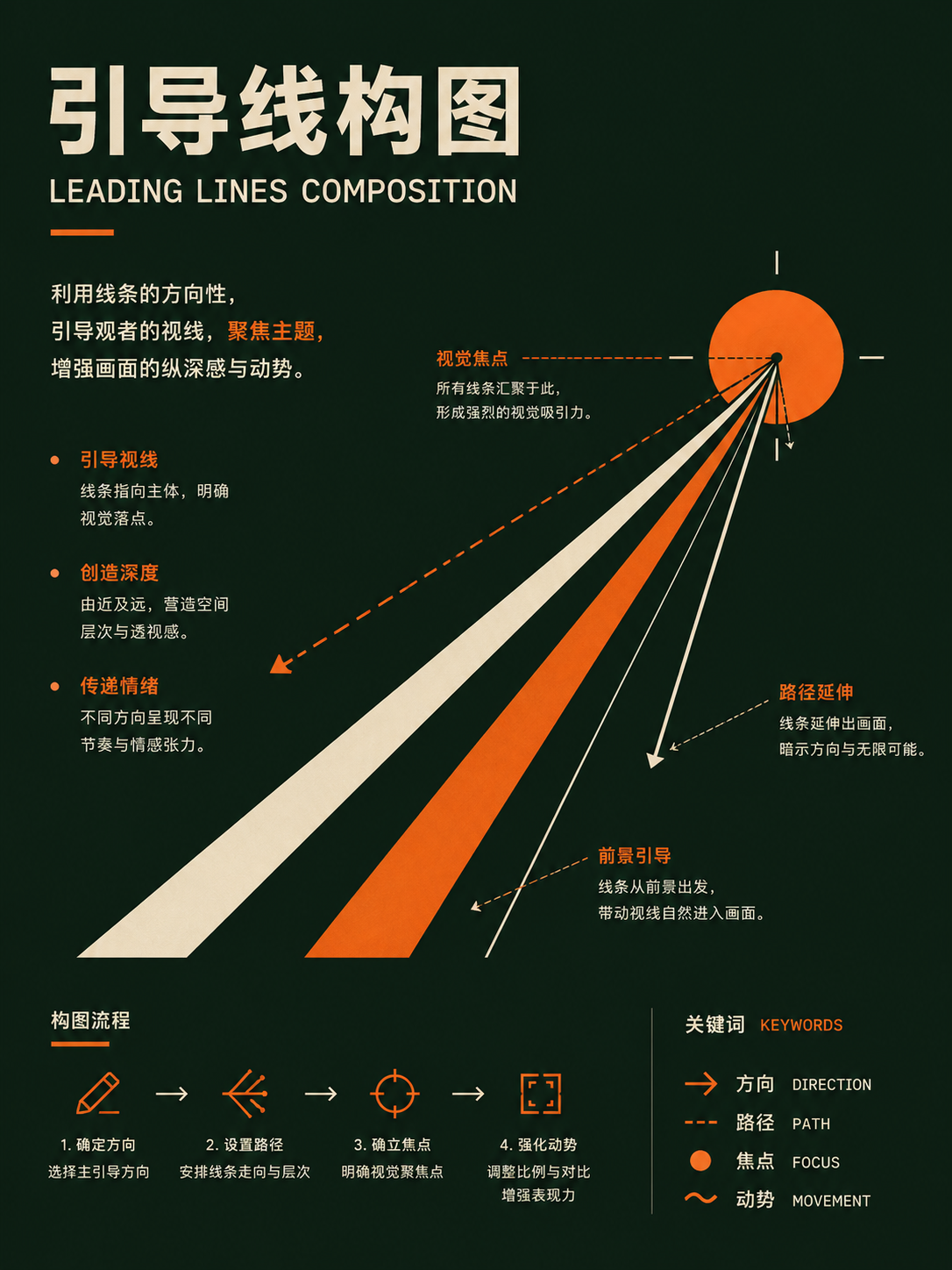
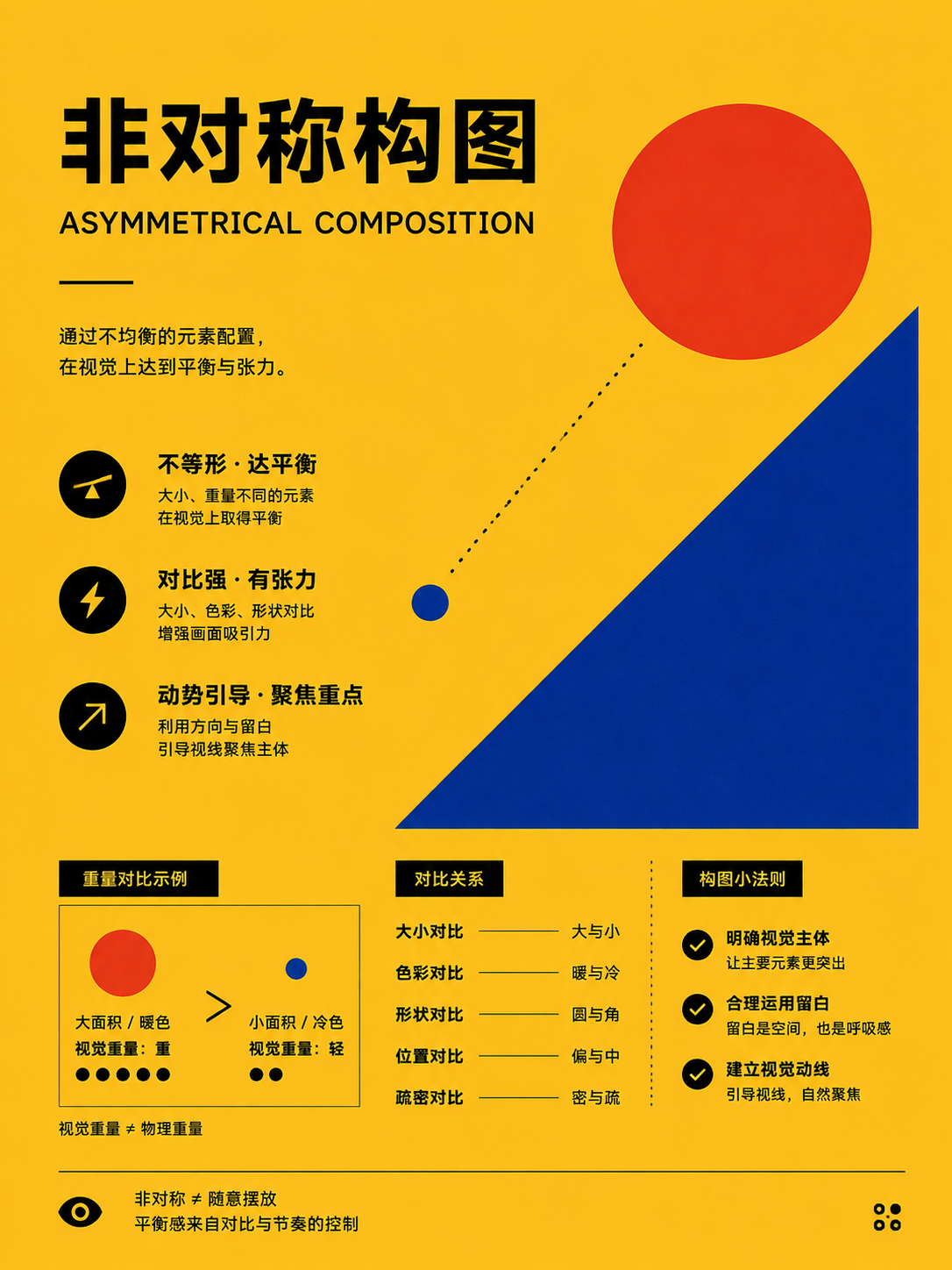
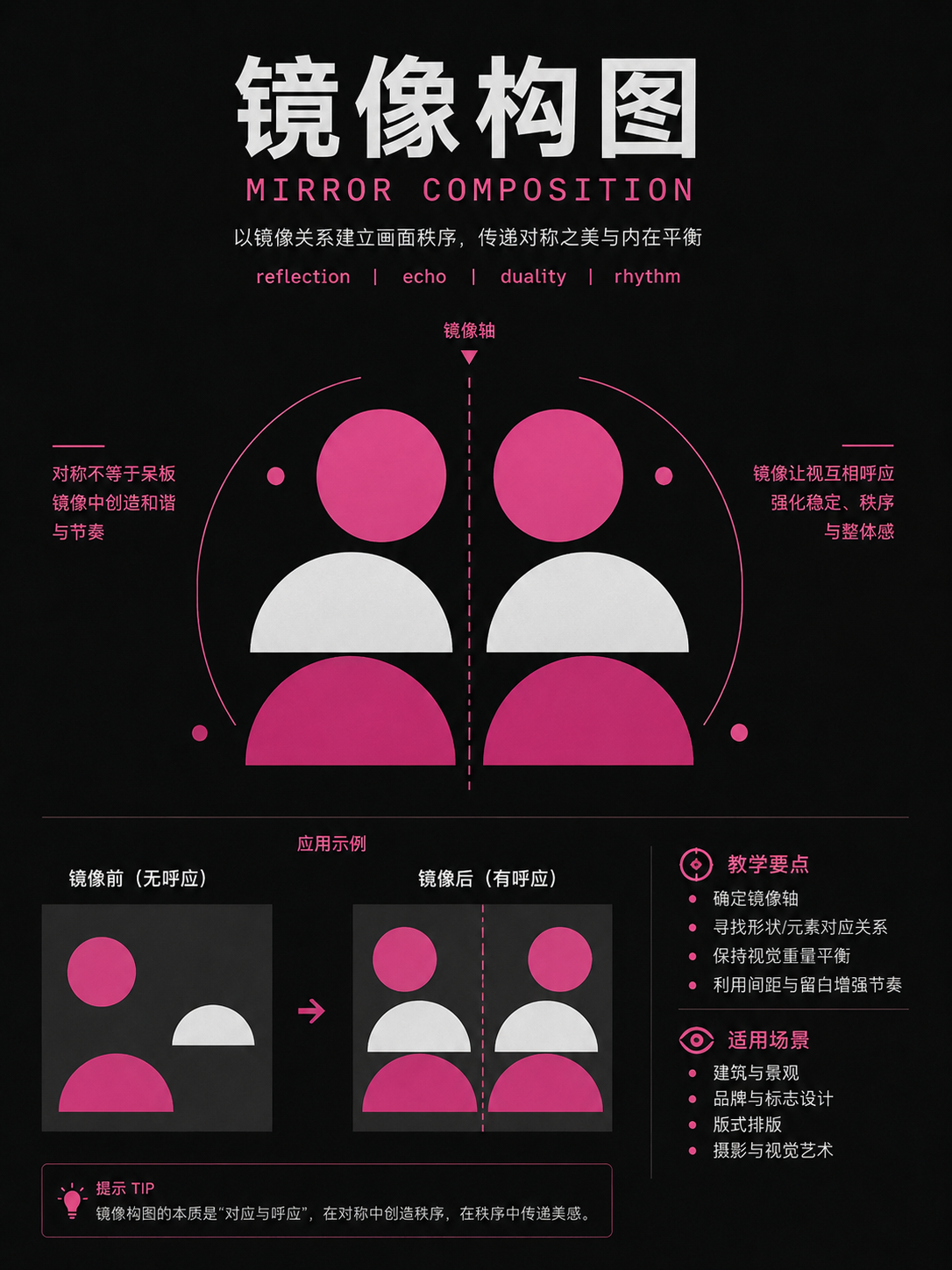
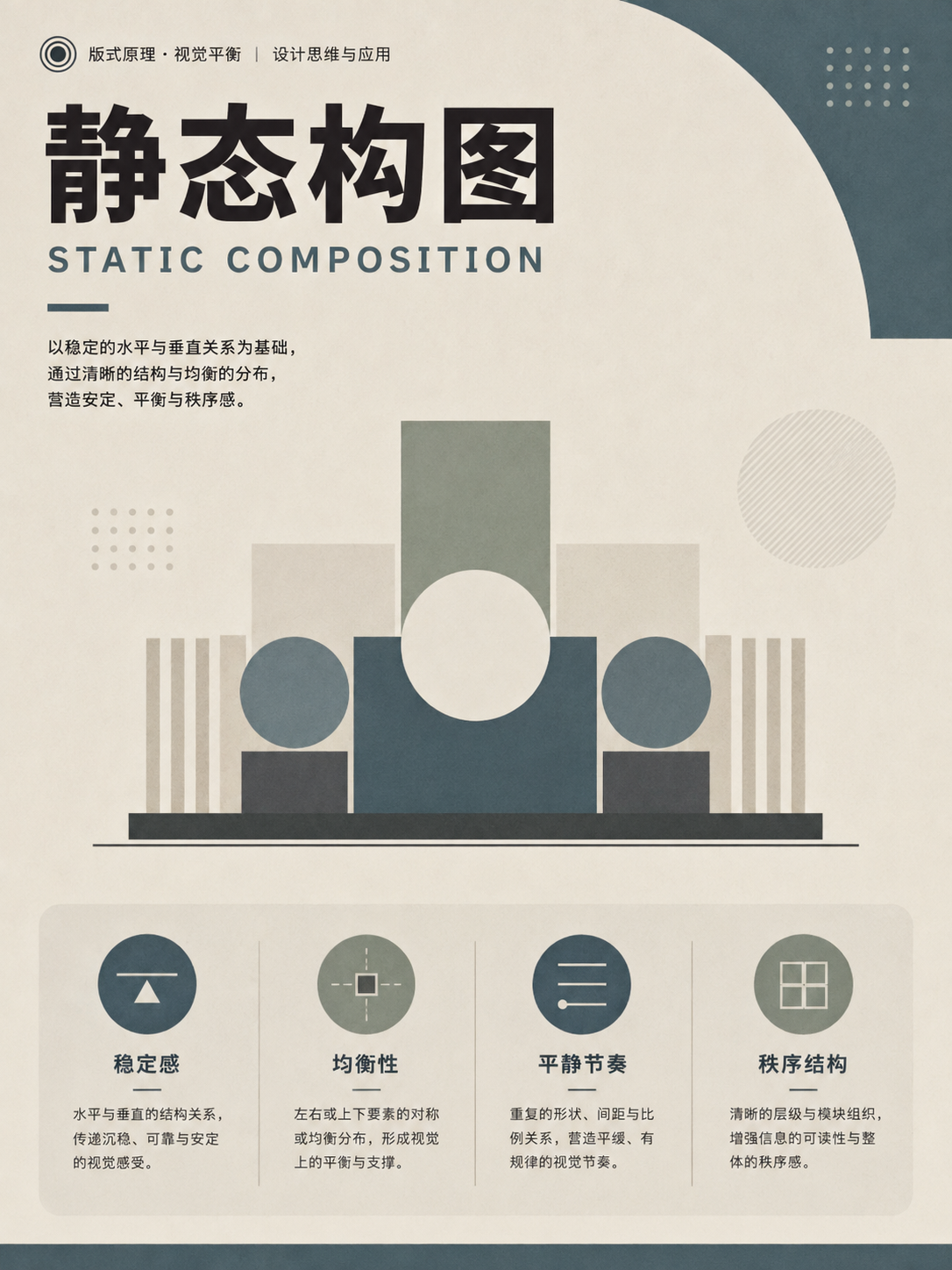
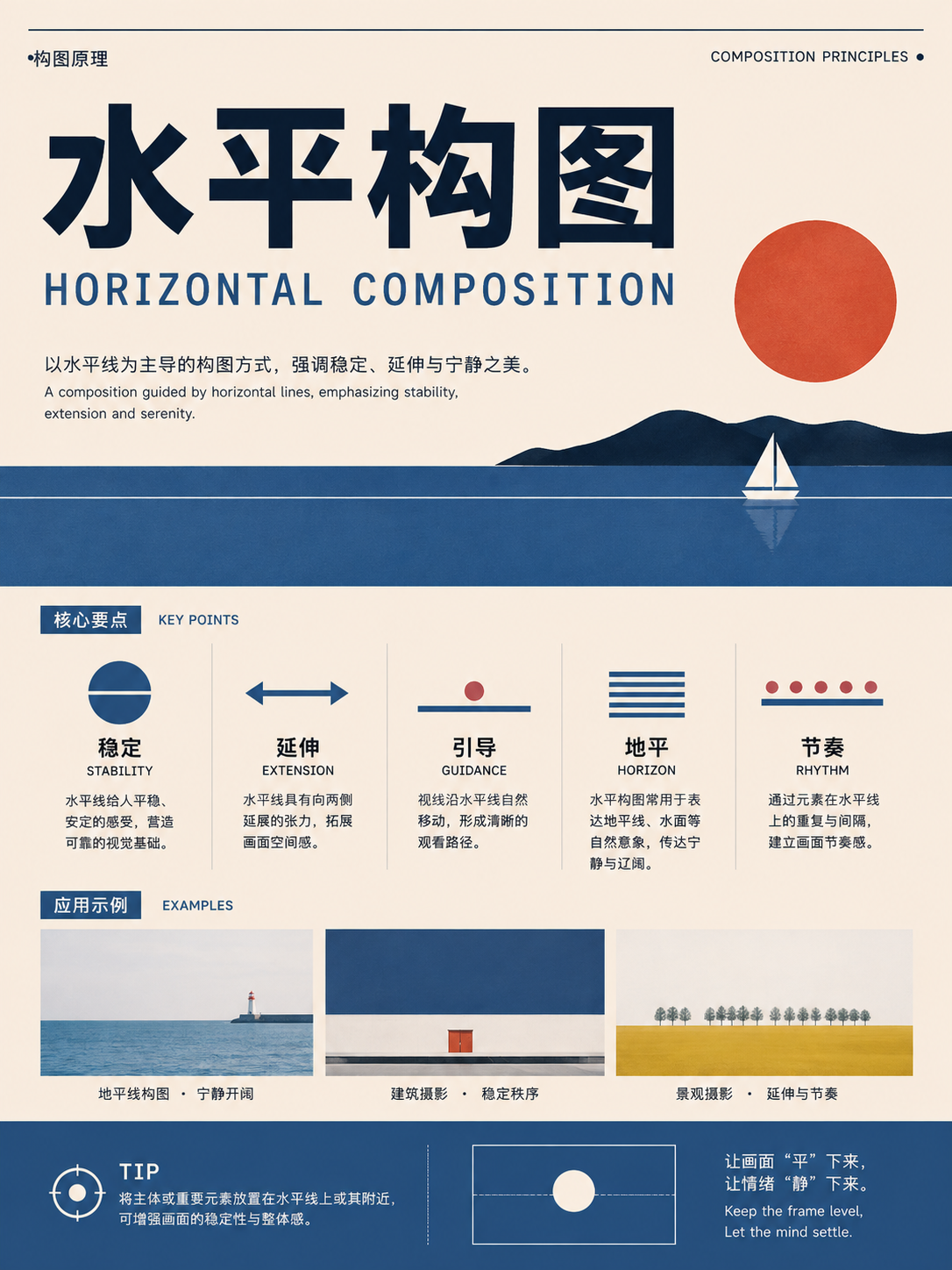
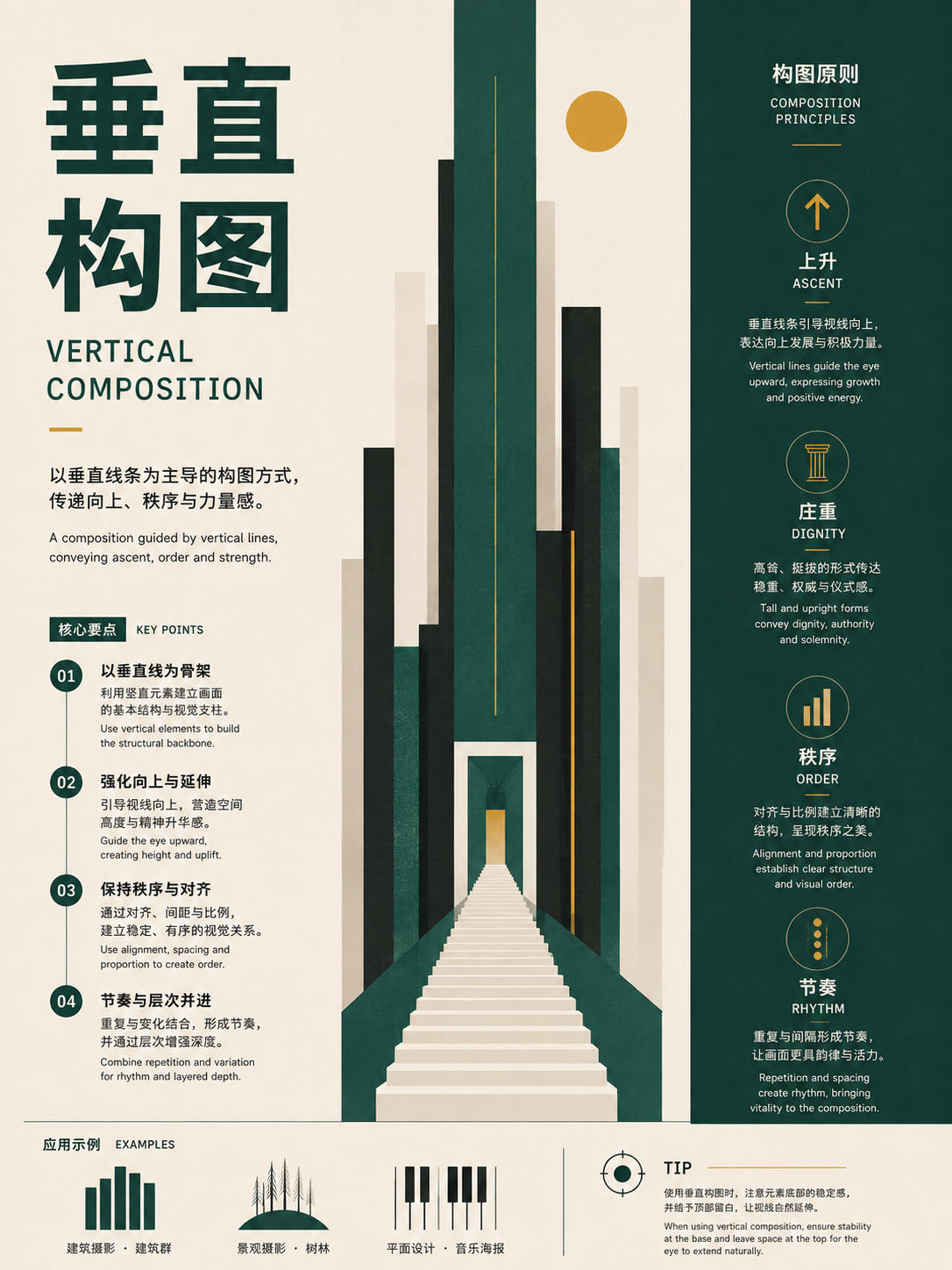
Balance, lines, and axes
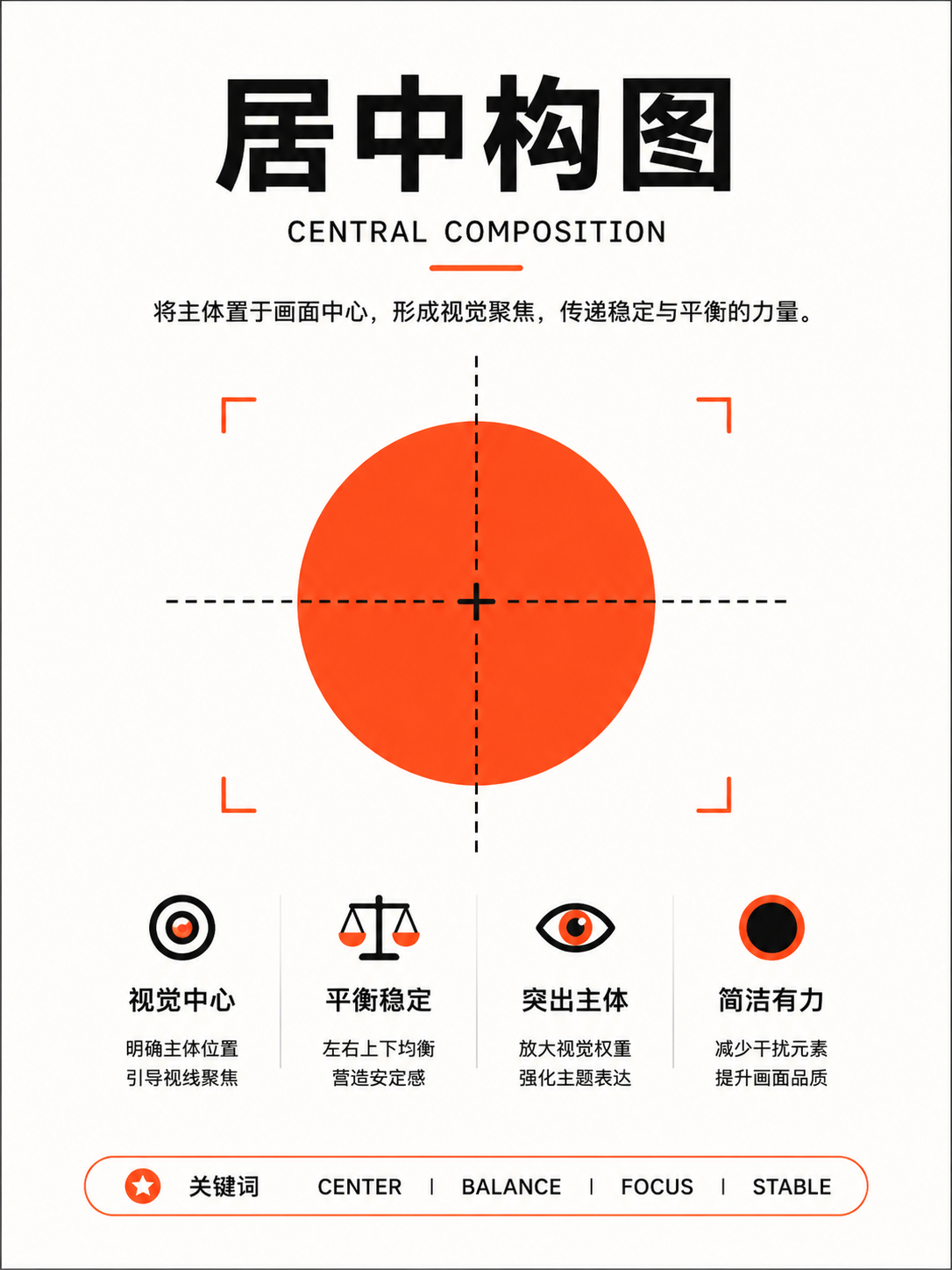
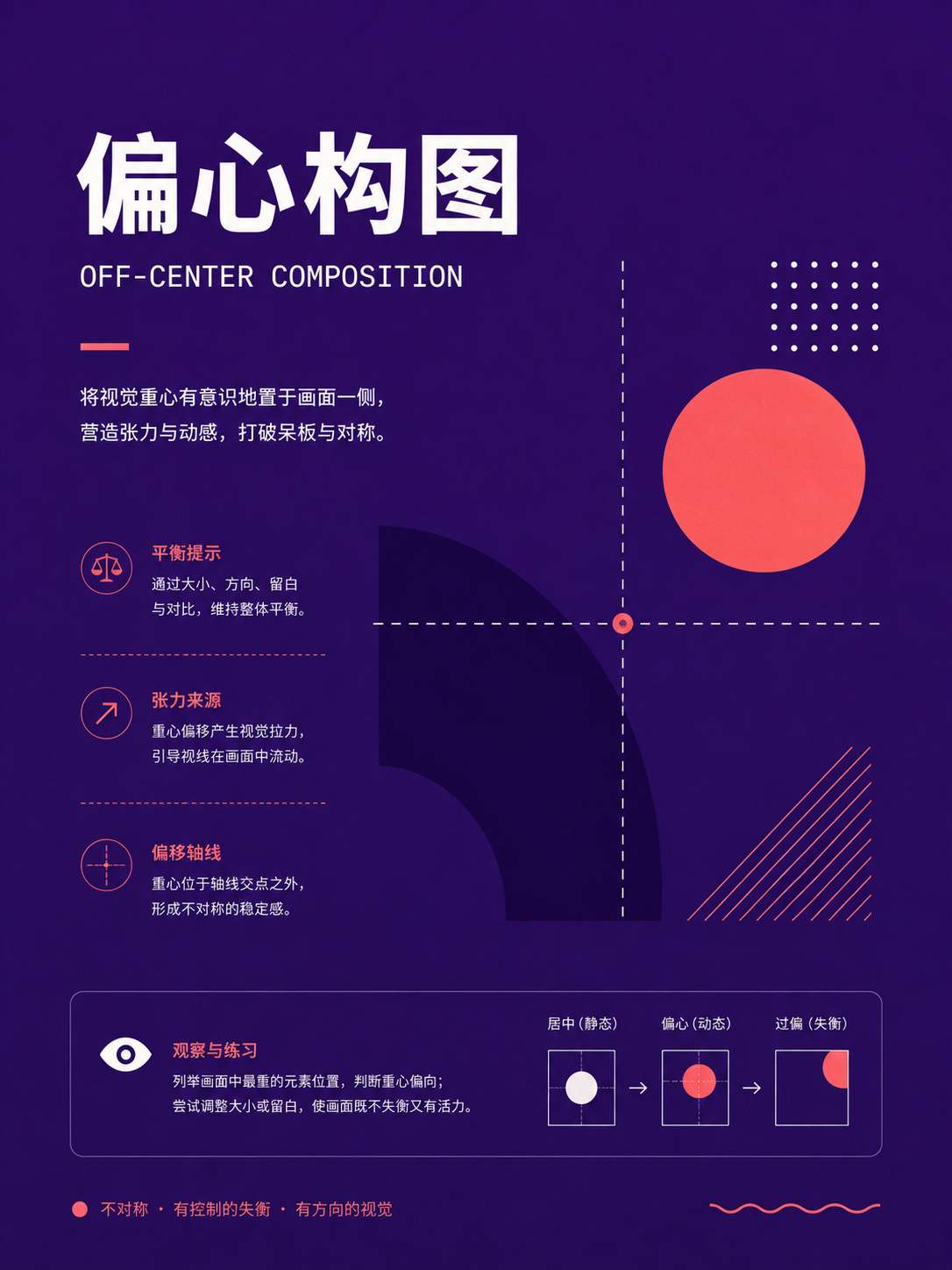
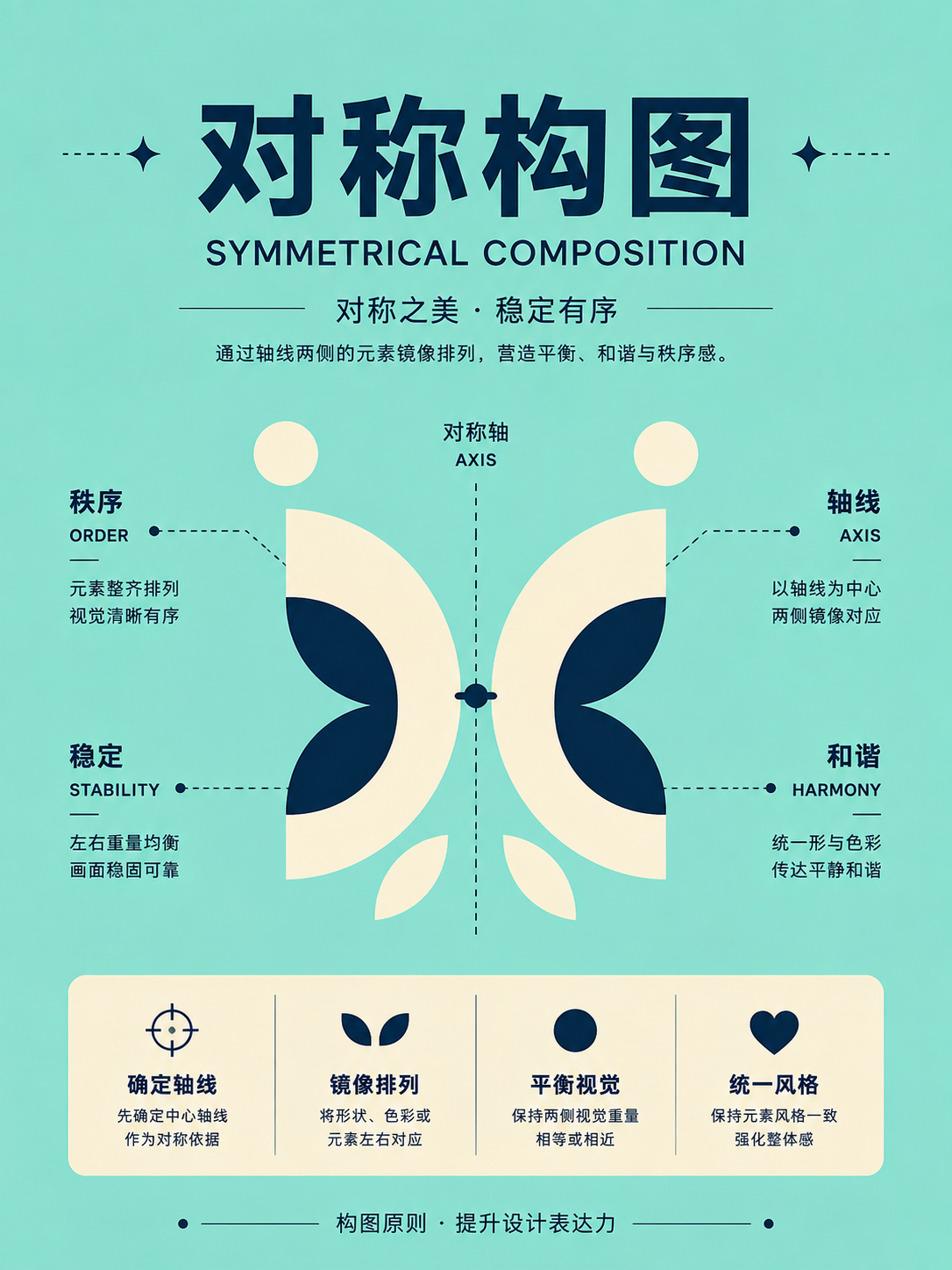
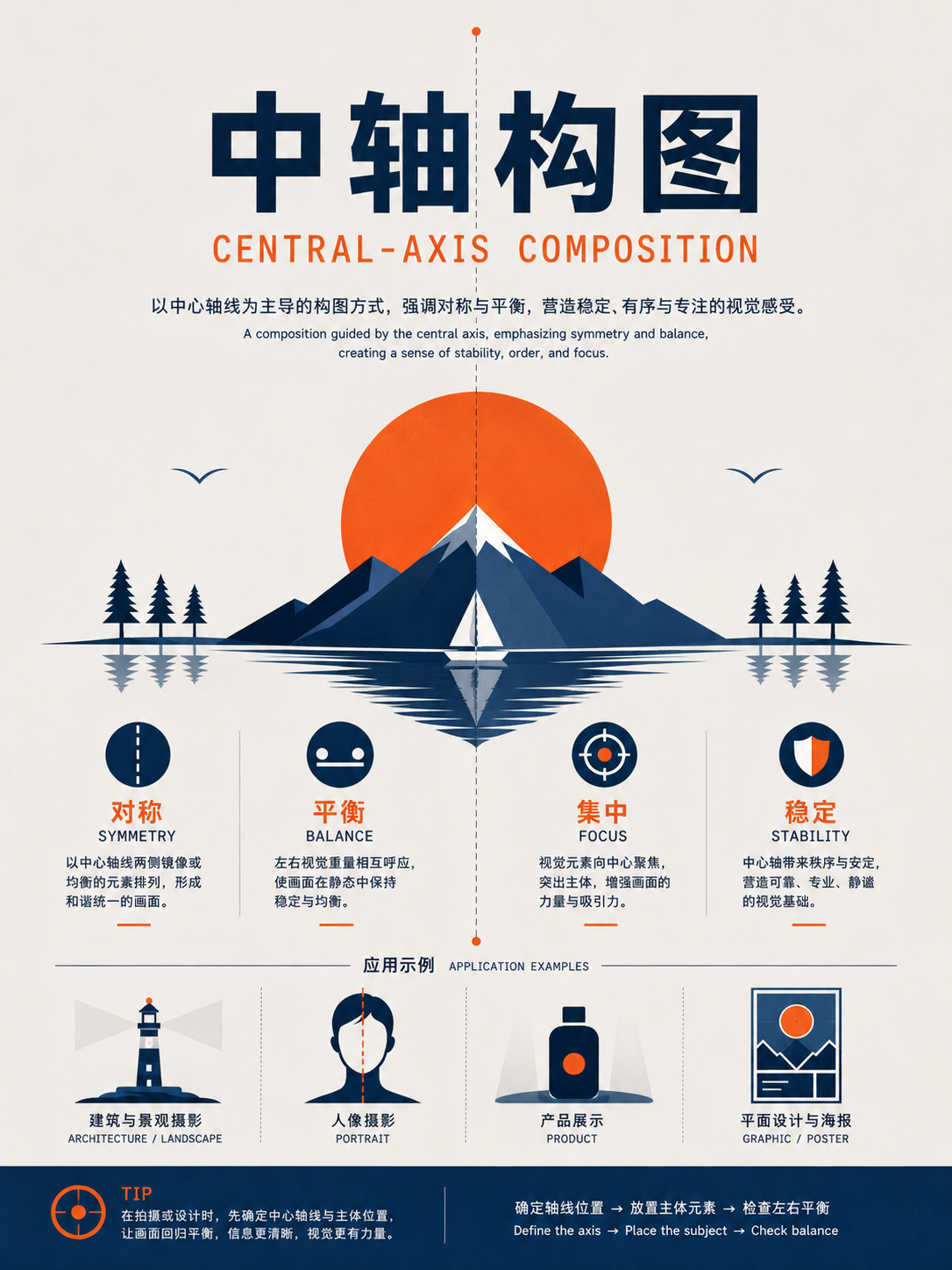
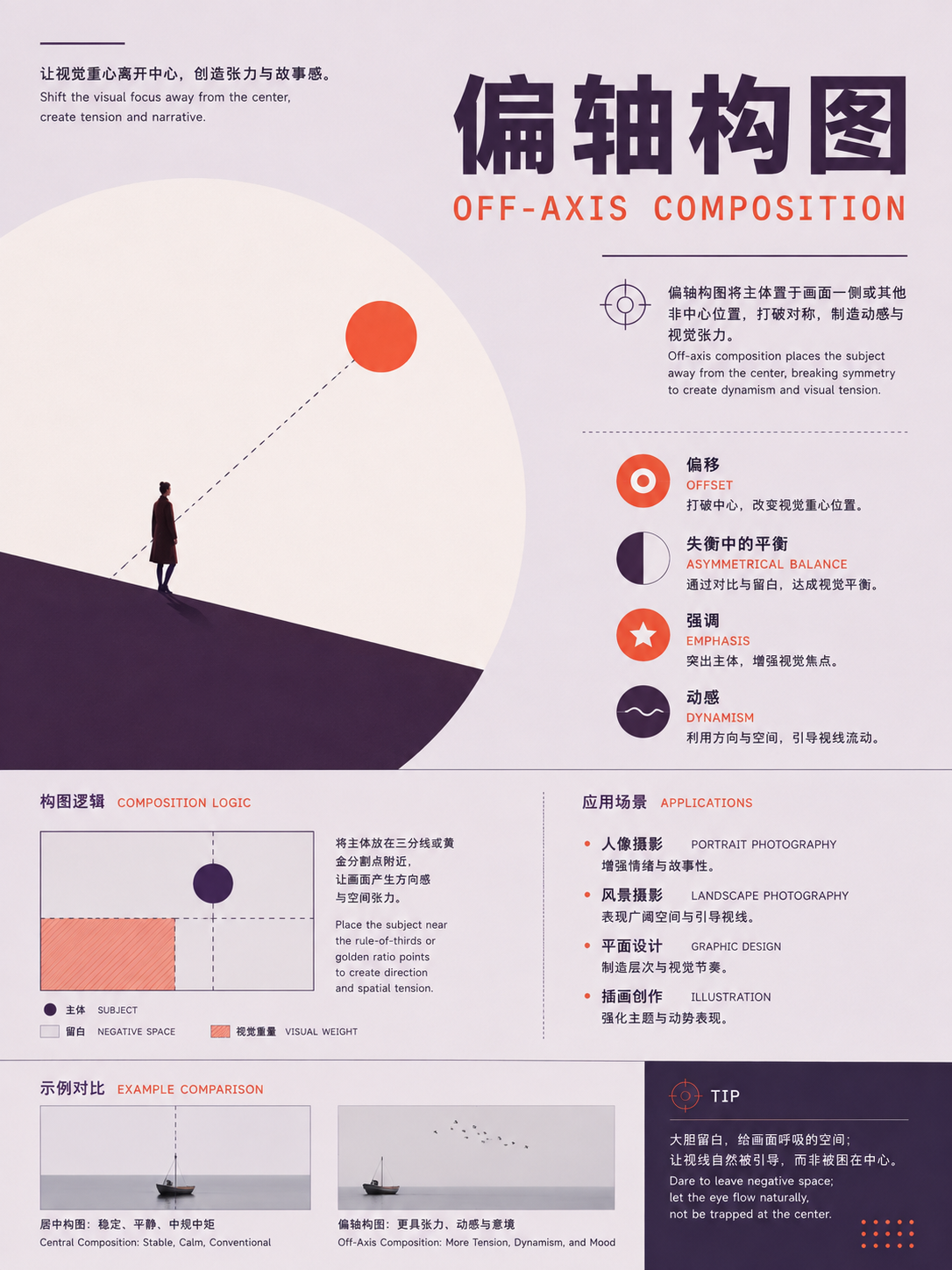
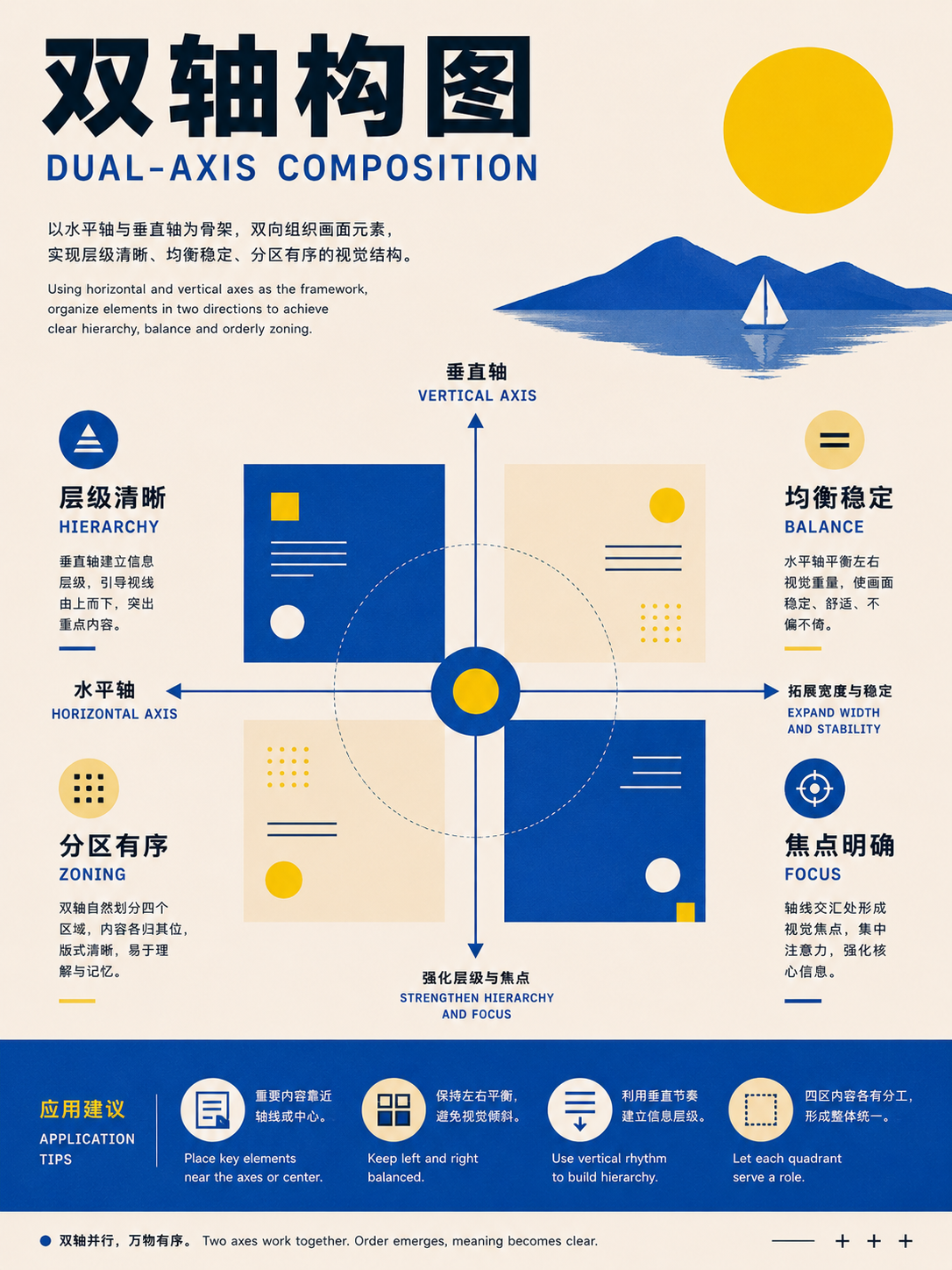
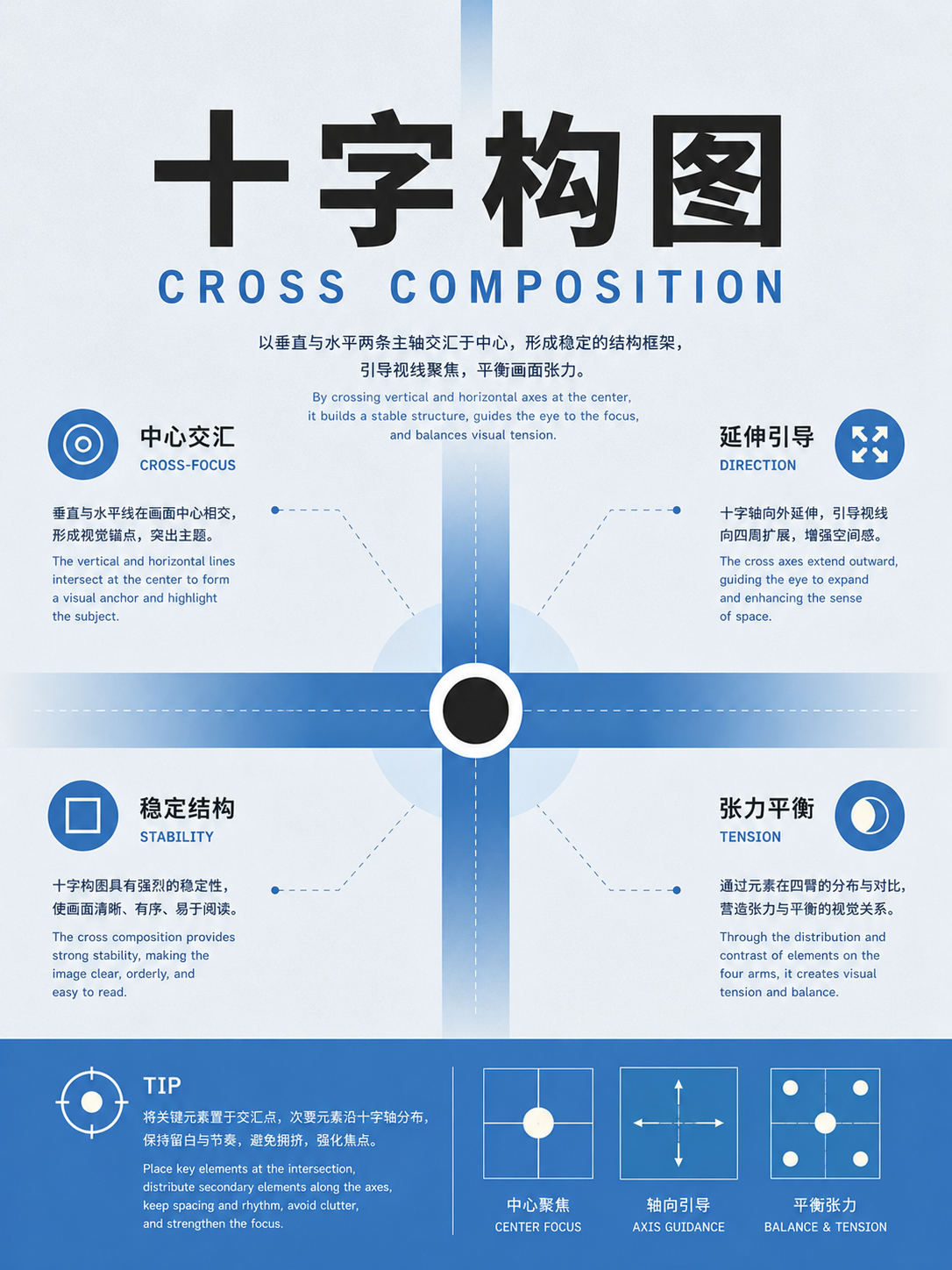
UseFor images that need stability, direction, or tension. Check whether the main axis is centered, offset, or crossing, and how elements balance around it.

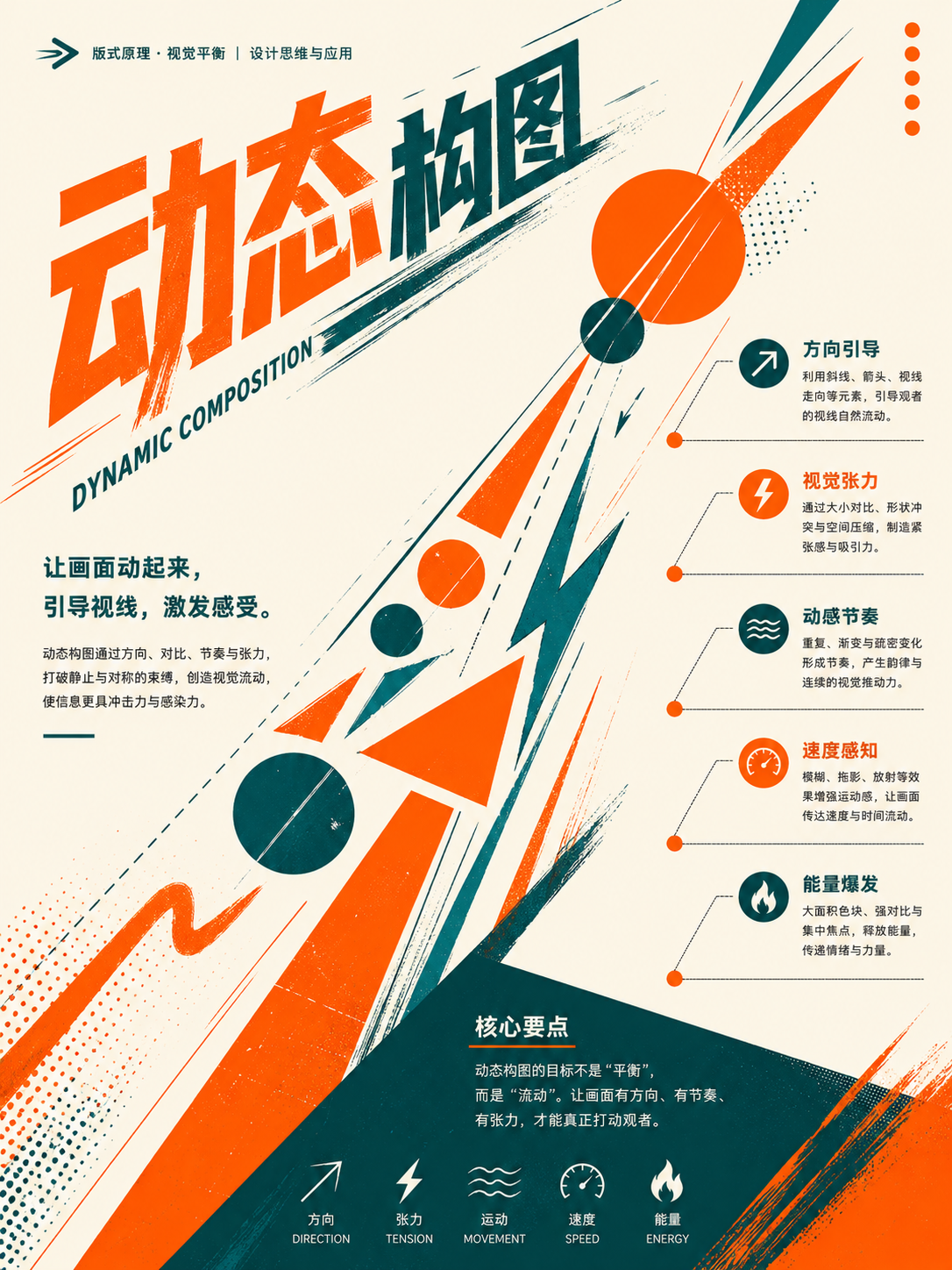
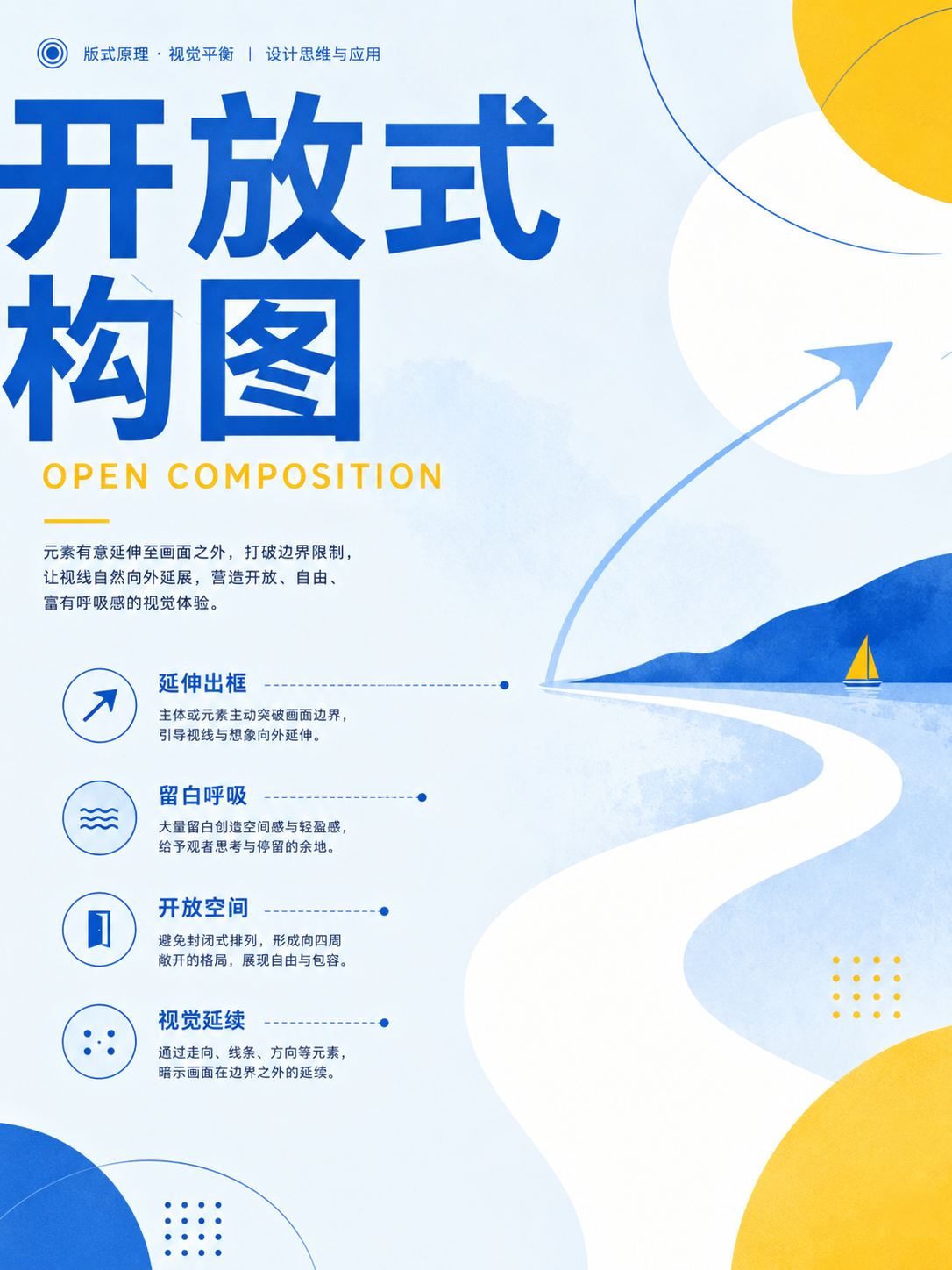
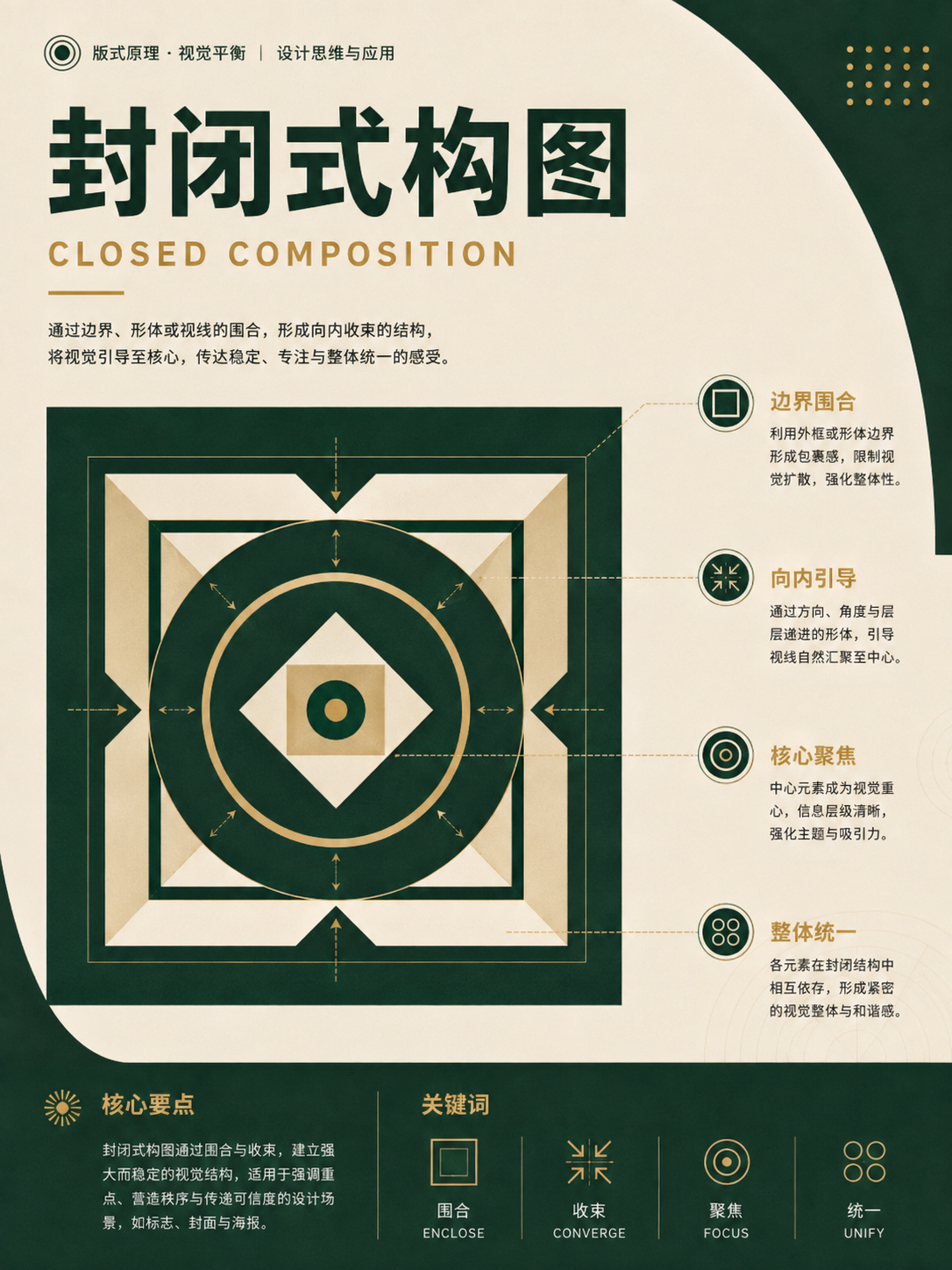
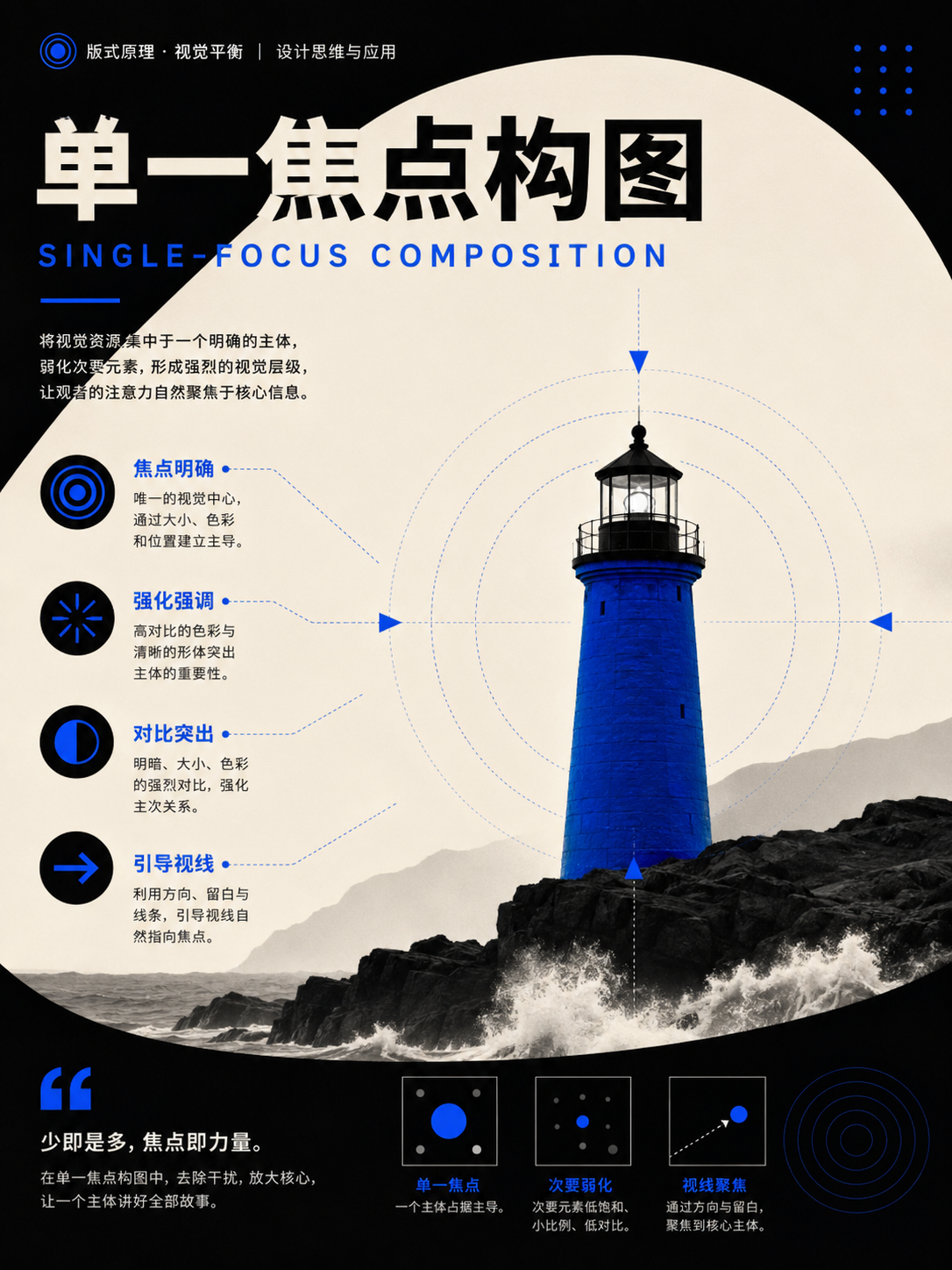
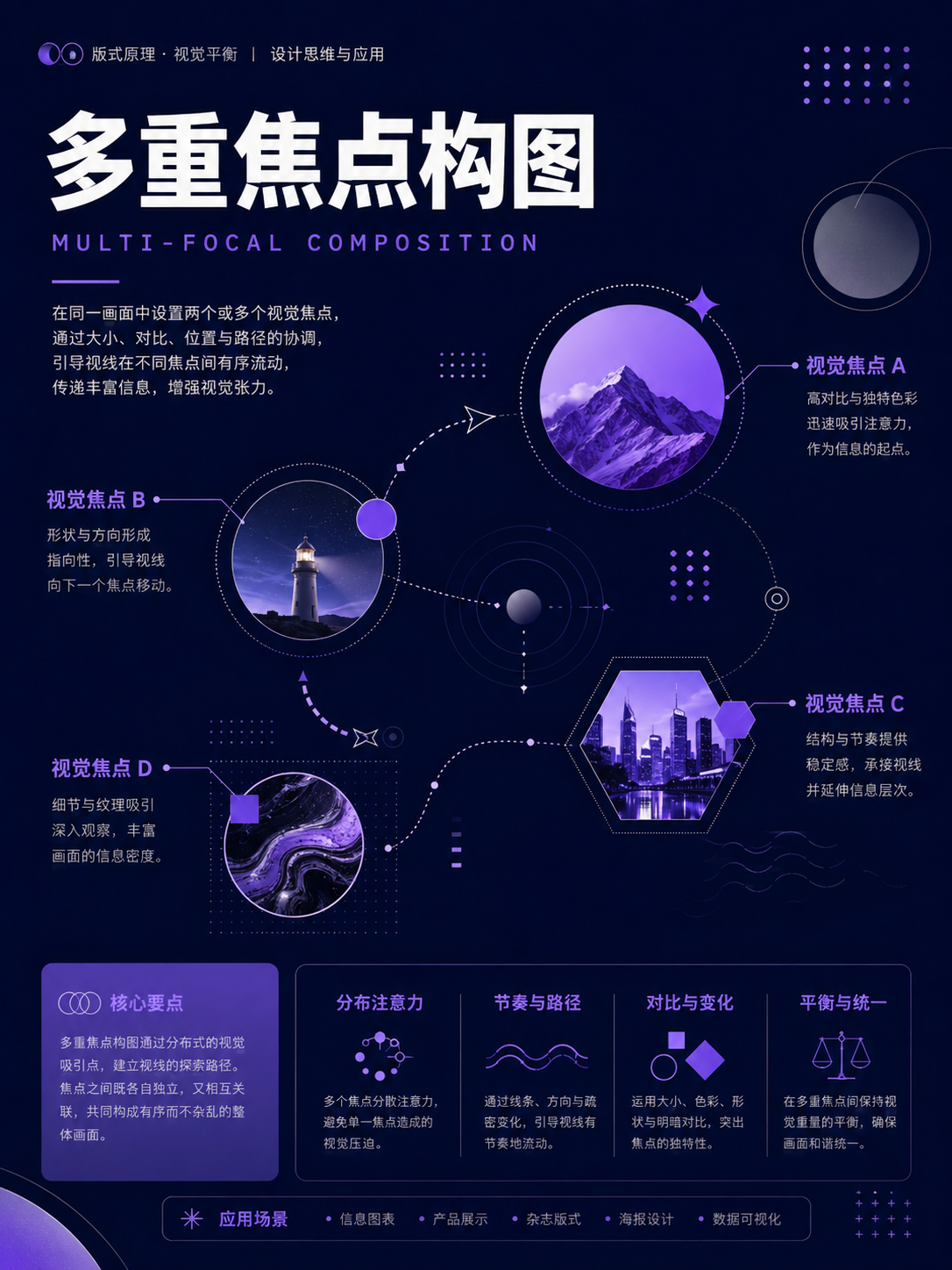
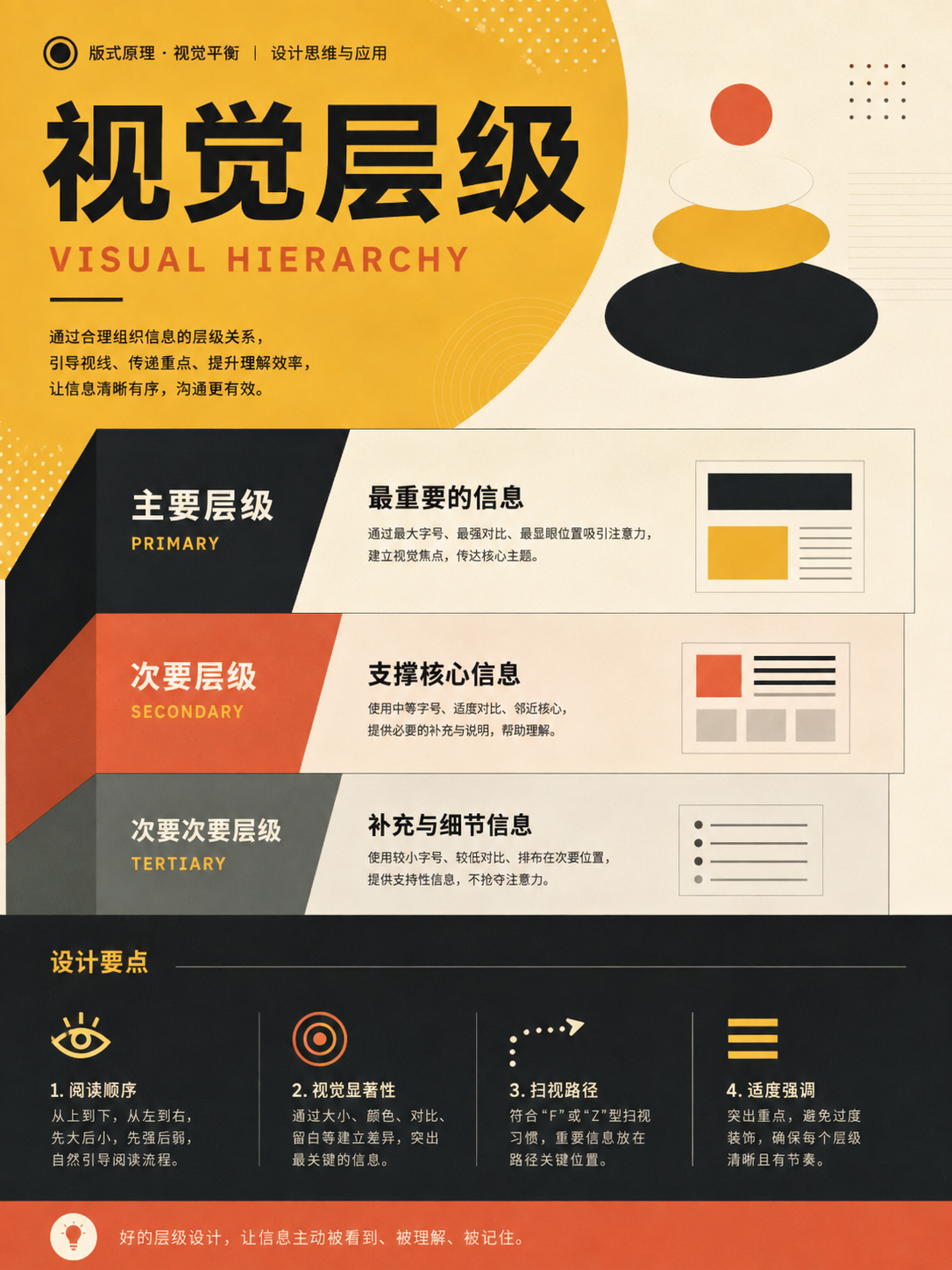
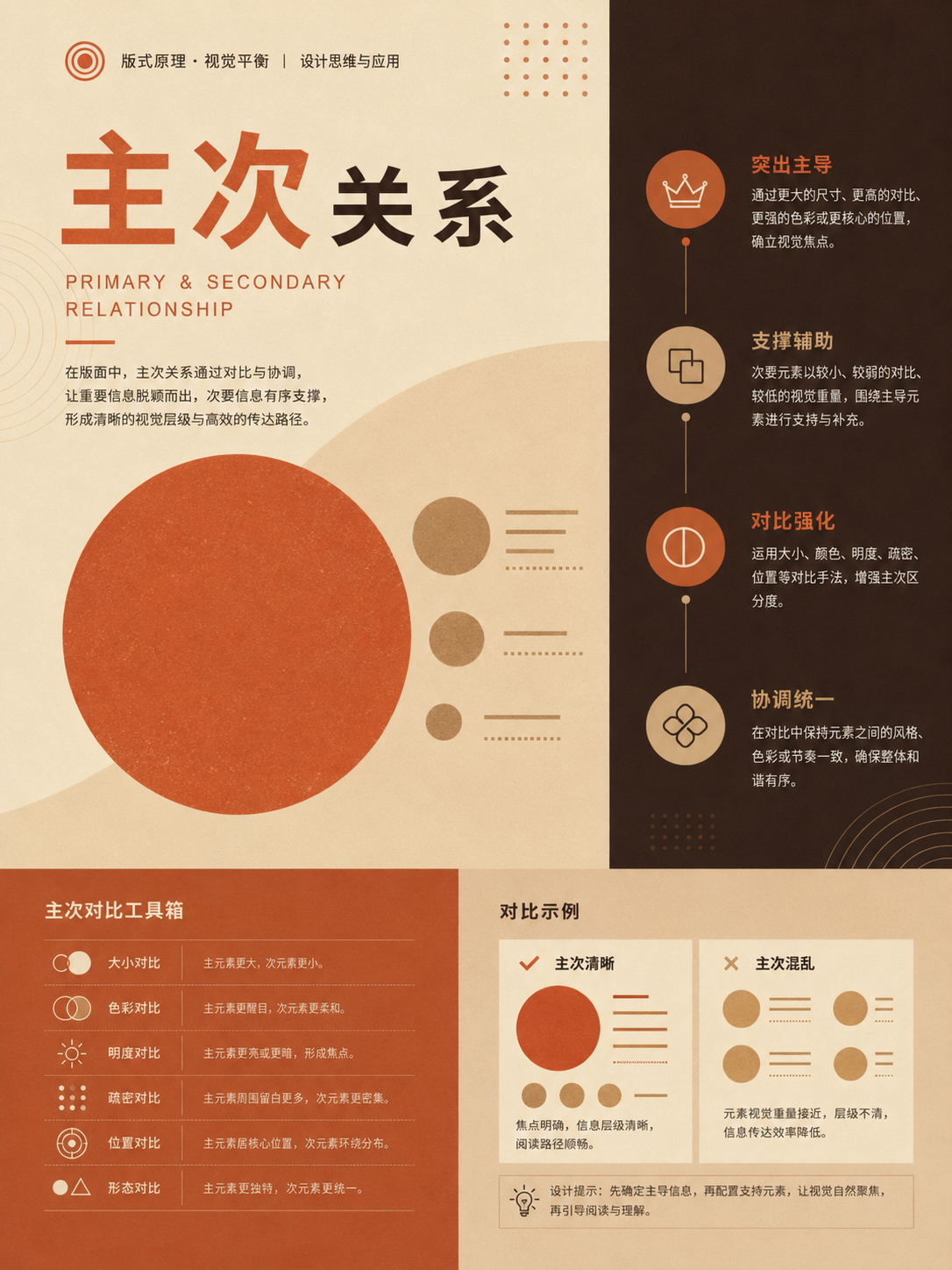
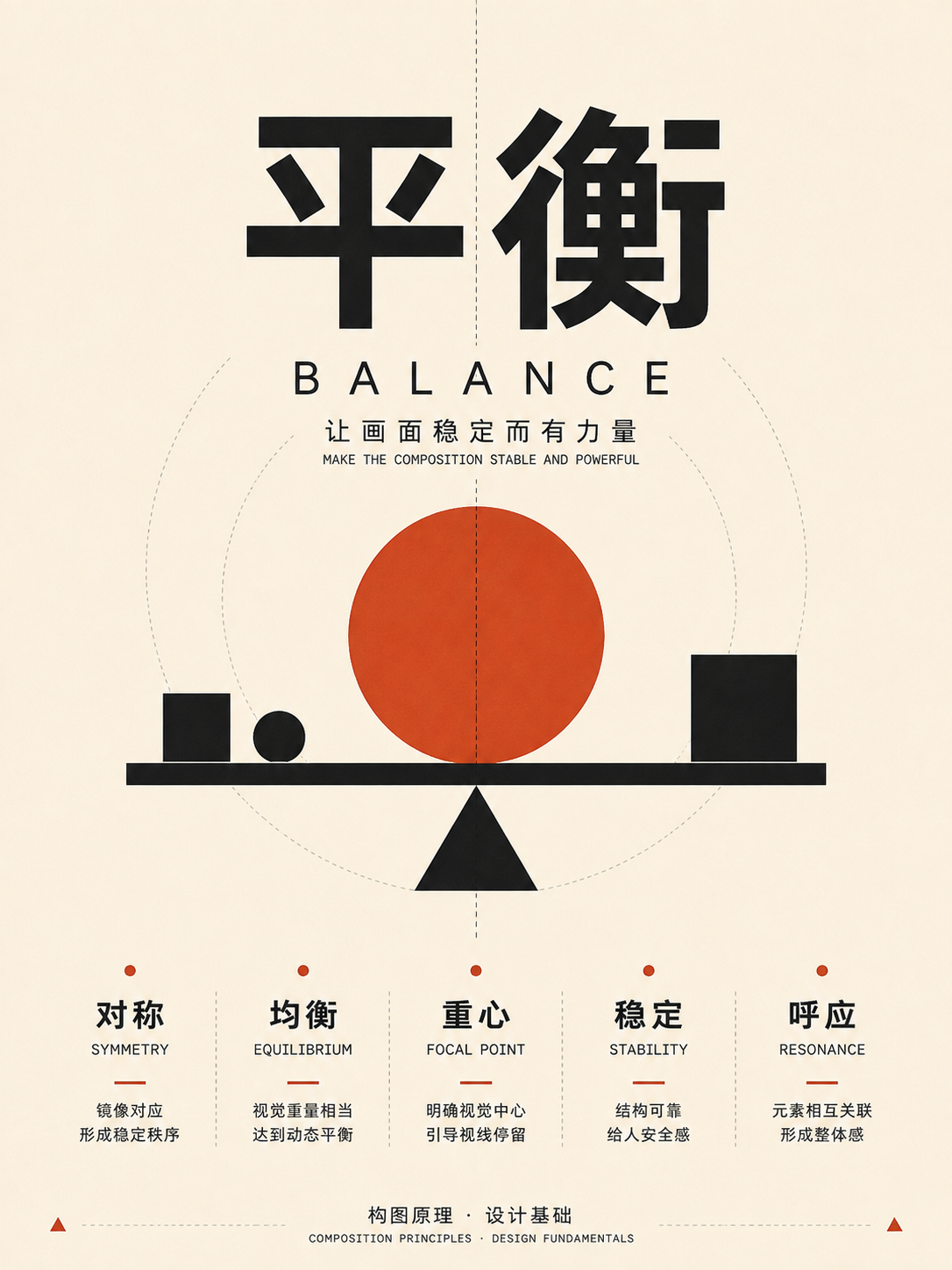
Letter forms and curves
UseFor posters, covers, and narrative images with a clear path. Don't copy the letter shape literally—extract how the eye turns.
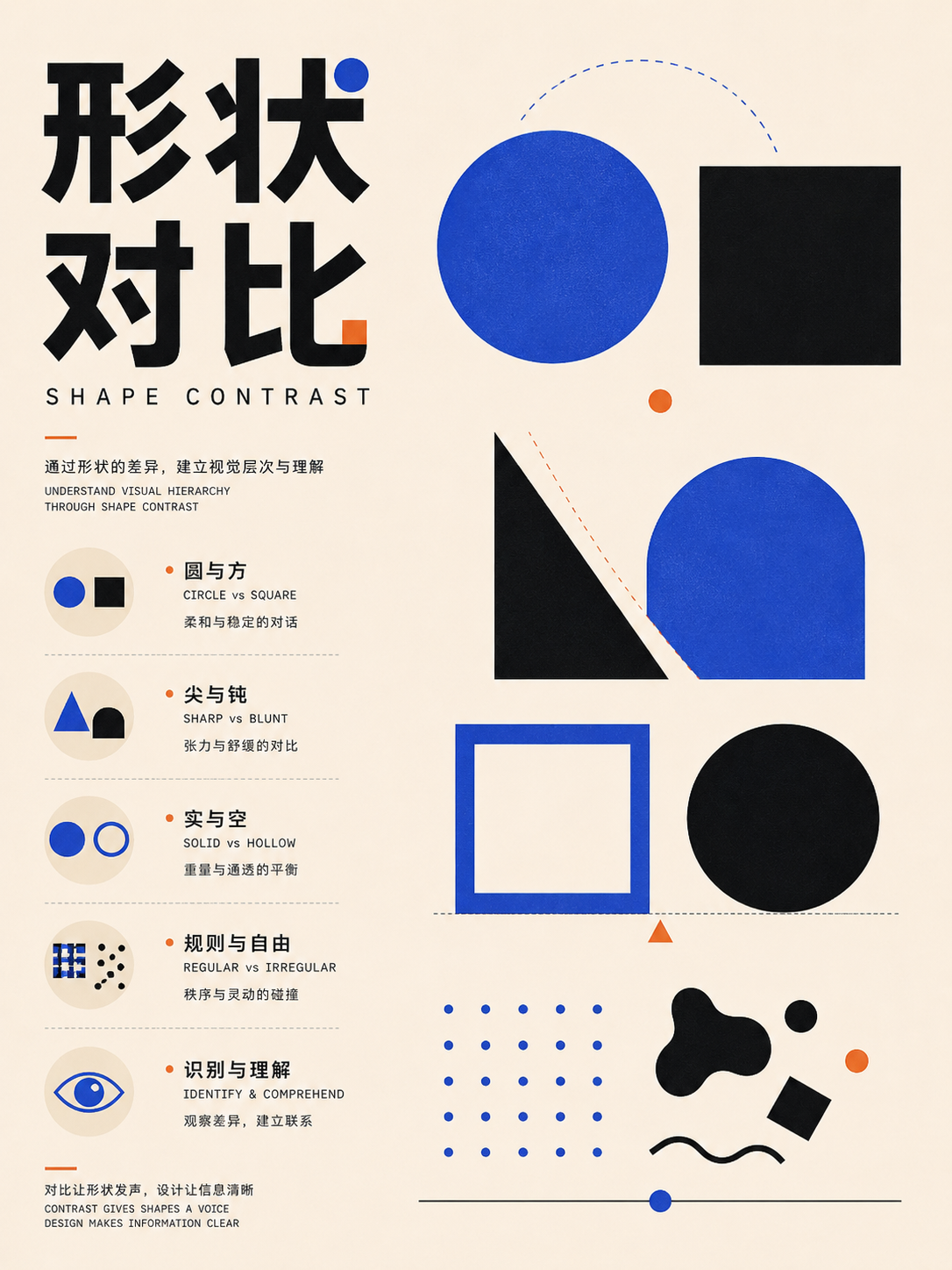
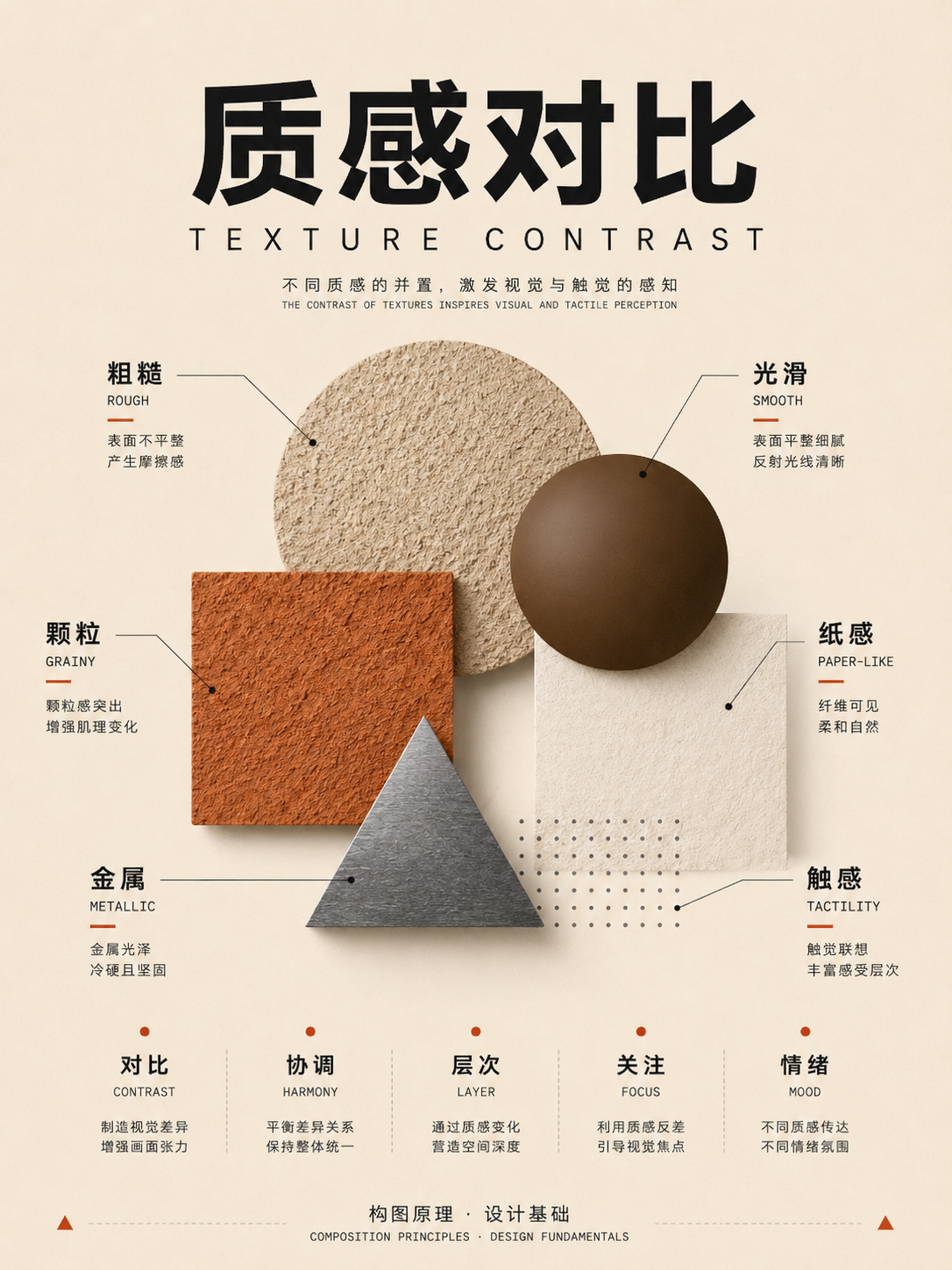
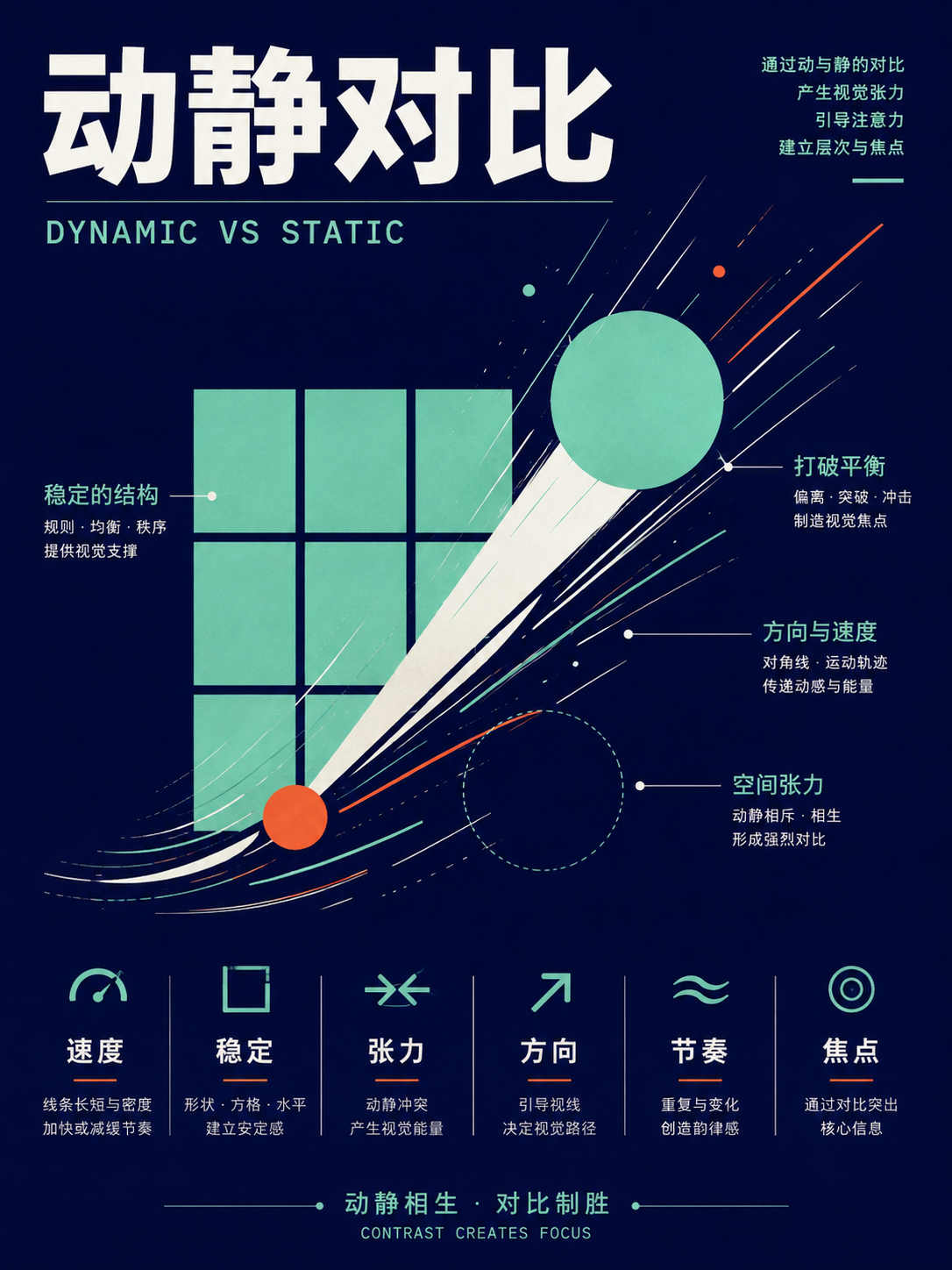
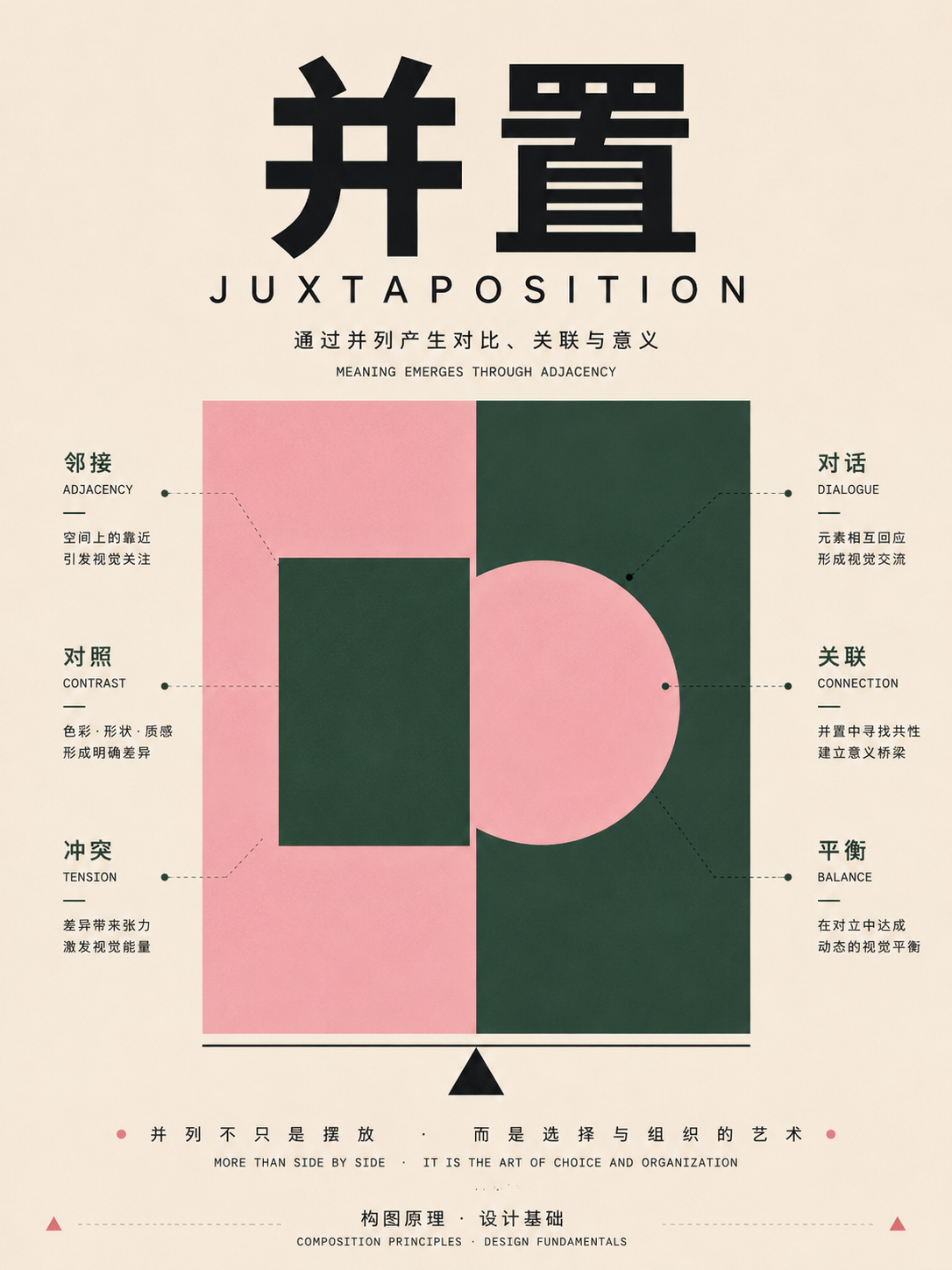
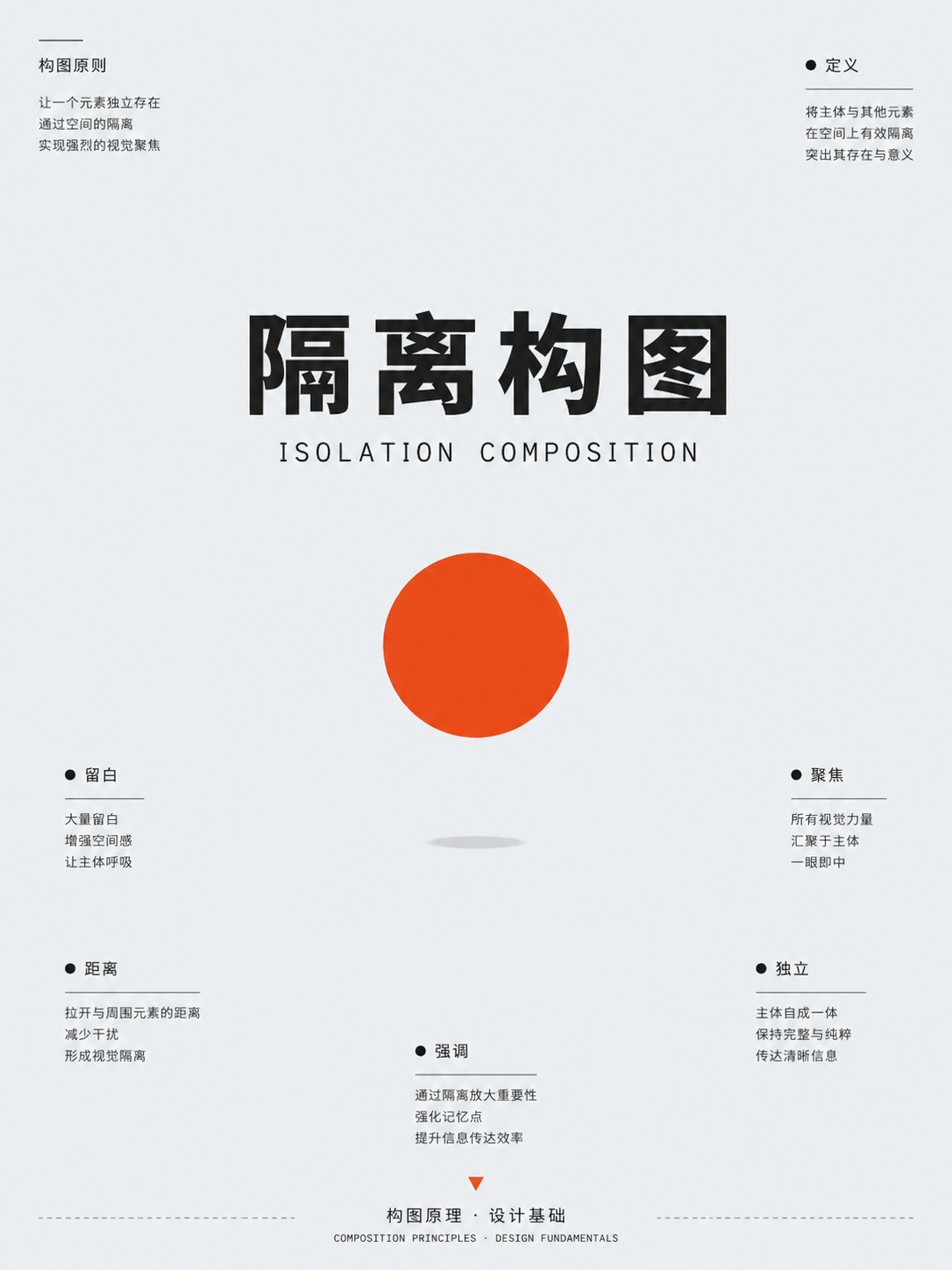
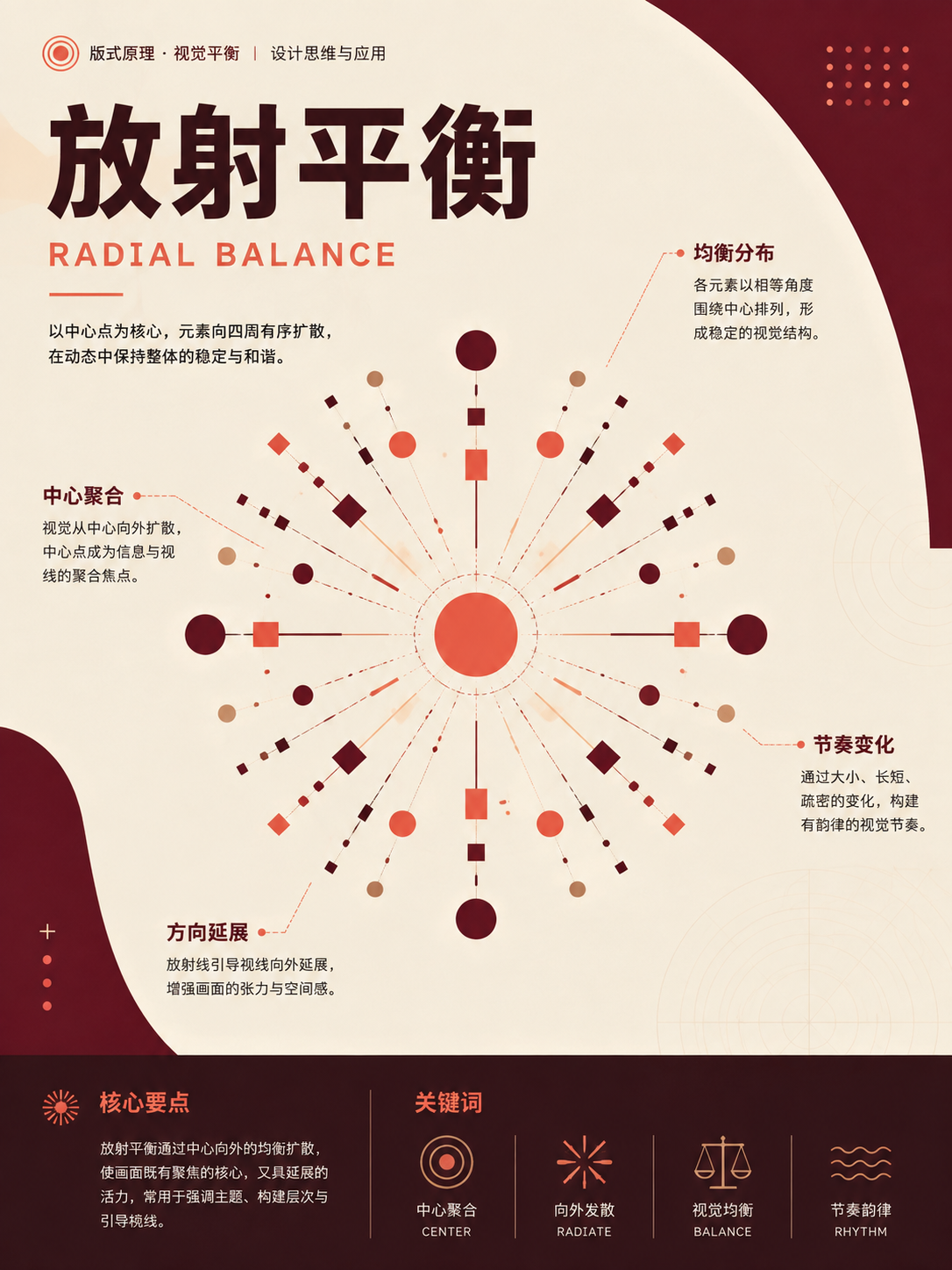
Geometric and radial structures
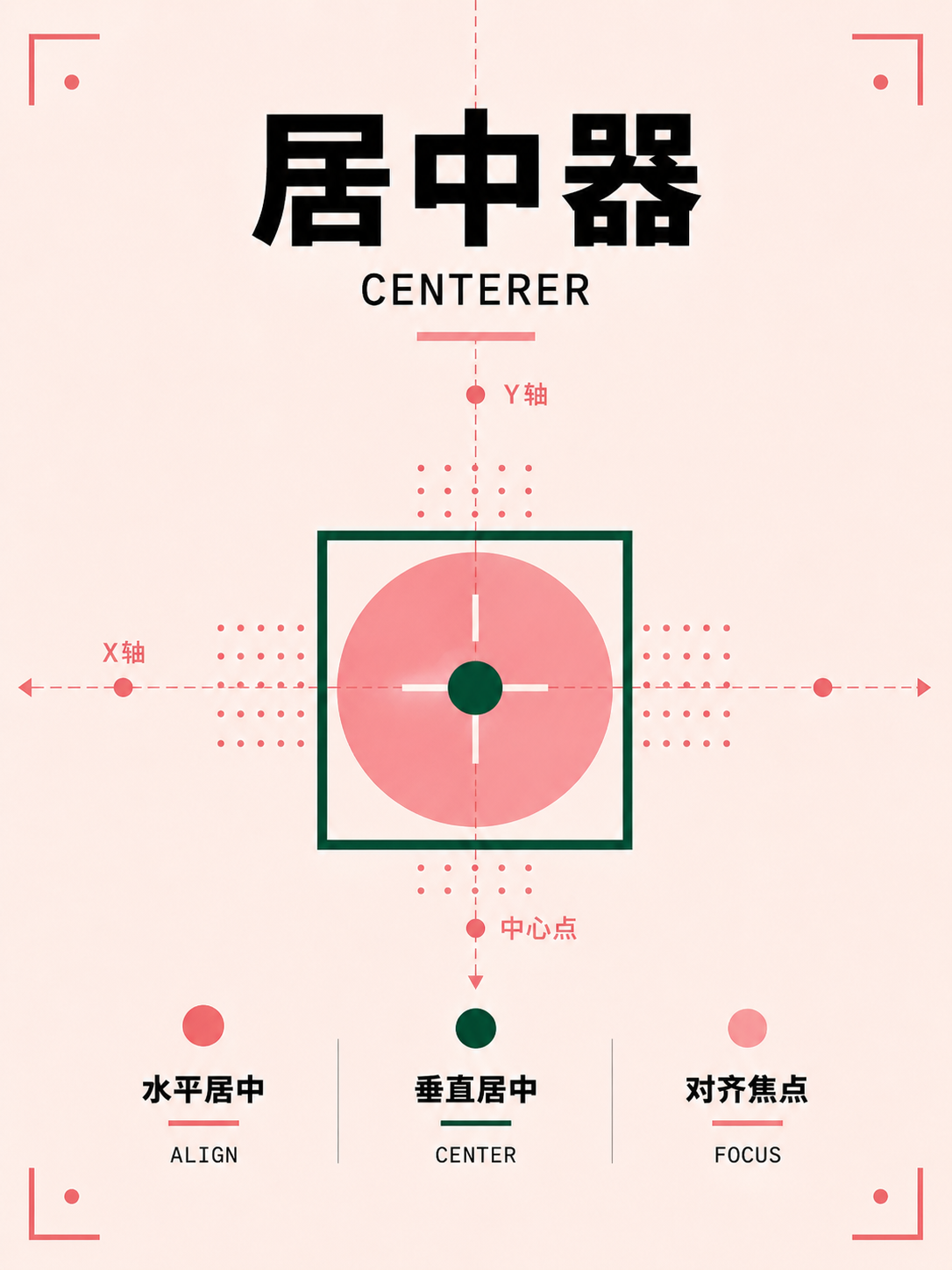
UseFor icon sets, product highlights, and central themes. First decide whether information converges inward or radiates outward.
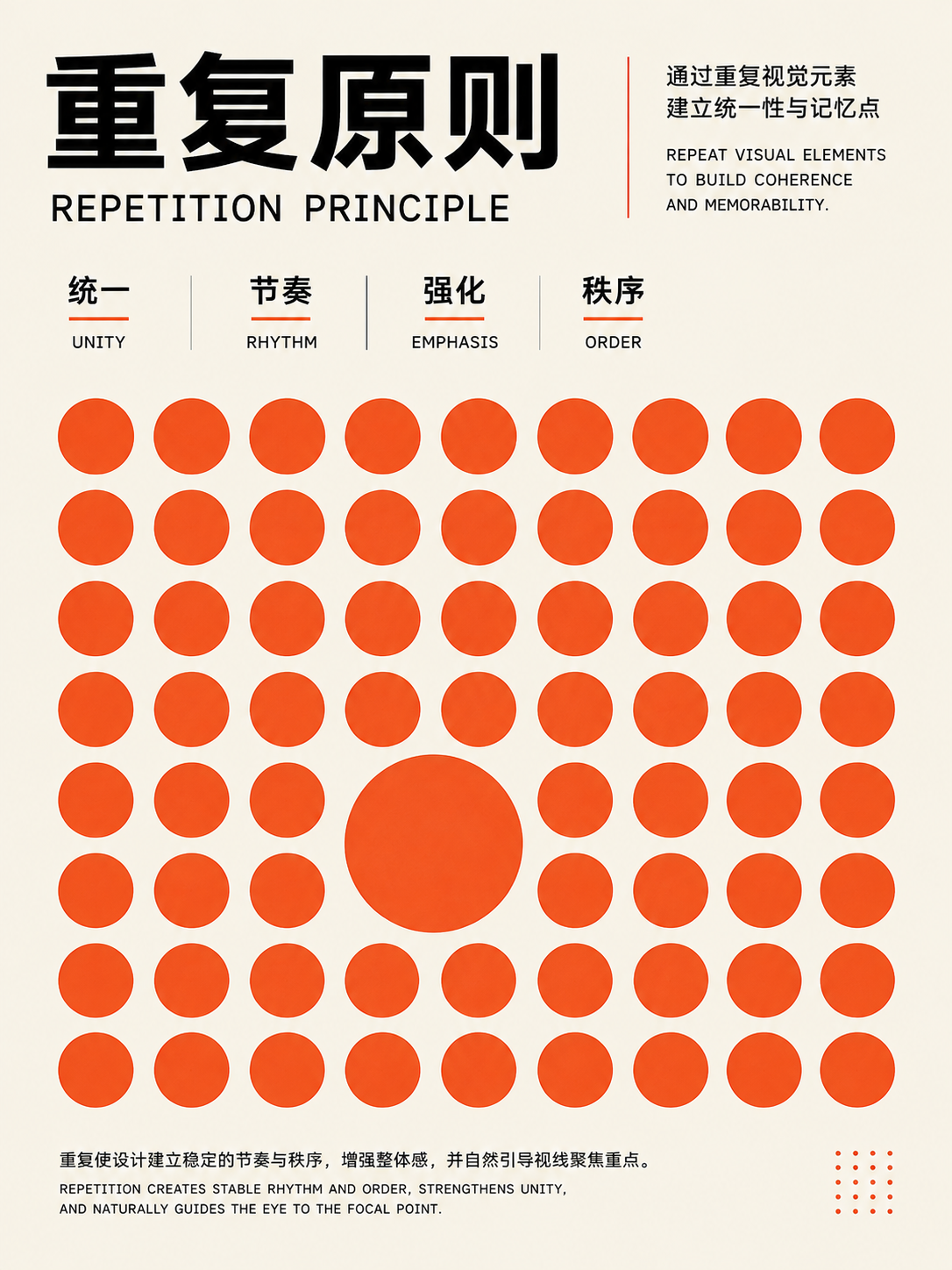
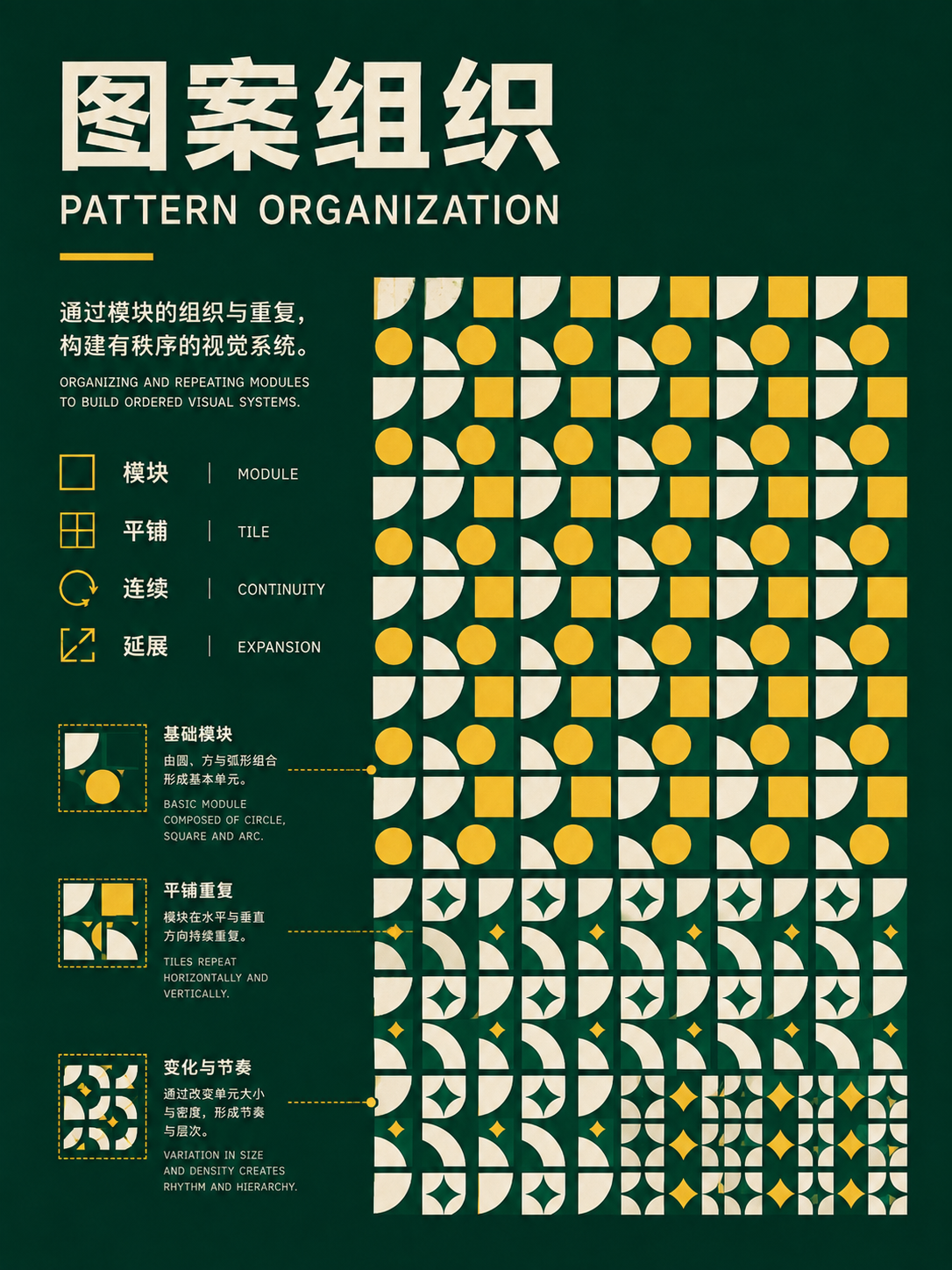

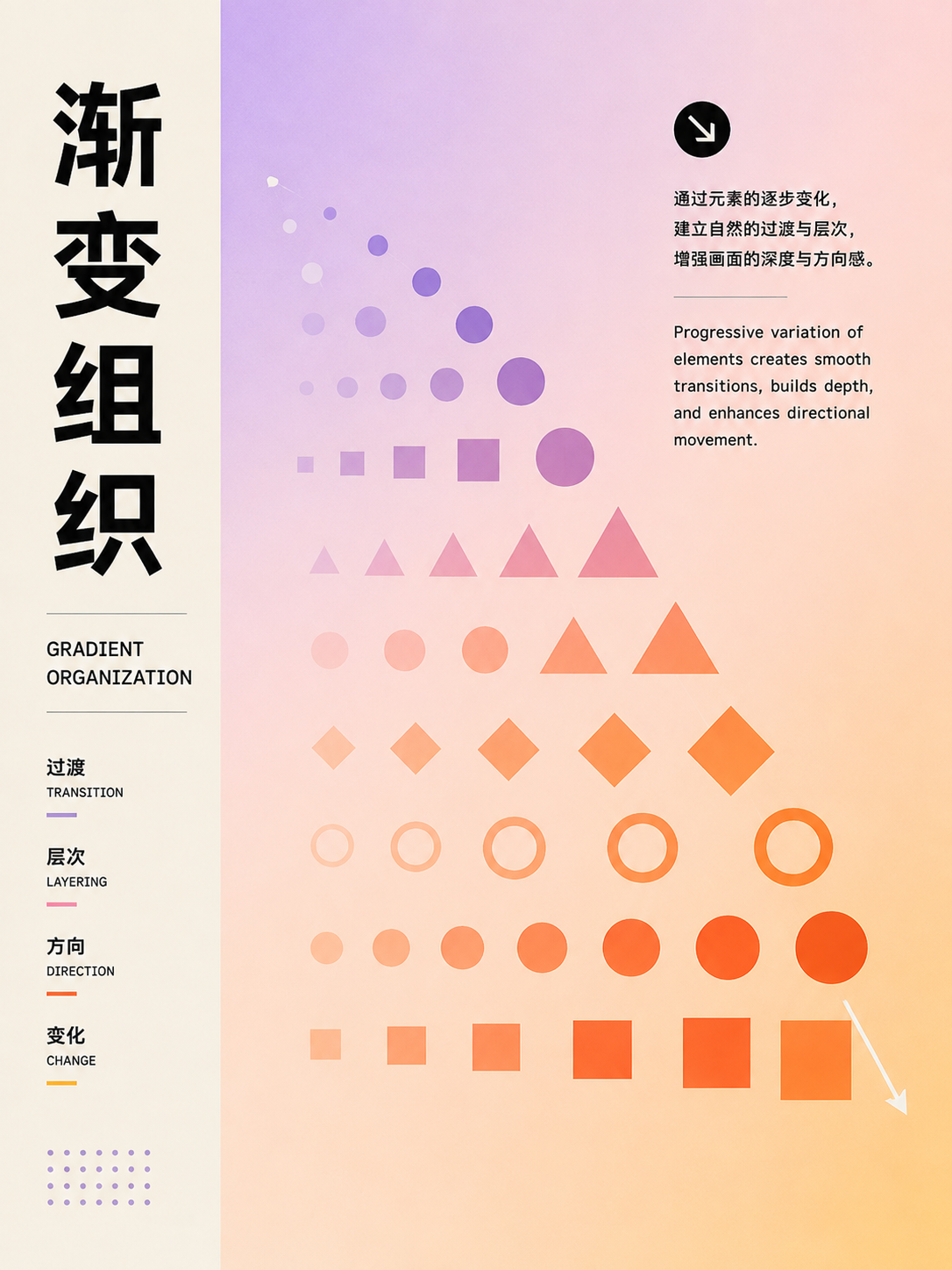
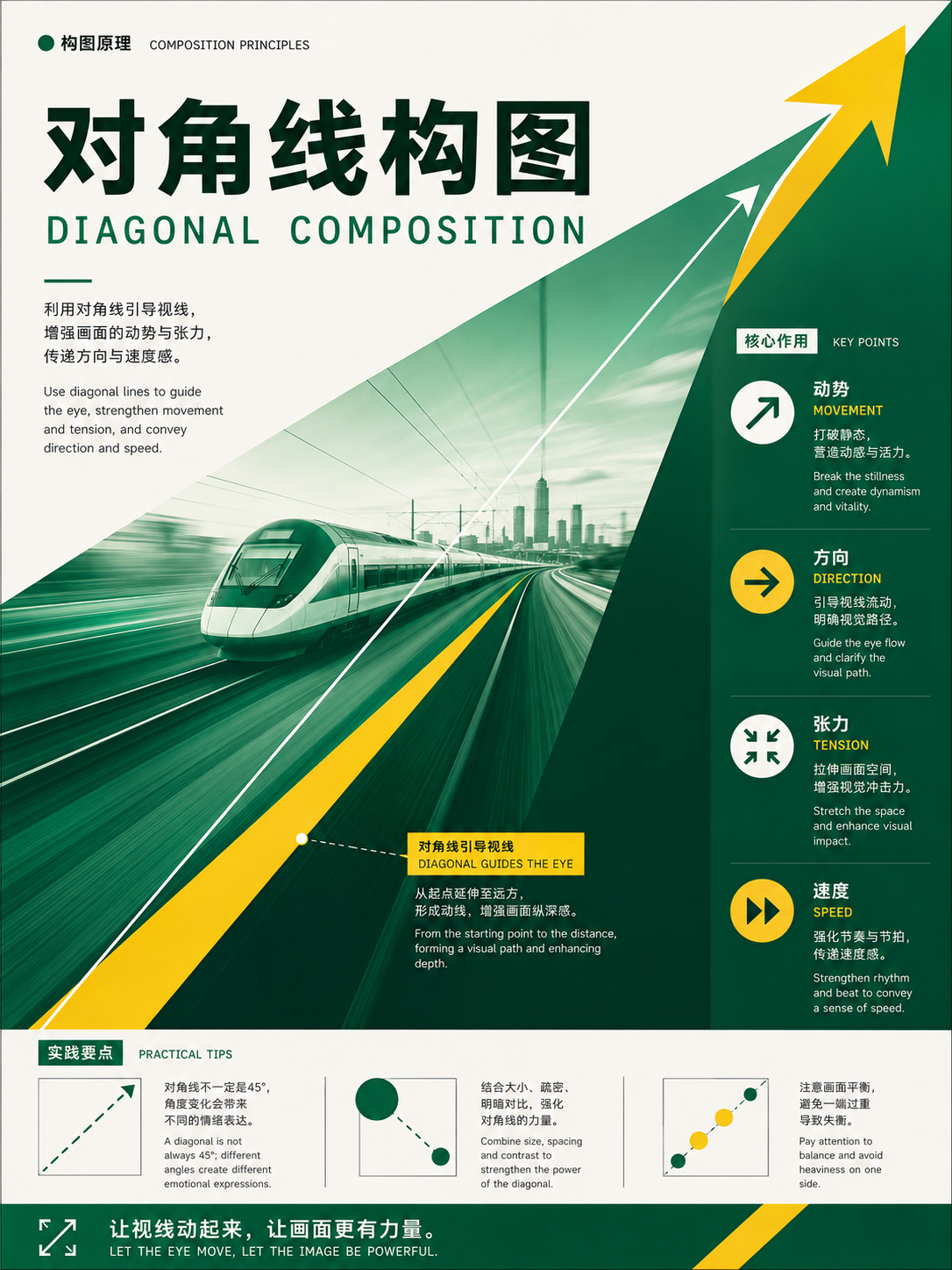
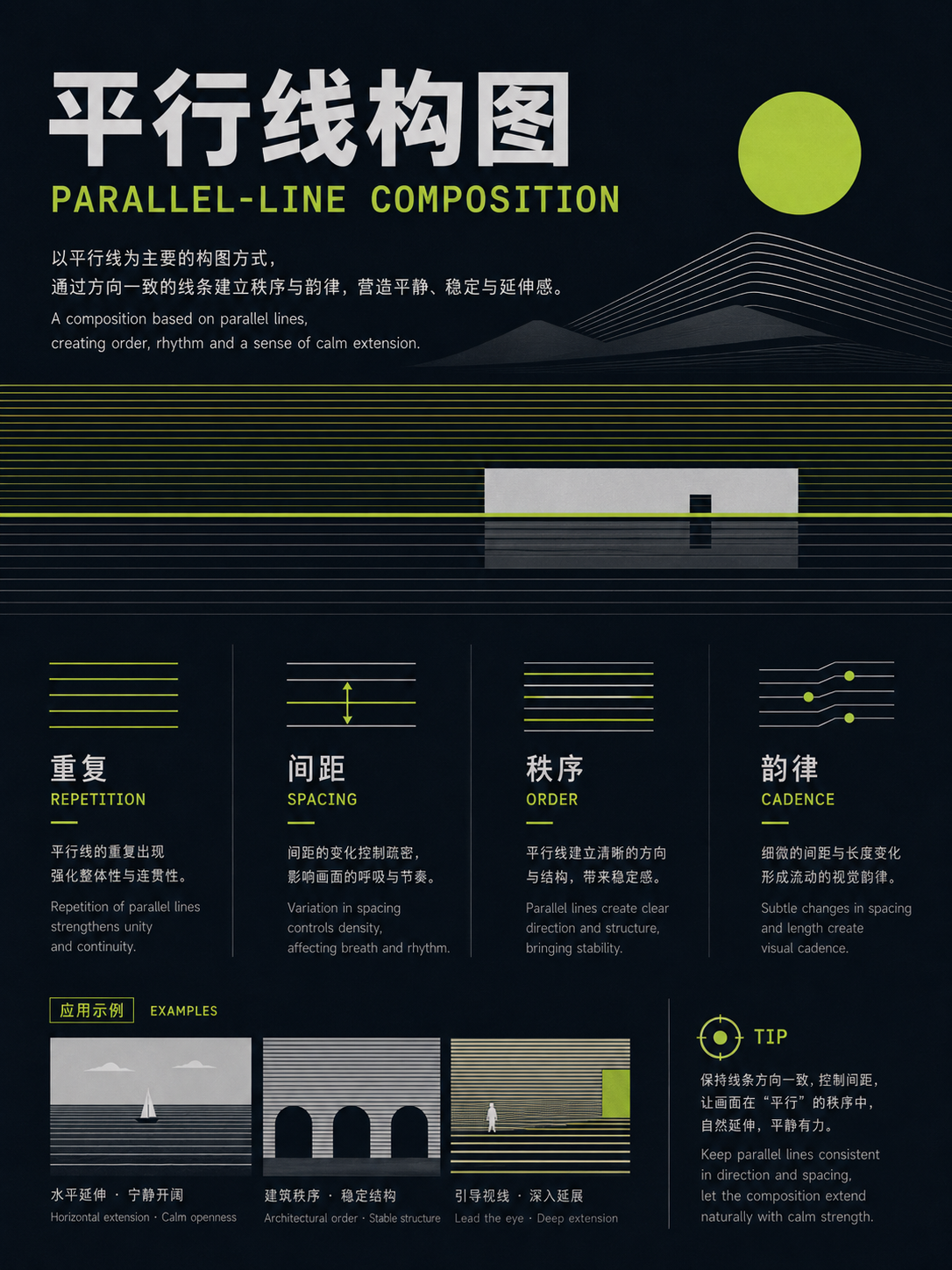
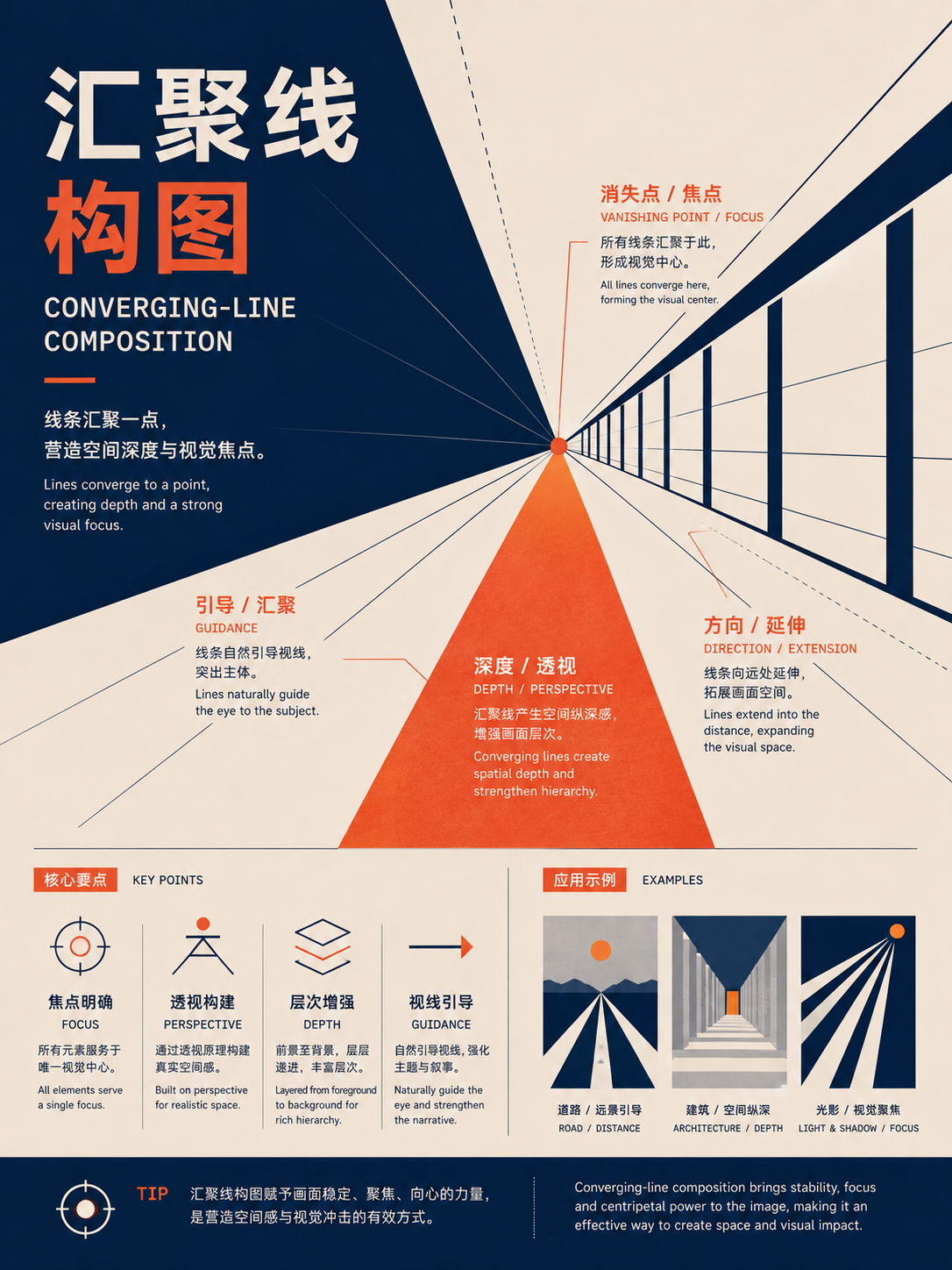
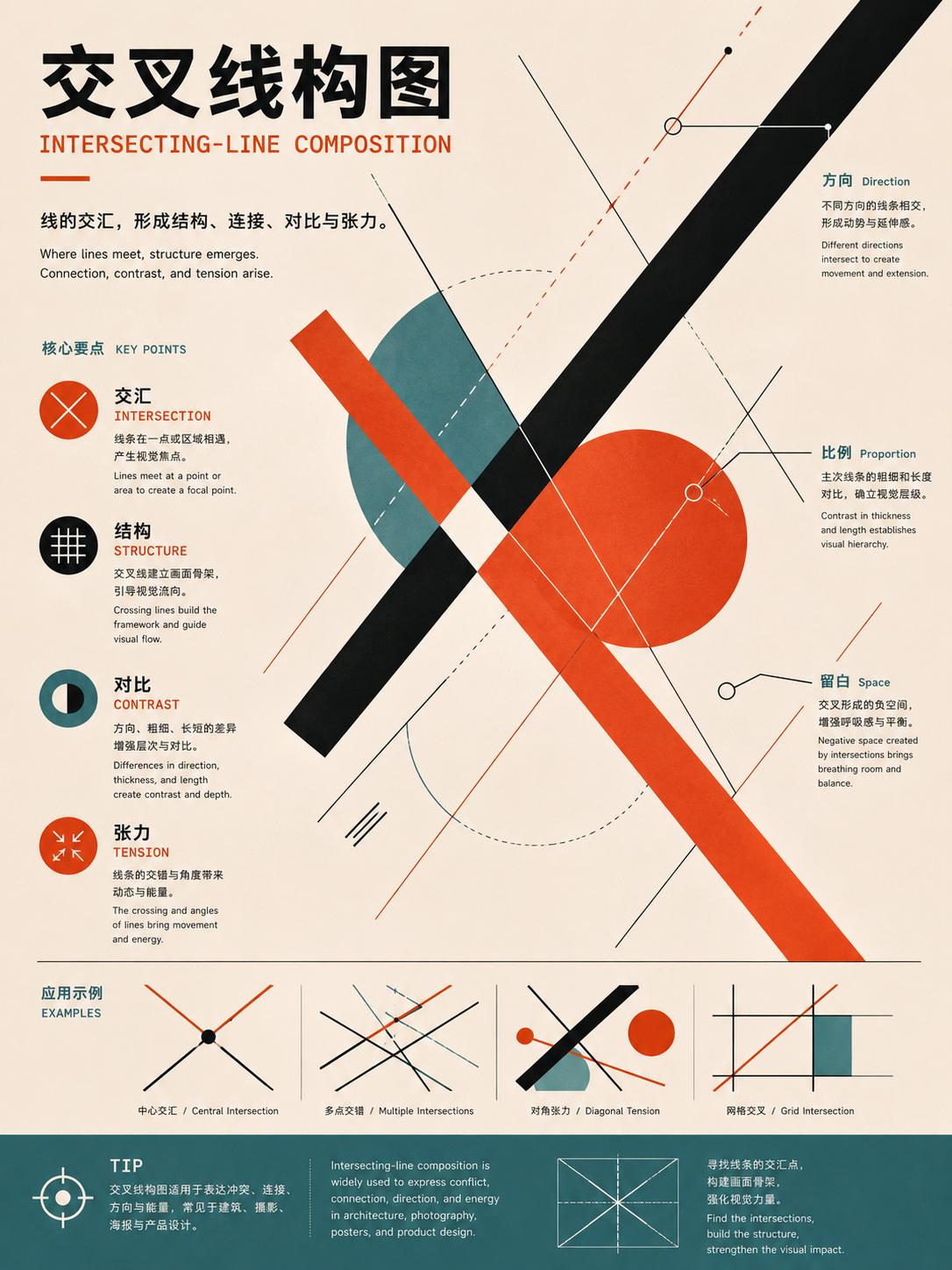
Arrays, stacks, and clusters
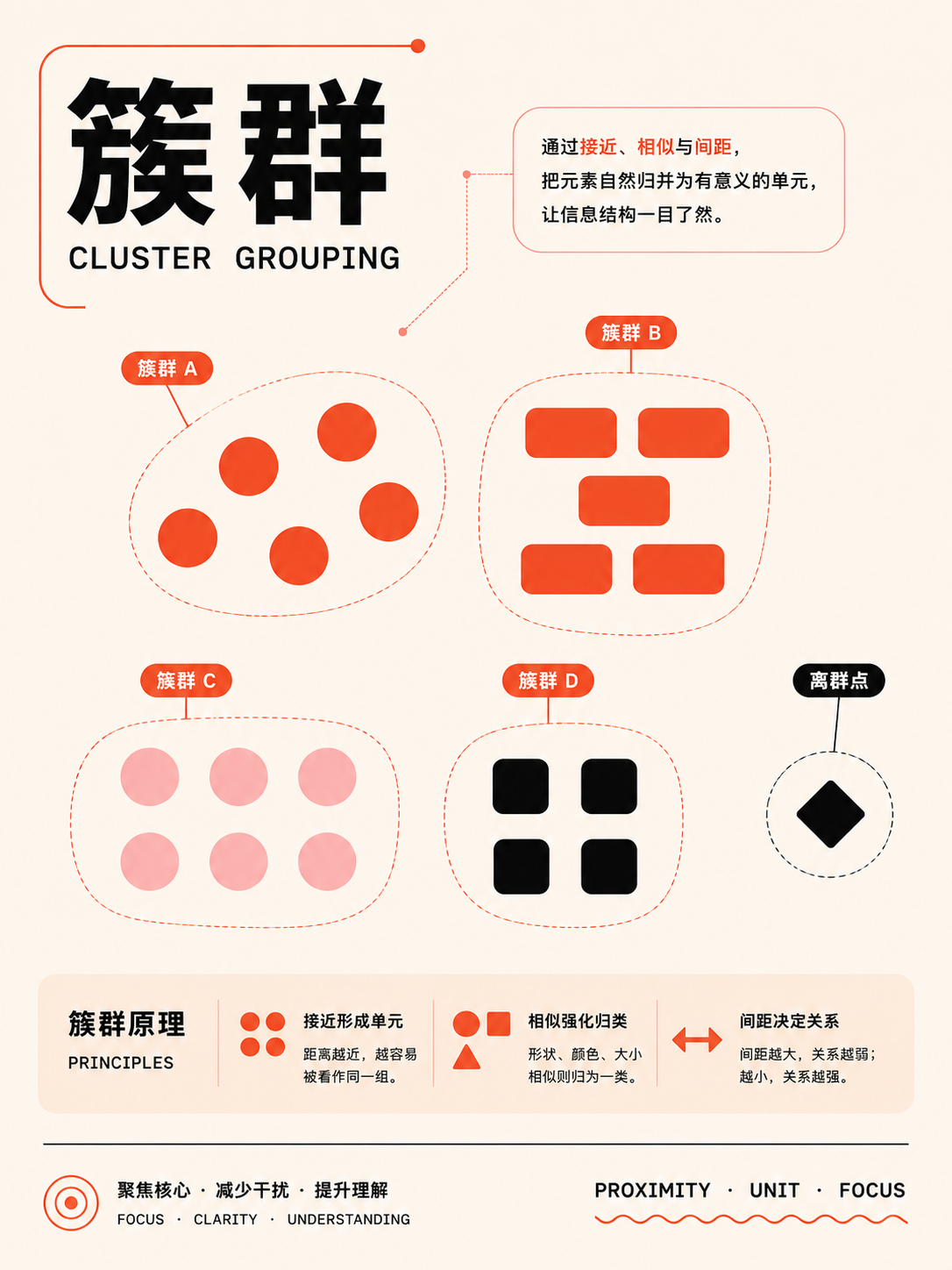
UseFor multiple objects and relationship networks. Use repetition to establish order, then introduce one exception to create a focal point.
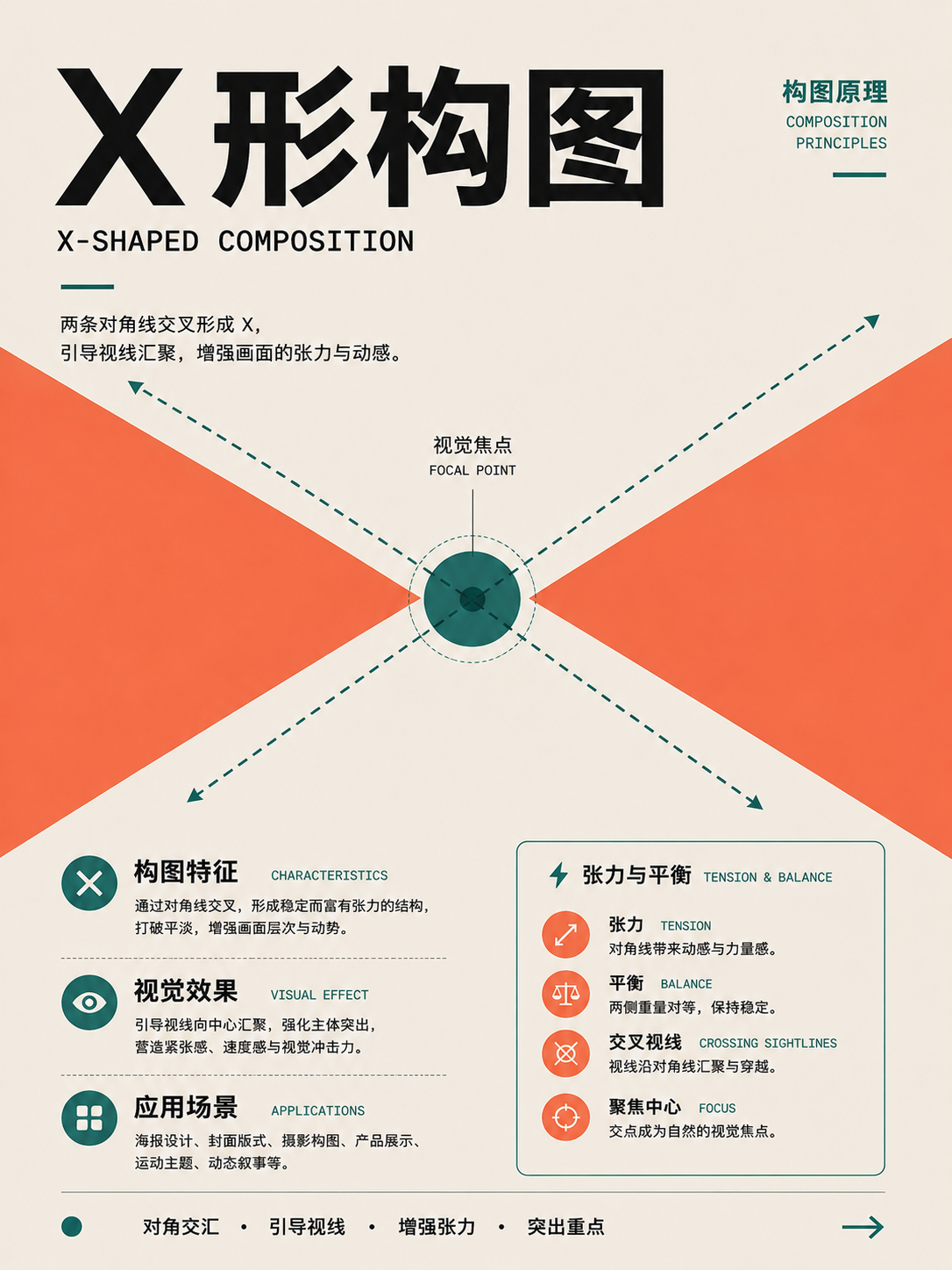
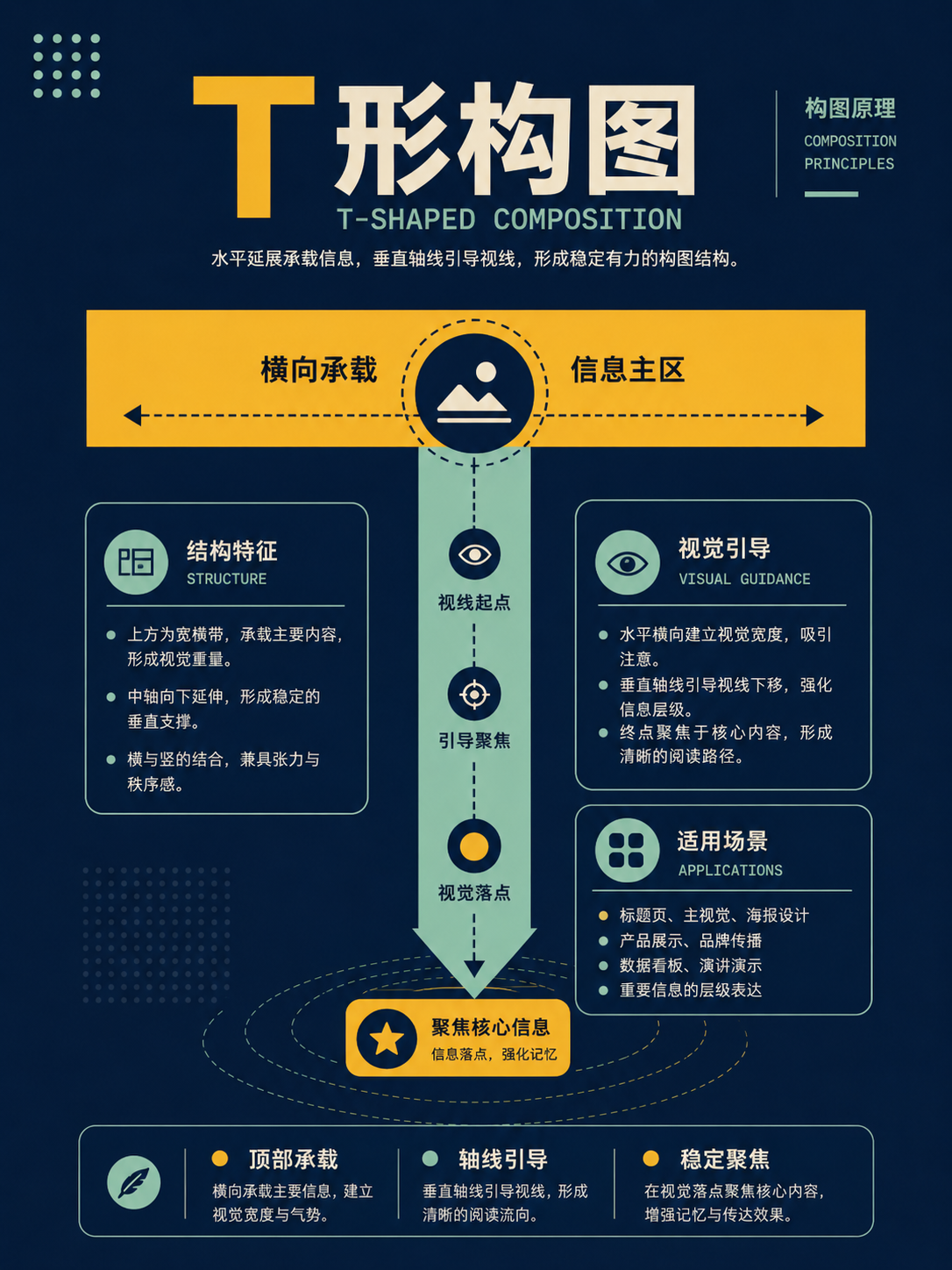
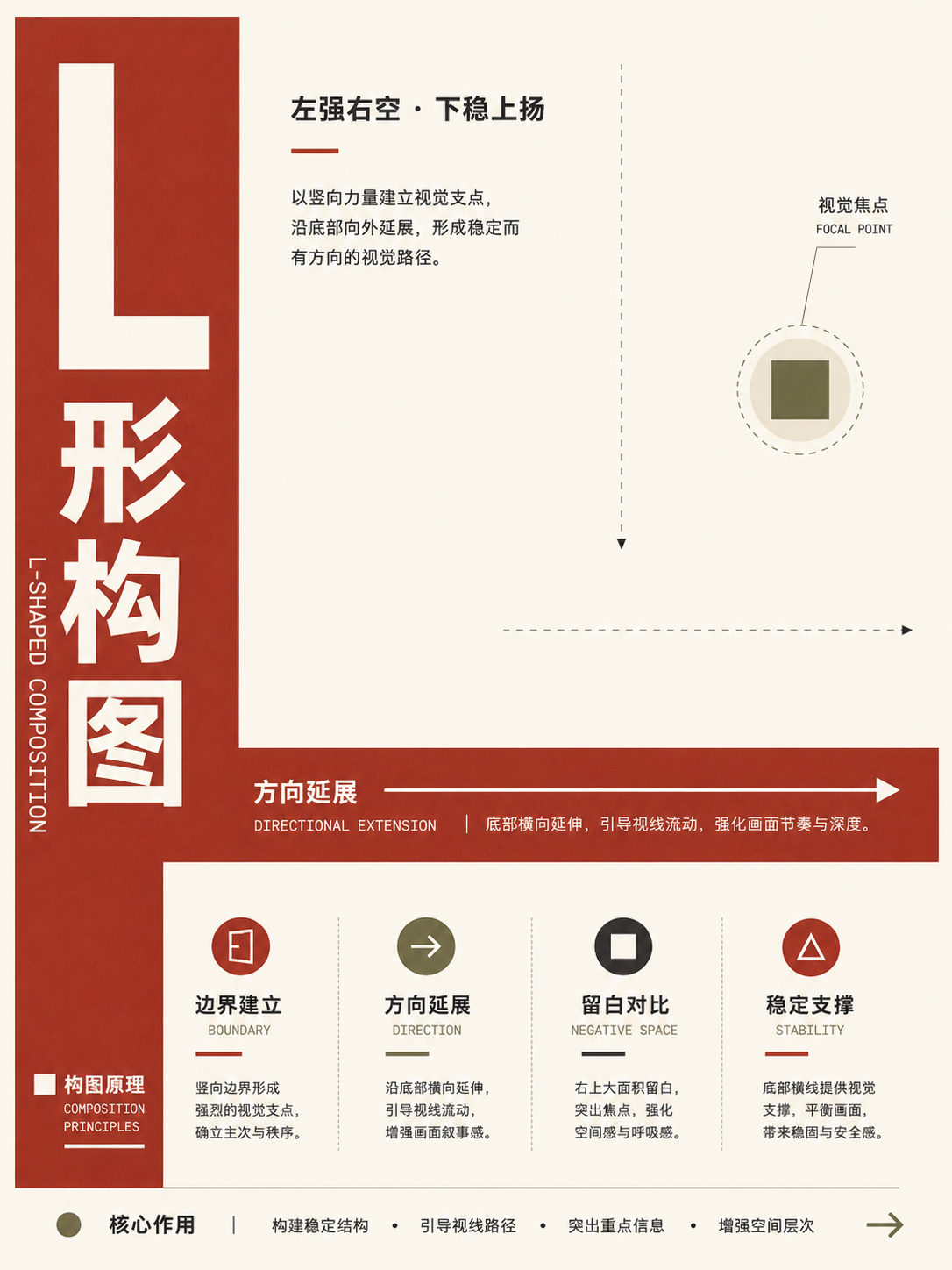
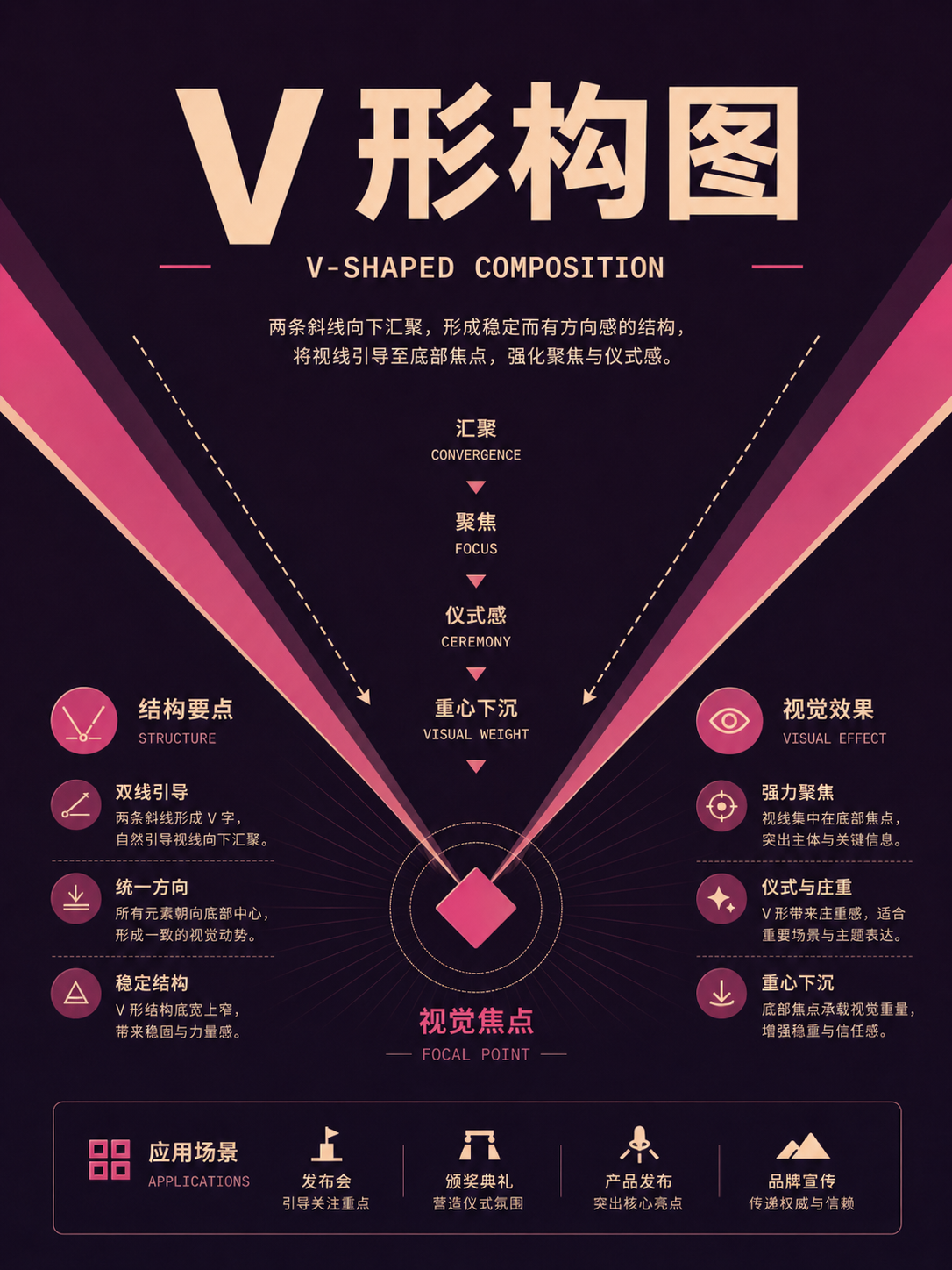
Spatial depth and projection
UseFor images that need depth, scene, or spatial explanation. Clarify what information the foreground, middle ground, background, and perspective lines carry.
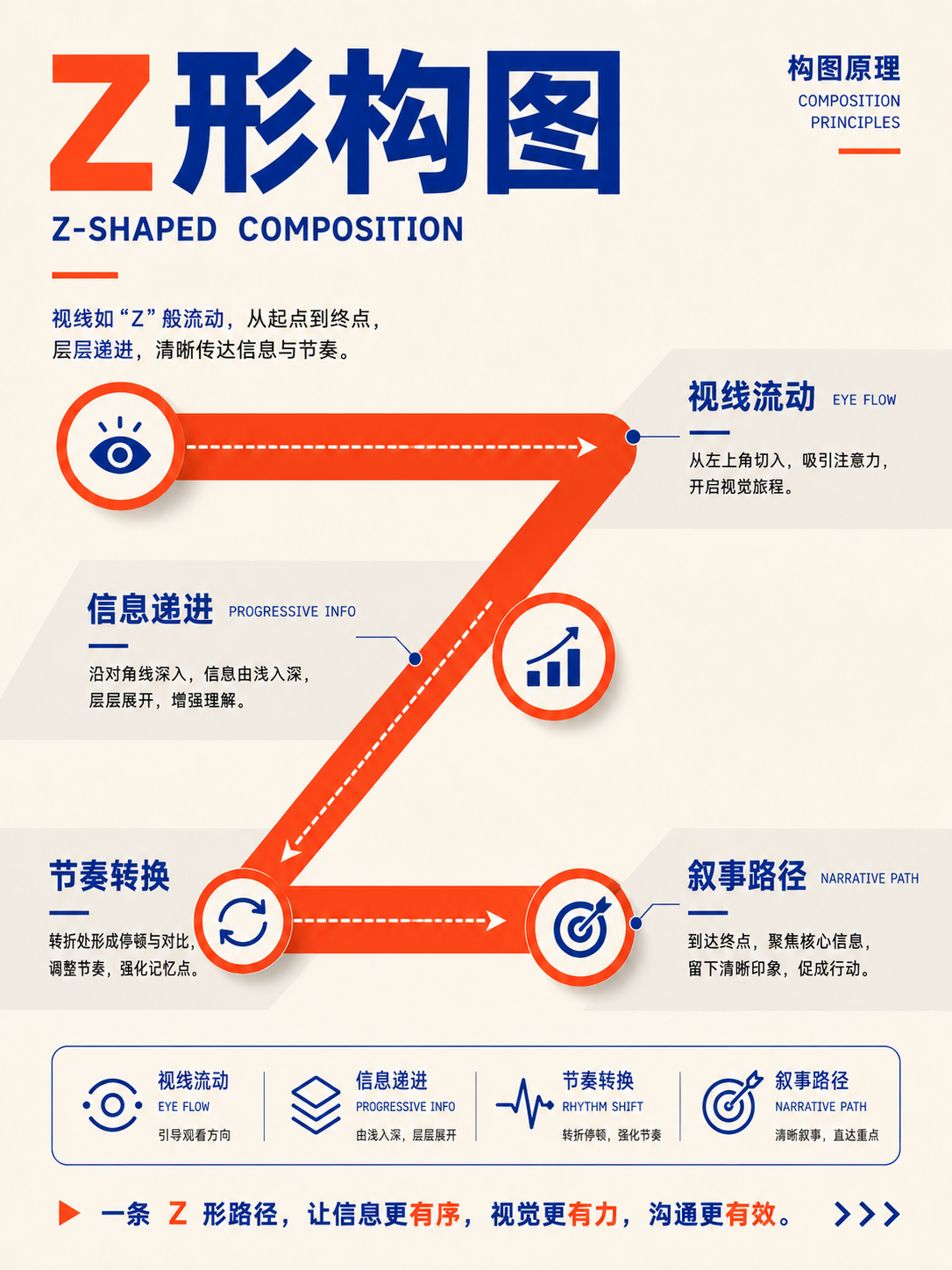
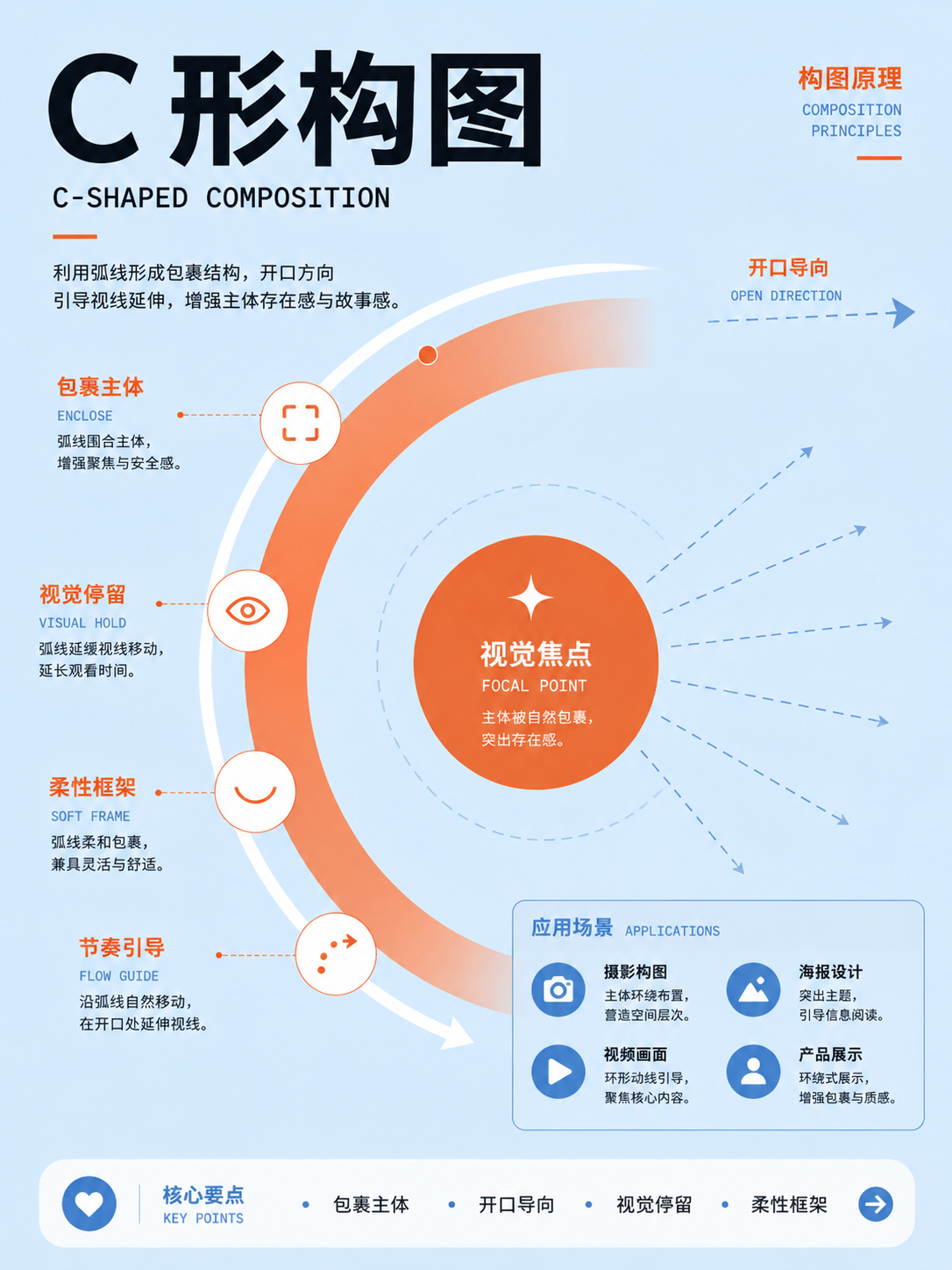
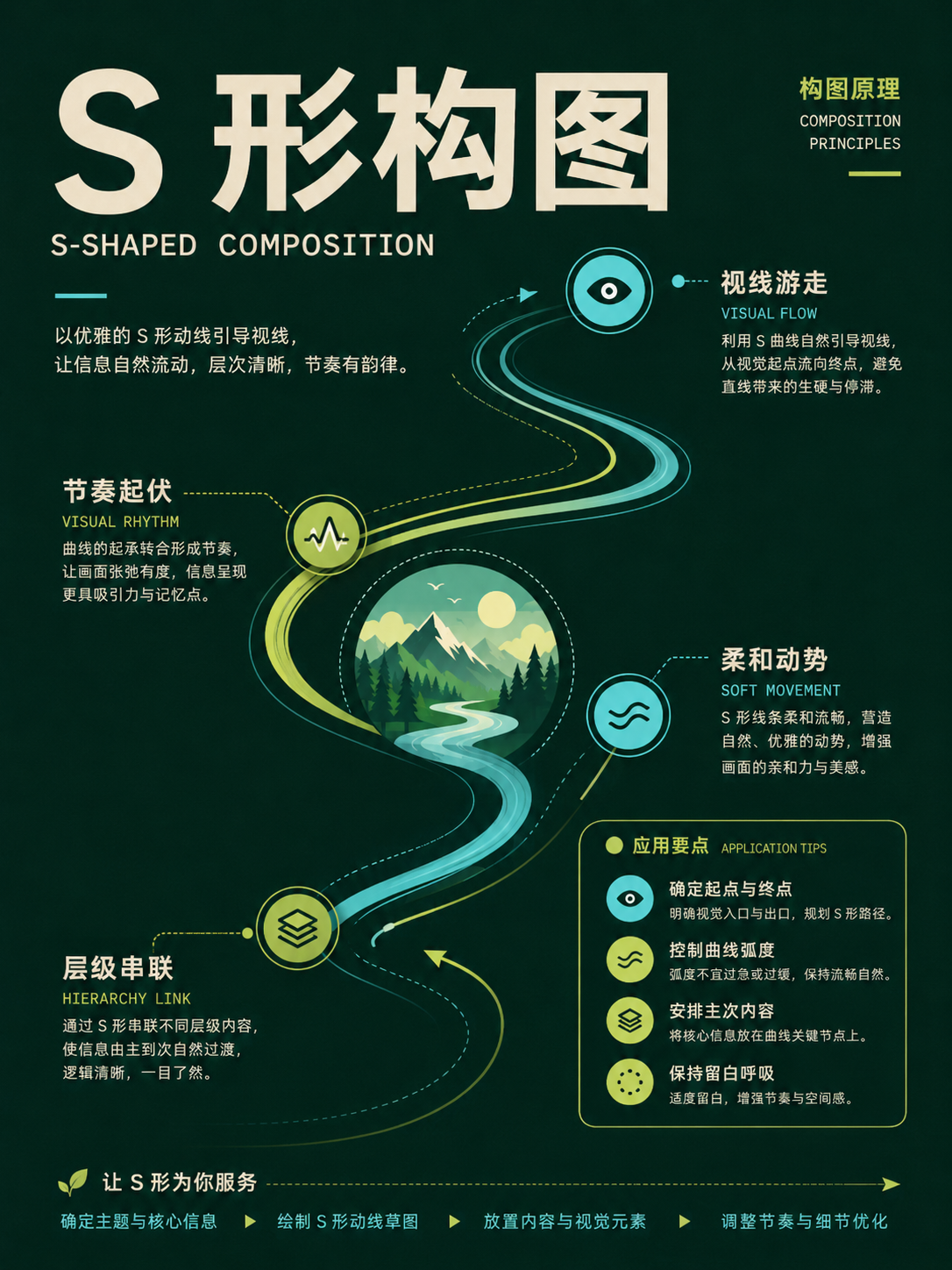
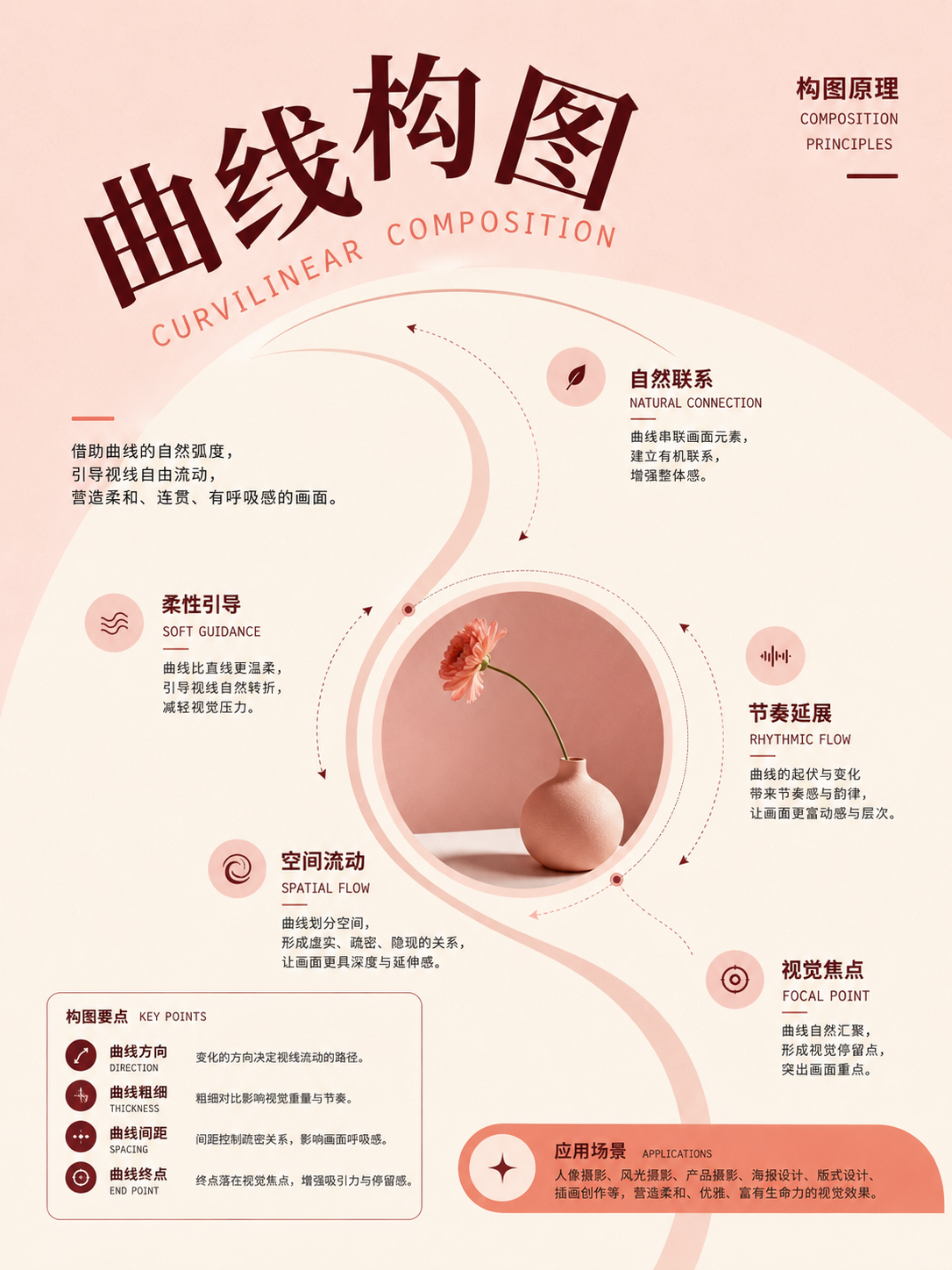
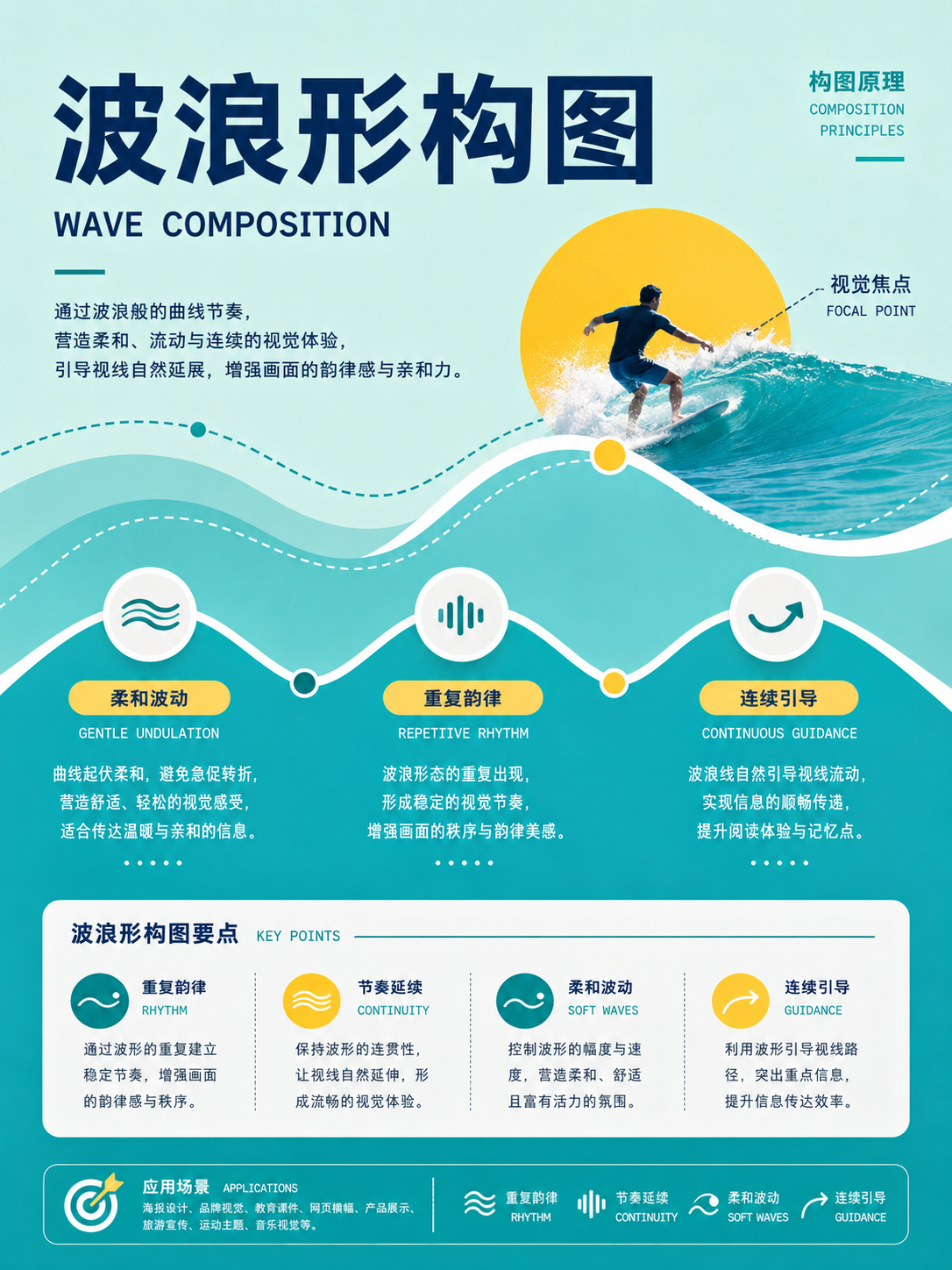
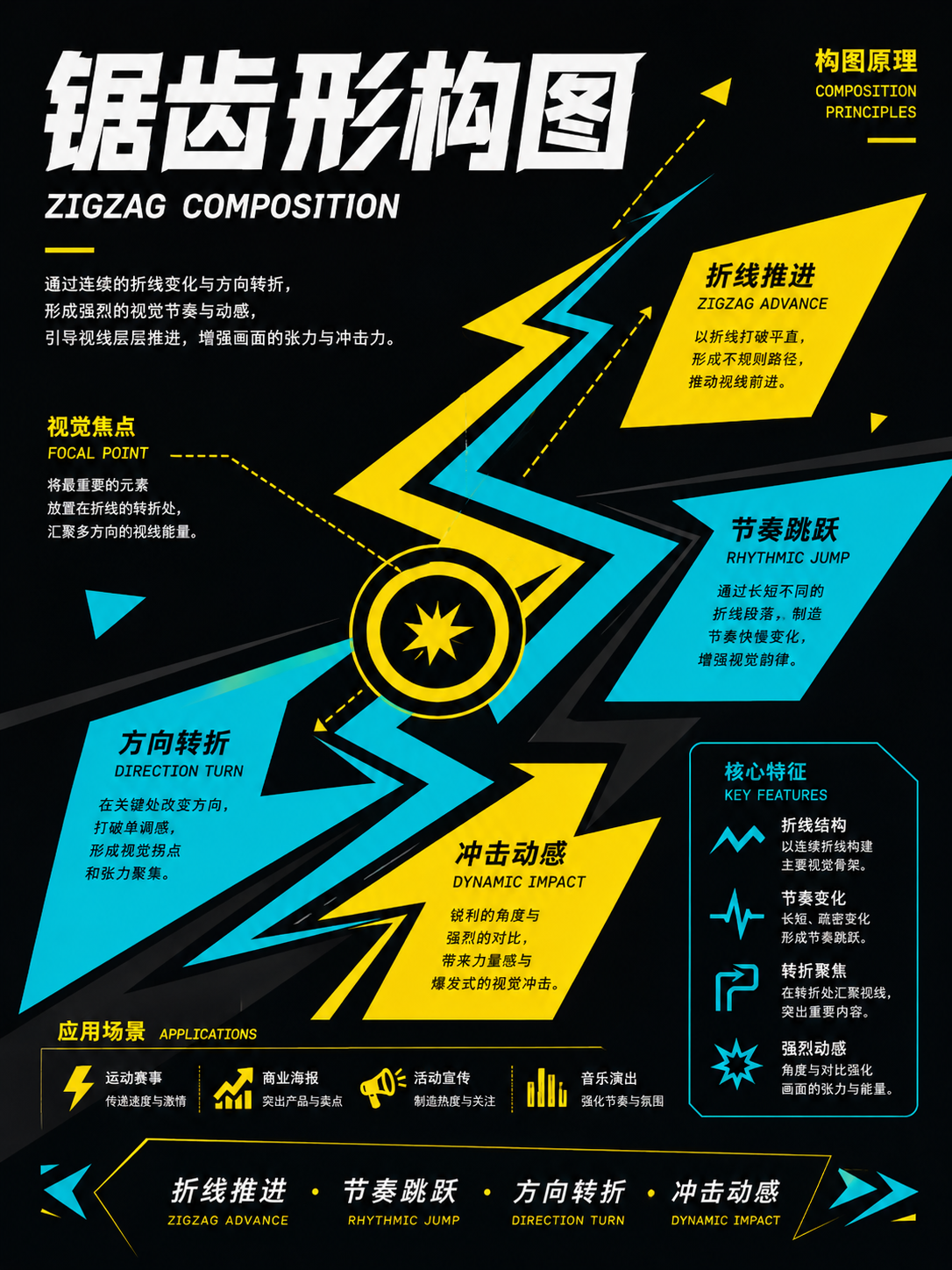
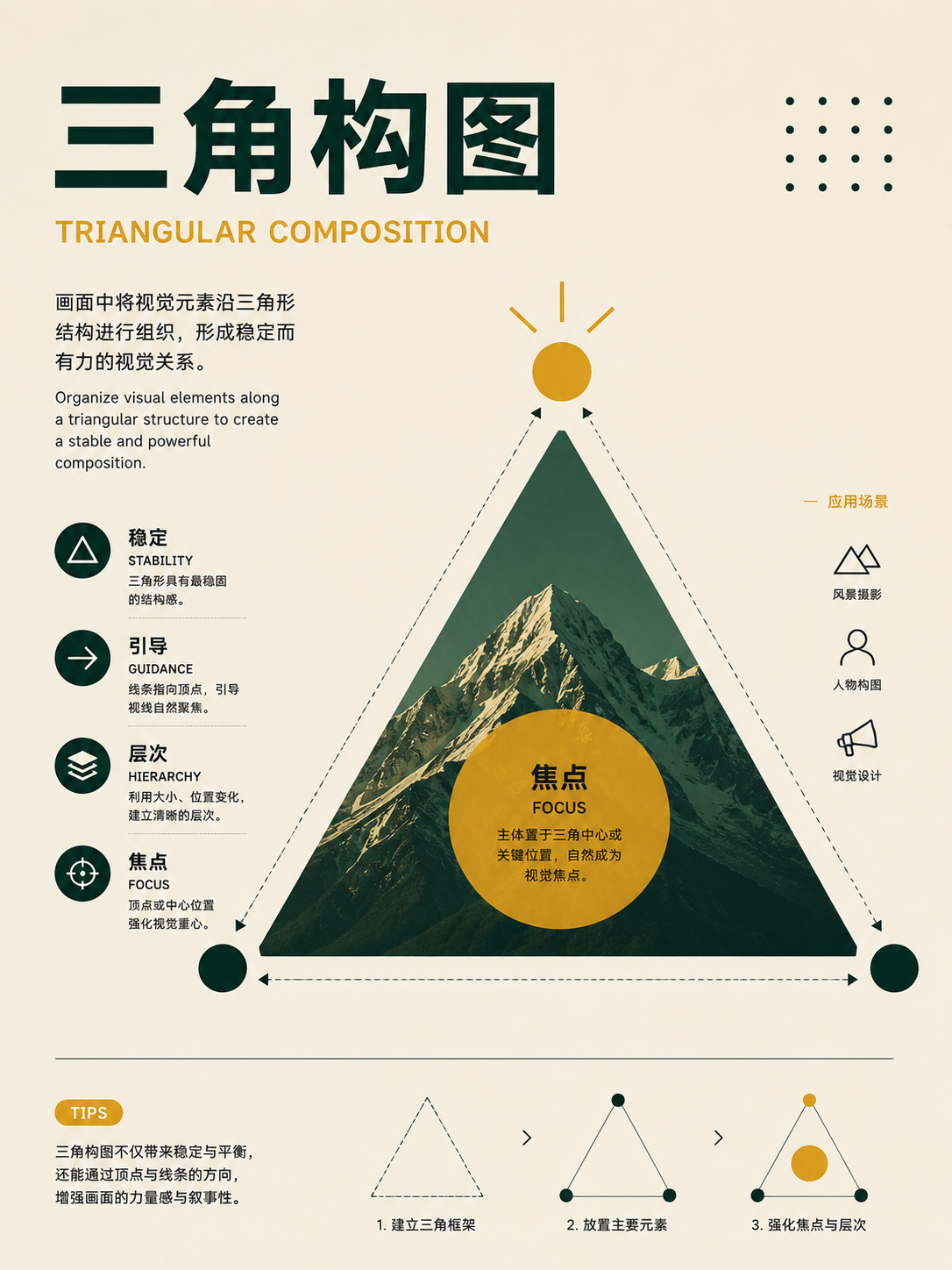
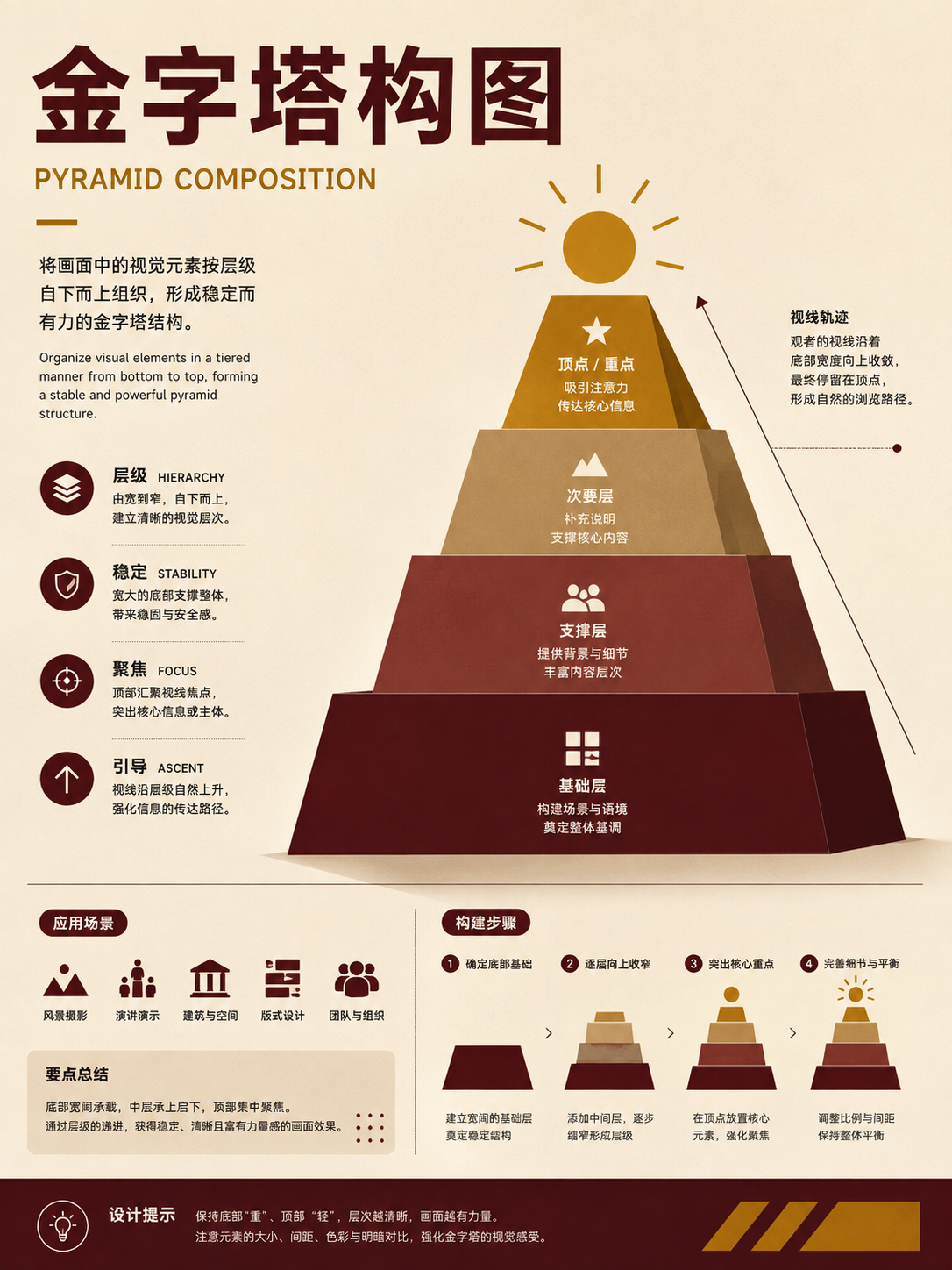
Viewpoint, depth of field, and spatial feel
UseFor photography, product shots, and scenes. Choose the viewing height first, then decide which layers are sharp and which recede.
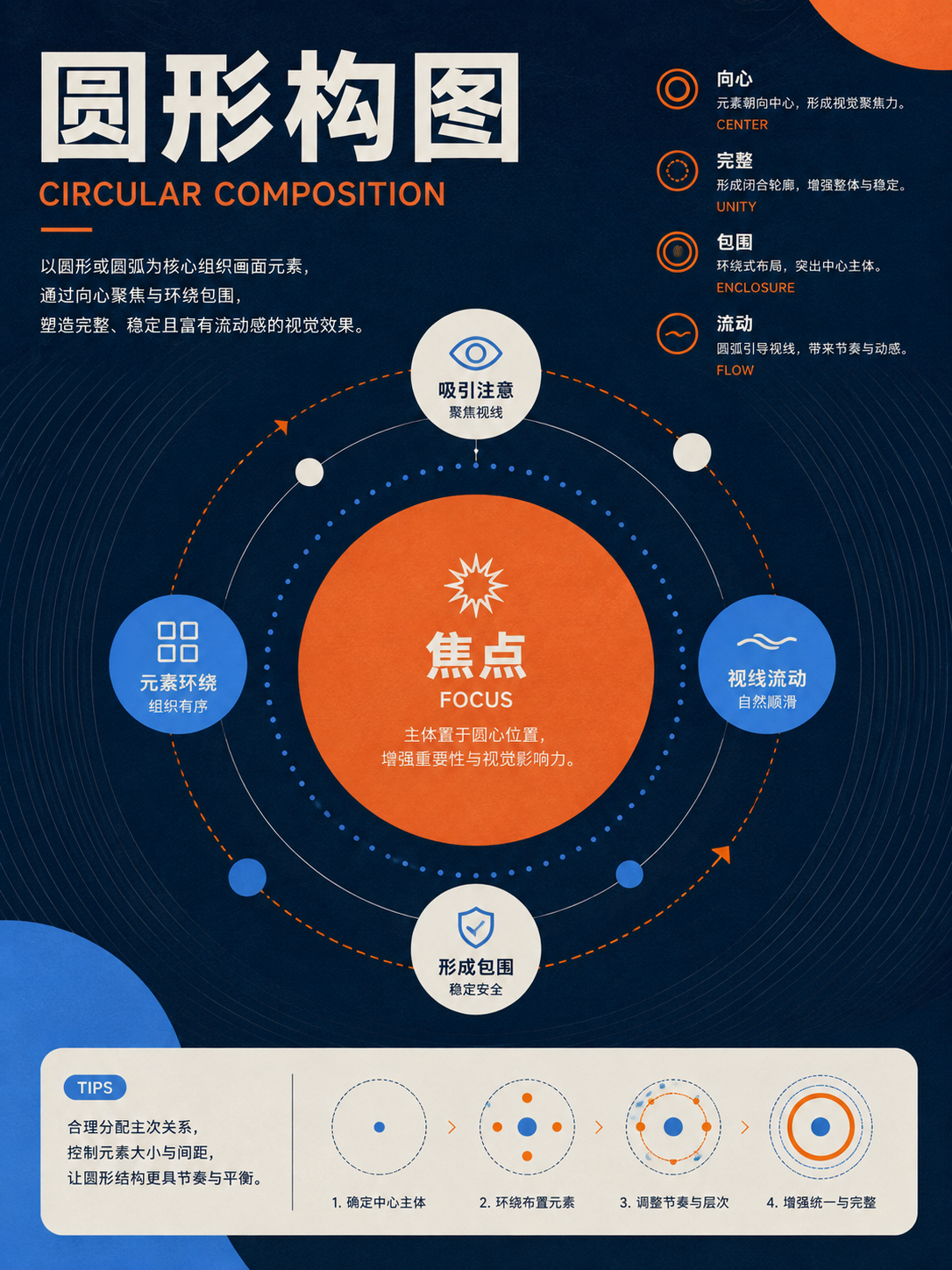
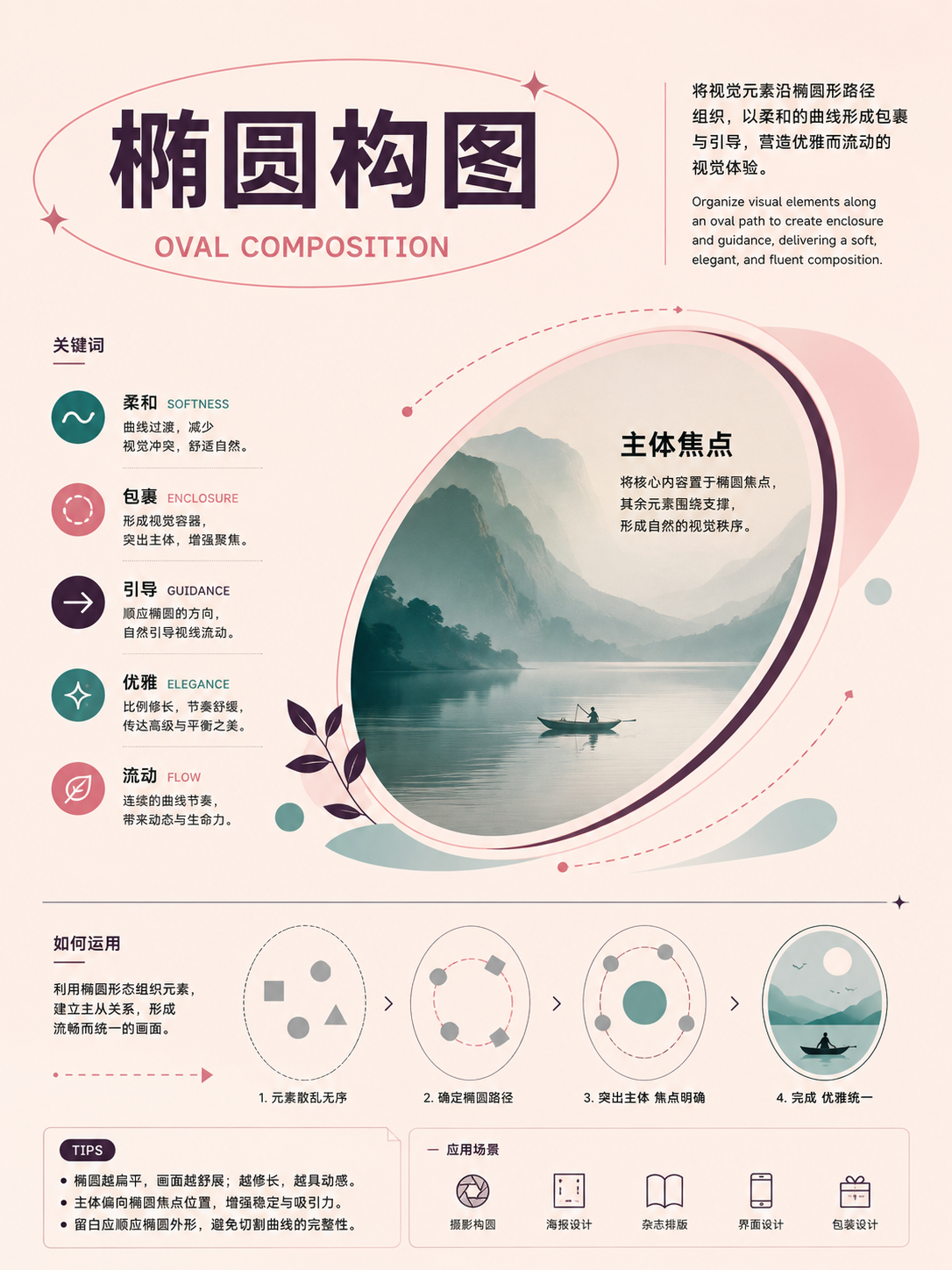
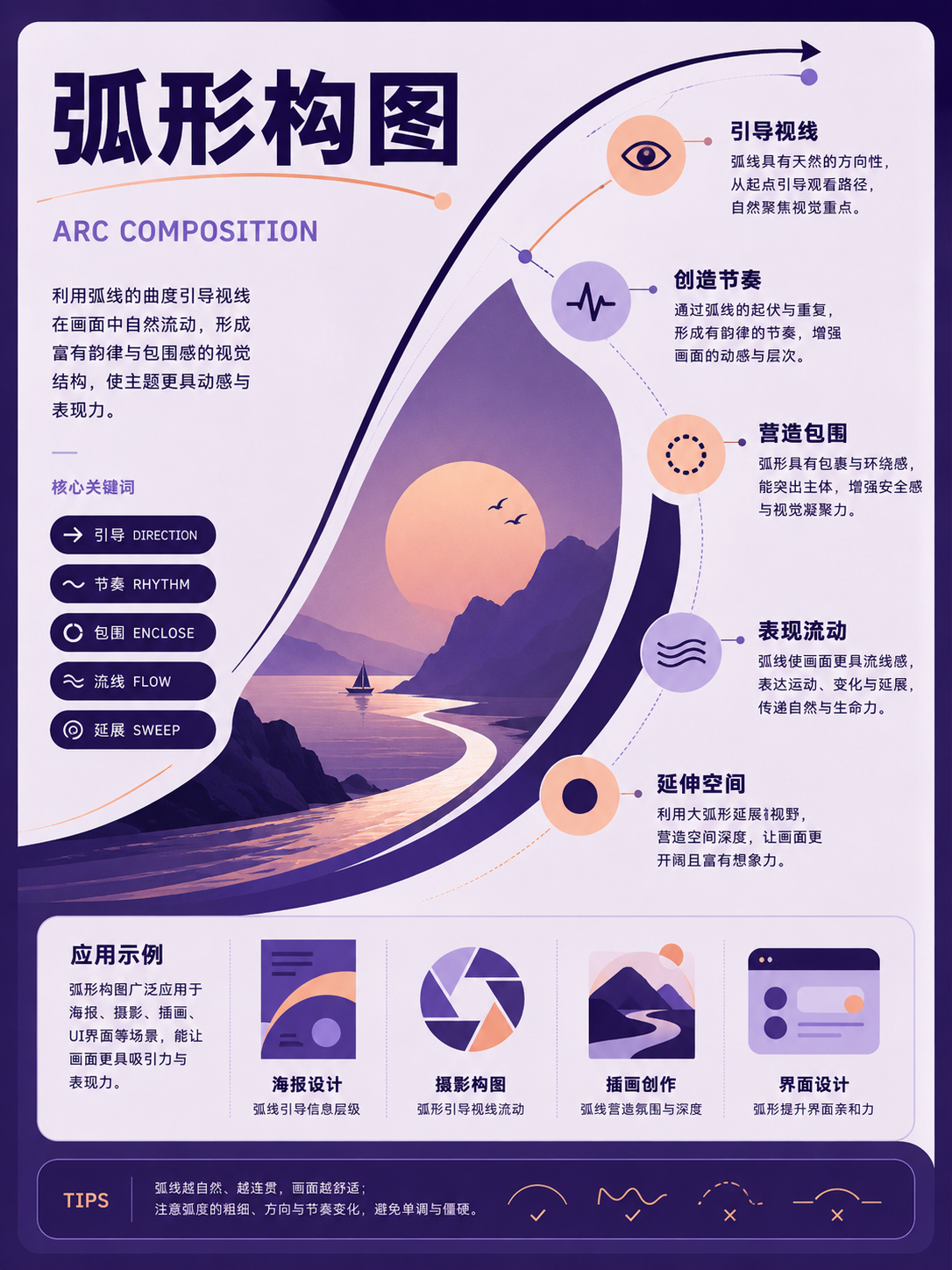
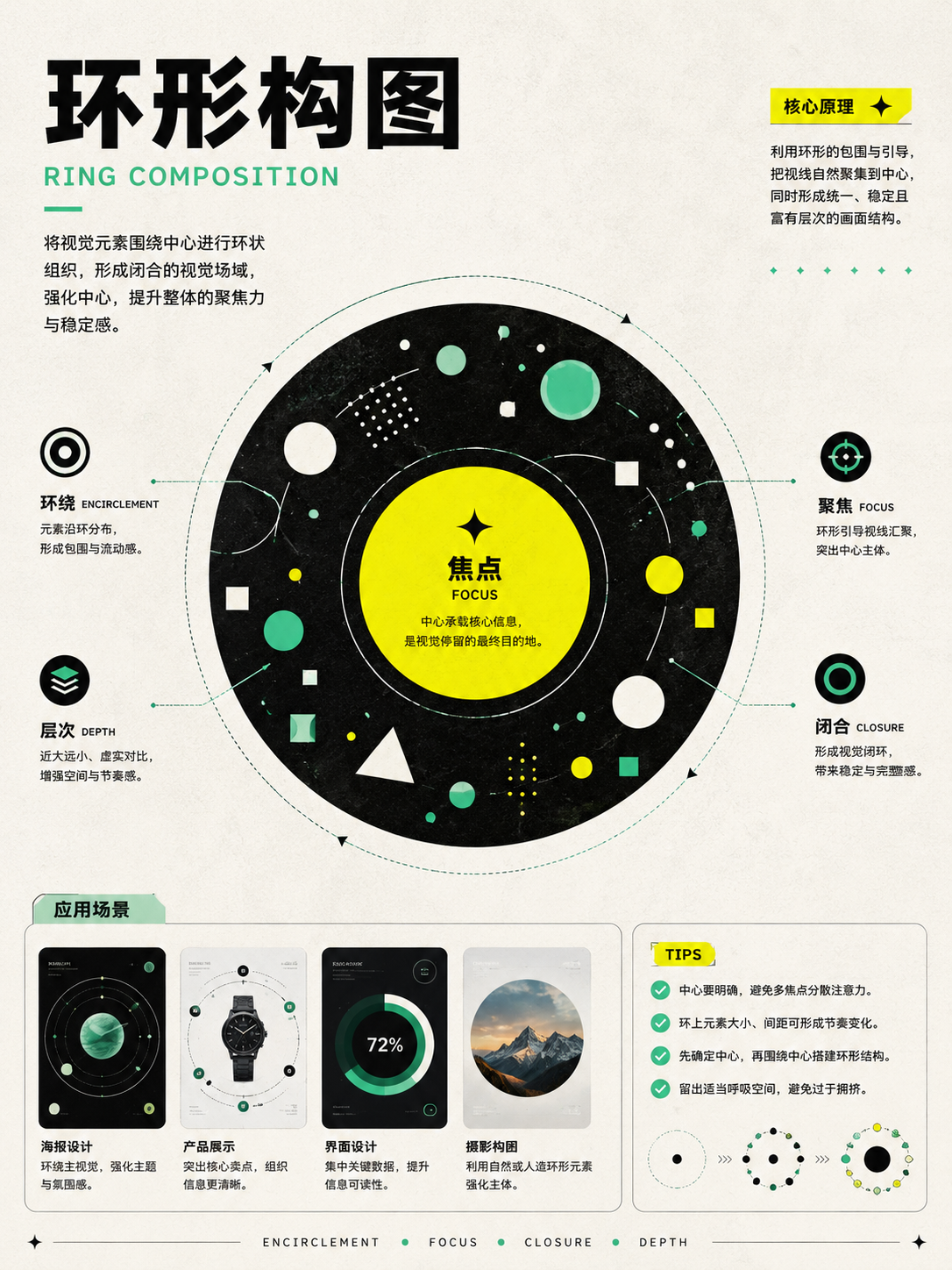
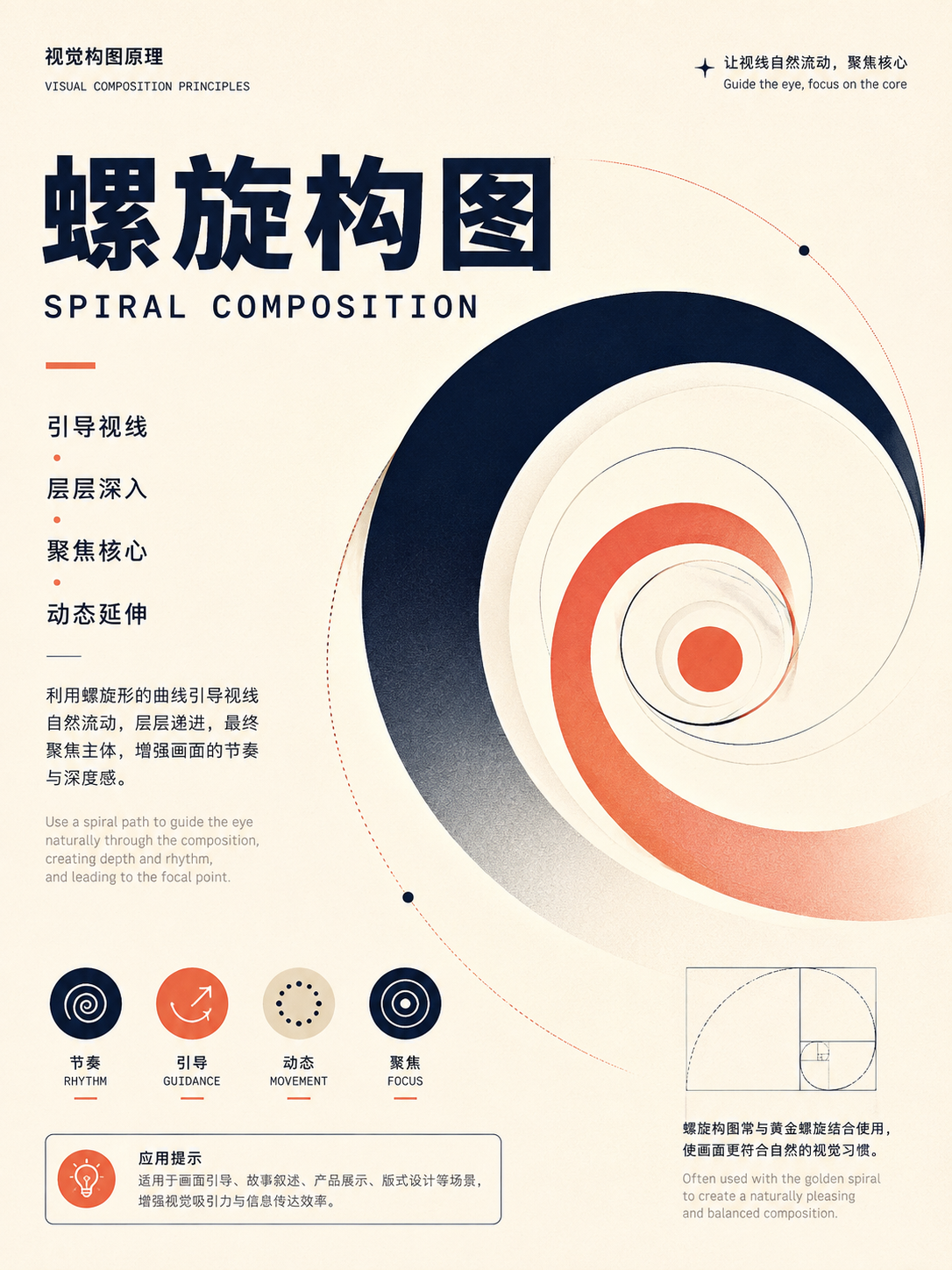
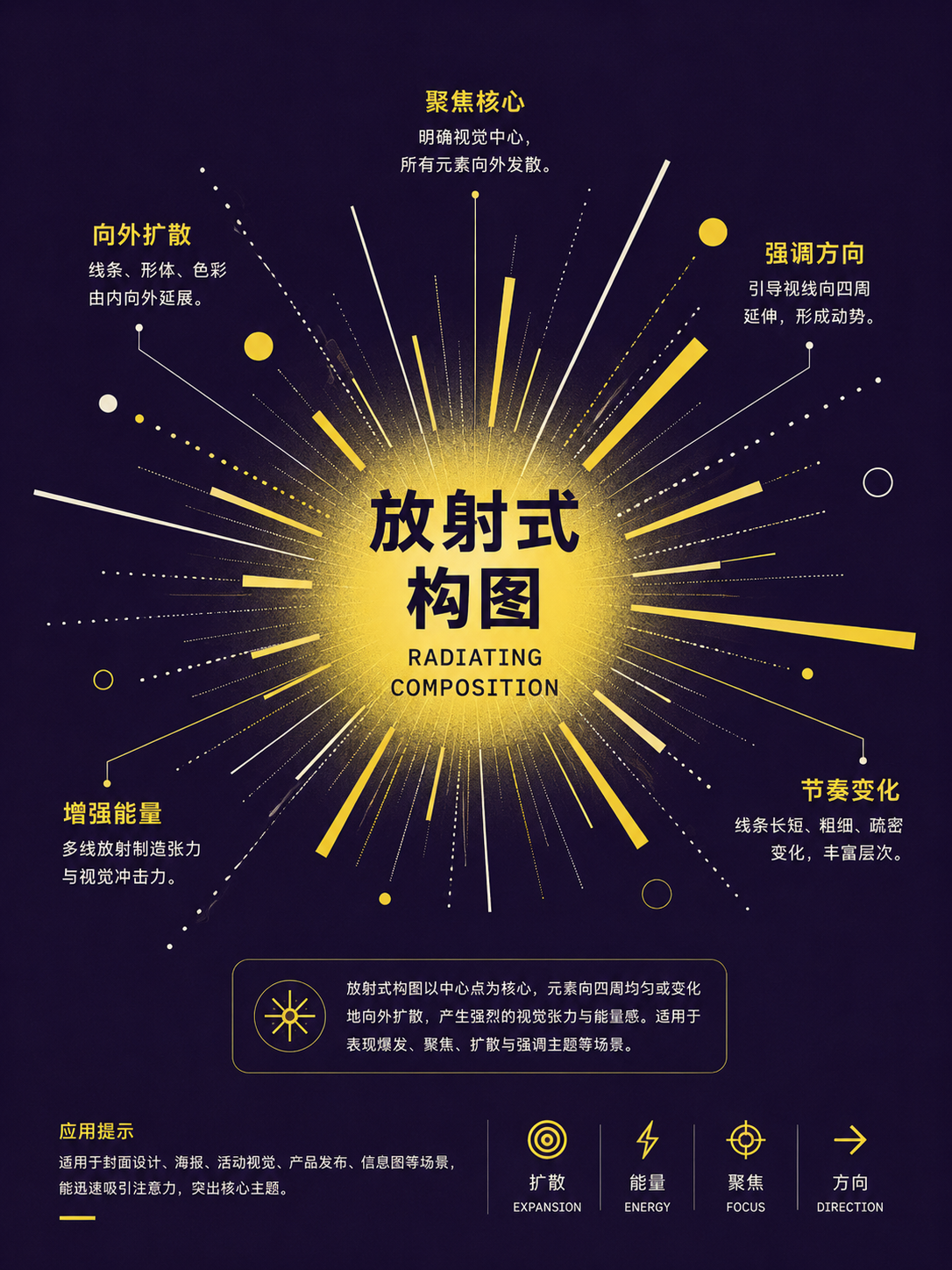
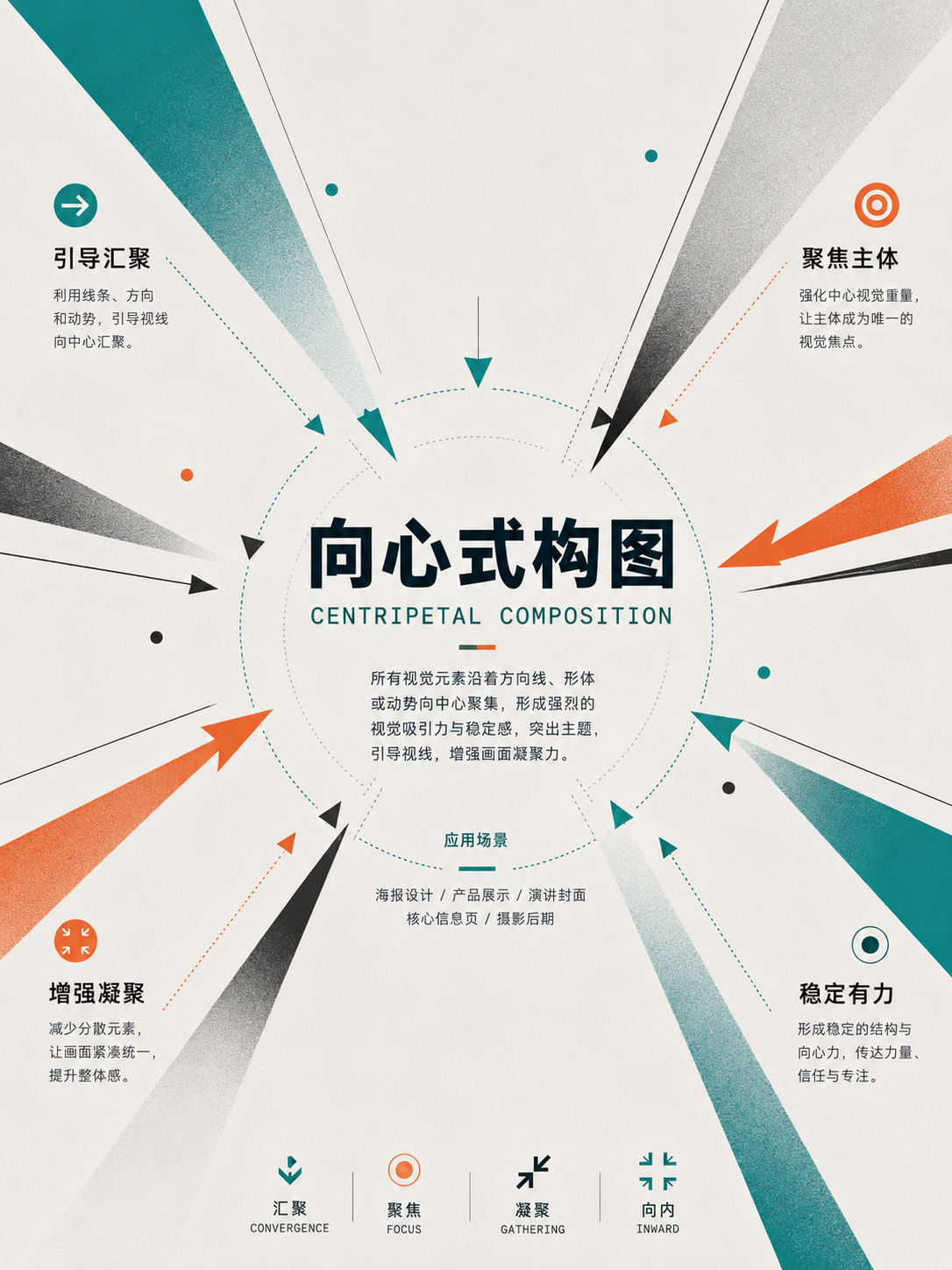
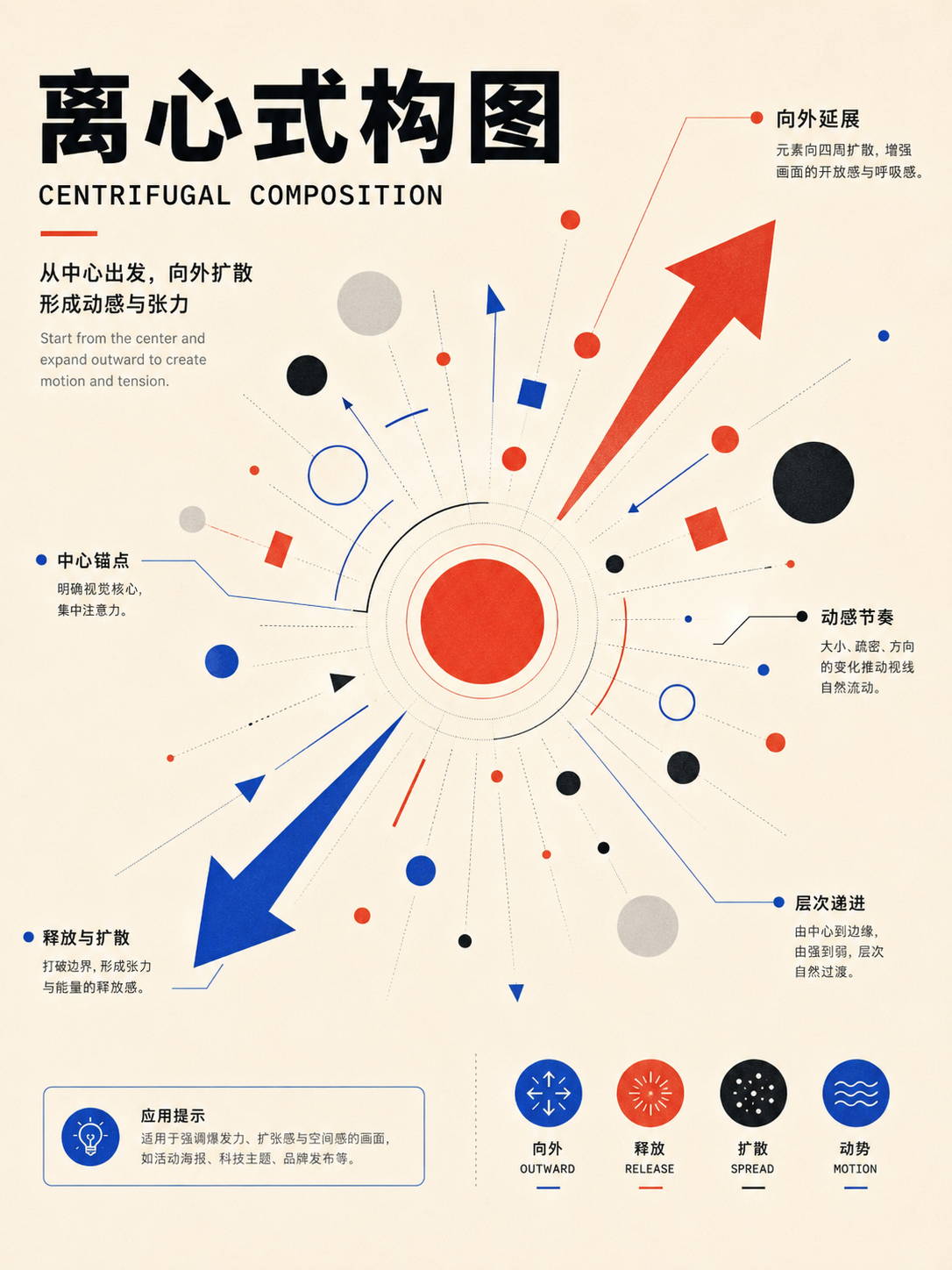
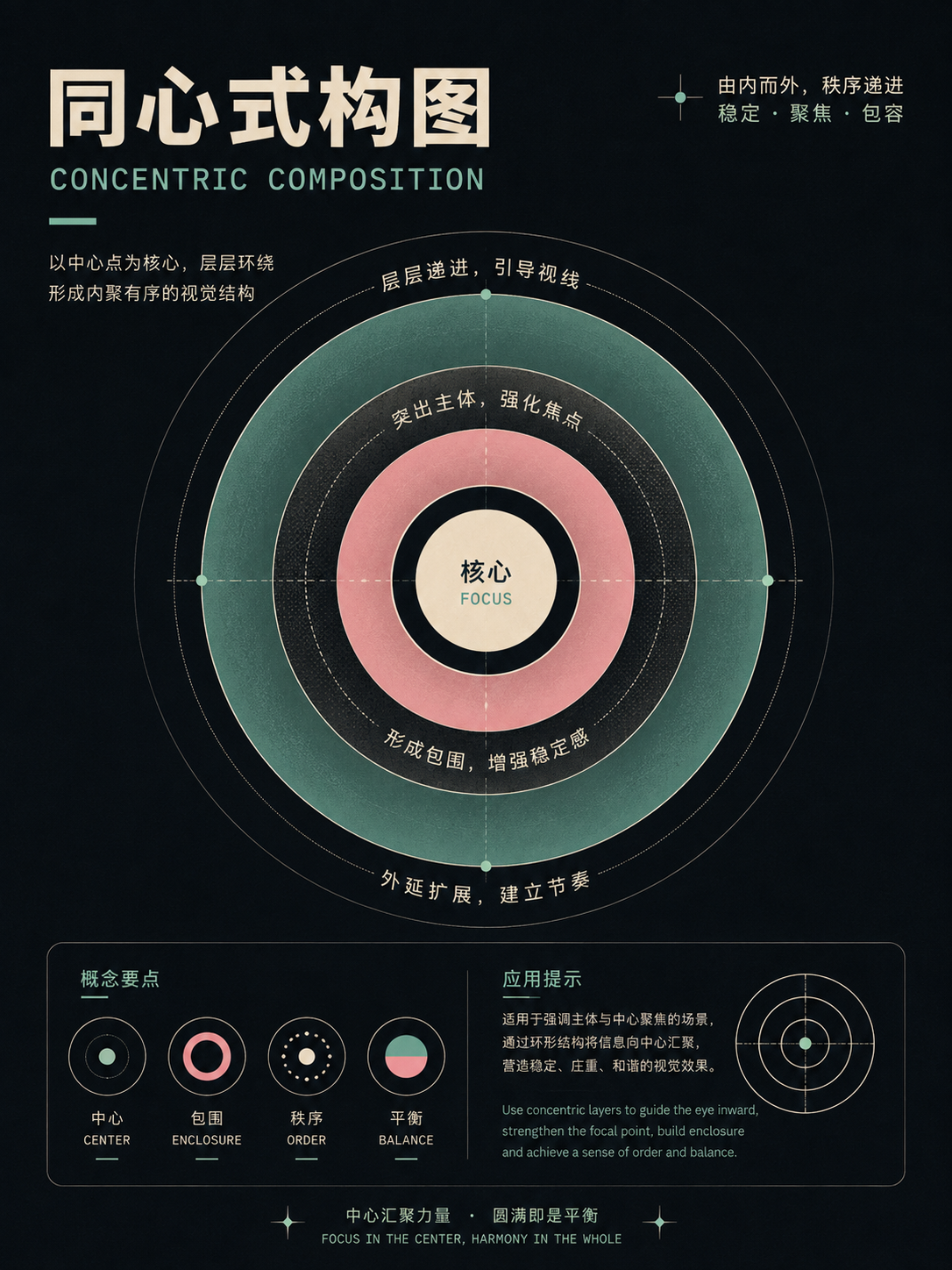
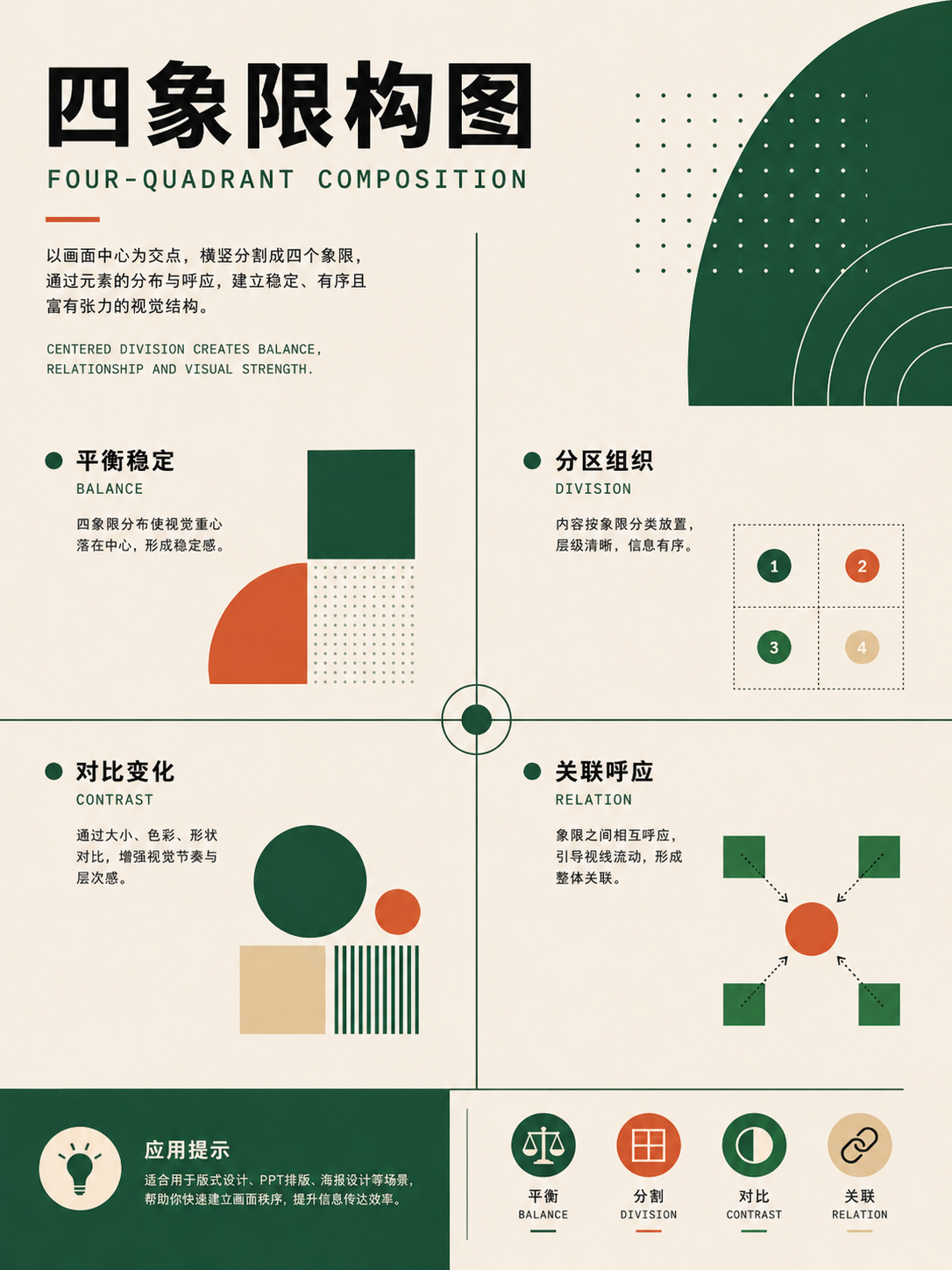
No matches in this category. Clear the keyword to restore all images.
34dc39c。Click a thumbnail to open the 1086 × 1448 high-res PNG; catalog names are for locating images only—always verify the actual content before using.02 · Visual Principles & Reading Patterns: controlling hierarchy and reading paths
These 45 cards tackle the problem of a design that has all the content but still looks scattered. They cover focal points, hierarchy, contrast, rhythm, Gestalt grouping, and page scanning patterns. Use them when you already have a structure but need to adjust emphasis and grouping.
Full Atlas · 45 images
Visual Principles and Reading Patterns
Then control how information is seen:FocusHierarchy, contrast, grouping, rhythm, and reading path。
45 / 45 visible
Balance, motion, and focal points
UseUse this to judge whether the image is stable or moving, focused or diffuse. Circle the first glance point, then check whether the second point follows smoothly.
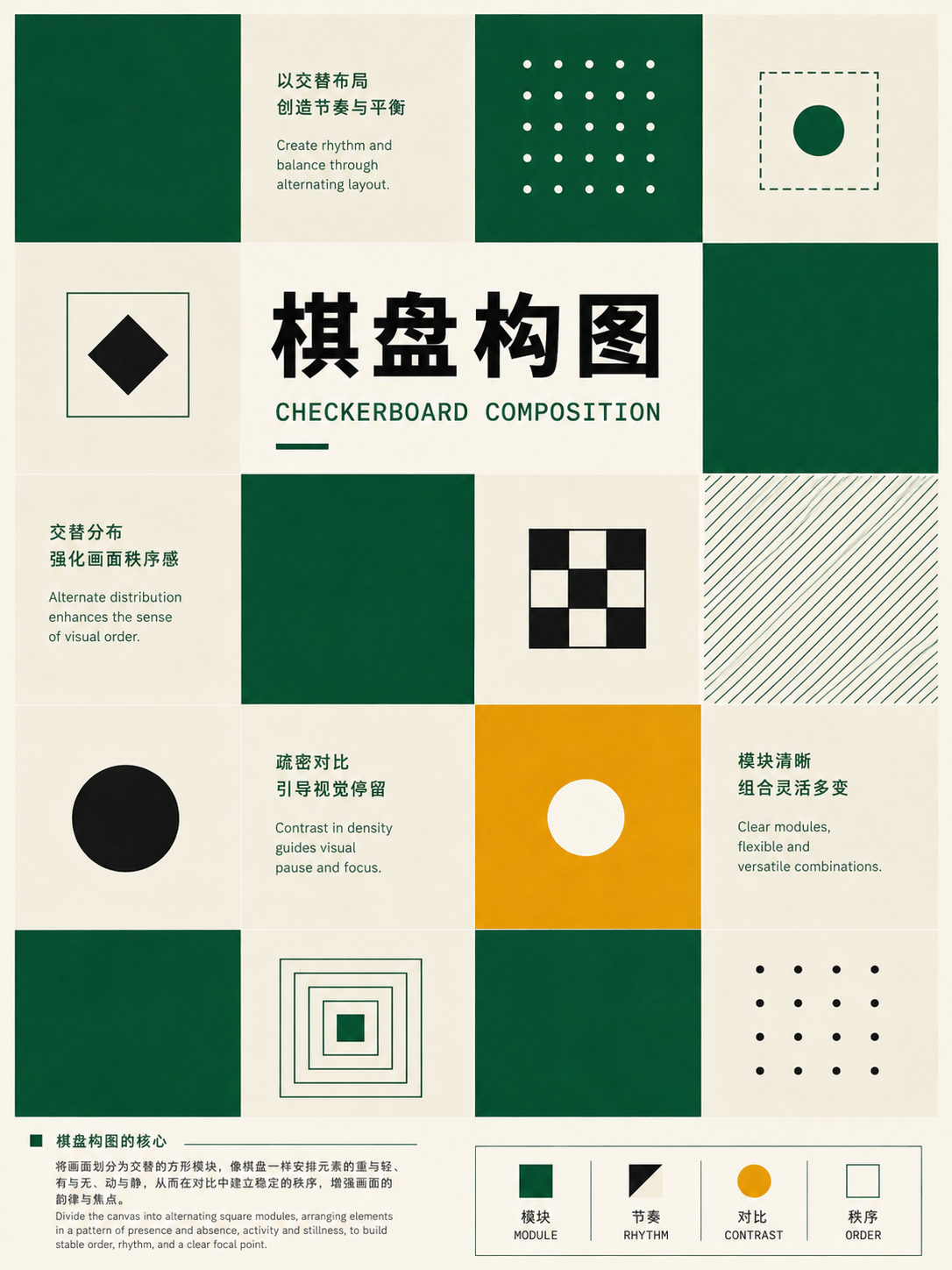
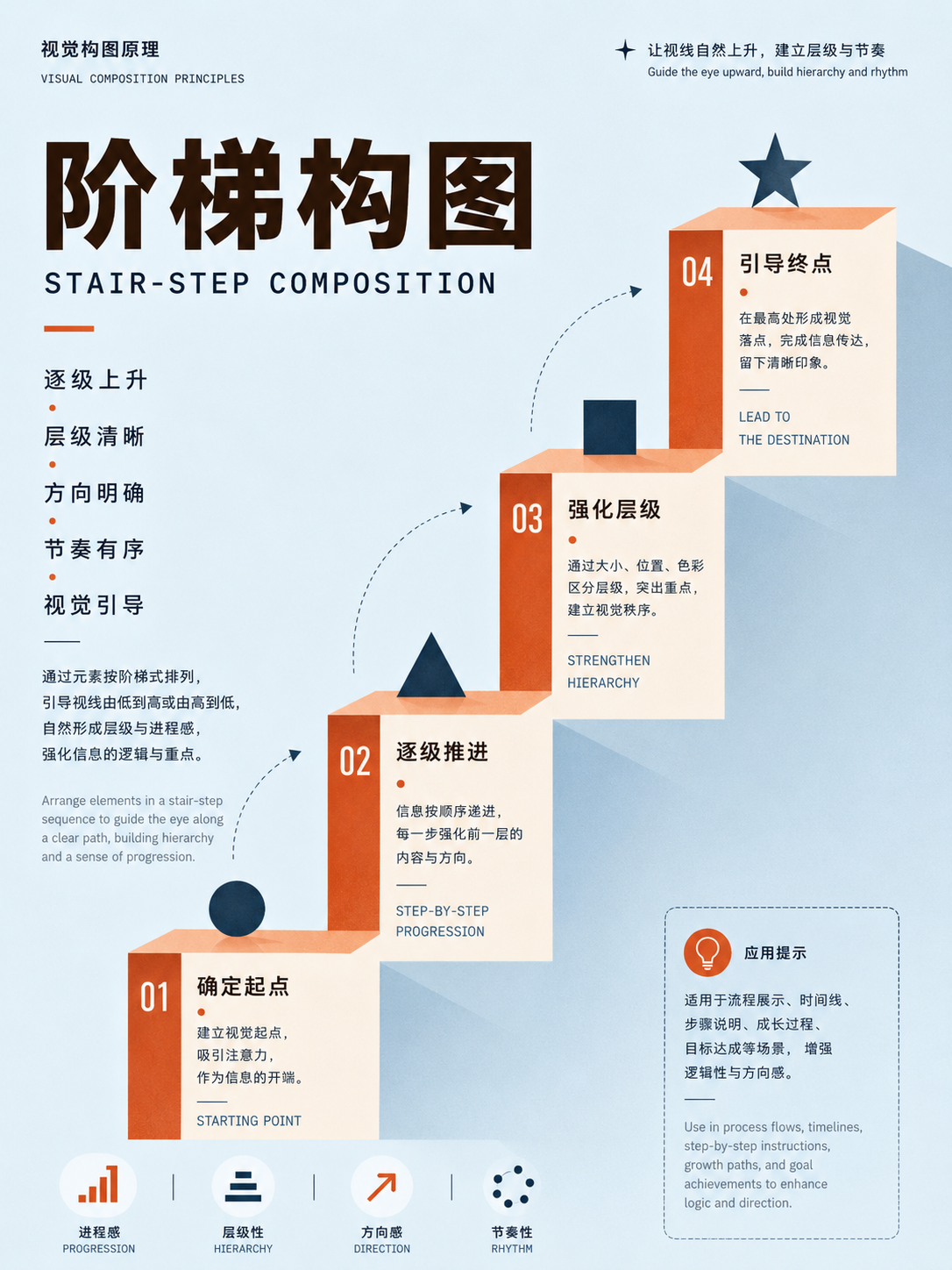
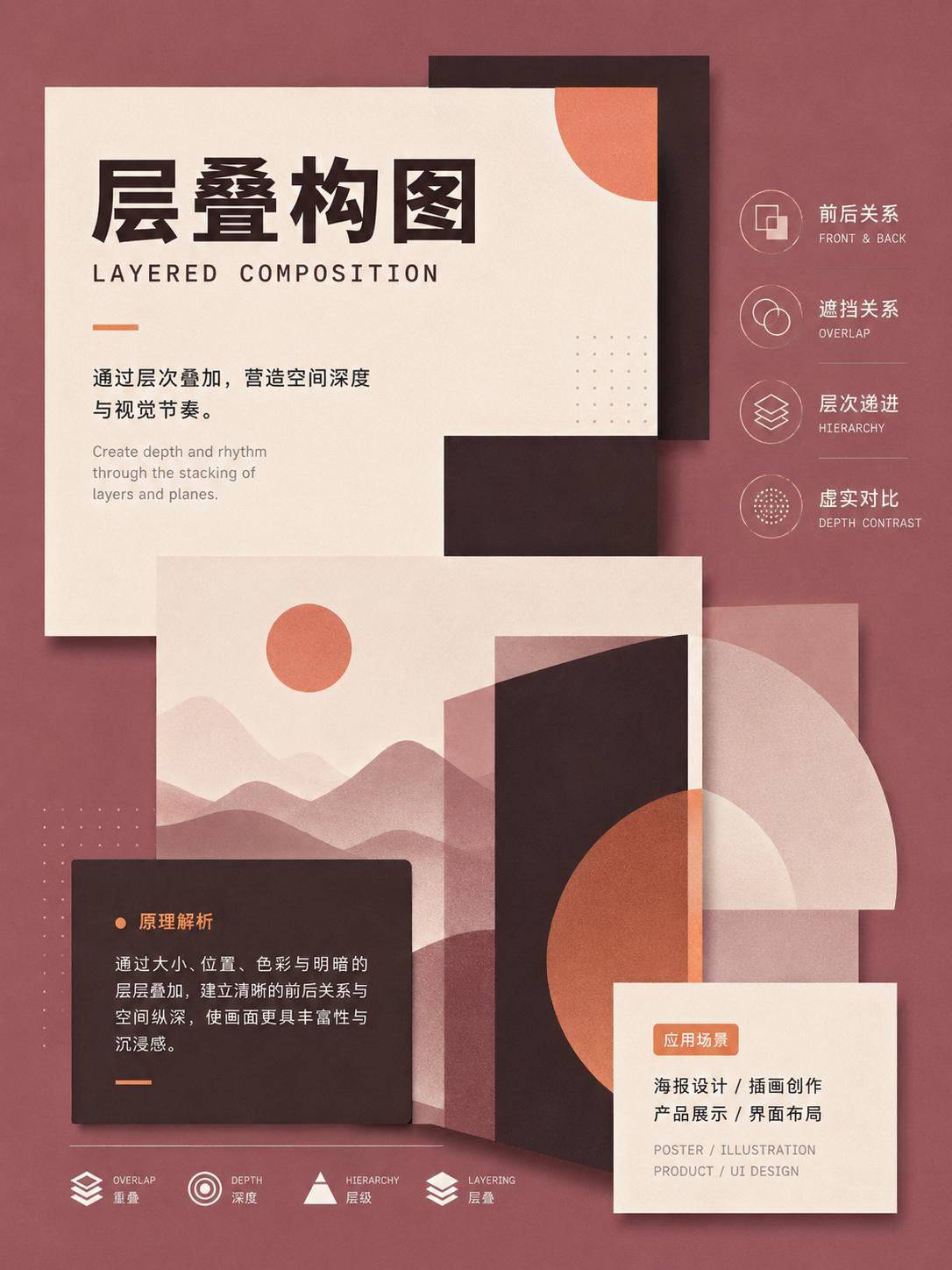
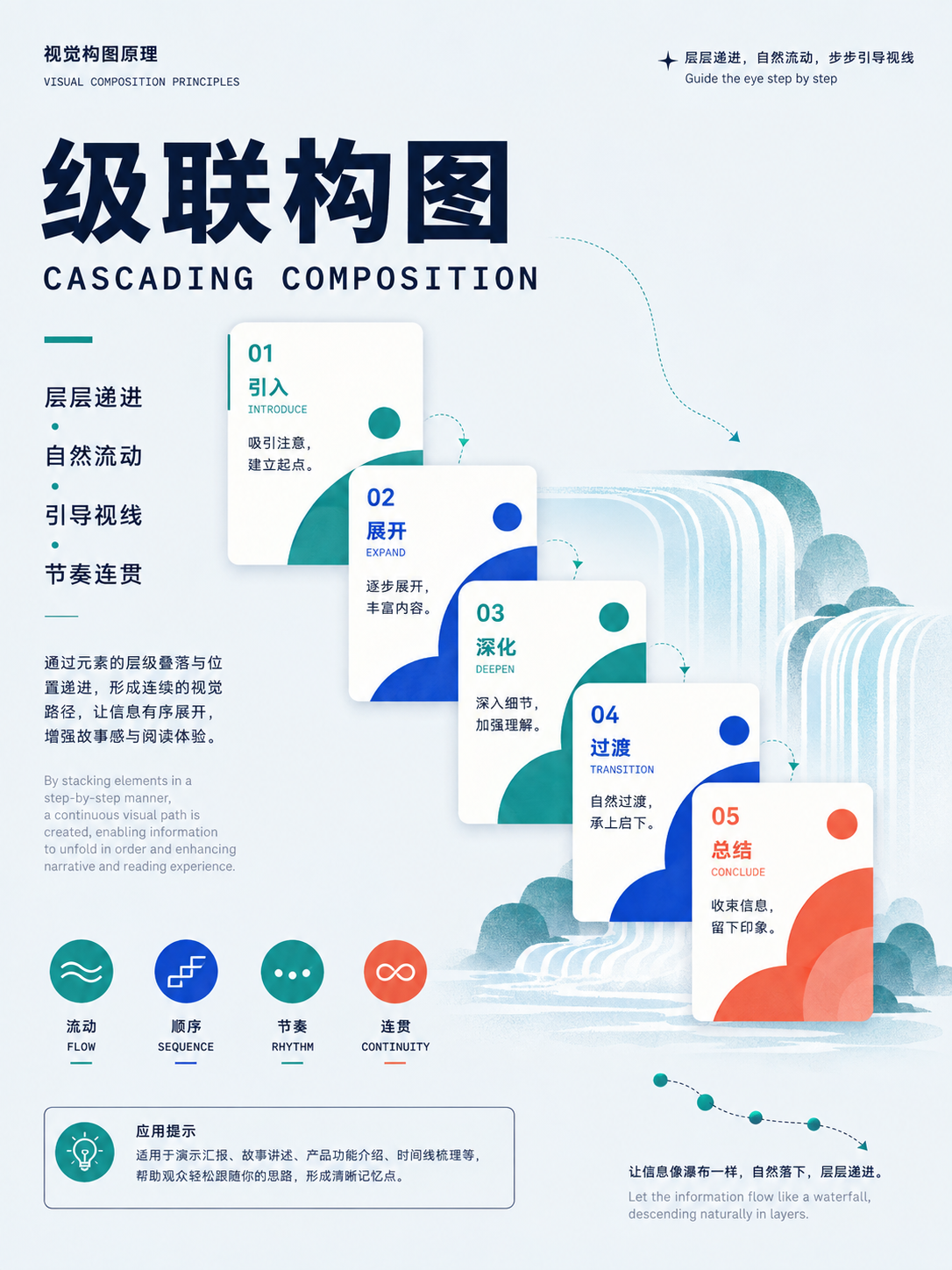
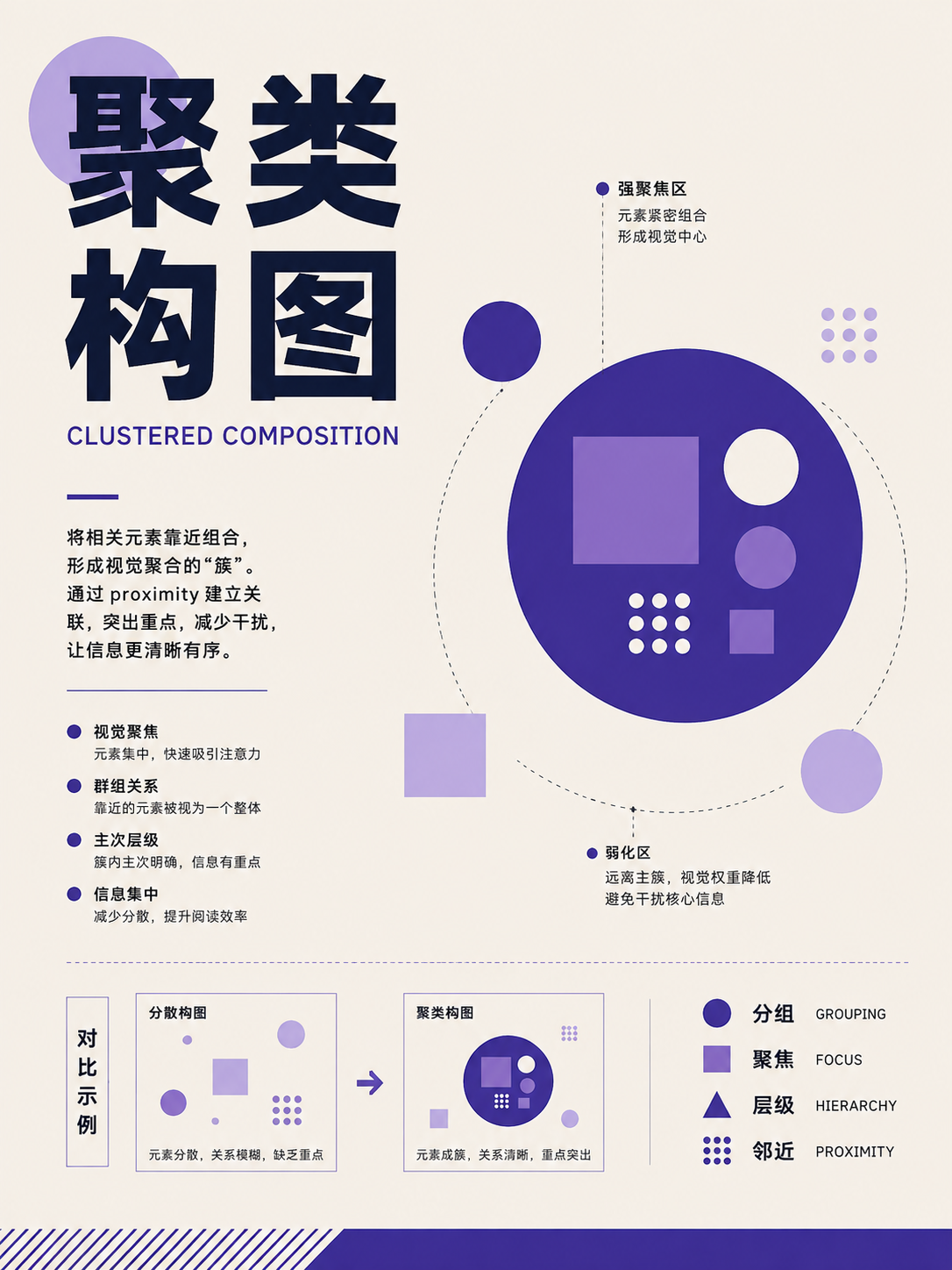
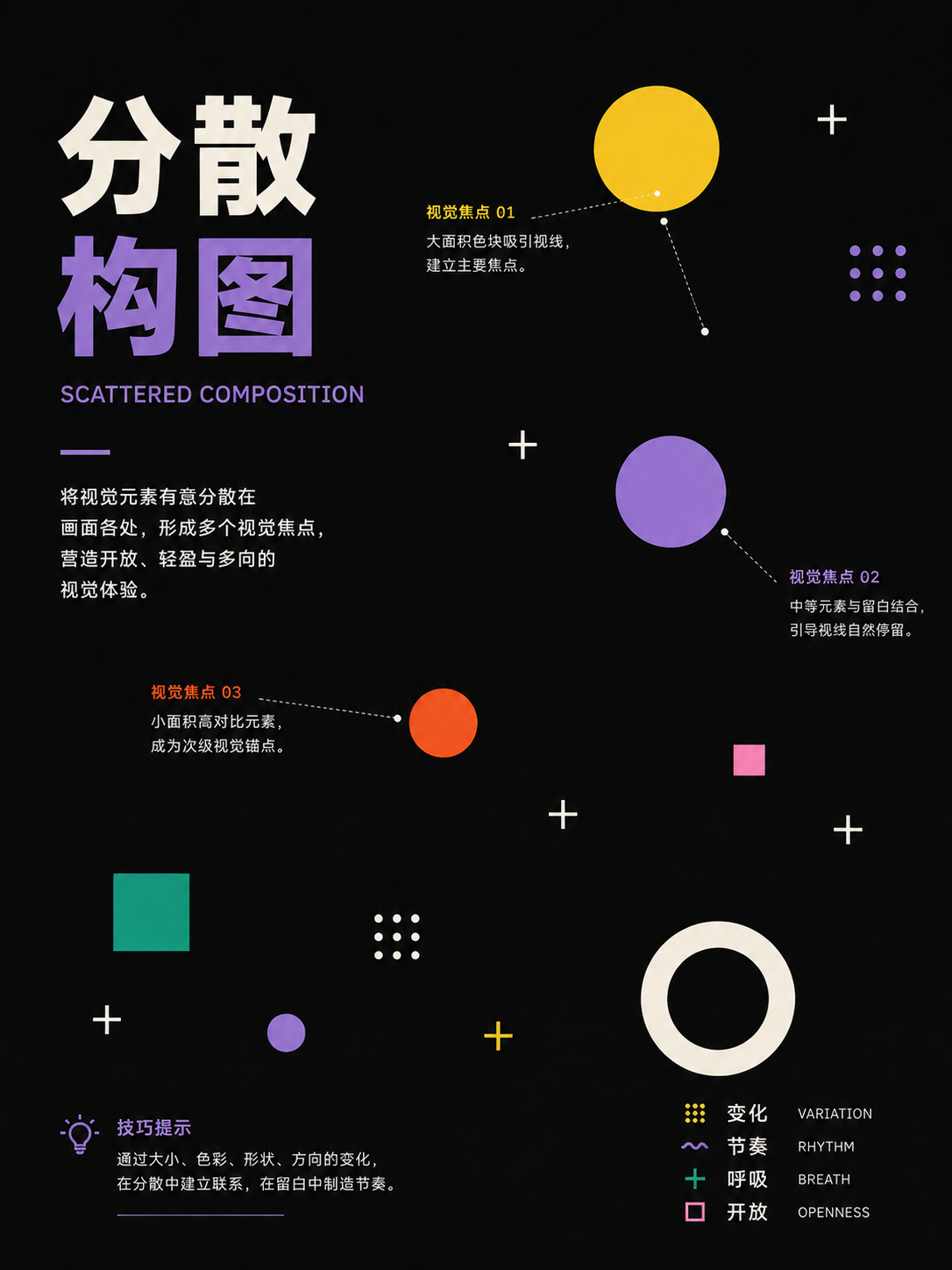
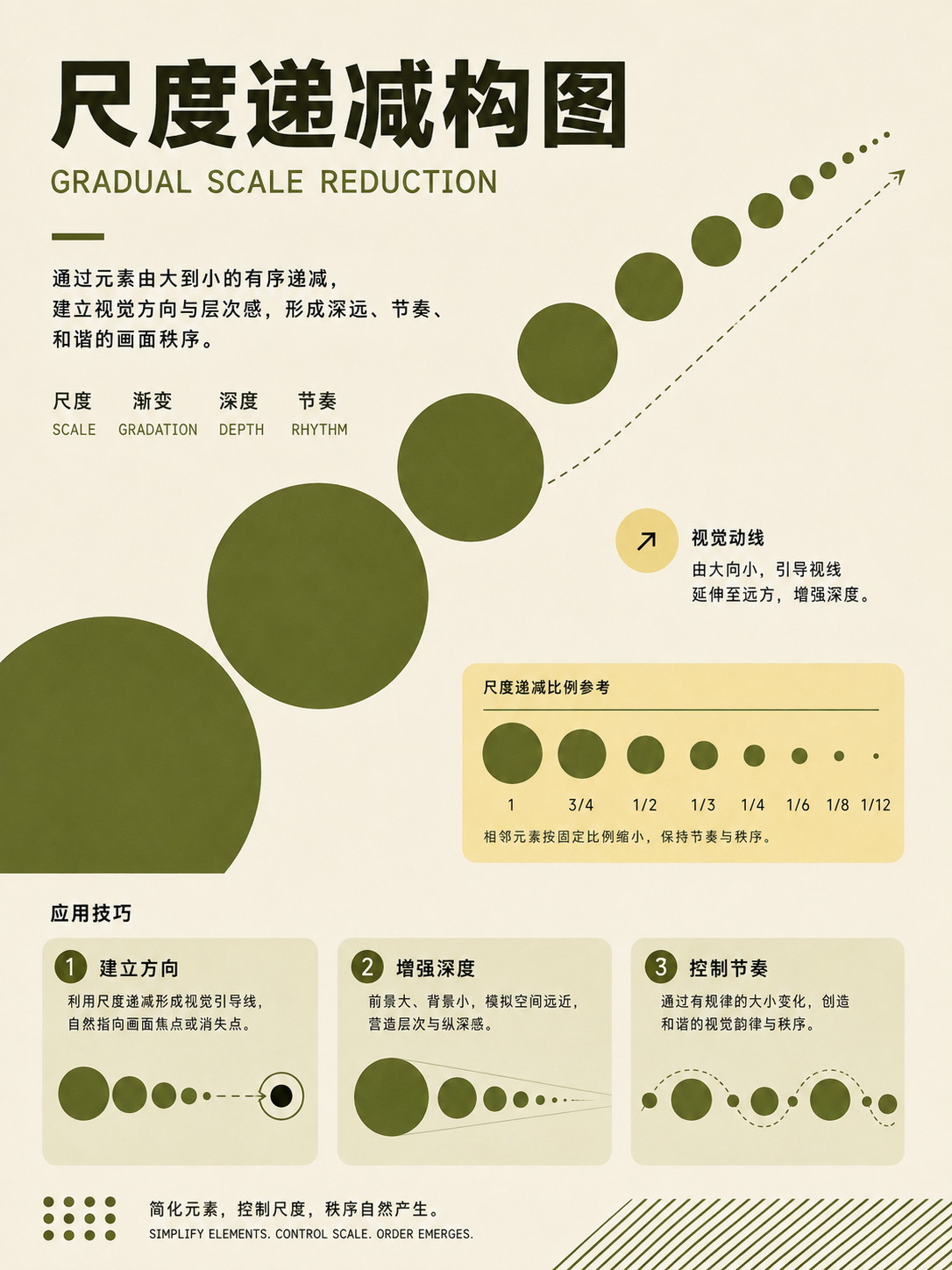
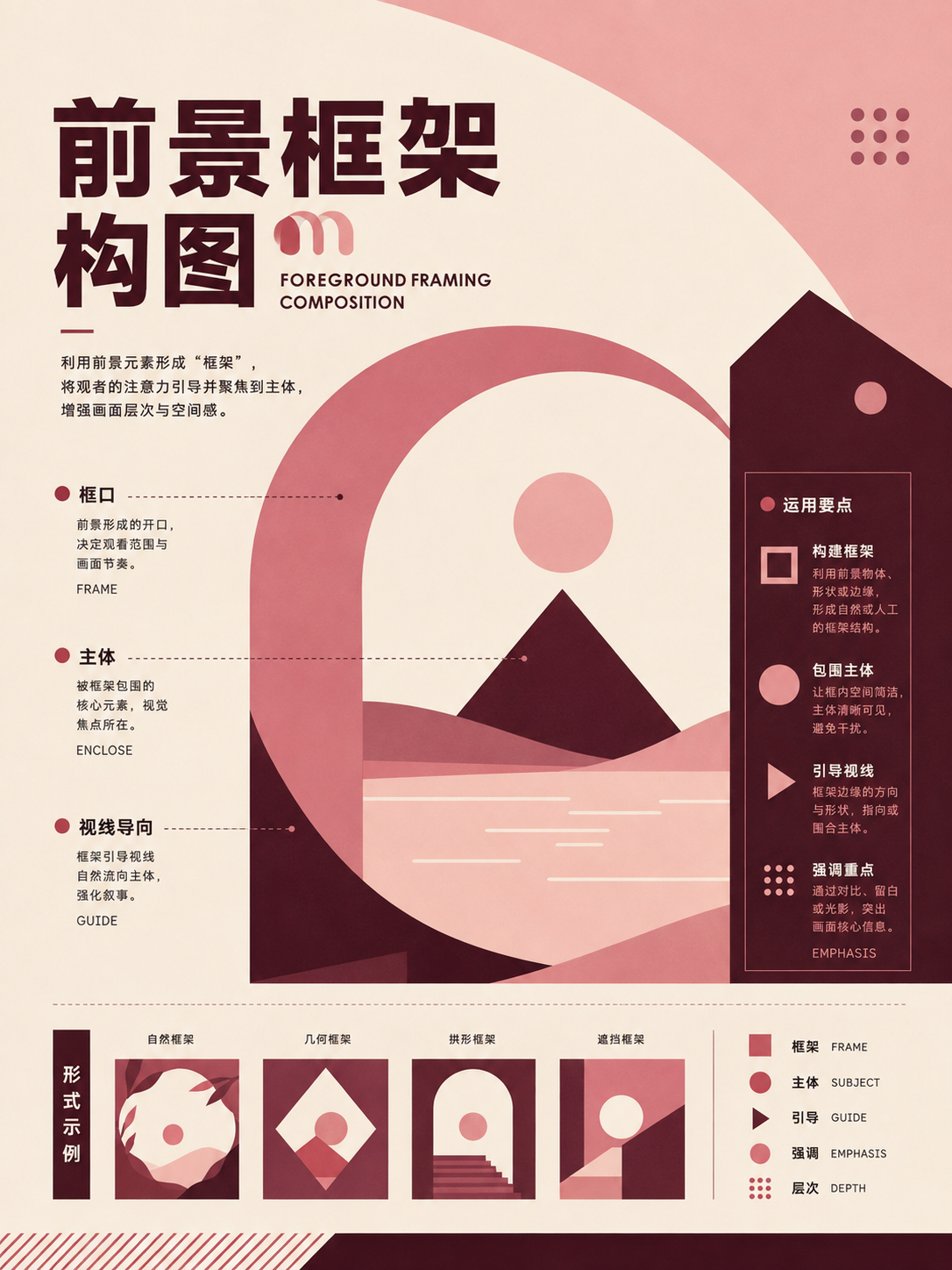
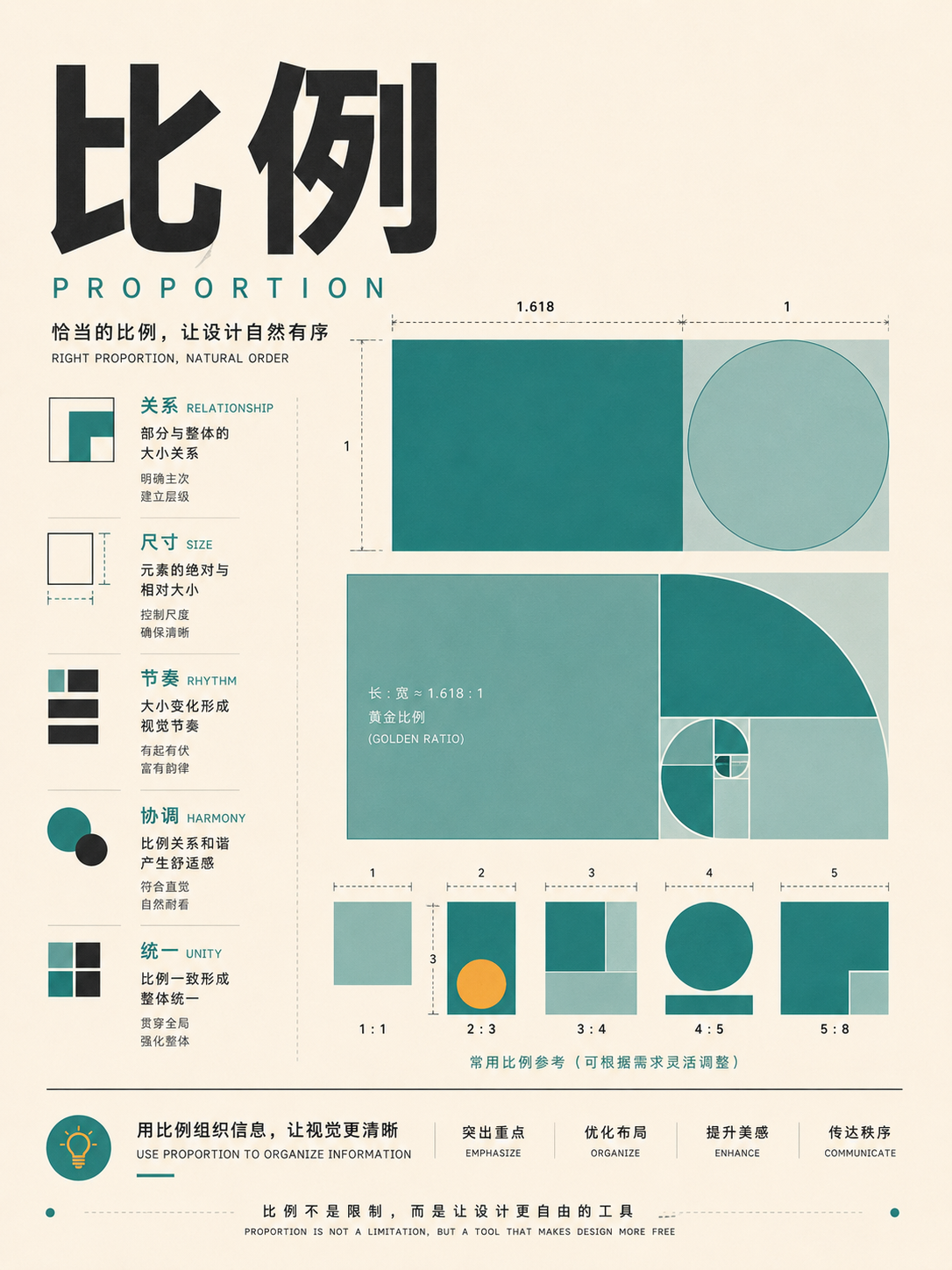
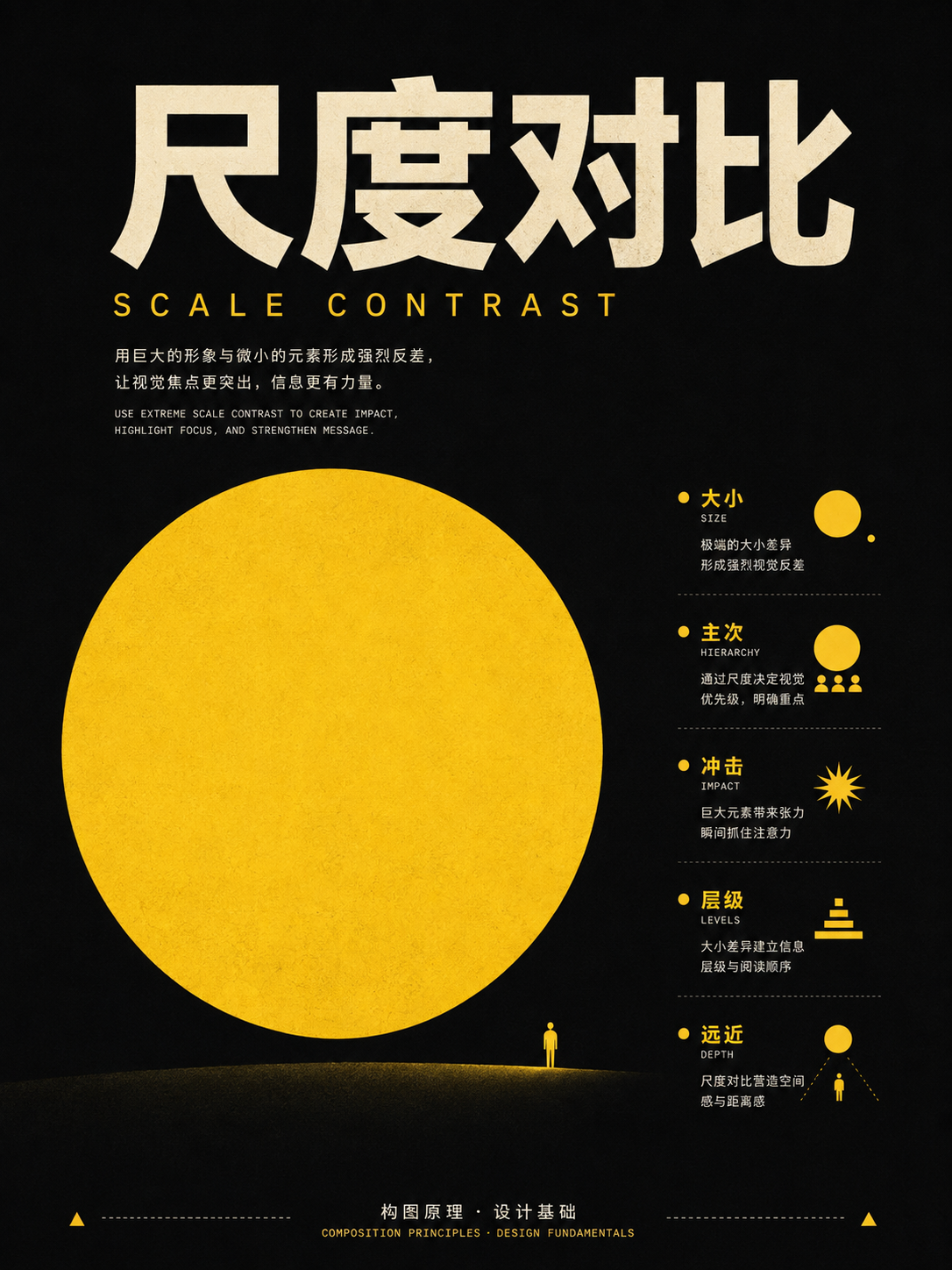
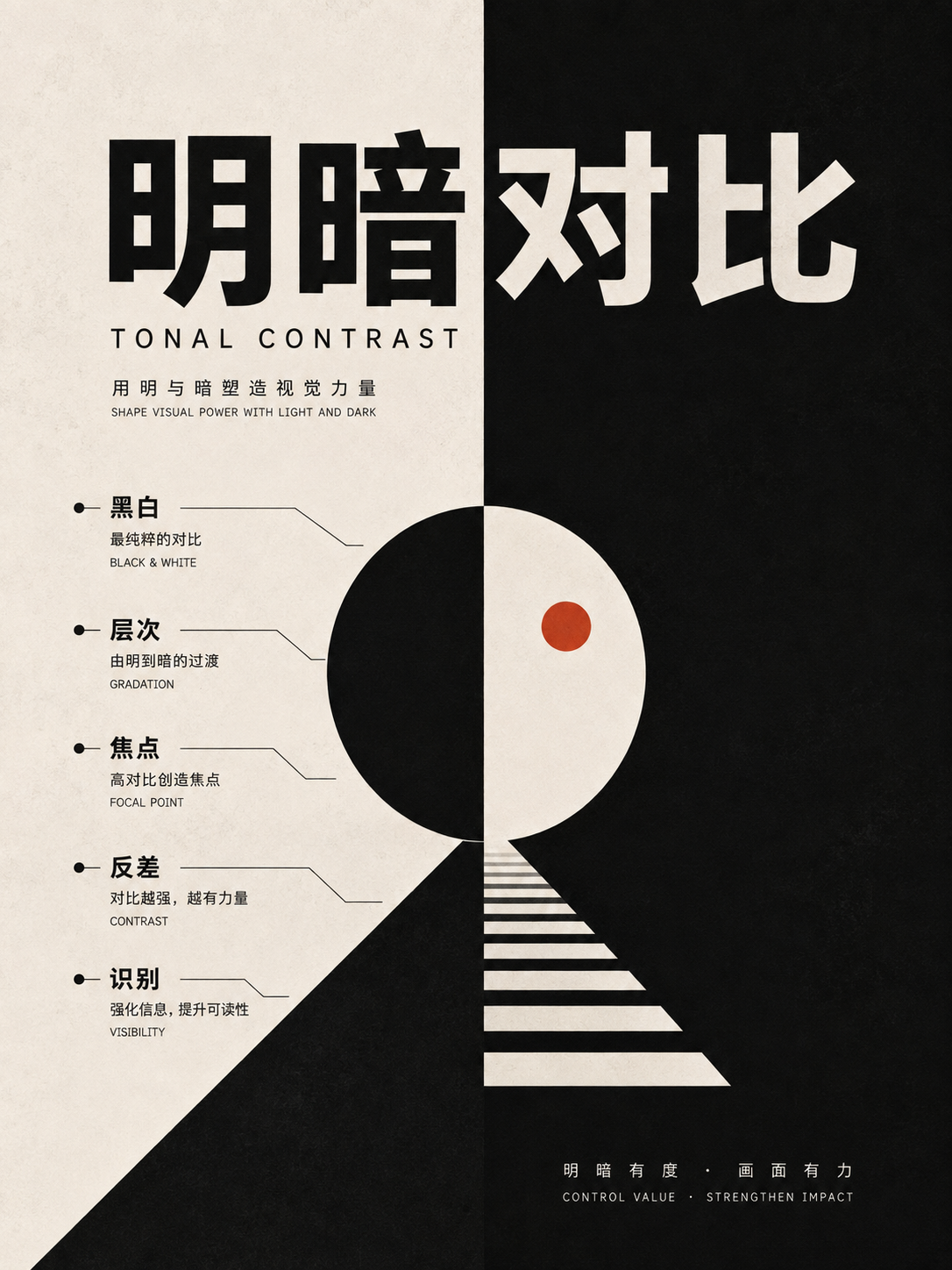
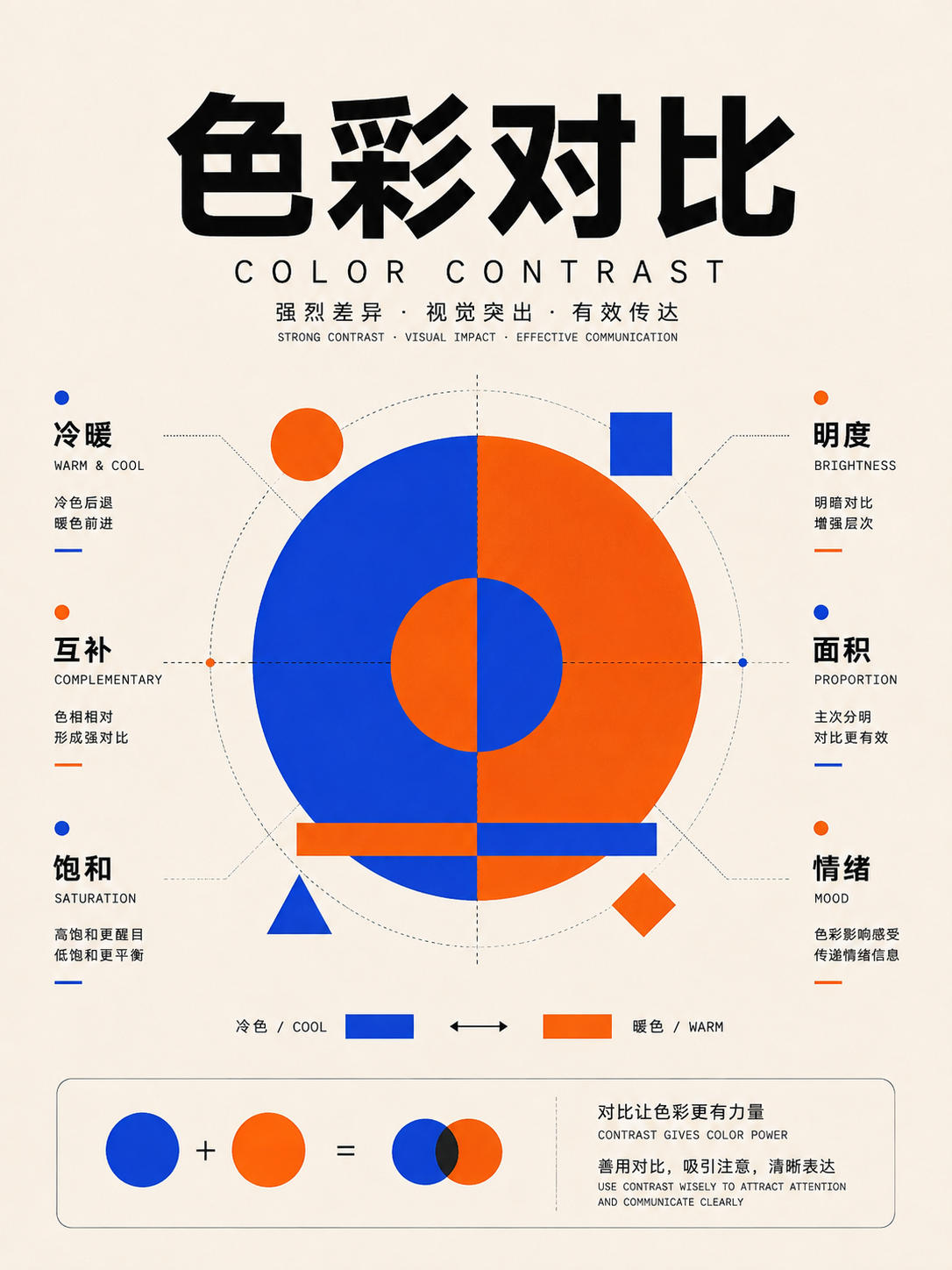
Hierarchy, proportion, and contrast
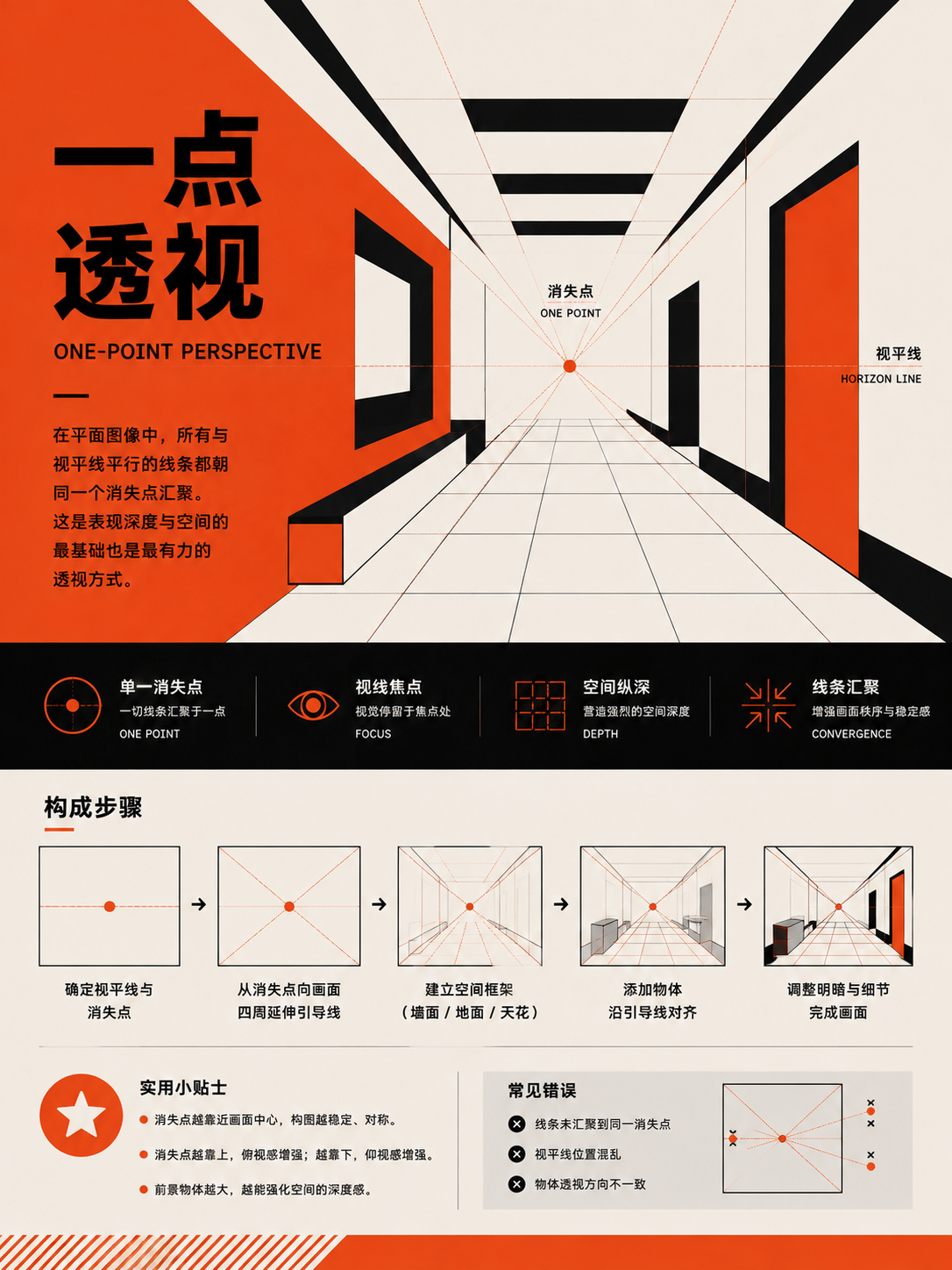
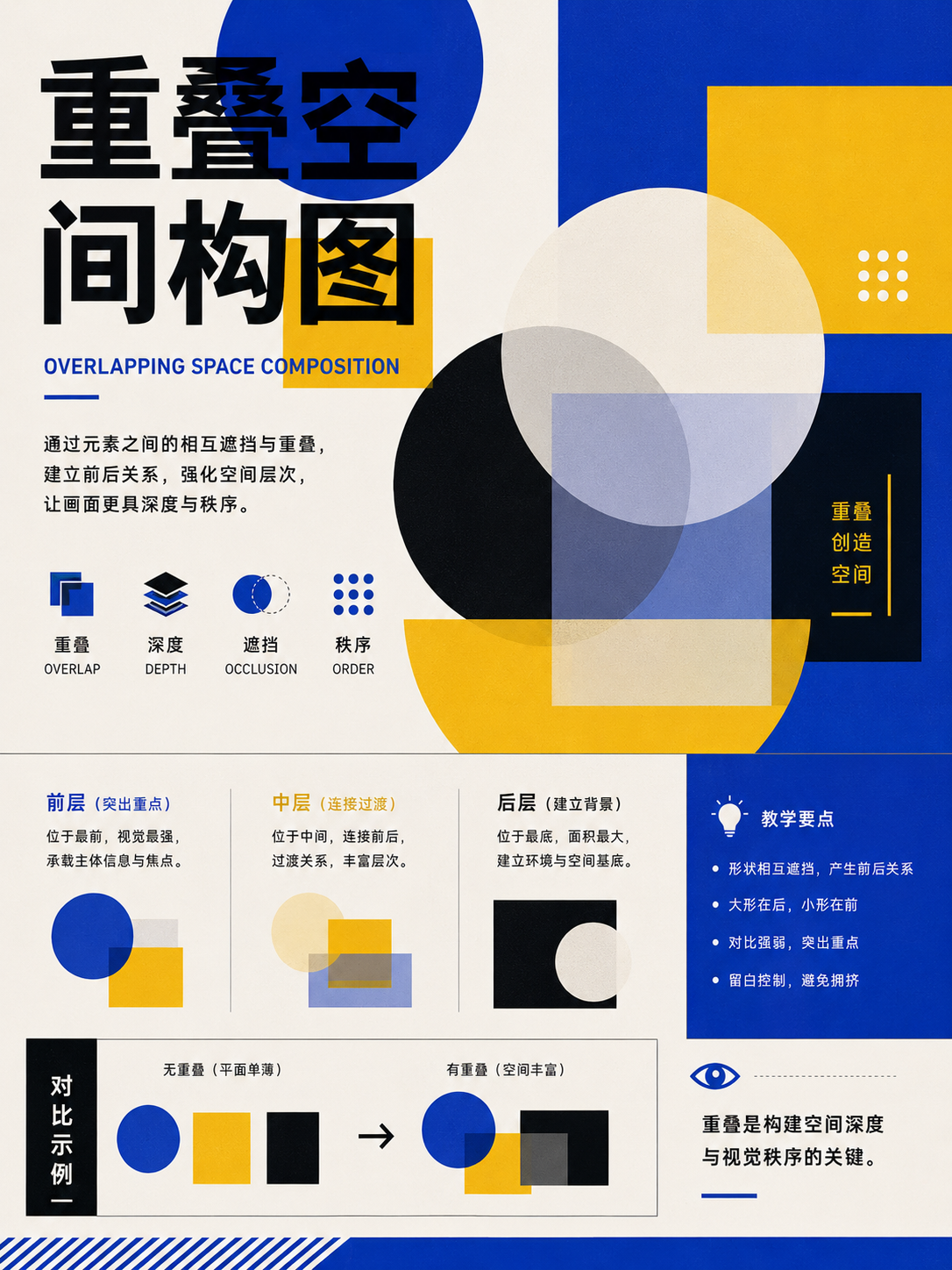
UseUse this when everything feels equally important. Establish at least three levels: title, body, and supporting information.
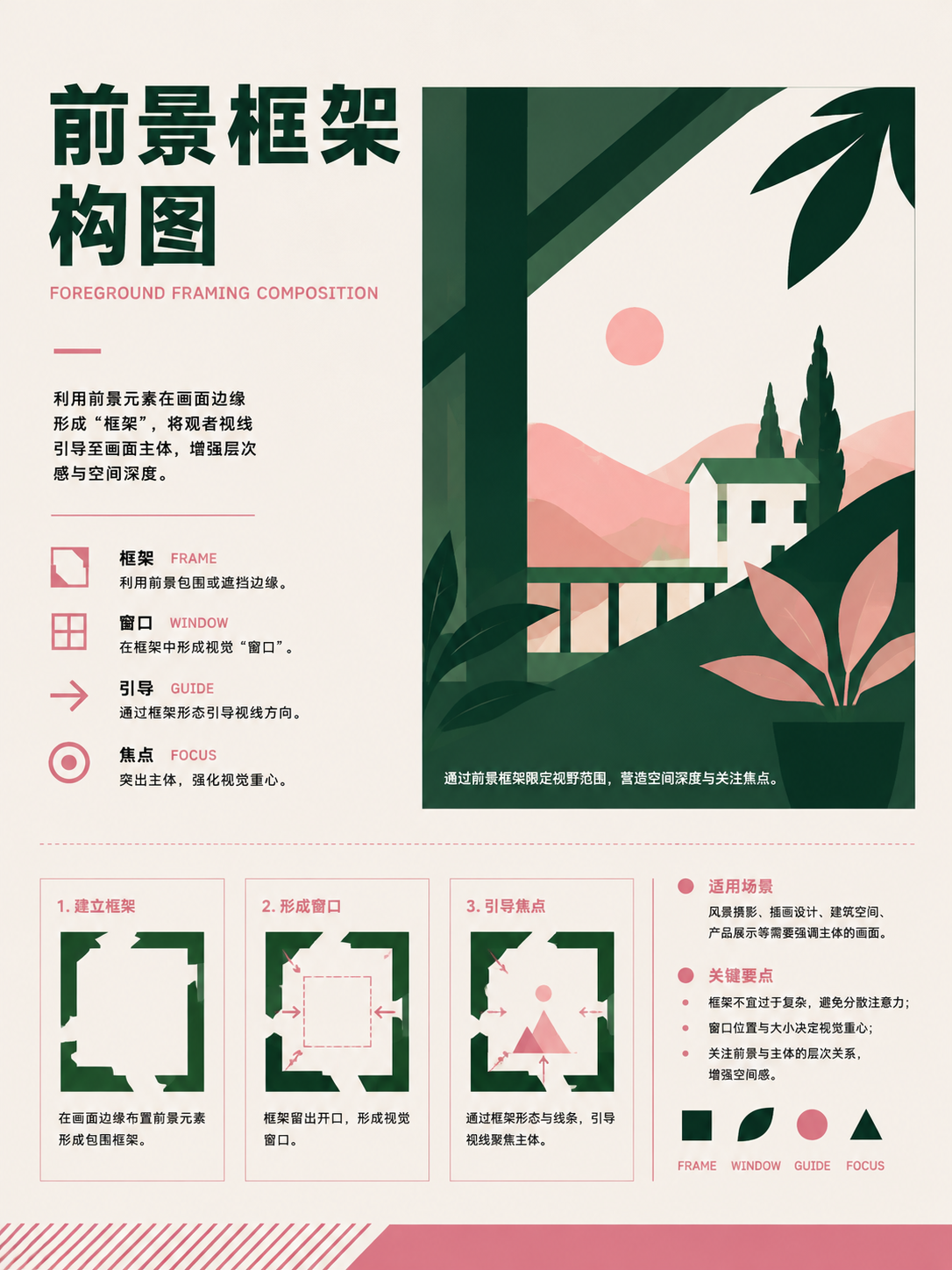
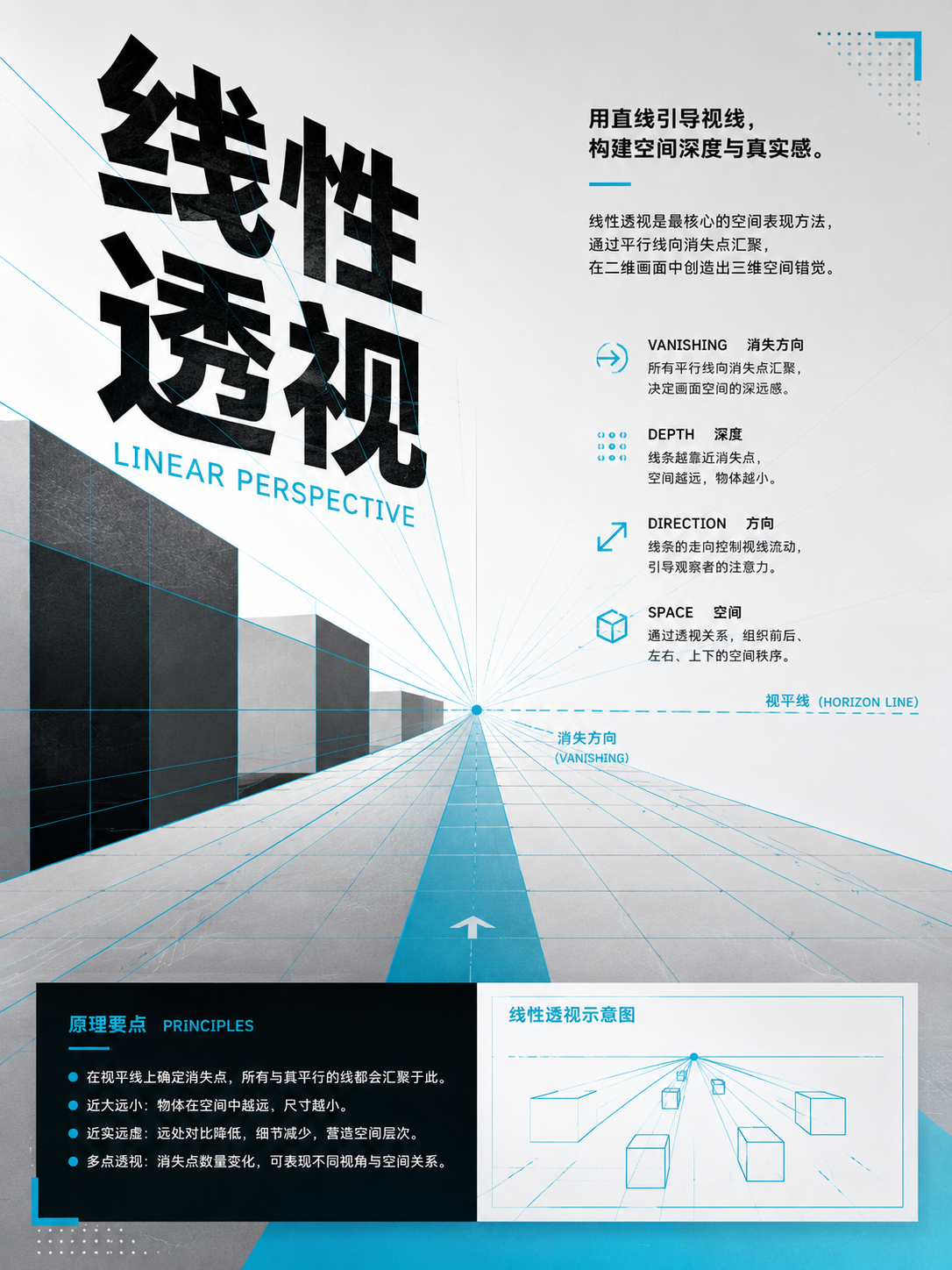
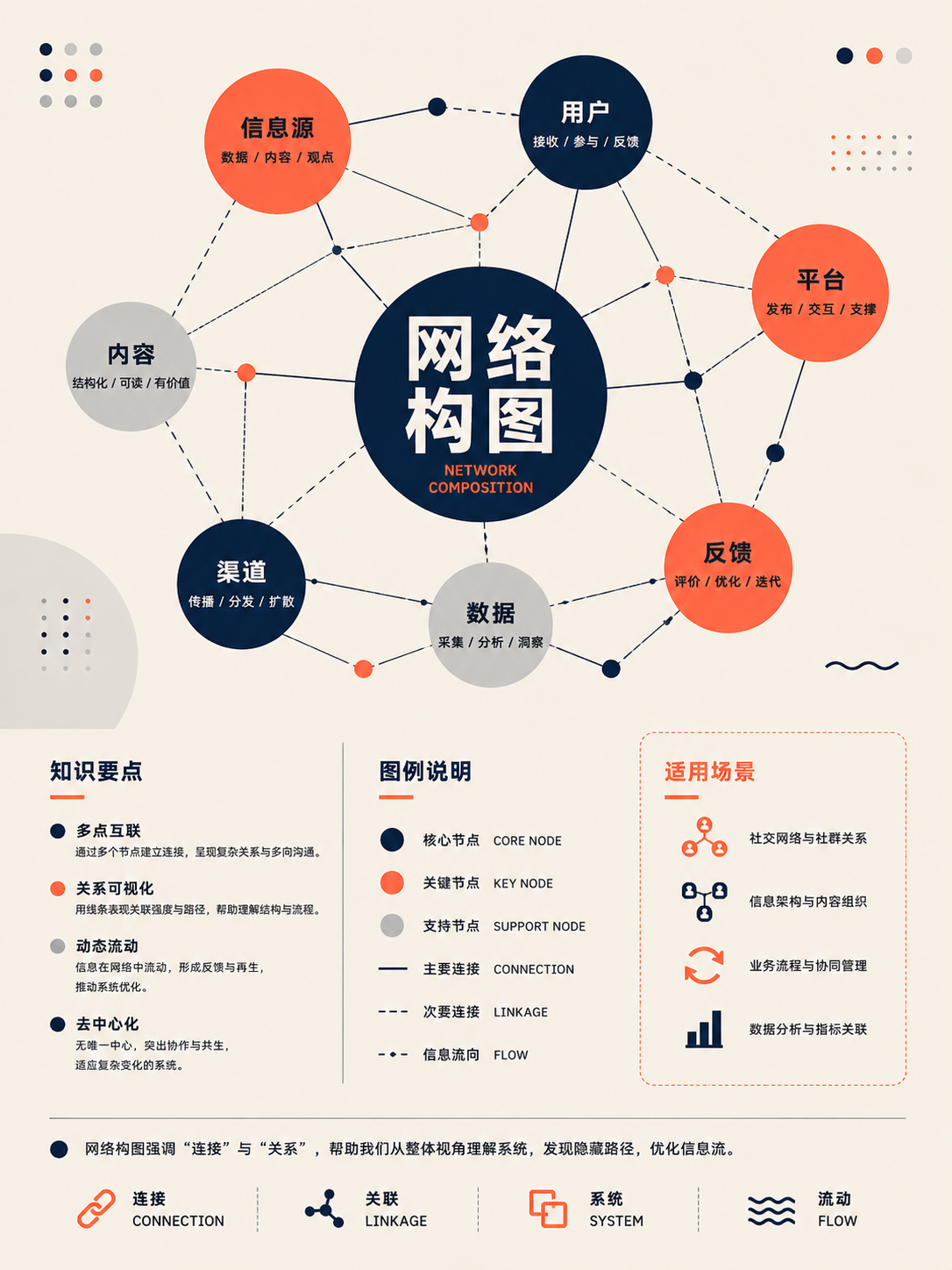

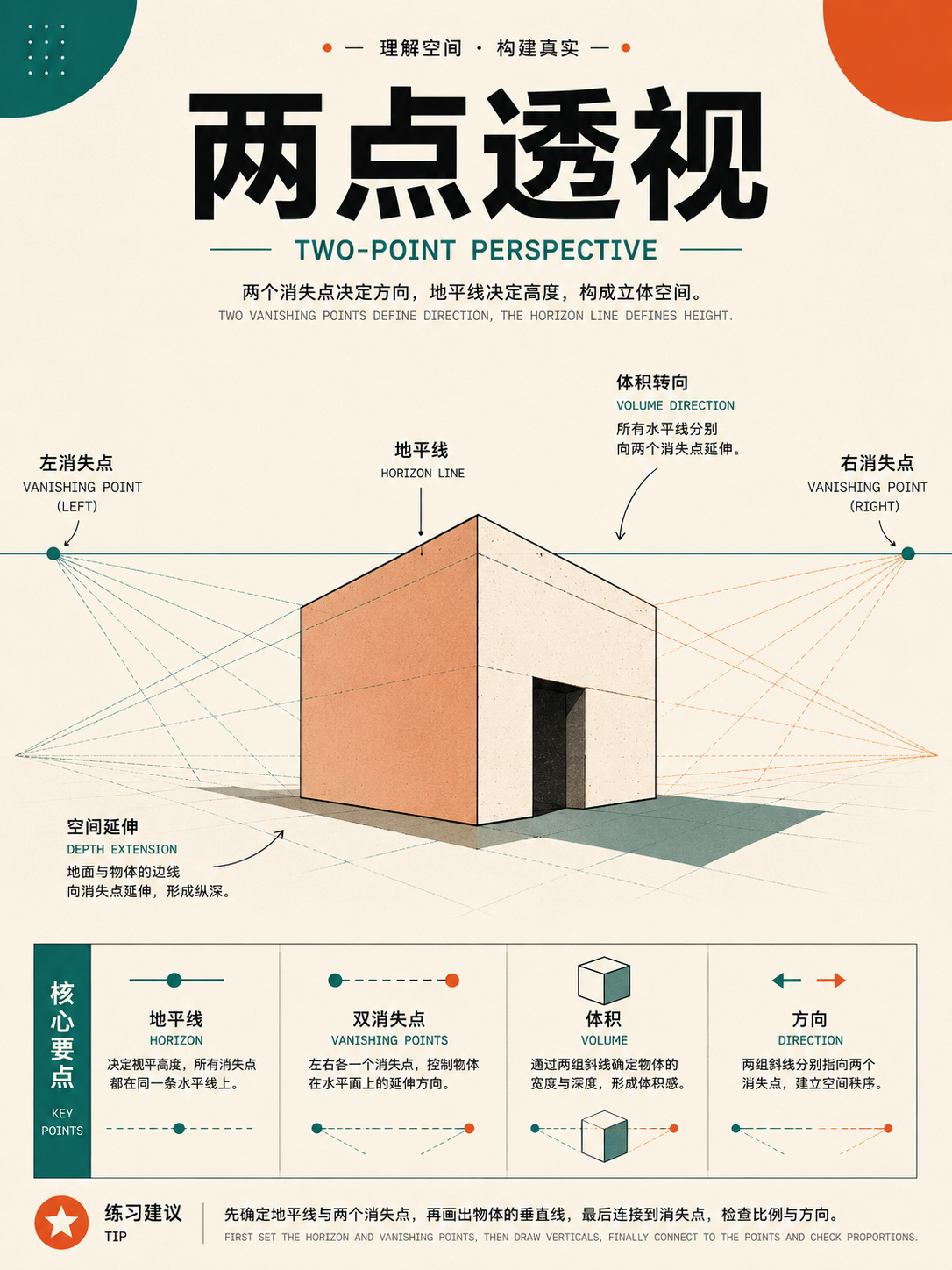
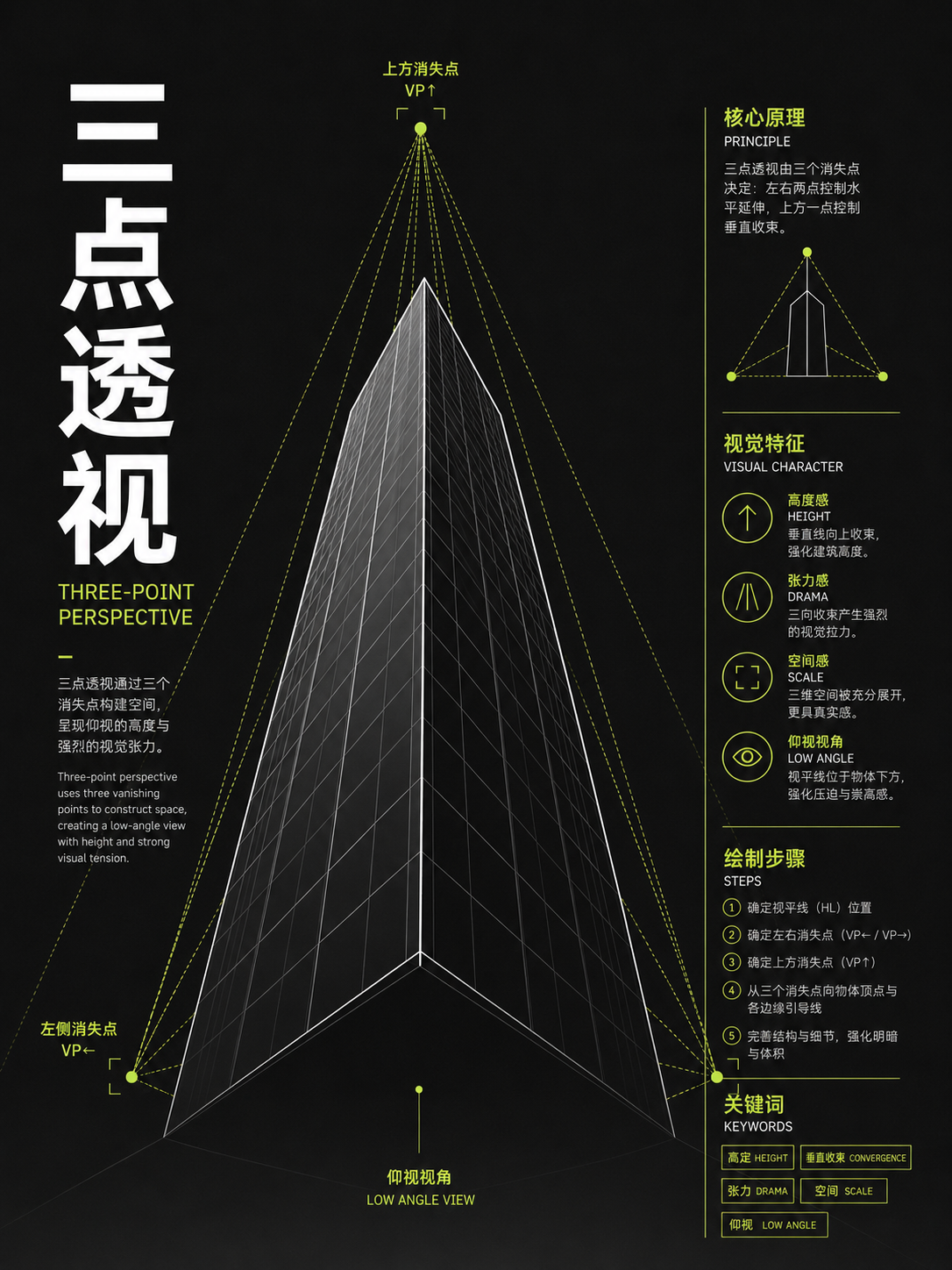
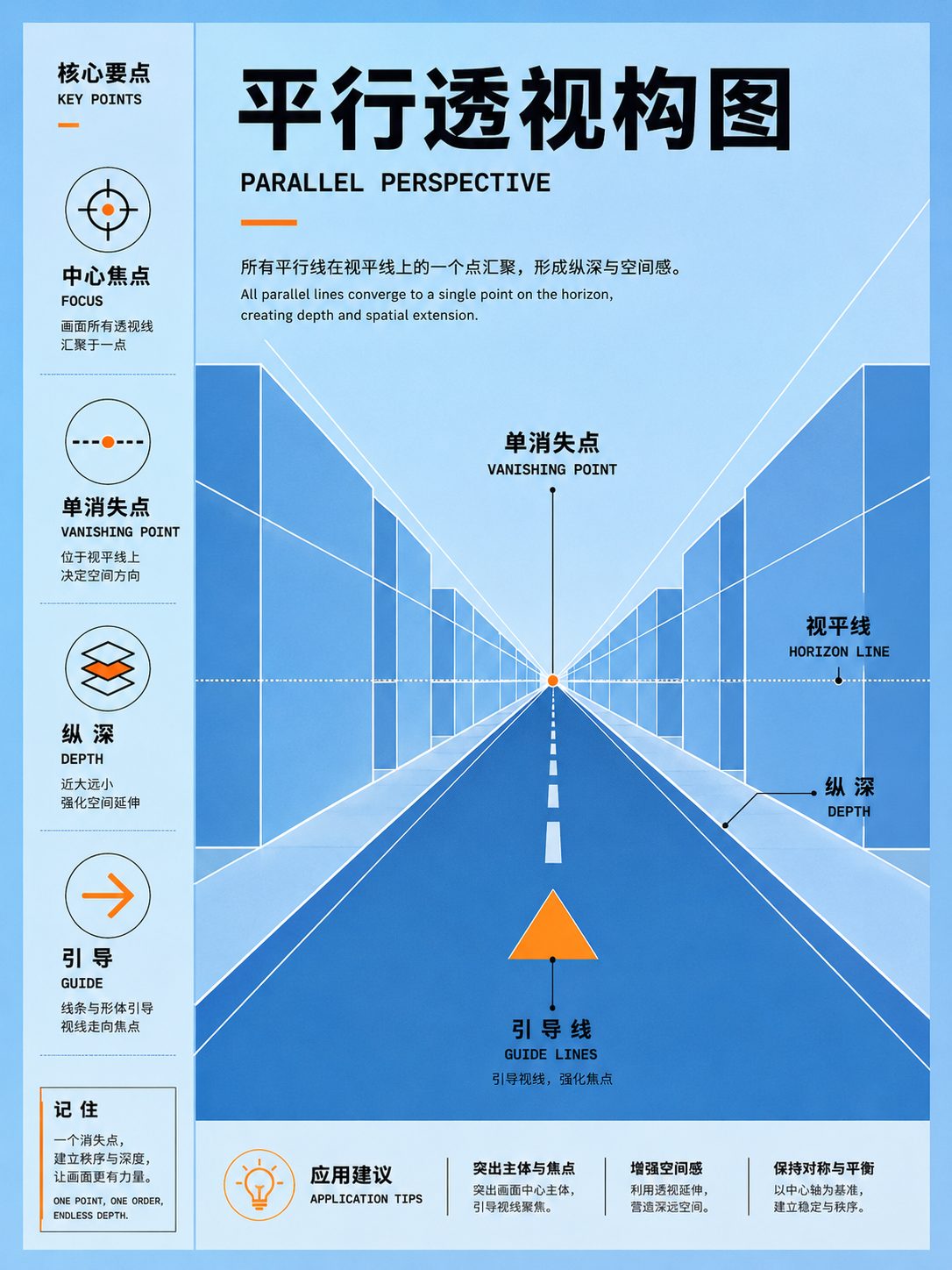
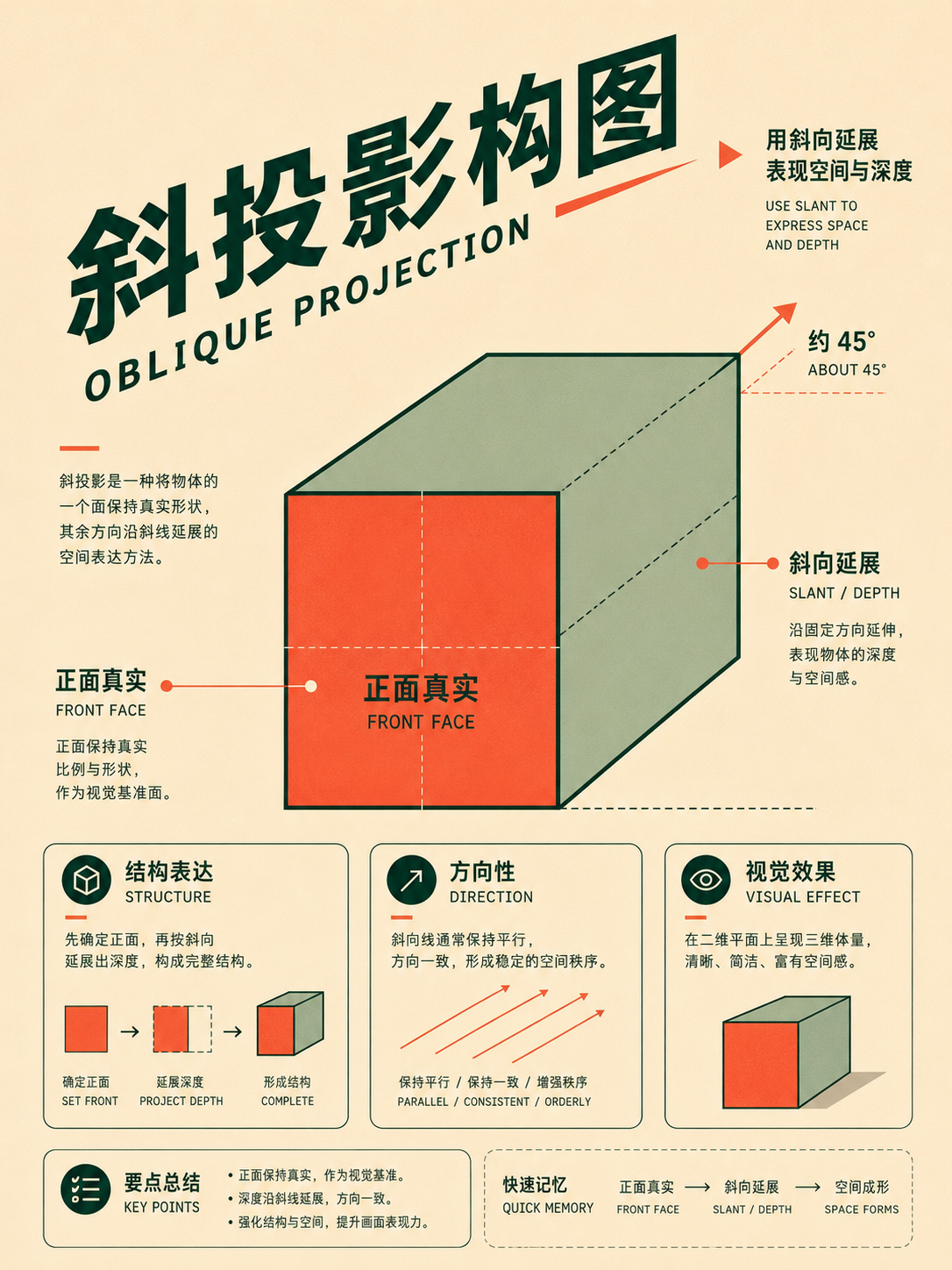
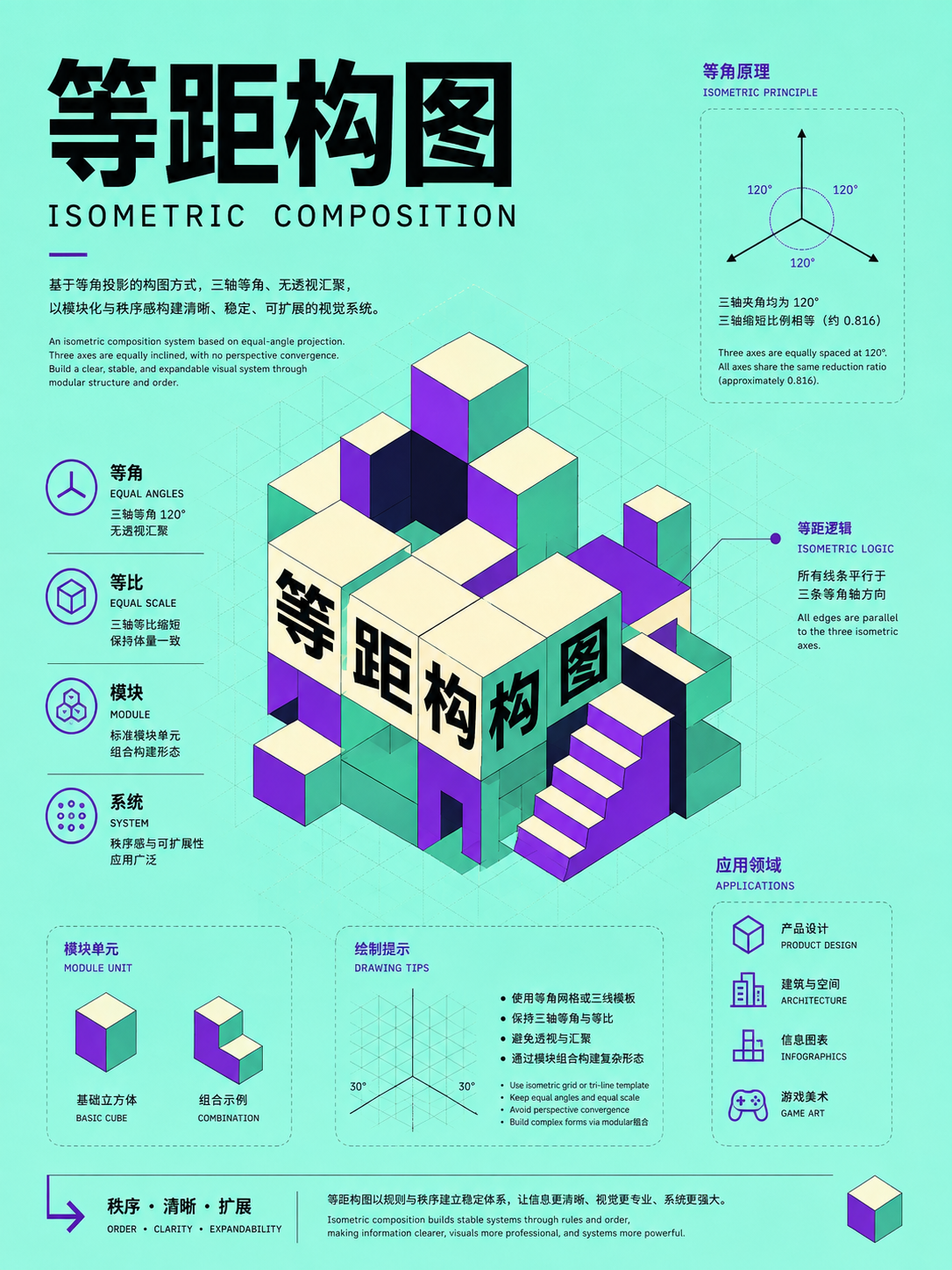
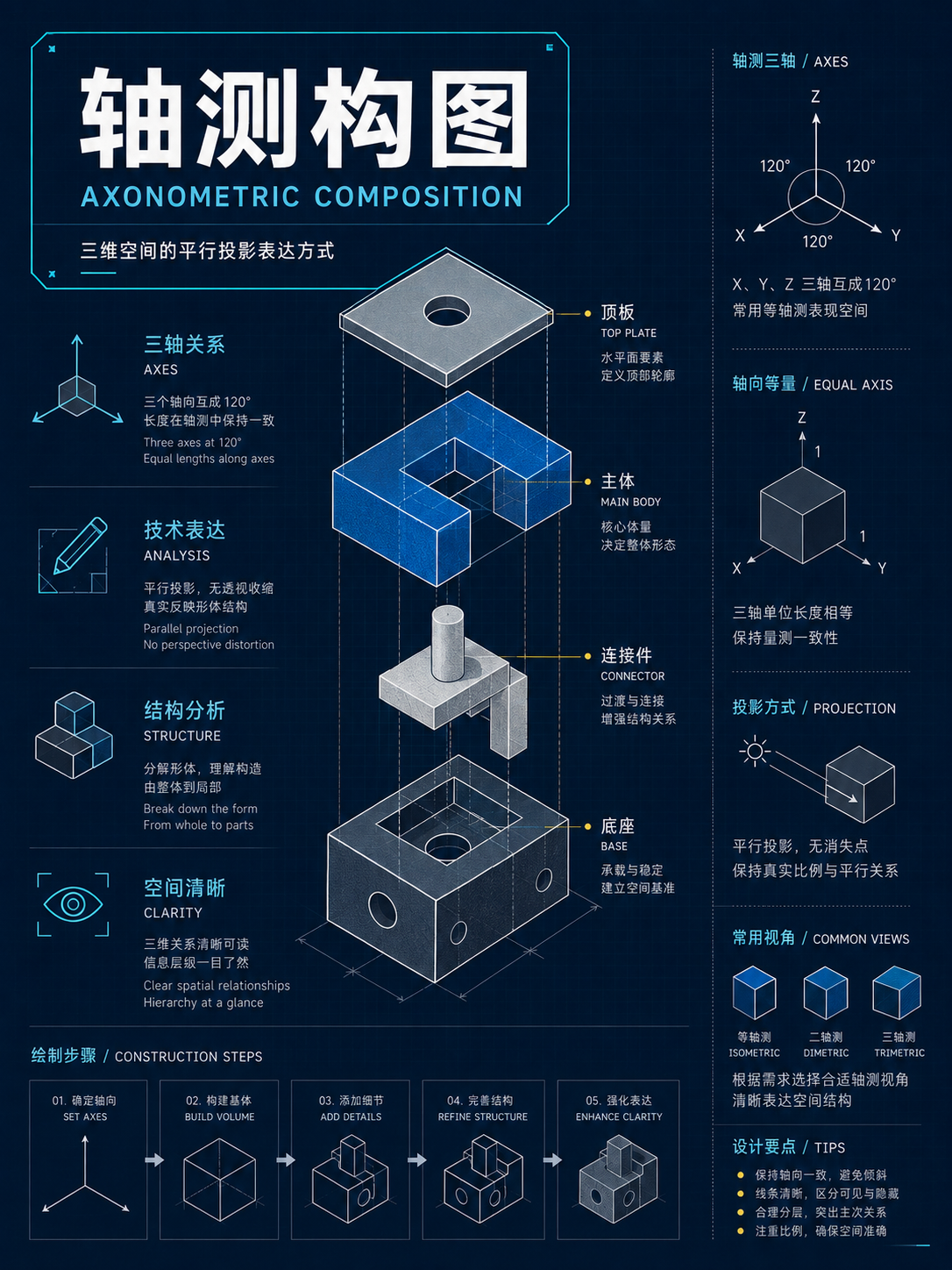
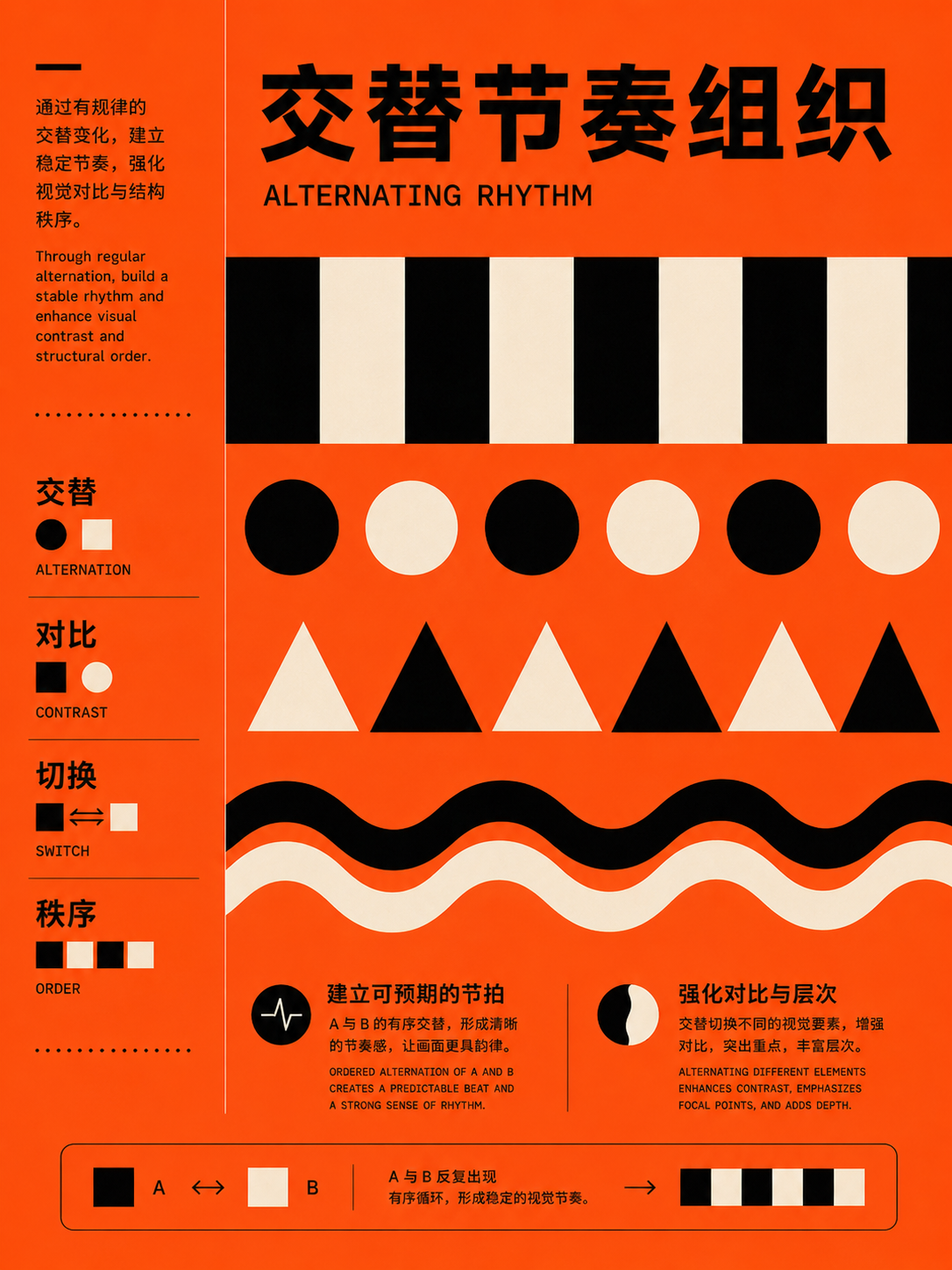
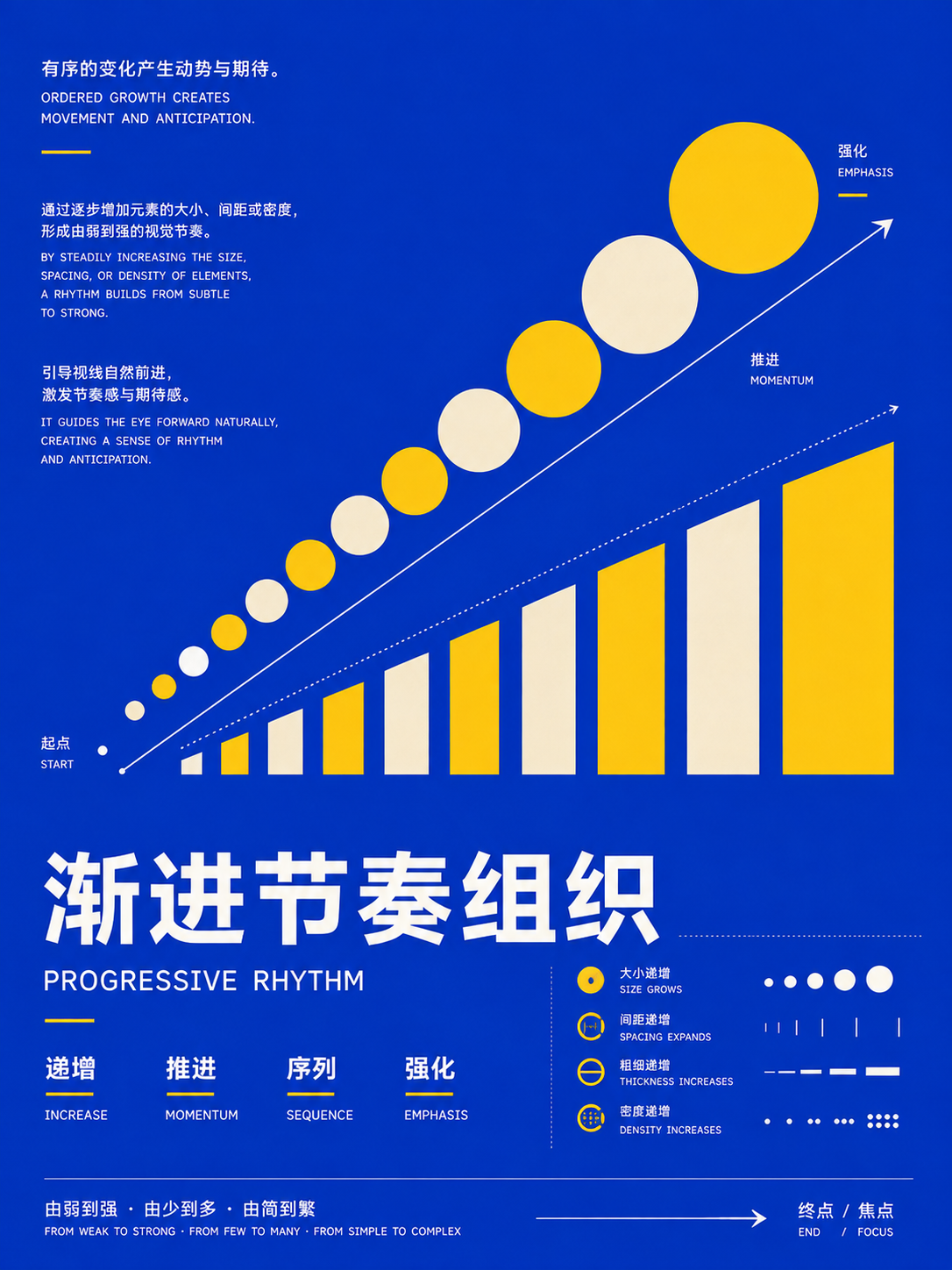
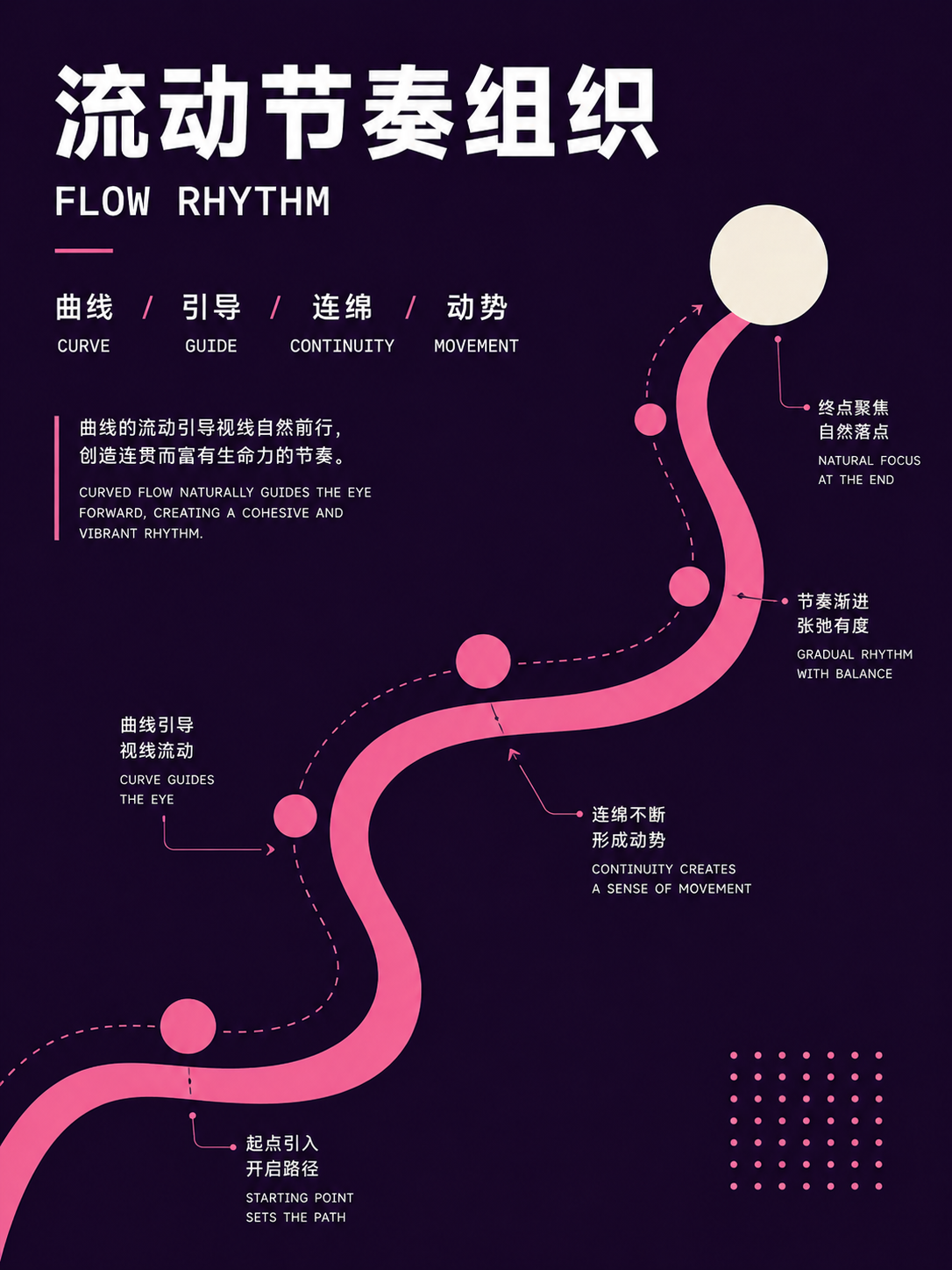
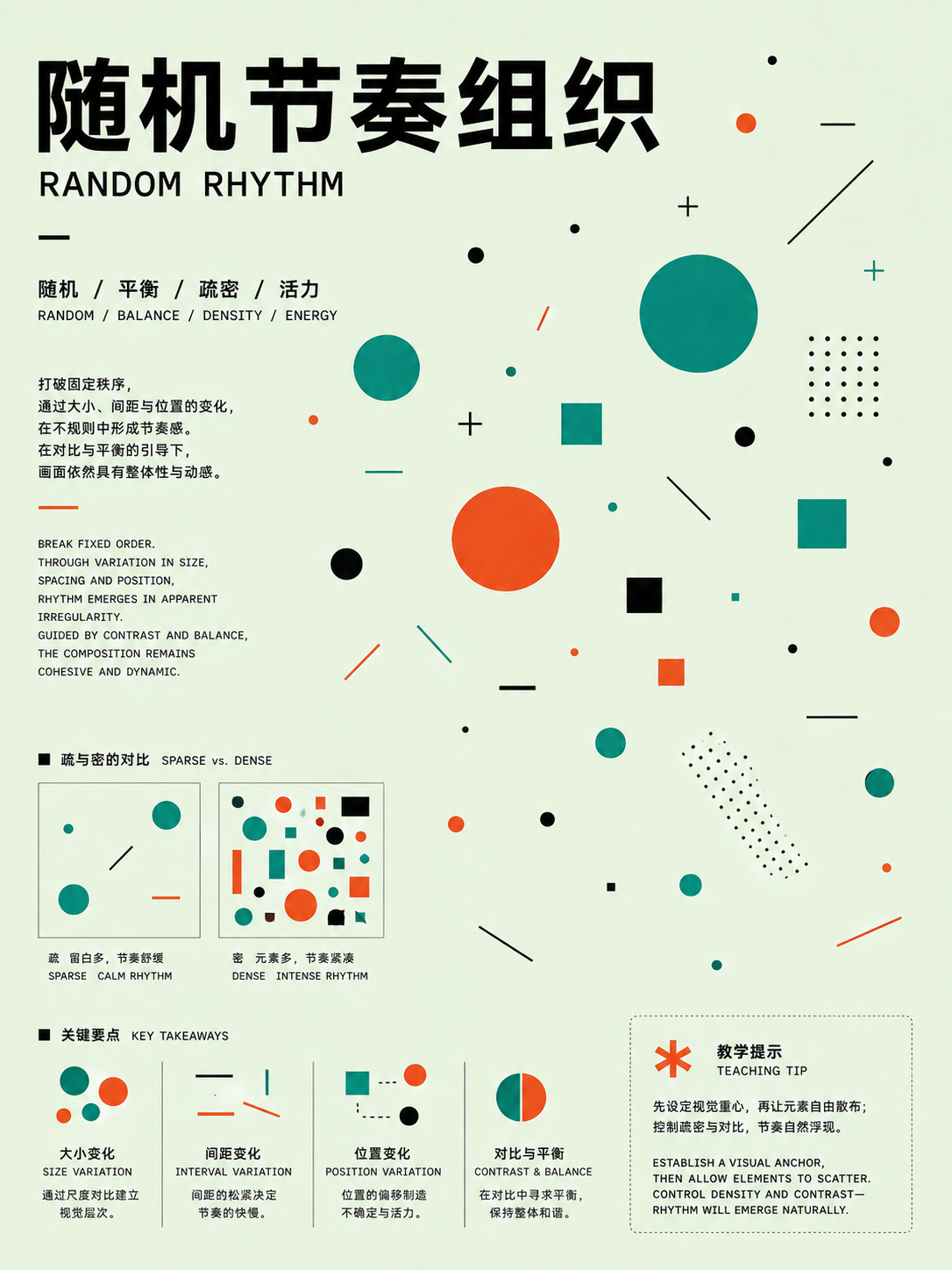
Repetition, pattern, and rhythm
UseFor series content, lists, and decorative systems. Fix the repeated unit first, then define spacing, variation, and an endpoint.
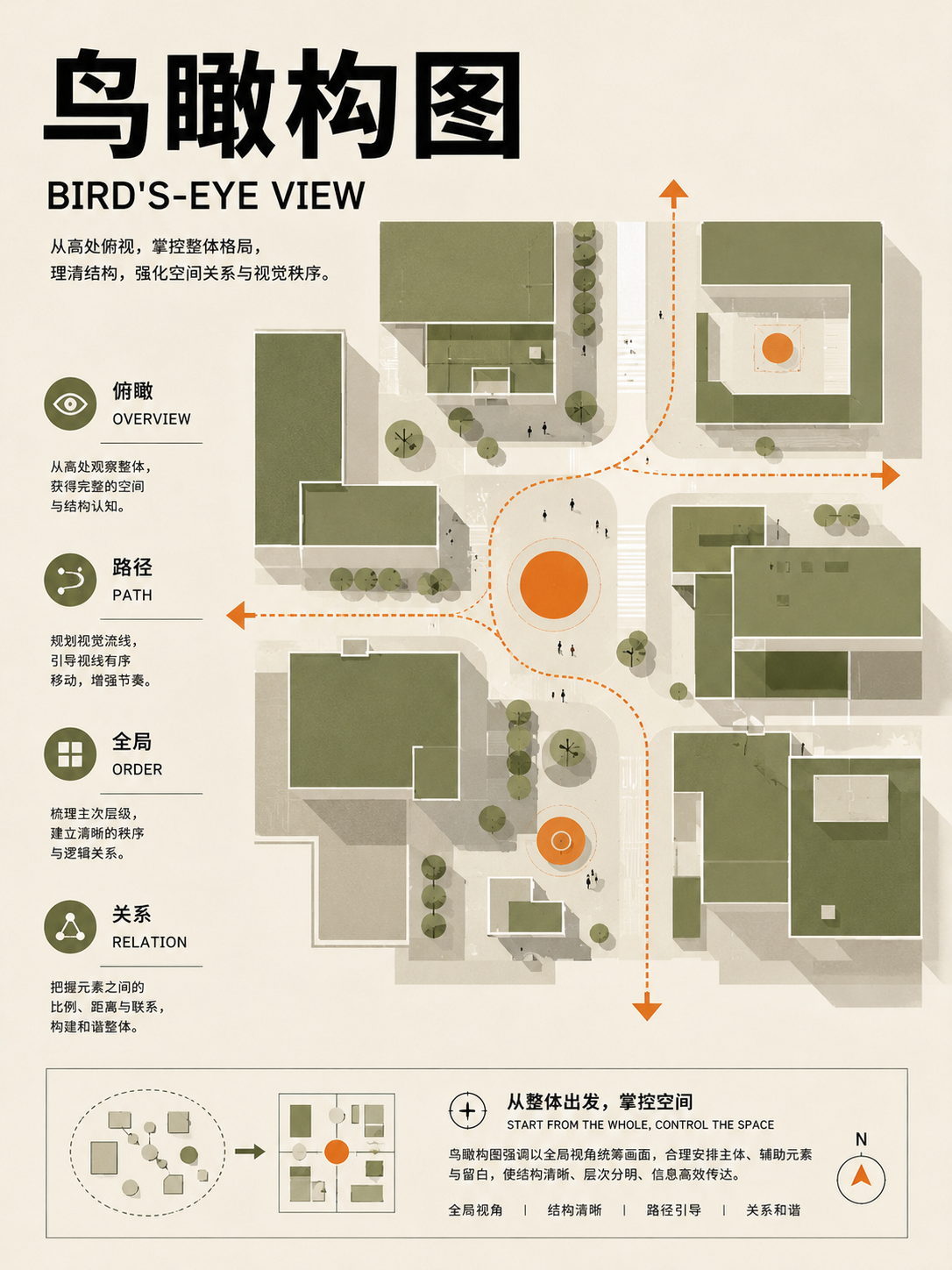
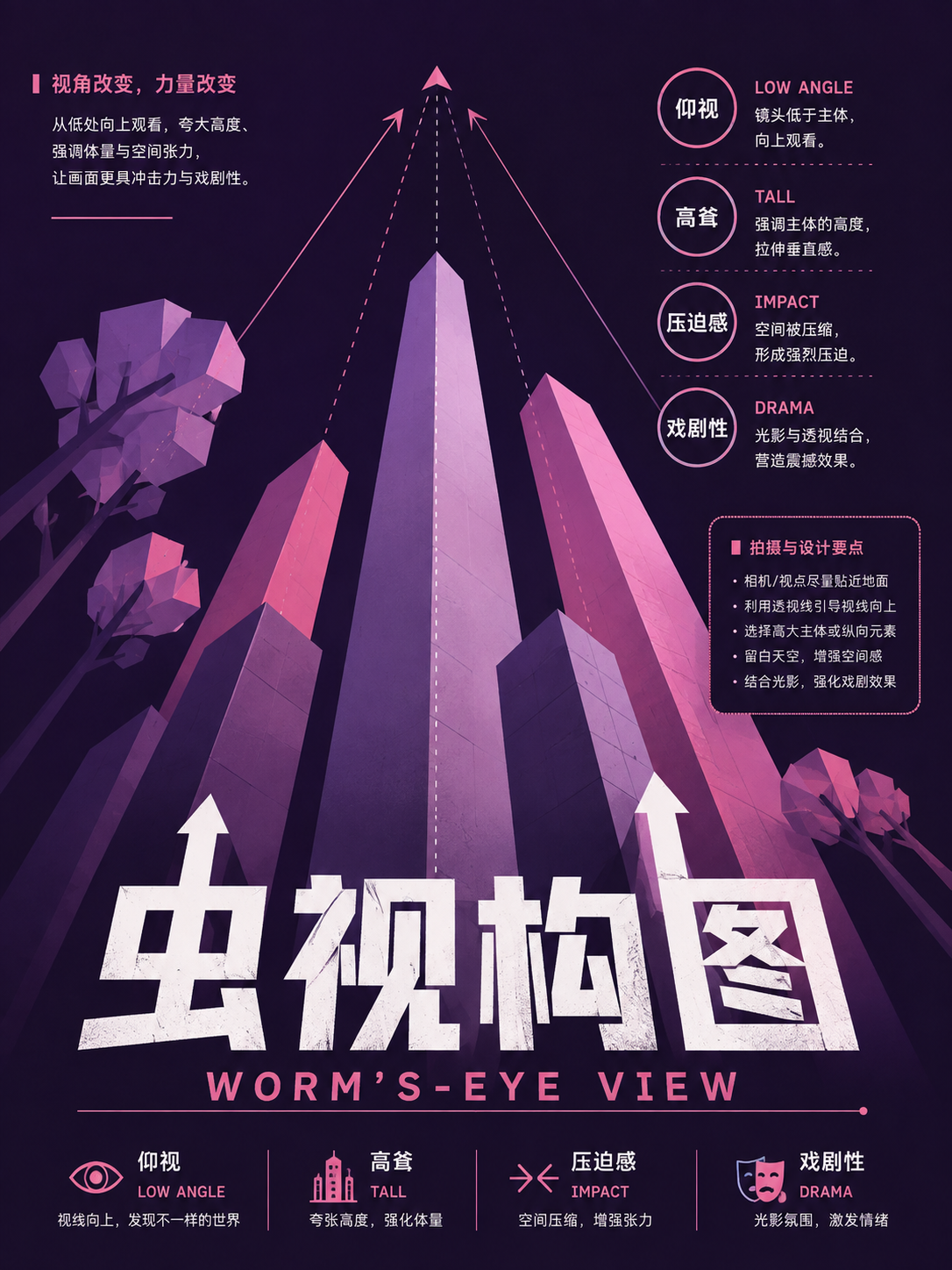
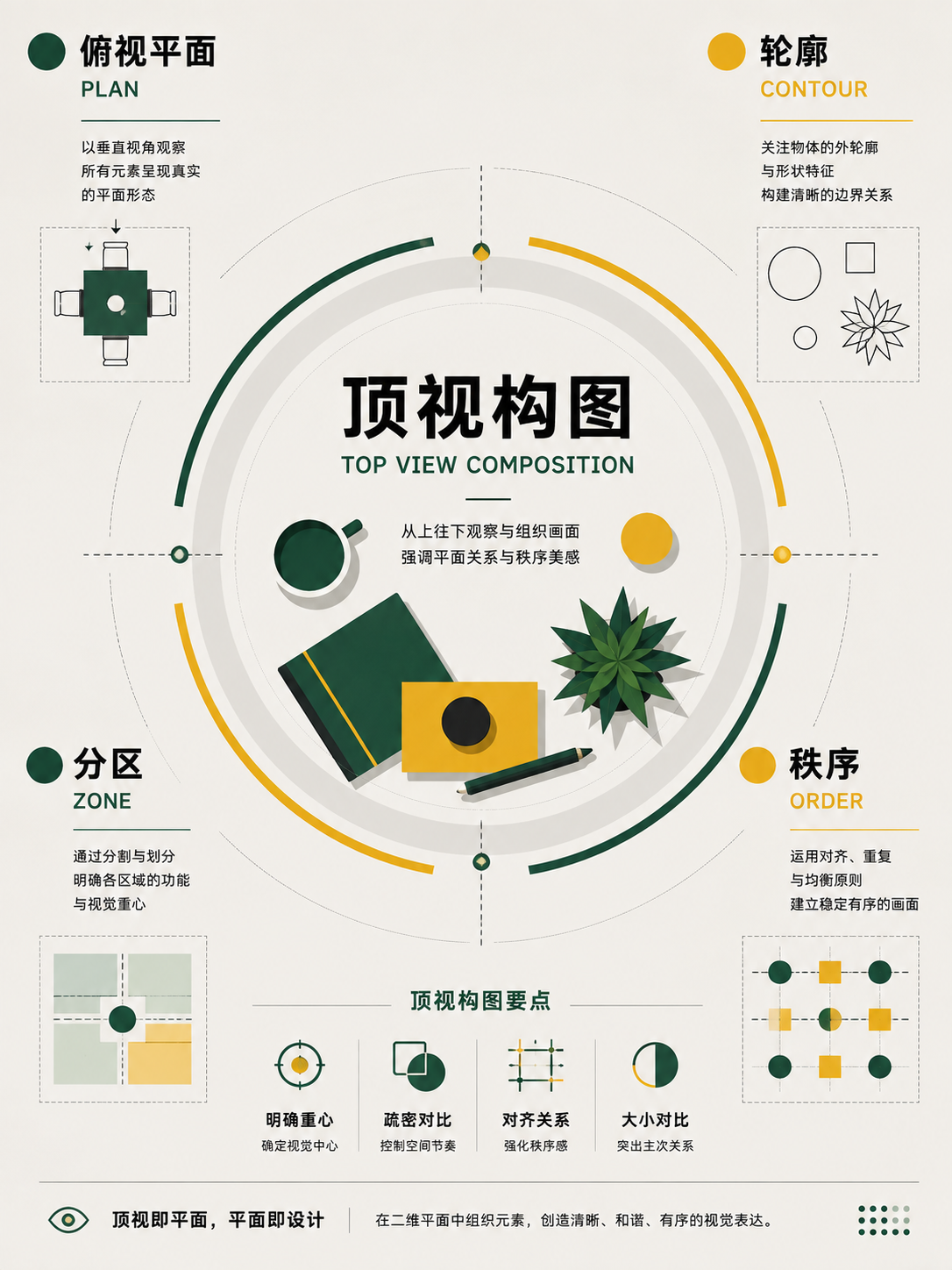
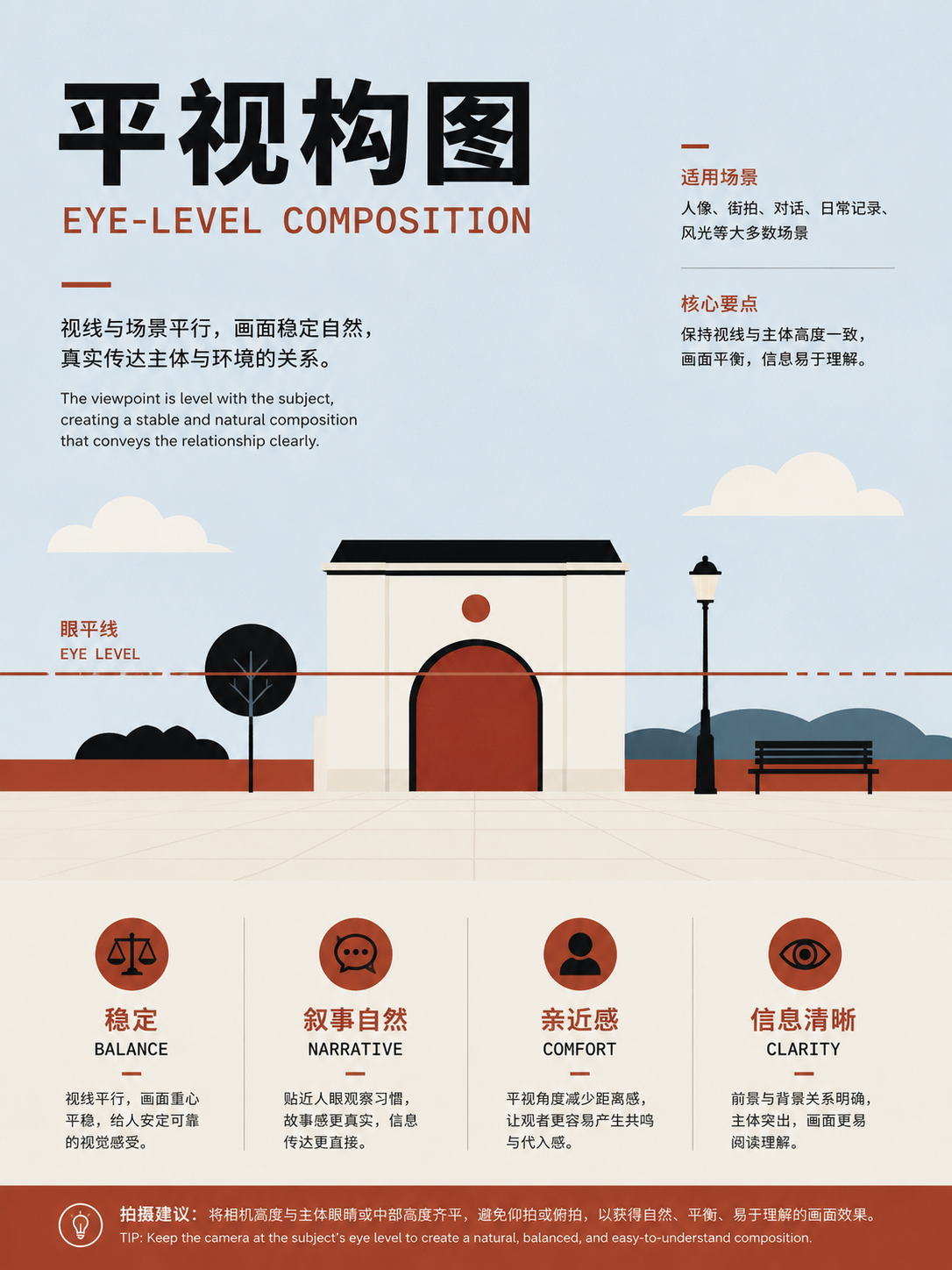
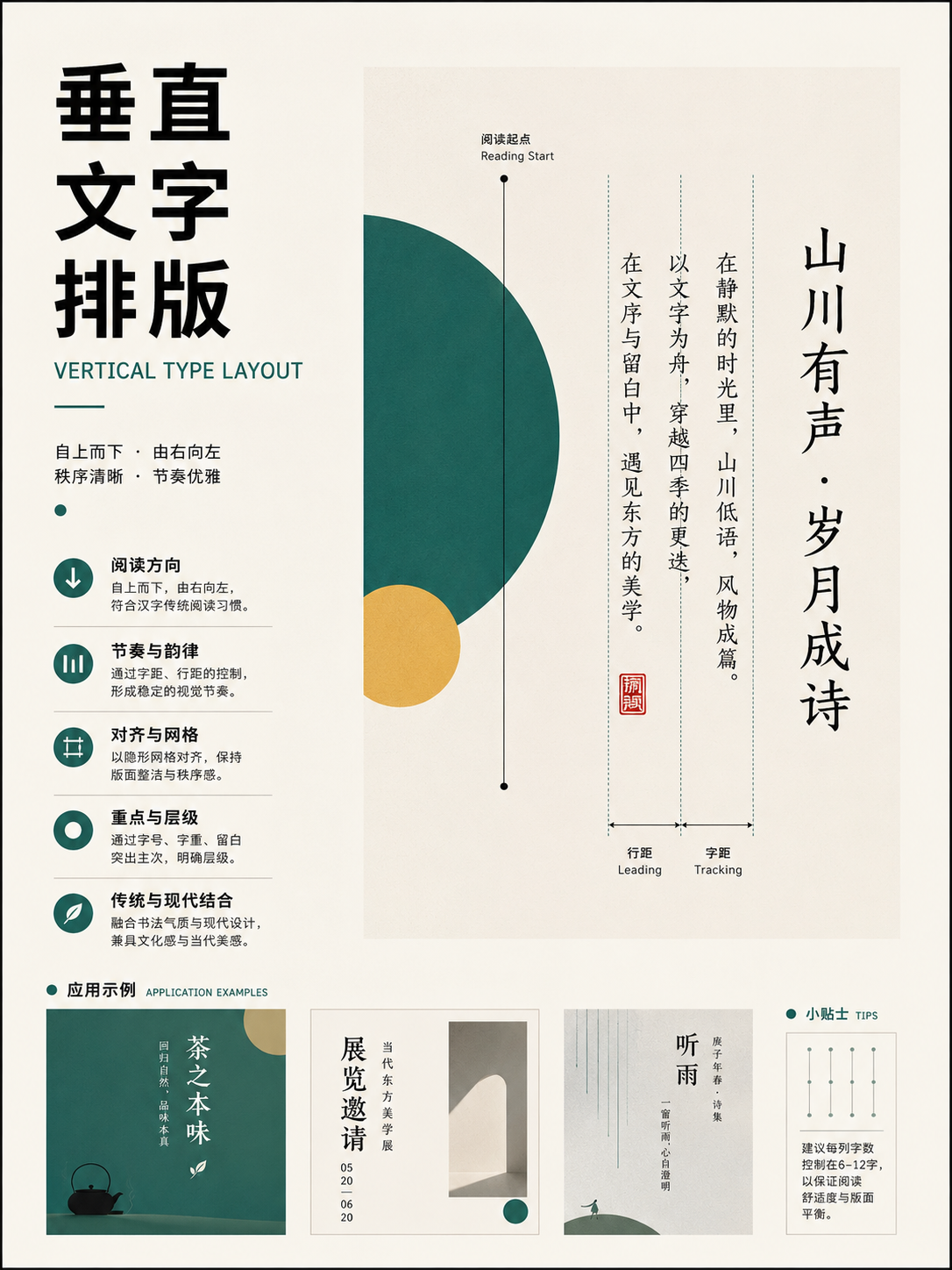
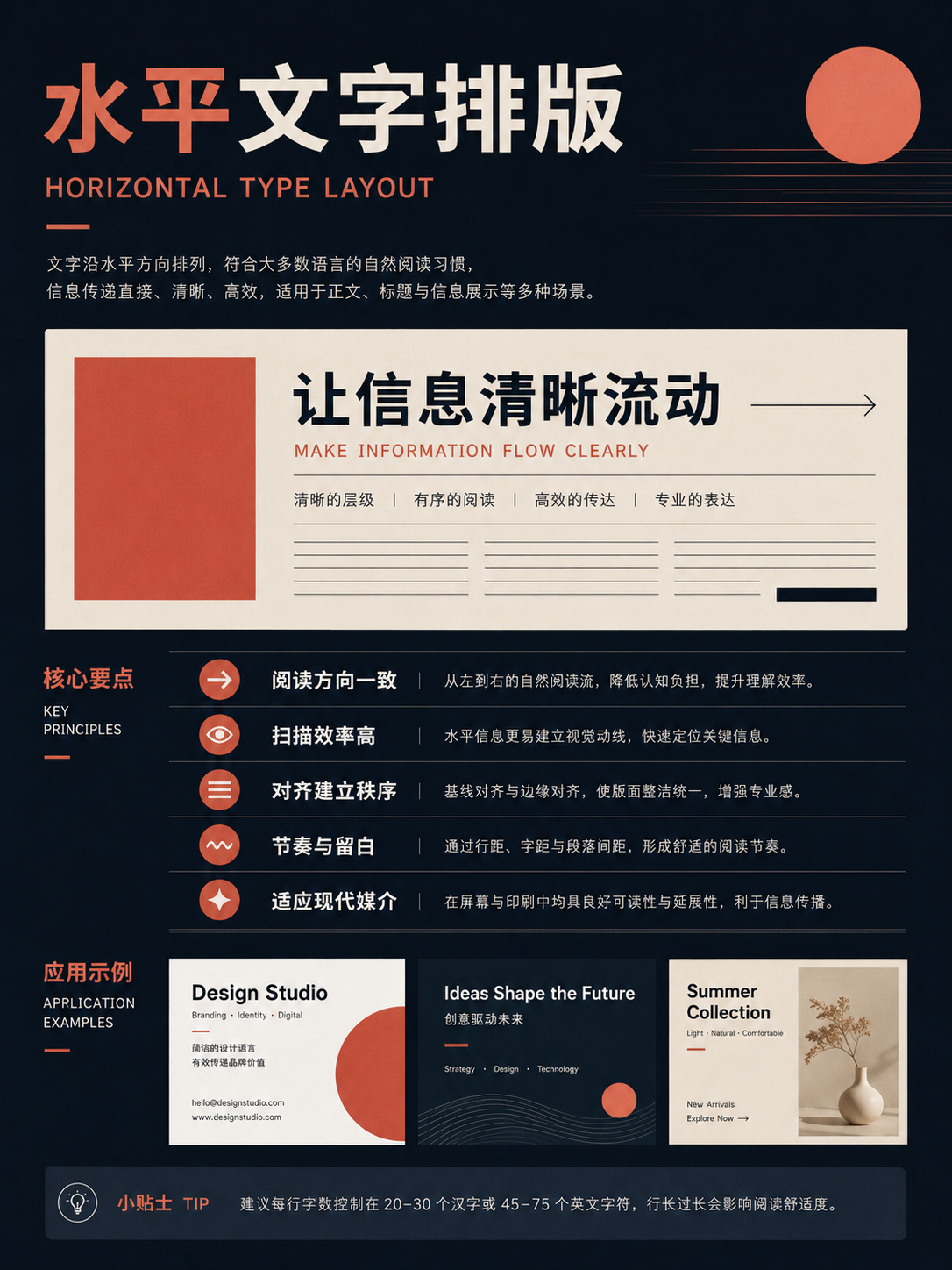
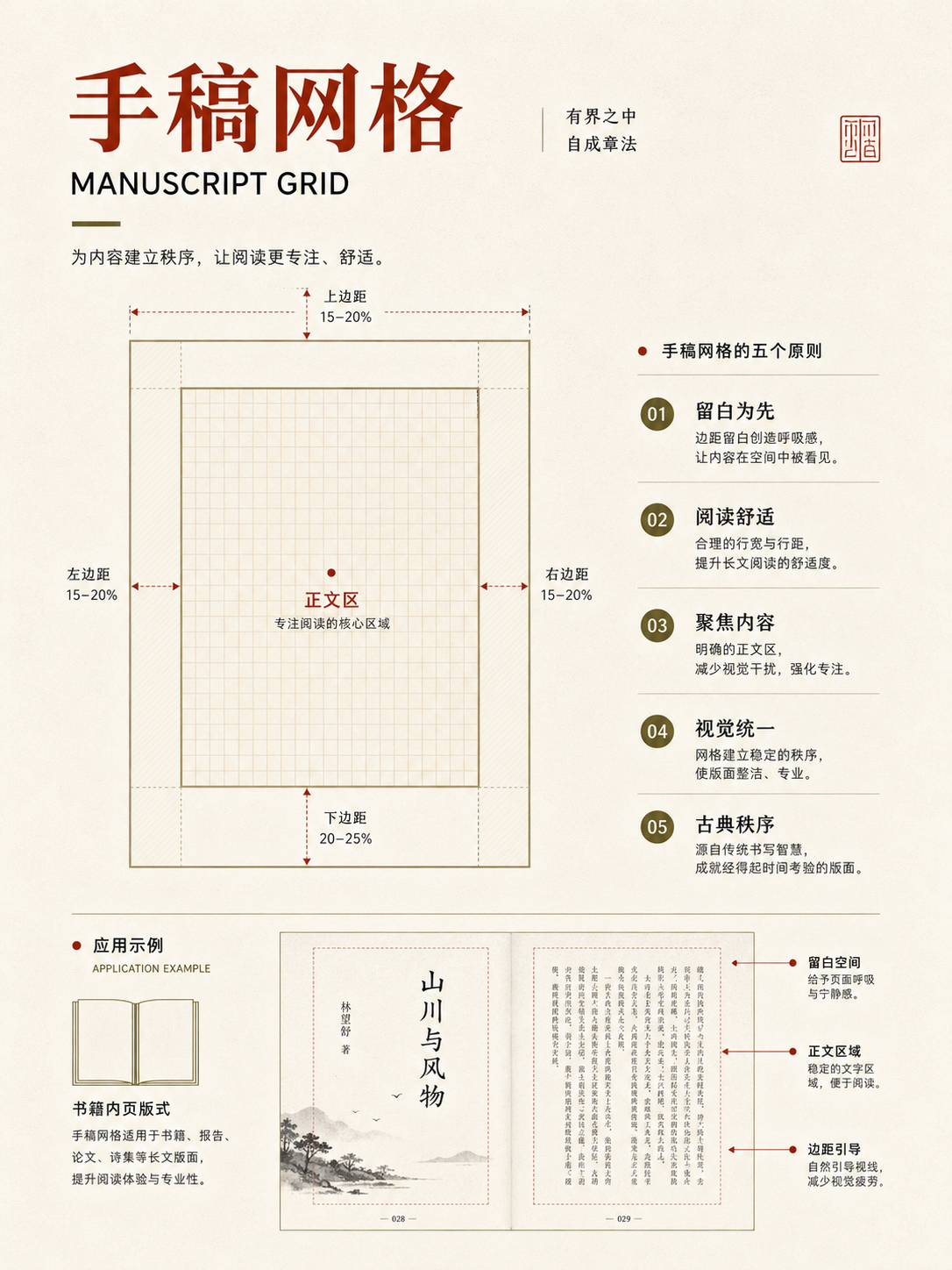
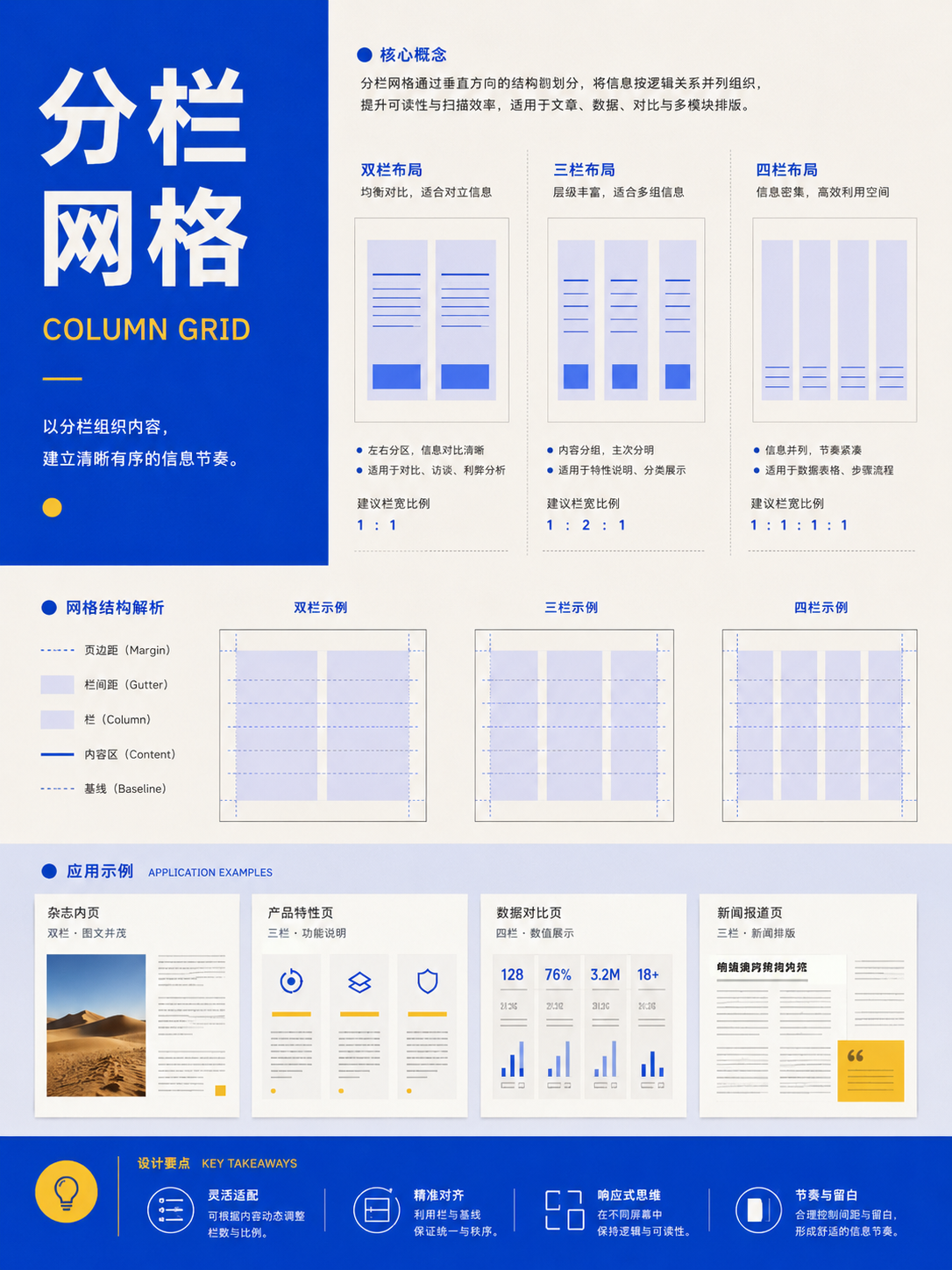
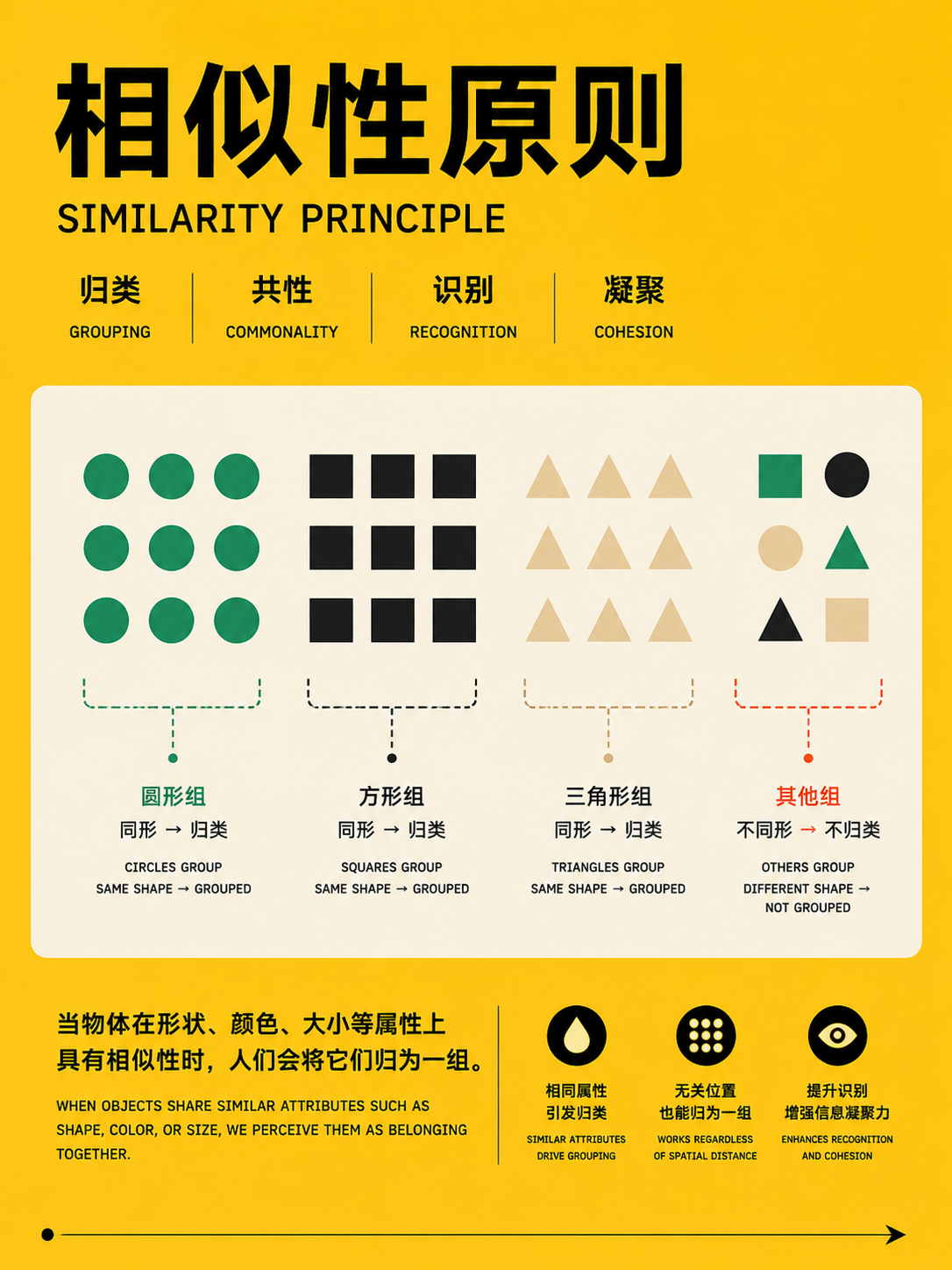
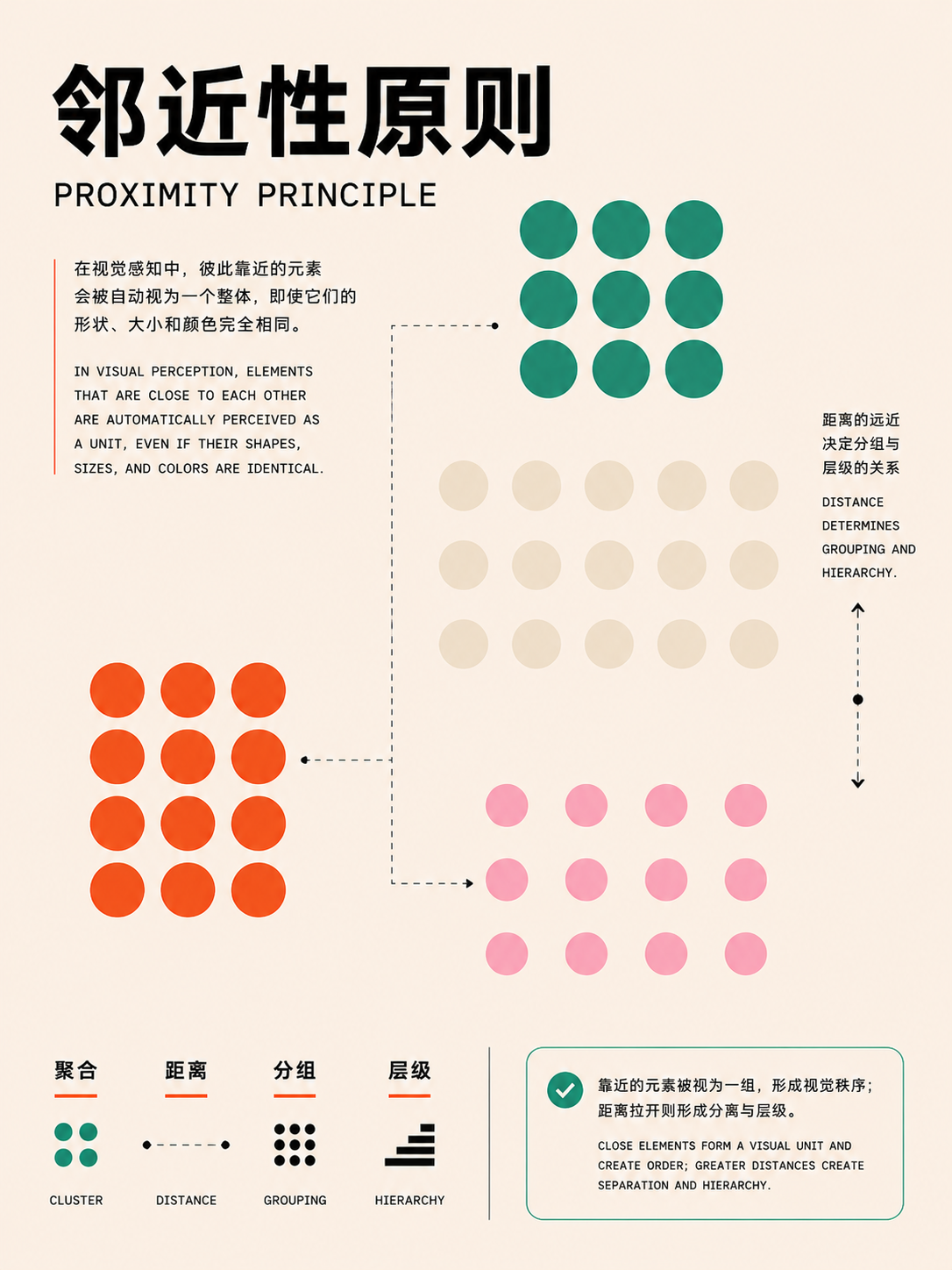
Gestalt and grouping
UseFor complex information grouping. Use distance, common regions, similarity, or continuity to express relationships, and rely less on extra borders.
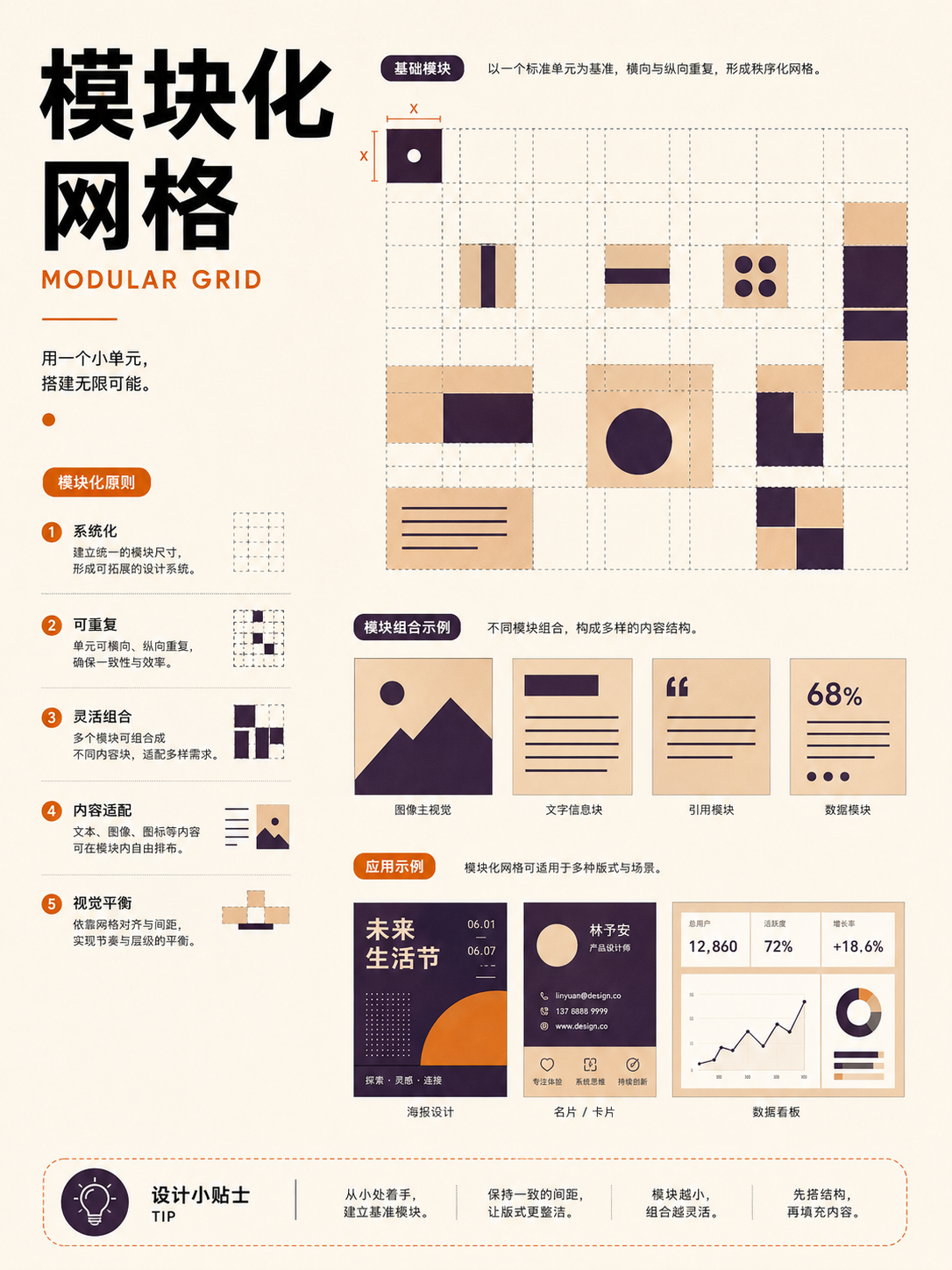
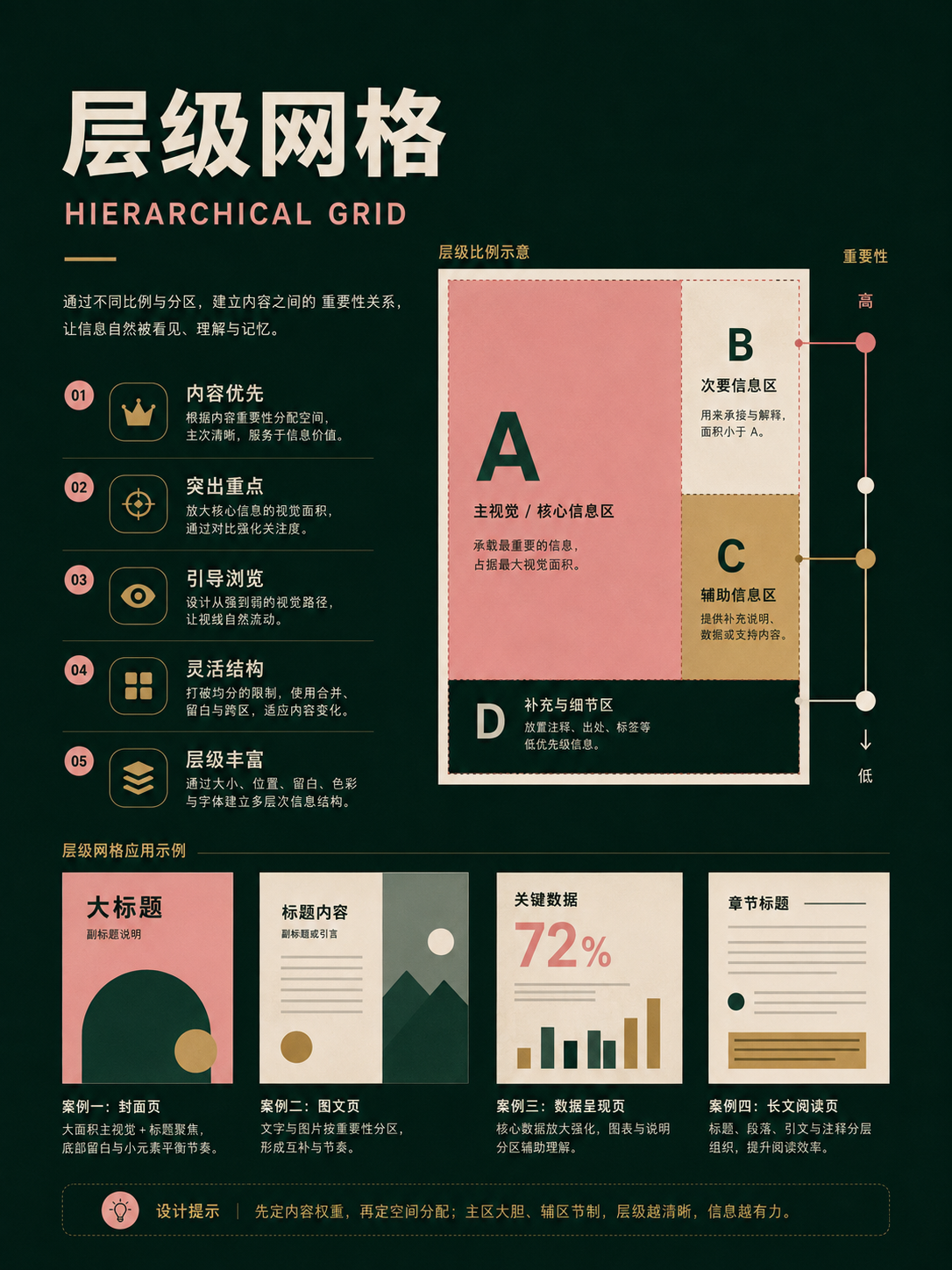
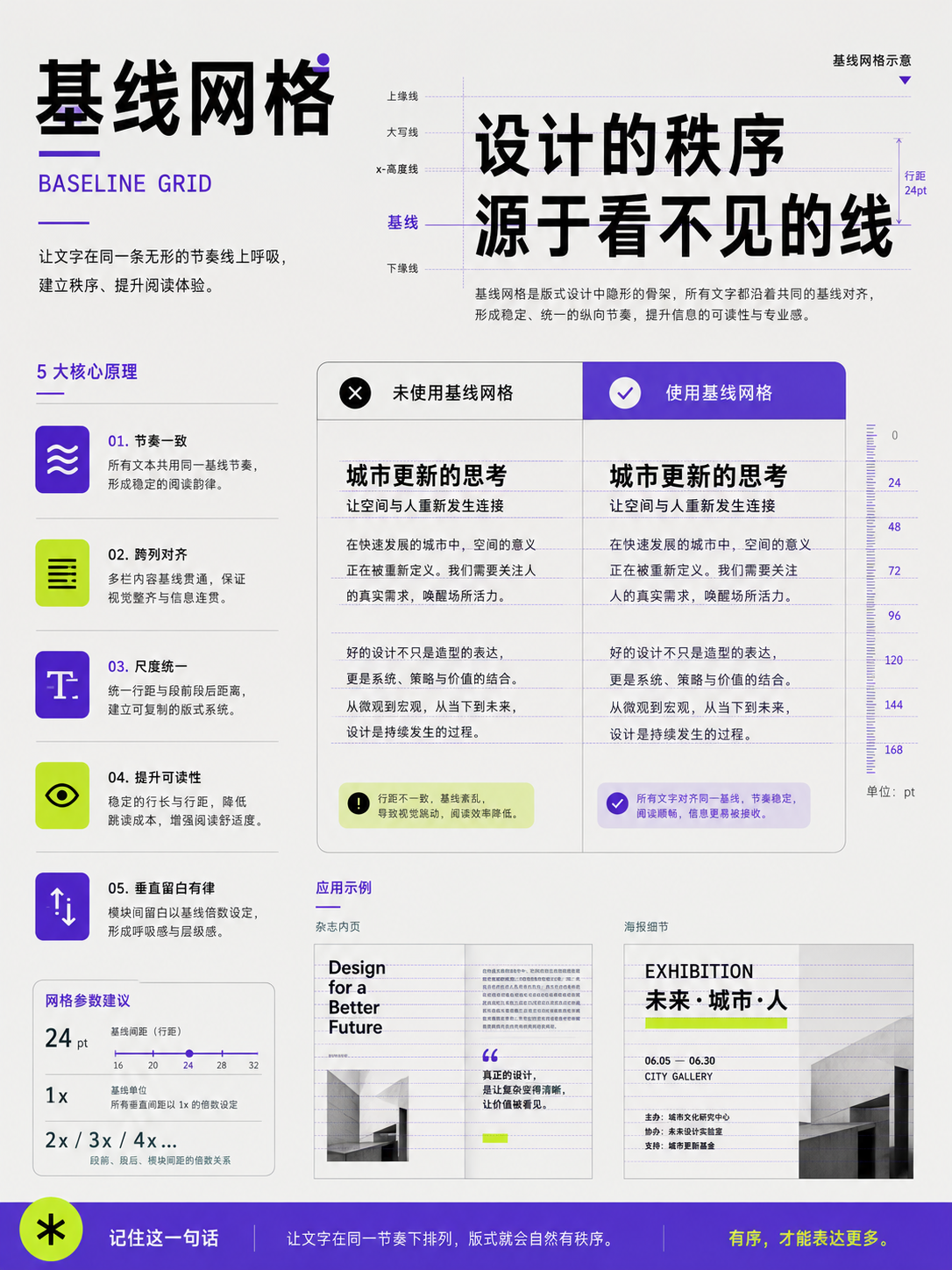
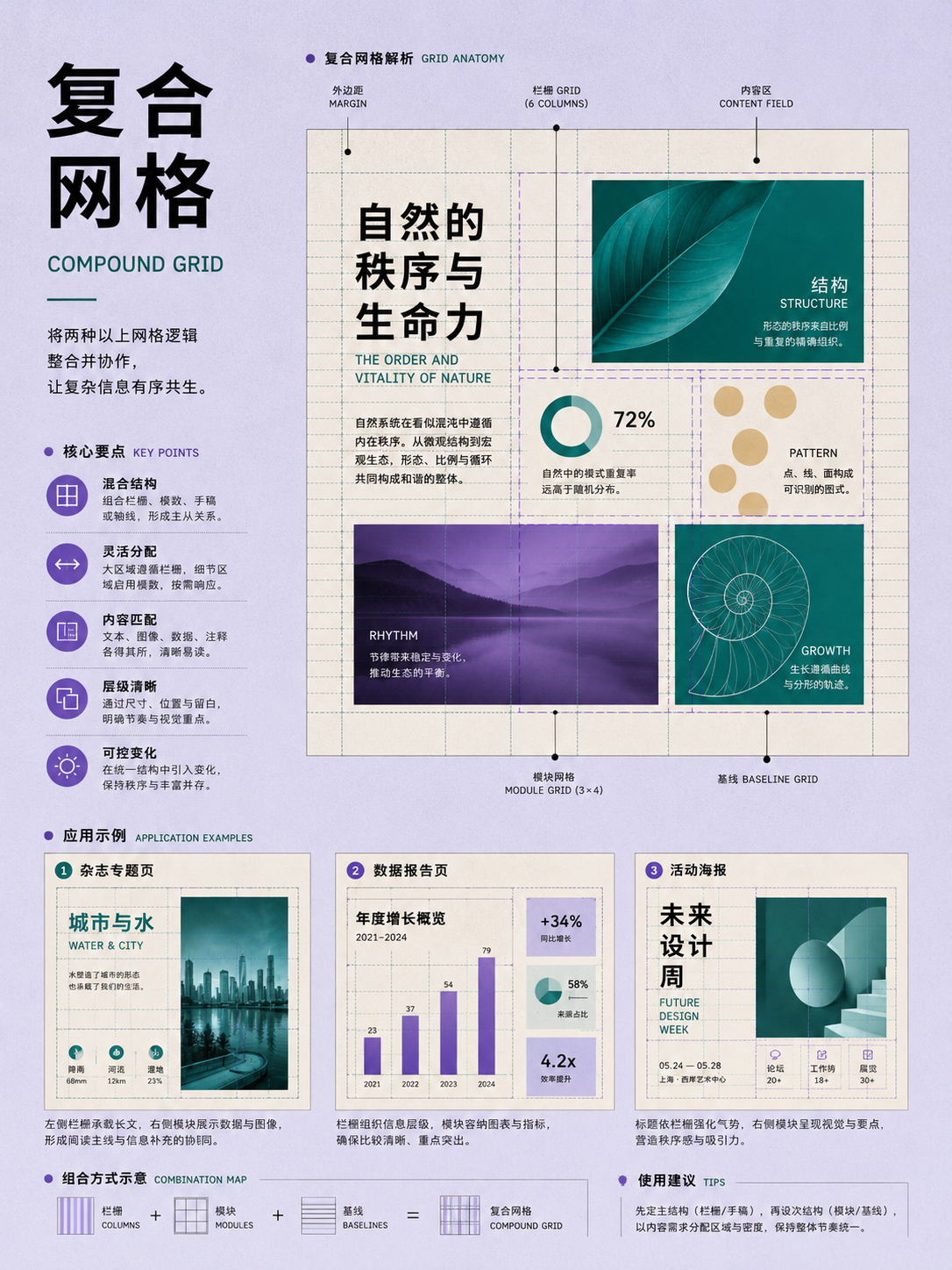
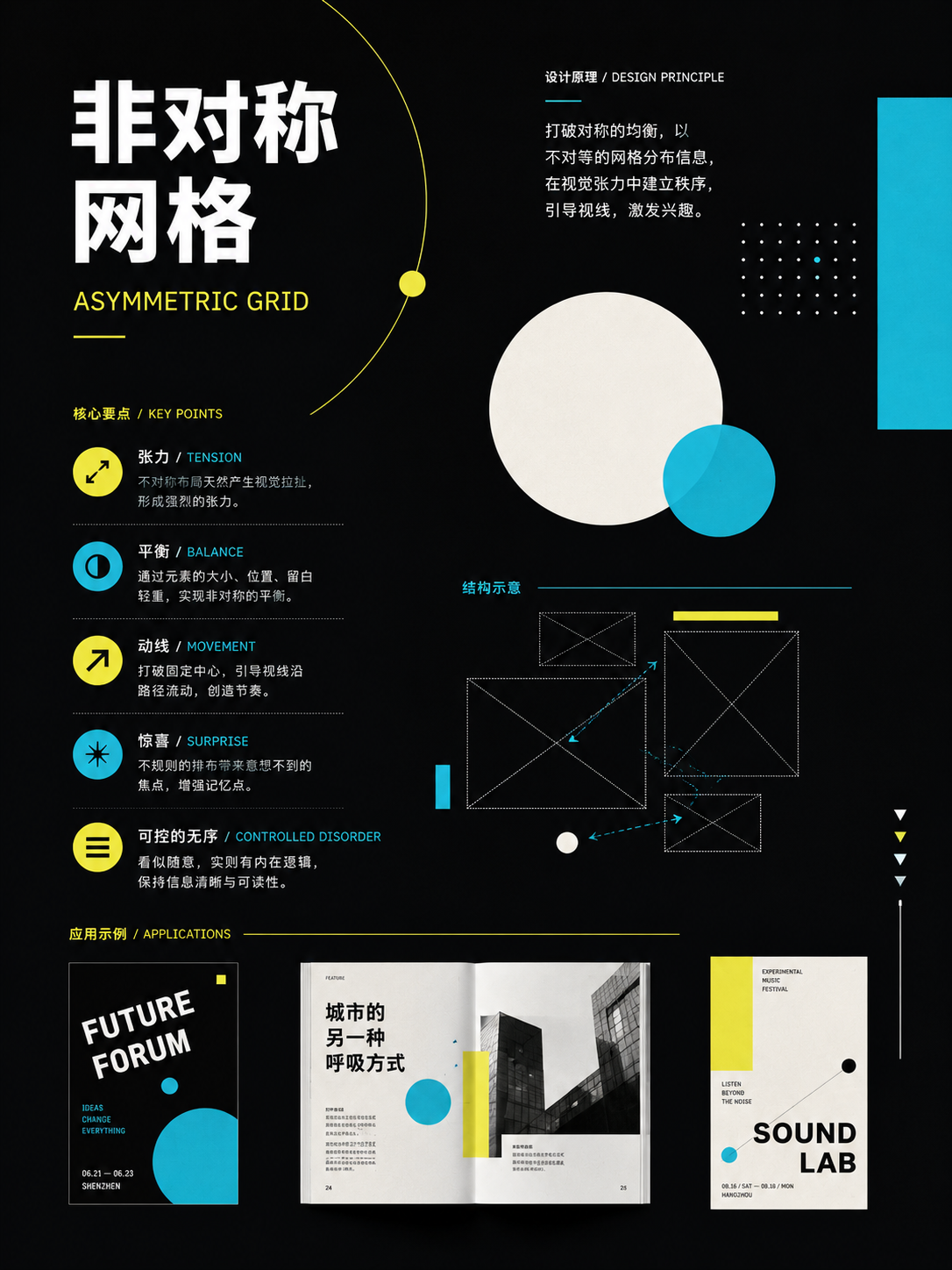
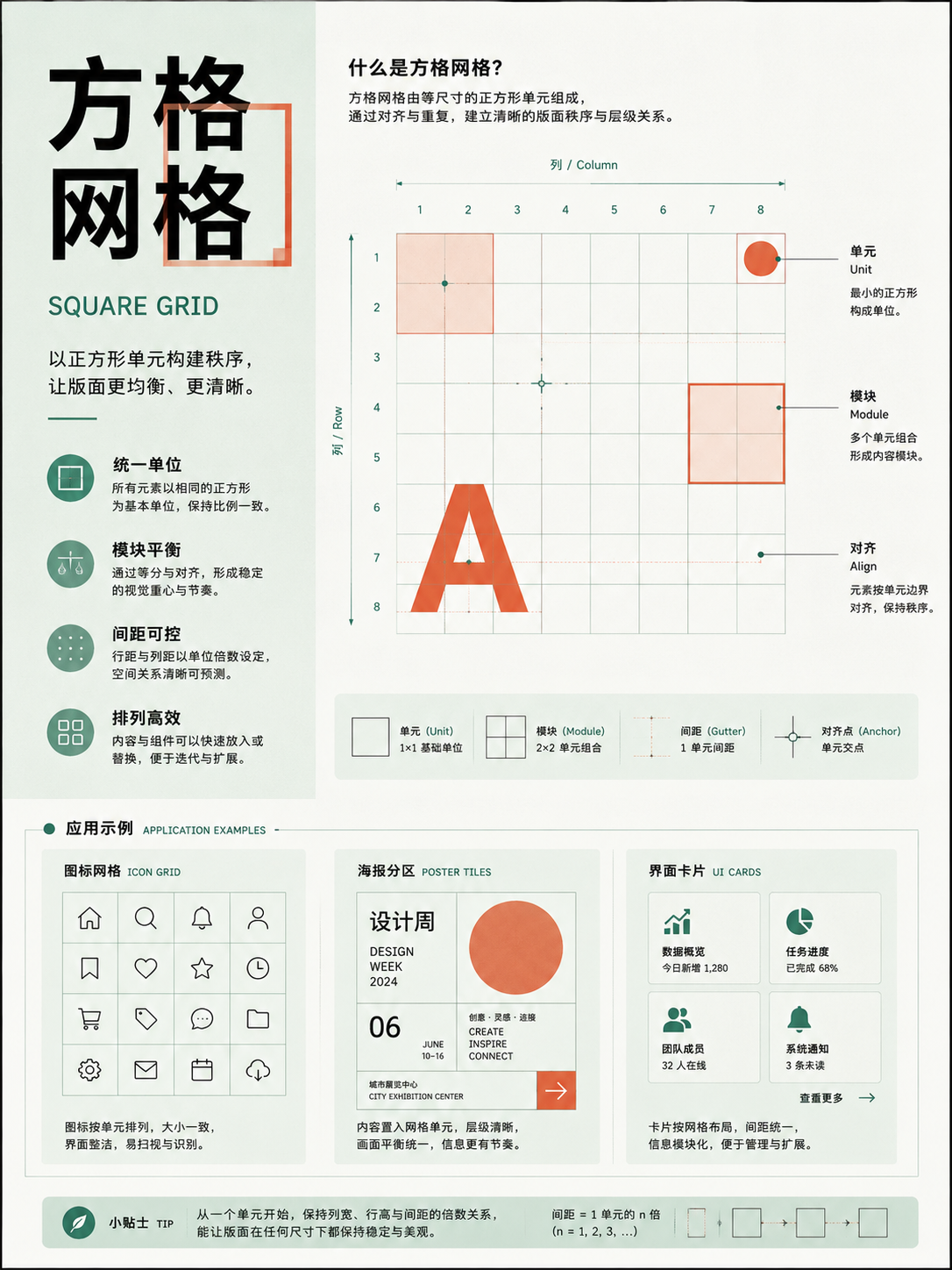
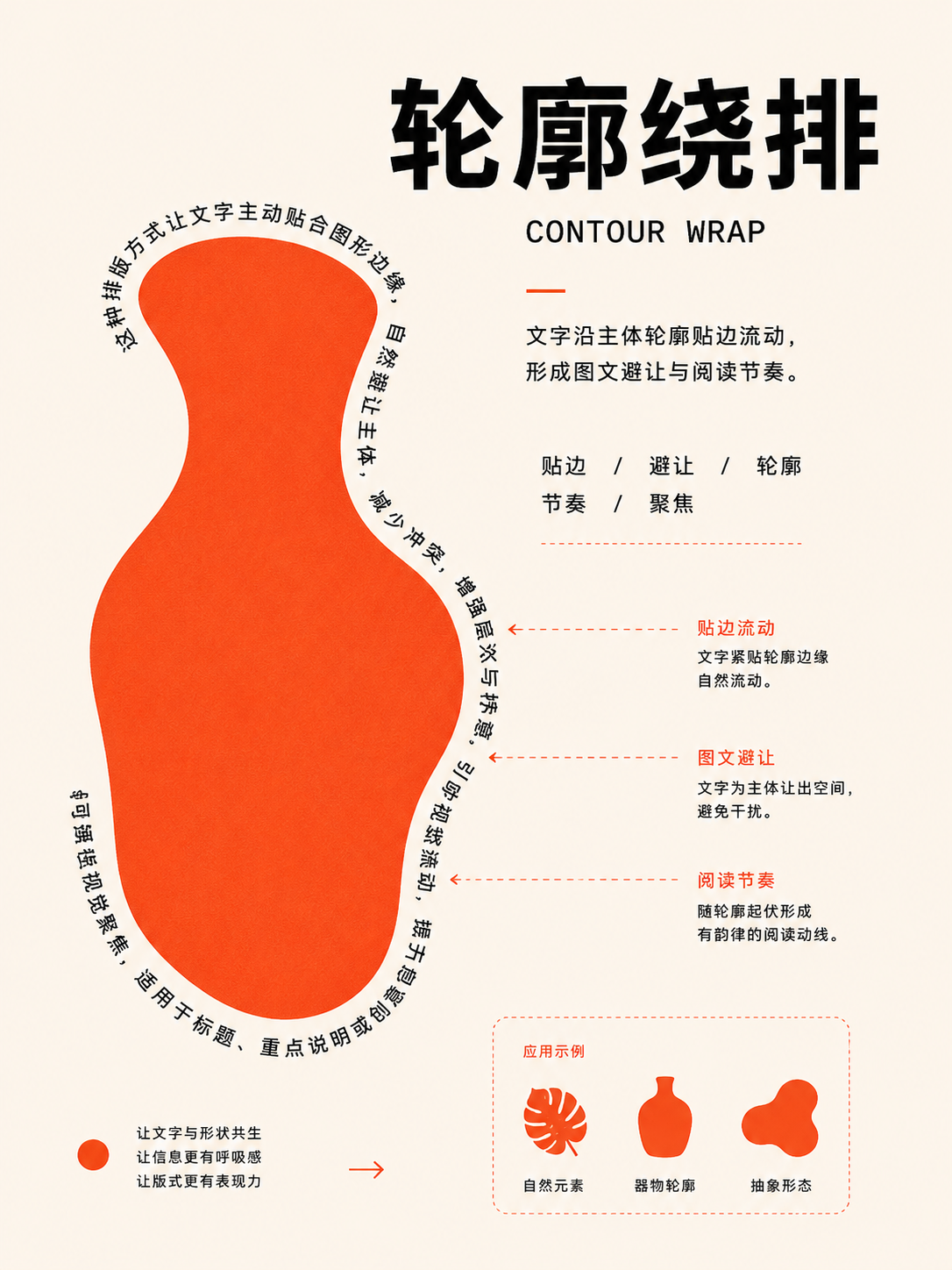
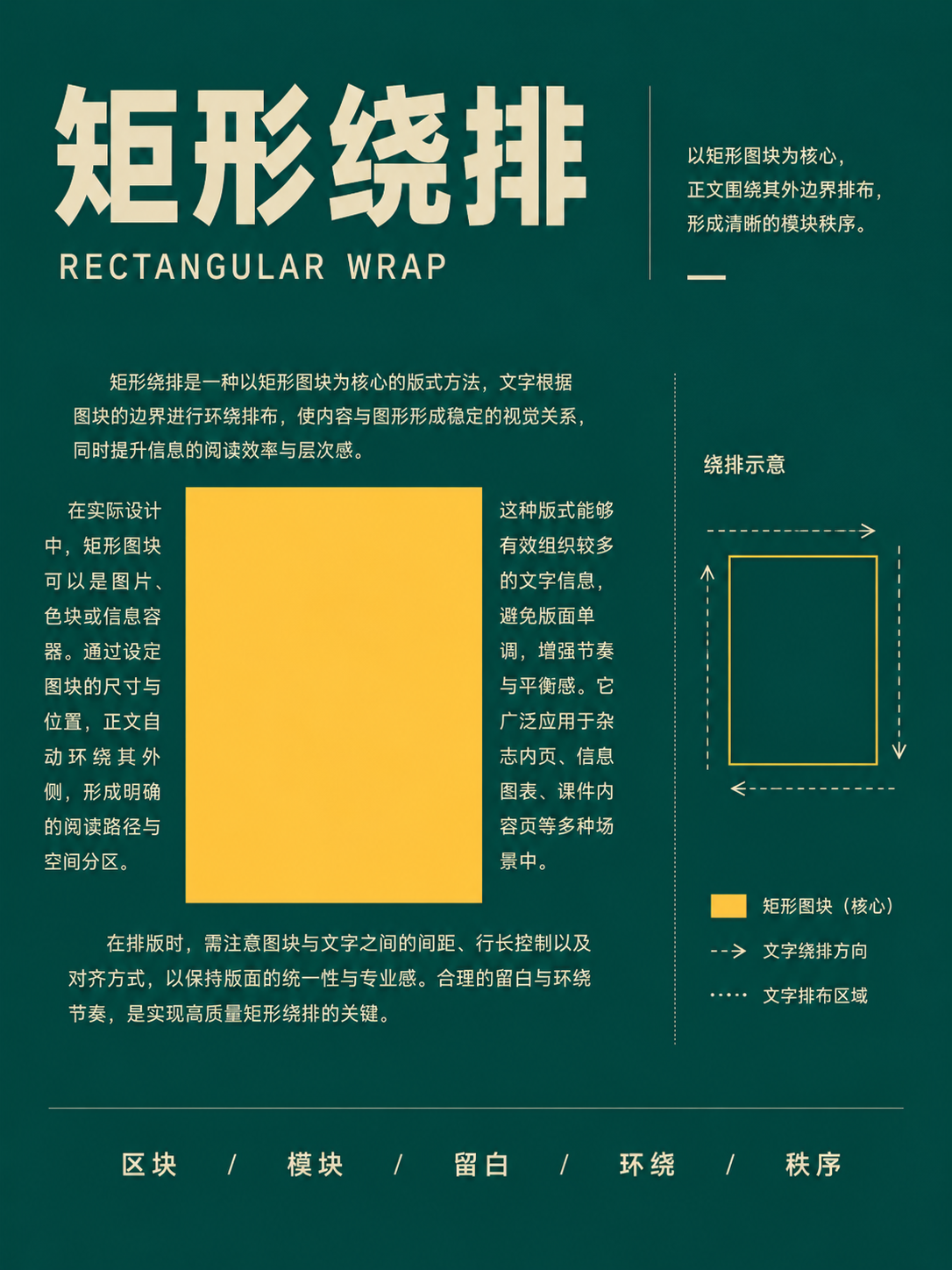
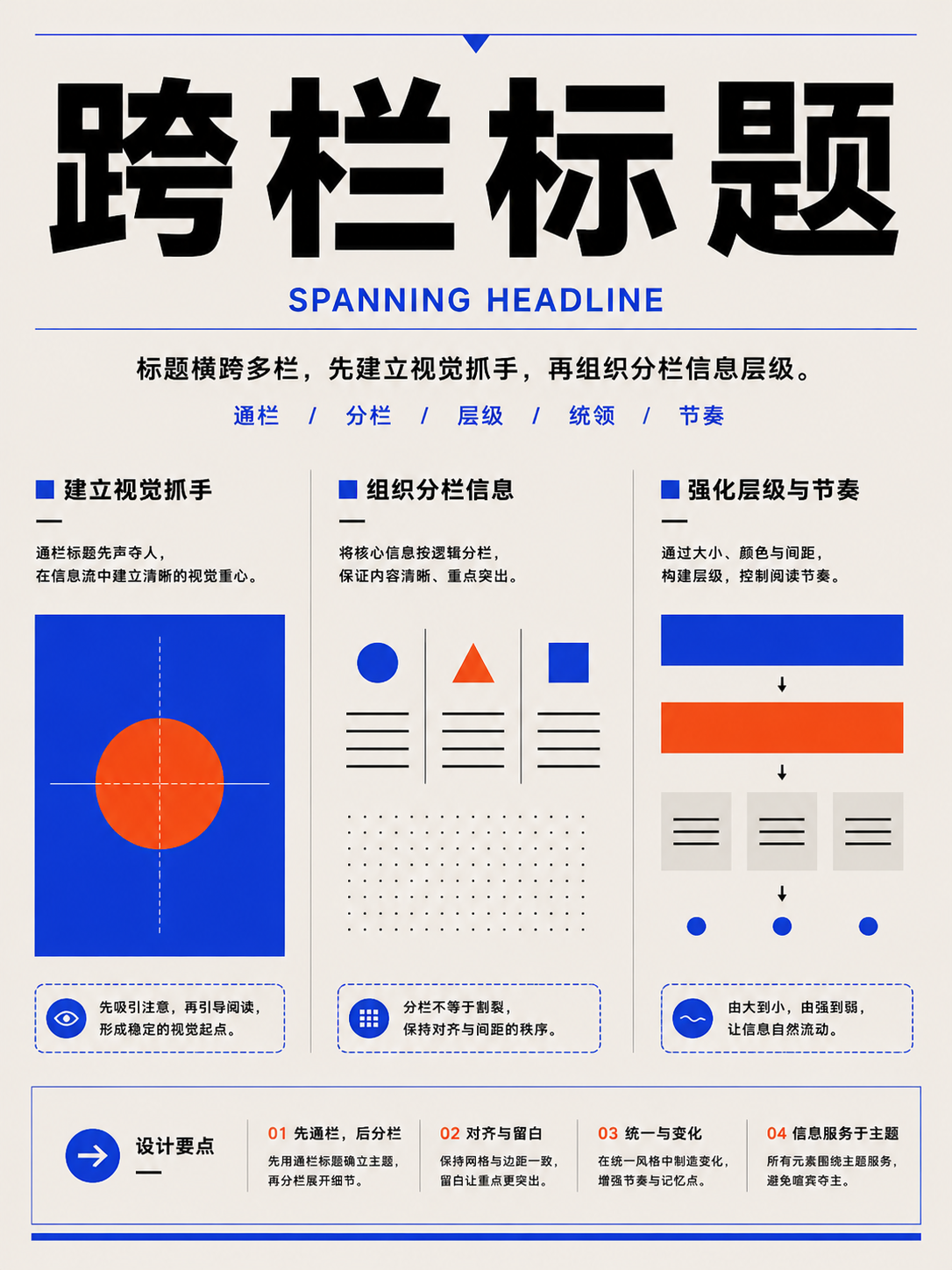

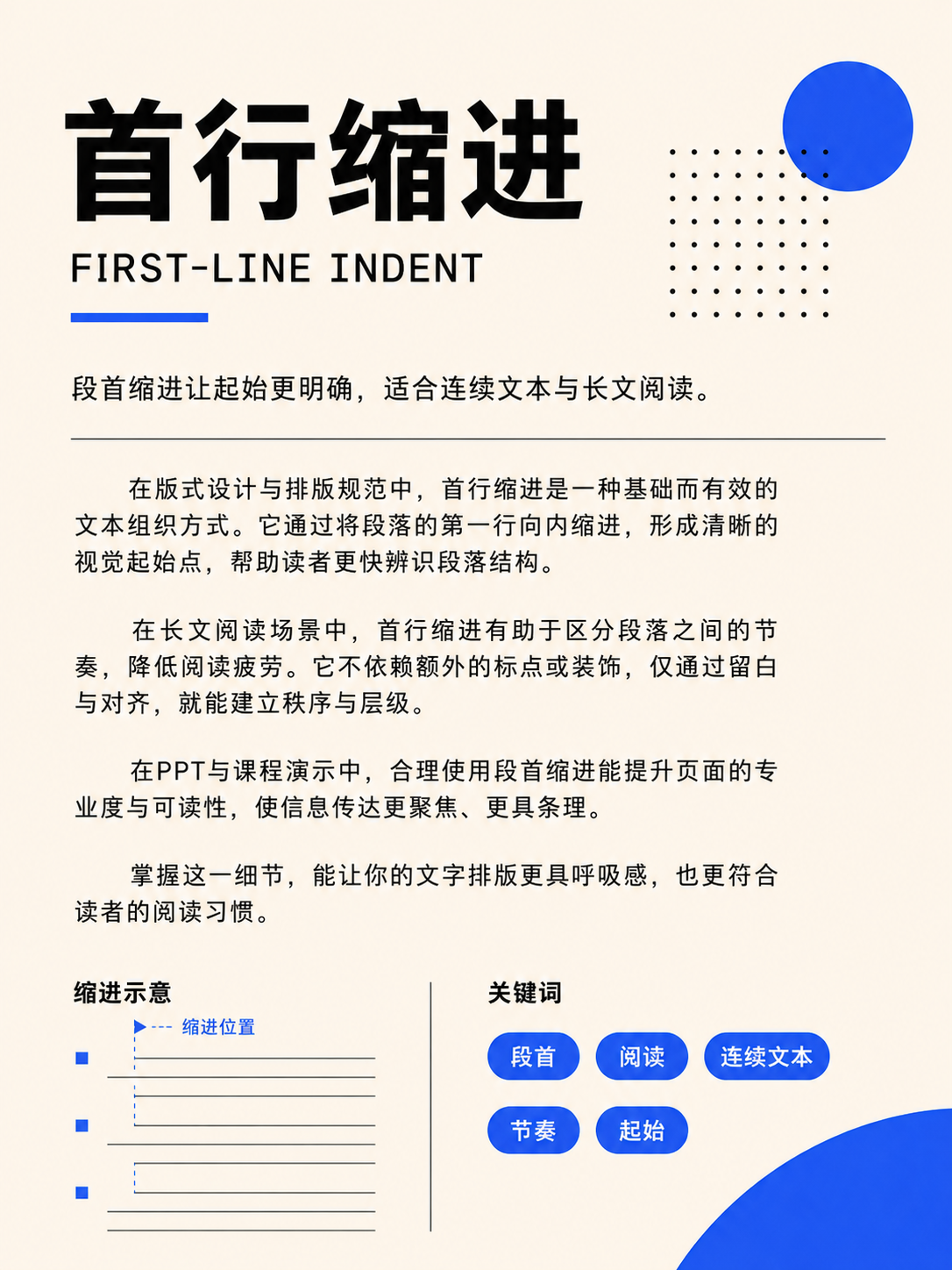
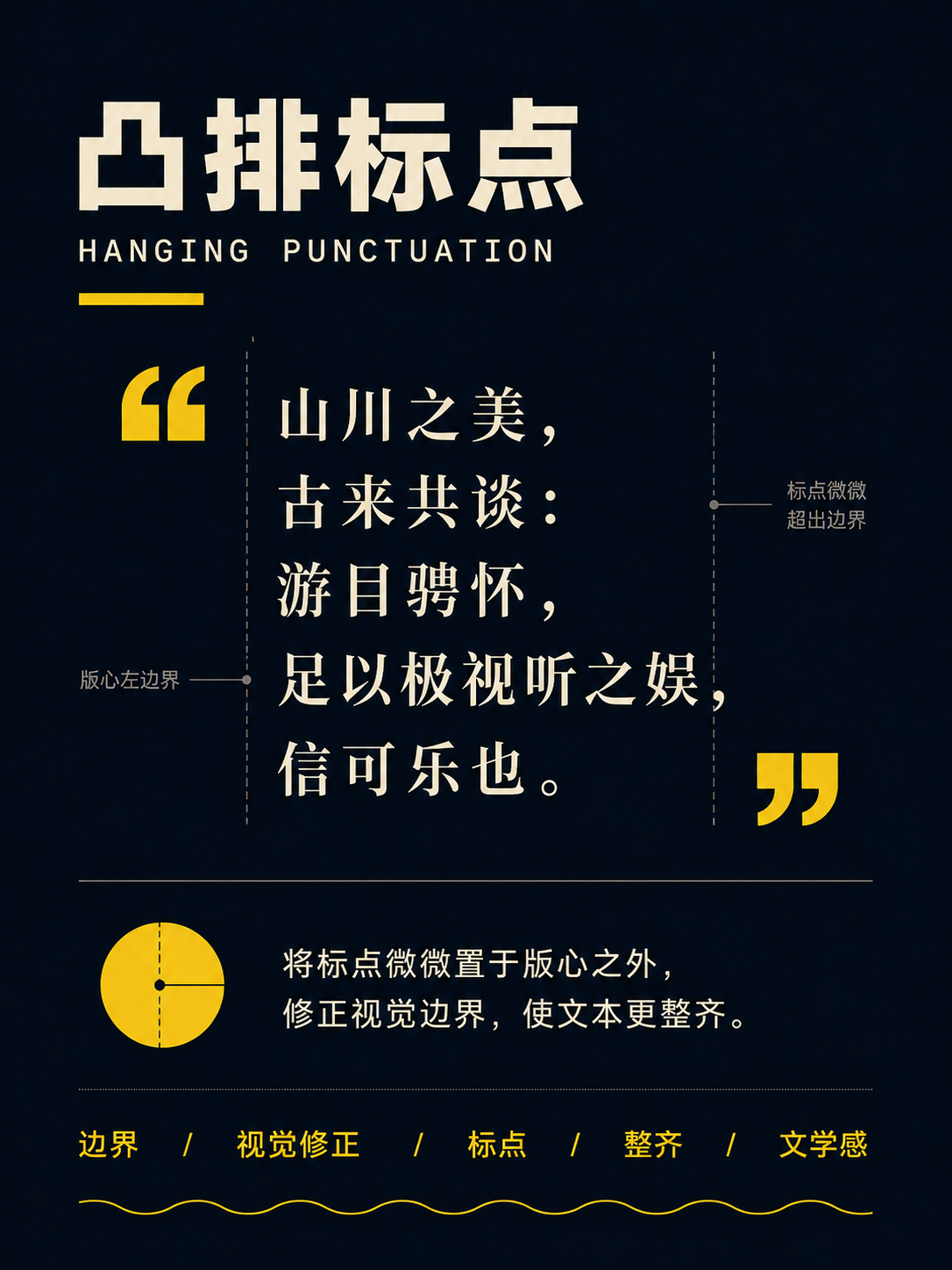
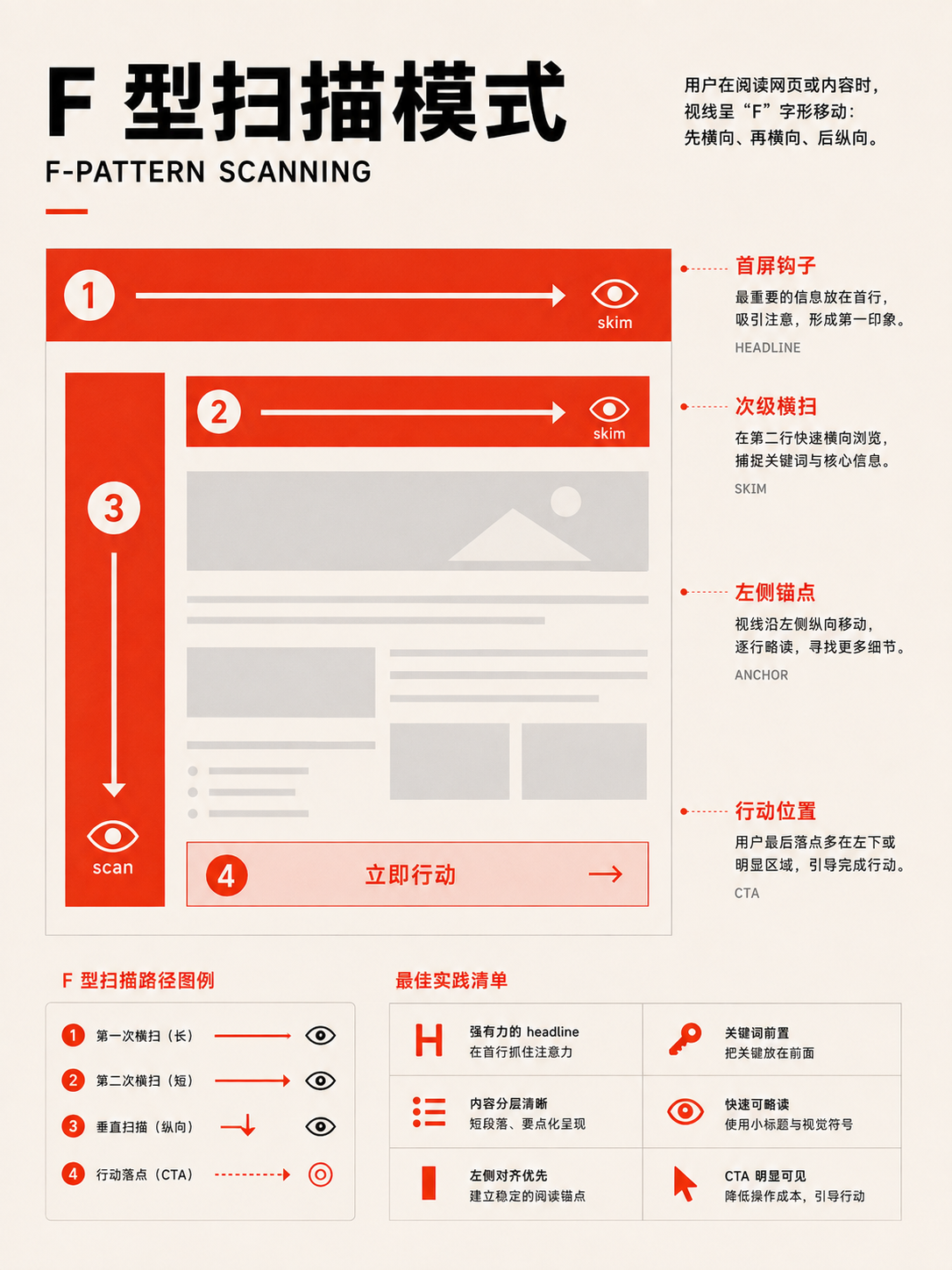
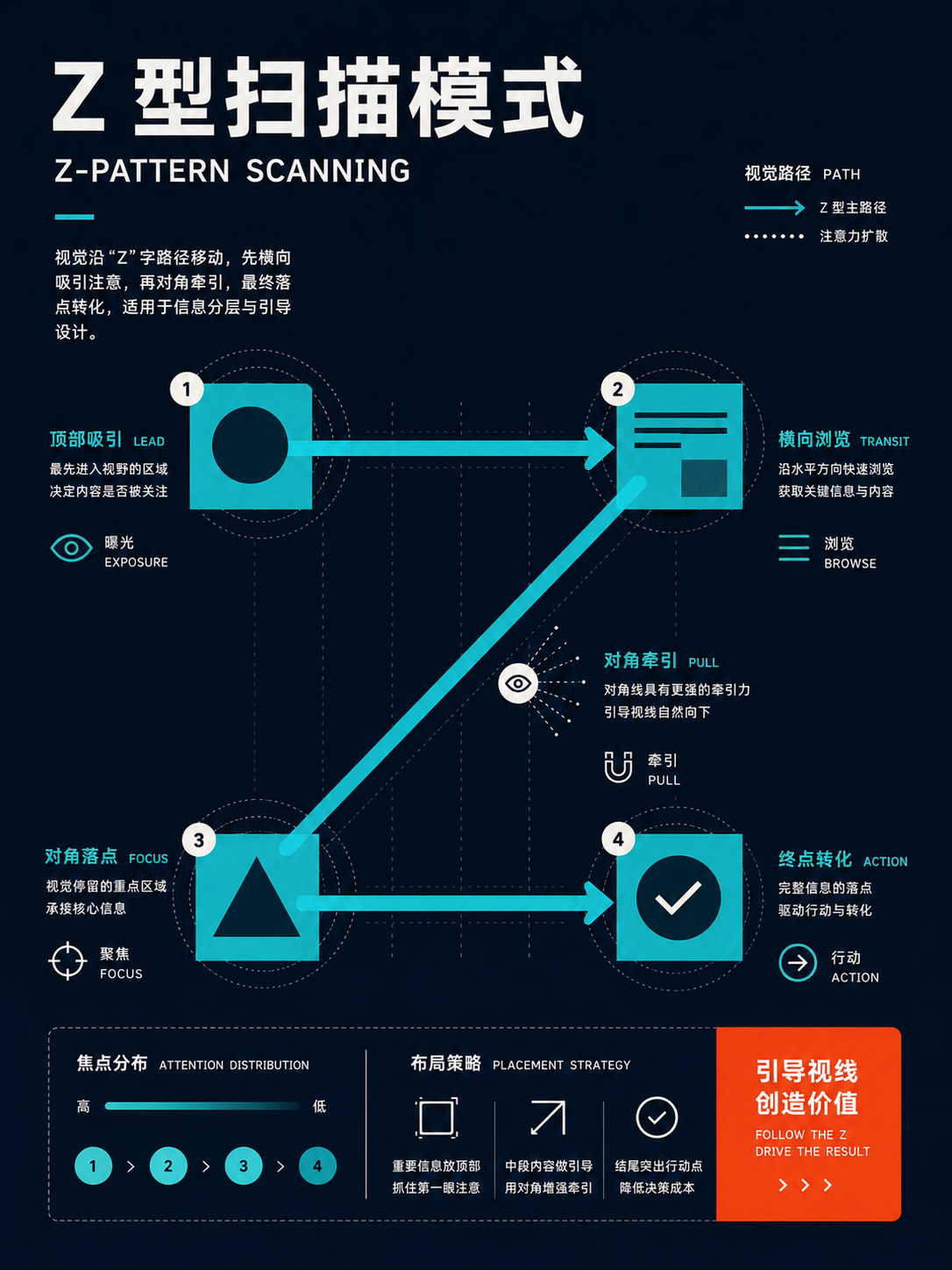
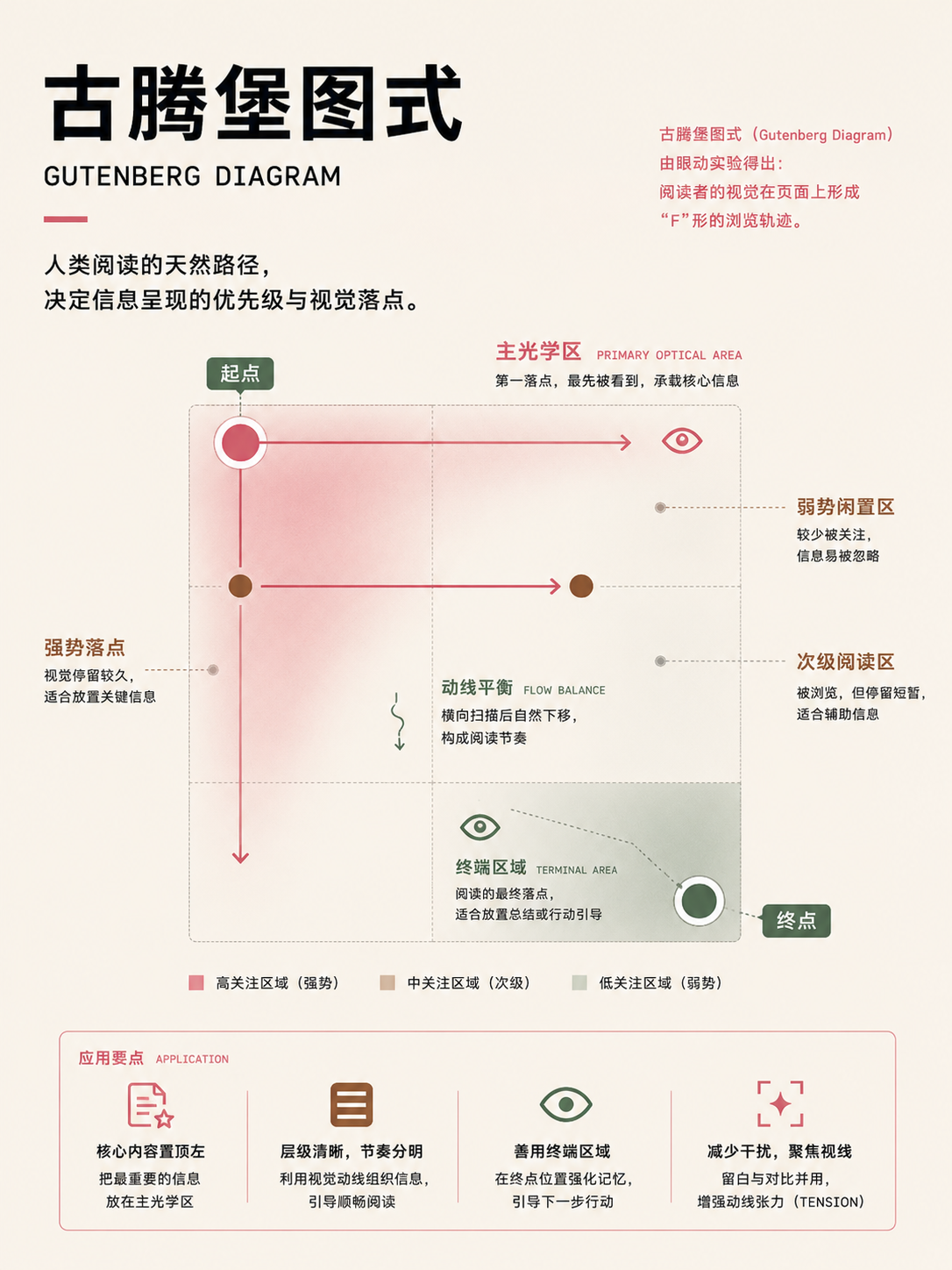
Page reading patterns
UseFor articles, landing pages, and information pages. Determine how readers are likely to scan, then place action points along that path.
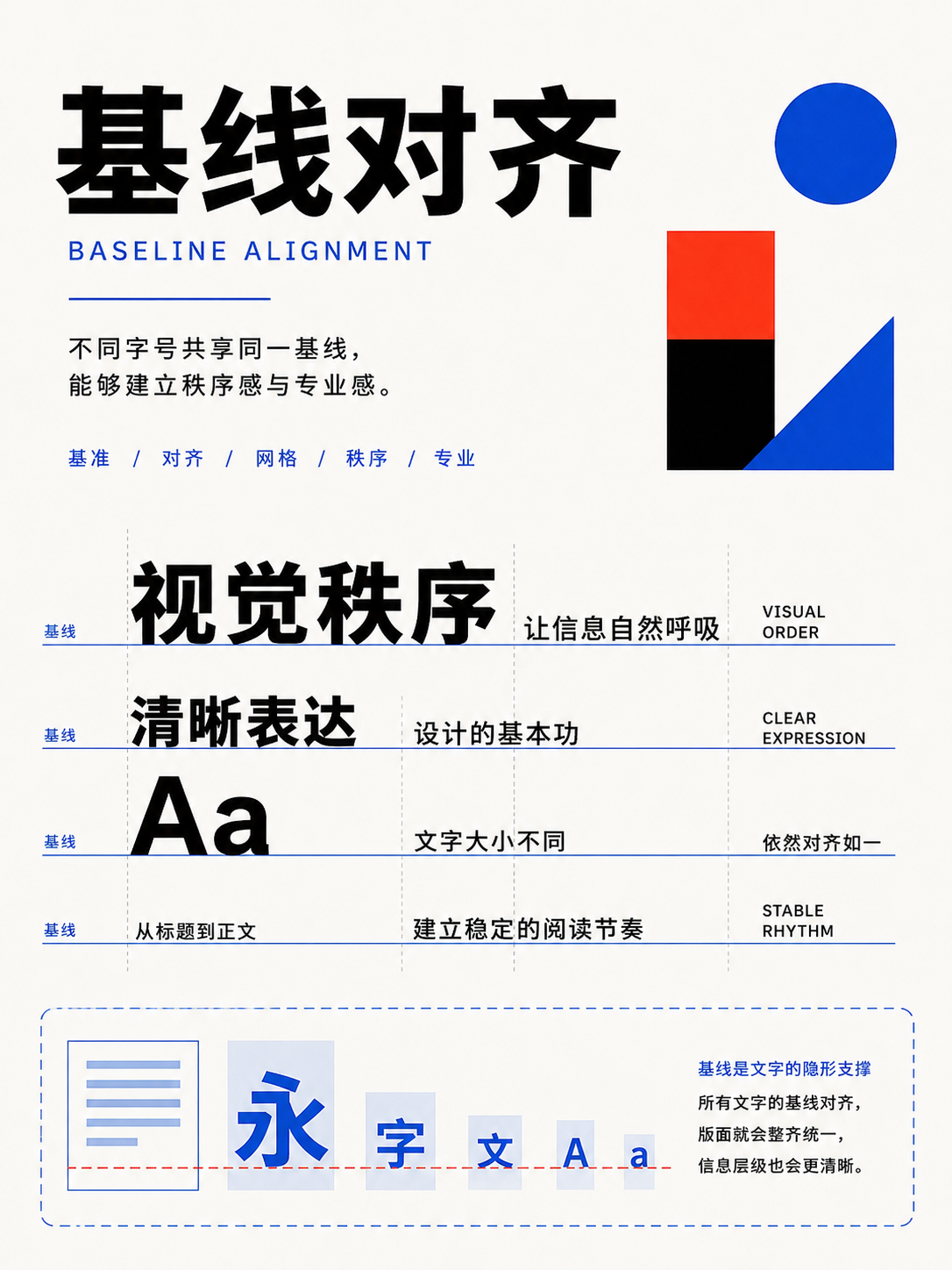
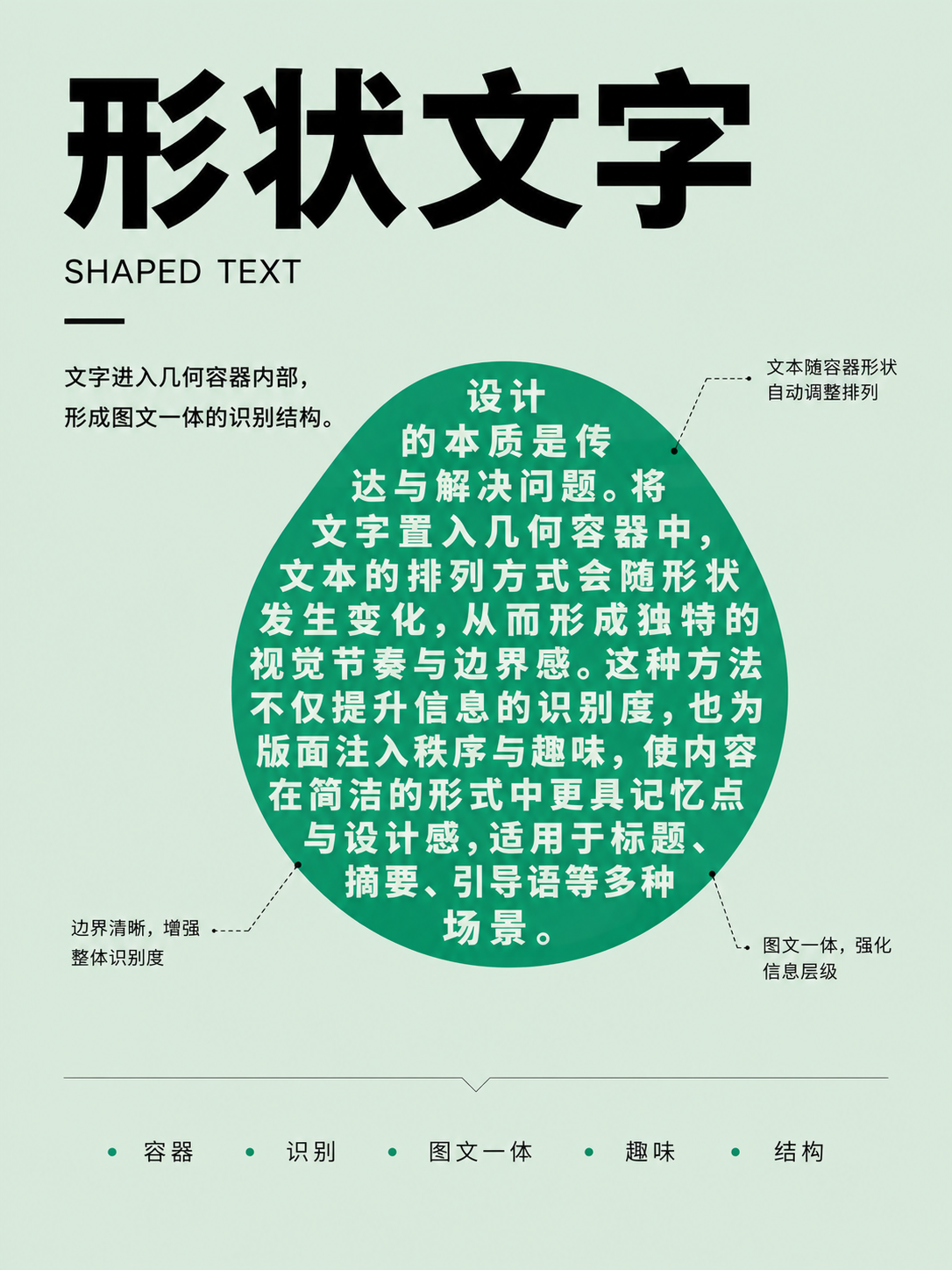
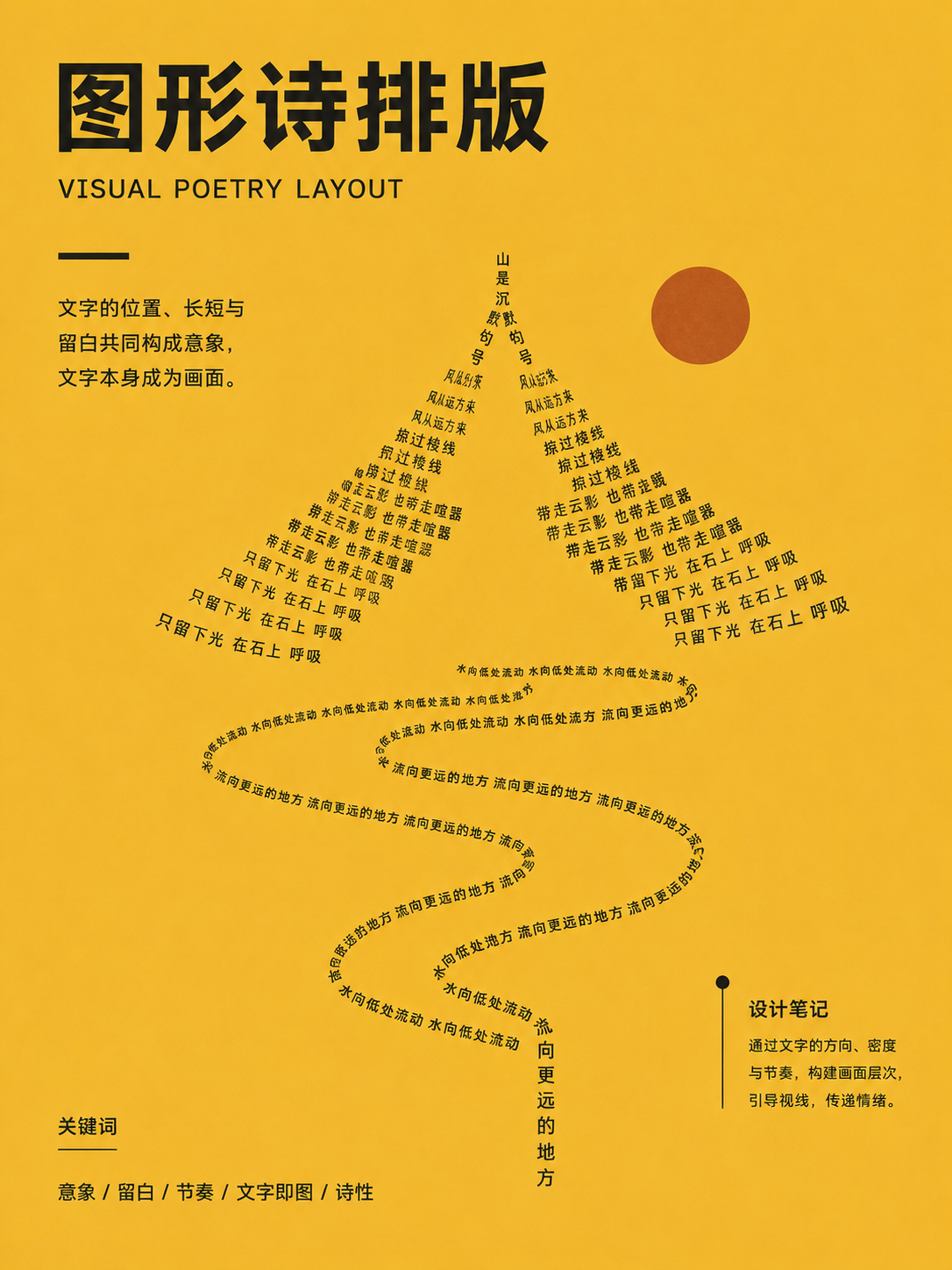
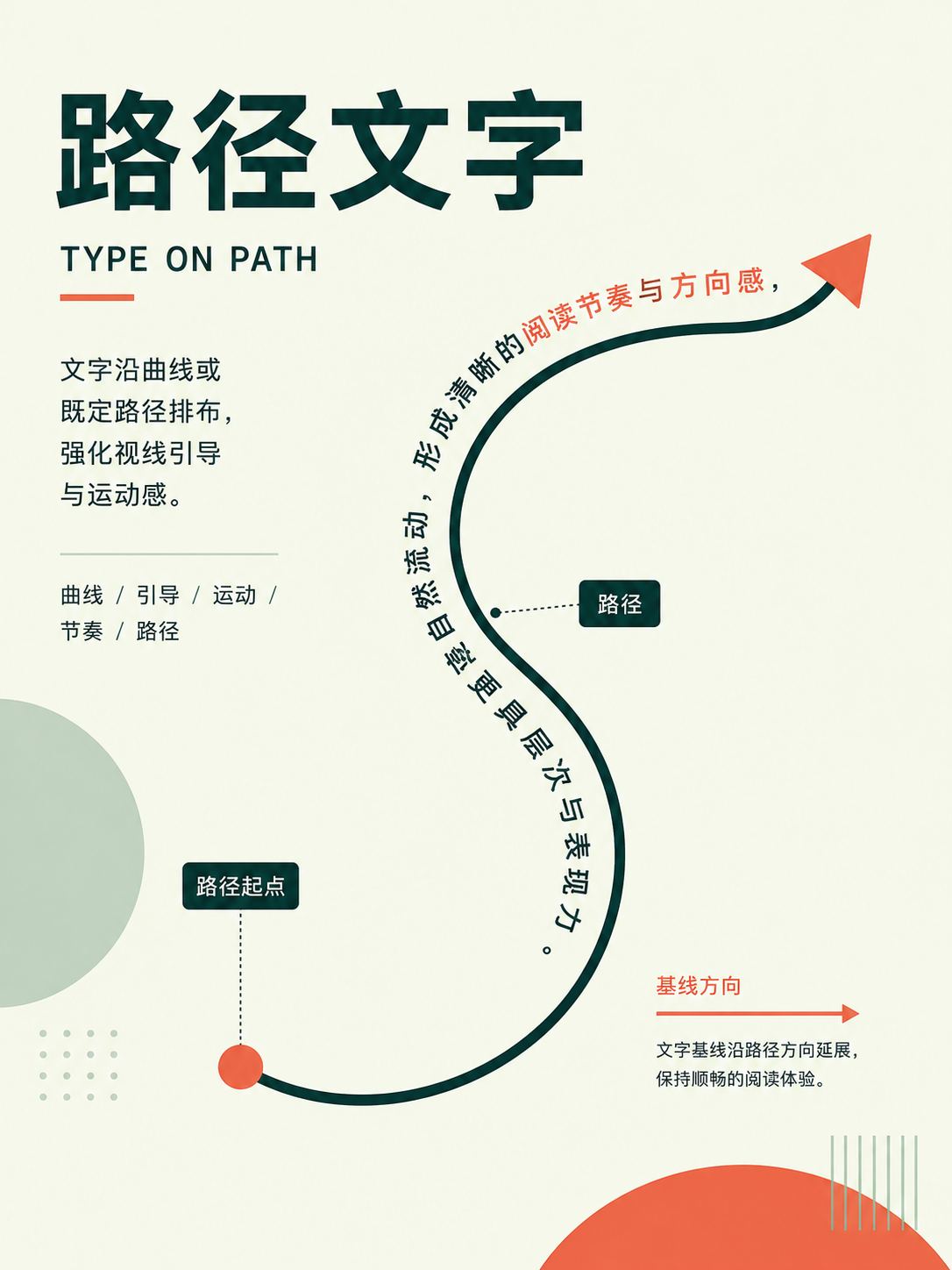
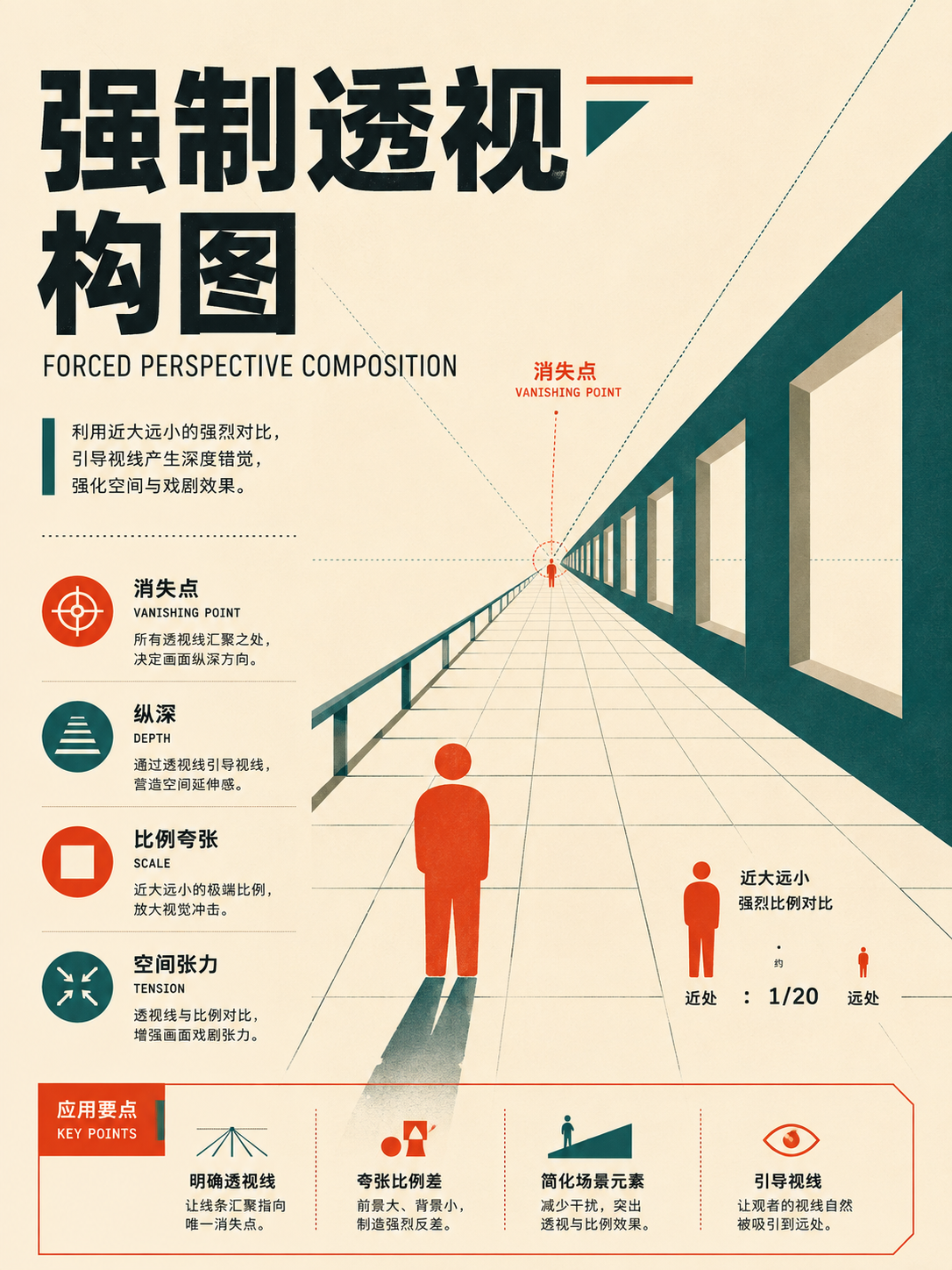
No matches in this category. Clear the keyword to restore all images.
34dc39c。Click a thumbnail to open the 1086 × 1448 high-res PNG; catalog names are for locating images only—always verify the actual content before using.03 · Editorial, Print & Advertising: putting structure into real pages
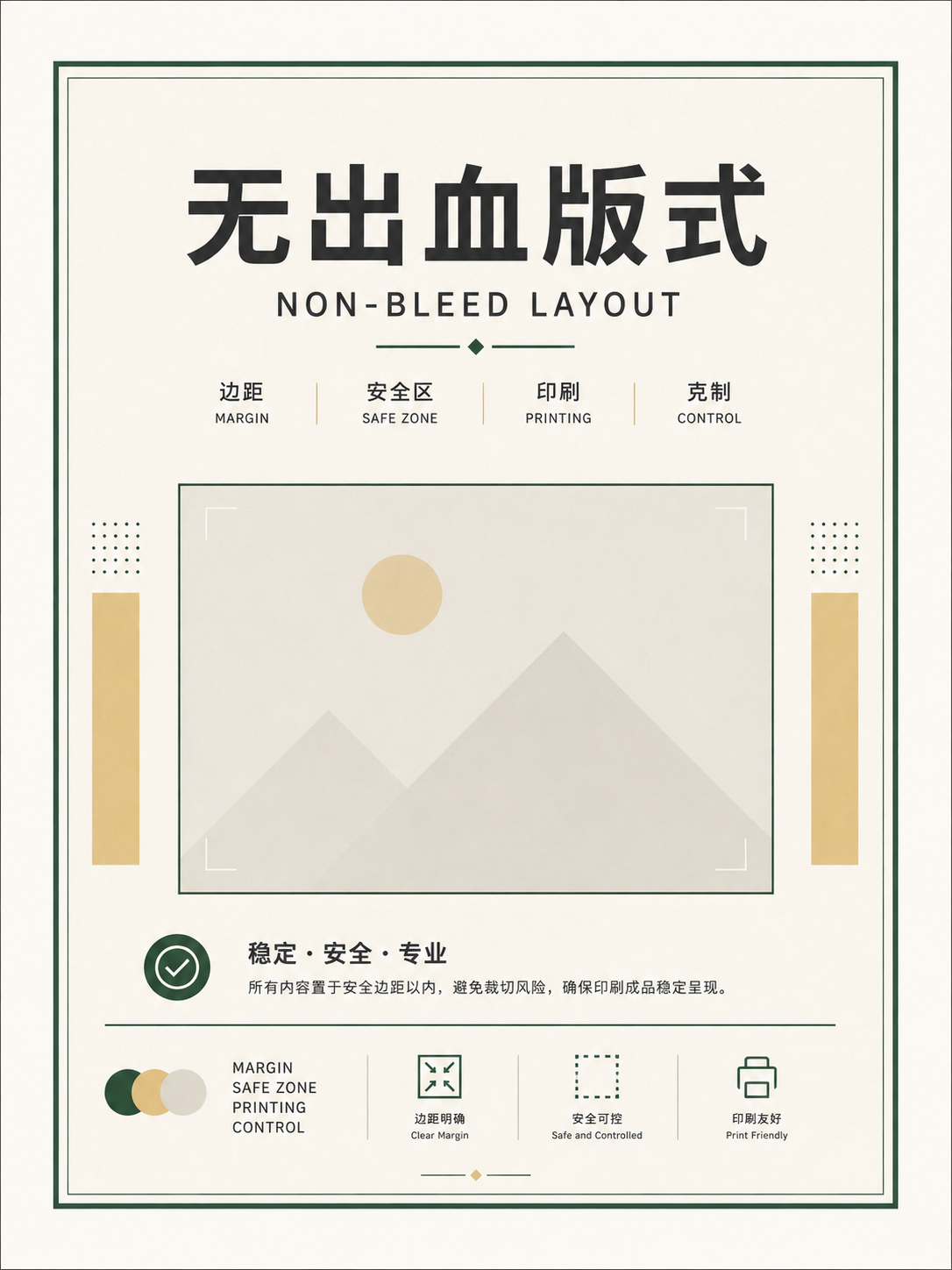
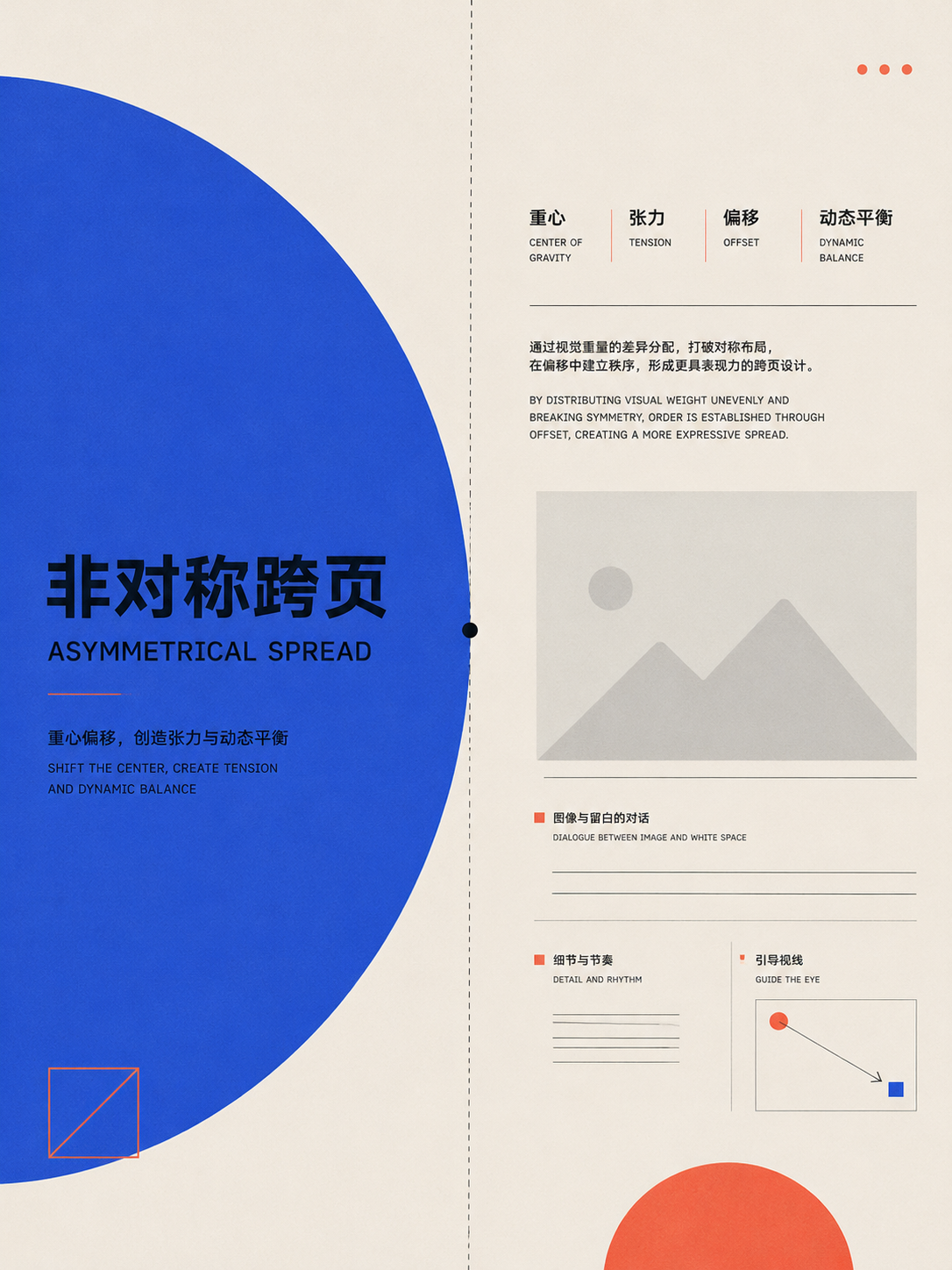
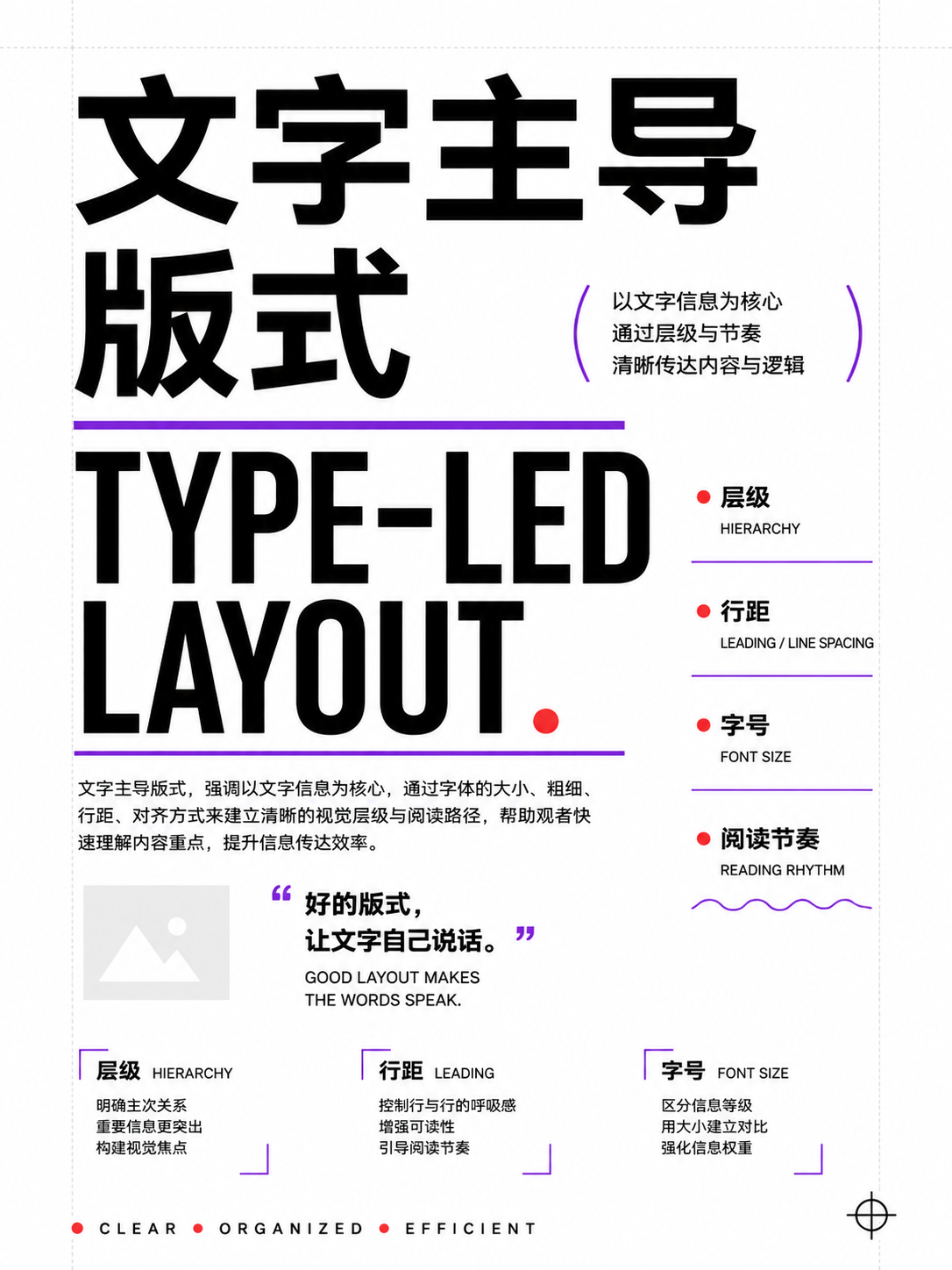
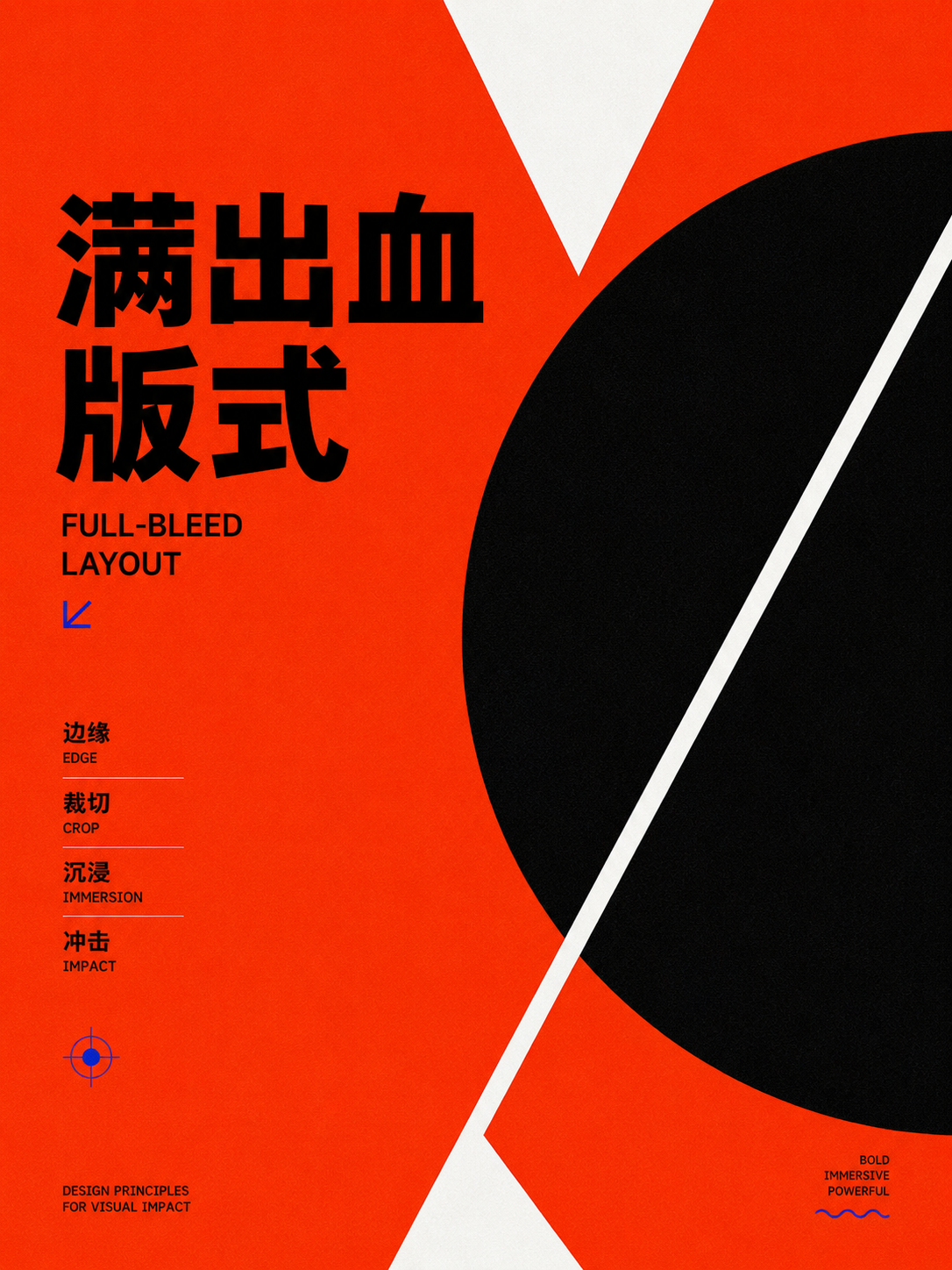
These 36 cards focus on columns, spreads, bleeds, text-to-image ratios, and functional pages. When working on magazines, reports, brand guidelines, or ads, first confirm your page dimensions, binding, or trim requirements, then choose a layout.
Full Atlas · 36 images
Print, Publishing, and Advertising
Place the frame into the page:FocusColumns, spreads, bleed, and the area relationship between image and text。
36 / 36 visible
Columns, spreads, and bleed
UseDecide the number of columns based on content length and medium, then handle the spread center, trim safety, and bleed.
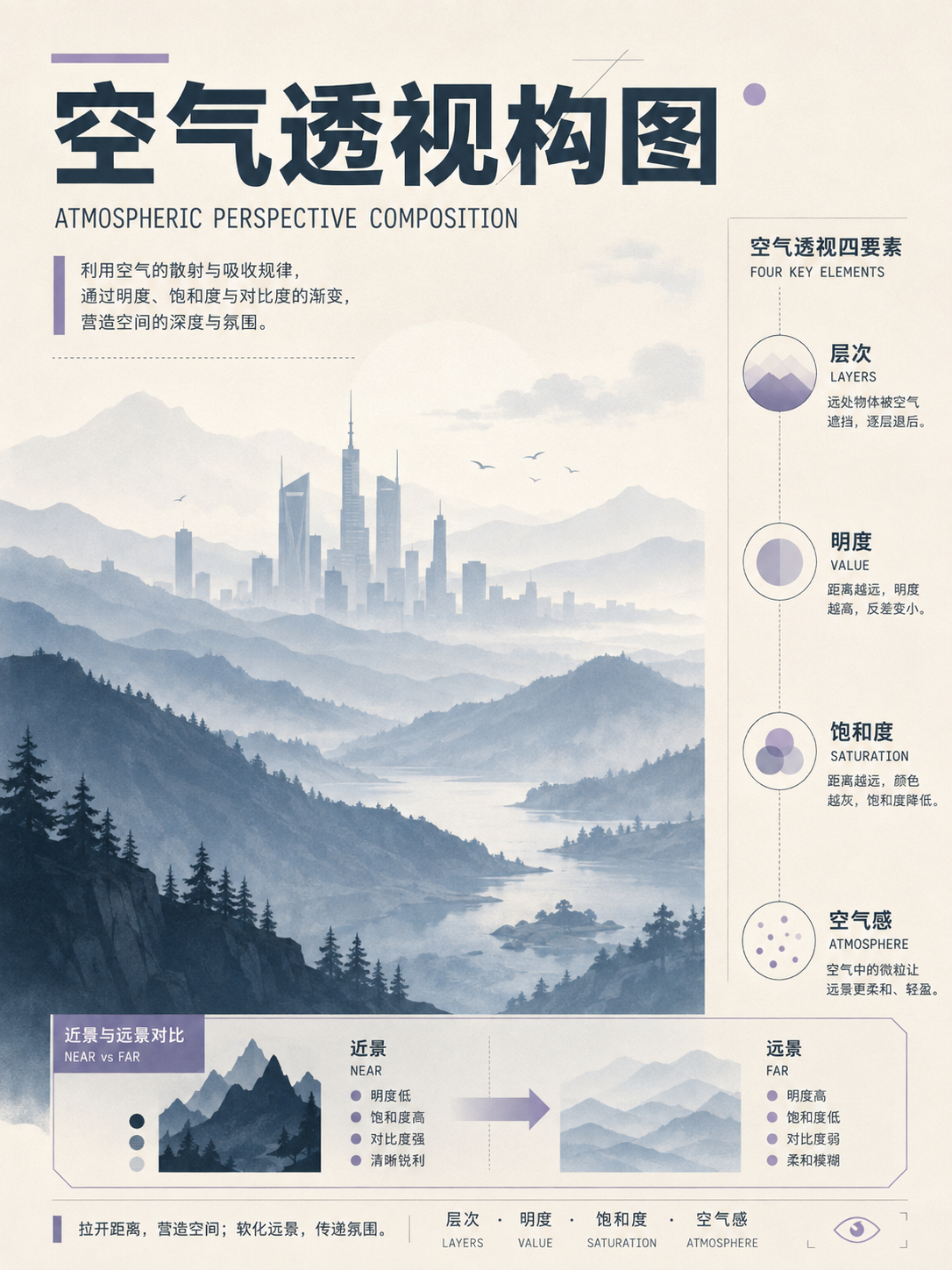
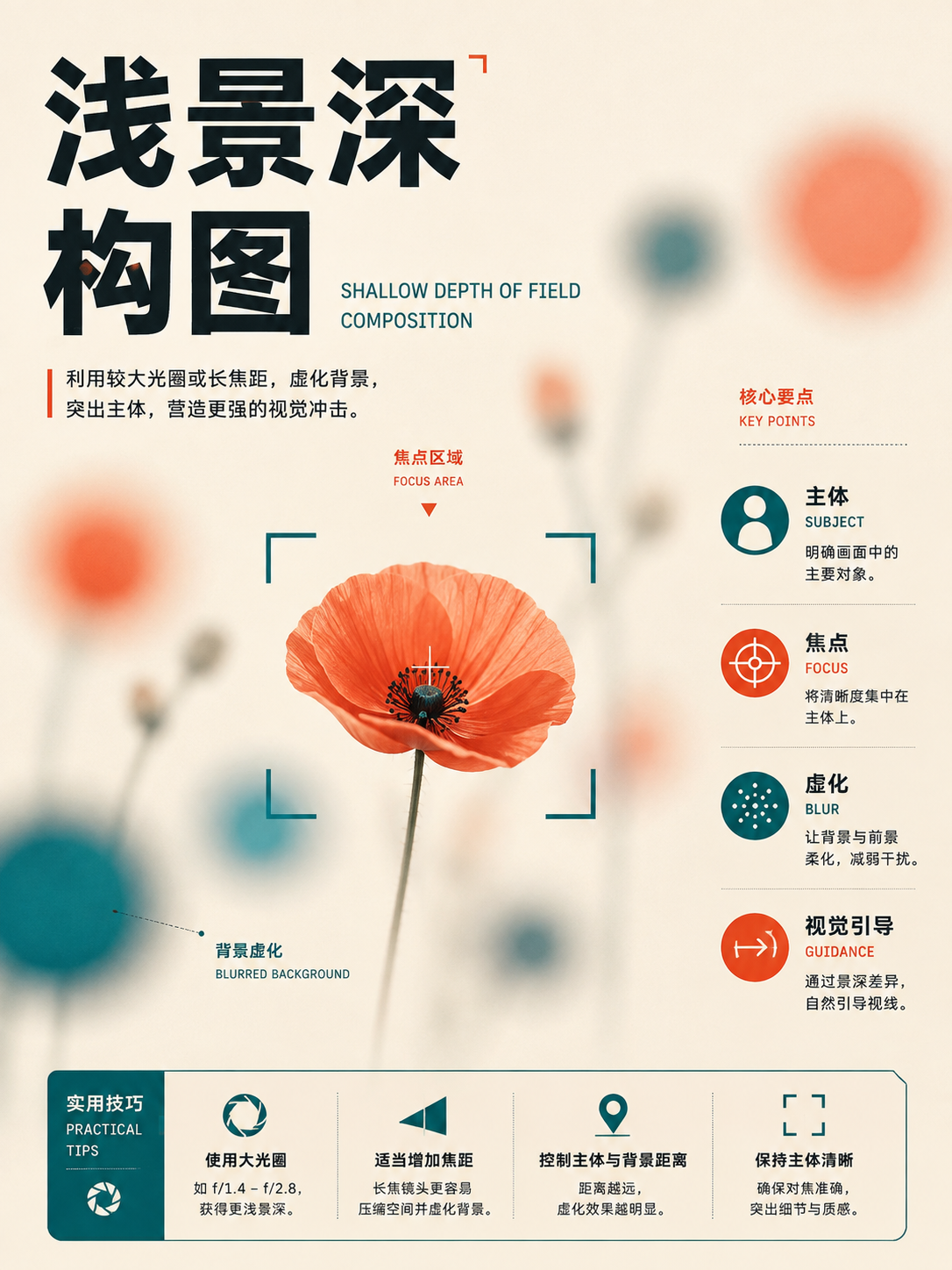
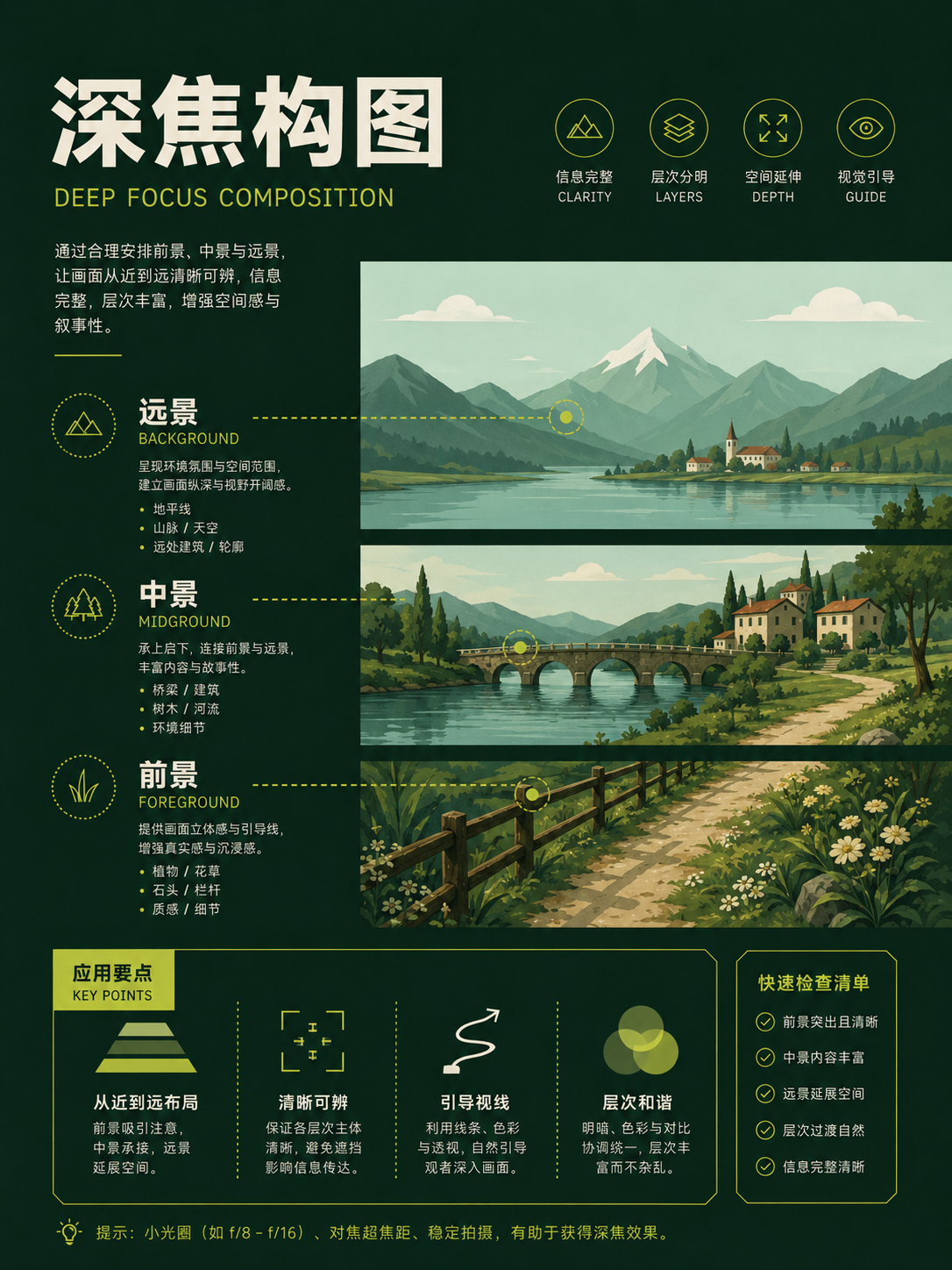
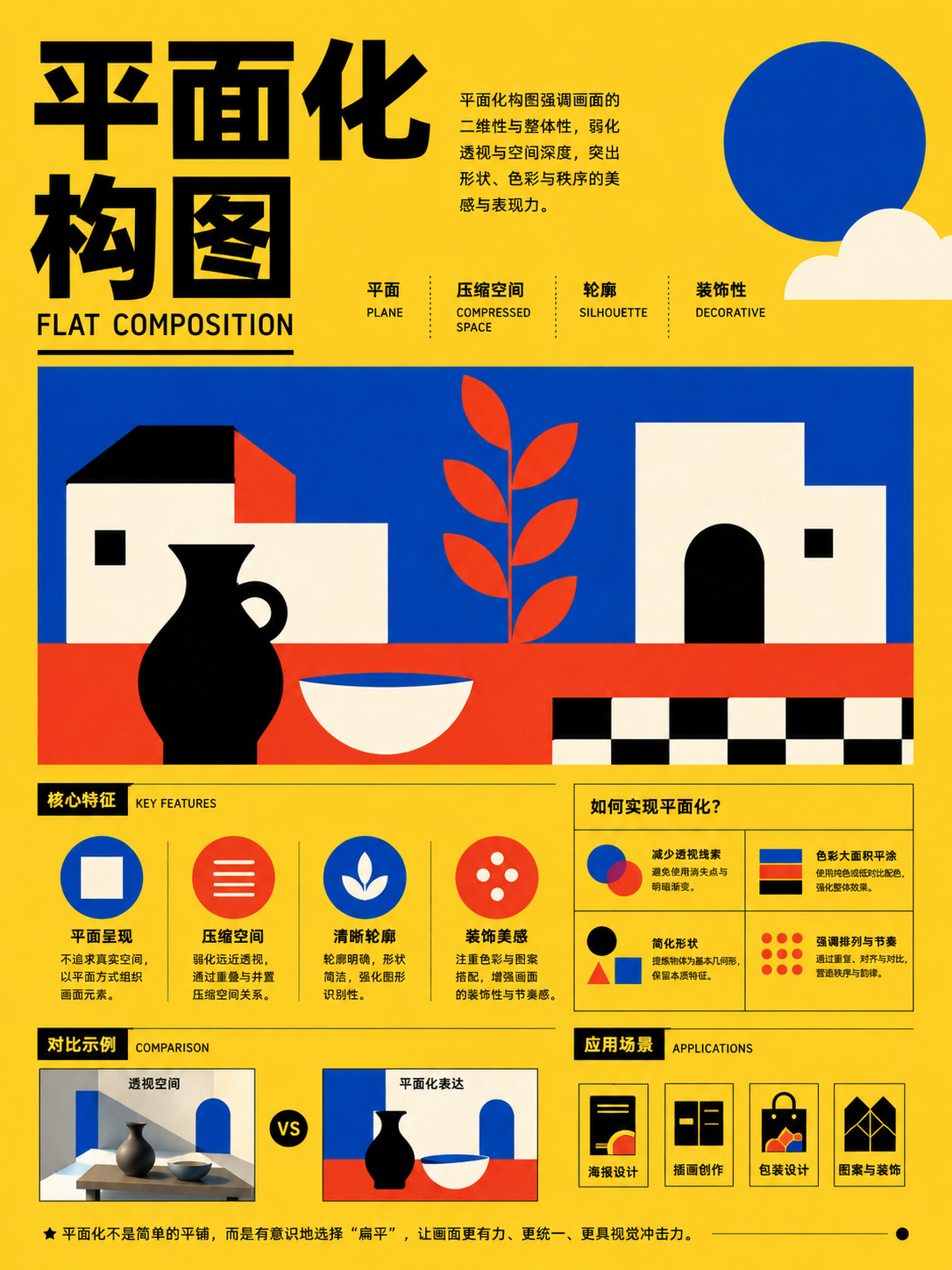
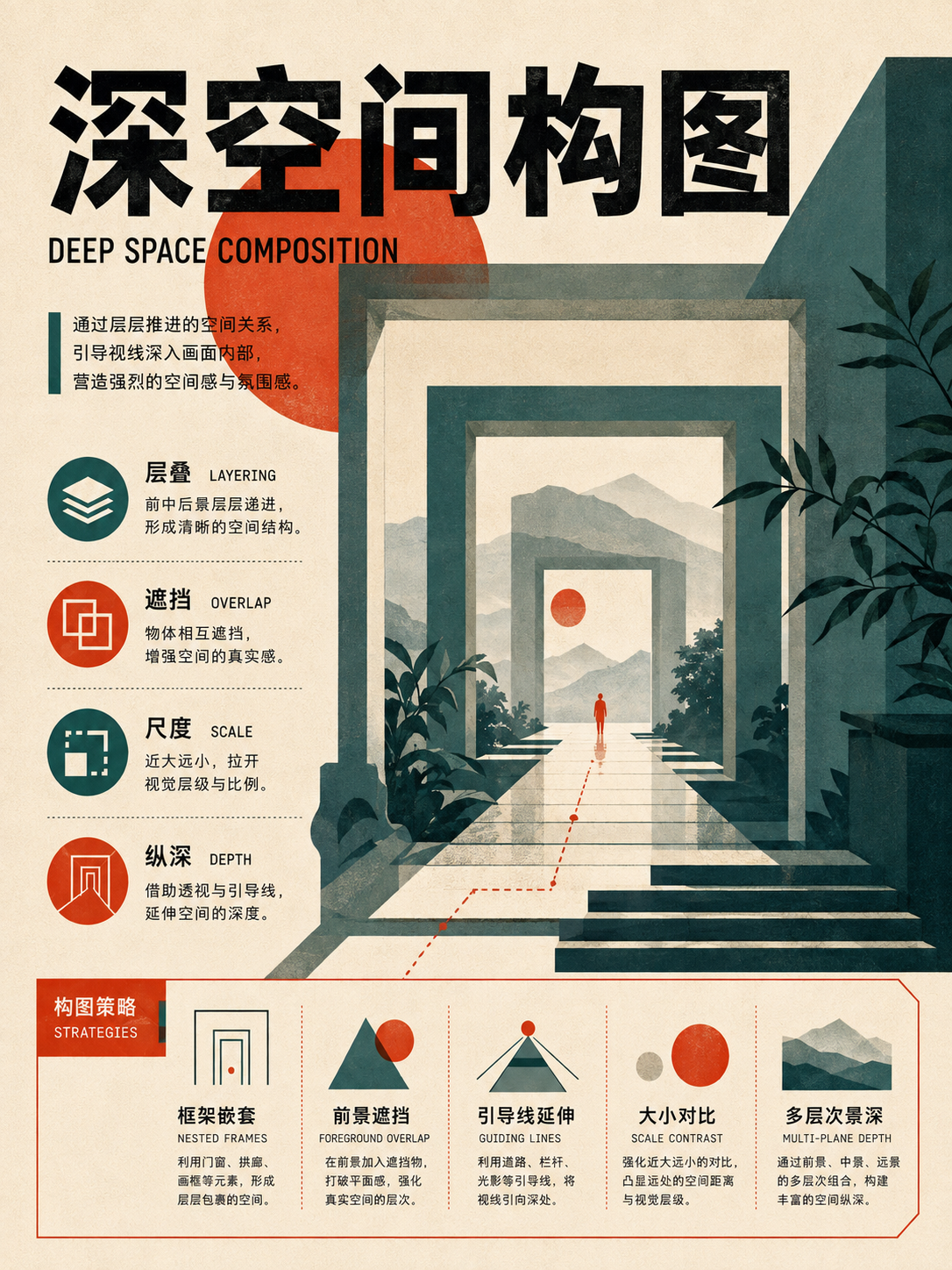
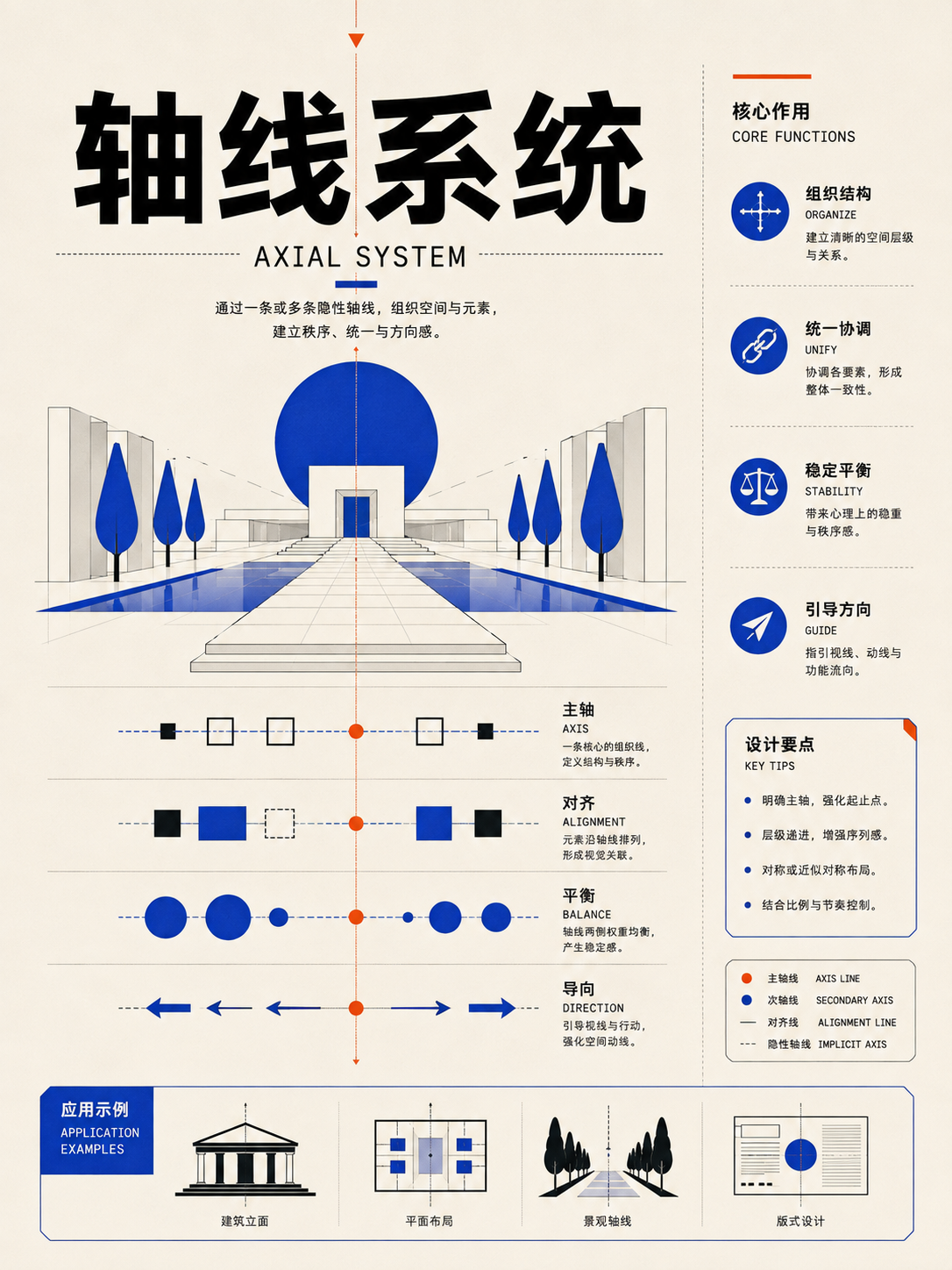

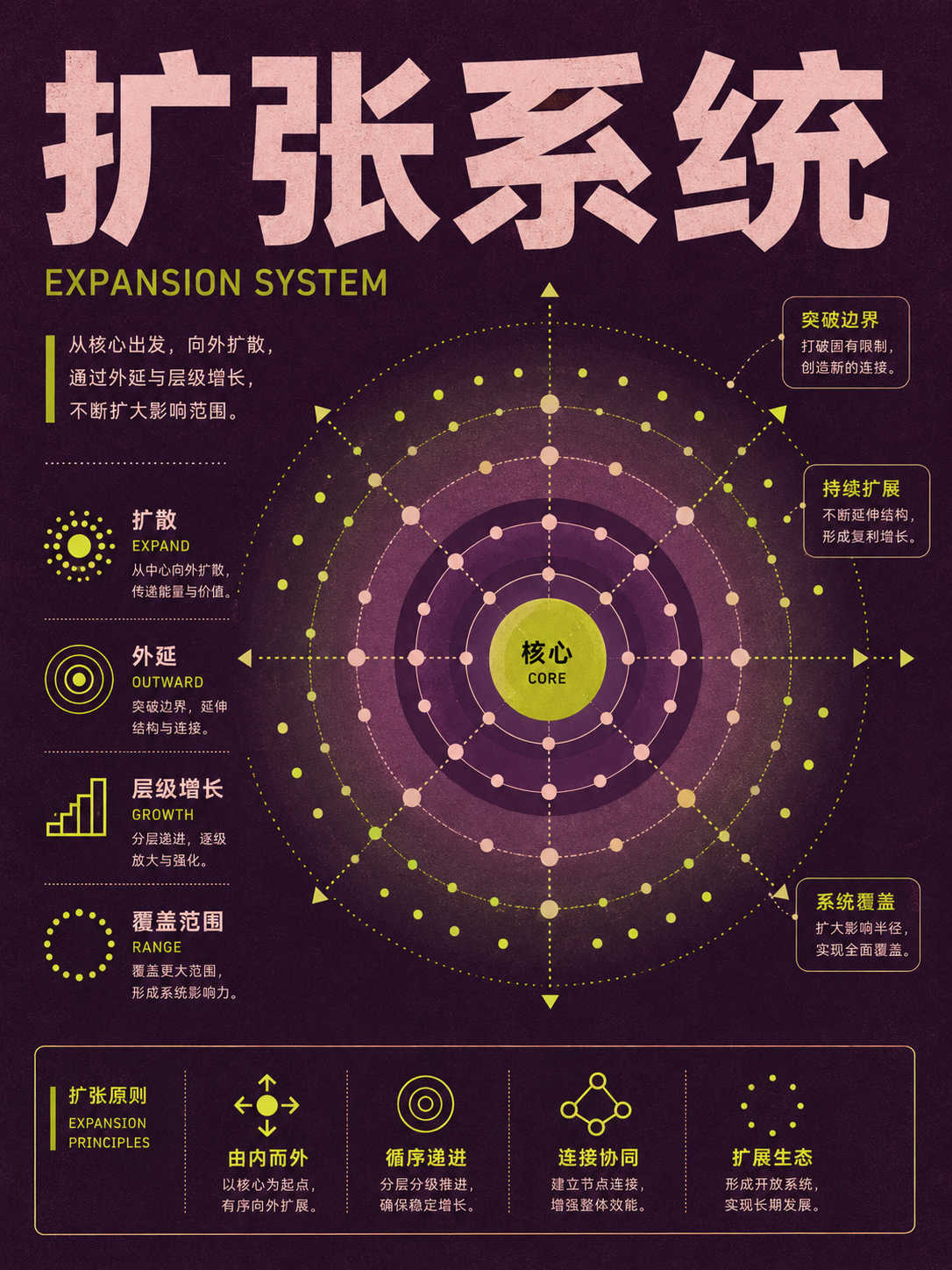
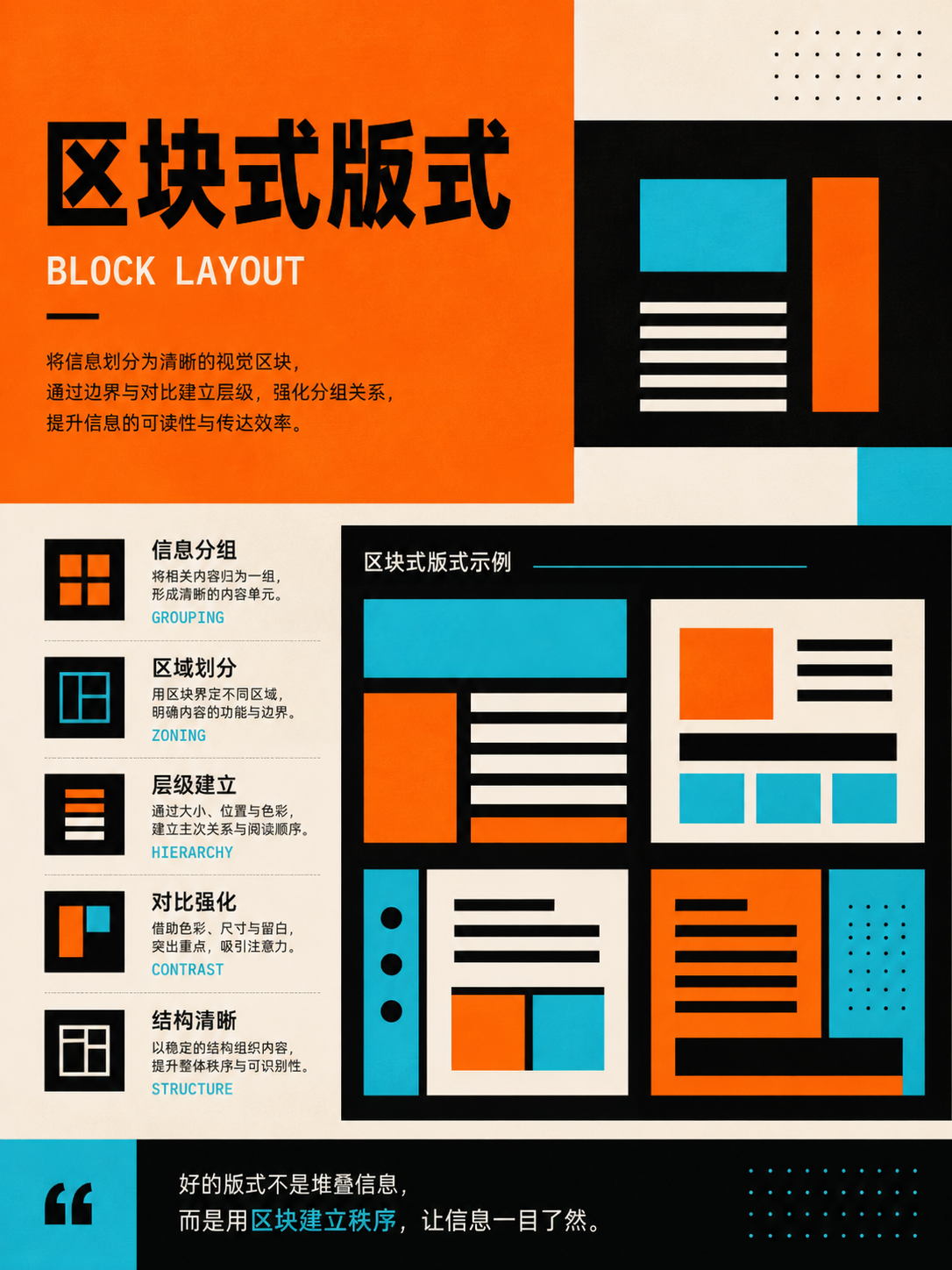
Image/text dominance and expressive layouts
UseDecide whether the image, text, or graphics are the lead; everything else only explains or supplements.
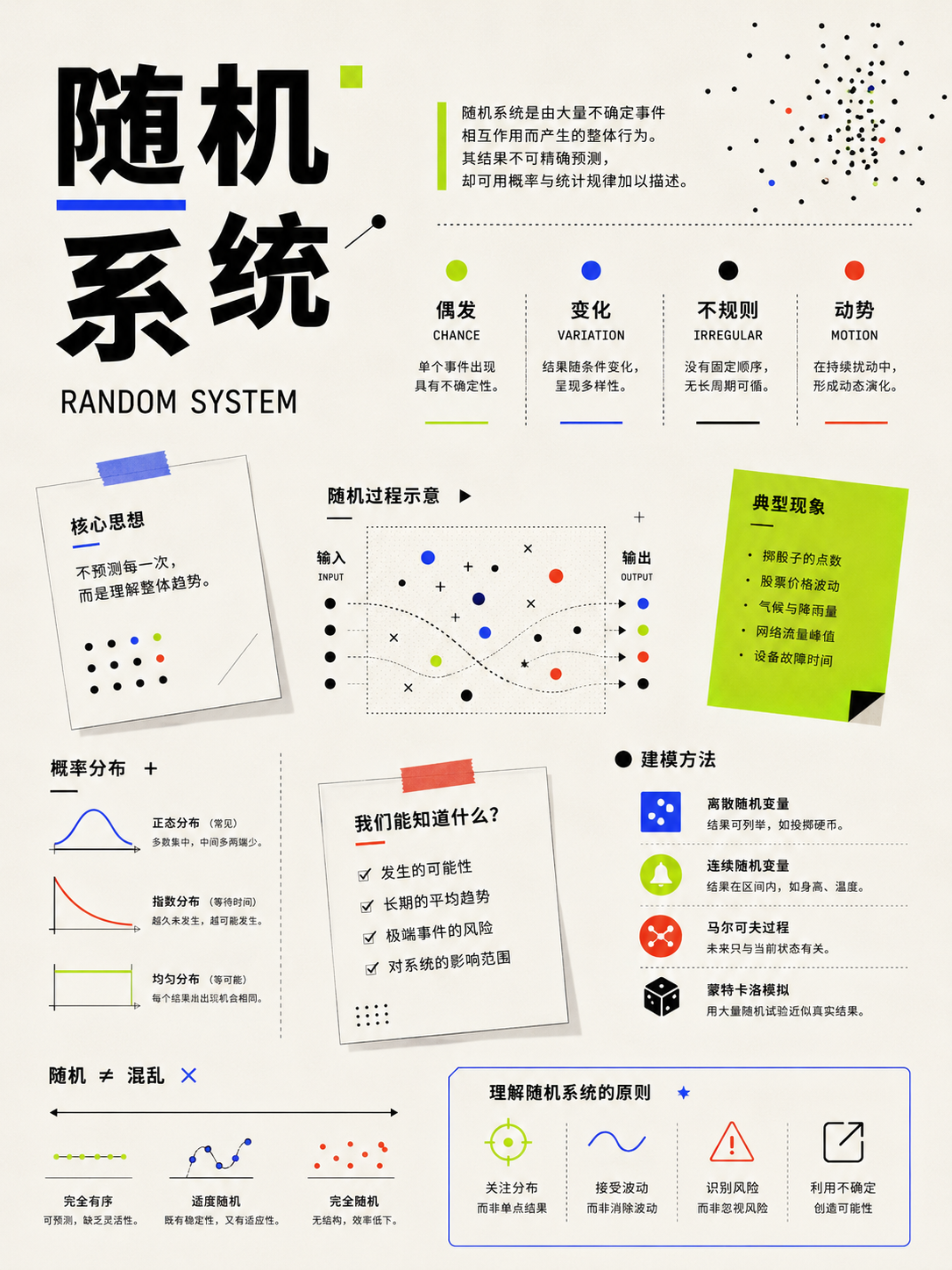
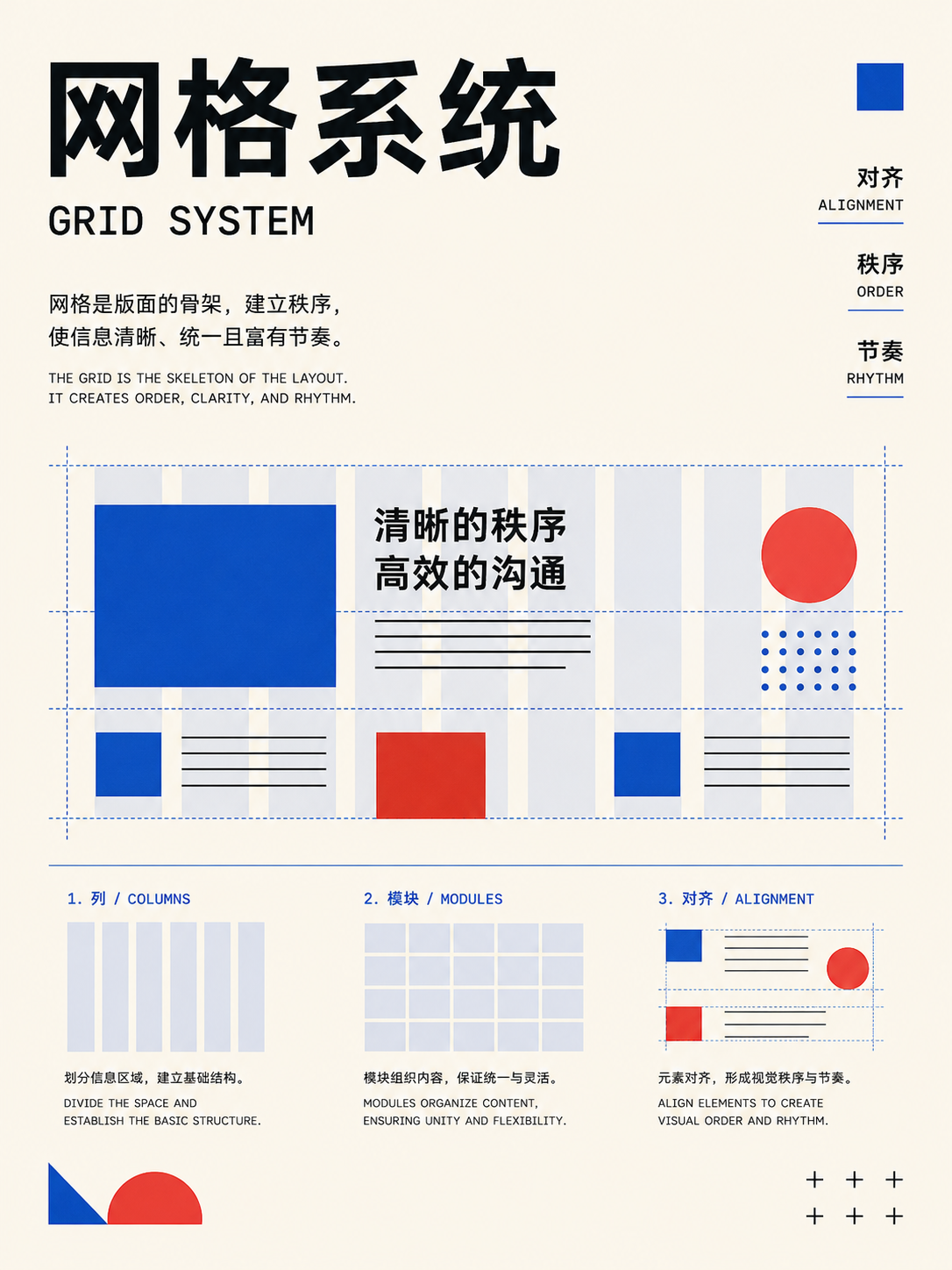
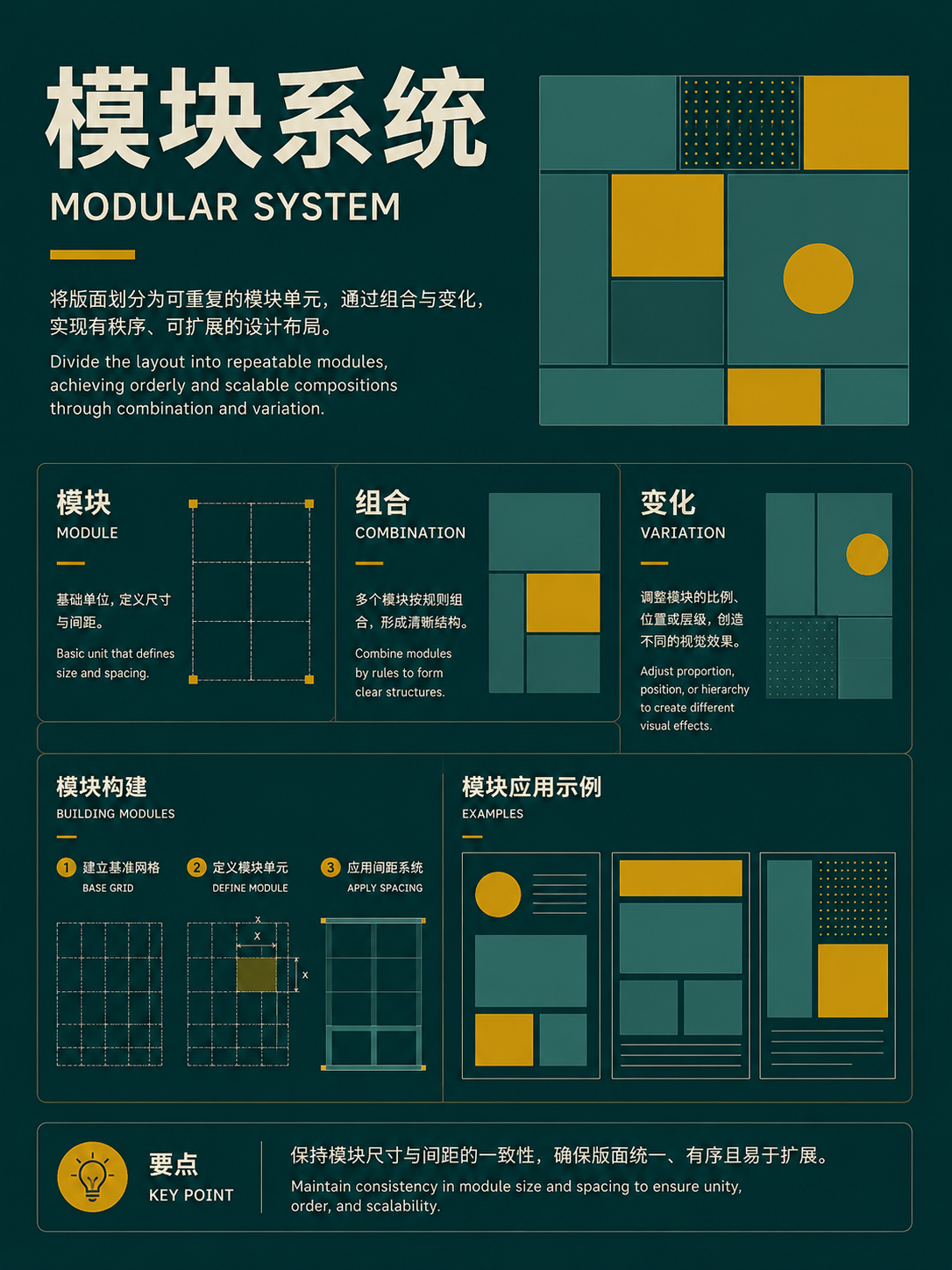
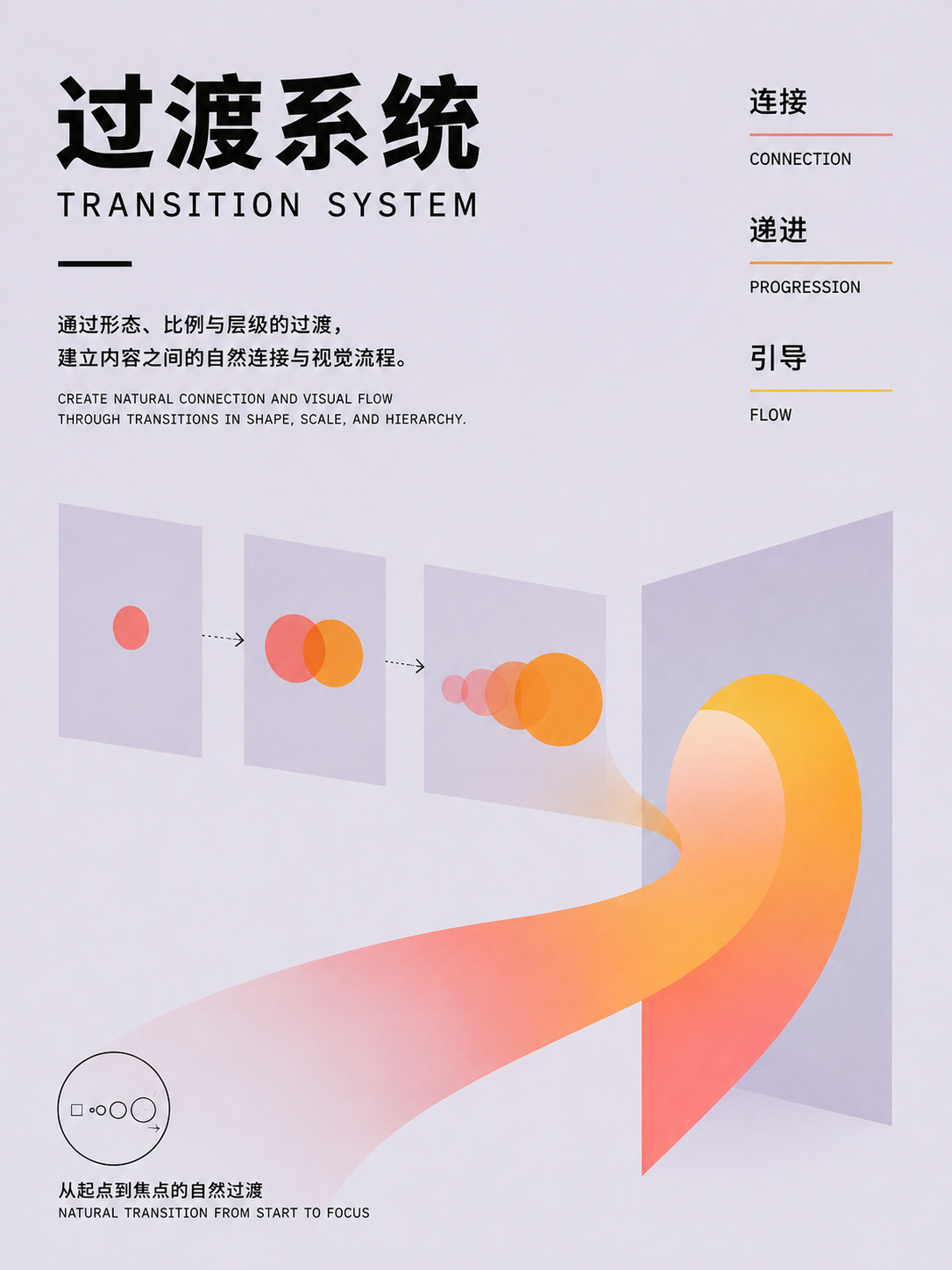
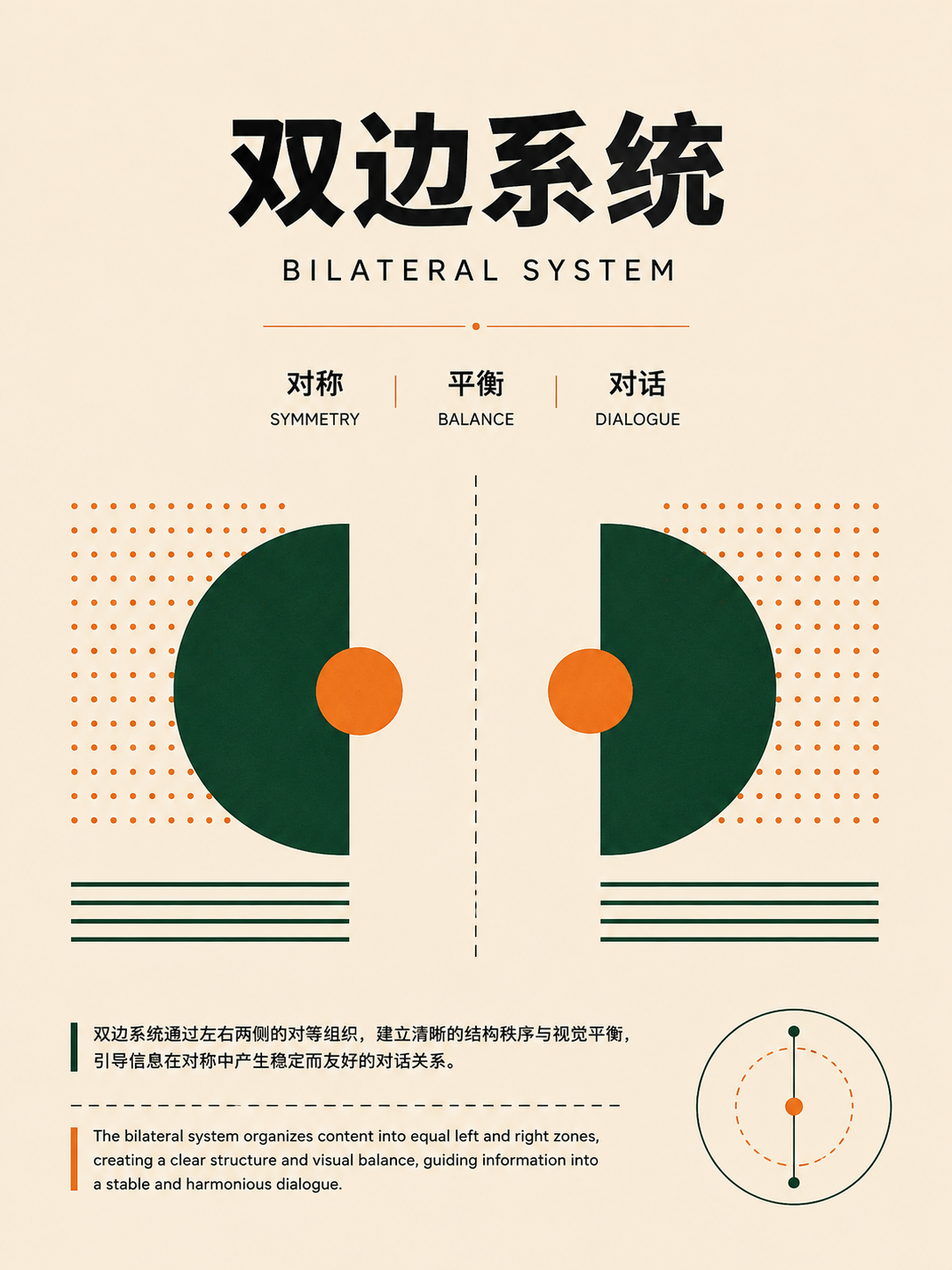
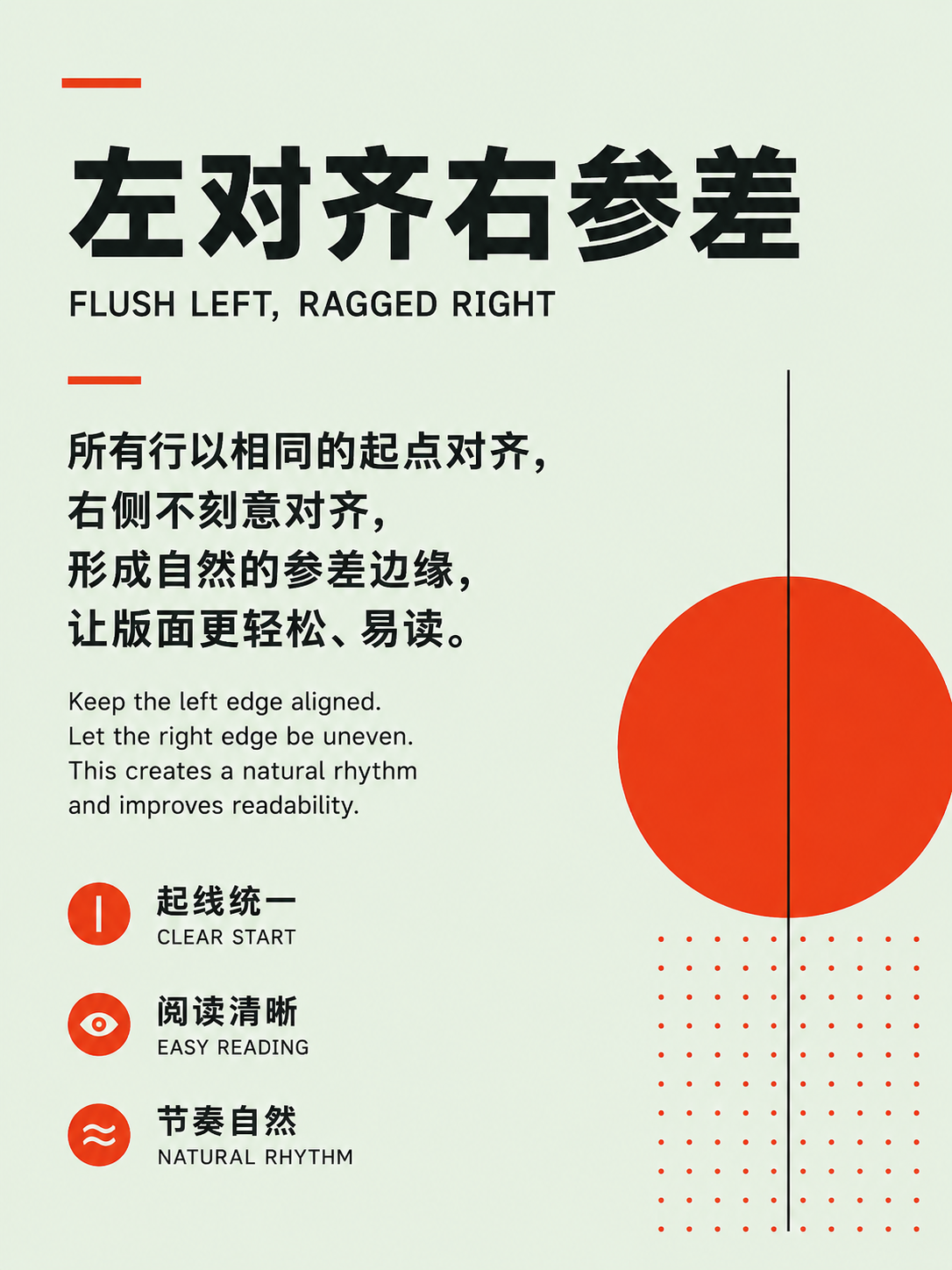
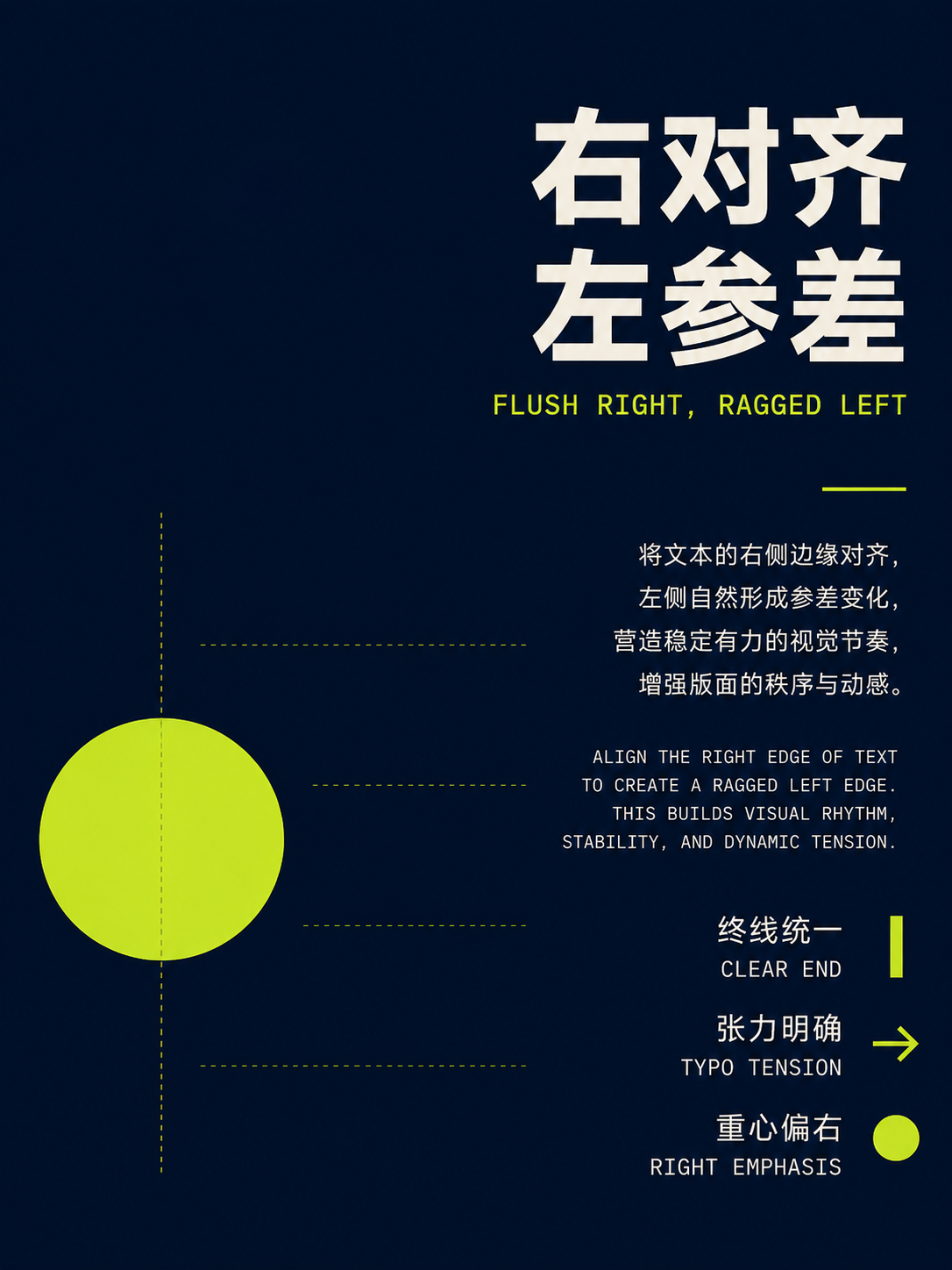
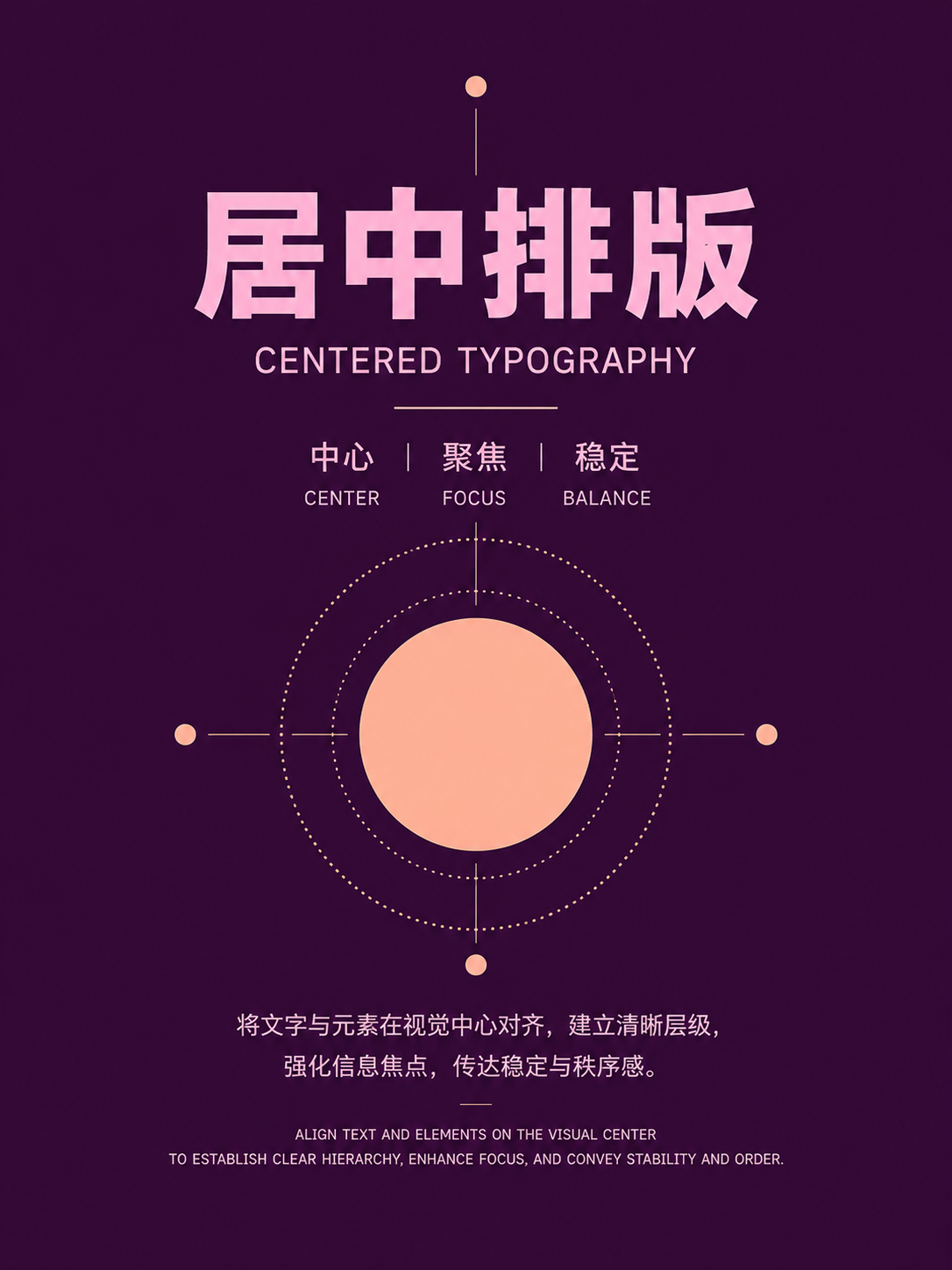
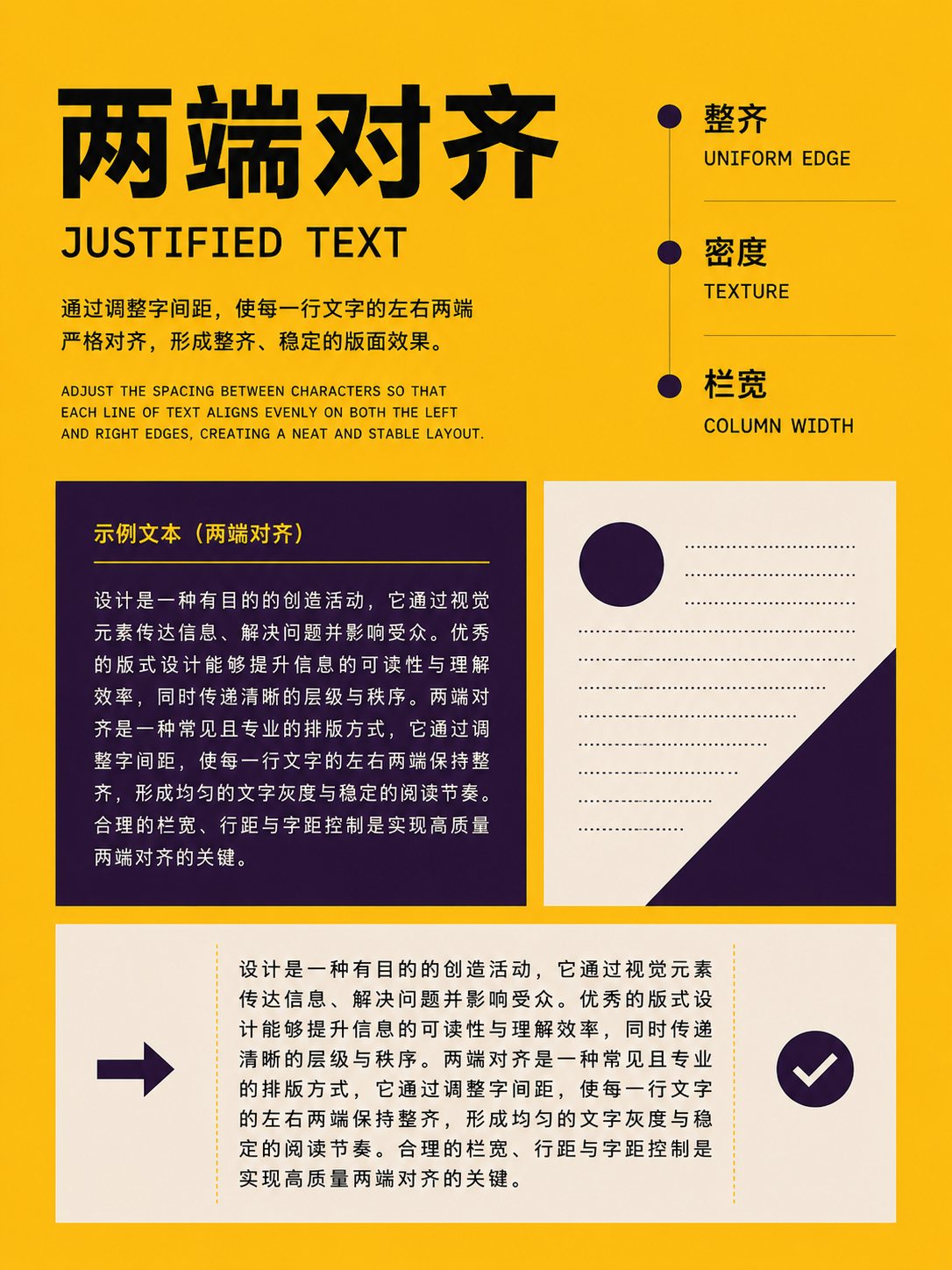
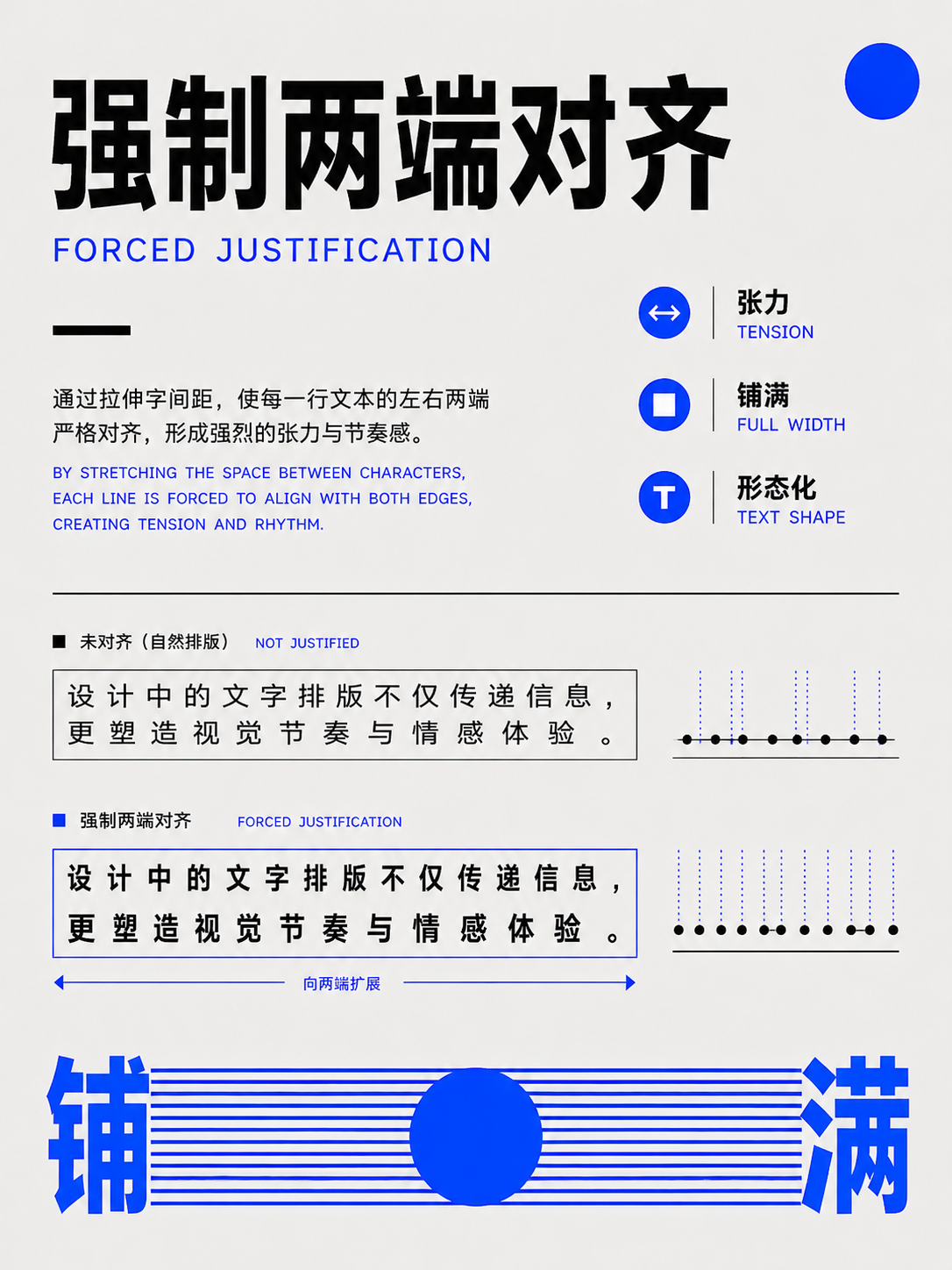
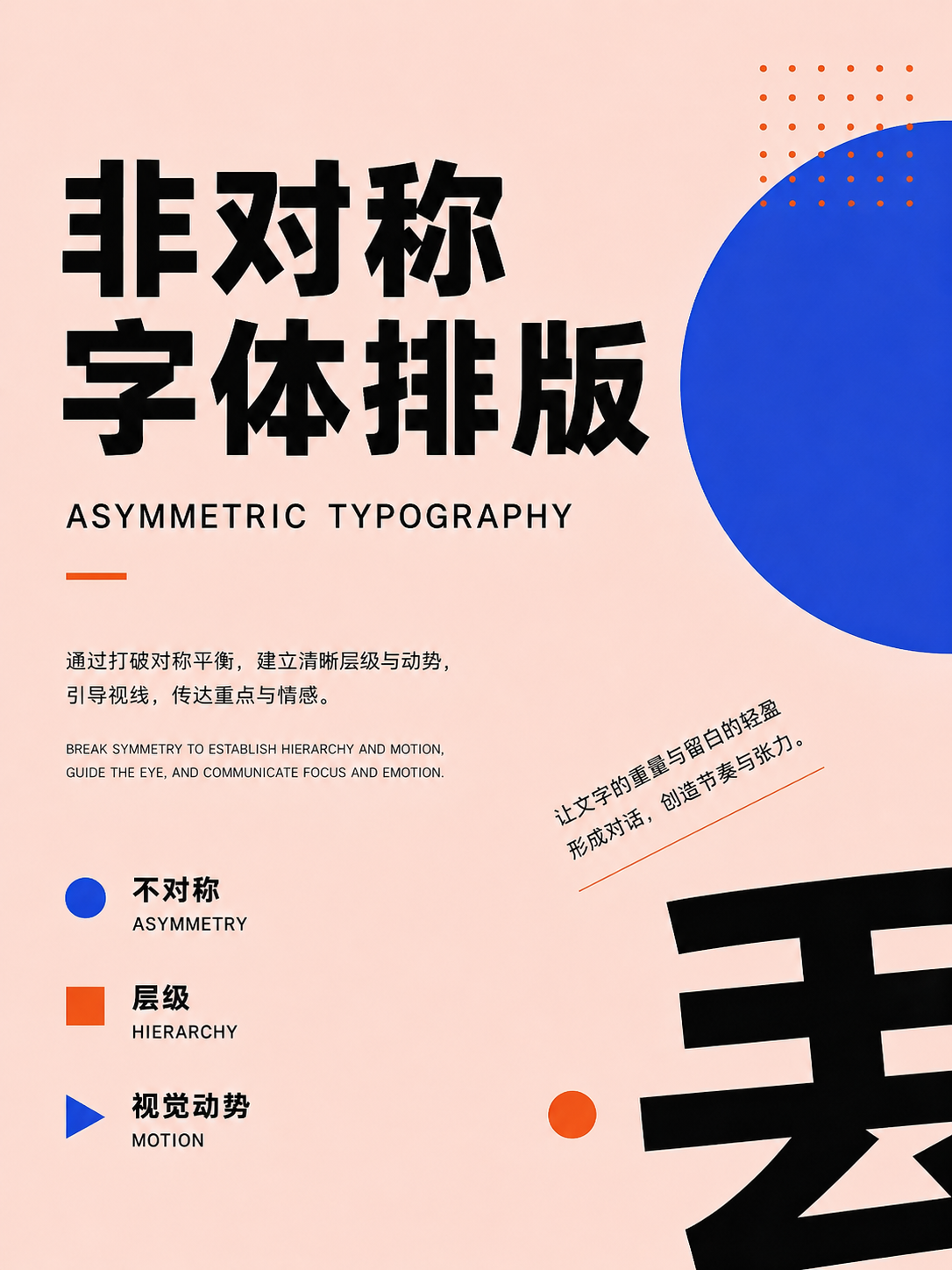
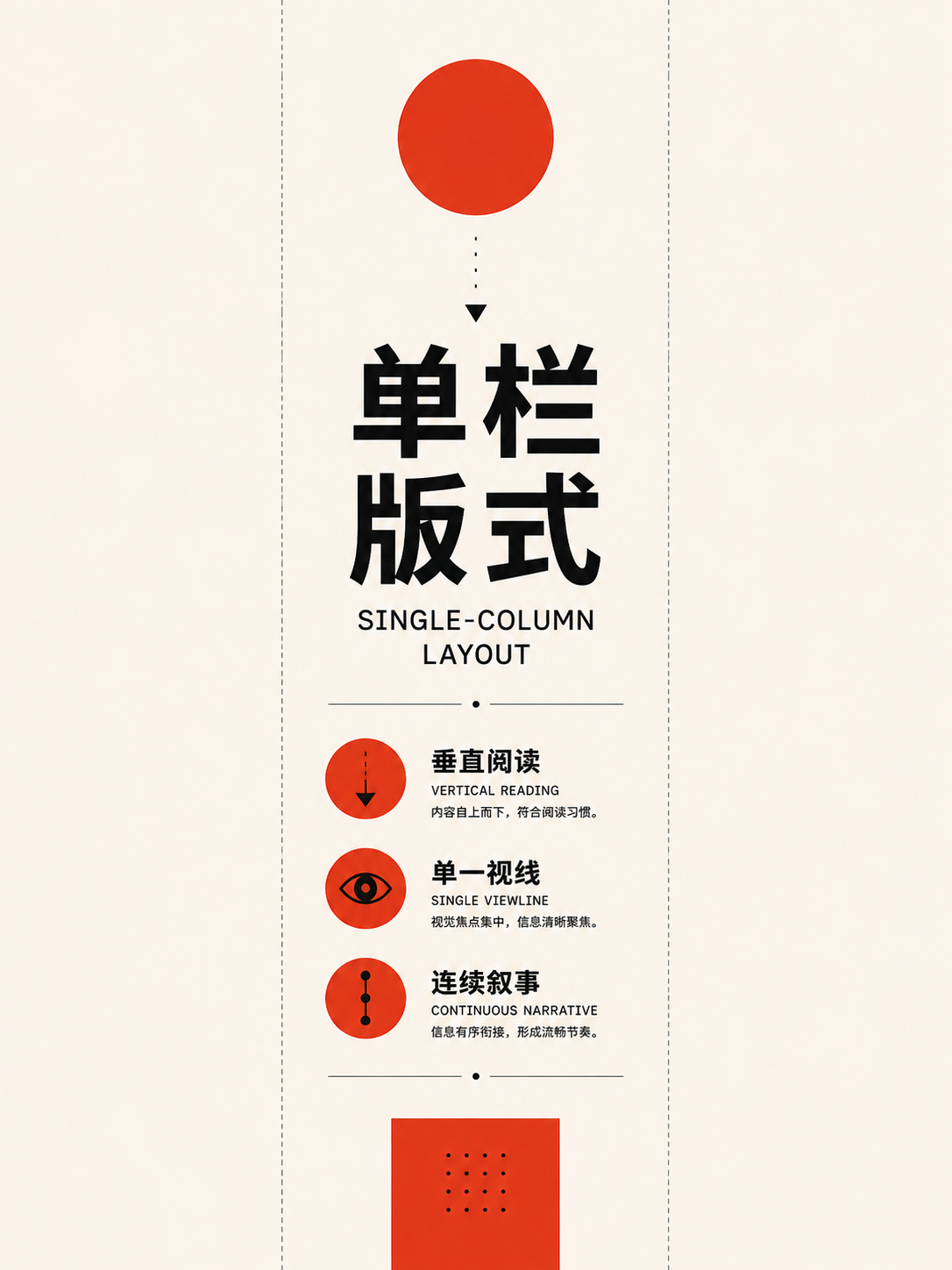
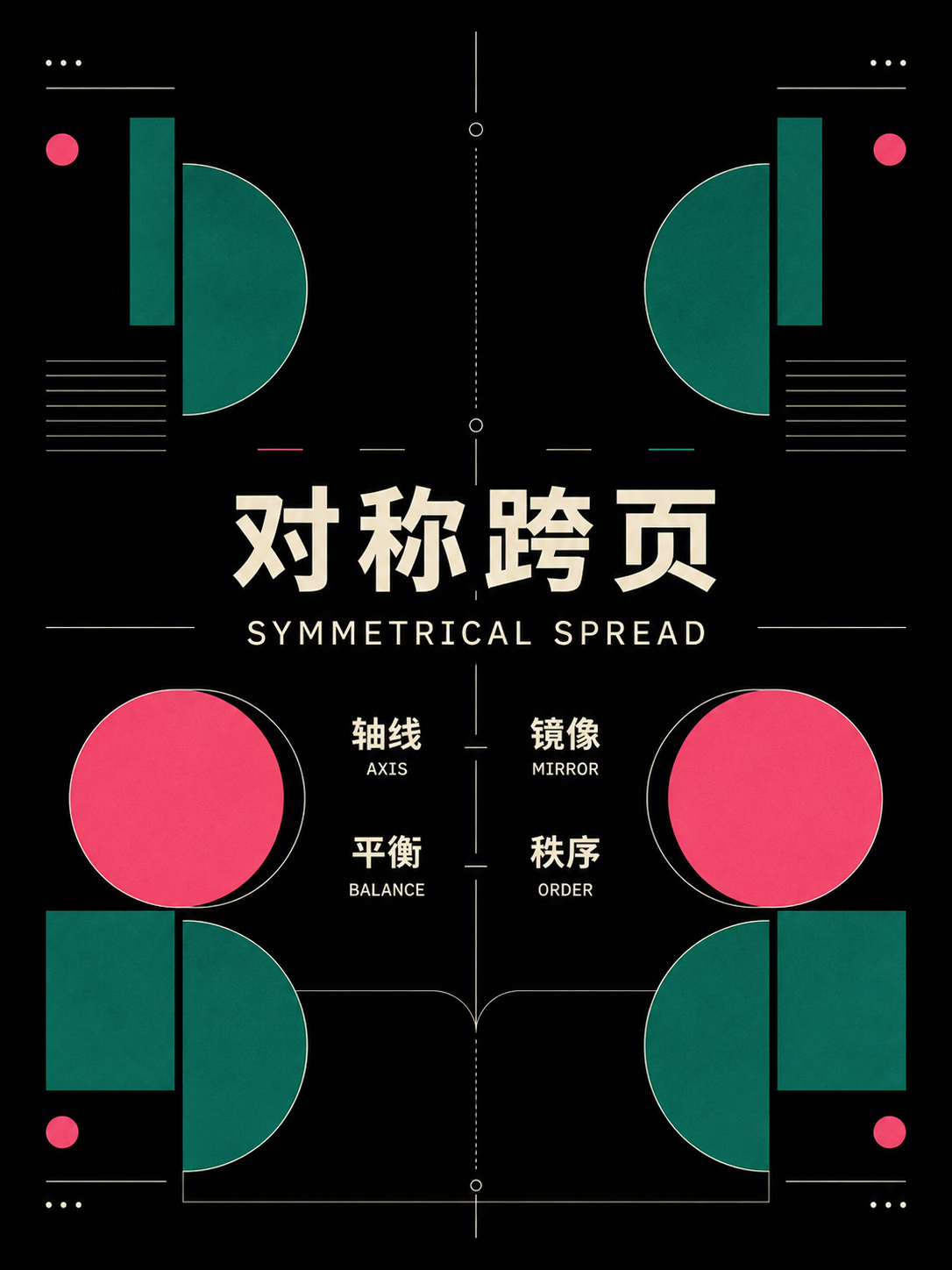
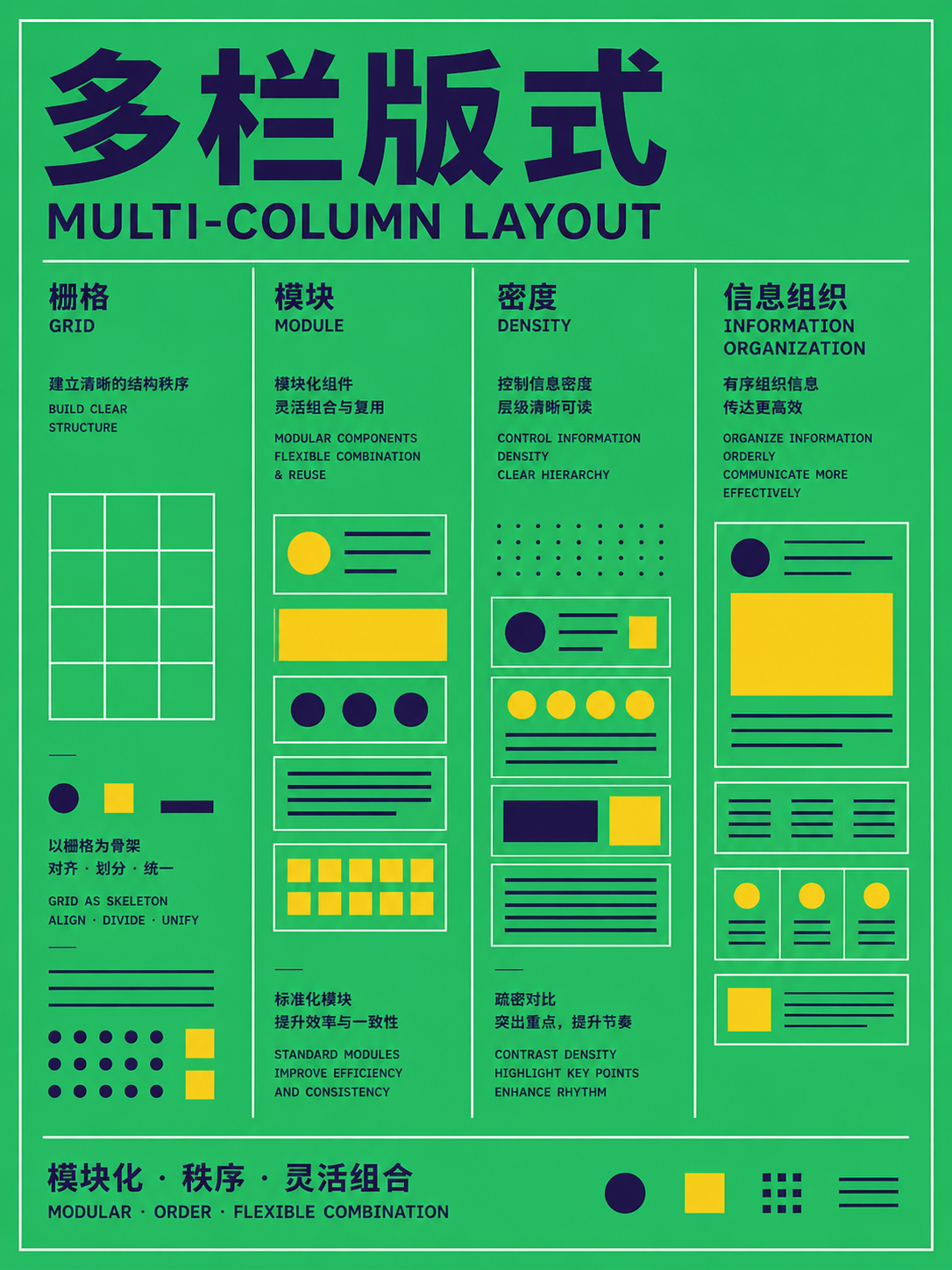
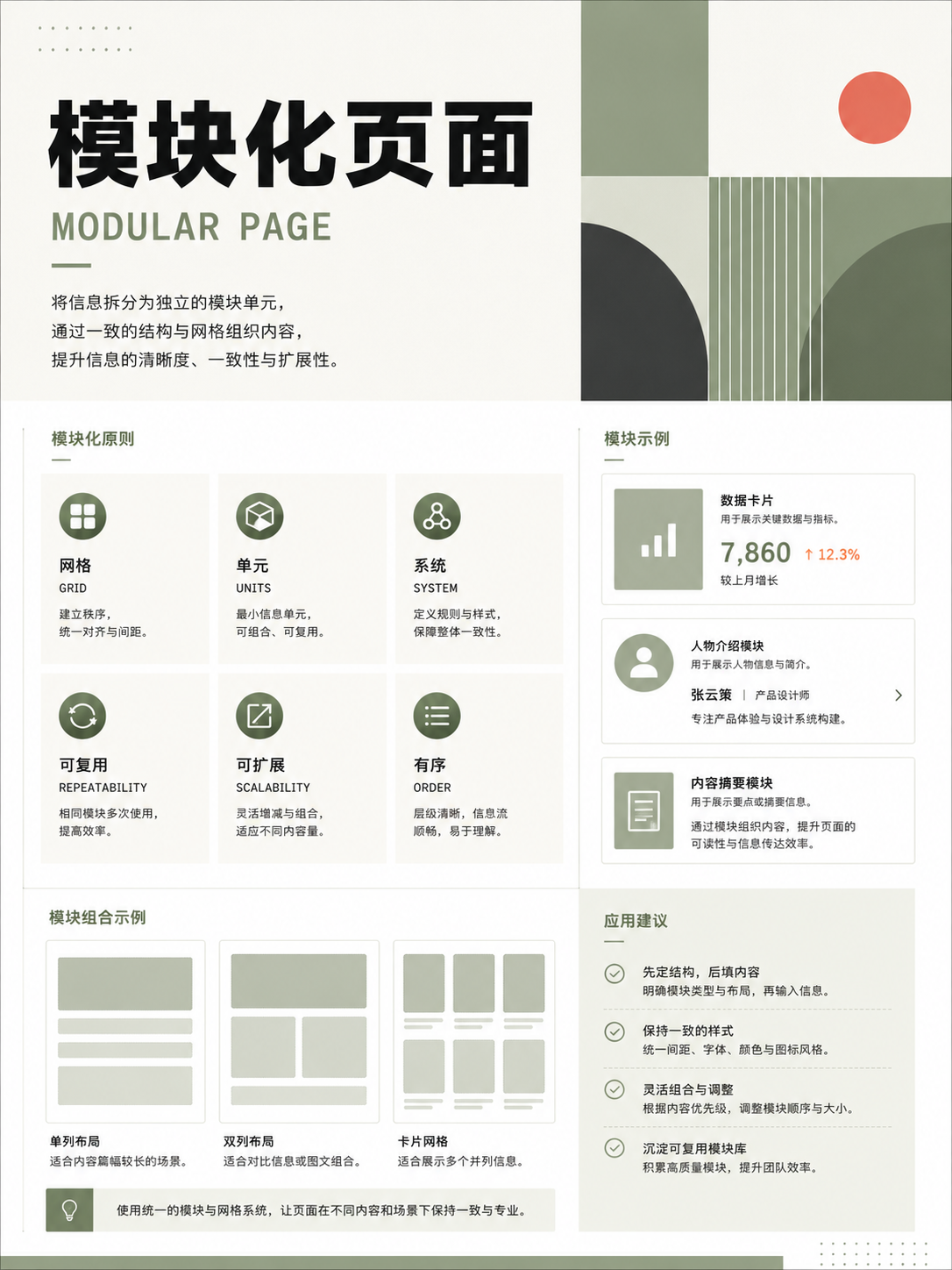
Modules, sidebars, and image-text relationships
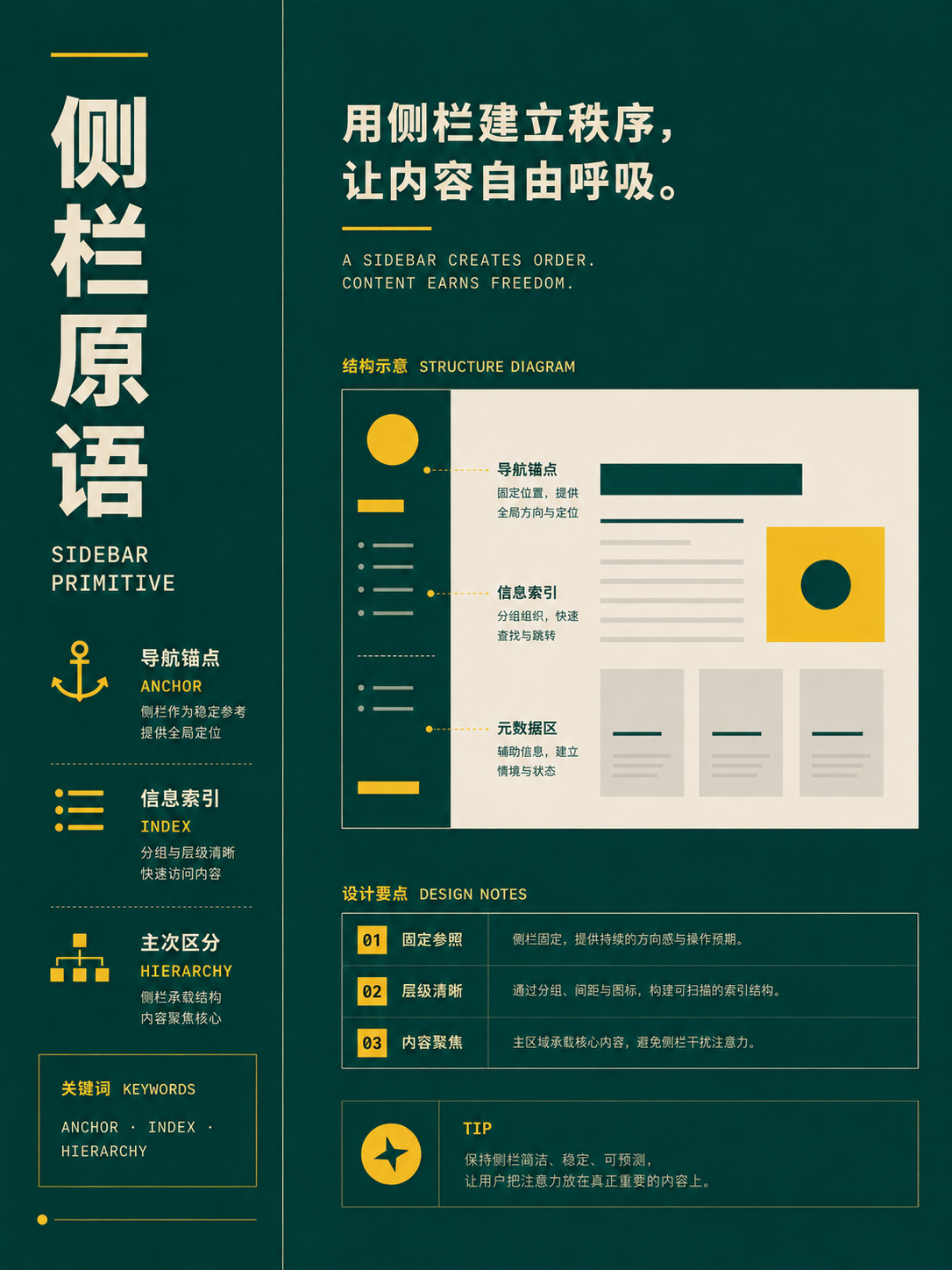
UseFor magazines, reports, and knowledge pages. Assign main content, notes, data, and navigation to stable modules.
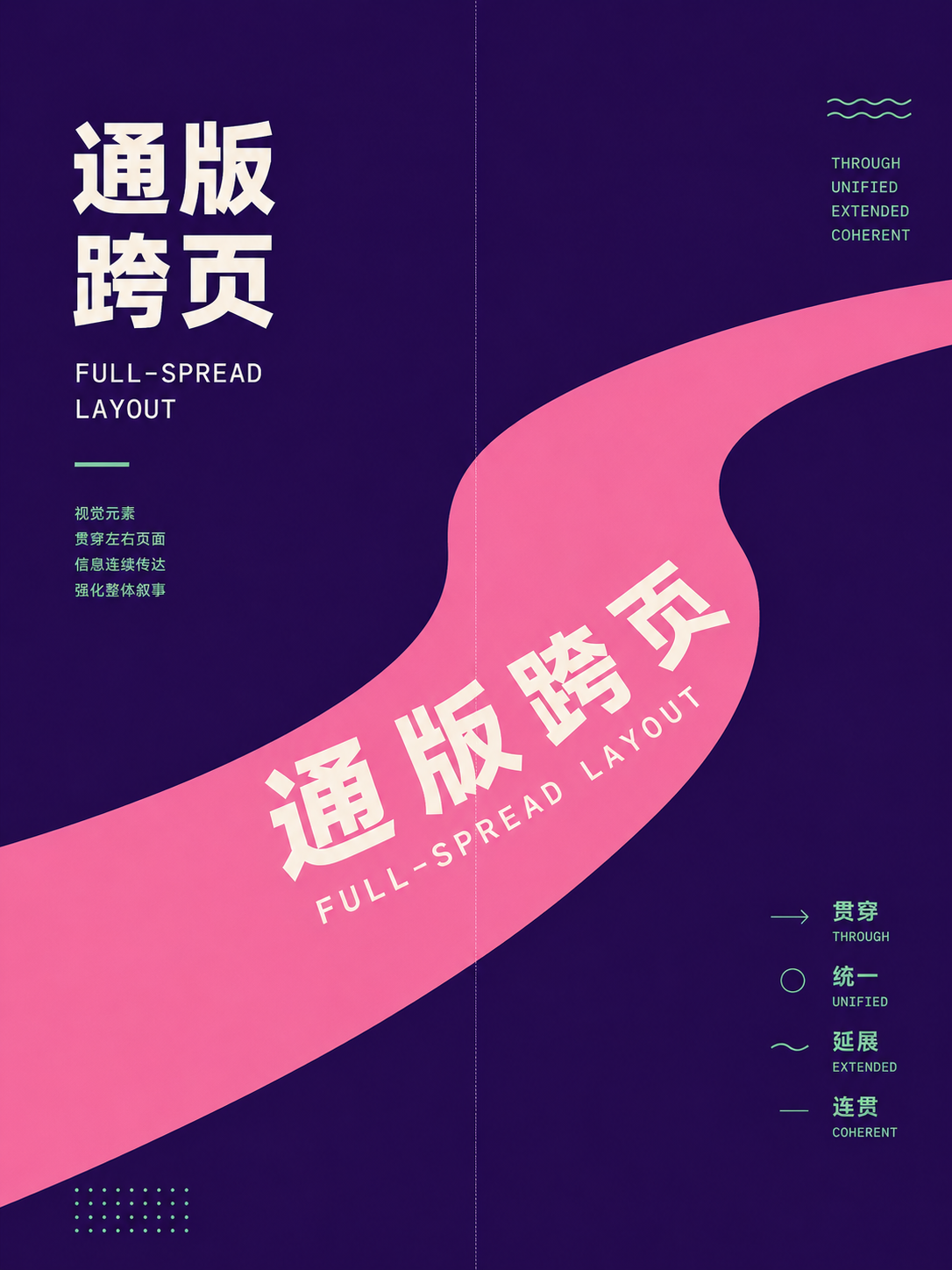
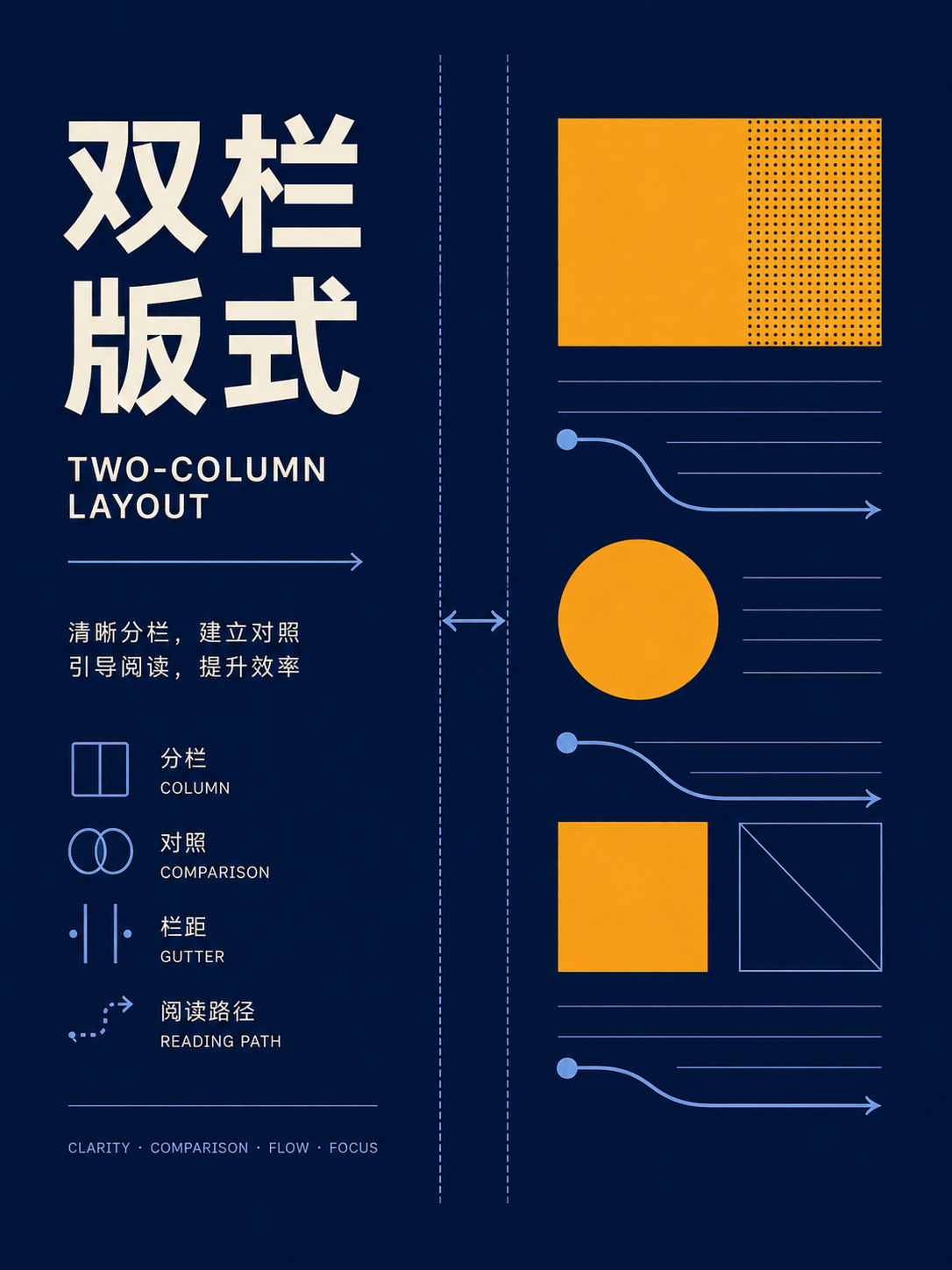
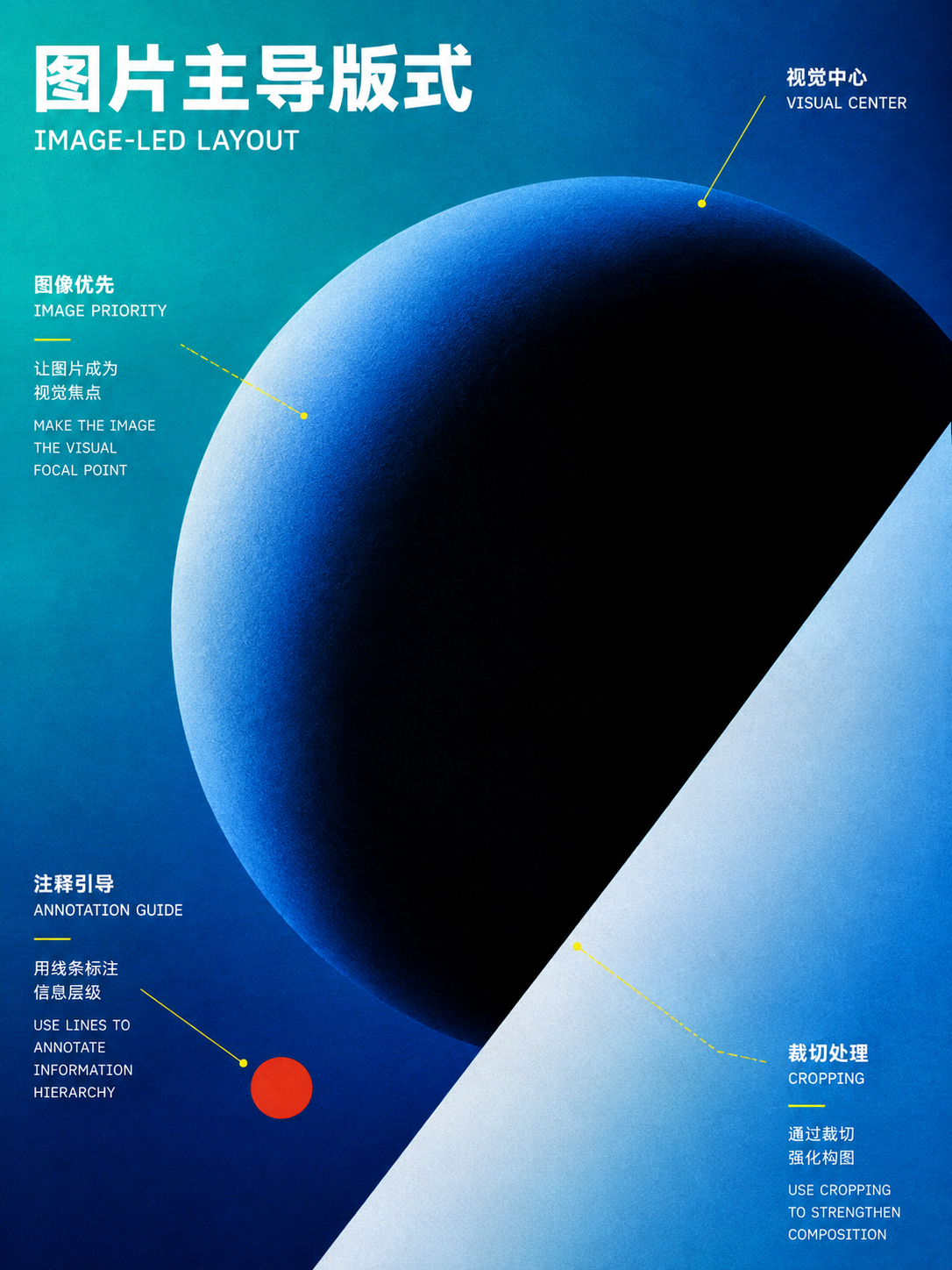
Publication function pages
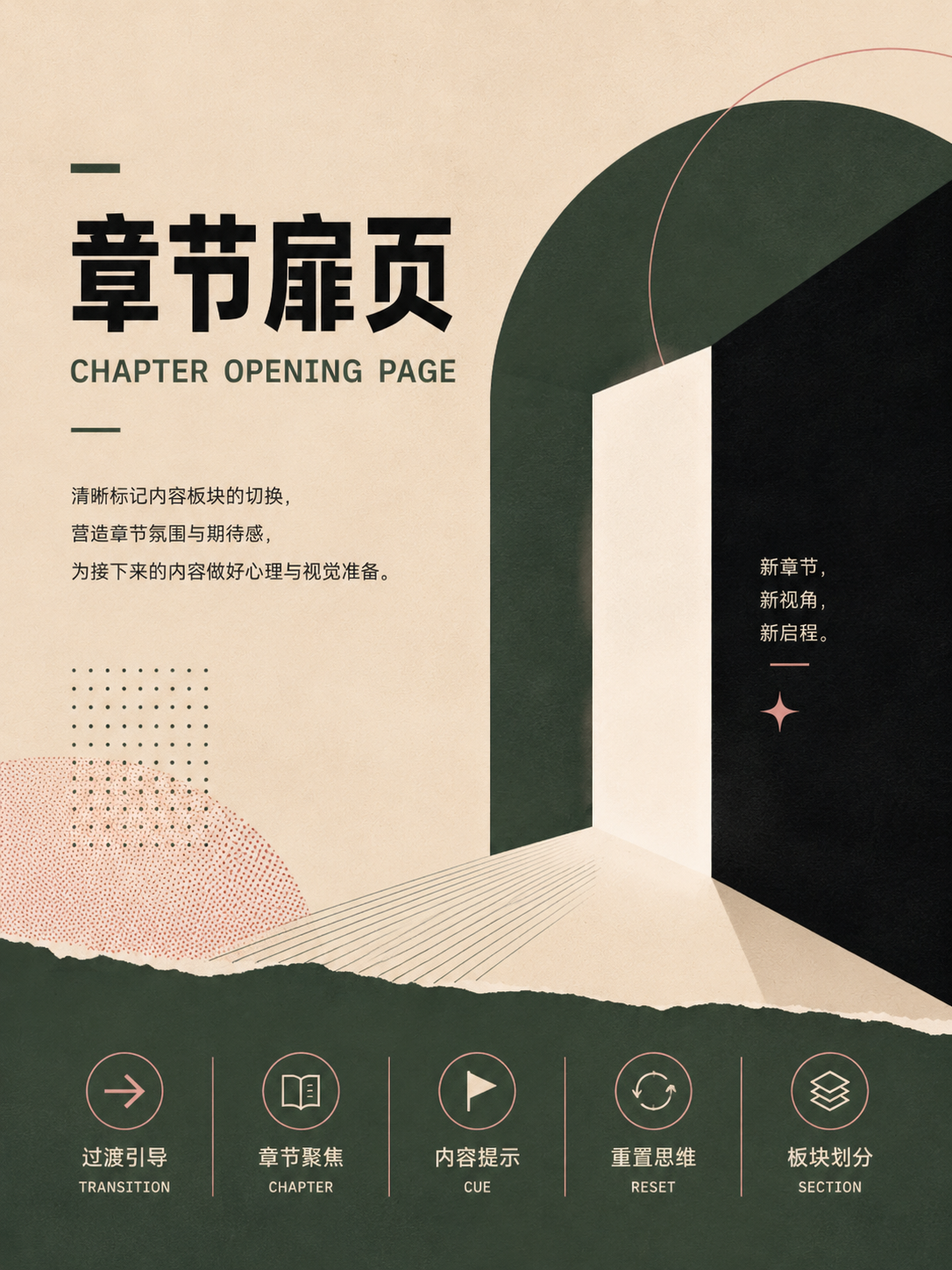
UseChoose by page role: don't treat table of contents, chapter openers, indexes, and body pages as the same layout.
No matches in this category. Clear the keyword to restore all images.
34dc39c。Click a thumbnail to open the 1086 × 1448 high-res PNG; catalog names are for locating images only—always verify the actual content before using.04 · Typography, Grids & East Asian Text: stabilizing large amounts of copy
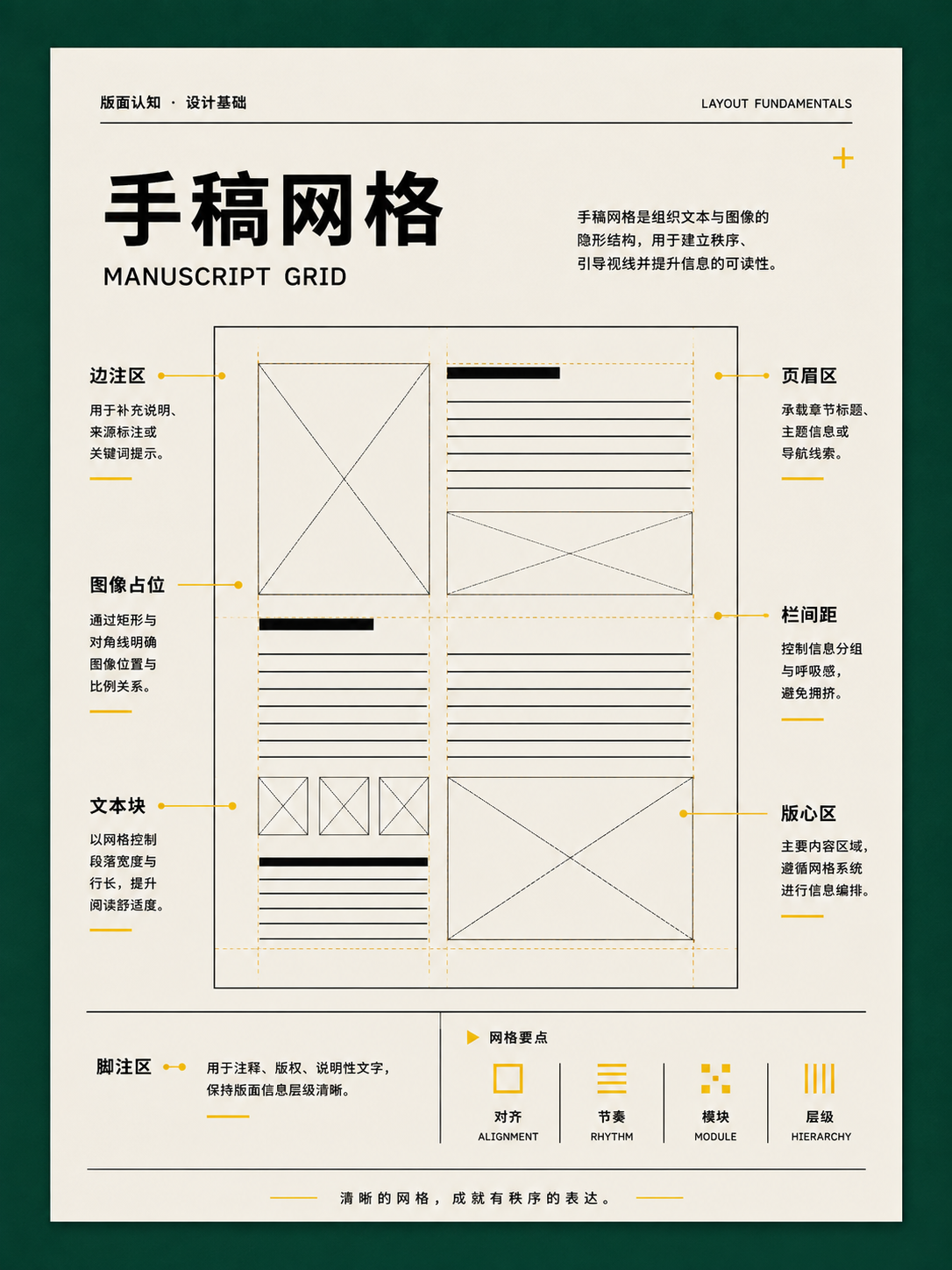
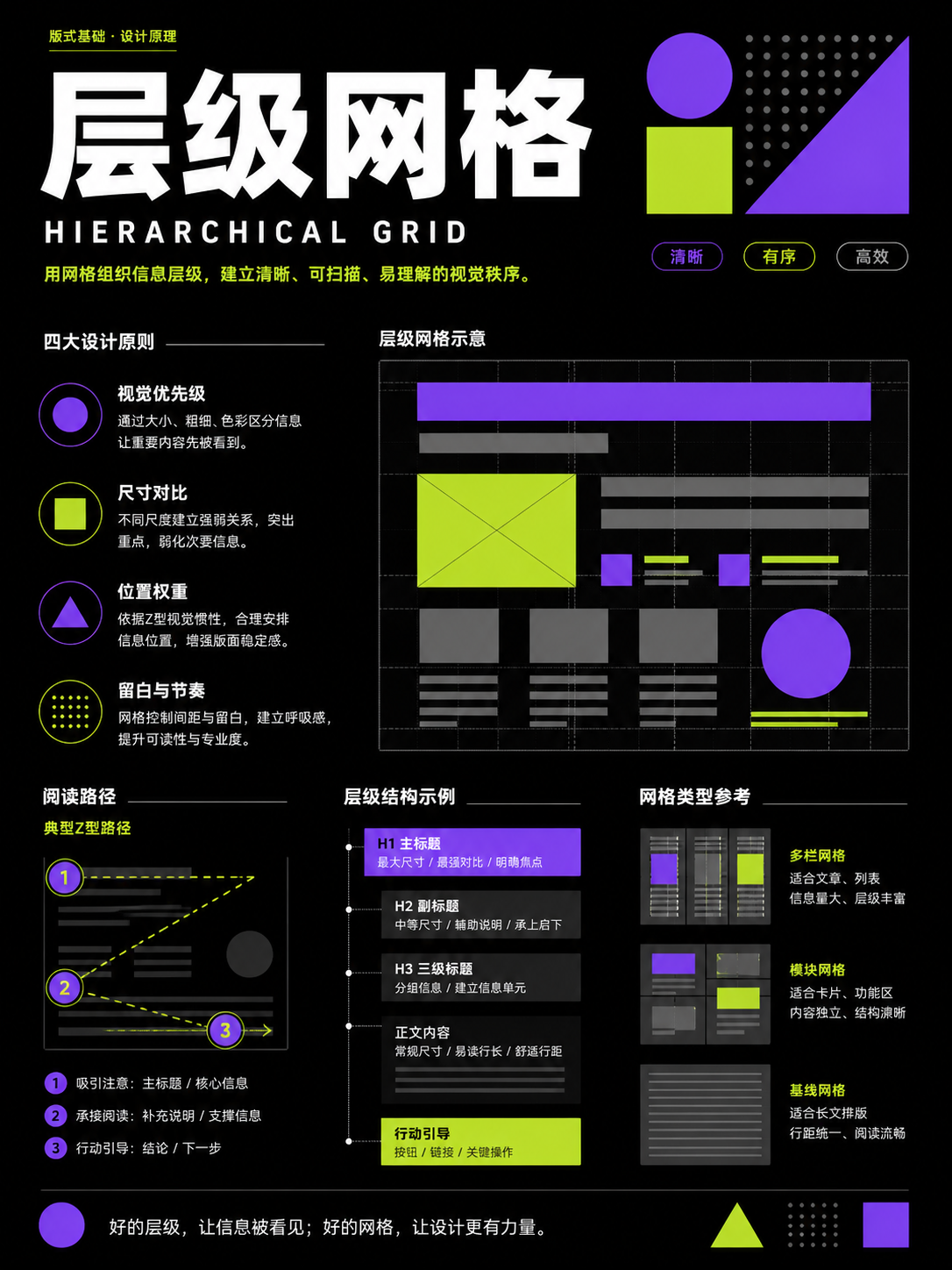
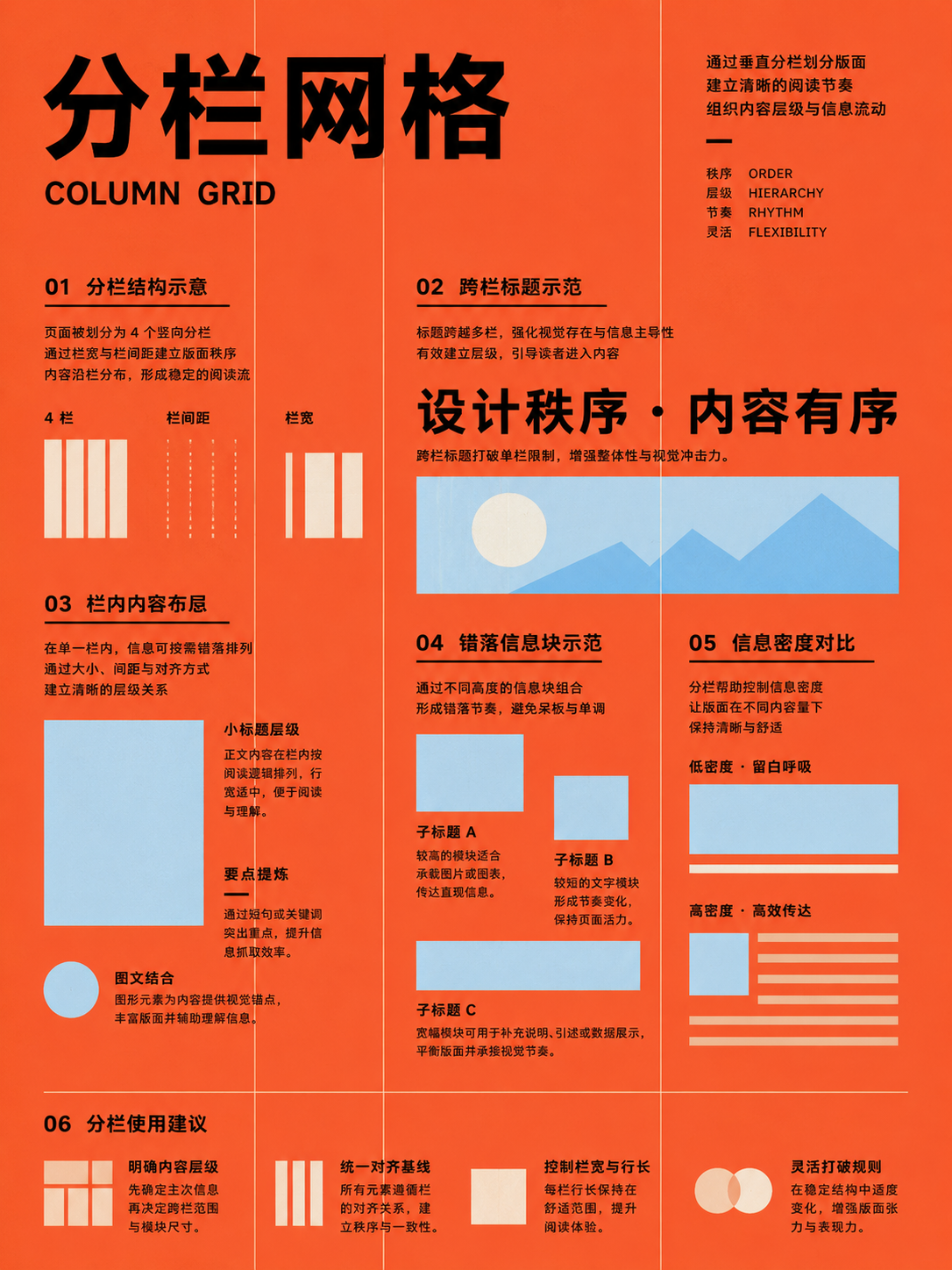
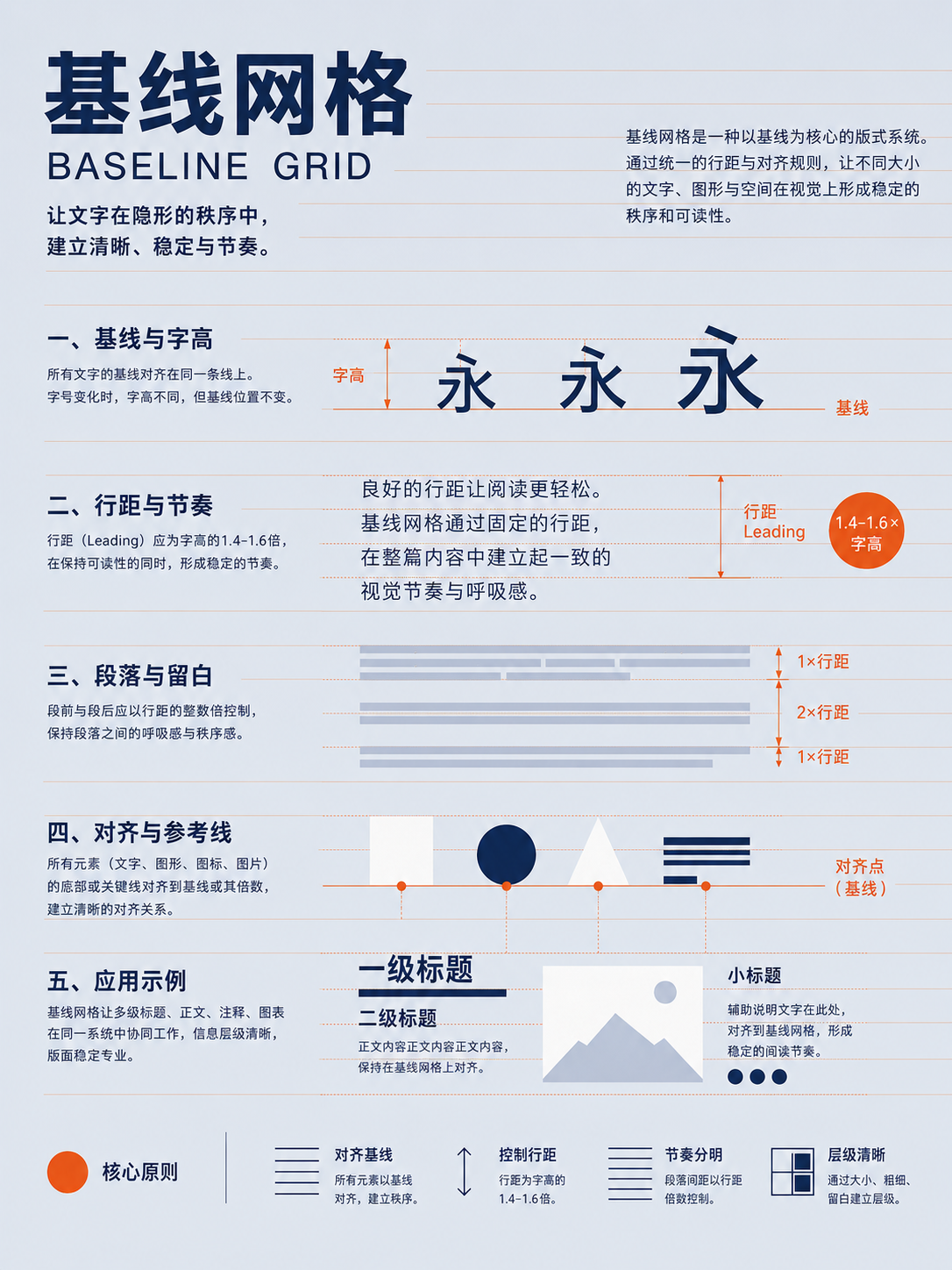
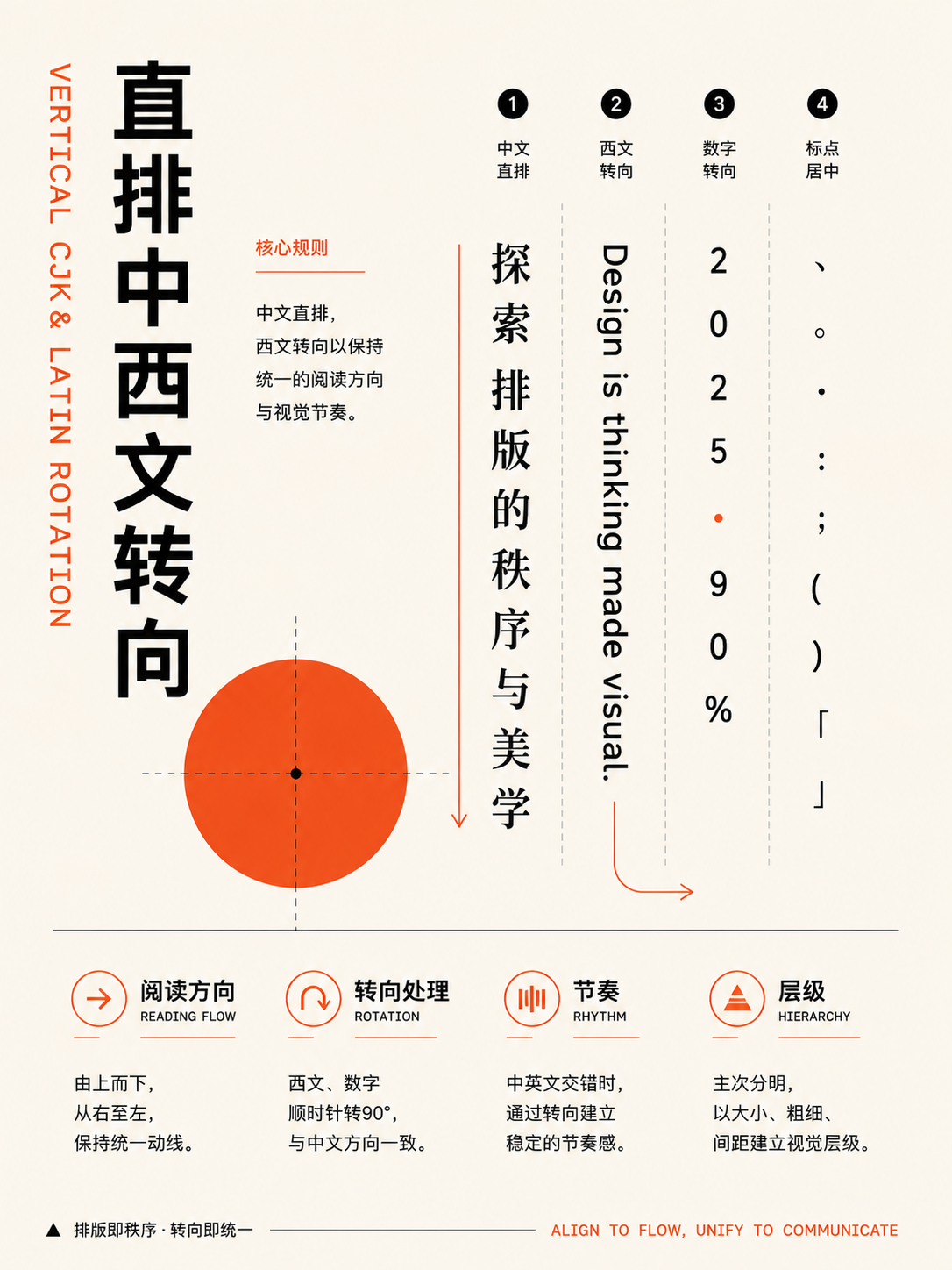
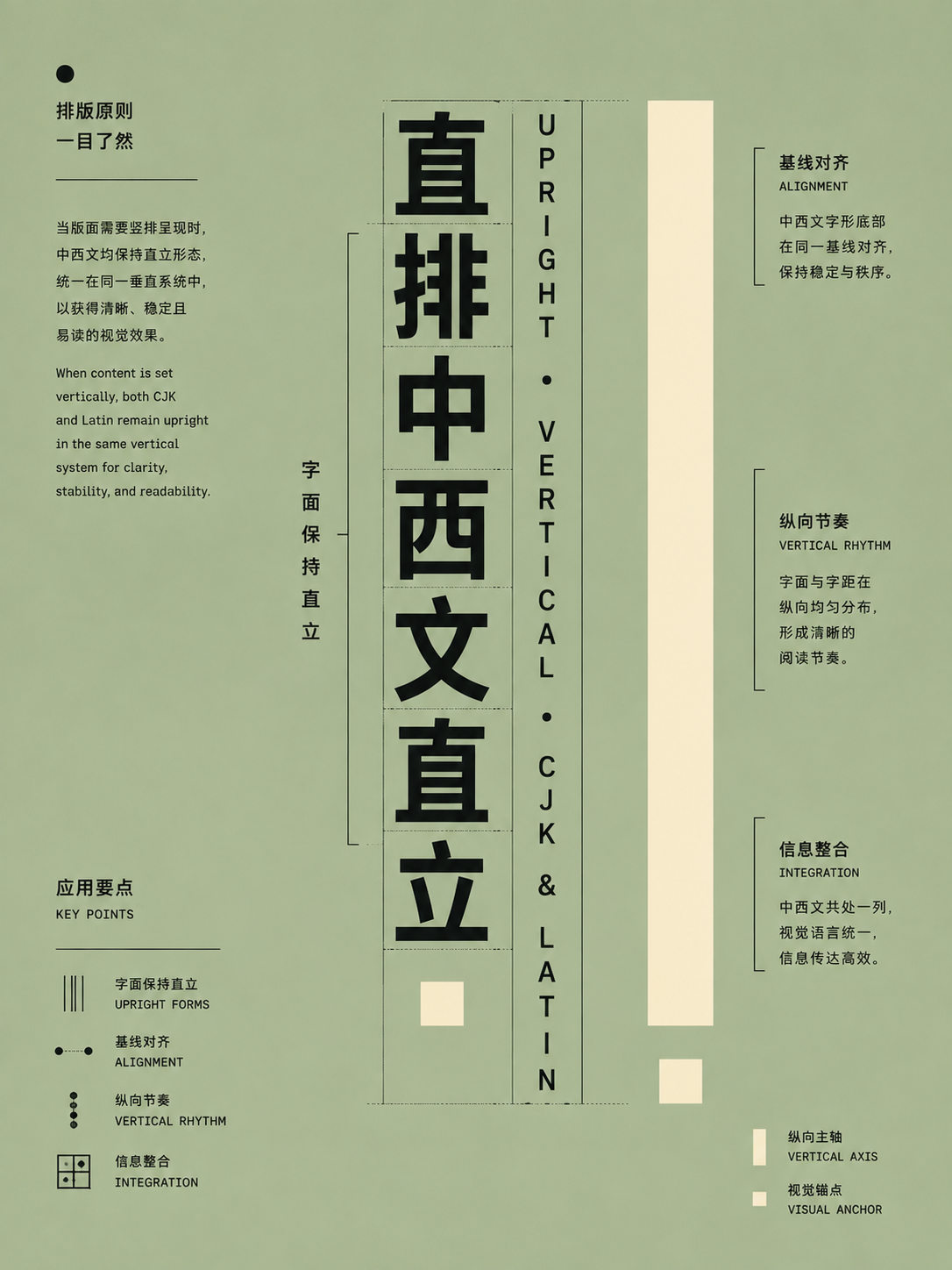
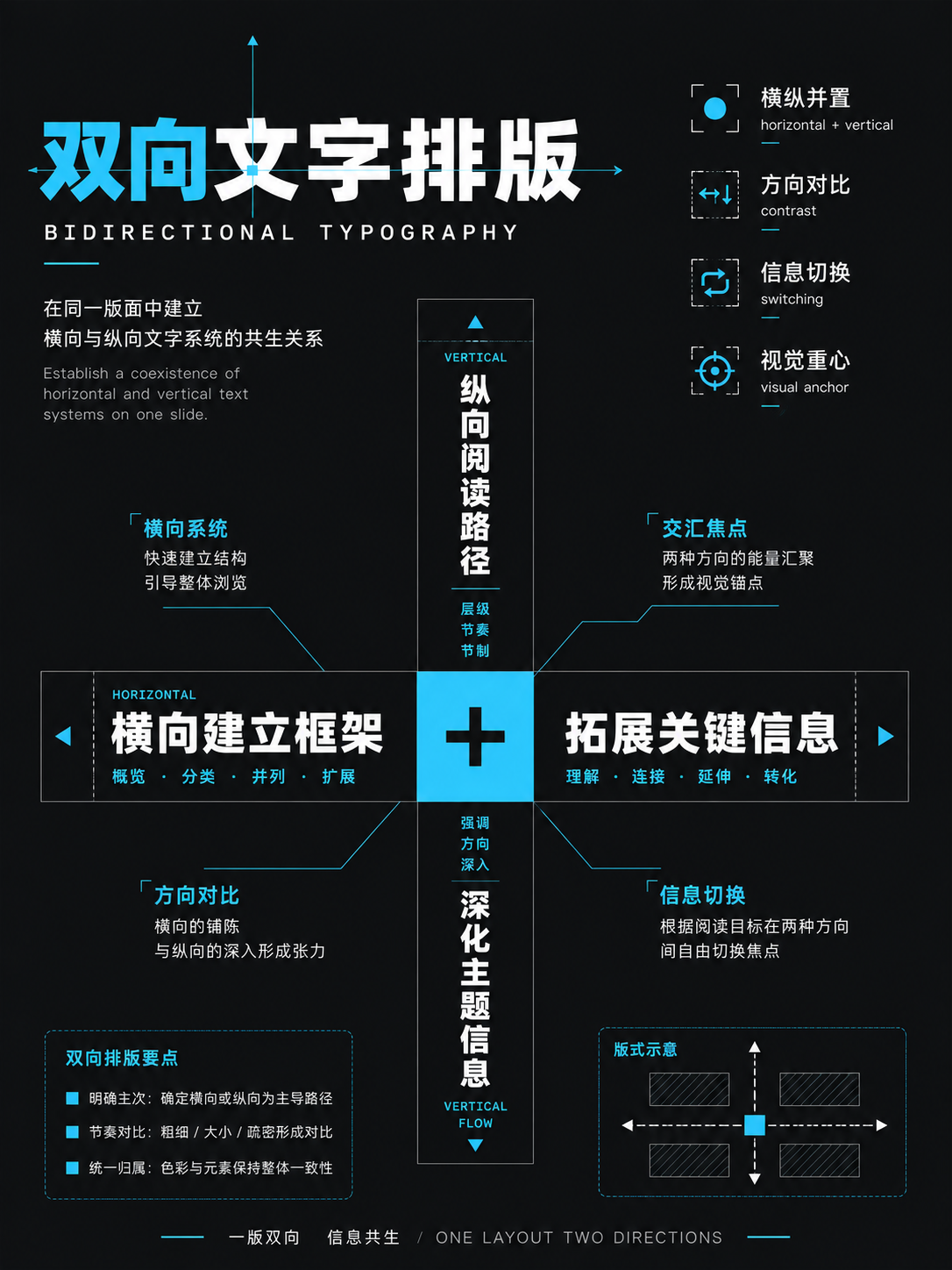
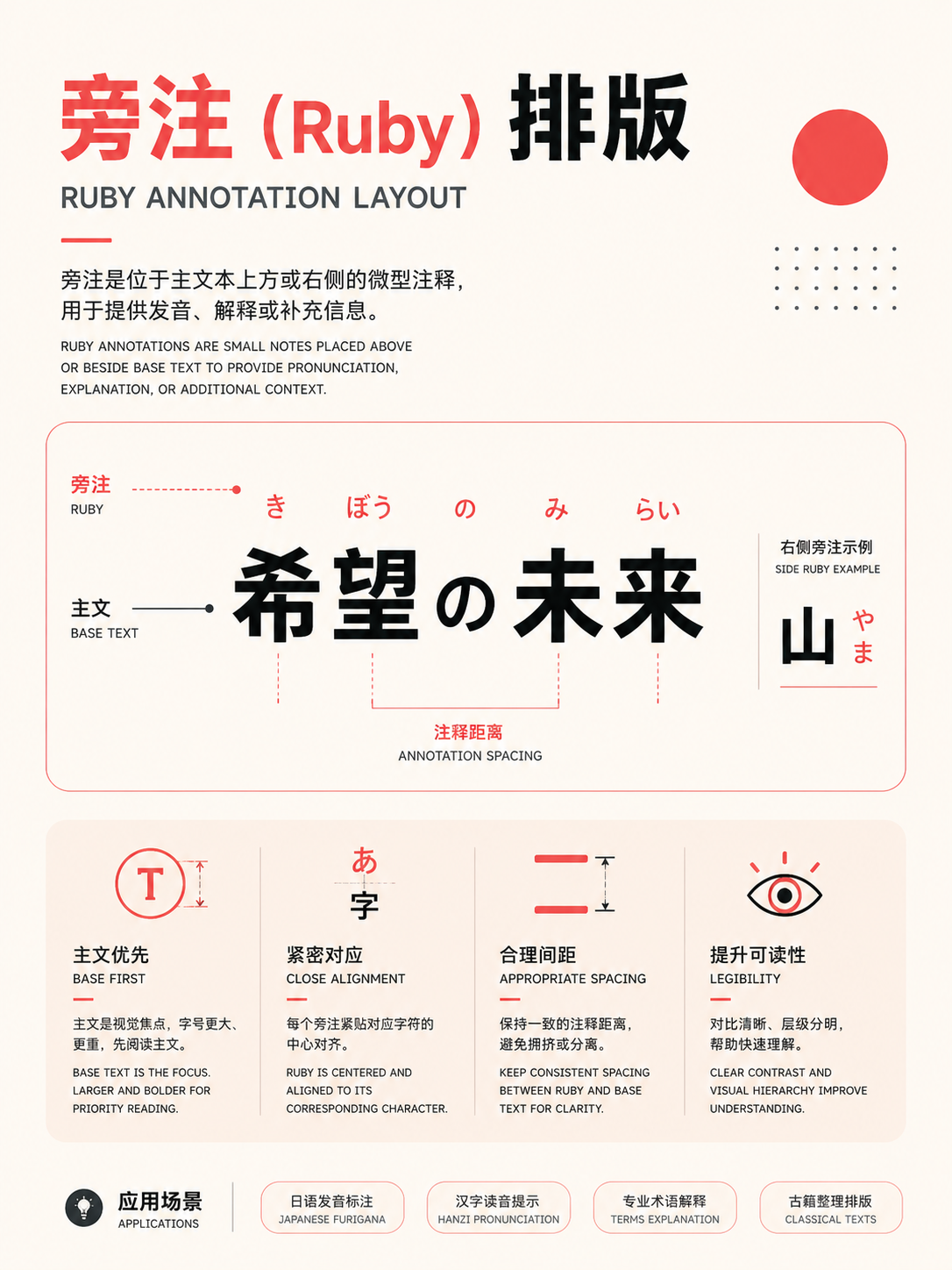
These 54 cards cover type hierarchy, alignment, indentation, grids, and mixed-language settings (Chinese, Japanese, Latin). They're well-suited for reports, long articles, reference cards, and information-dense pages. Establish rules for type size, leading, column width, and baseline first; then you can consider breaking the grid or using display type.
Full Atlas · 54 images
Typography, Grids, and East Asian Text
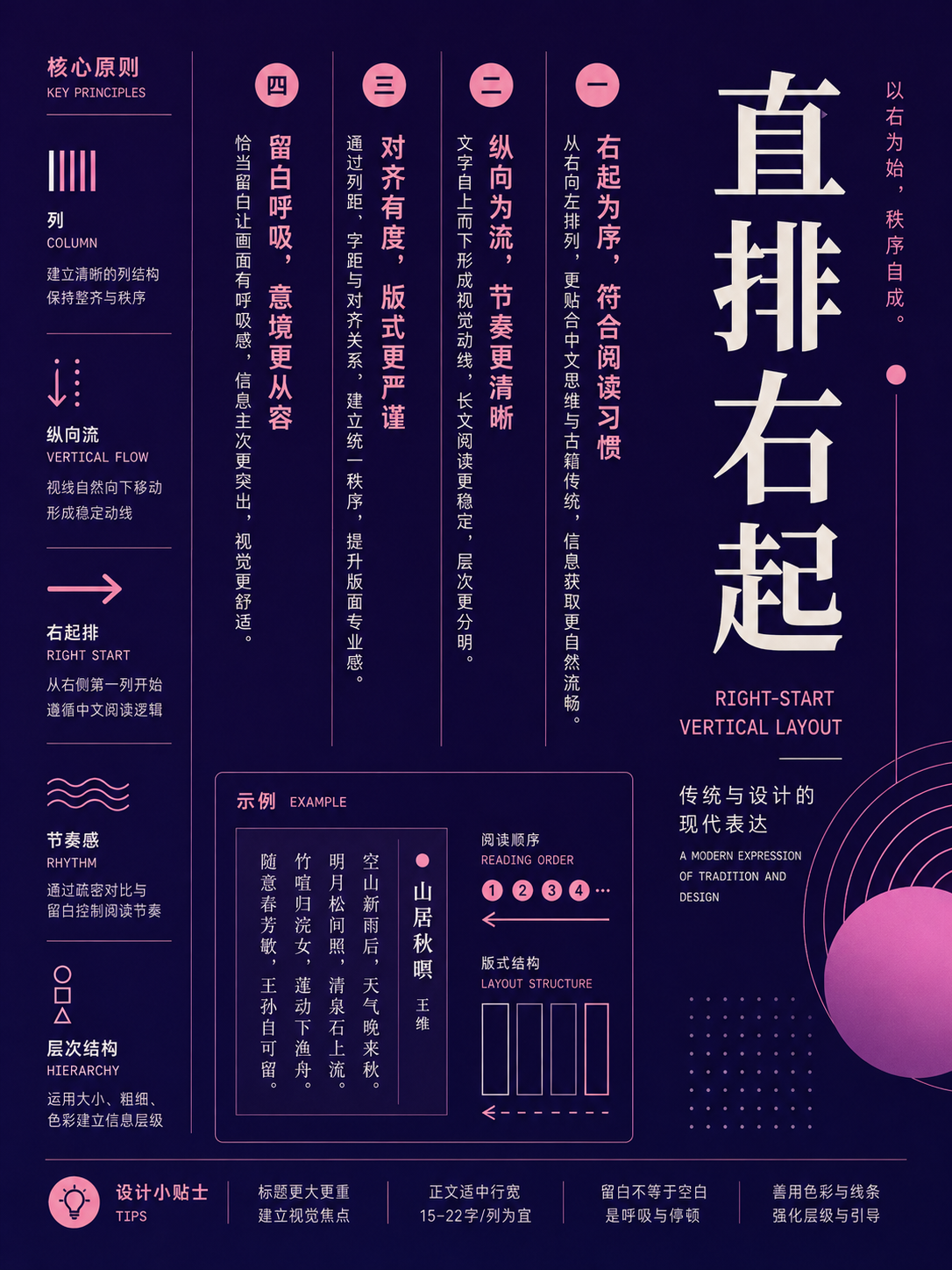
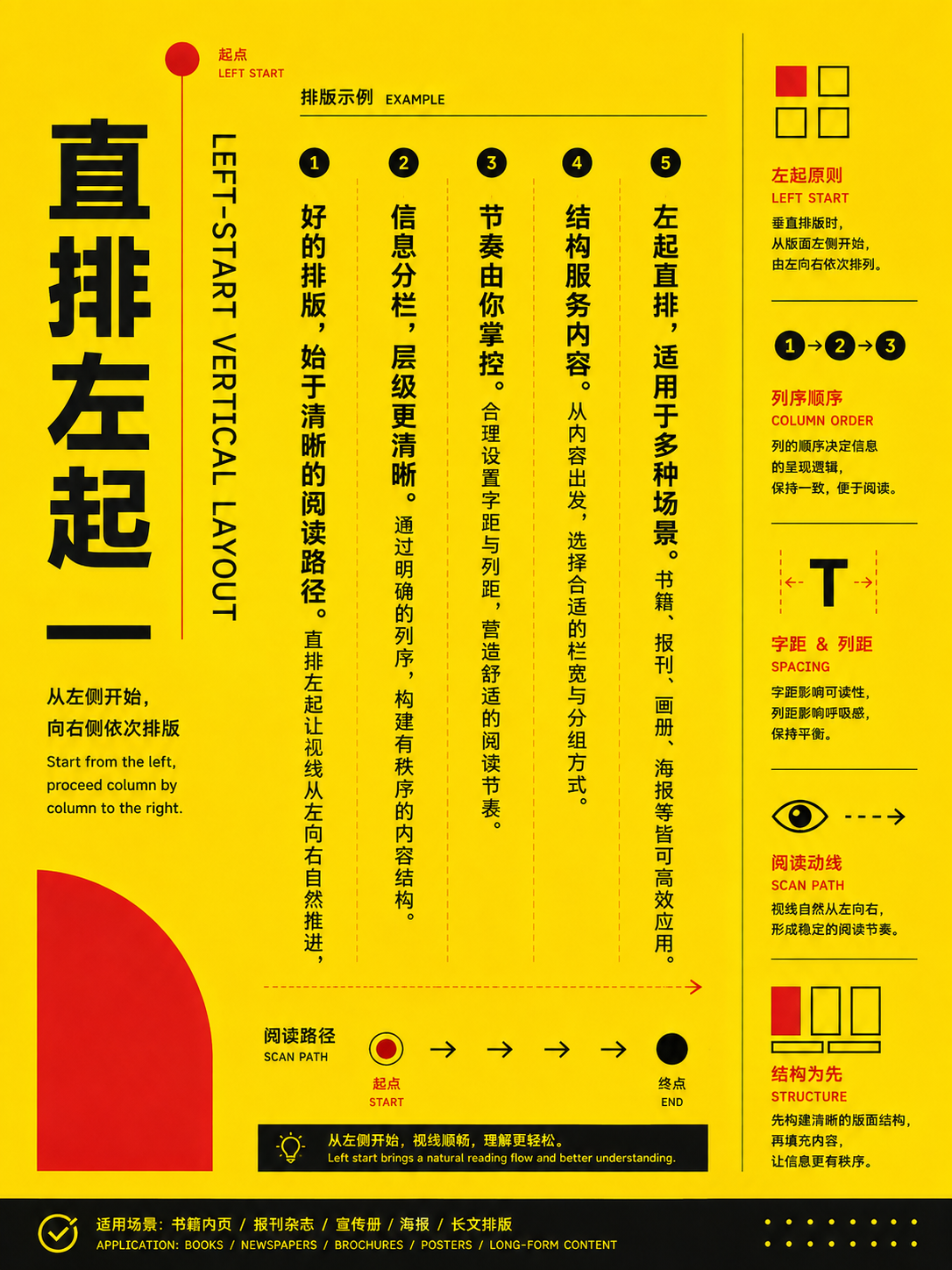
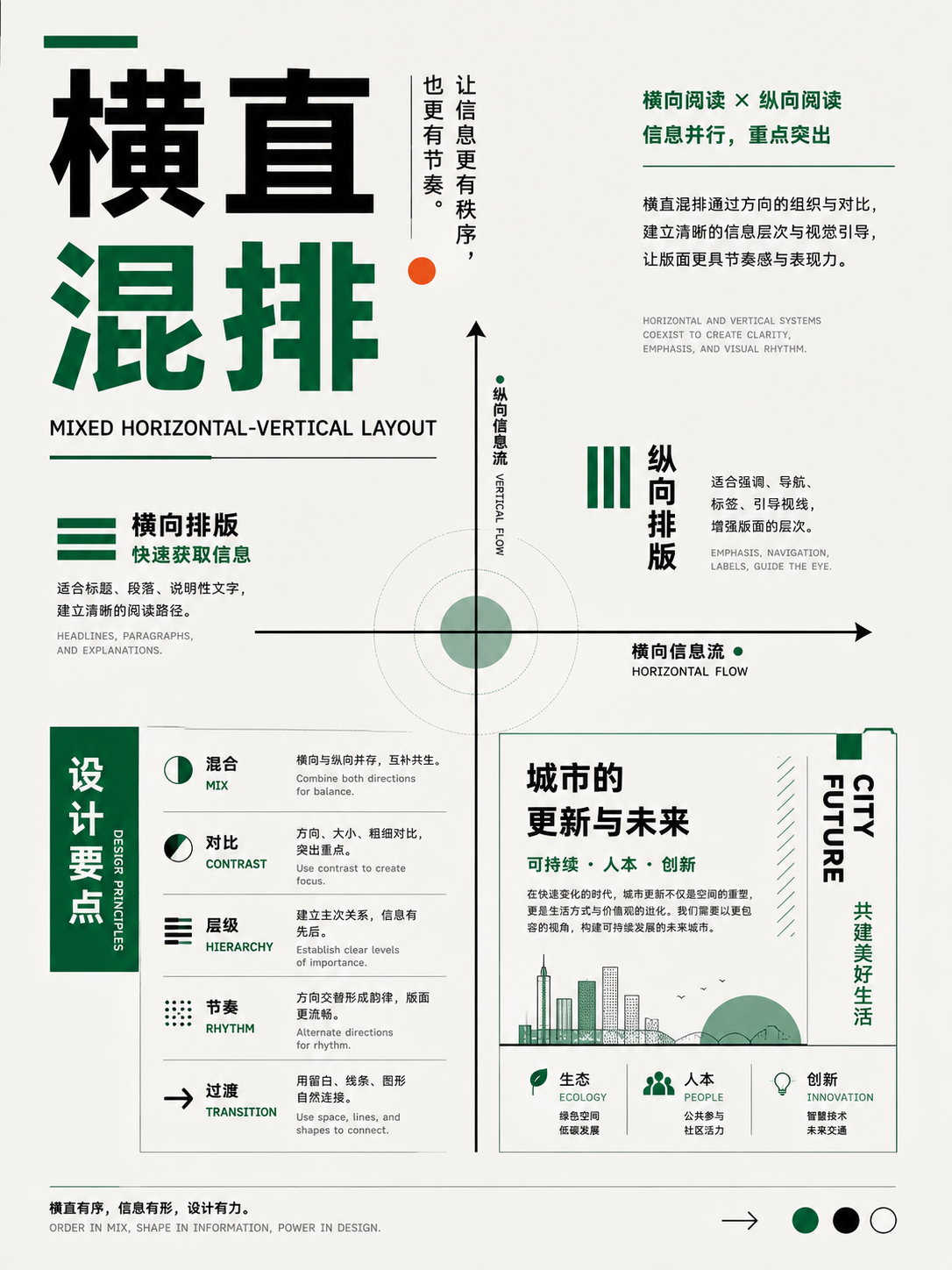
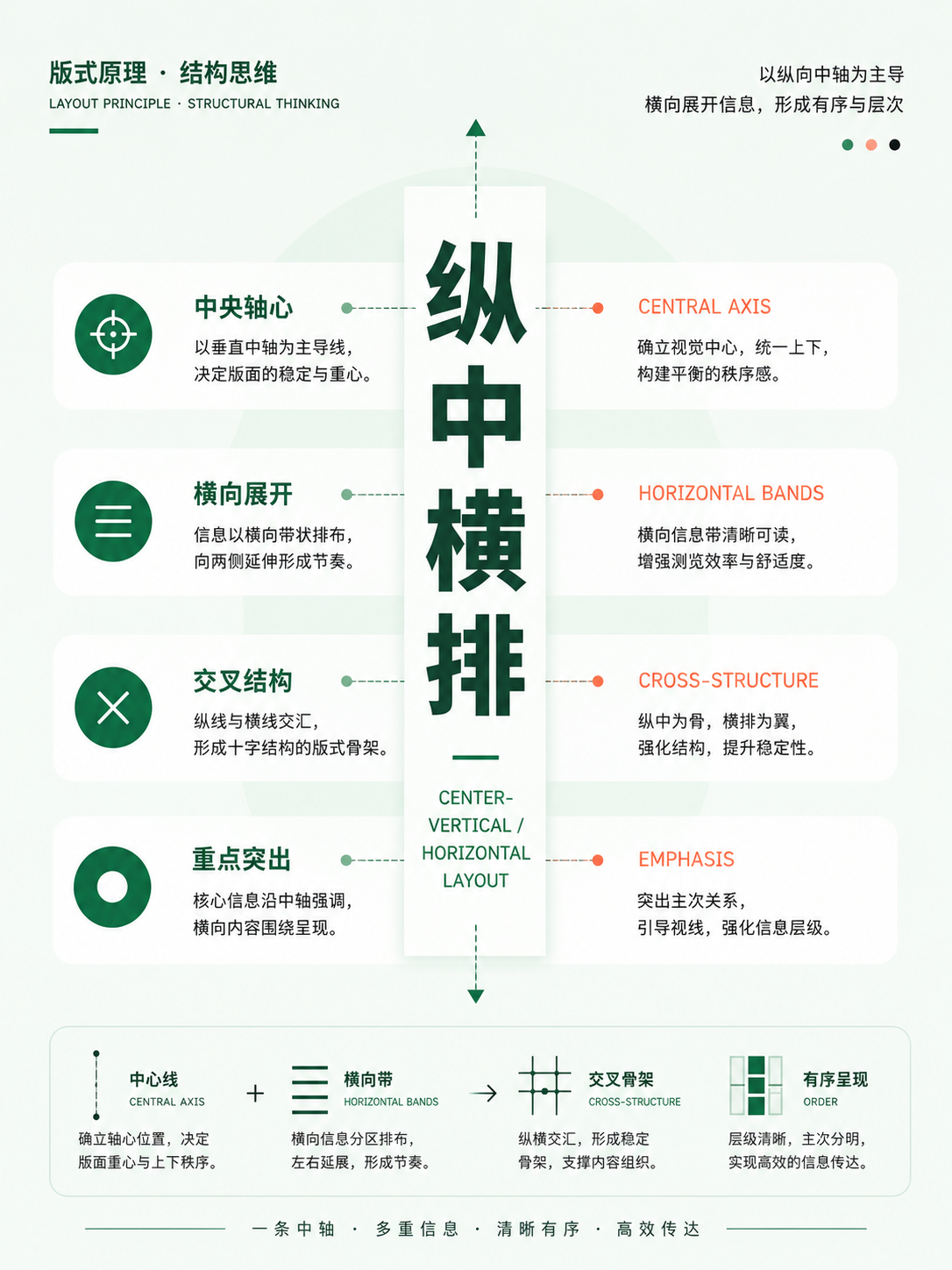
Organize text into a system:FocusAlignment, baseline, grid, horizontal/vertical composition, and mixed CJK-Latin setting。
54 / 54 visible
Type organization systems
UseEstablish type size, weight, line height, and paragraph spacing before discussing decorative effects.
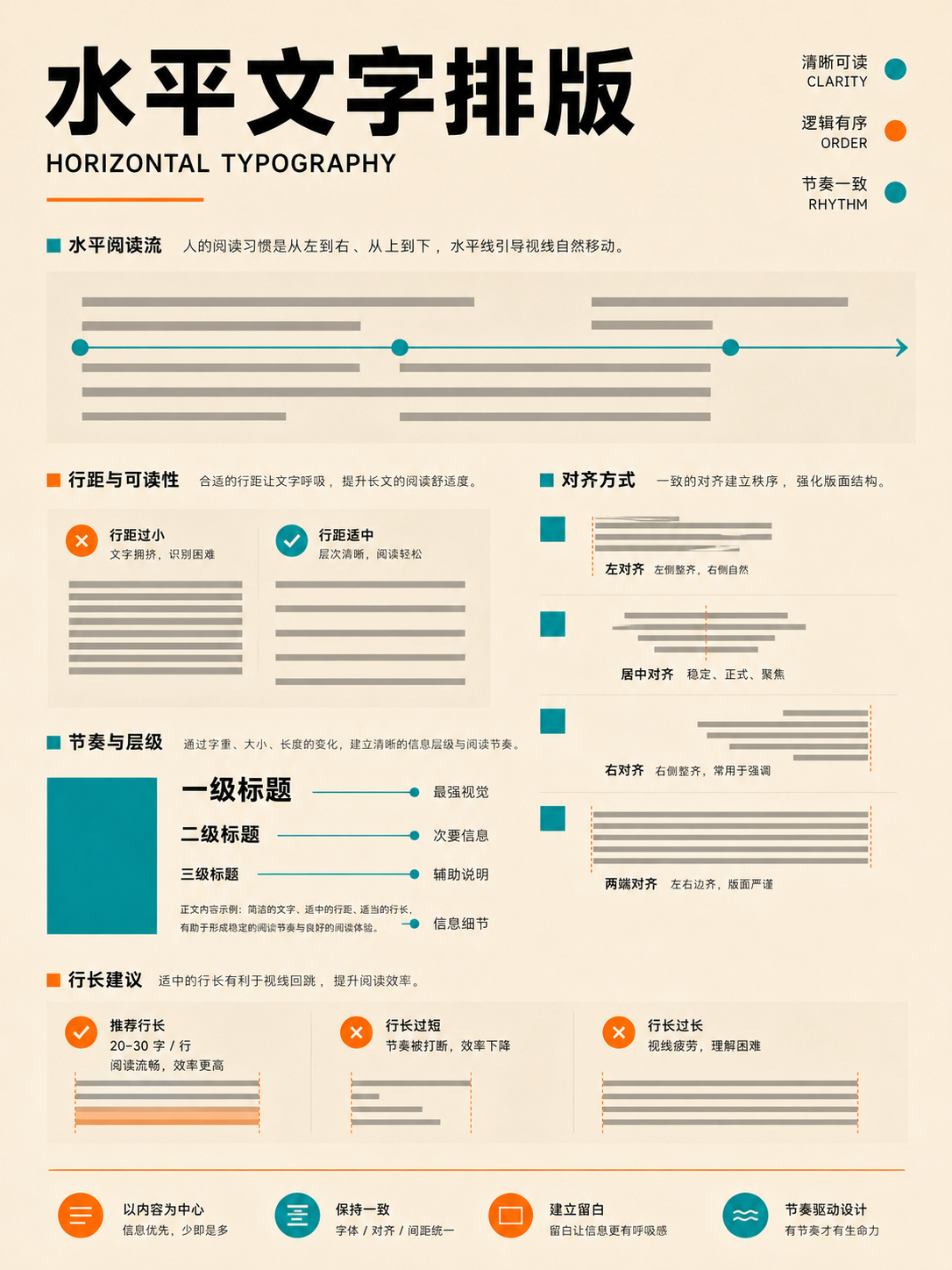
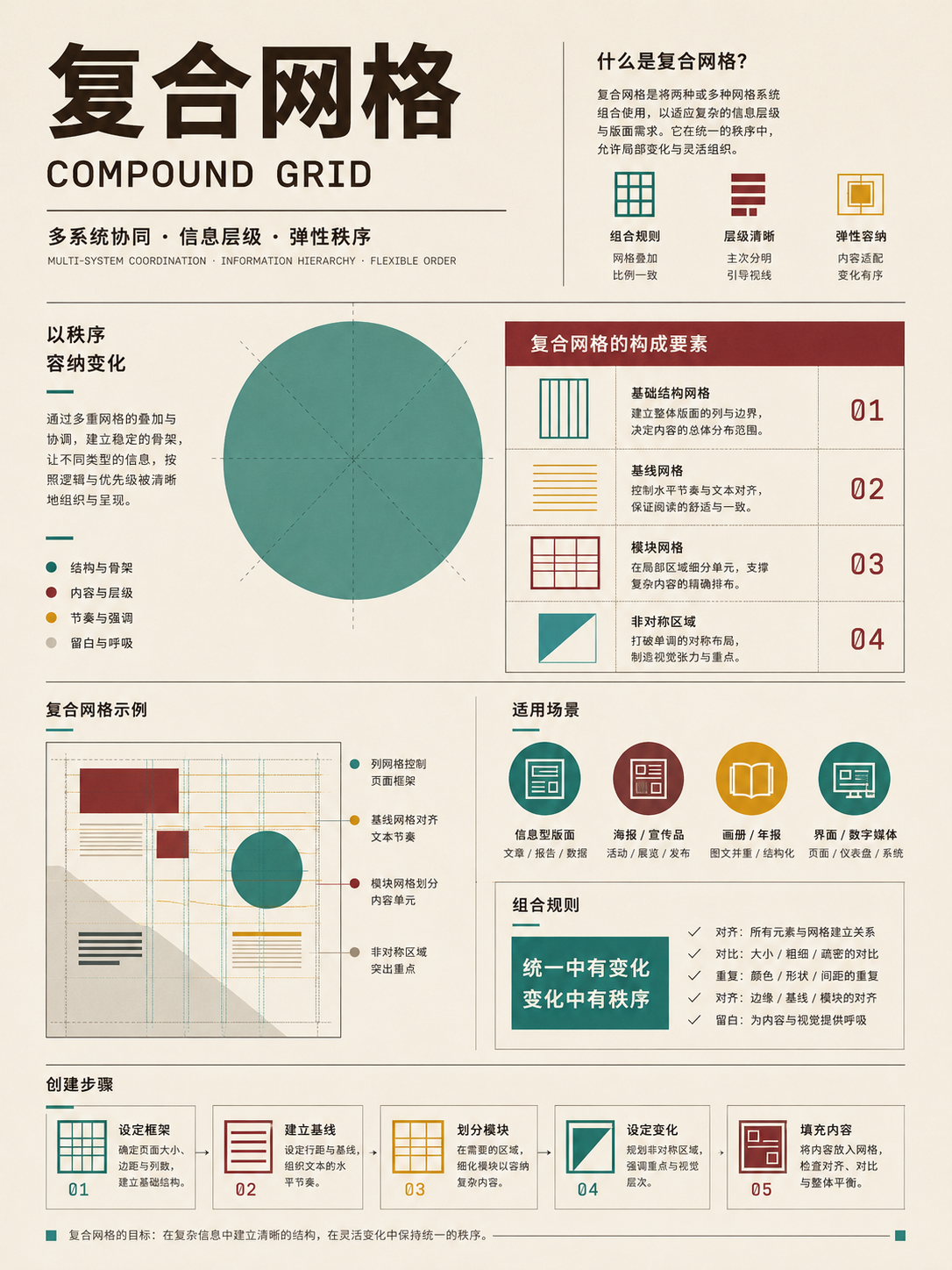
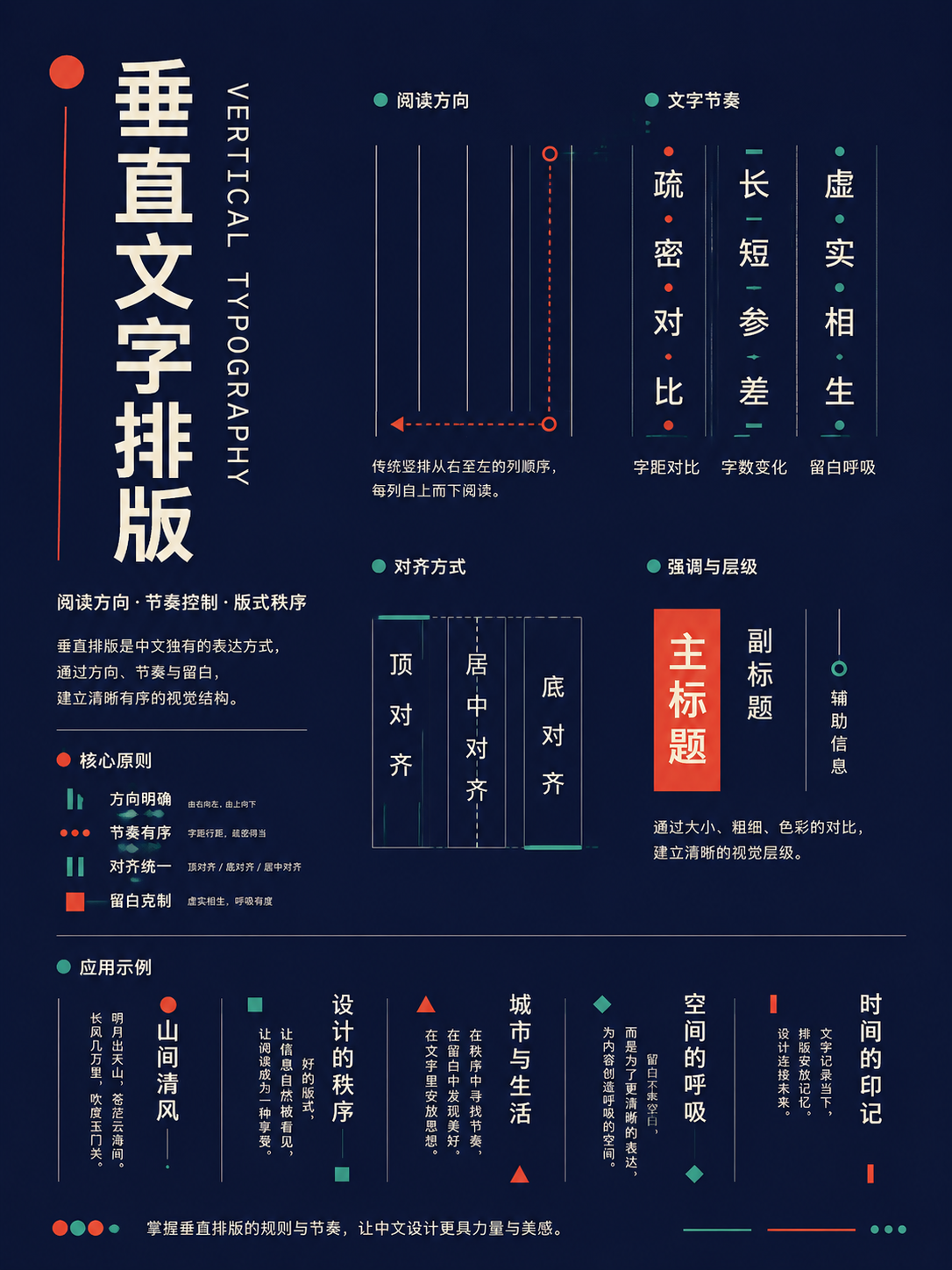
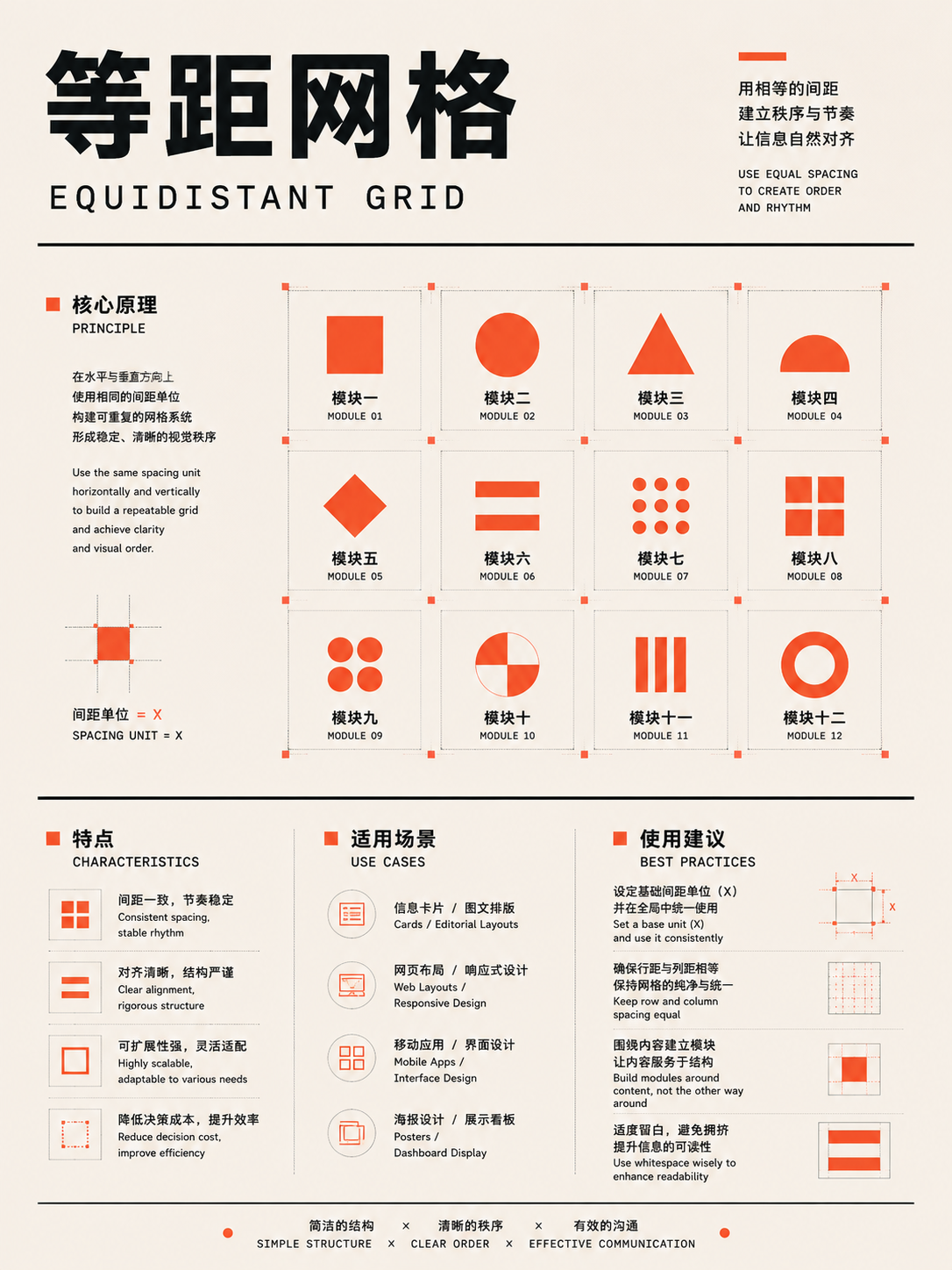
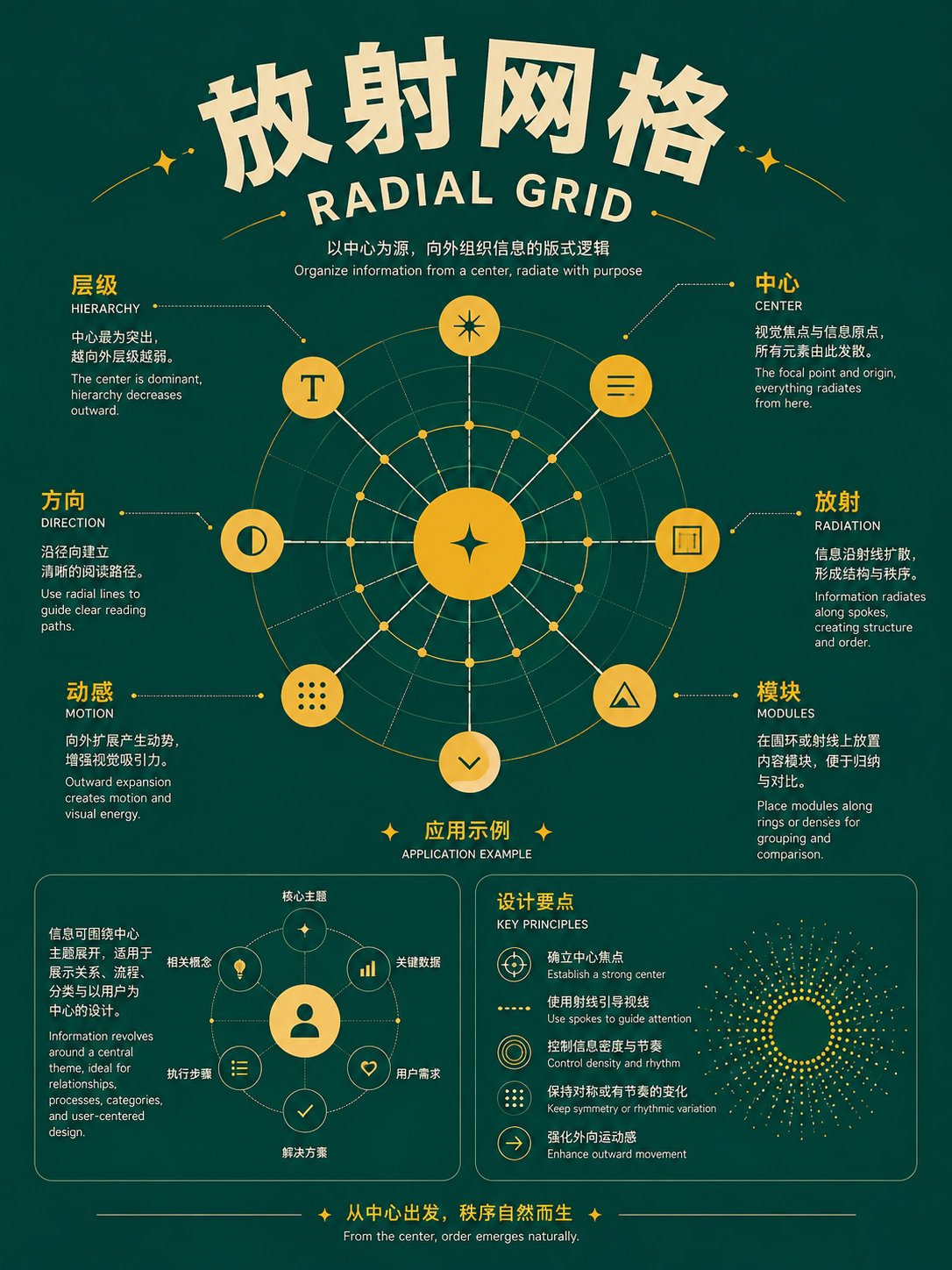
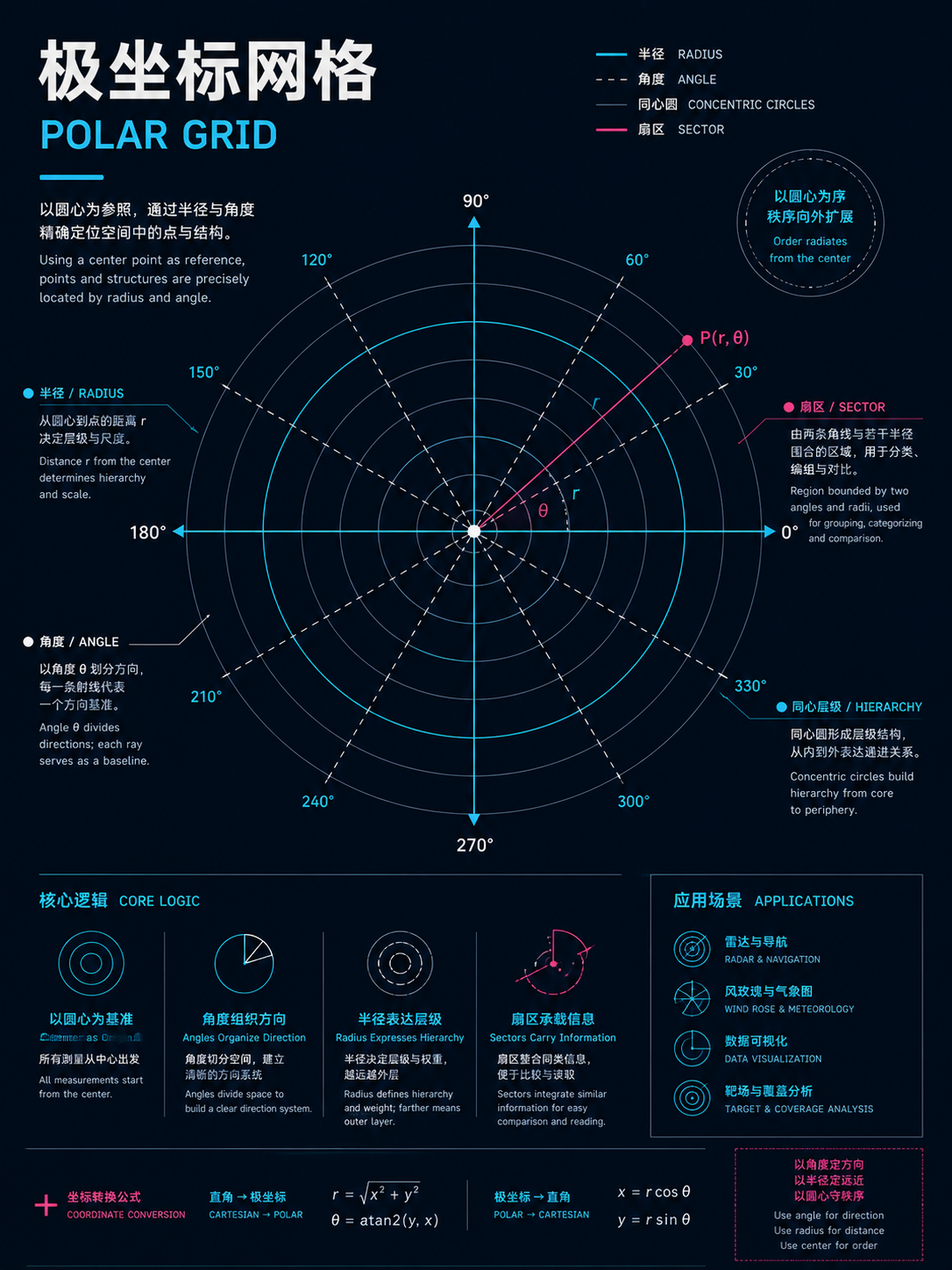
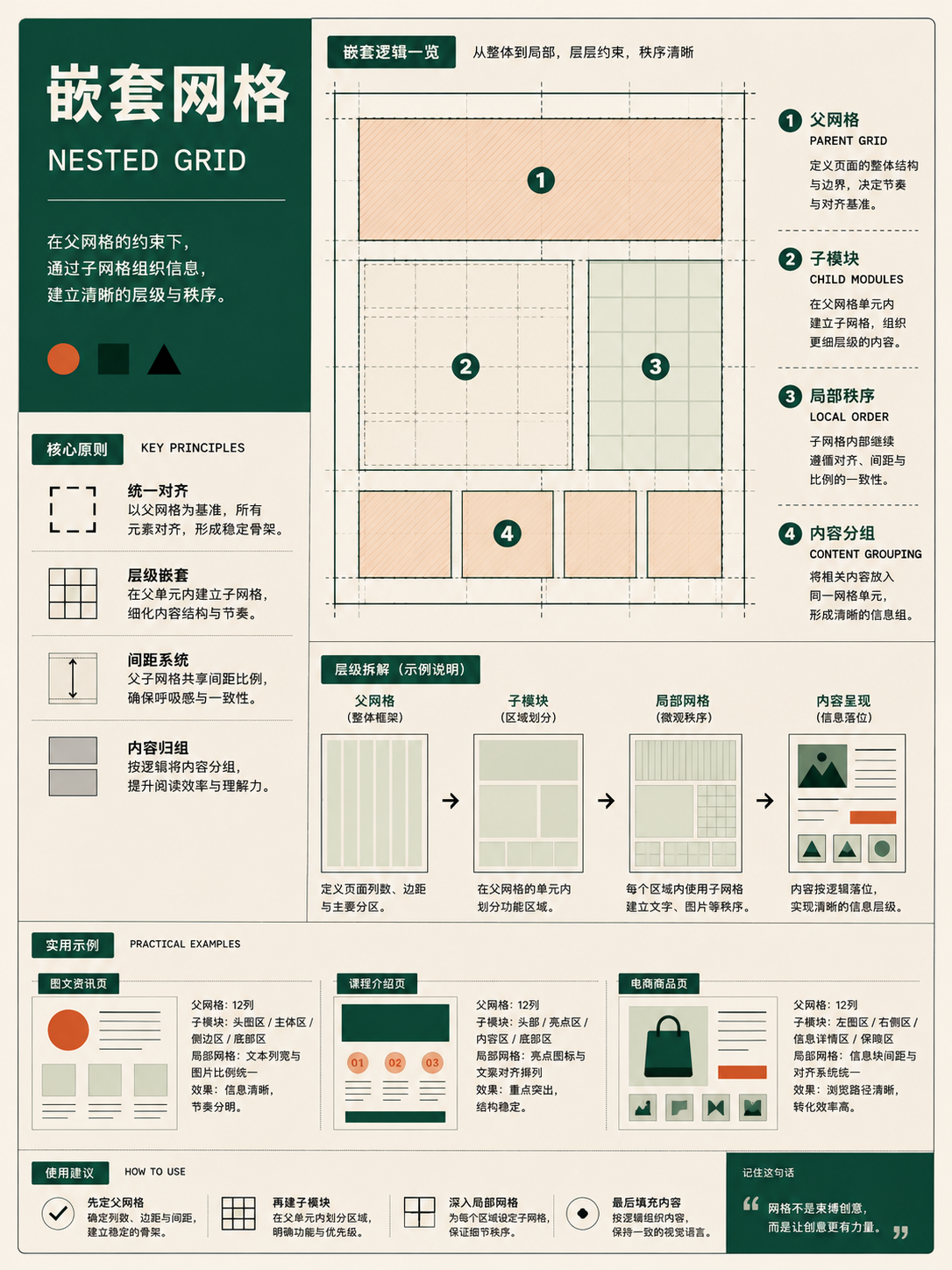
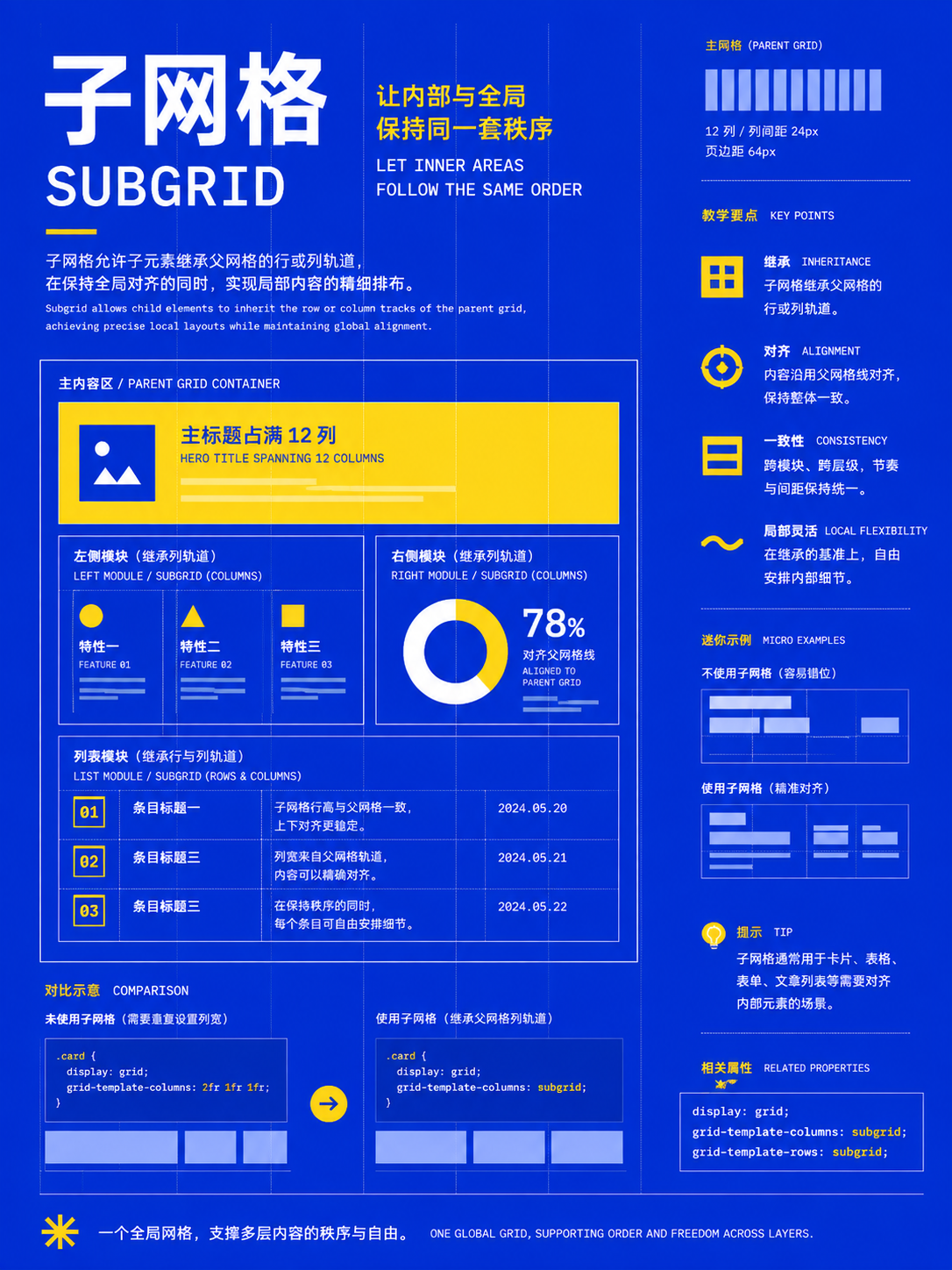
Alignment, indentation, and type styling
UseUse one clear alignment line to unify the page; path text and shaped text are for short phrases and emphasis only.
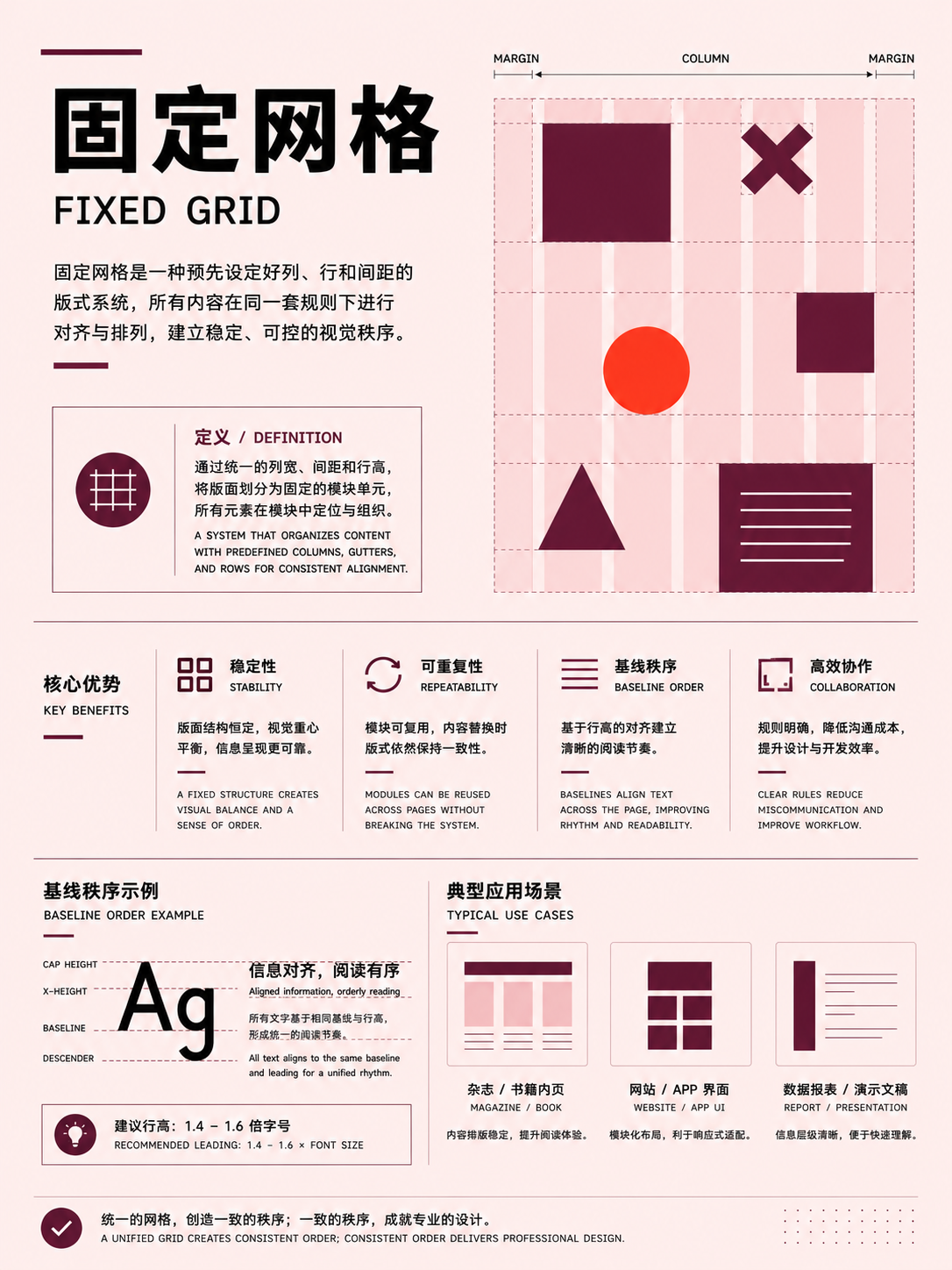
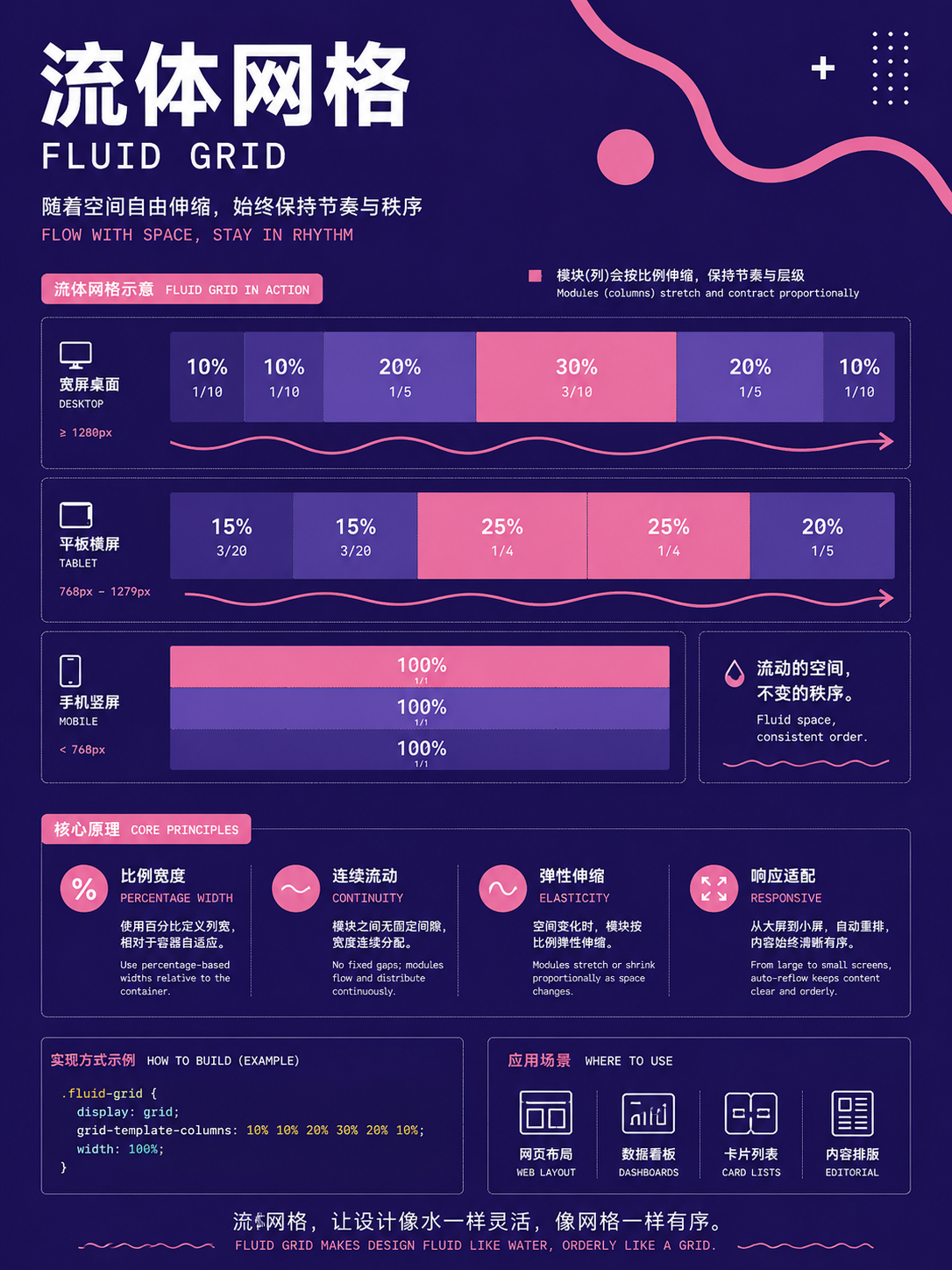
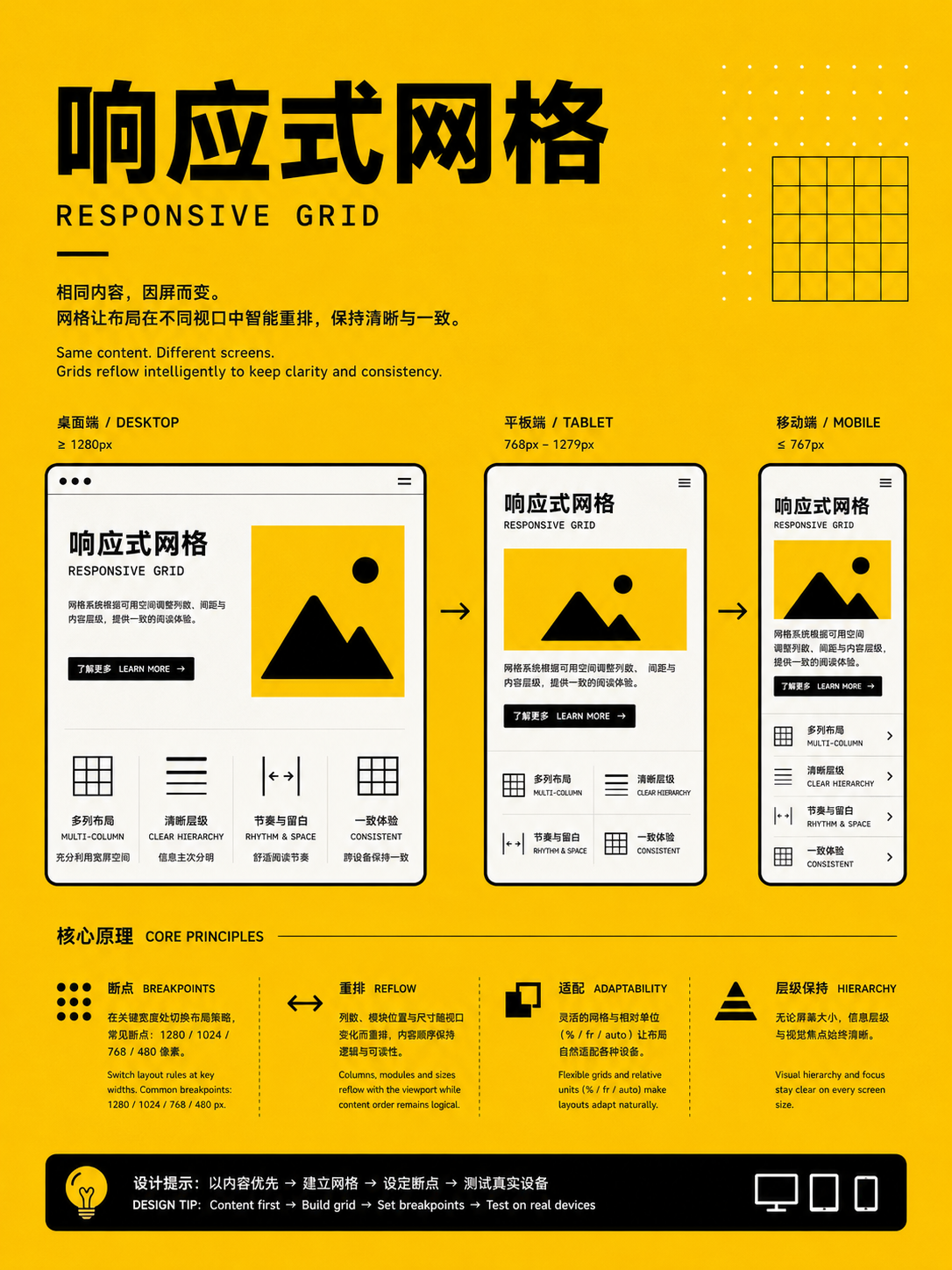
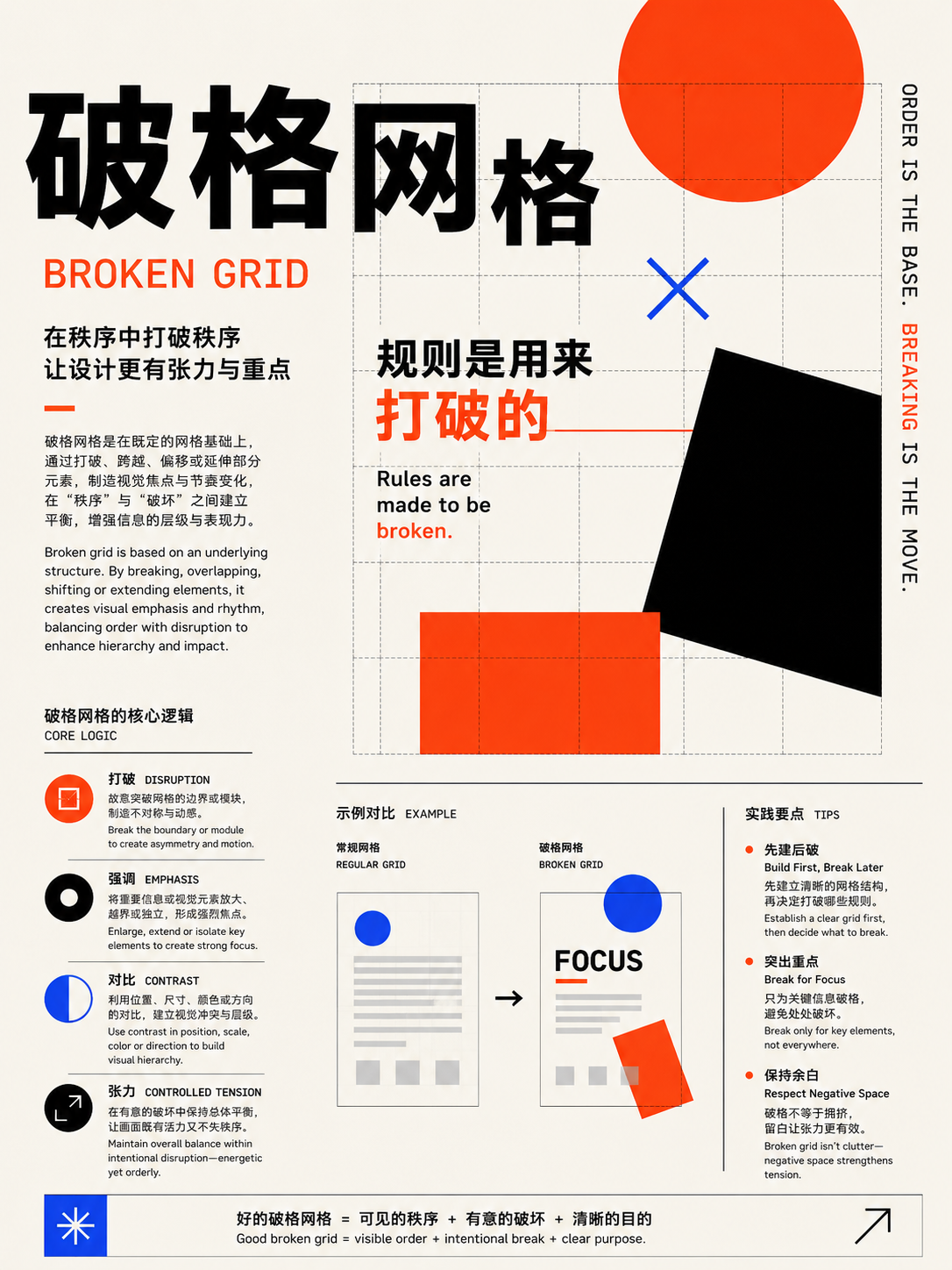
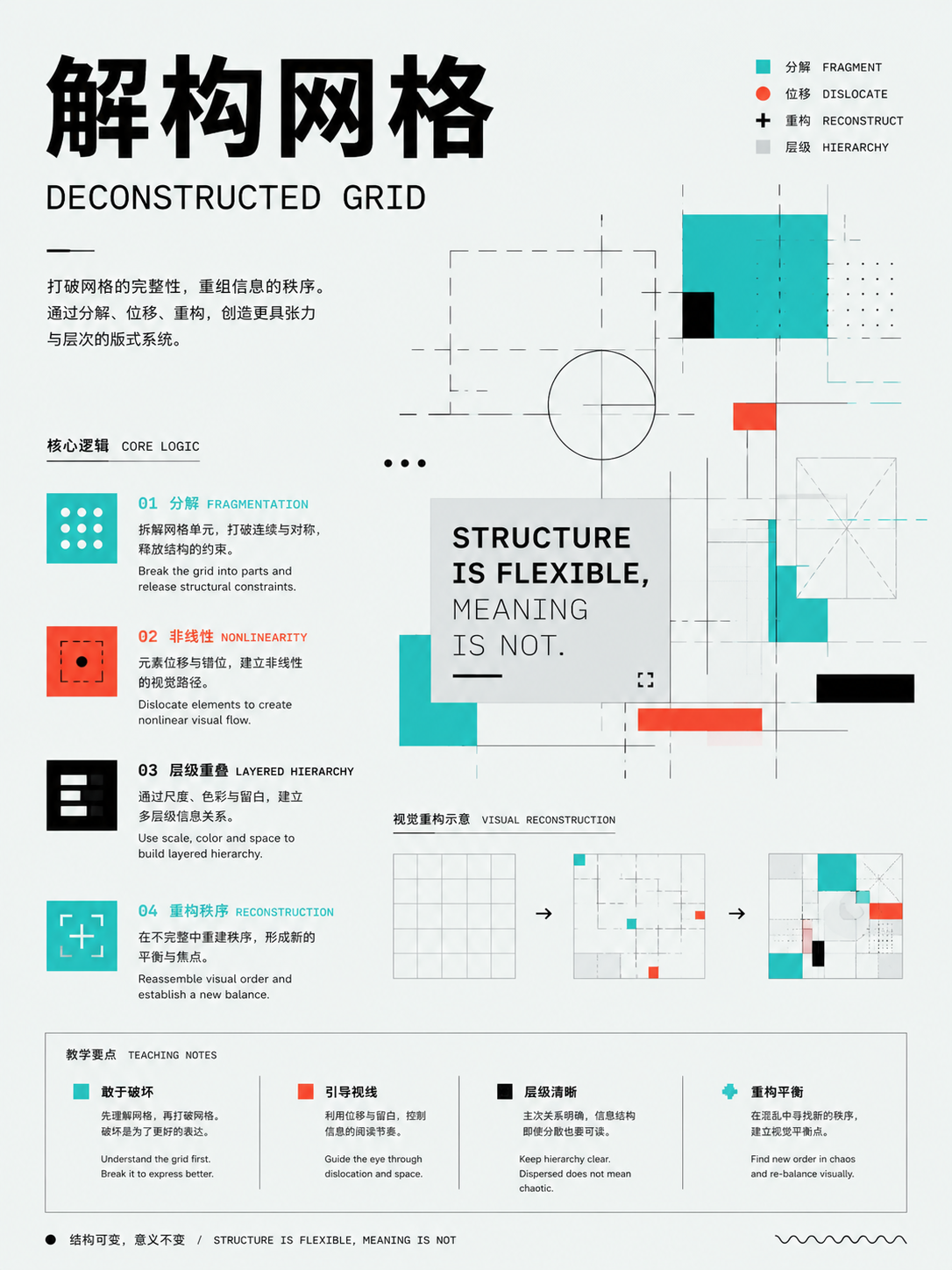
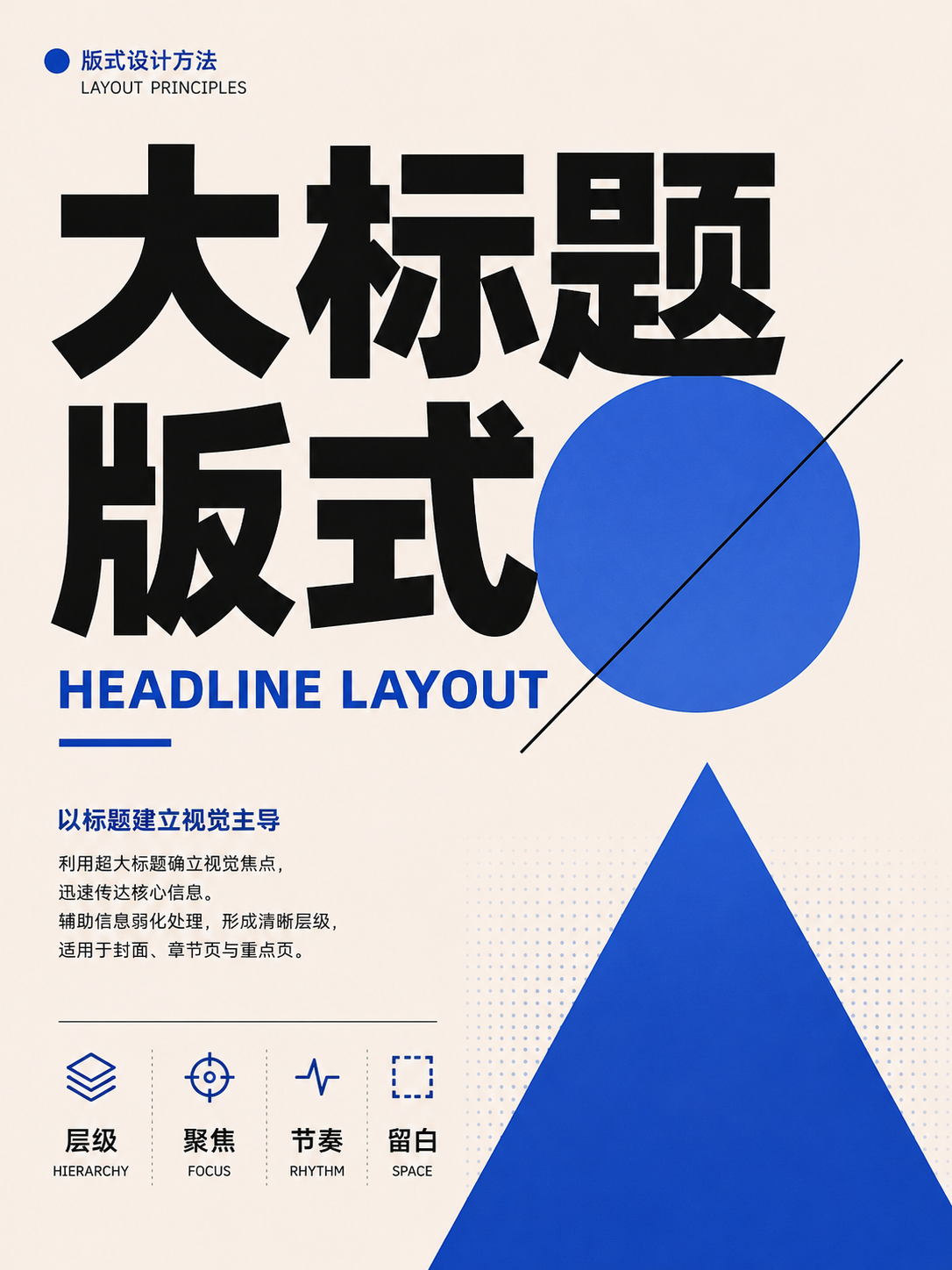
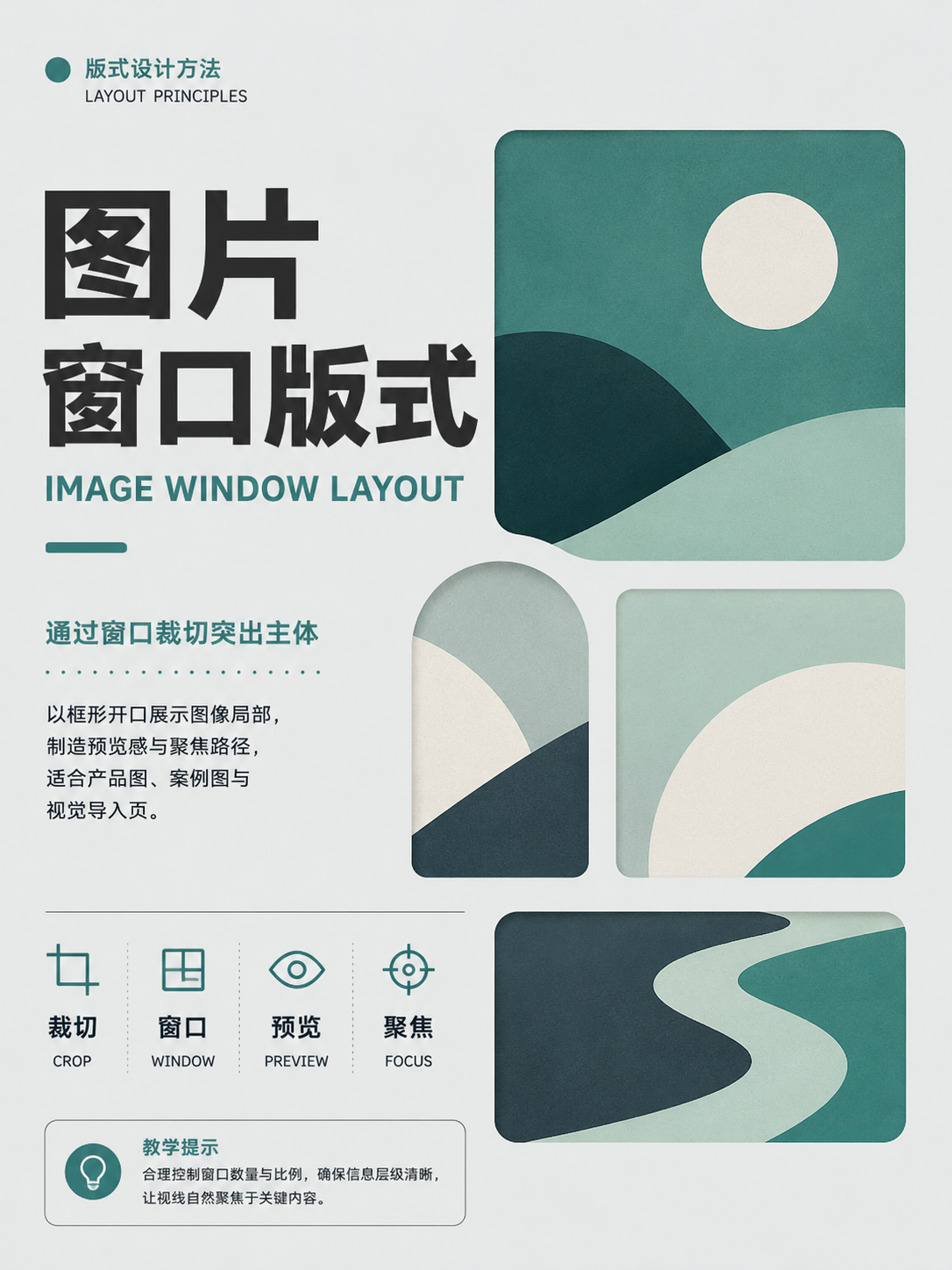
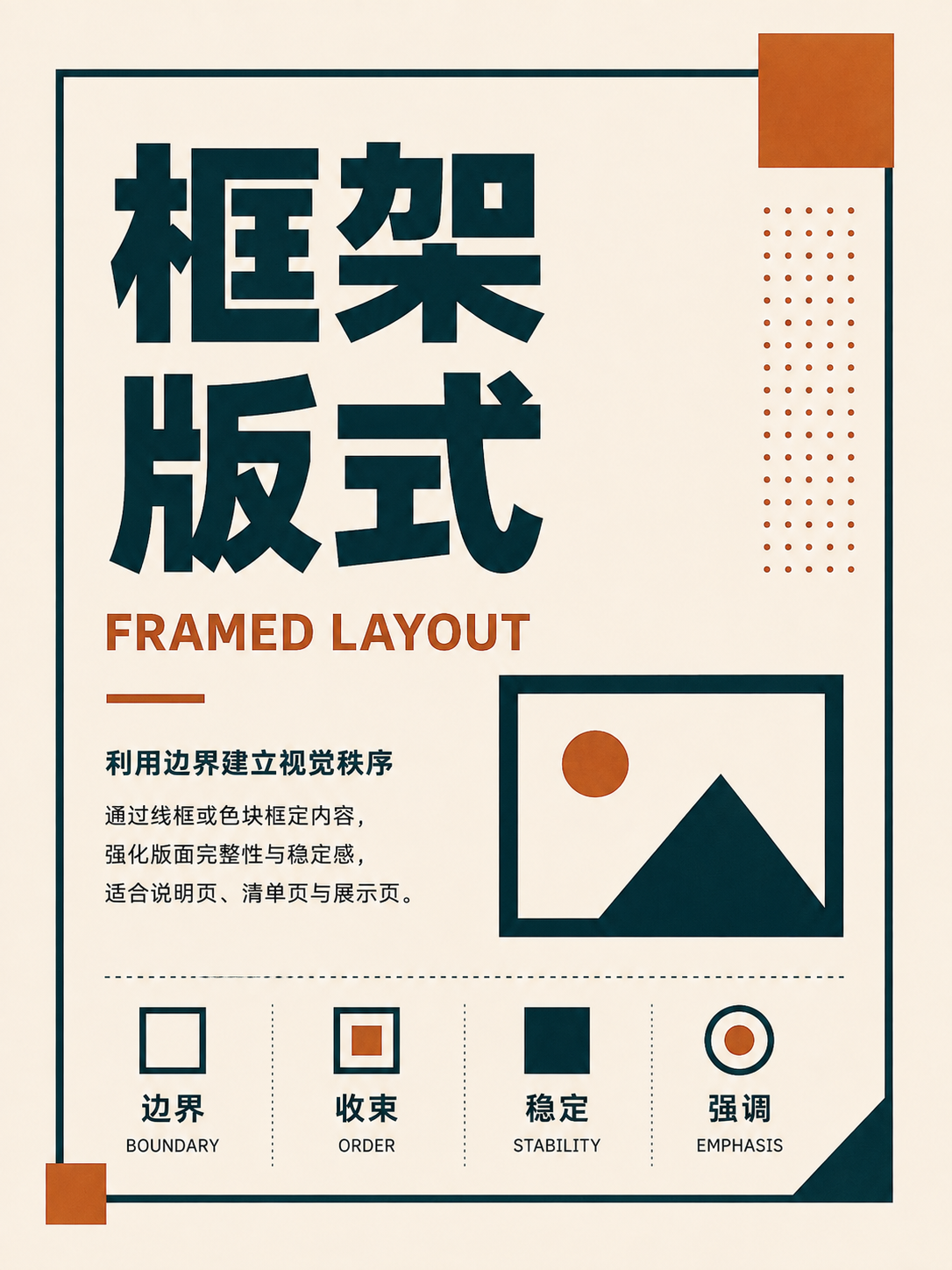
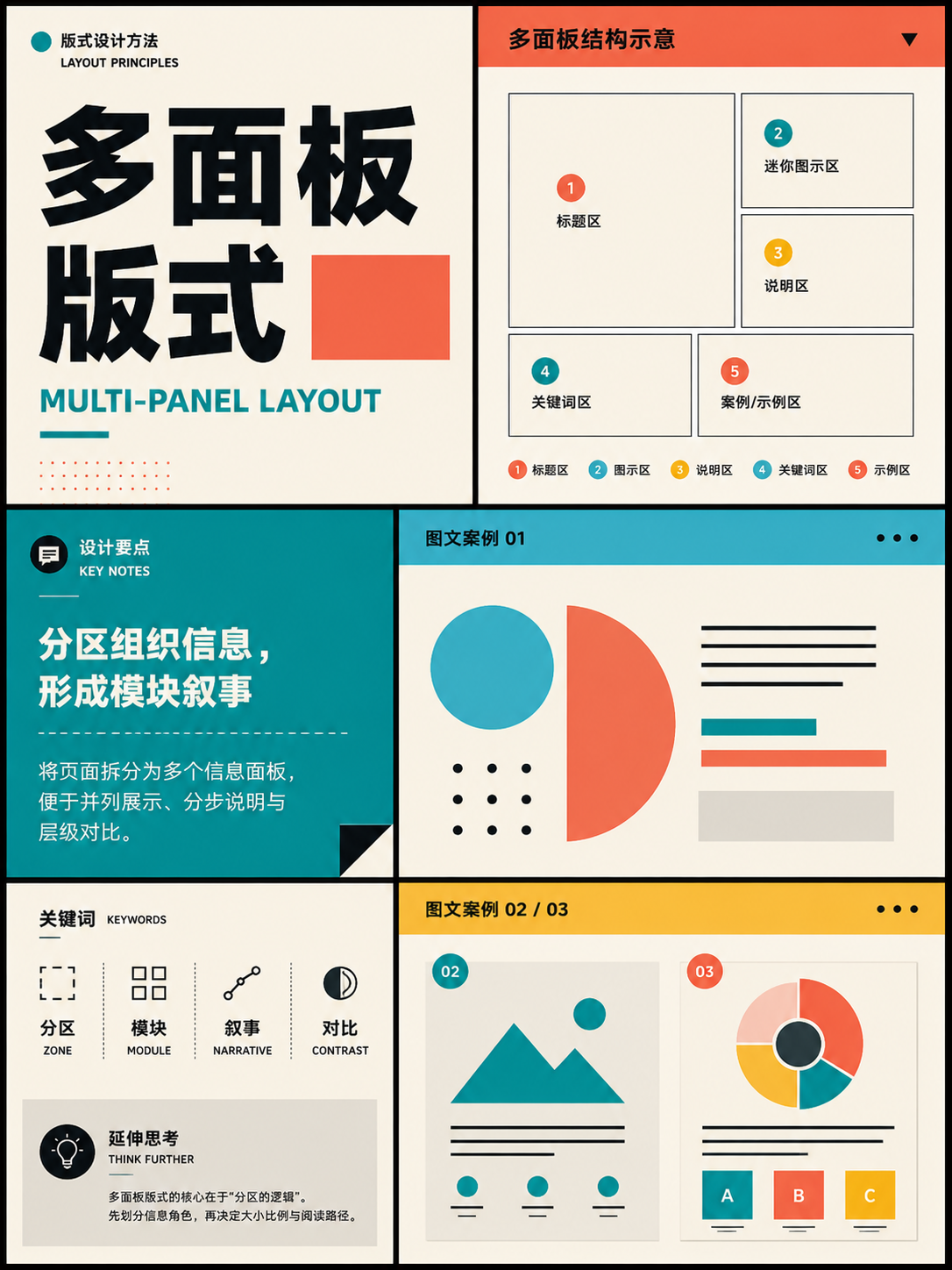
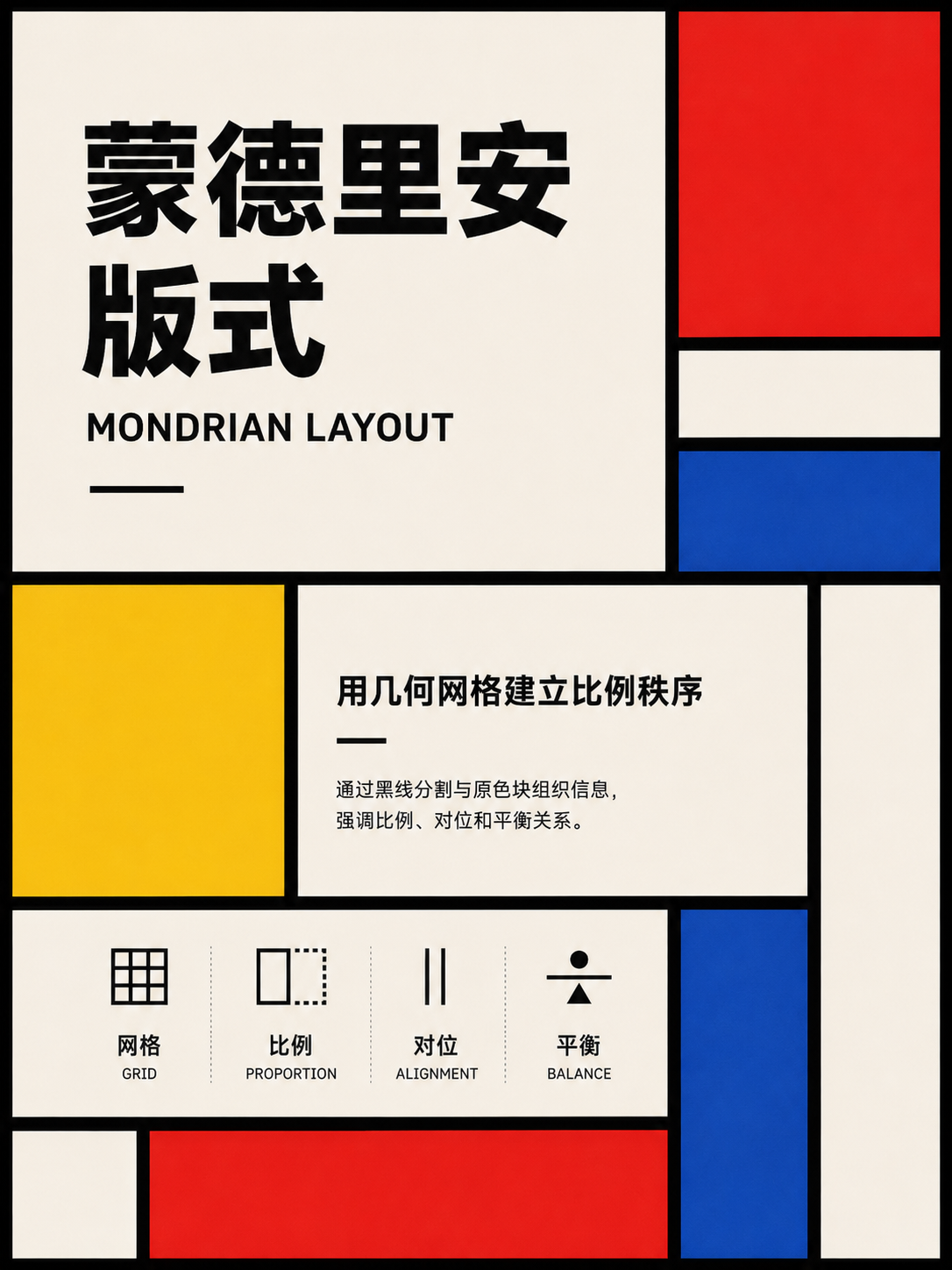
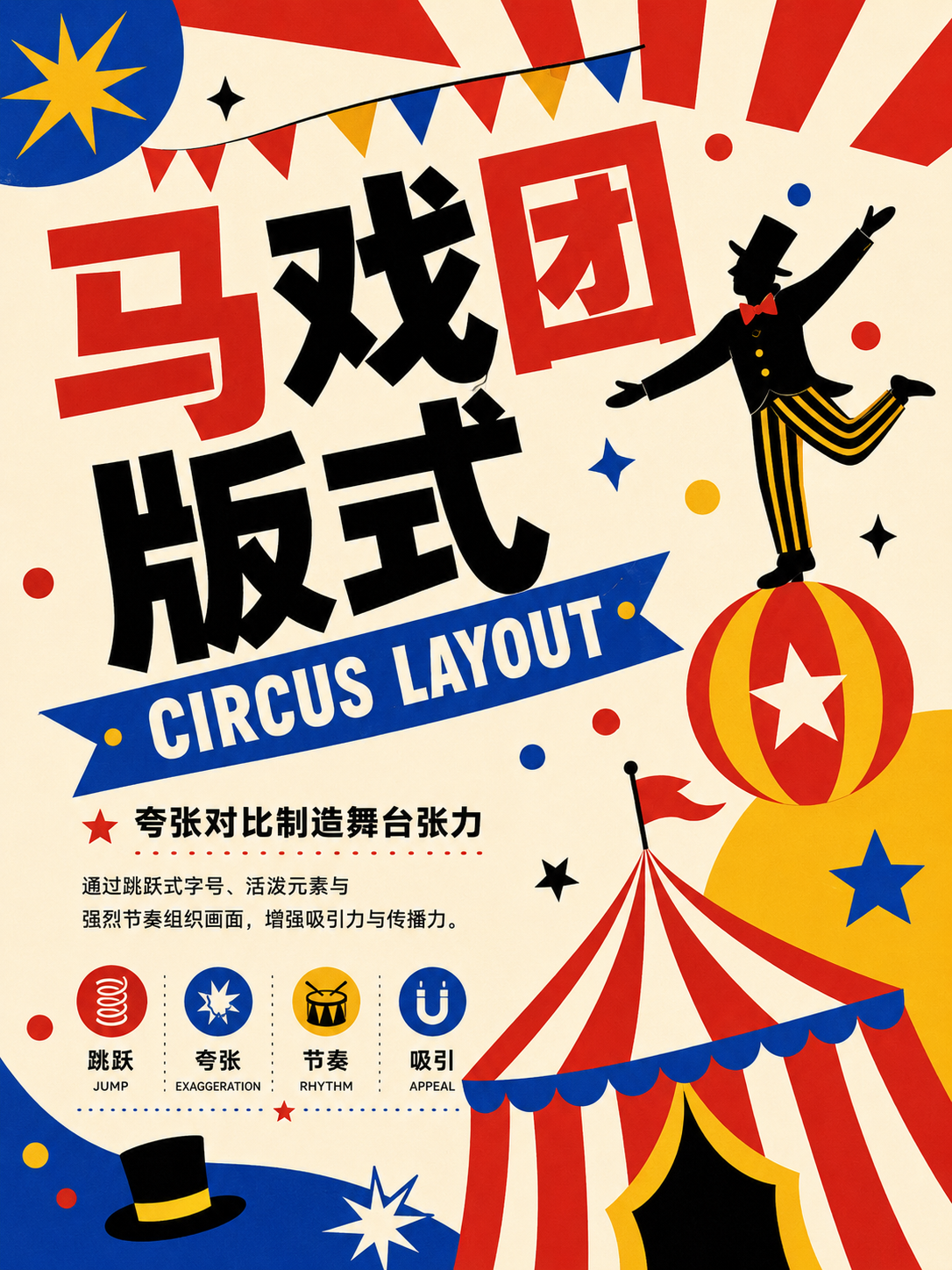
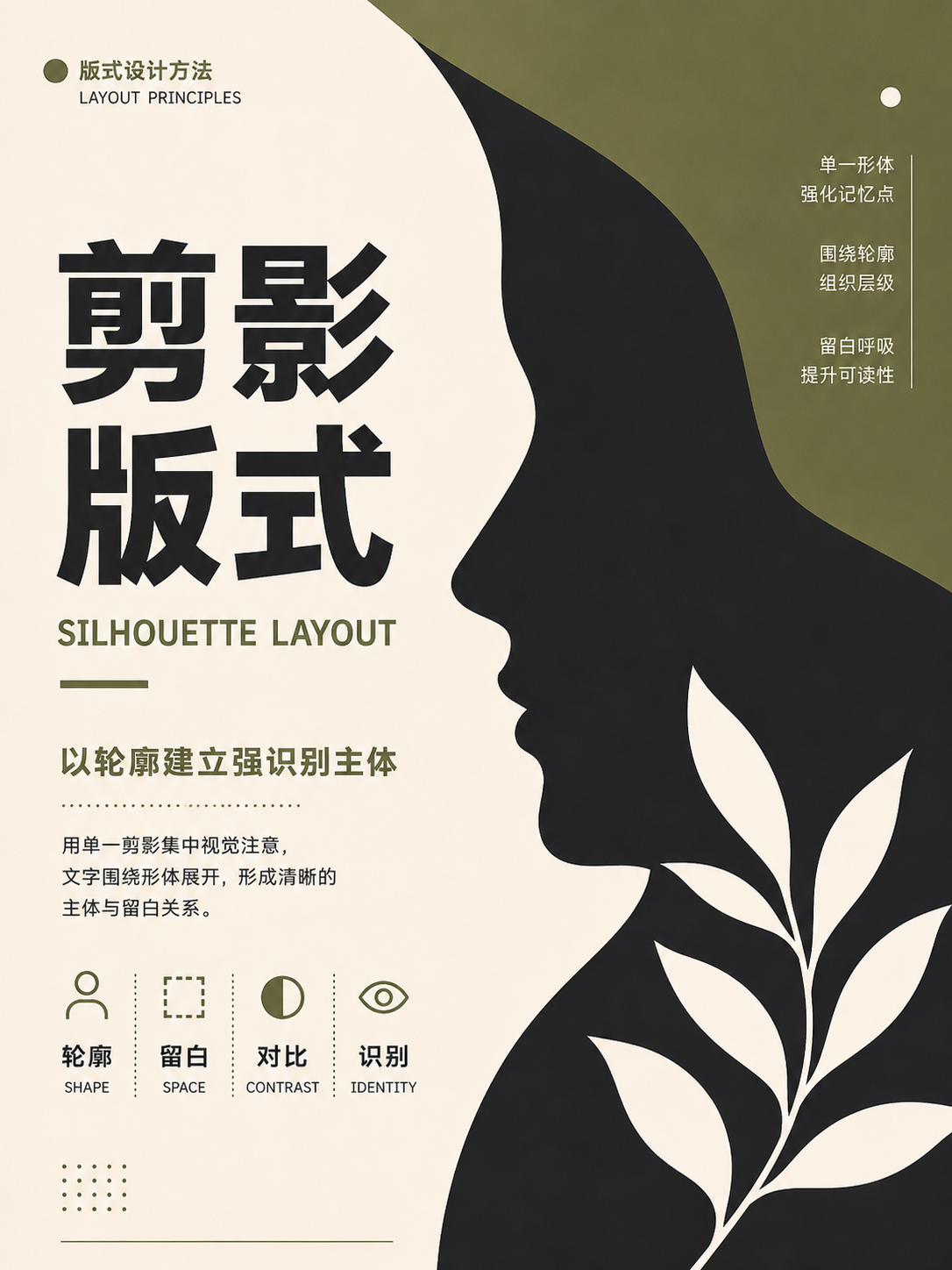
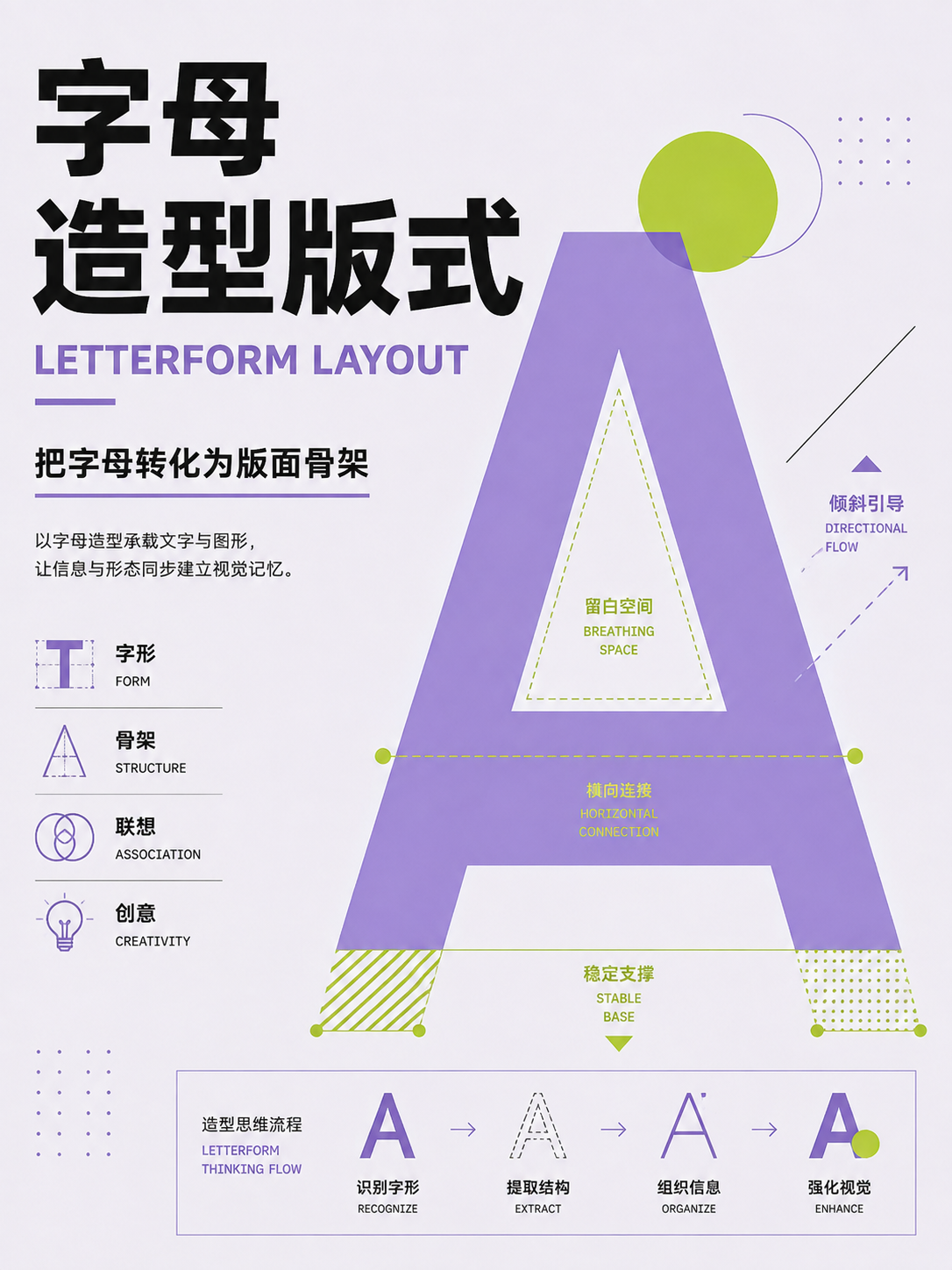
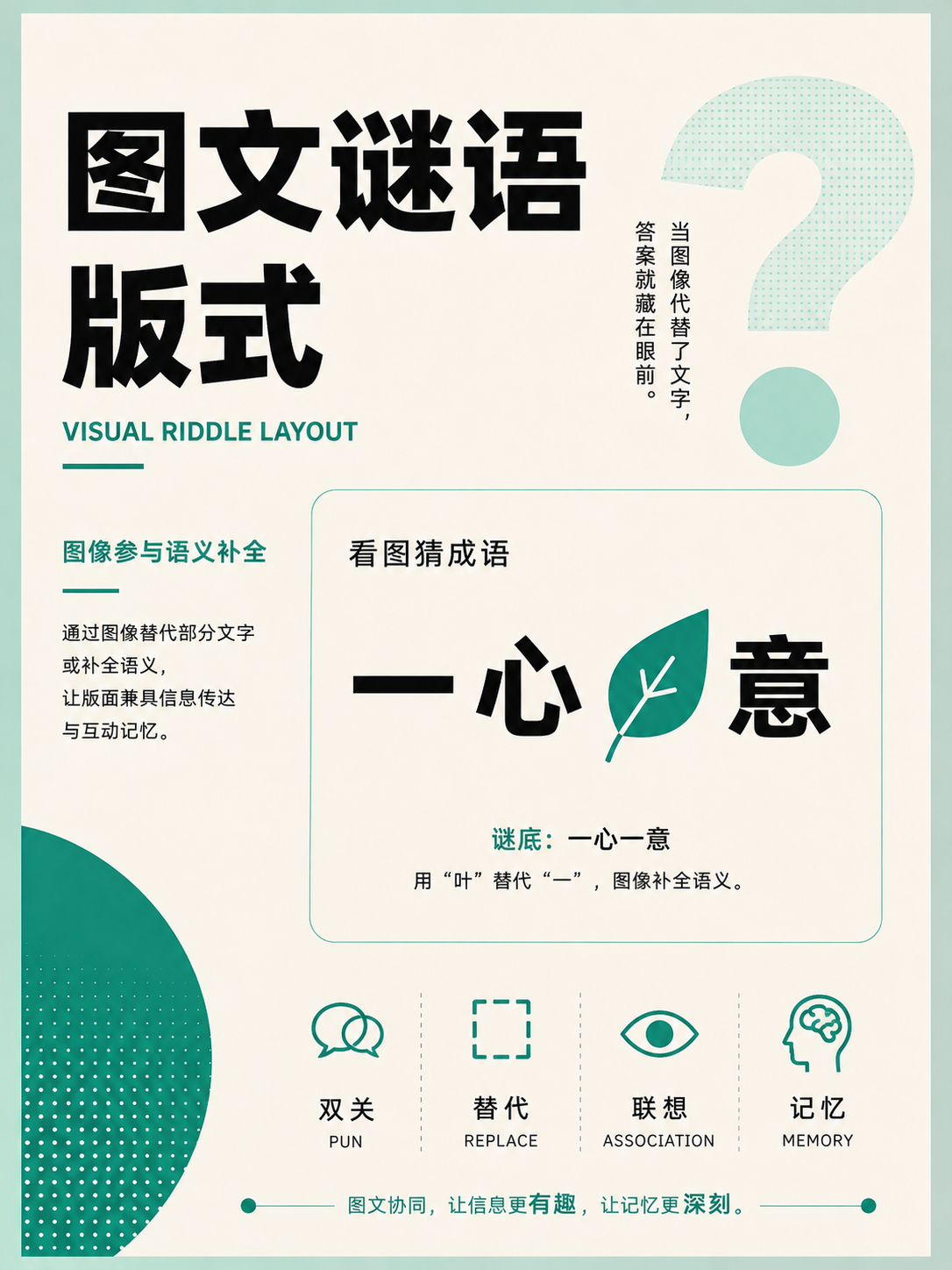
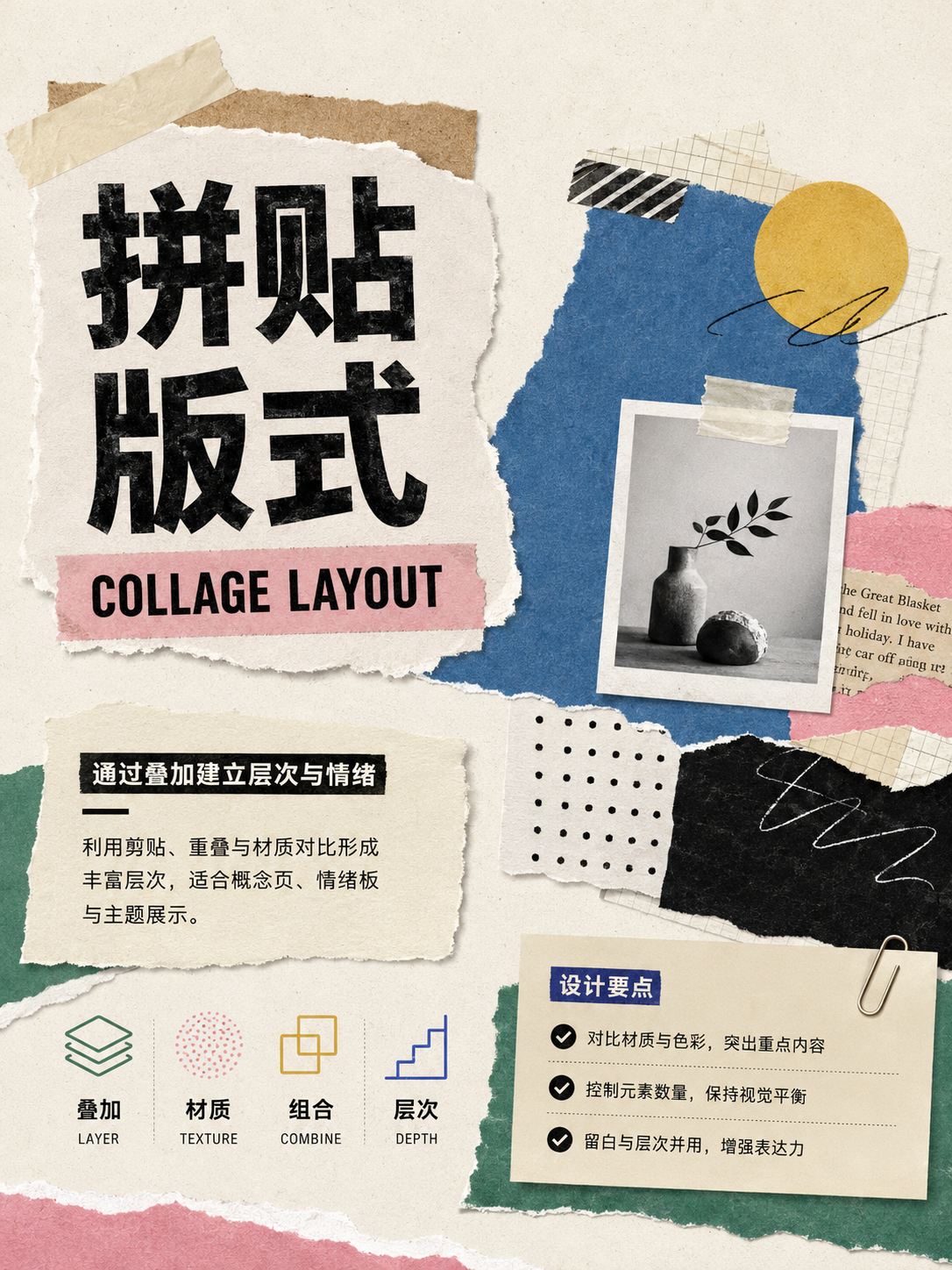
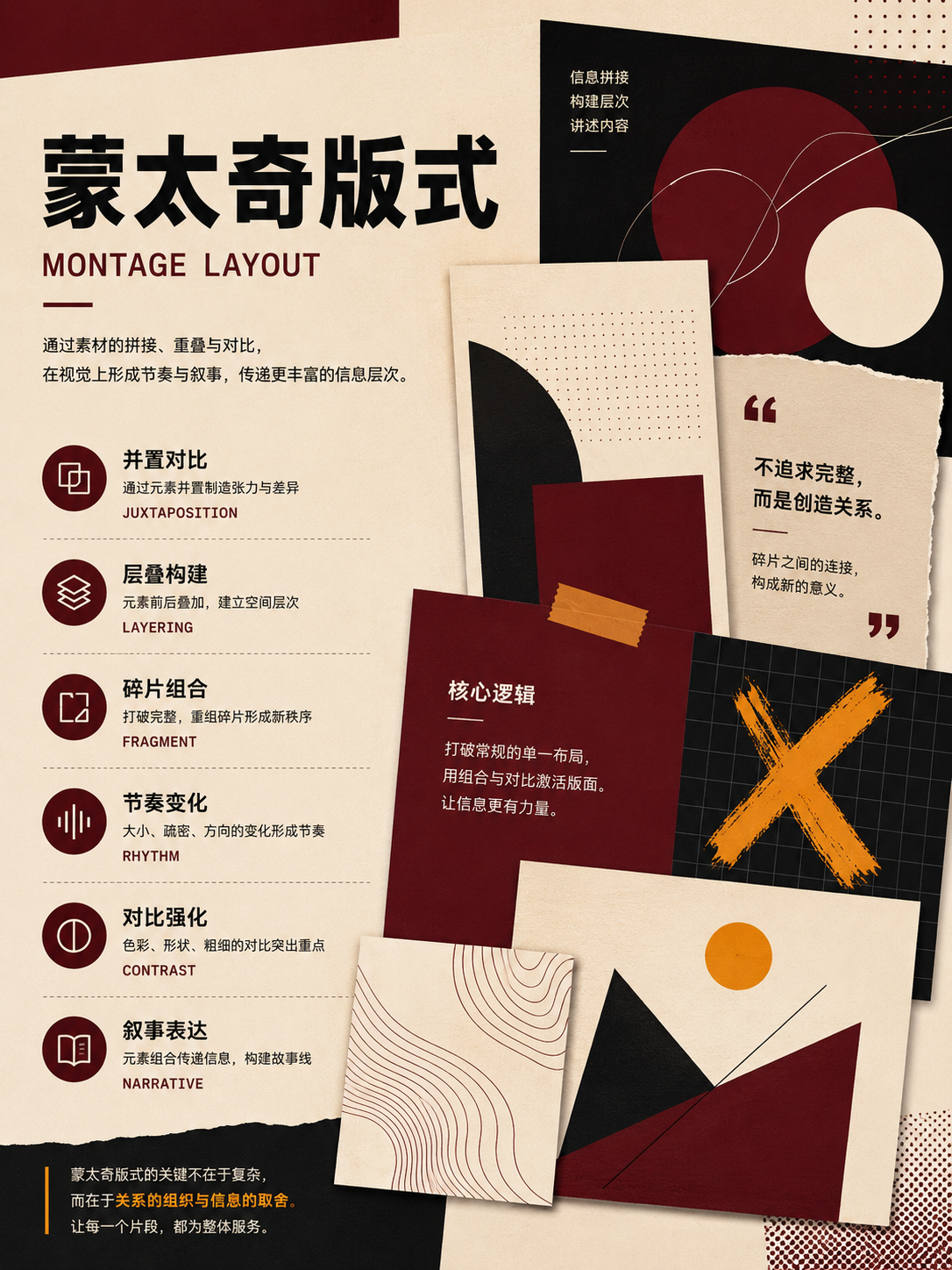
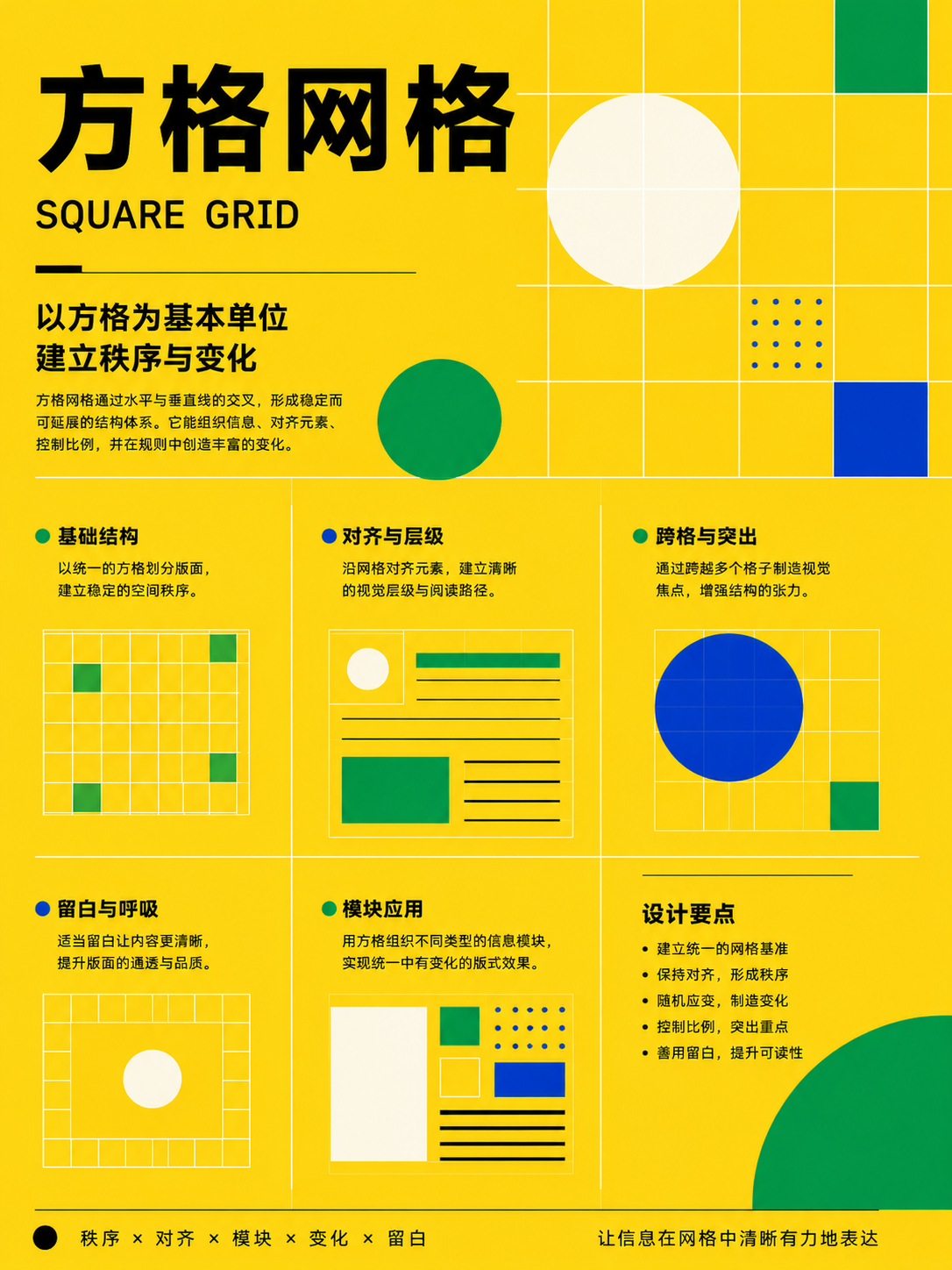
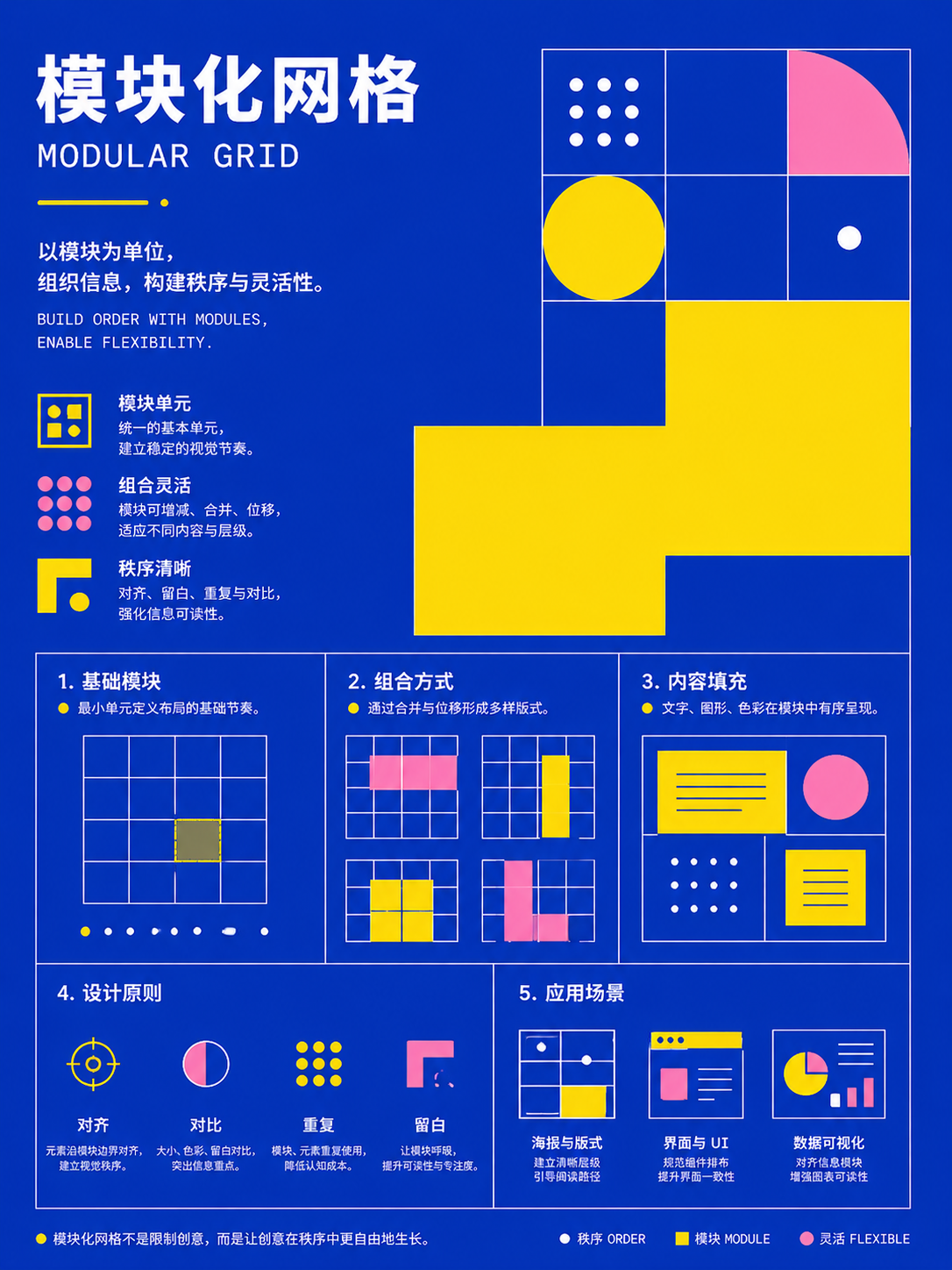
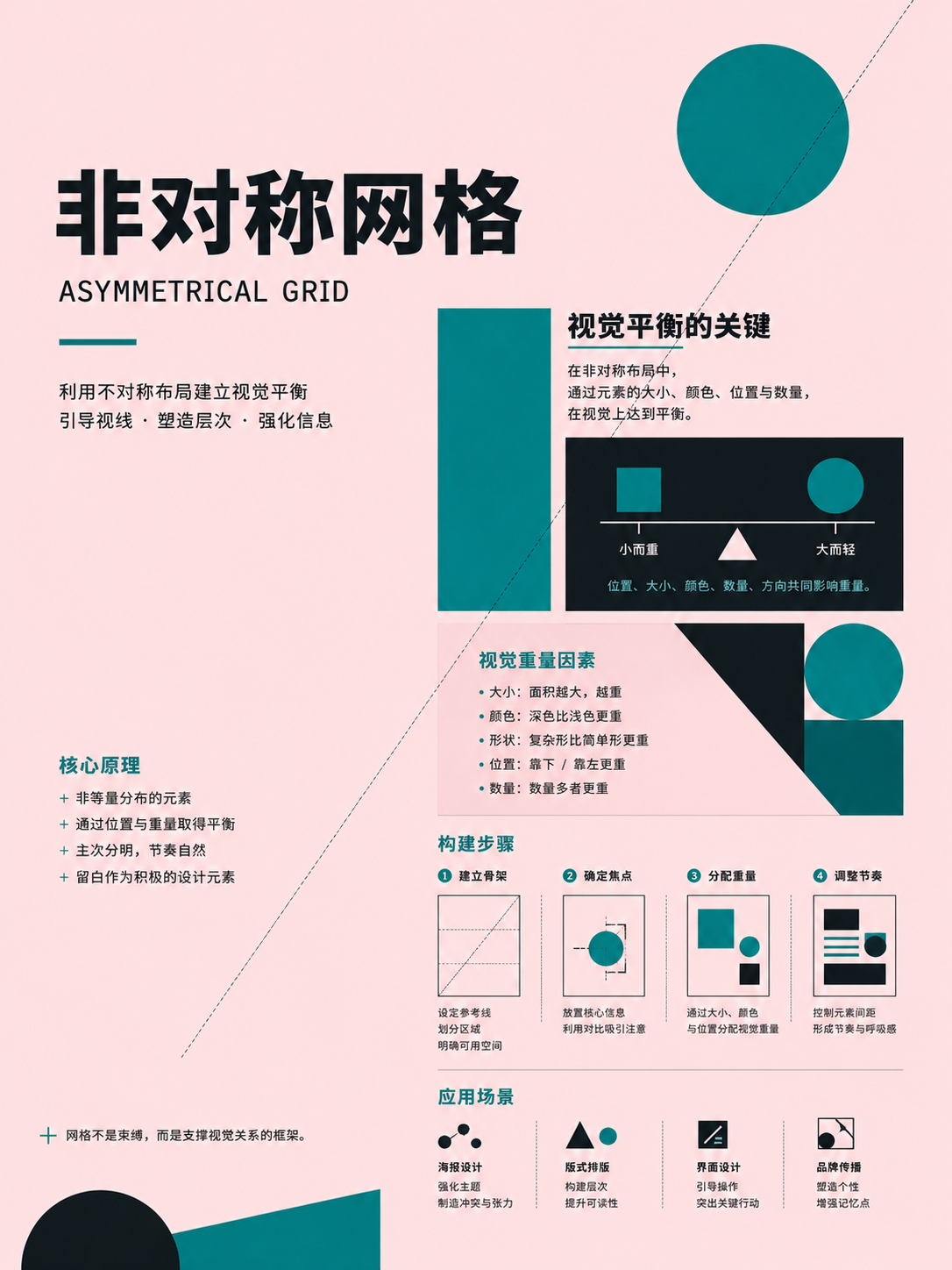
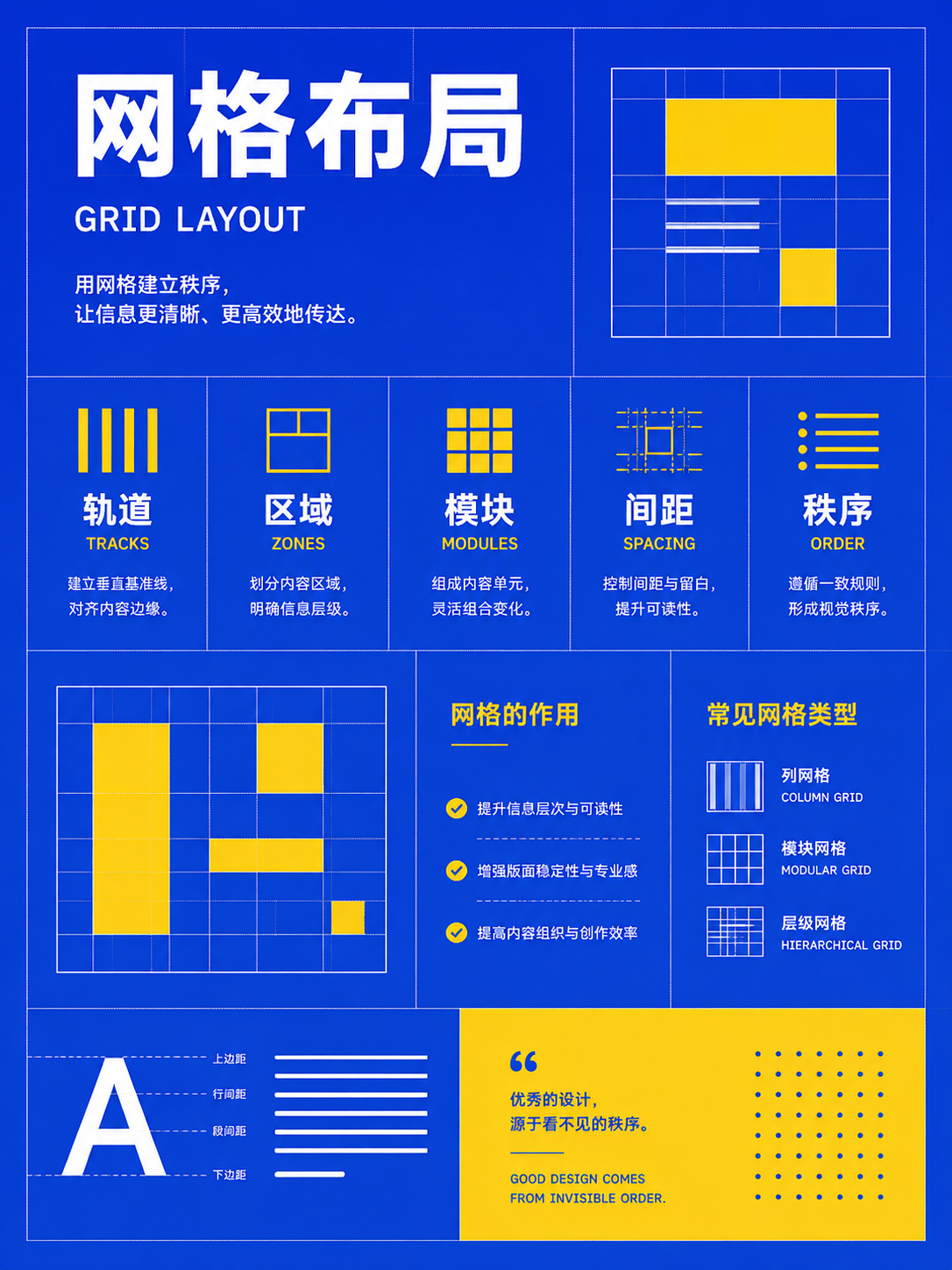
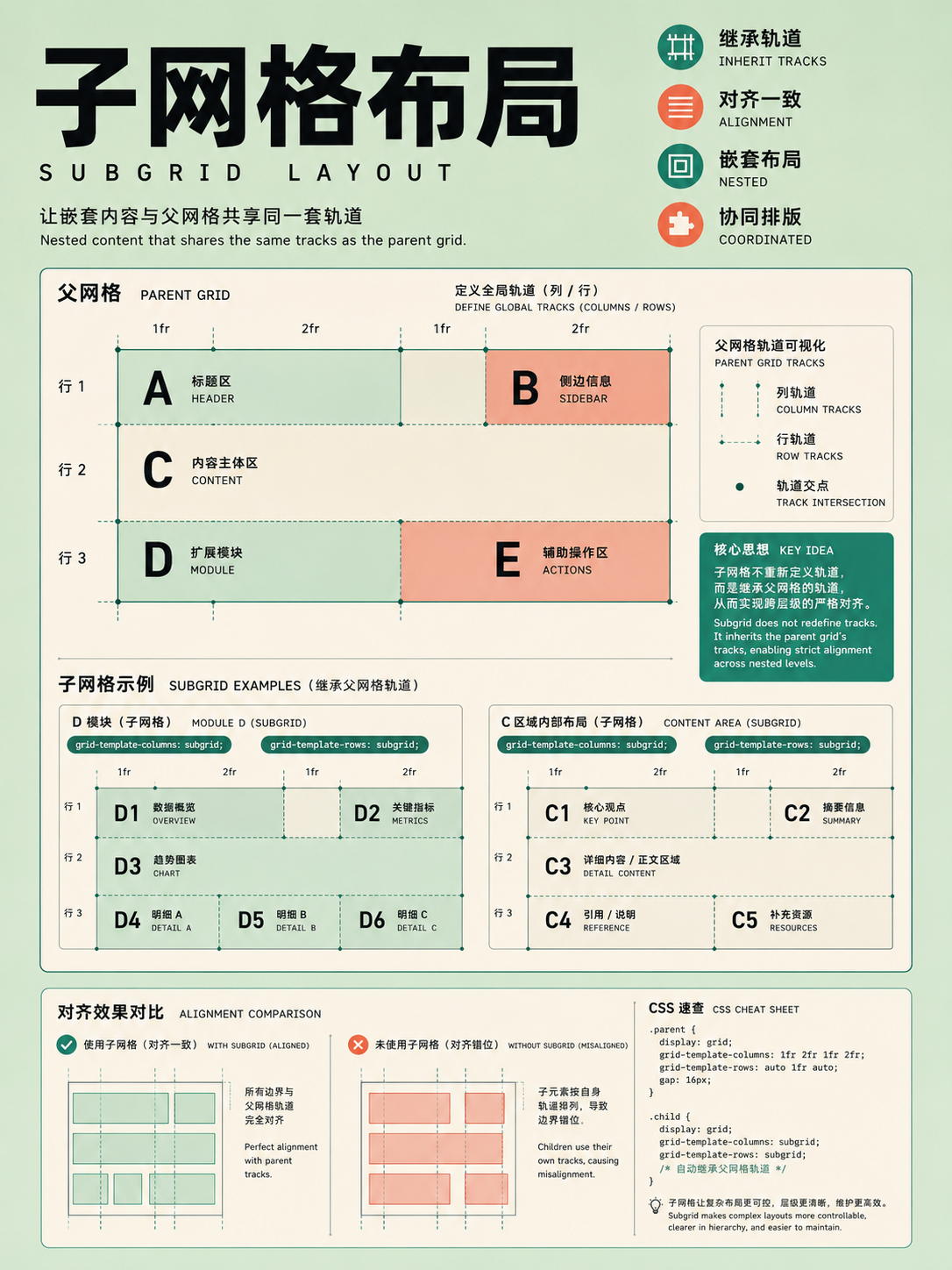
Grid systems
UseDefine columns, gutters, and baseline from content units first, then choose a fixed, fluid, modular, or broken grid.
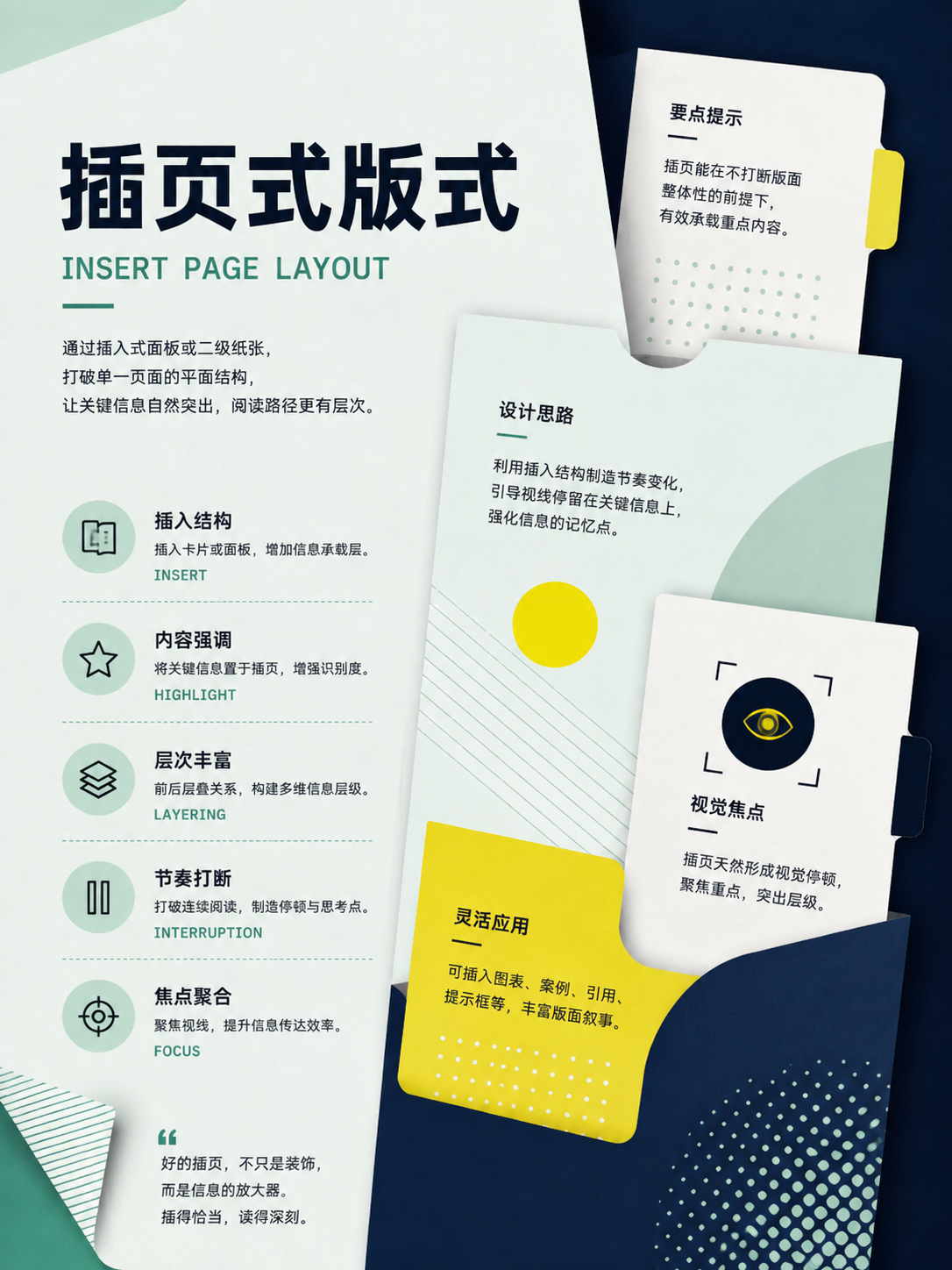
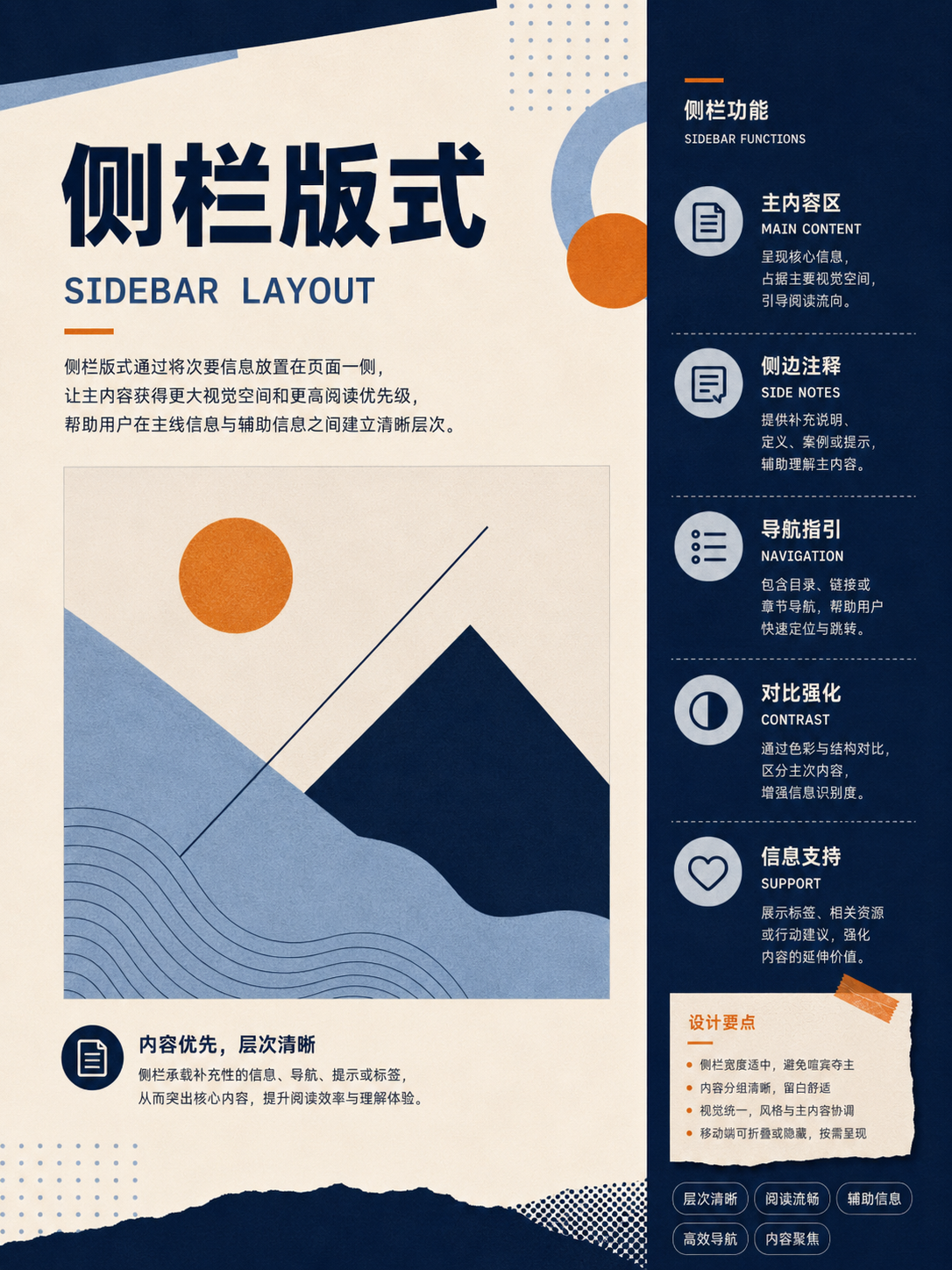
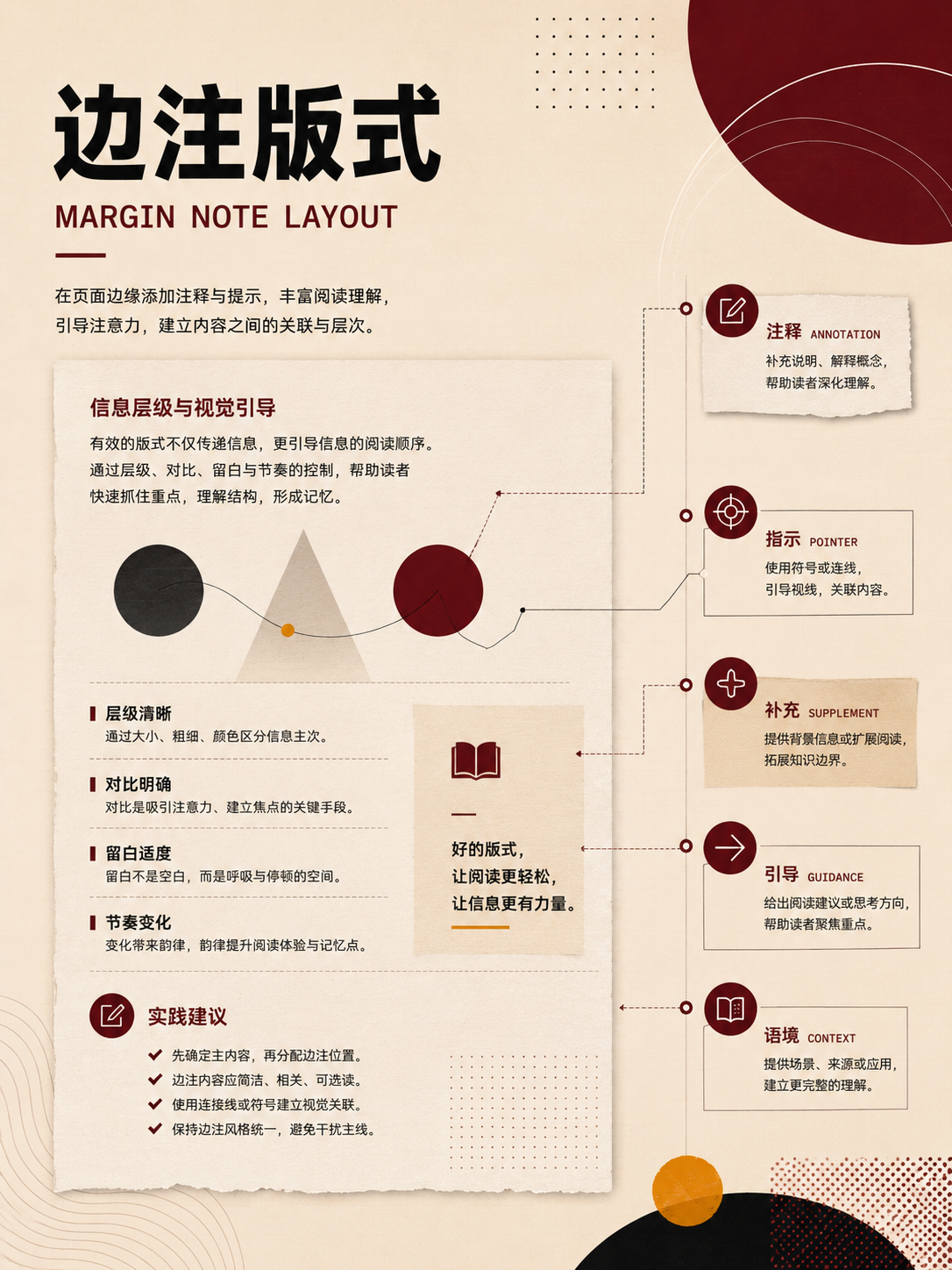
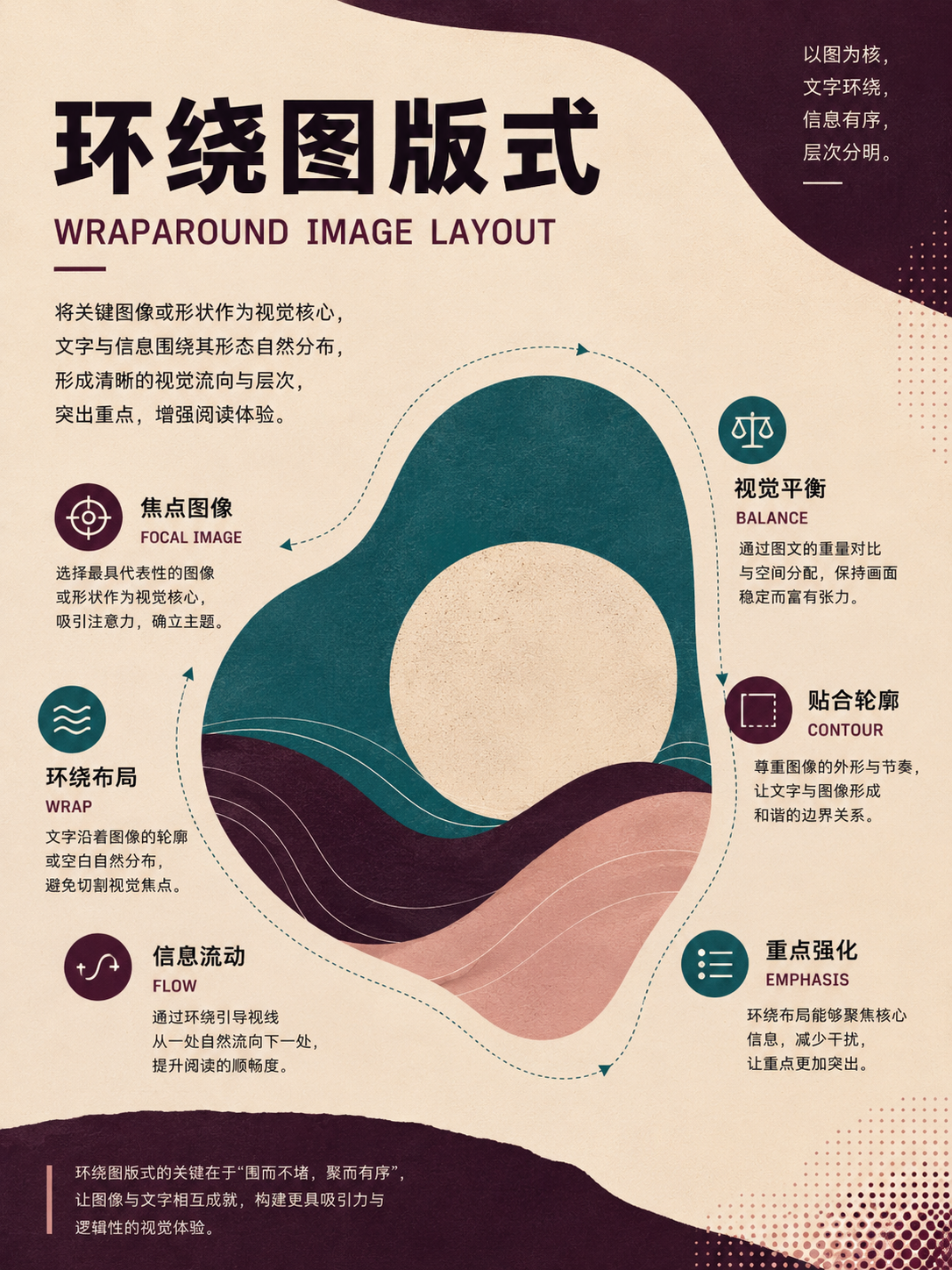
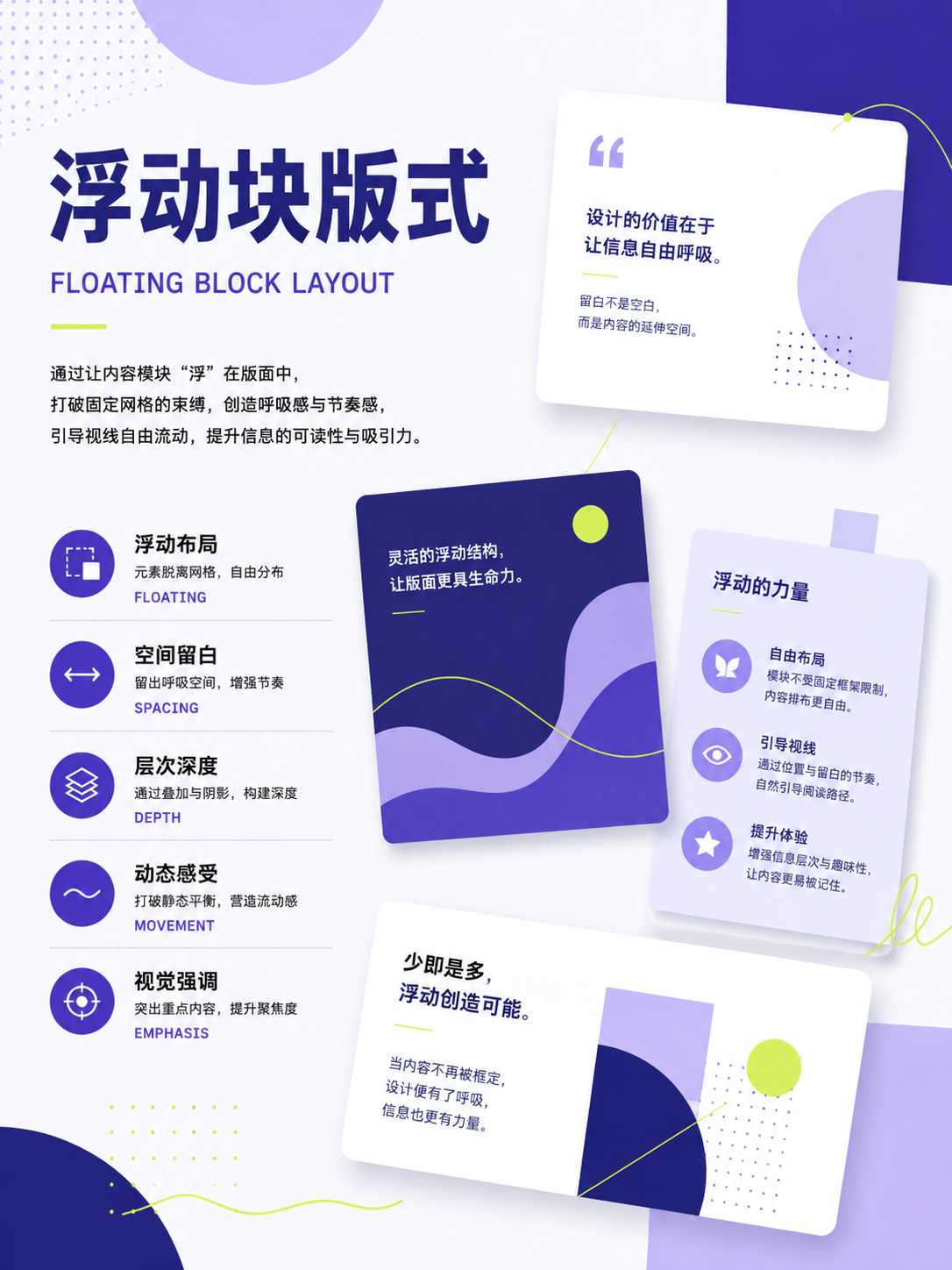
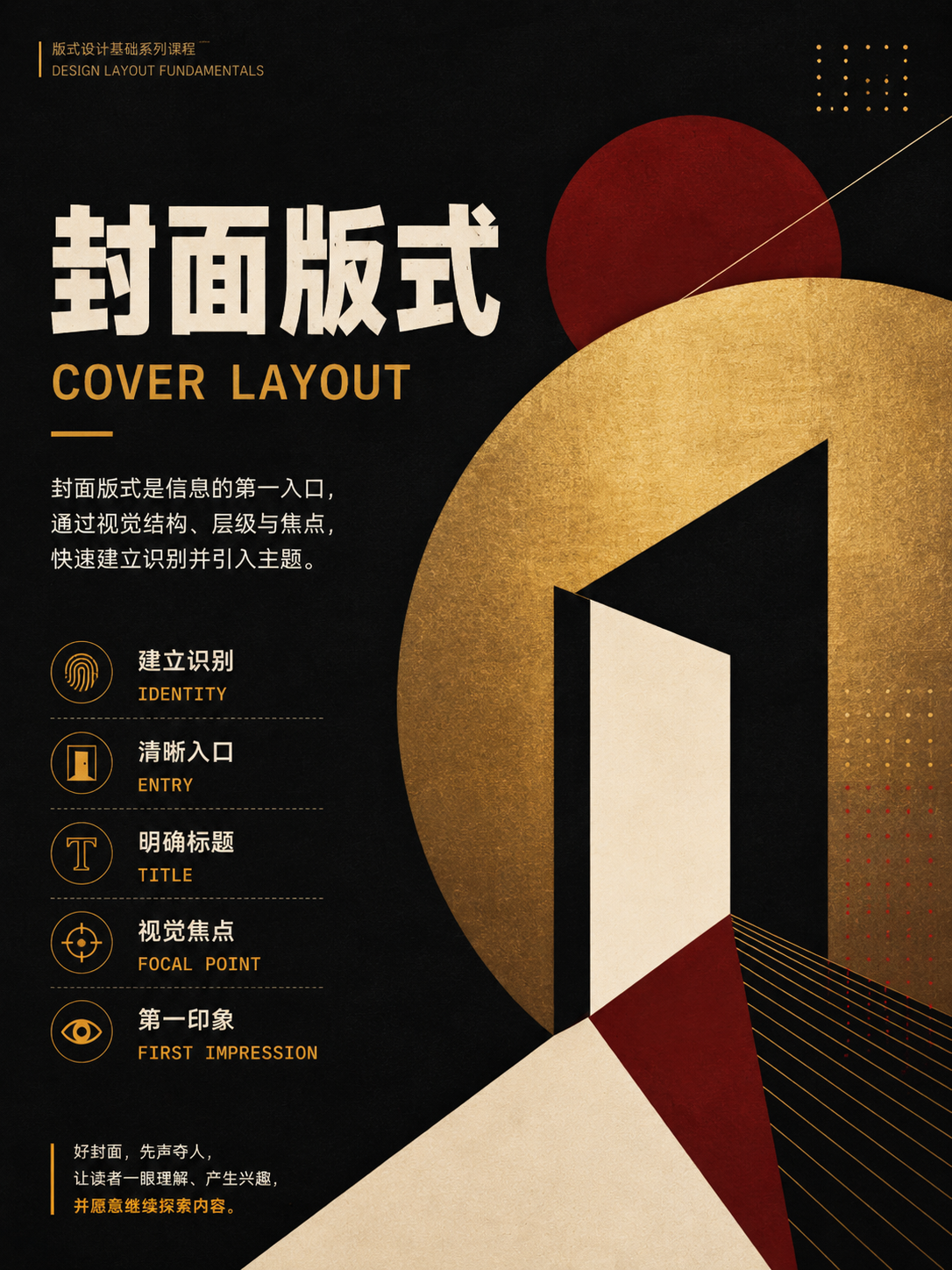
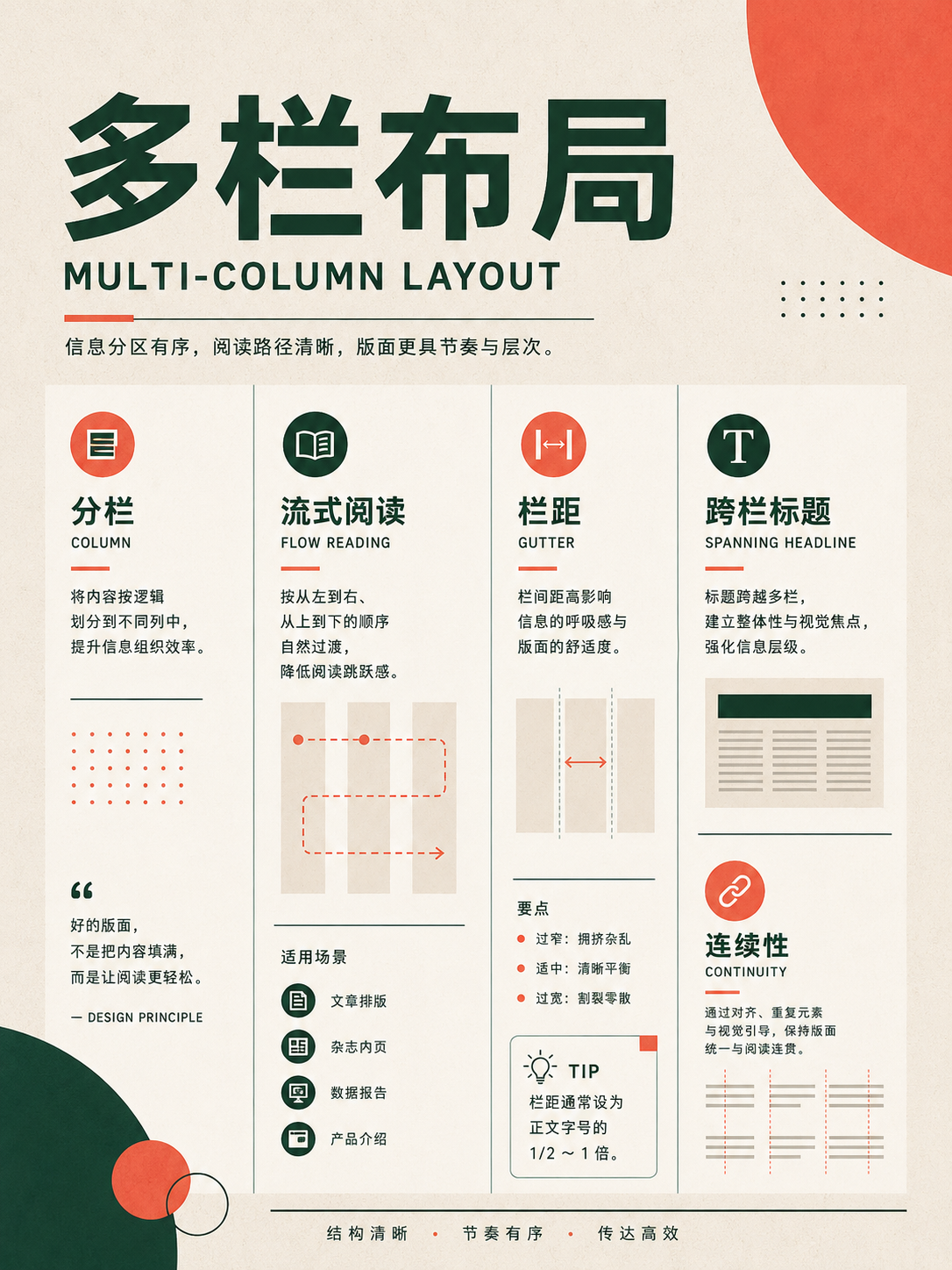
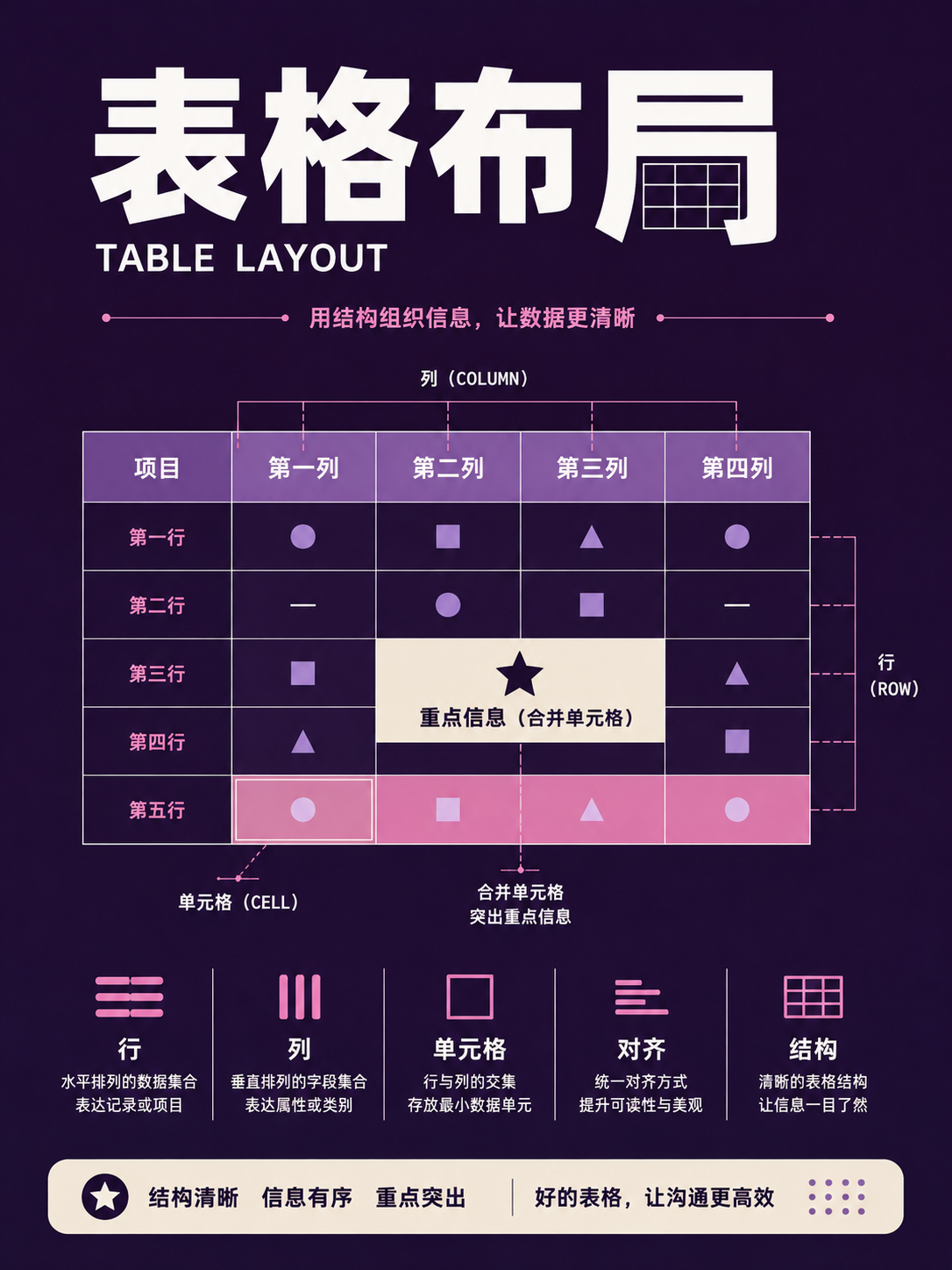
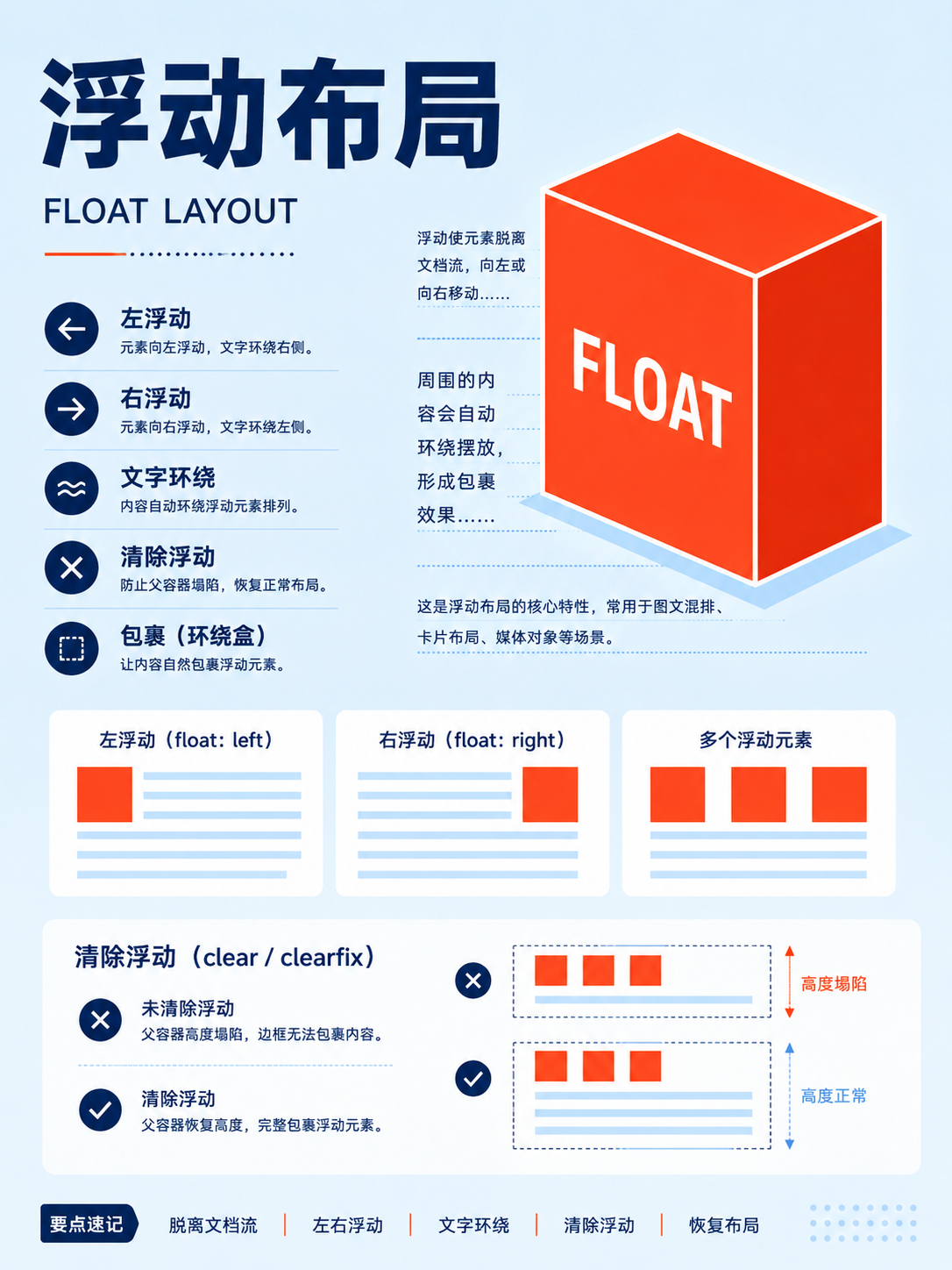
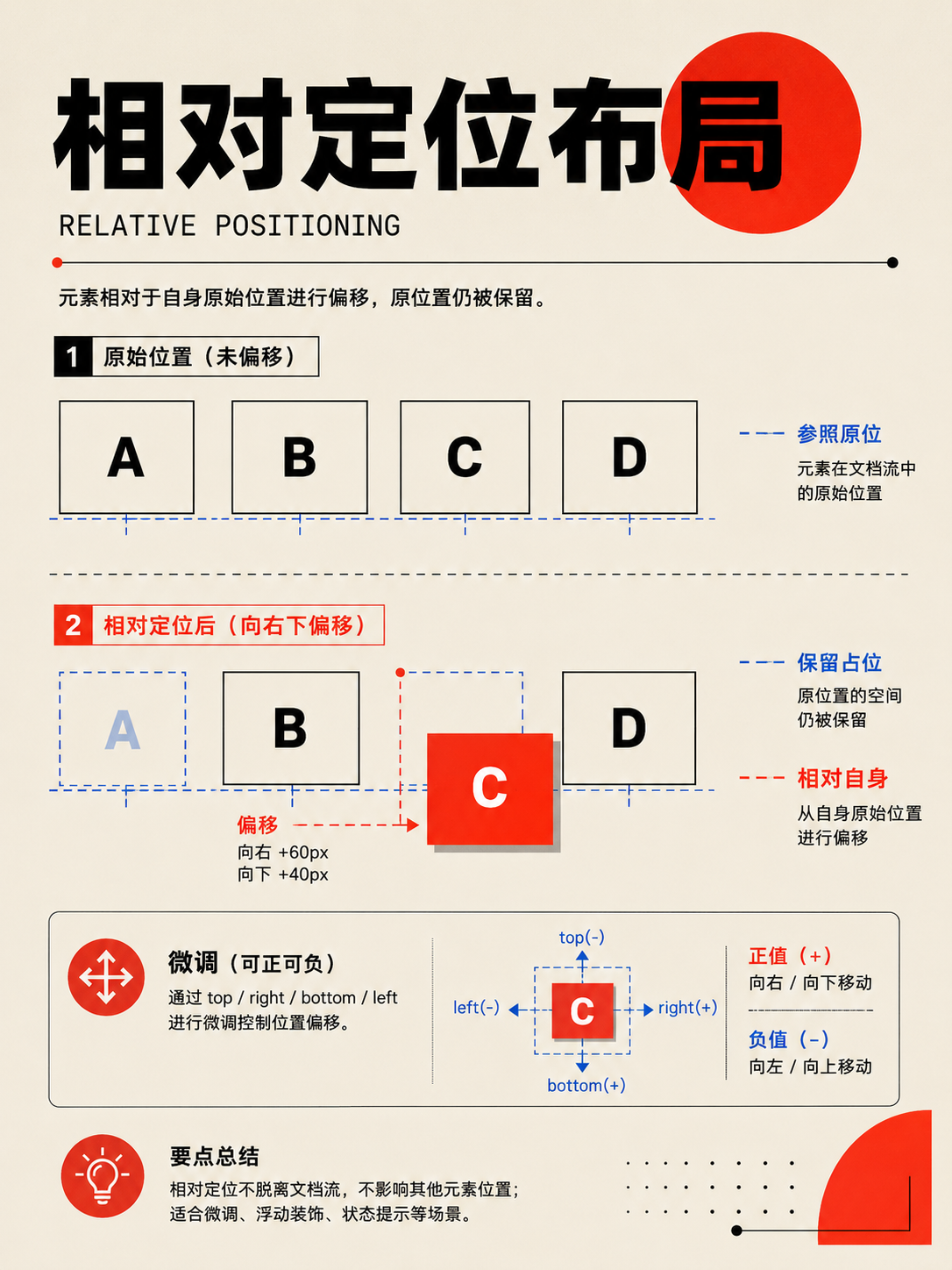
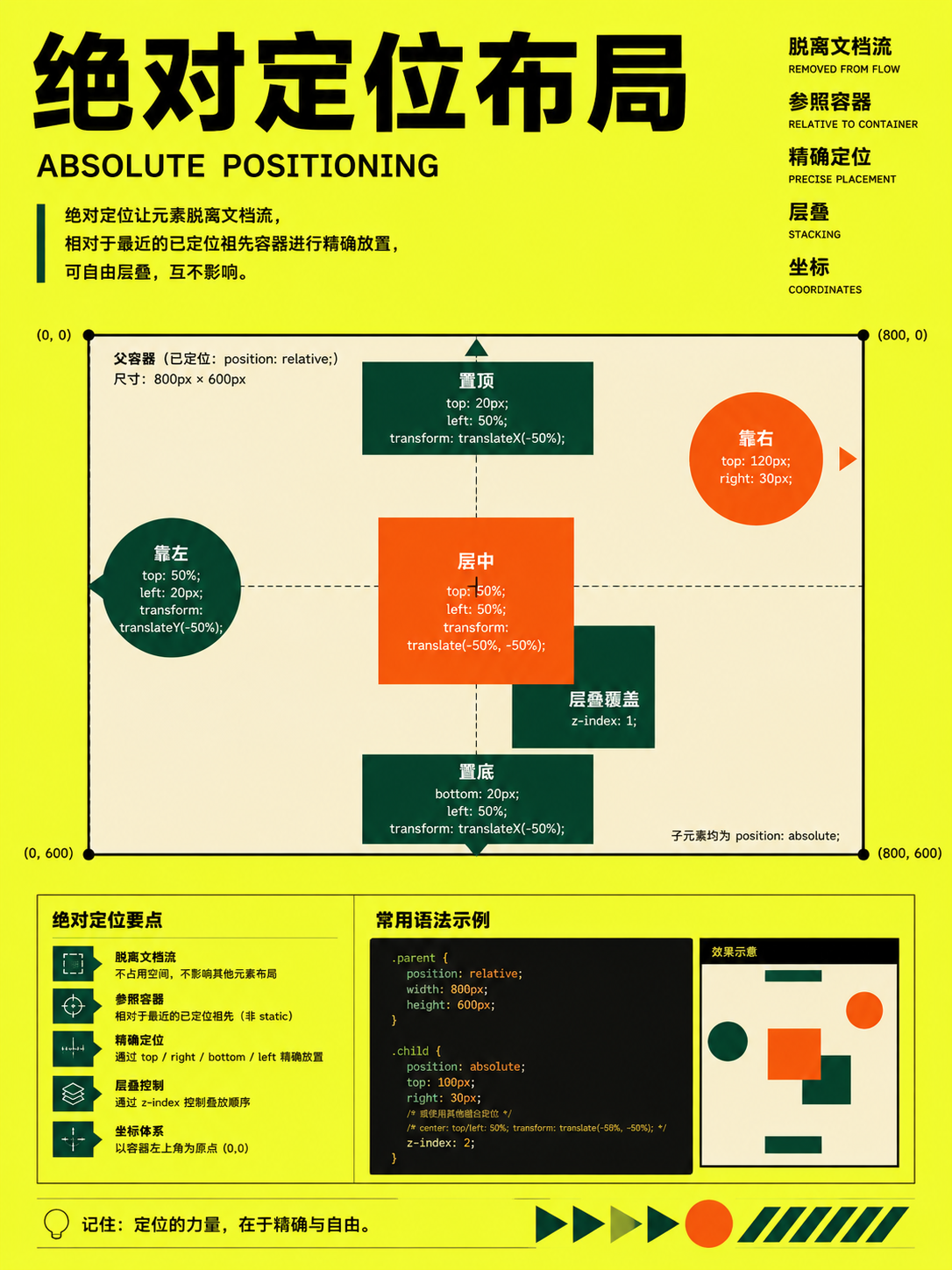
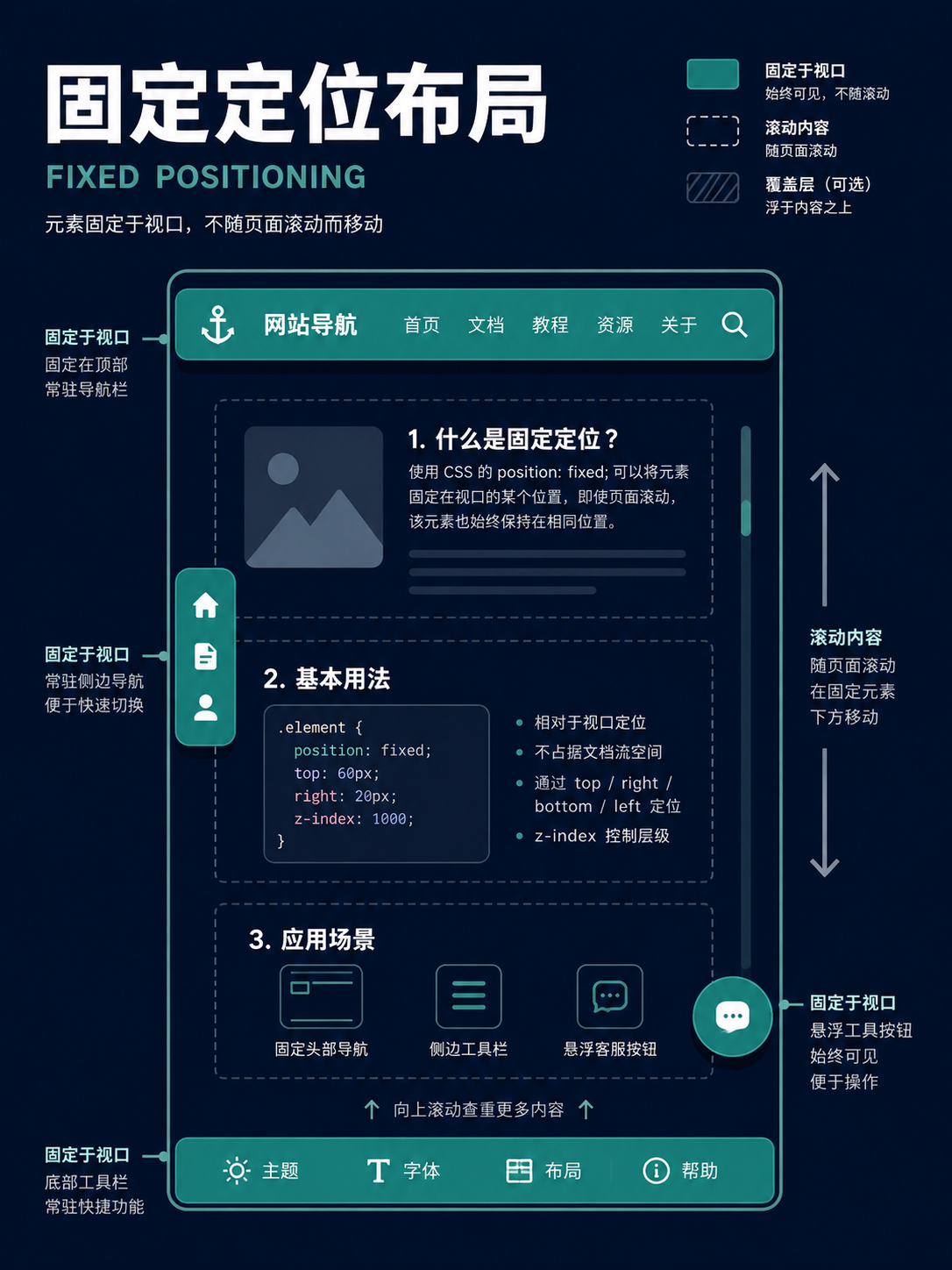
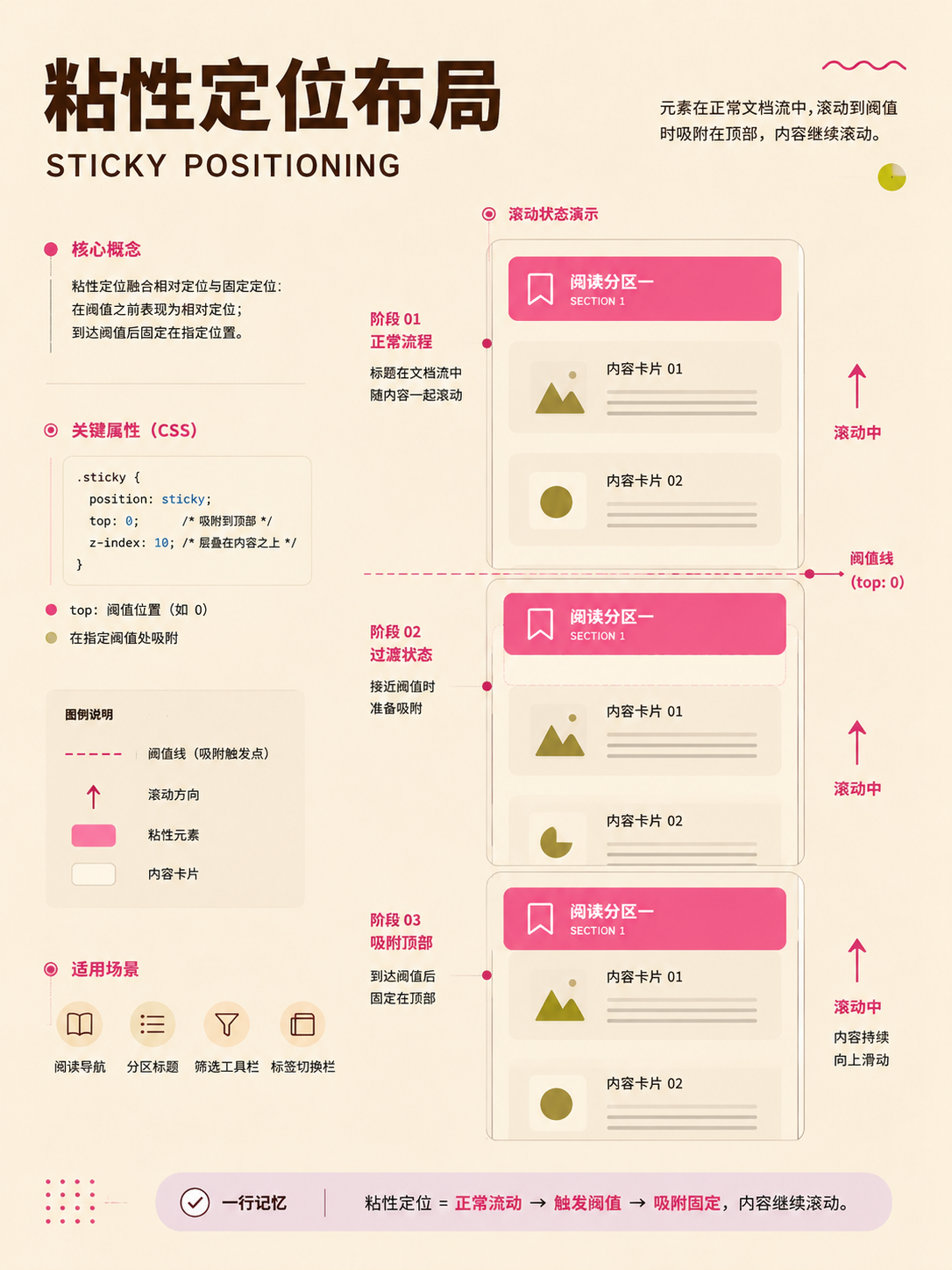
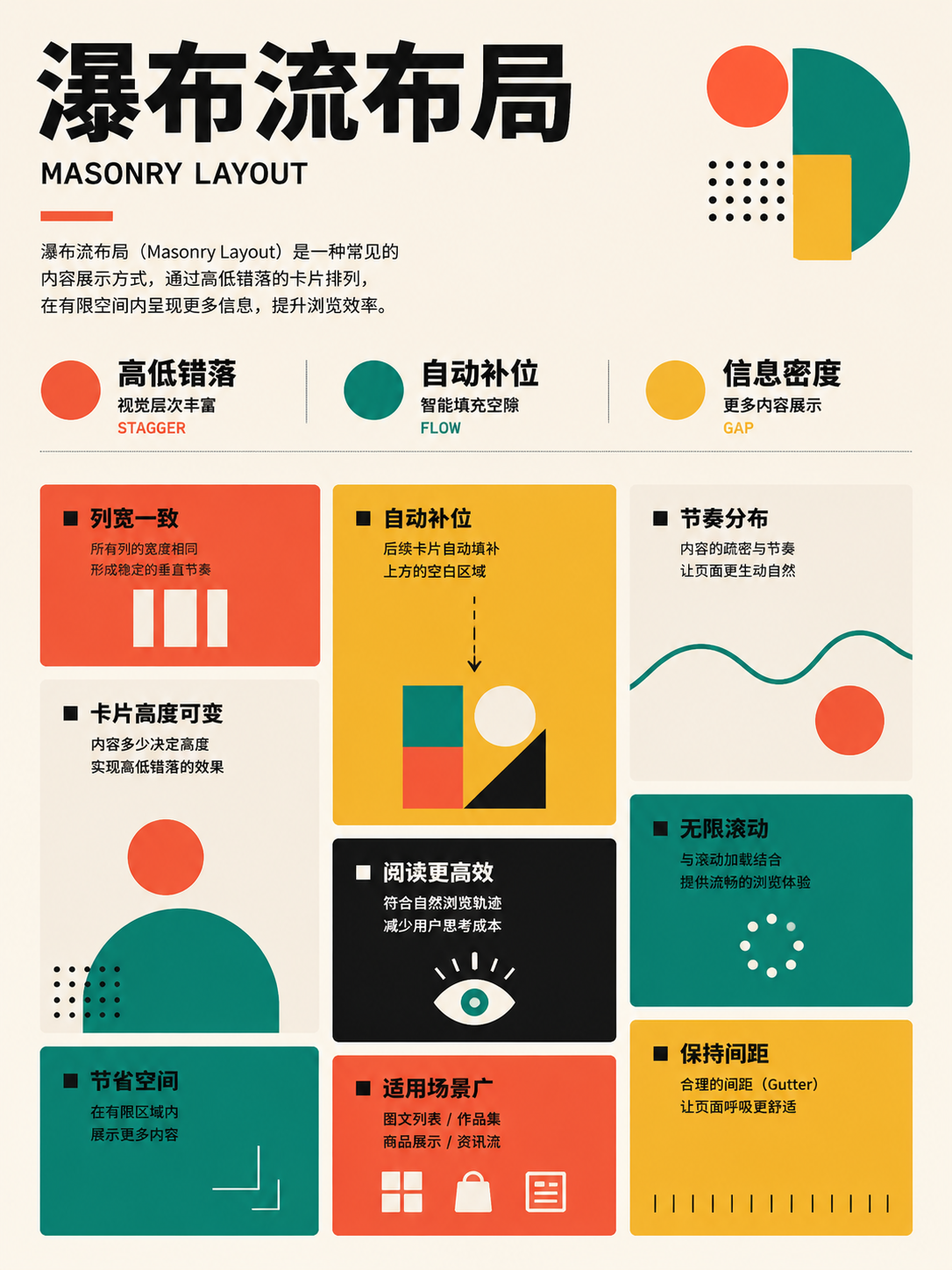
East Asian text and mixed composition
UseCheck reading direction, punctuation, numerals, and Latin script in both horizontal and vertical settings.
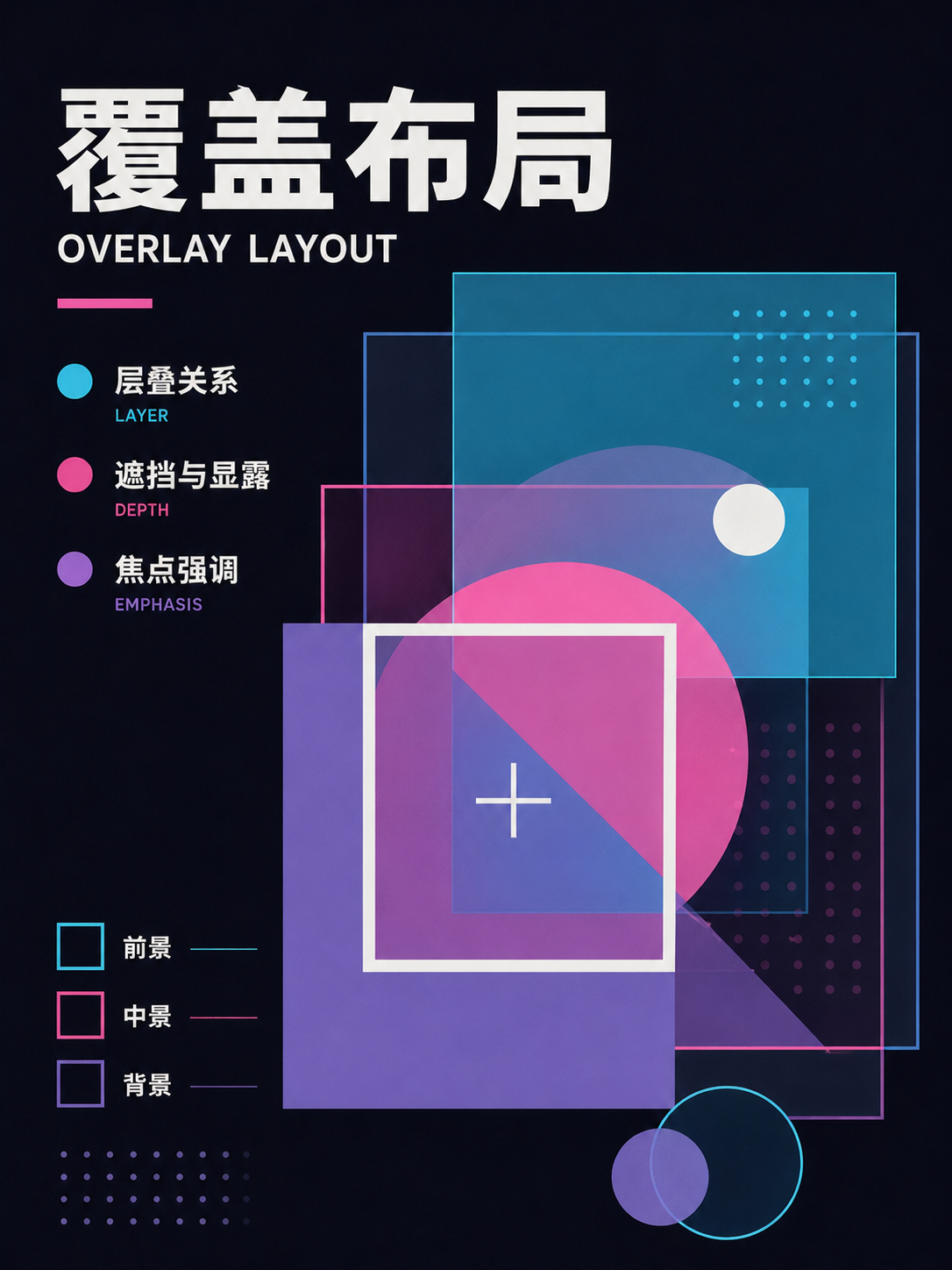
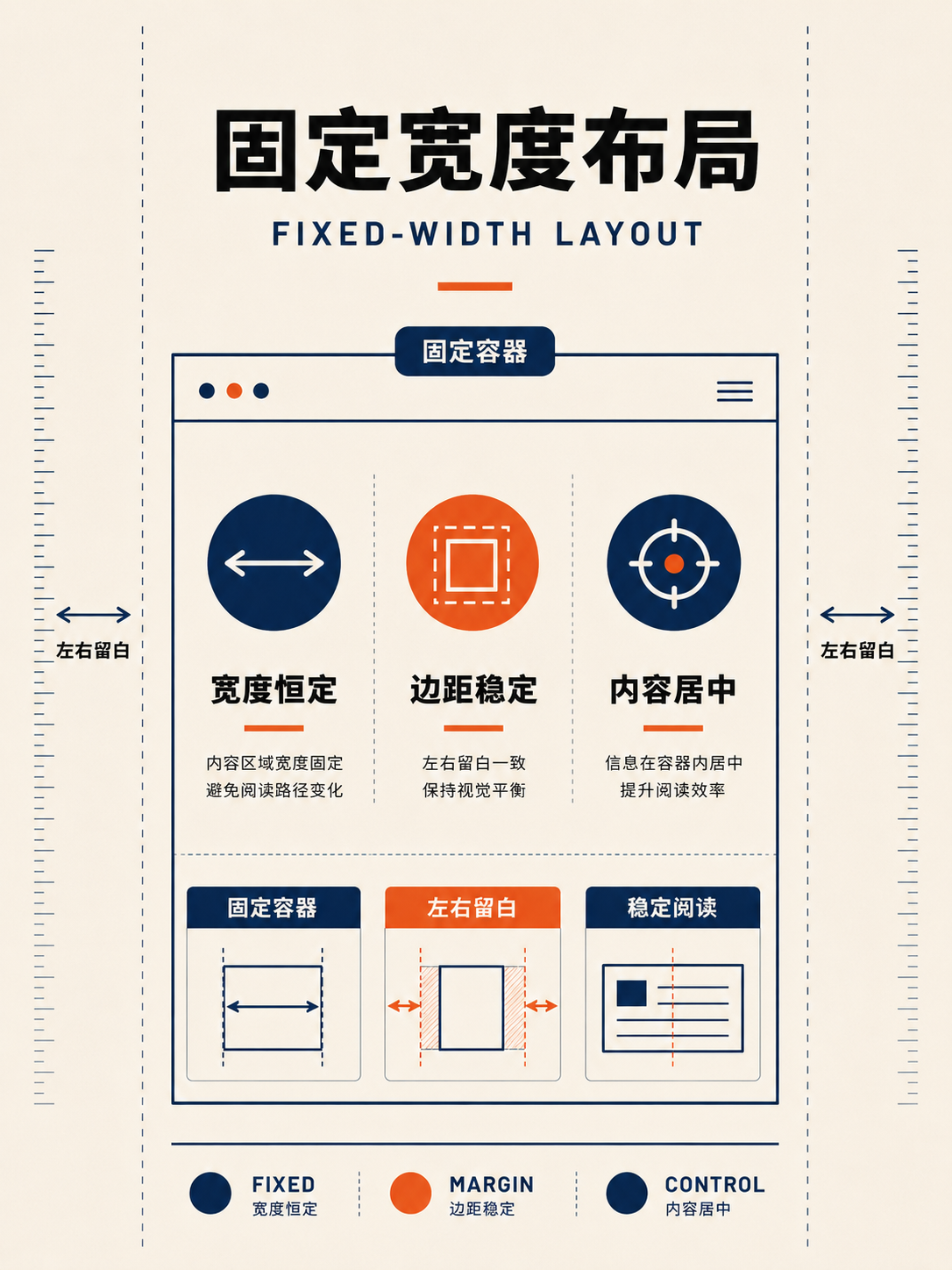
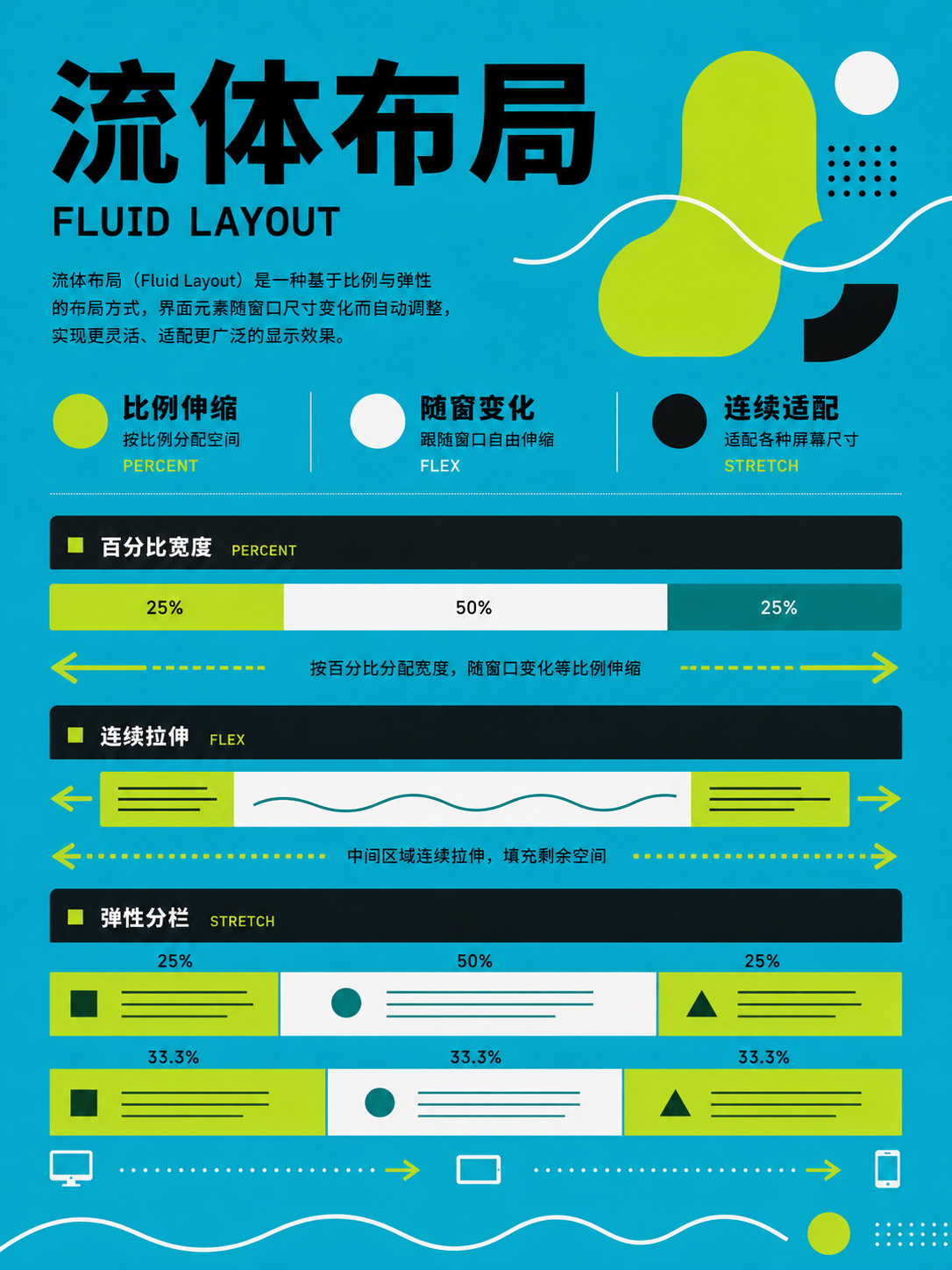
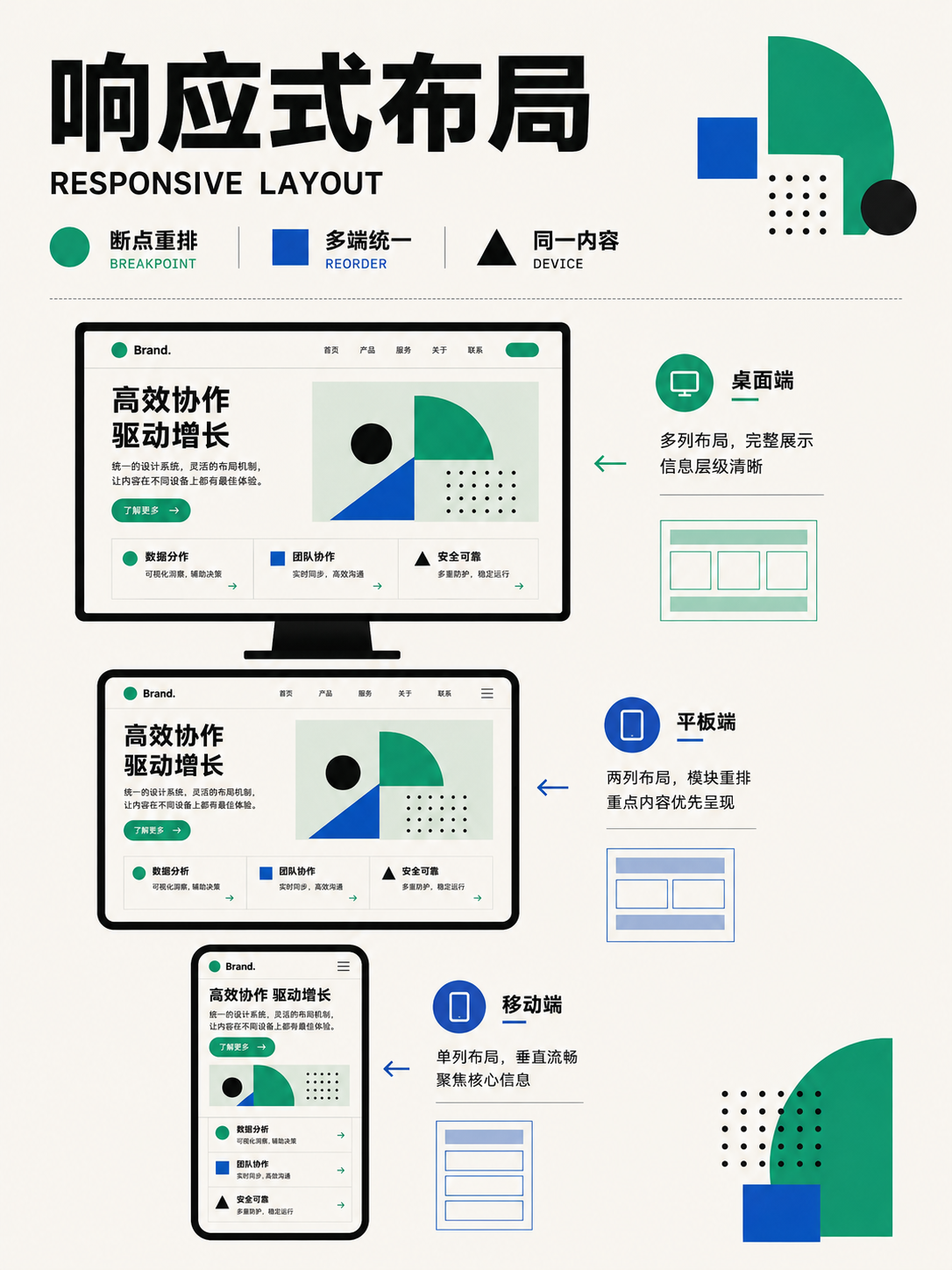
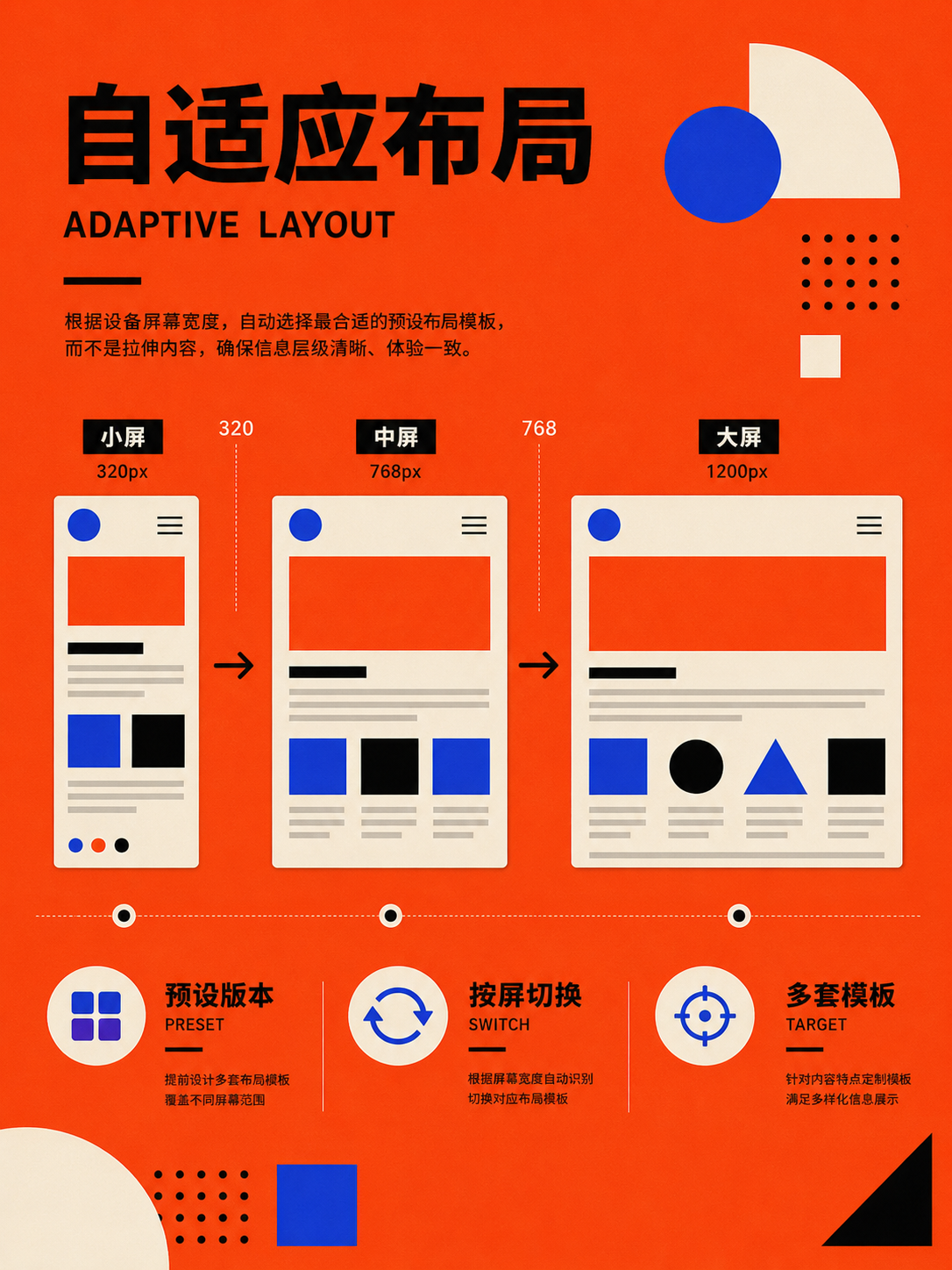
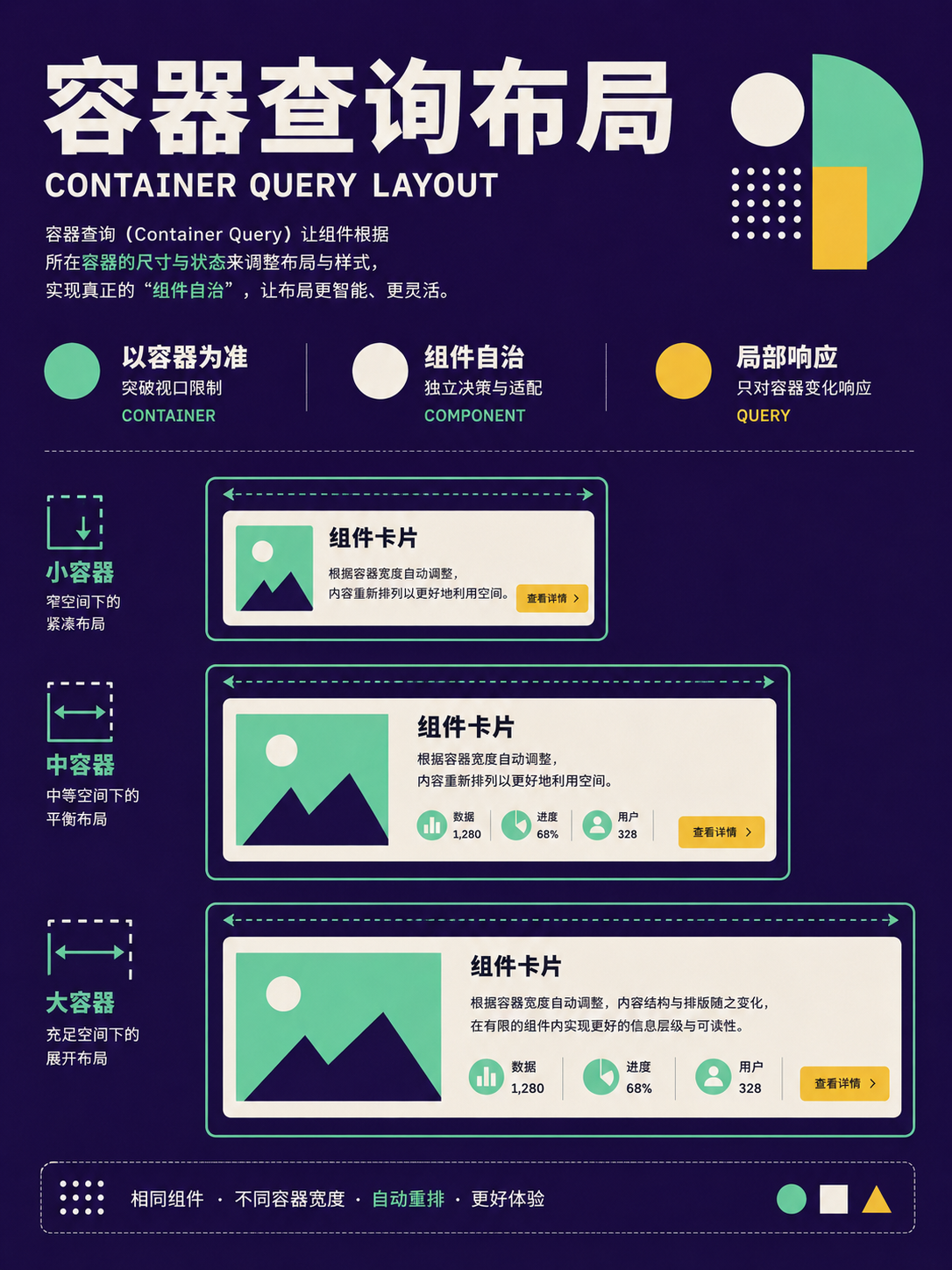
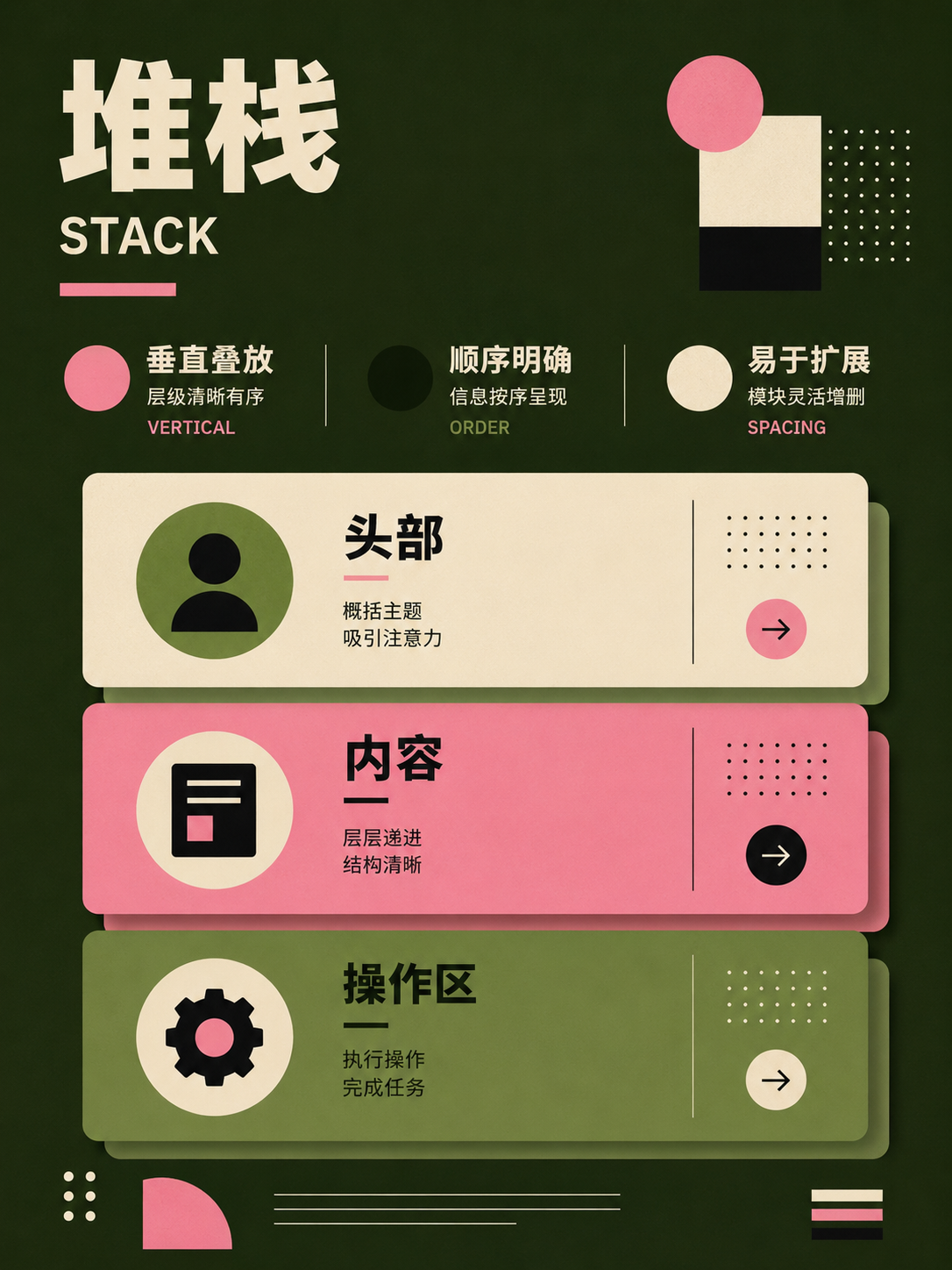
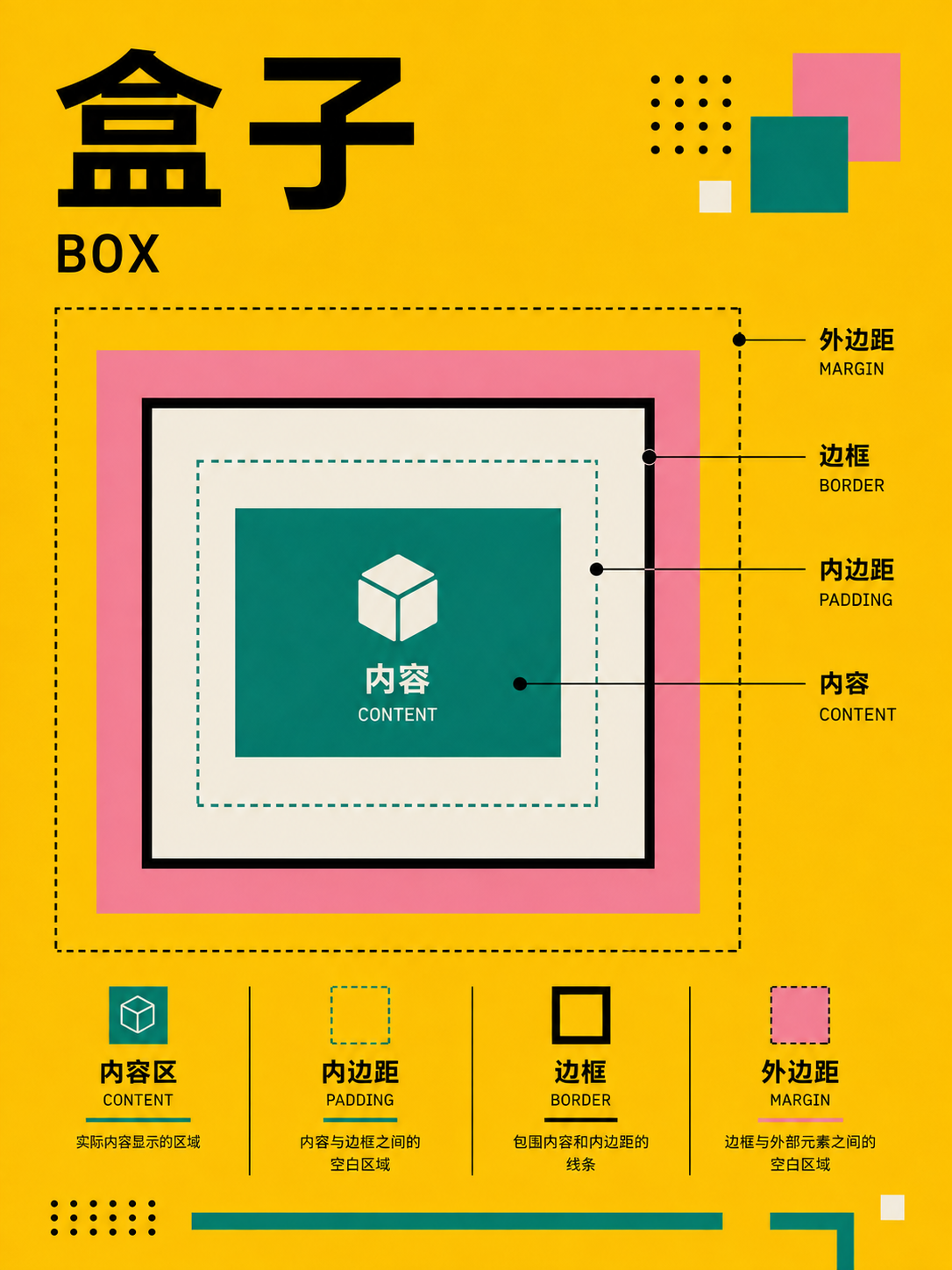
No matches in this category. Clear the keyword to restore all images.
34dc39c。Click a thumbnail to open the 1086 × 1448 high-res PNG; catalog names are for locating images only—always verify the actual content before using.05 · Web & UI: from CSS mechanics to product pages
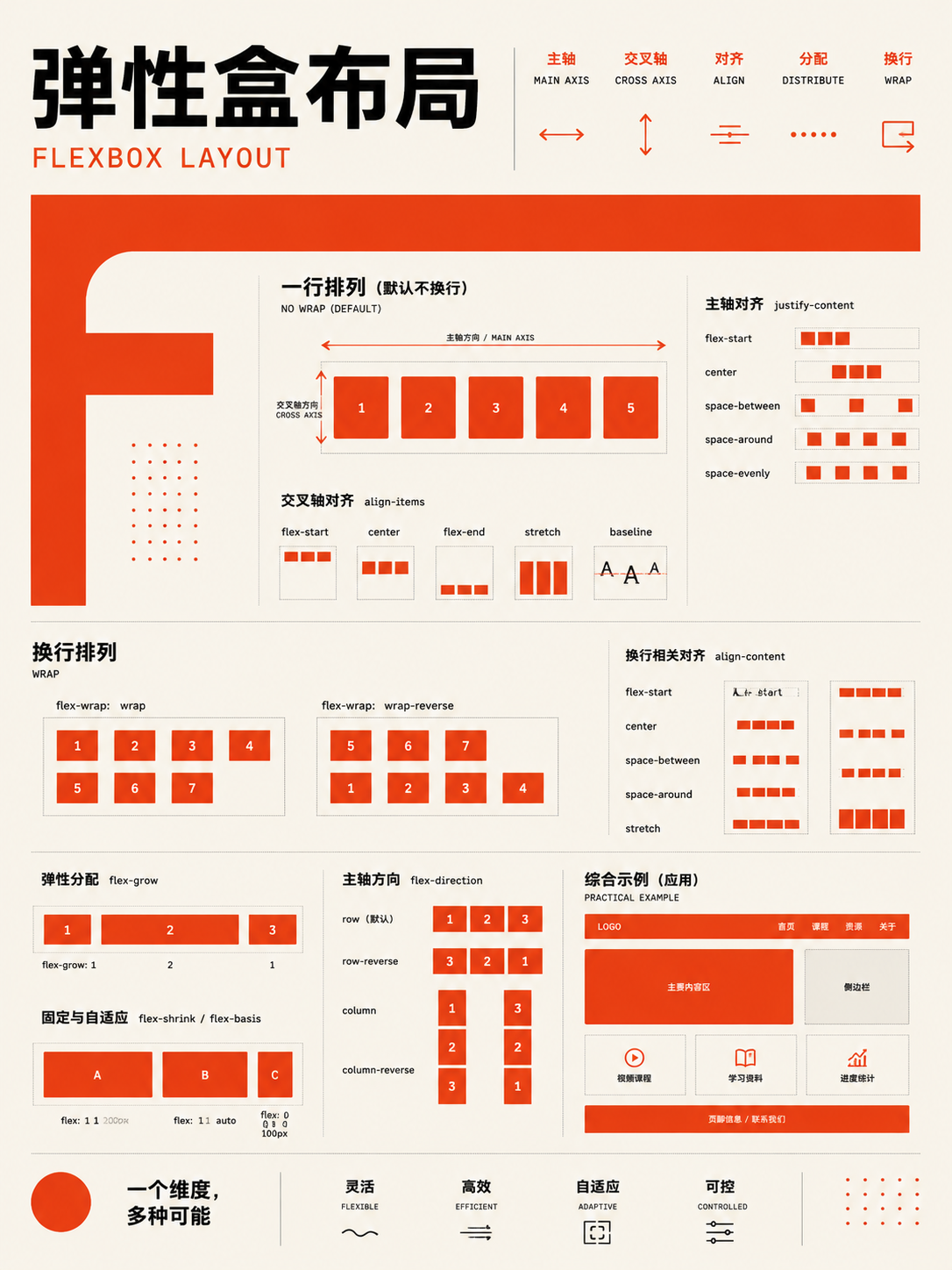
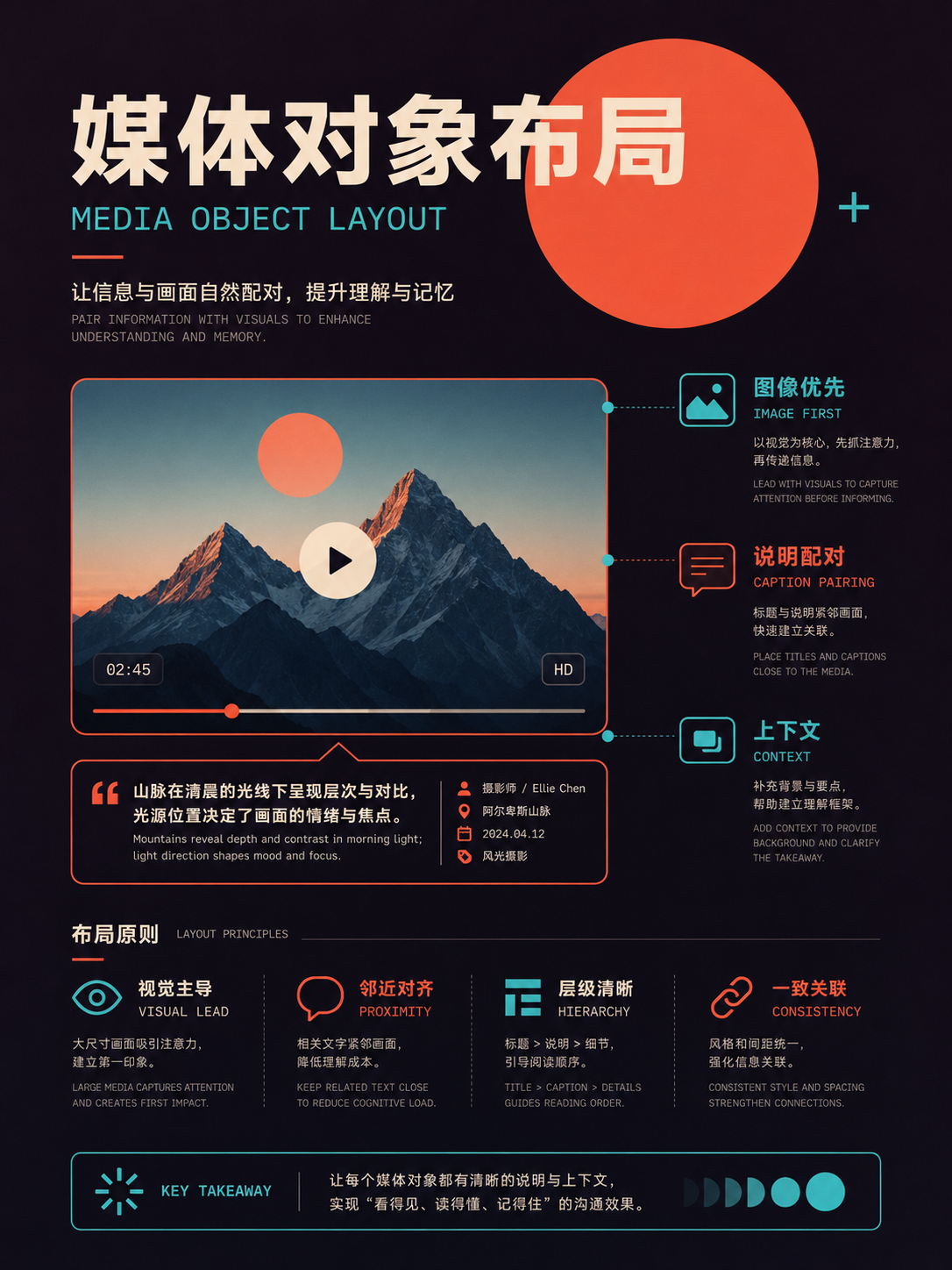
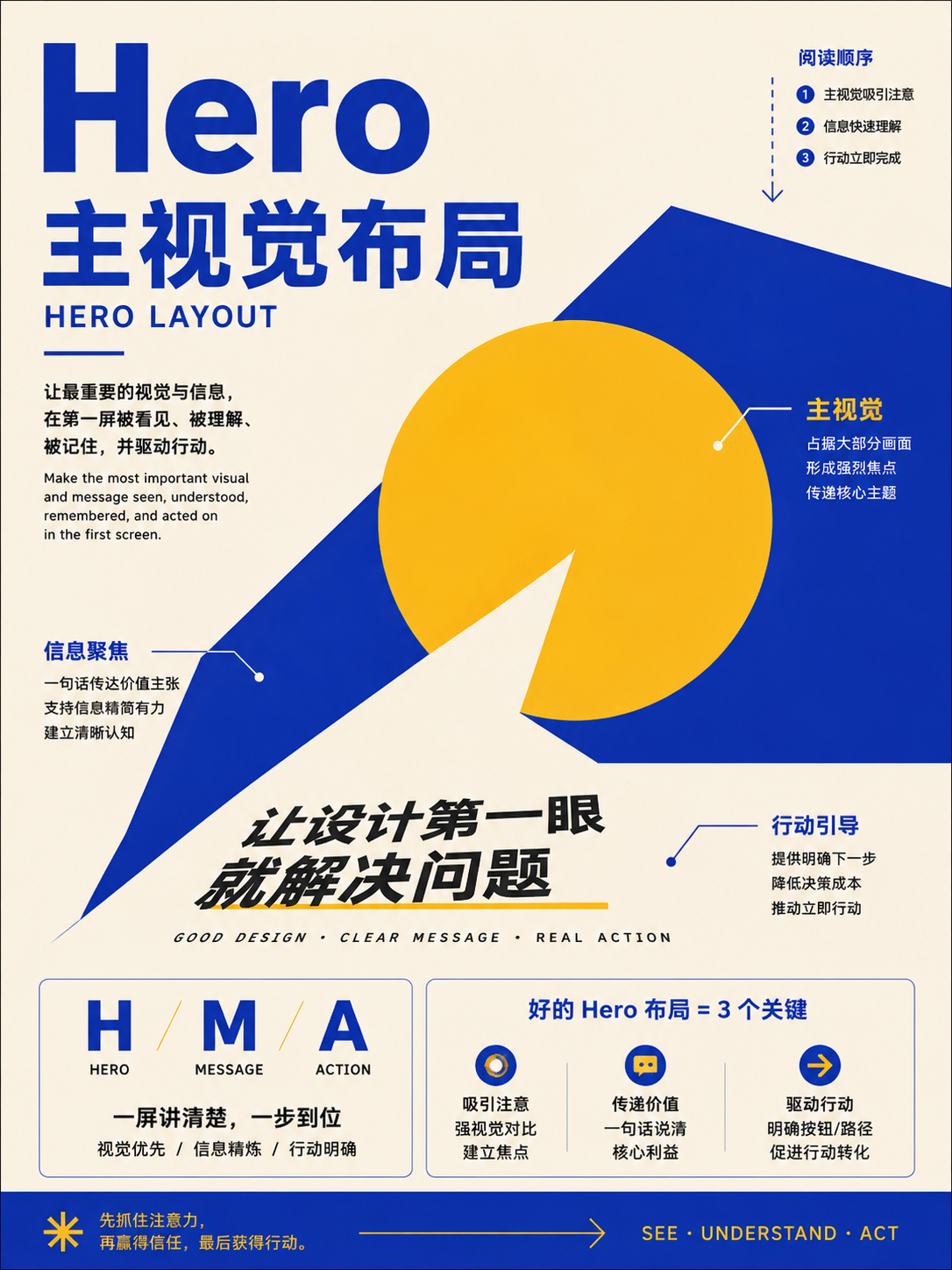
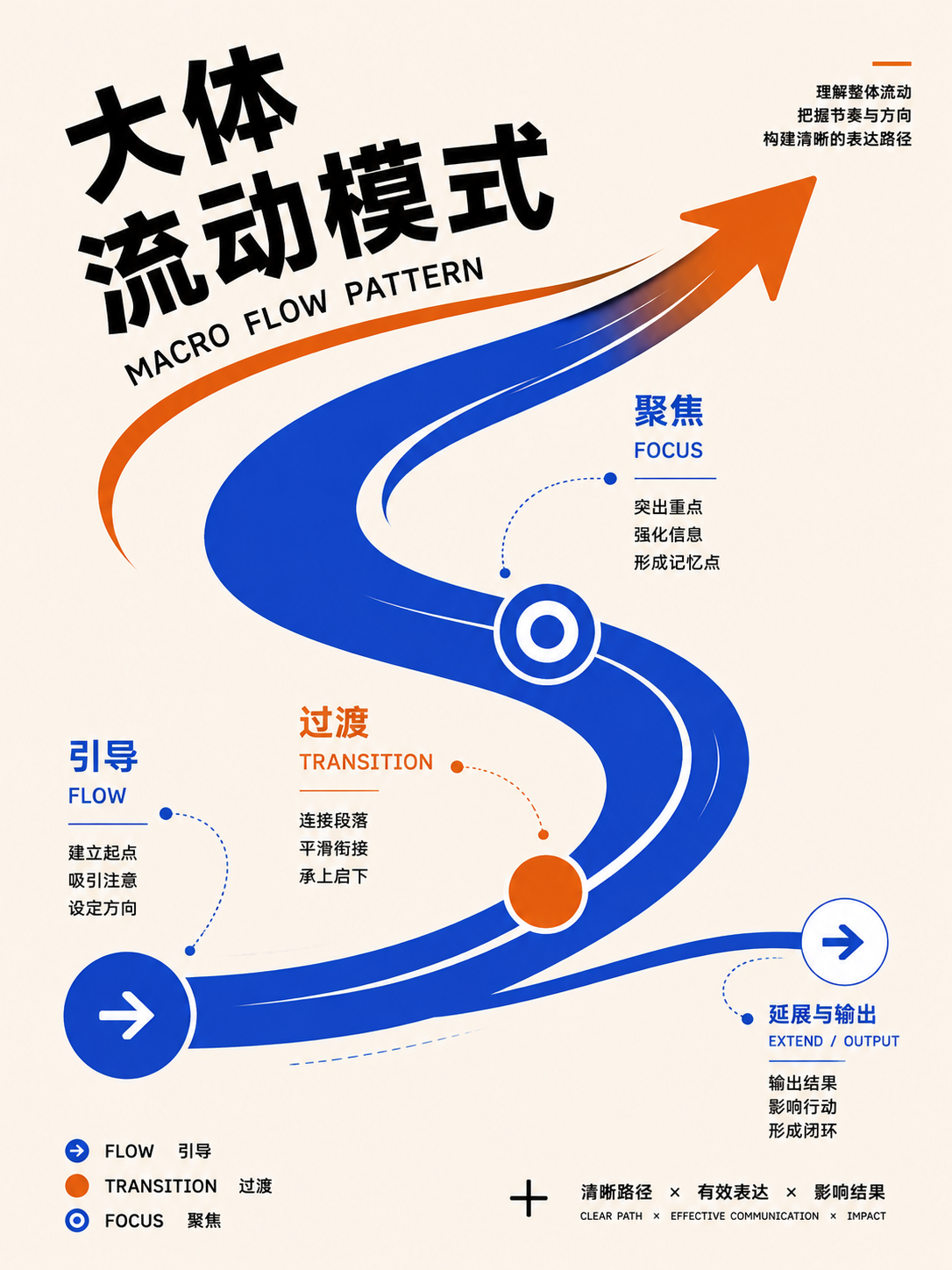
These 79 cards are organized into CSS flow and positioning, layout primitives, page frameworks, product patterns, and responsive reflow. When designing for the web, it's important to distinguish between 'how the layout is implemented' and 'what task the user is trying to accomplish.' Grid and Flexbox are implementation mechanisms; dashboards, forms, and search results are product patterns.
Full Atlas · 79 images
Web and UI
Turn relationships into responsive interfaces:FocusCSS layout, page frames, product patterns, and small-screen reflow。
79 / 79 visible
CSS flow, positioning, and responsiveness
UseThis is implementation, not visual style. Ensure normal flow works first, then add grid, positioning, and container queries as needed.
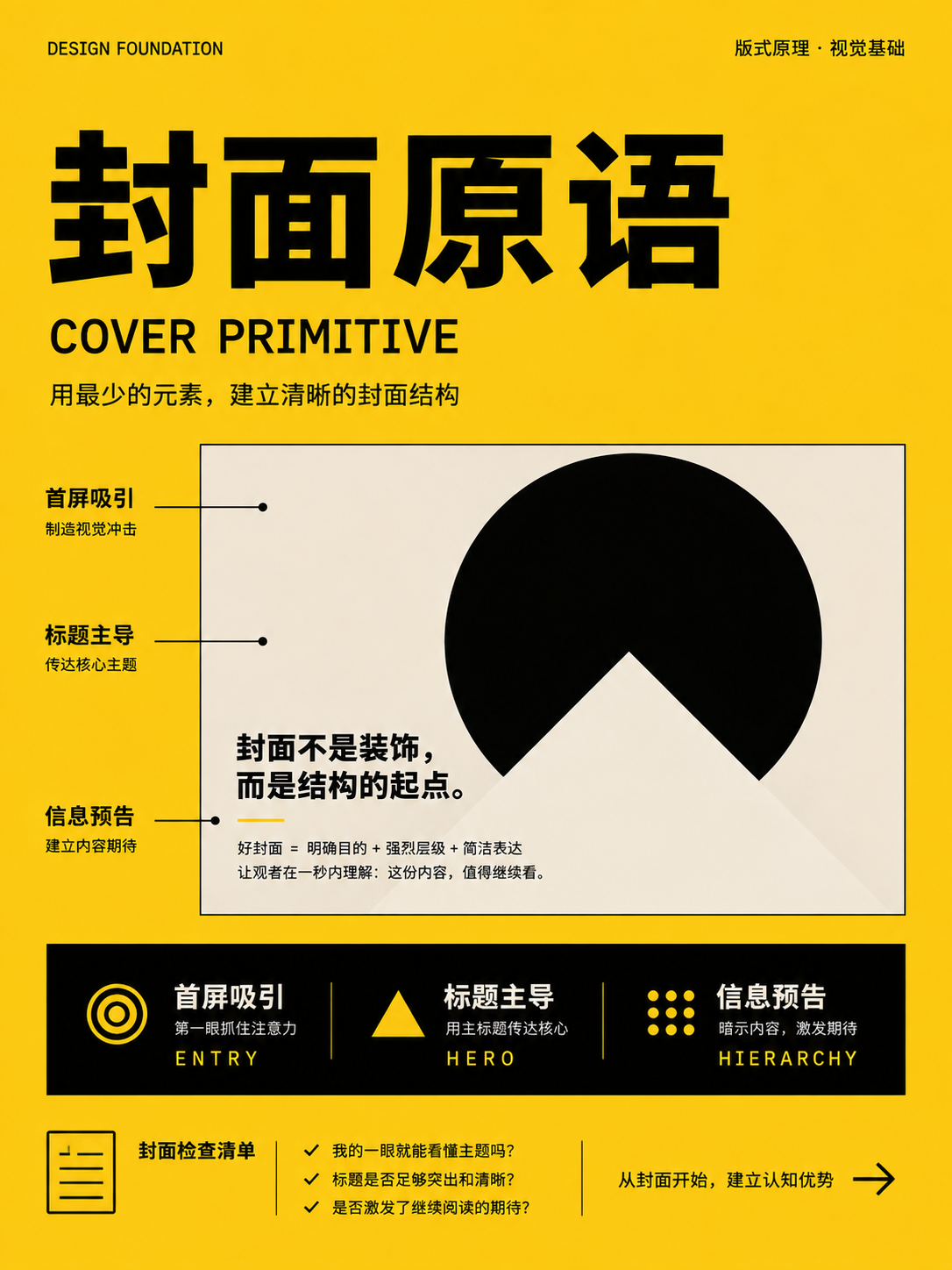
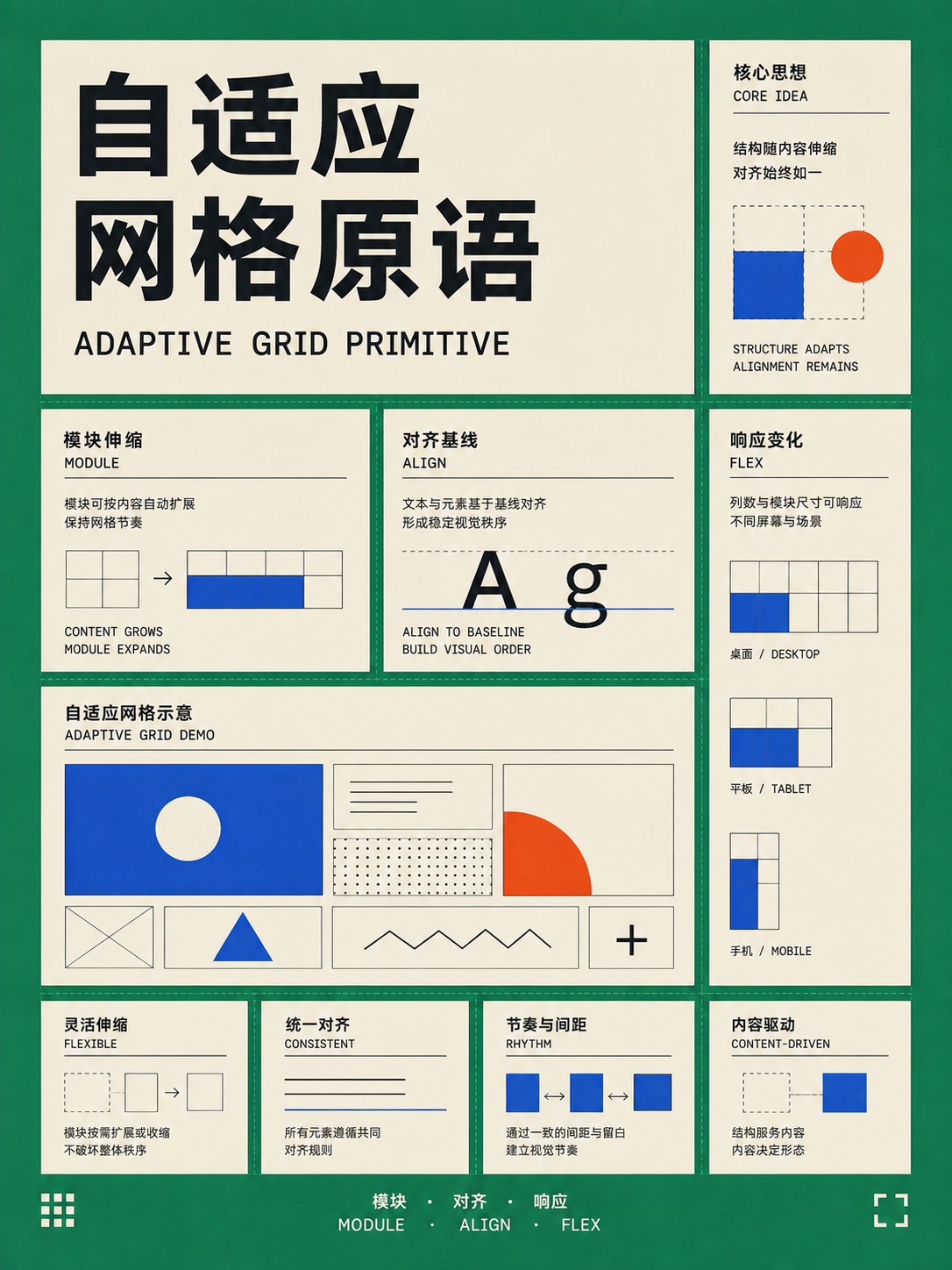
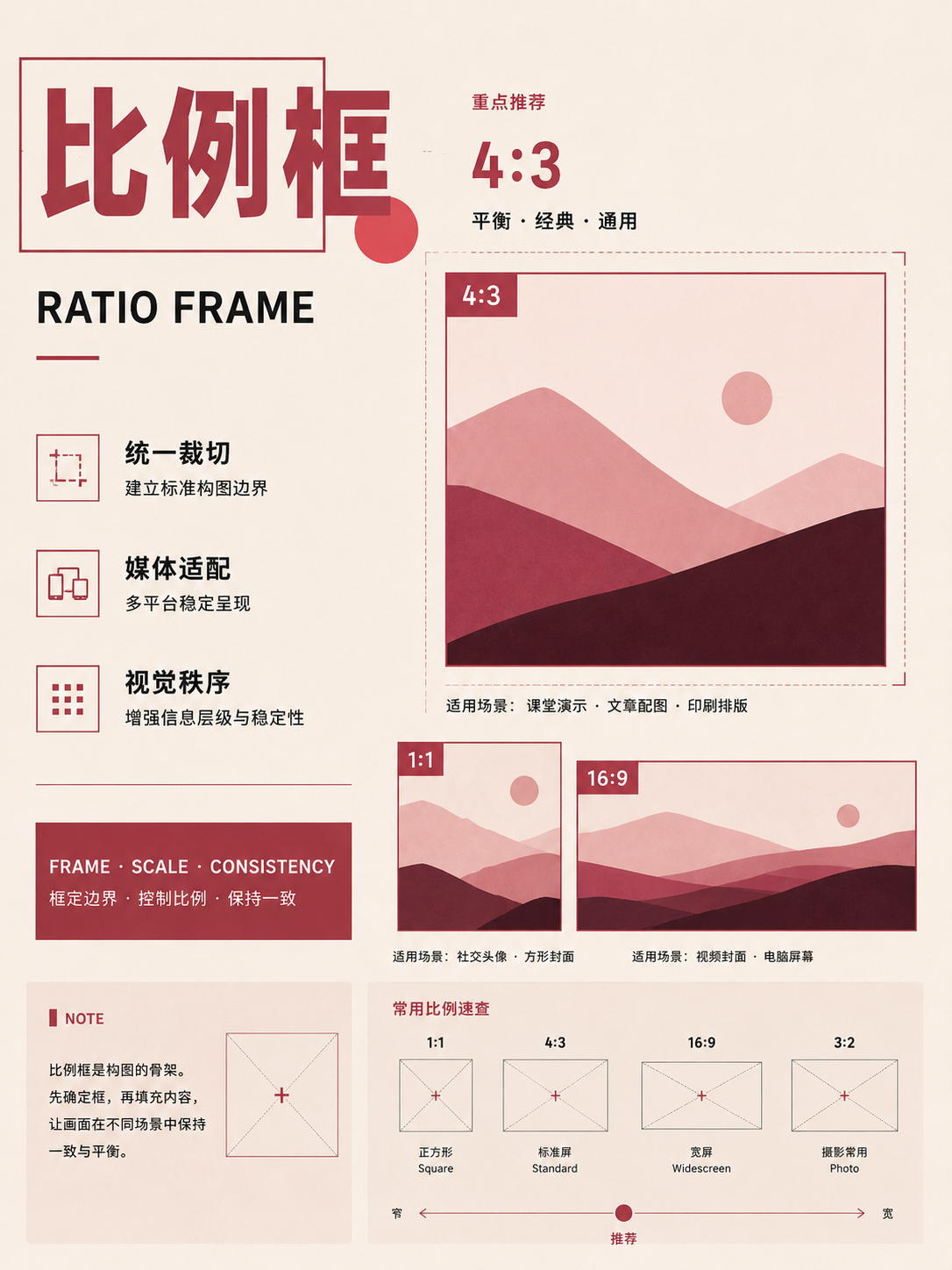
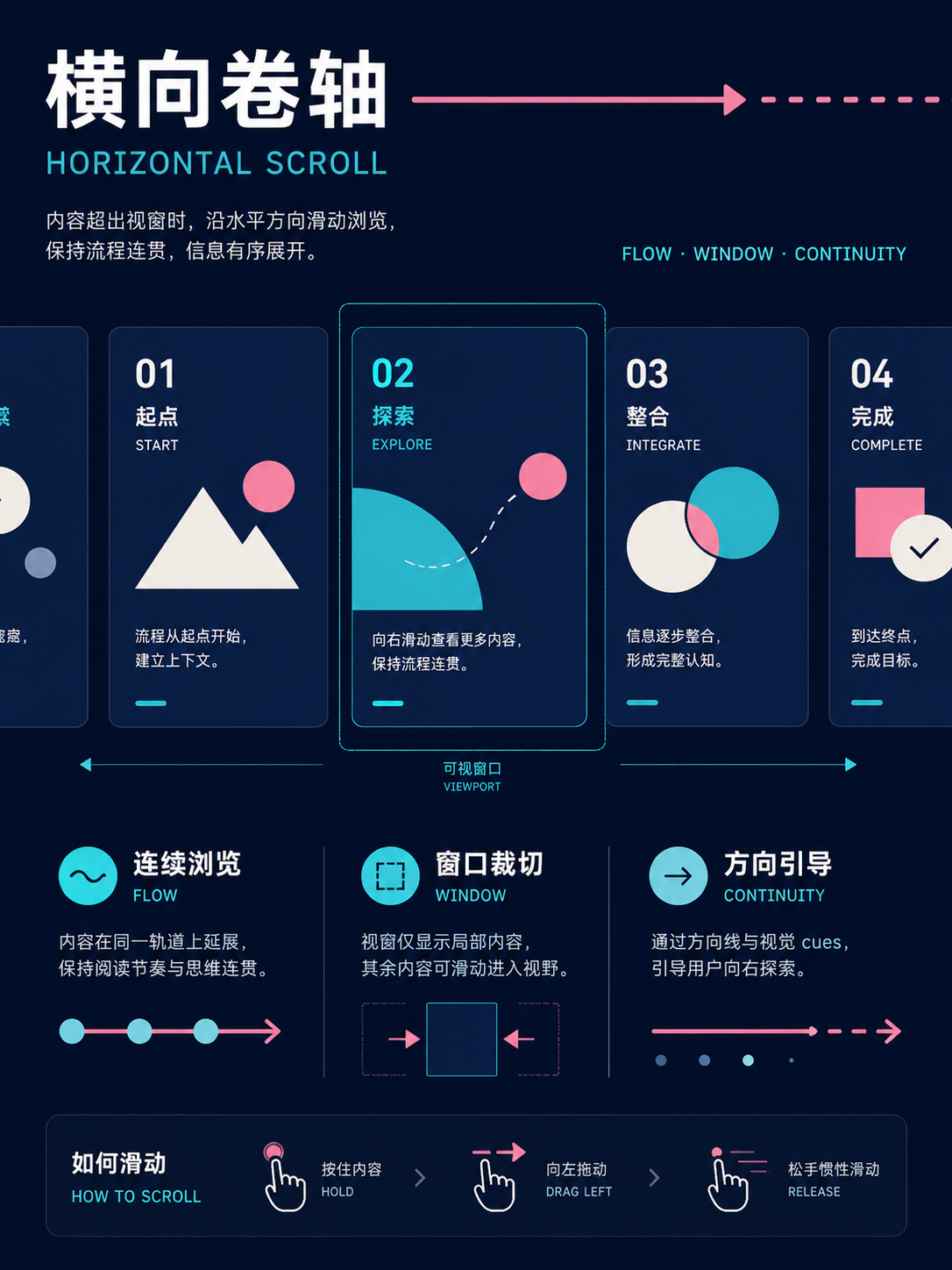
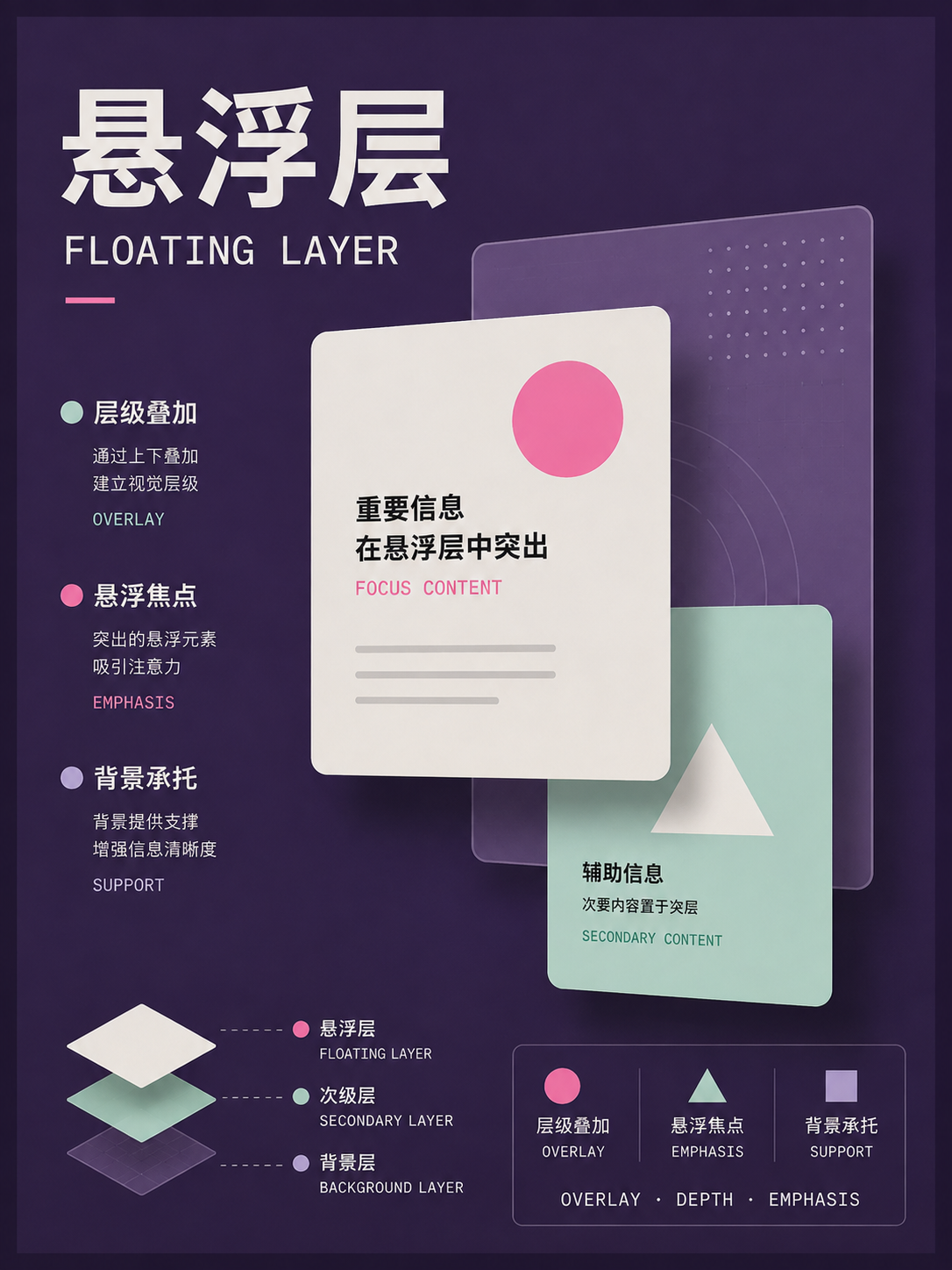
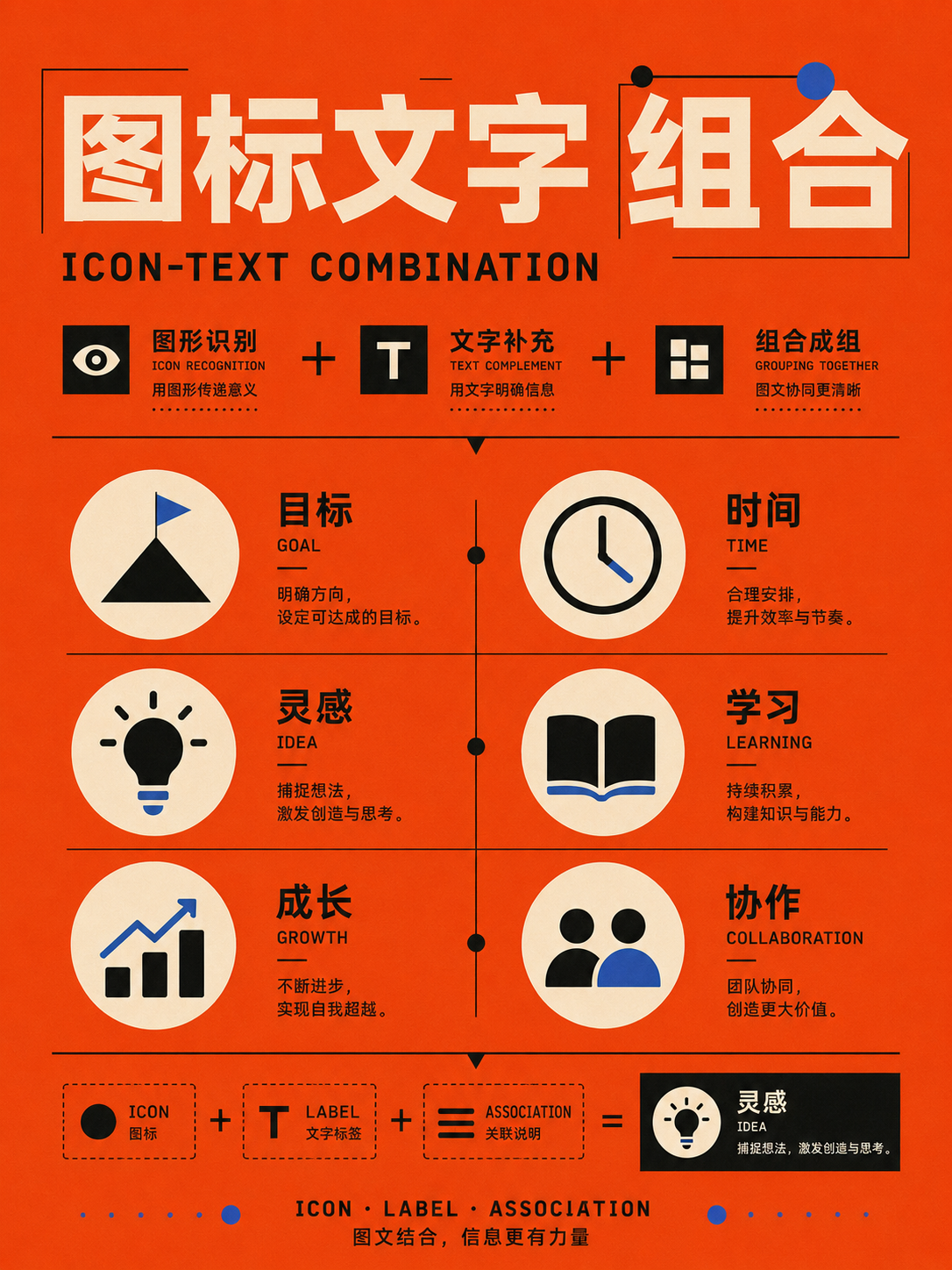
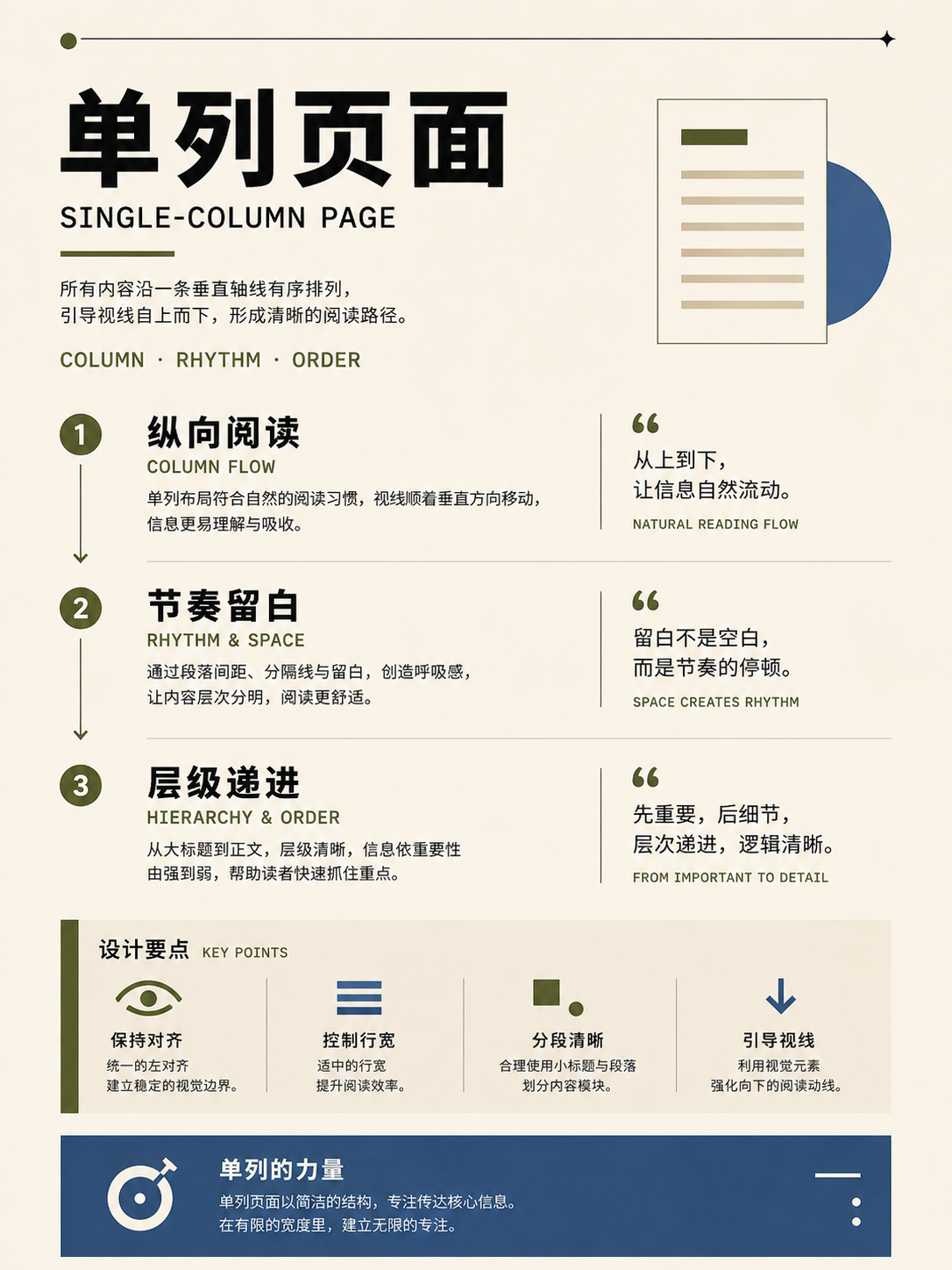
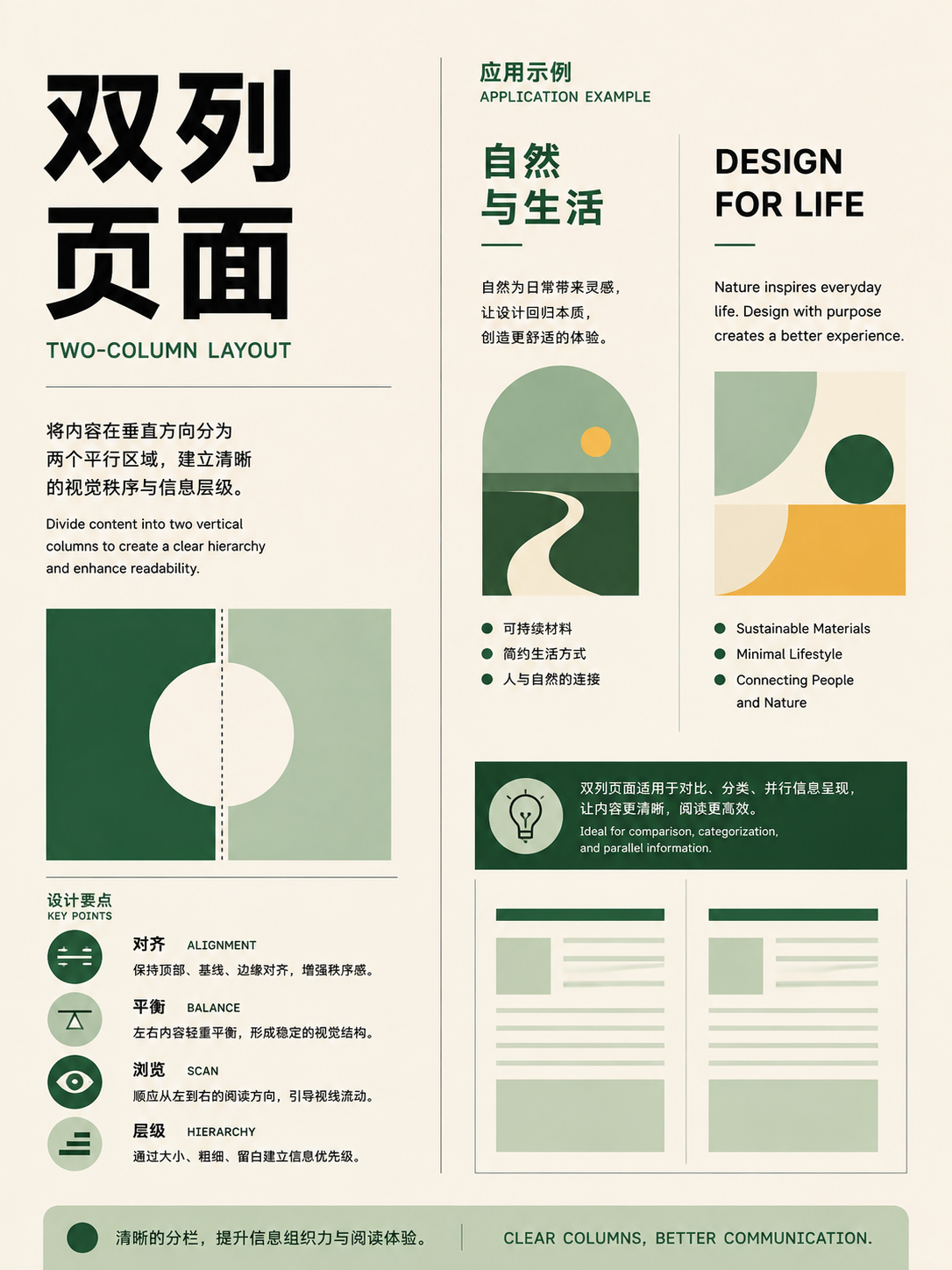
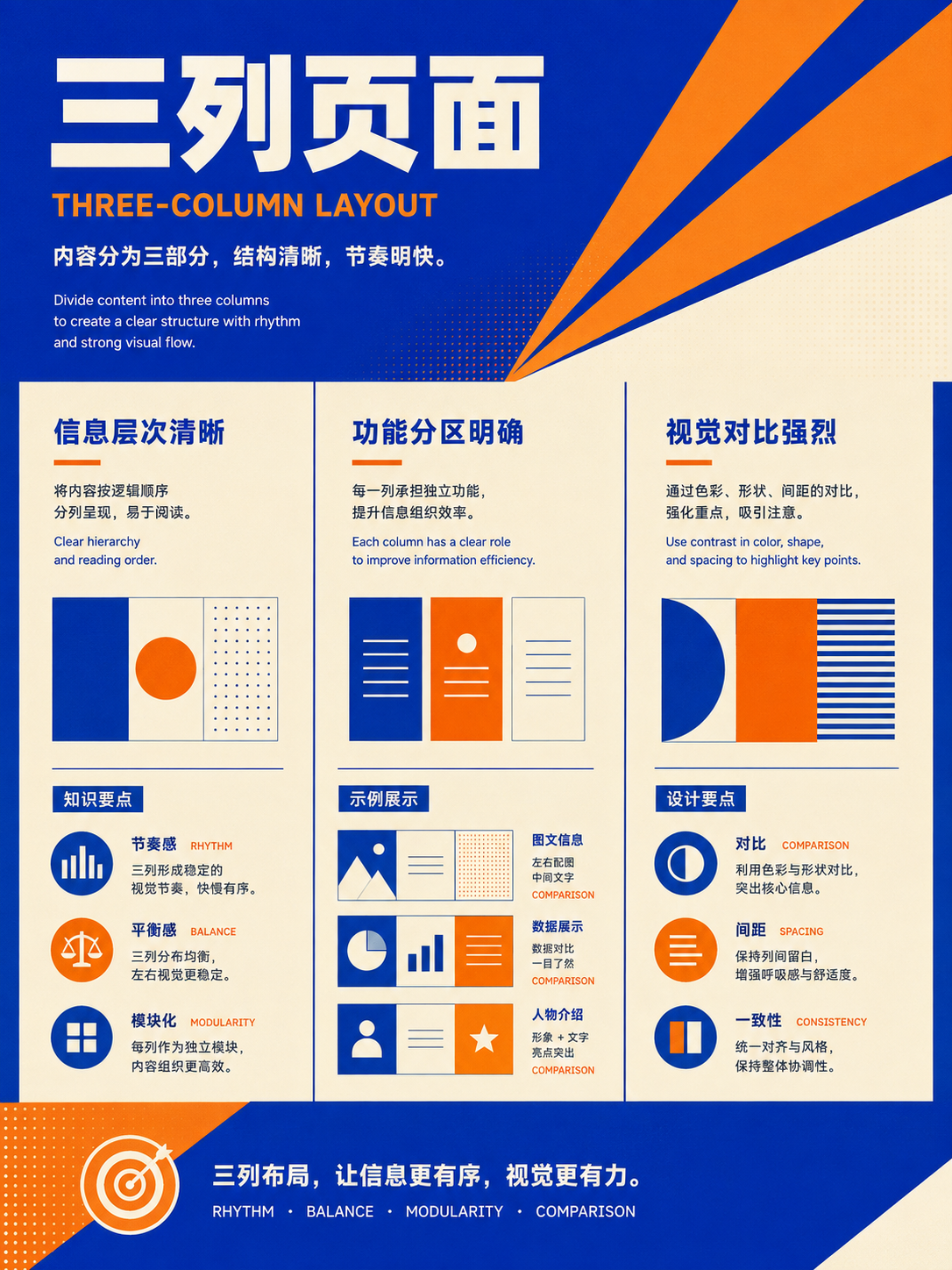
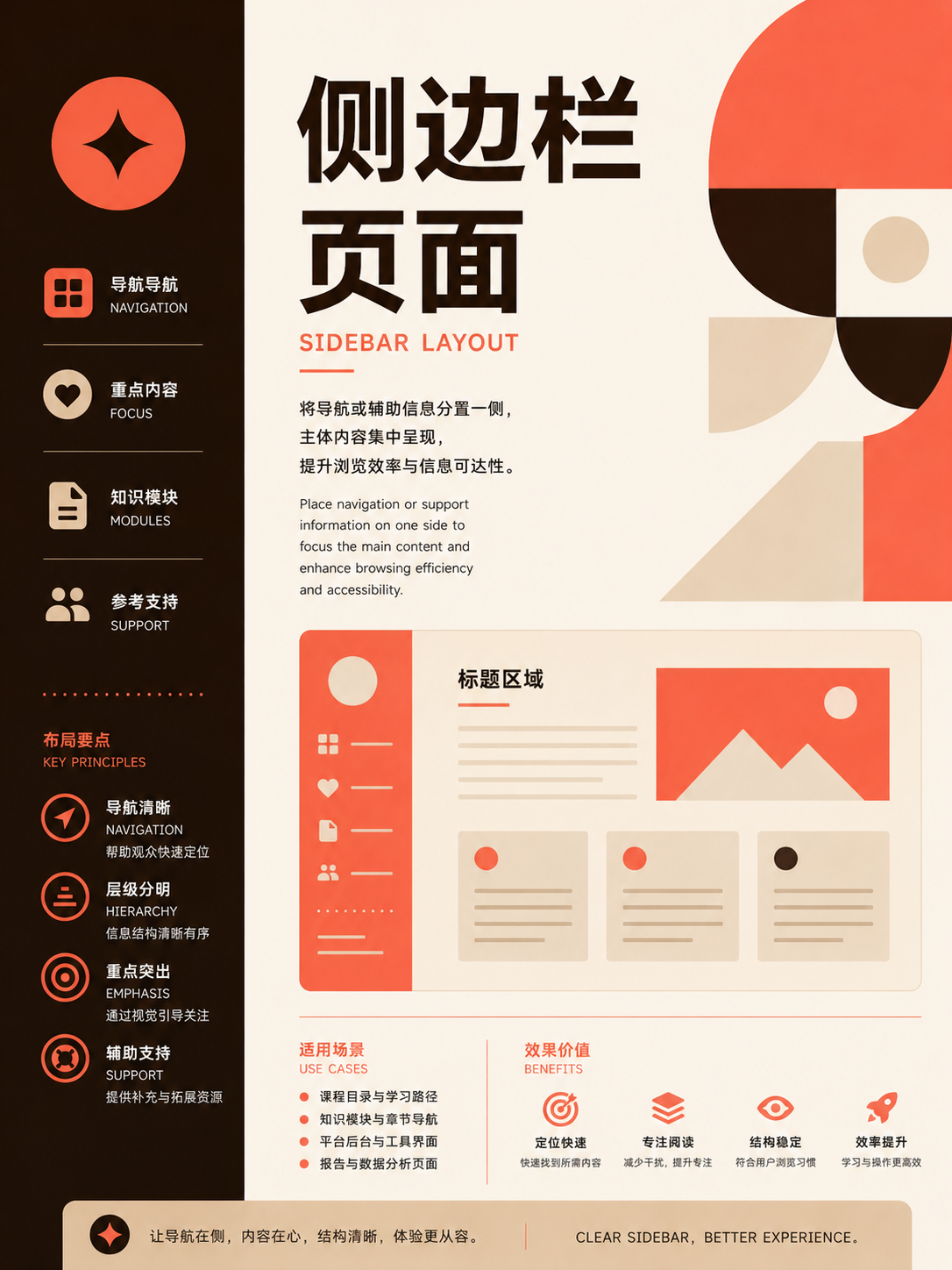
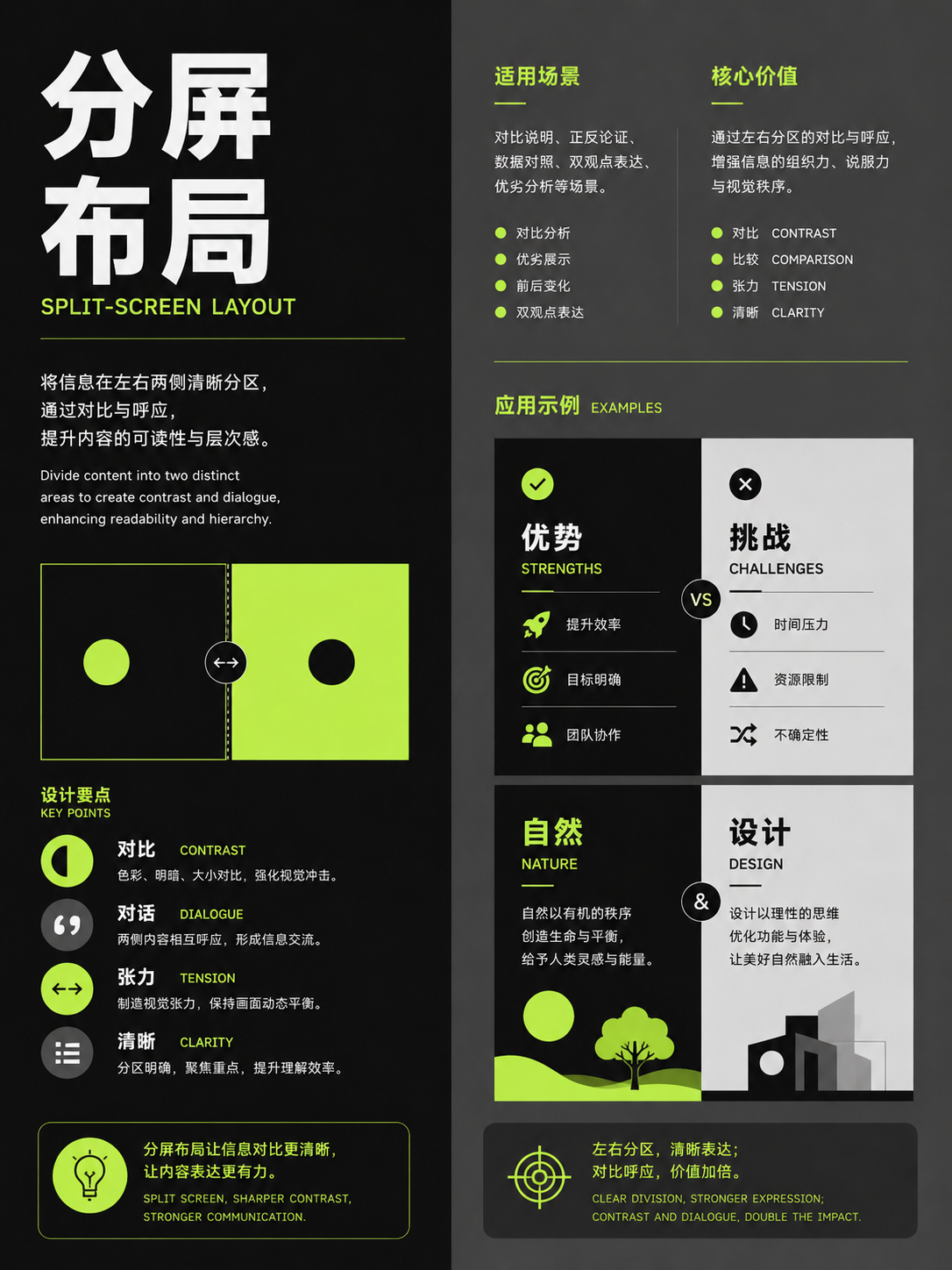
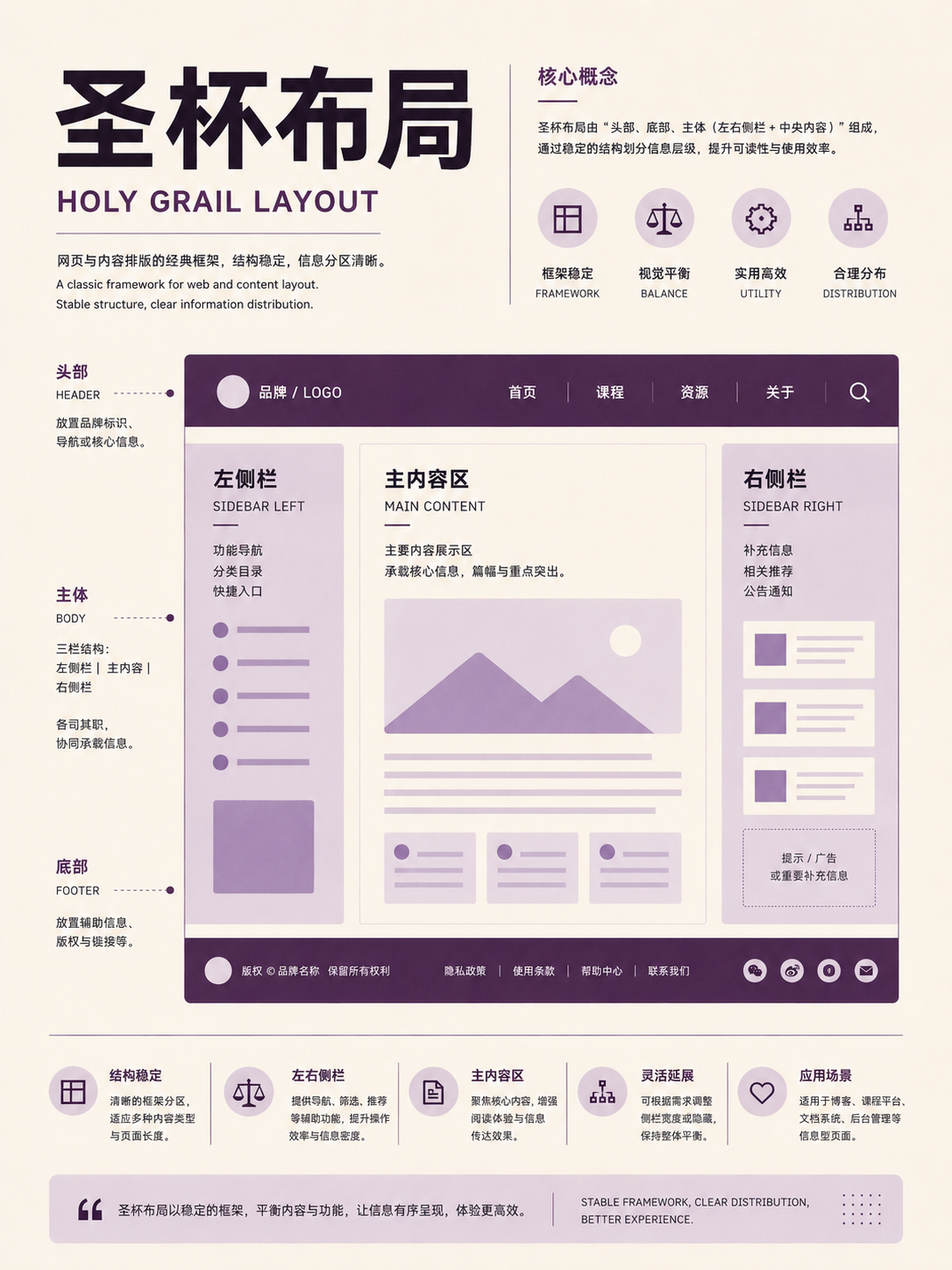
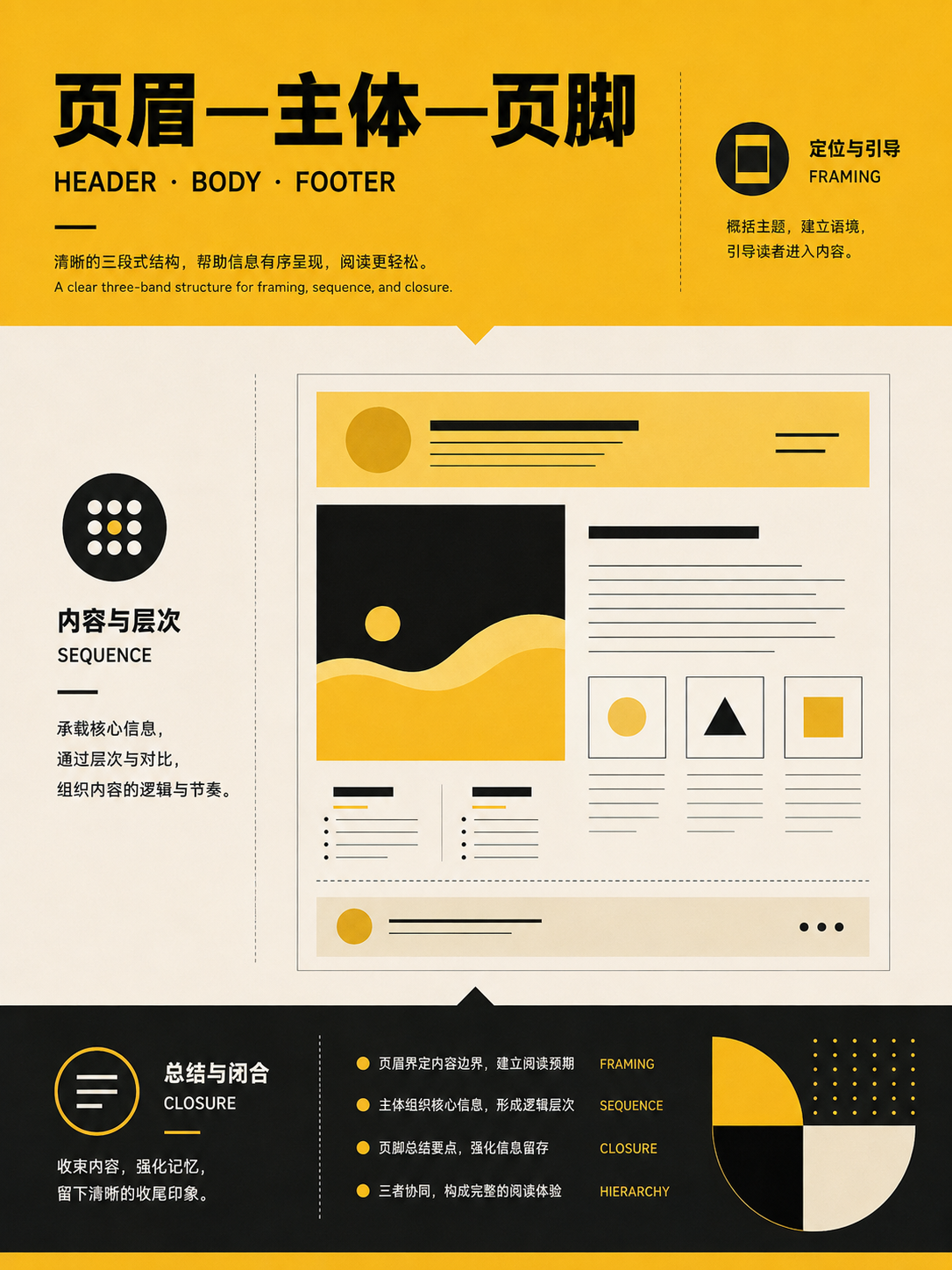
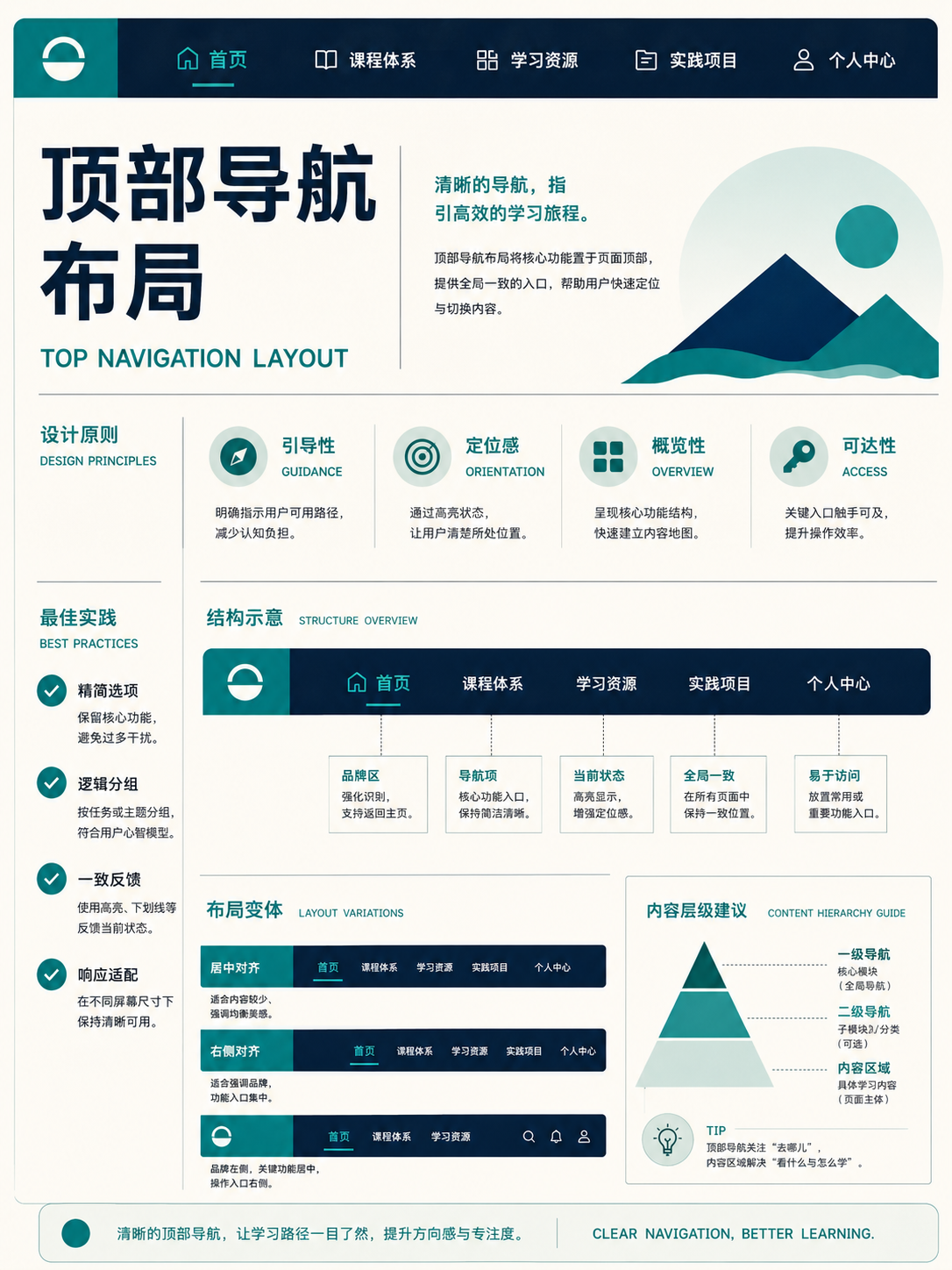
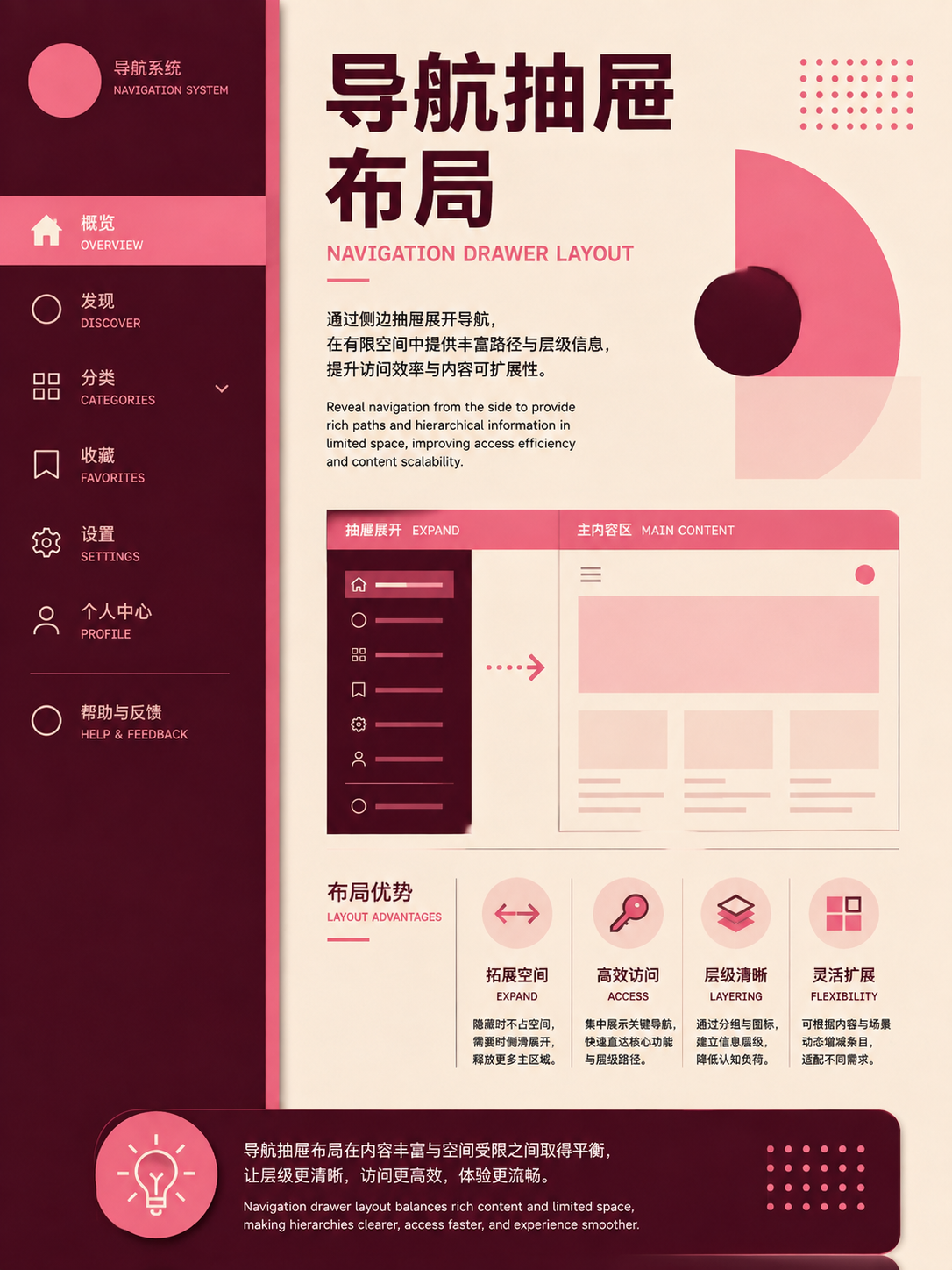
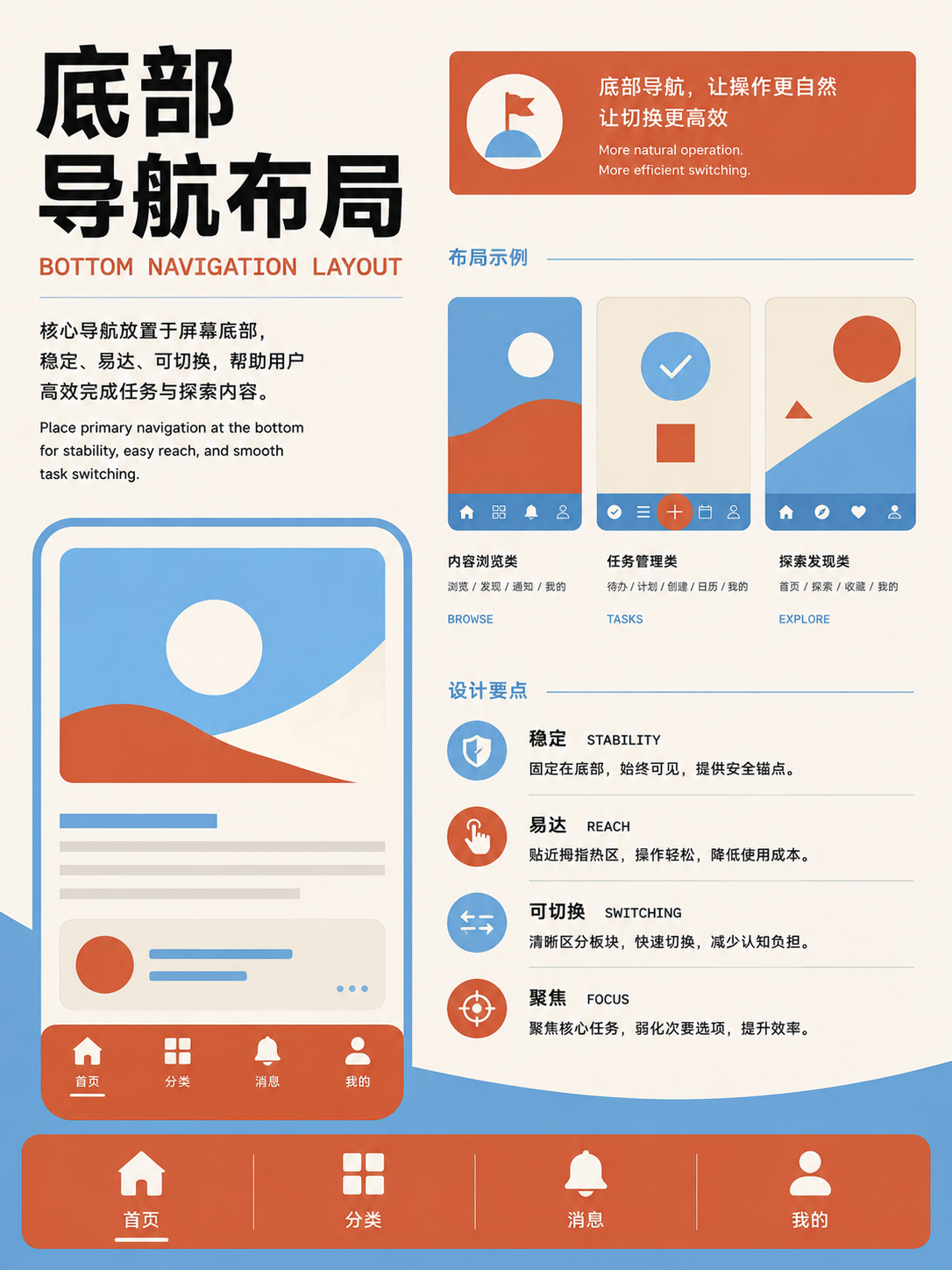
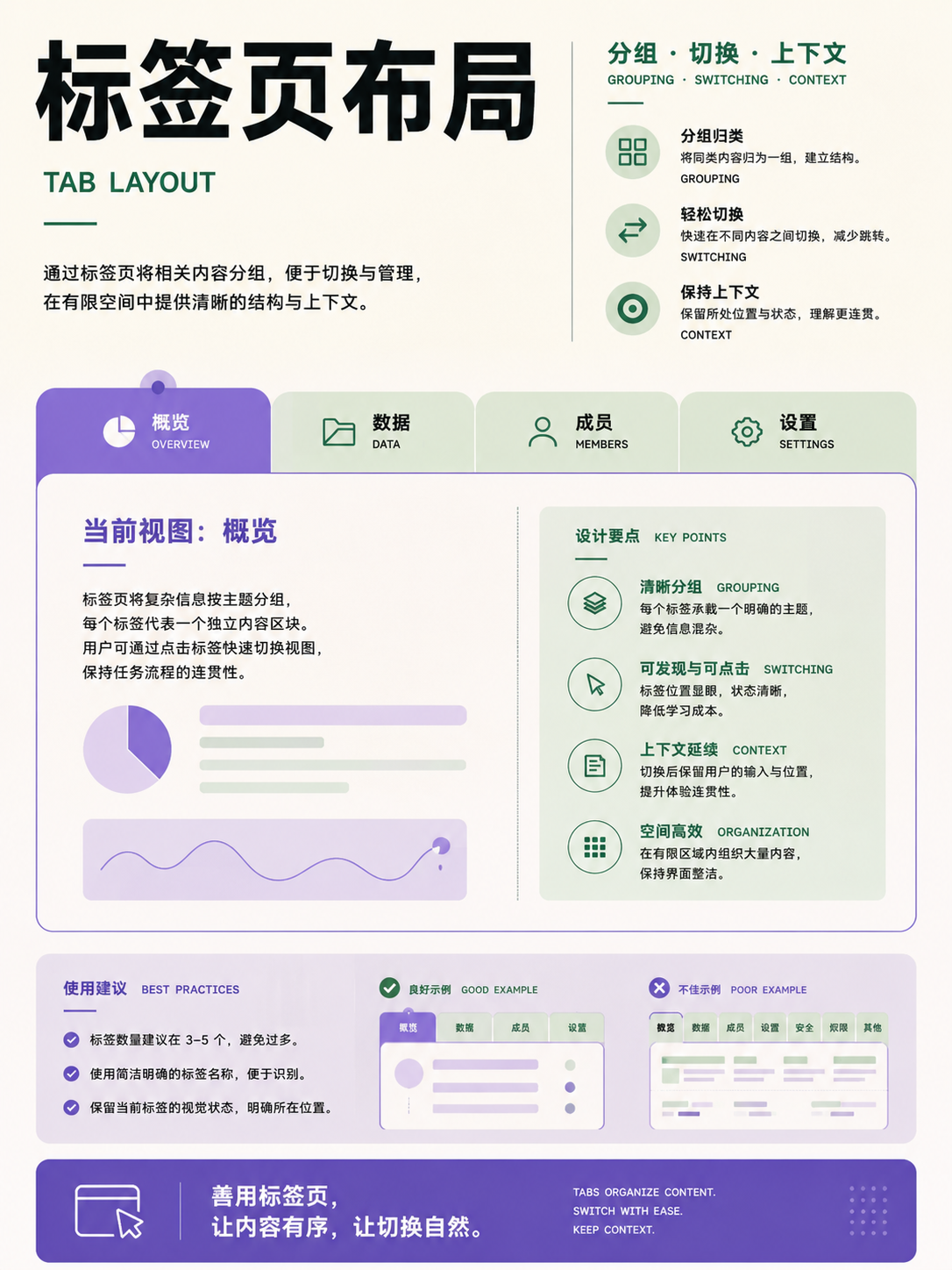
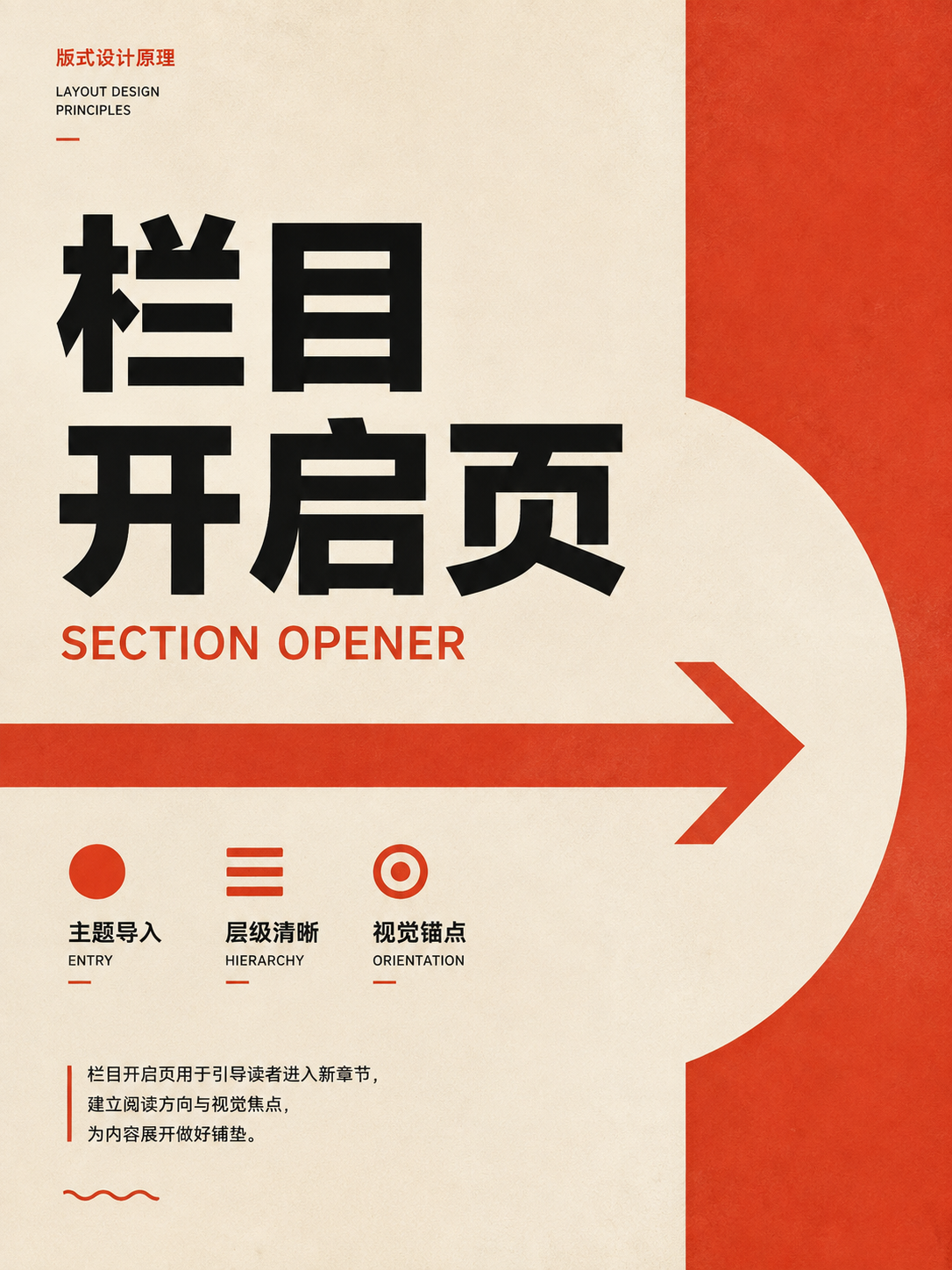

Layout primitives
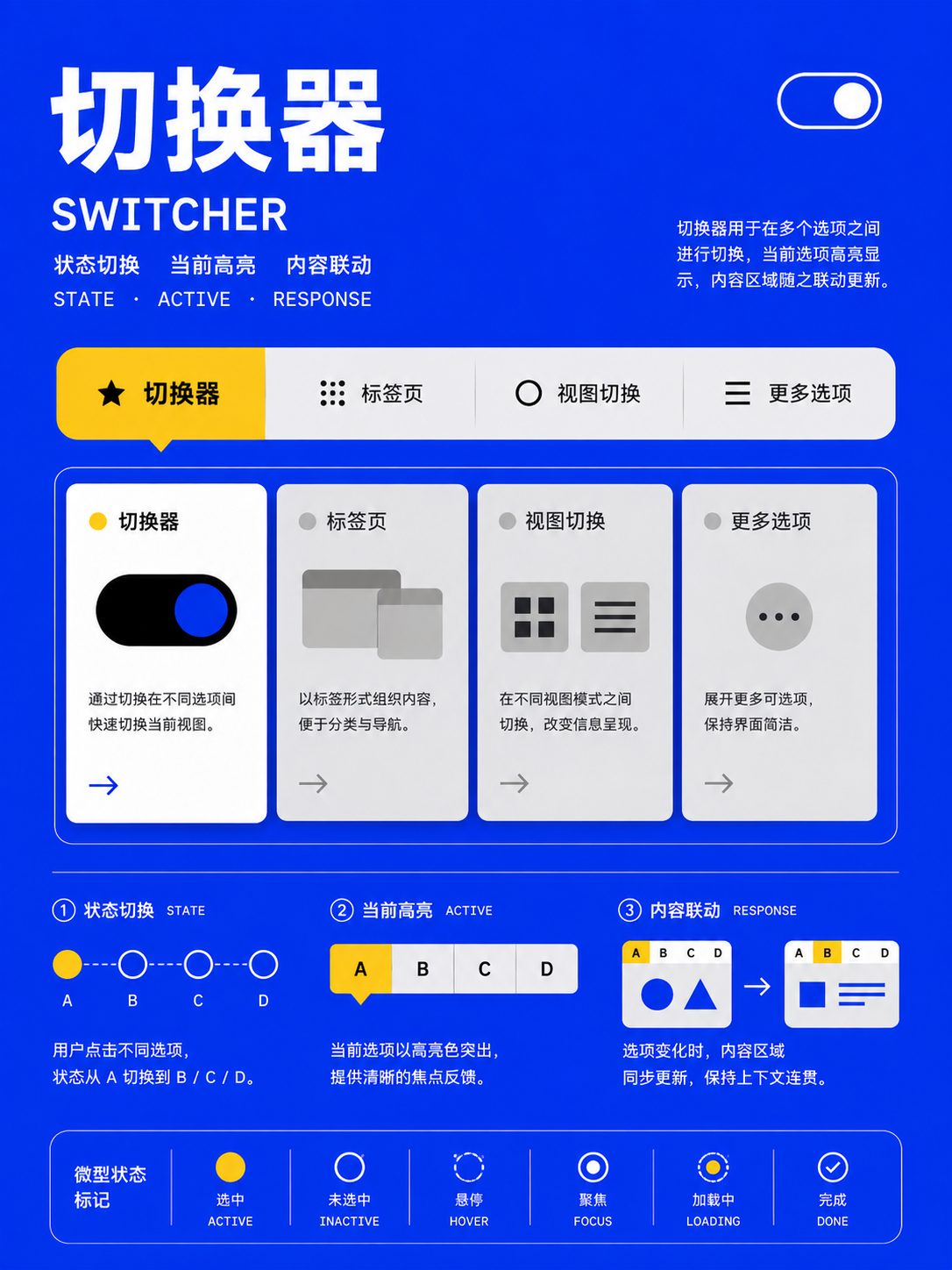
UseBreak complex pages into stacks, clusters, sidebars, centering devices, and other small relationships for easier component reuse.
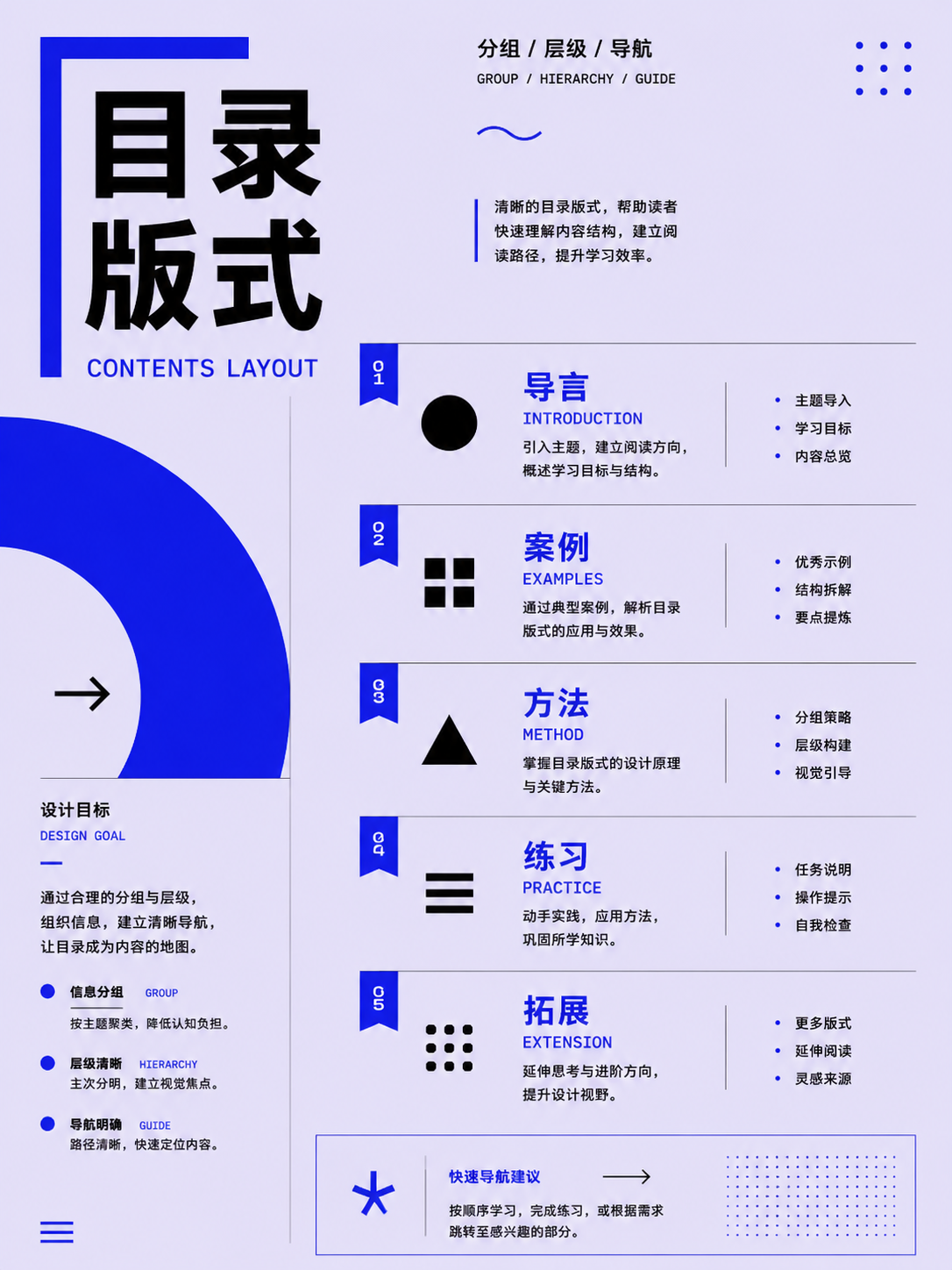
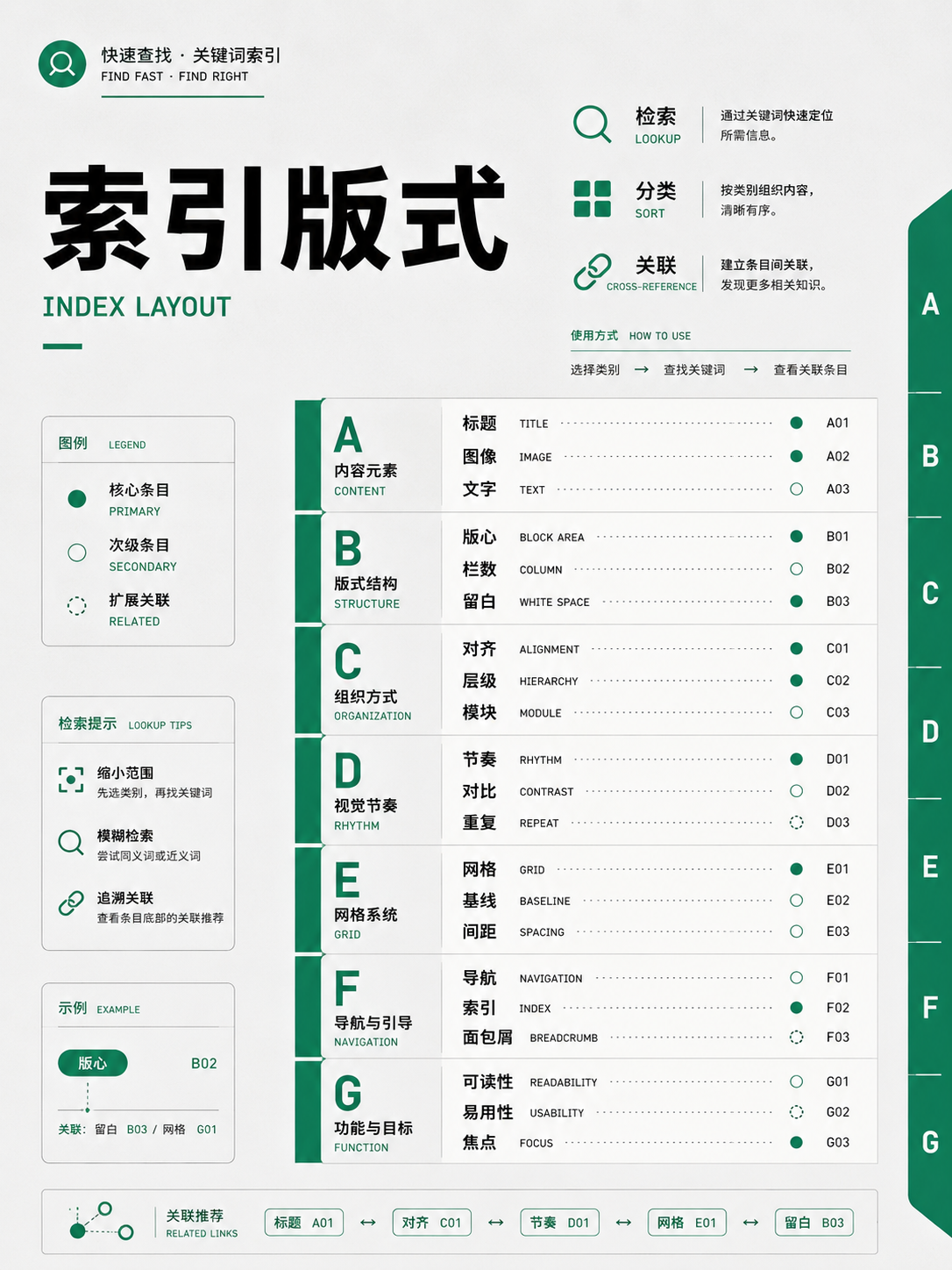

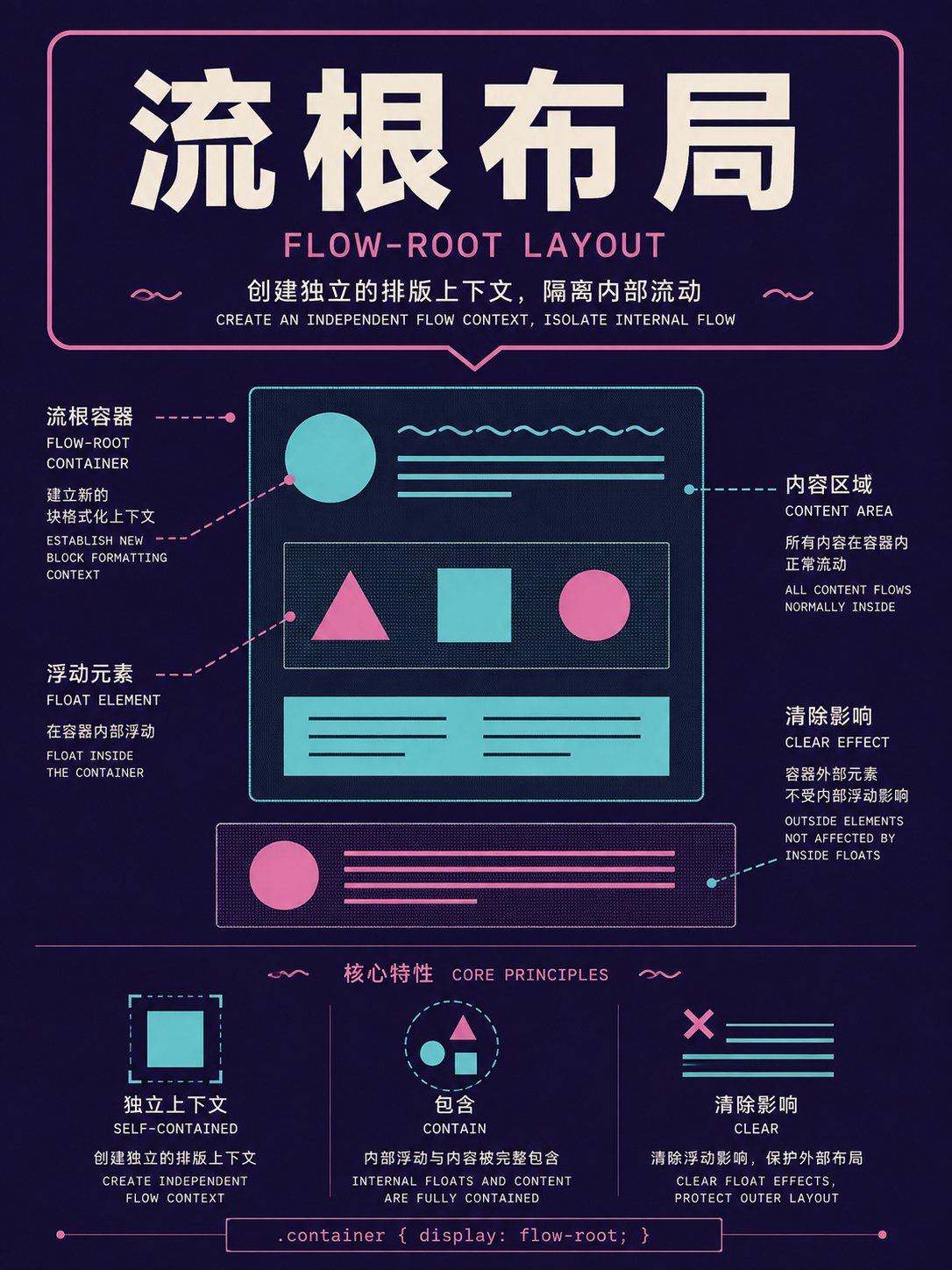
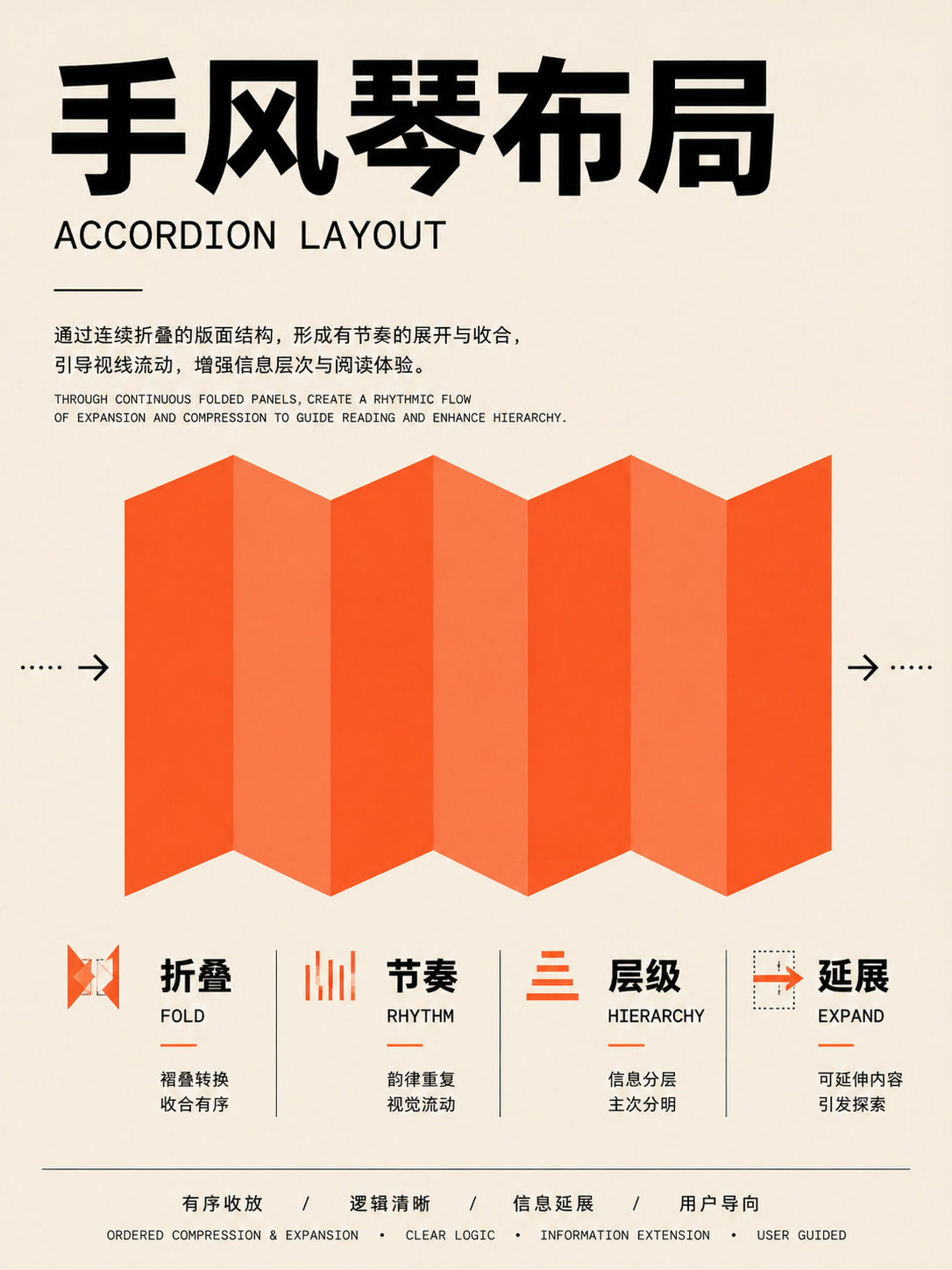
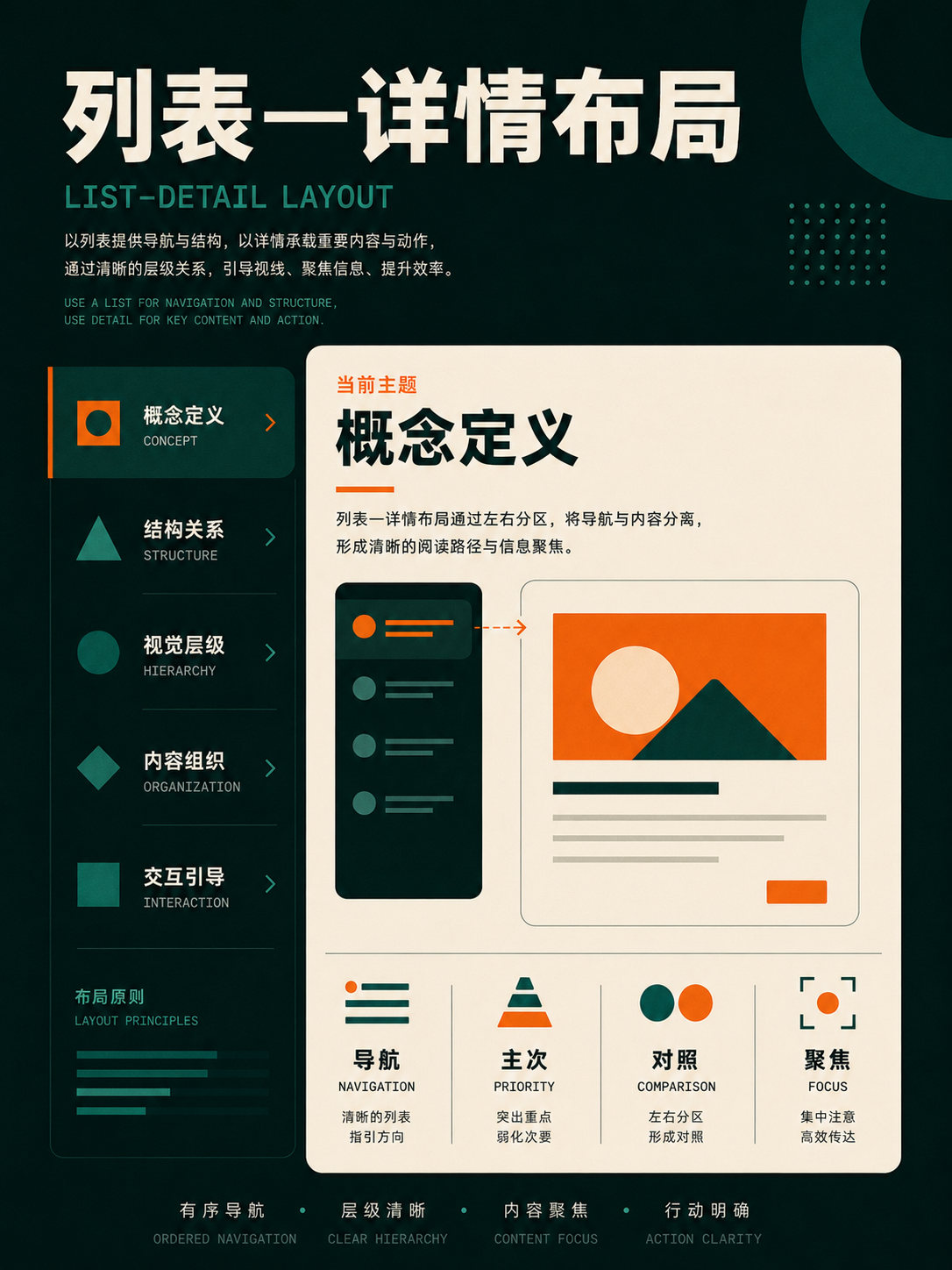
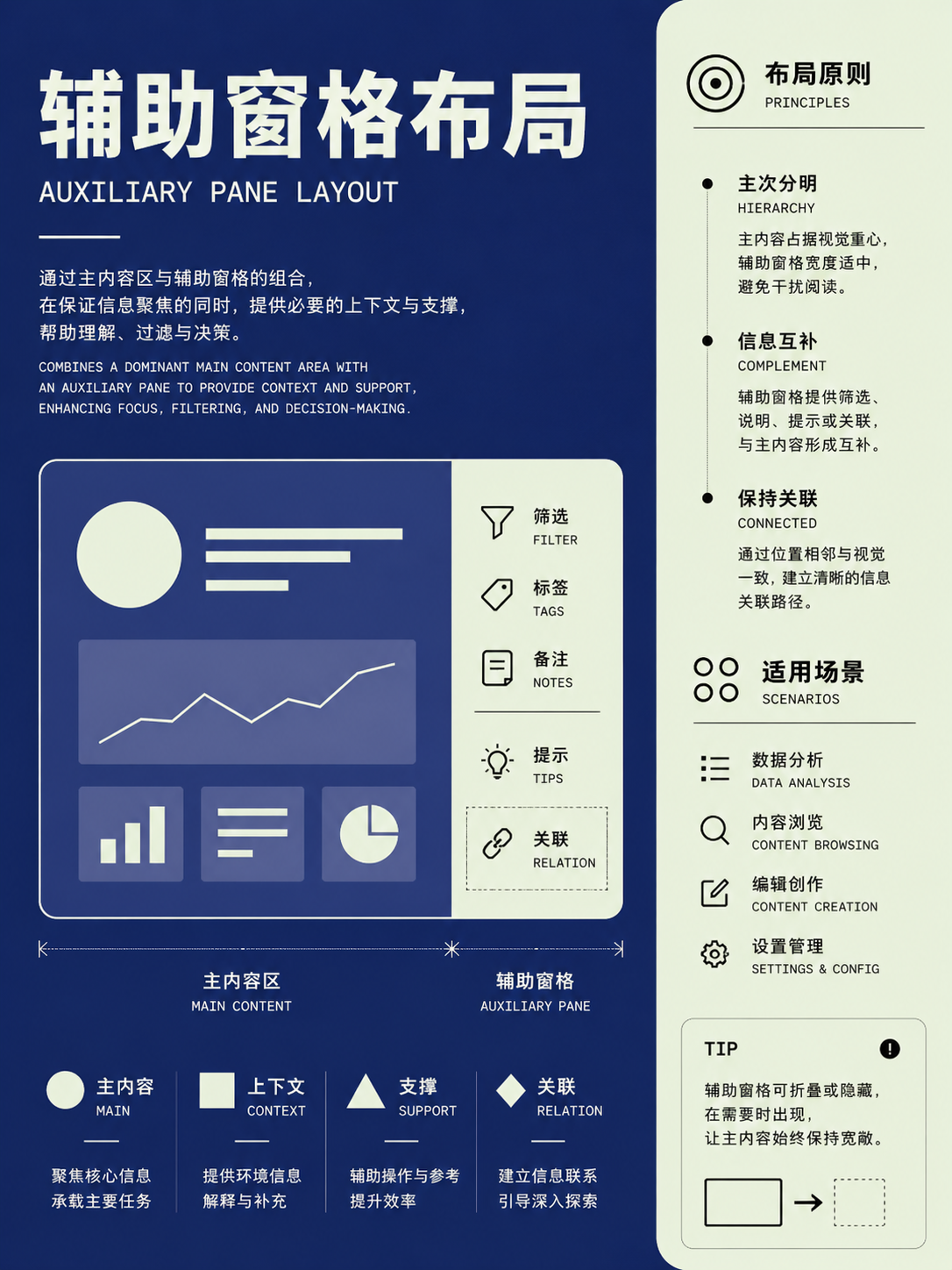
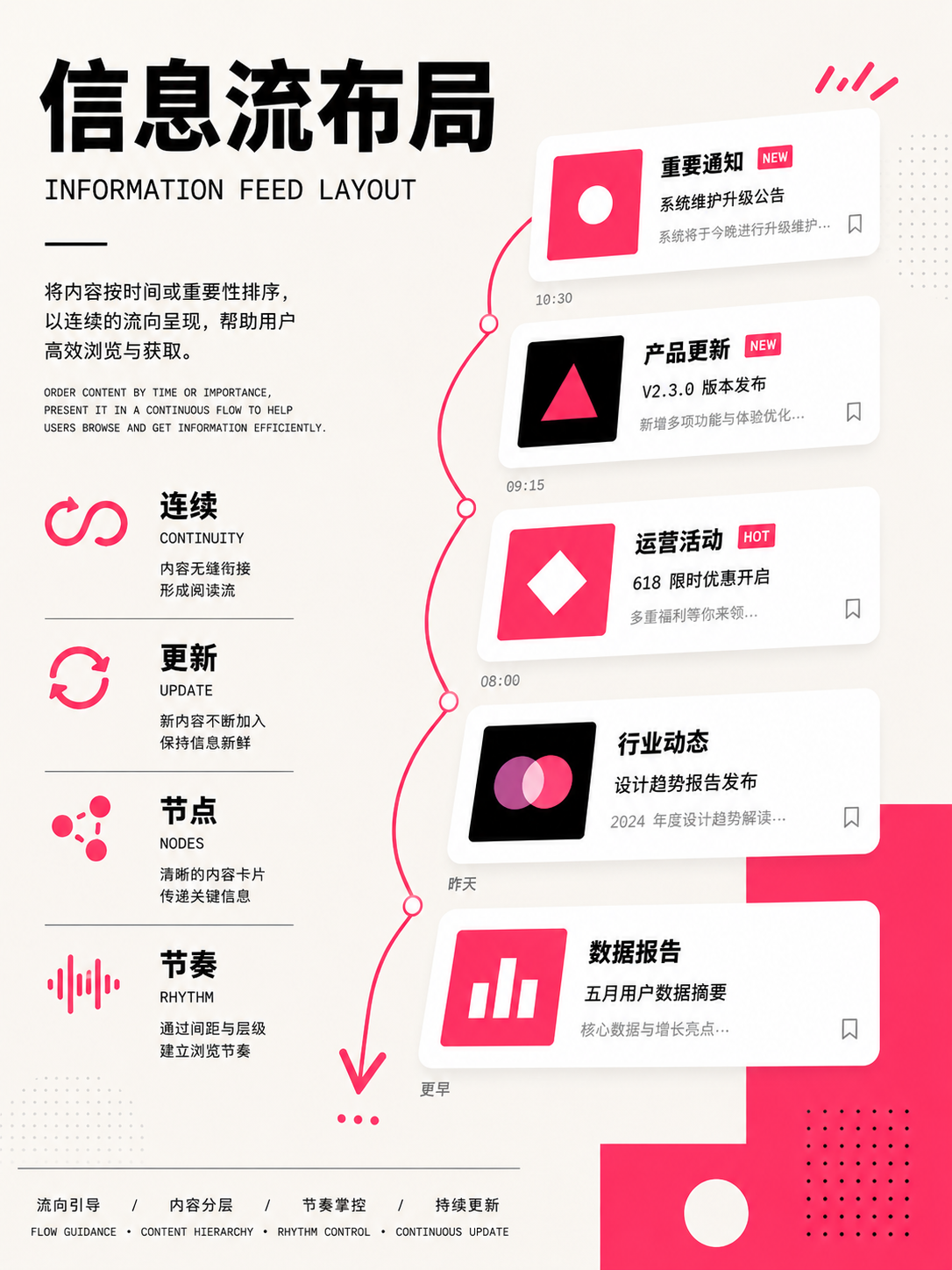
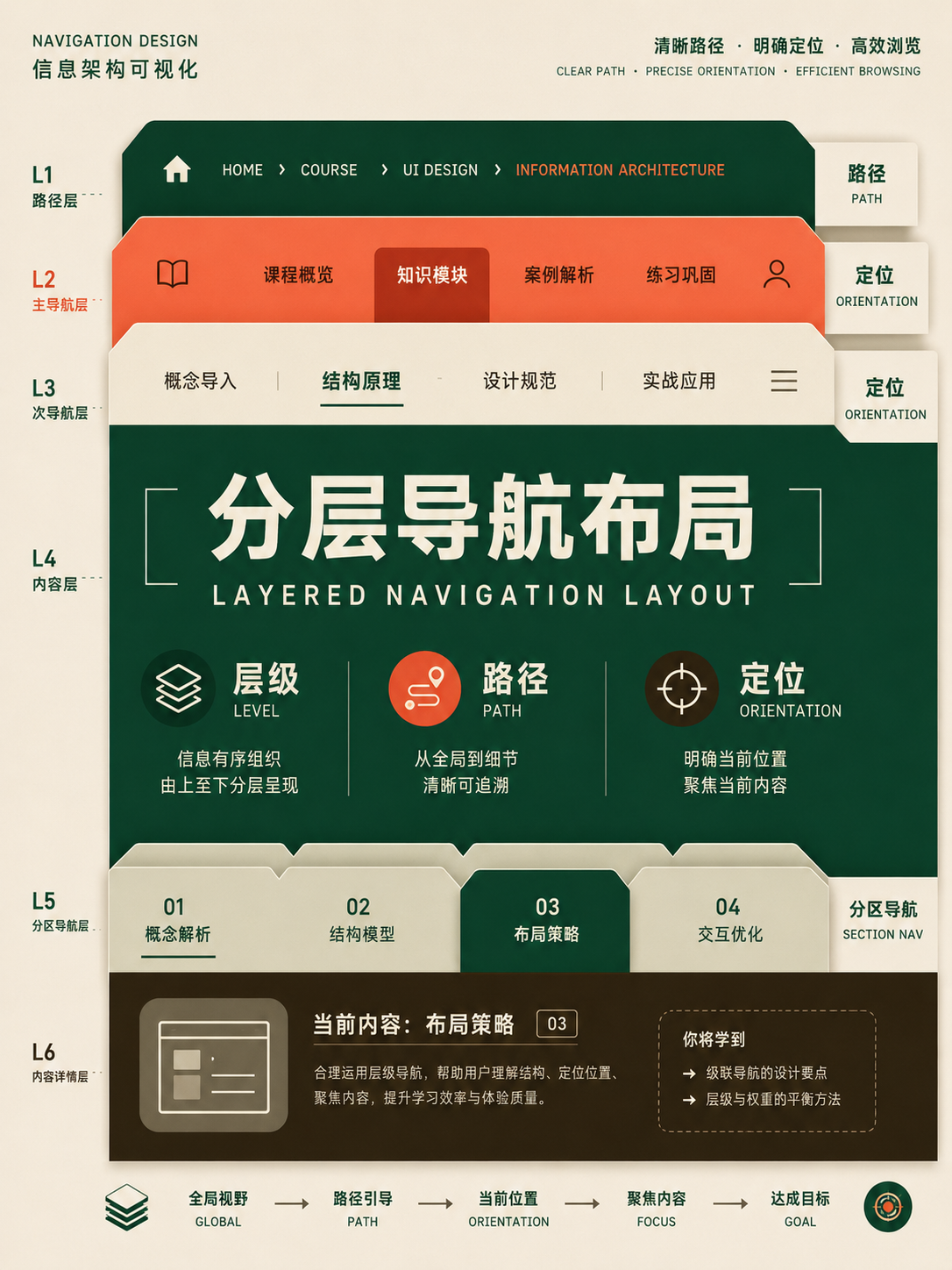
Page frames and navigation
UseSketch page regions and navigation paths before filling in content; the frame determines where information appears.
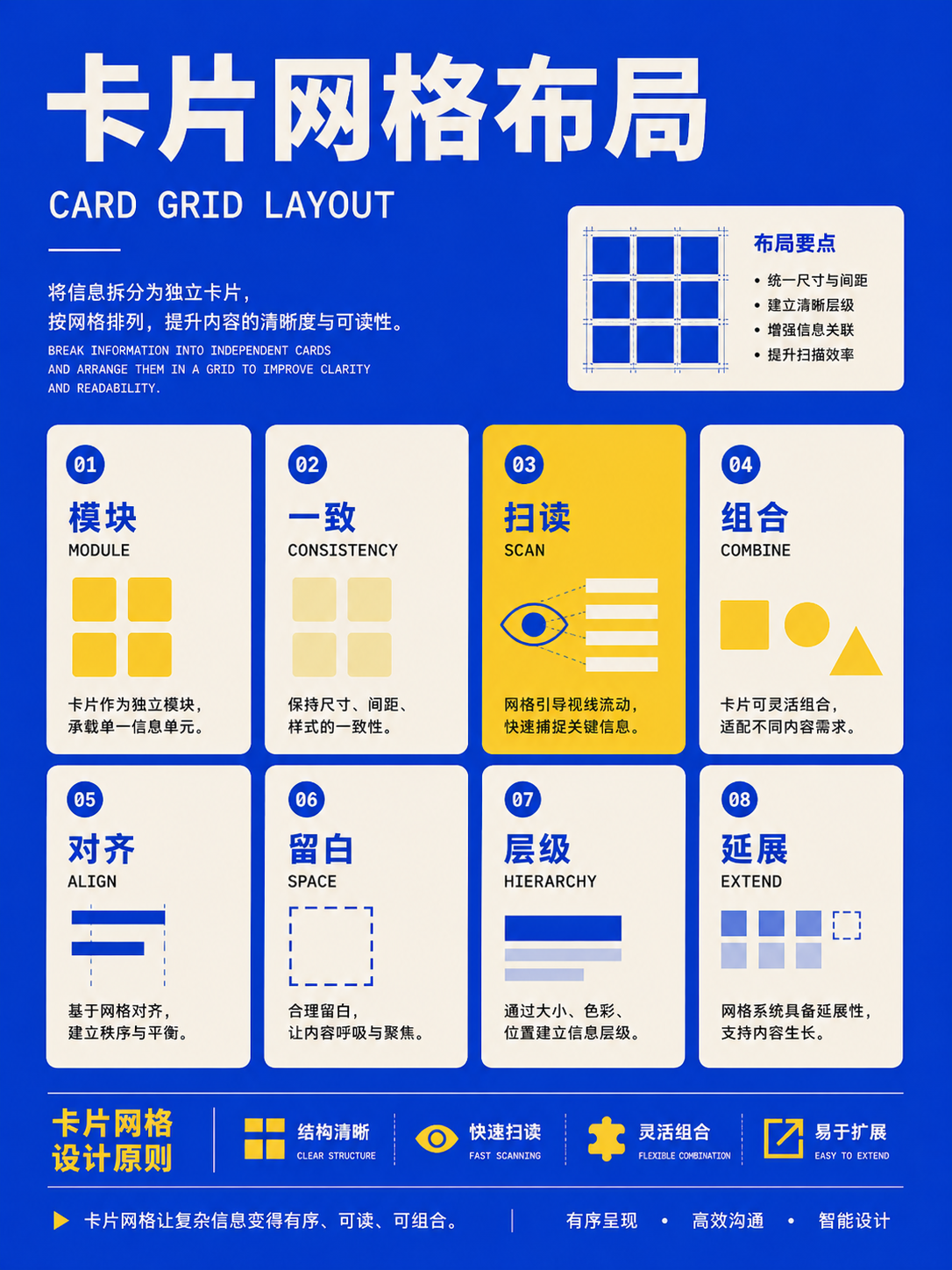
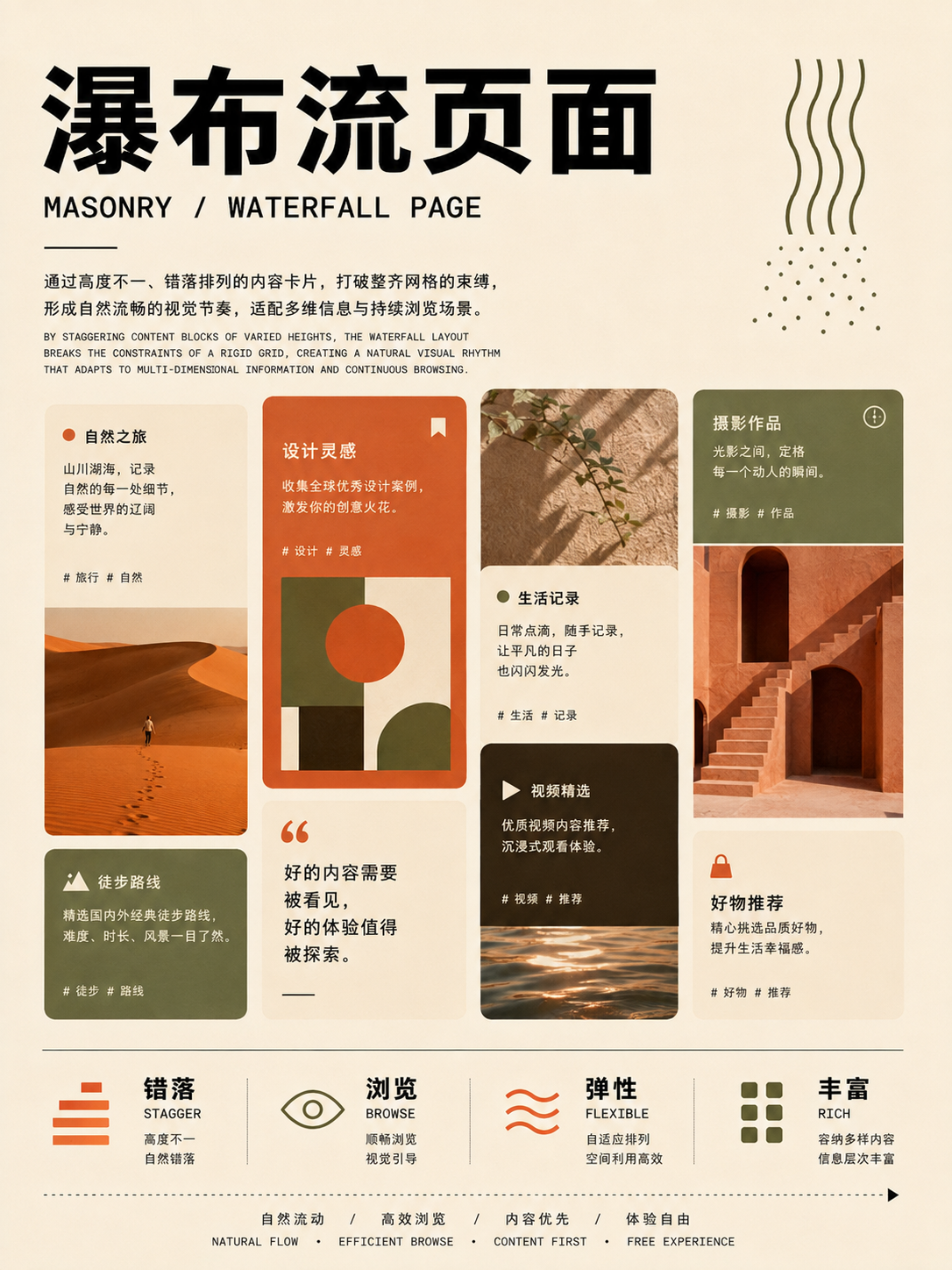
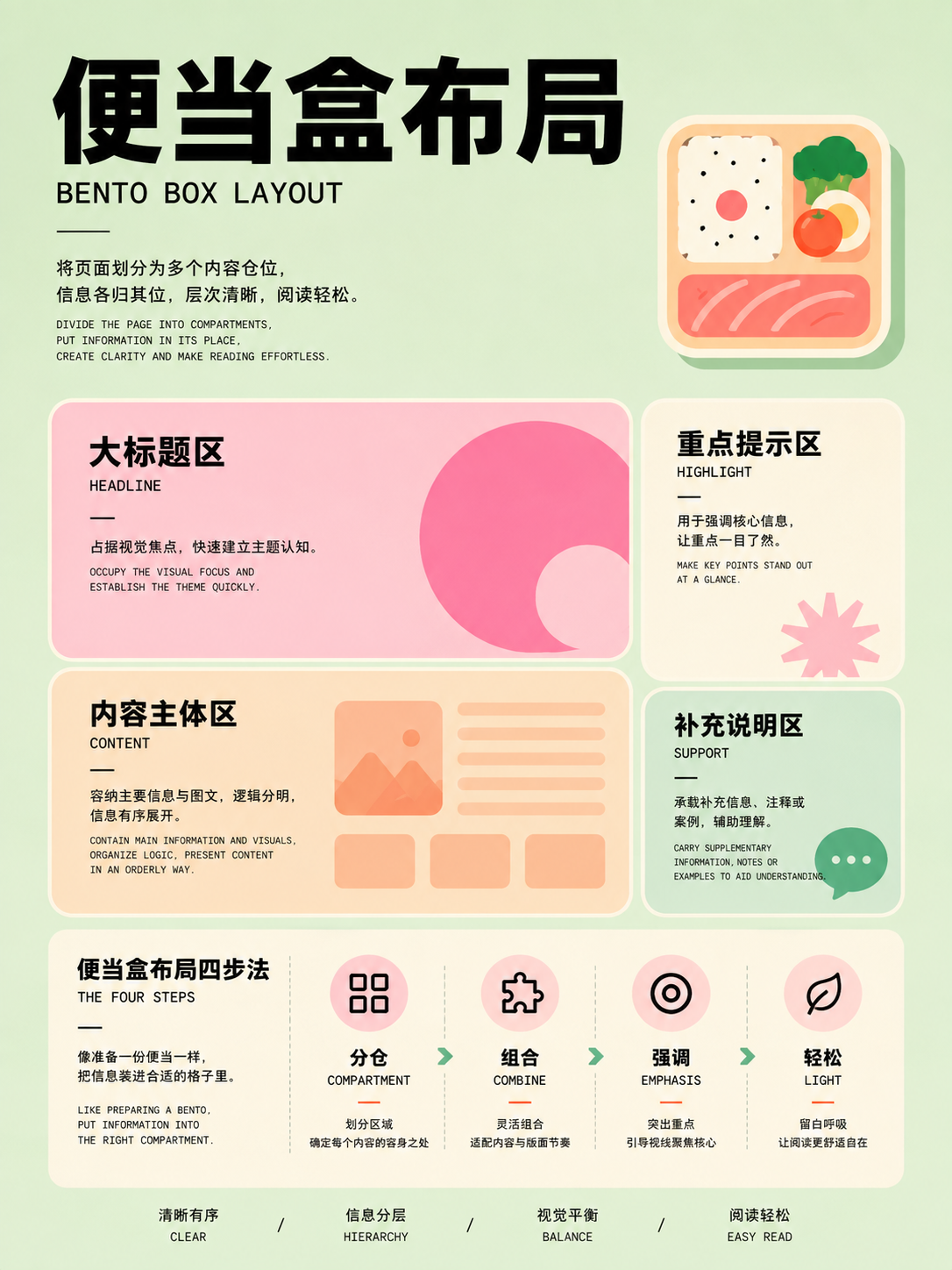

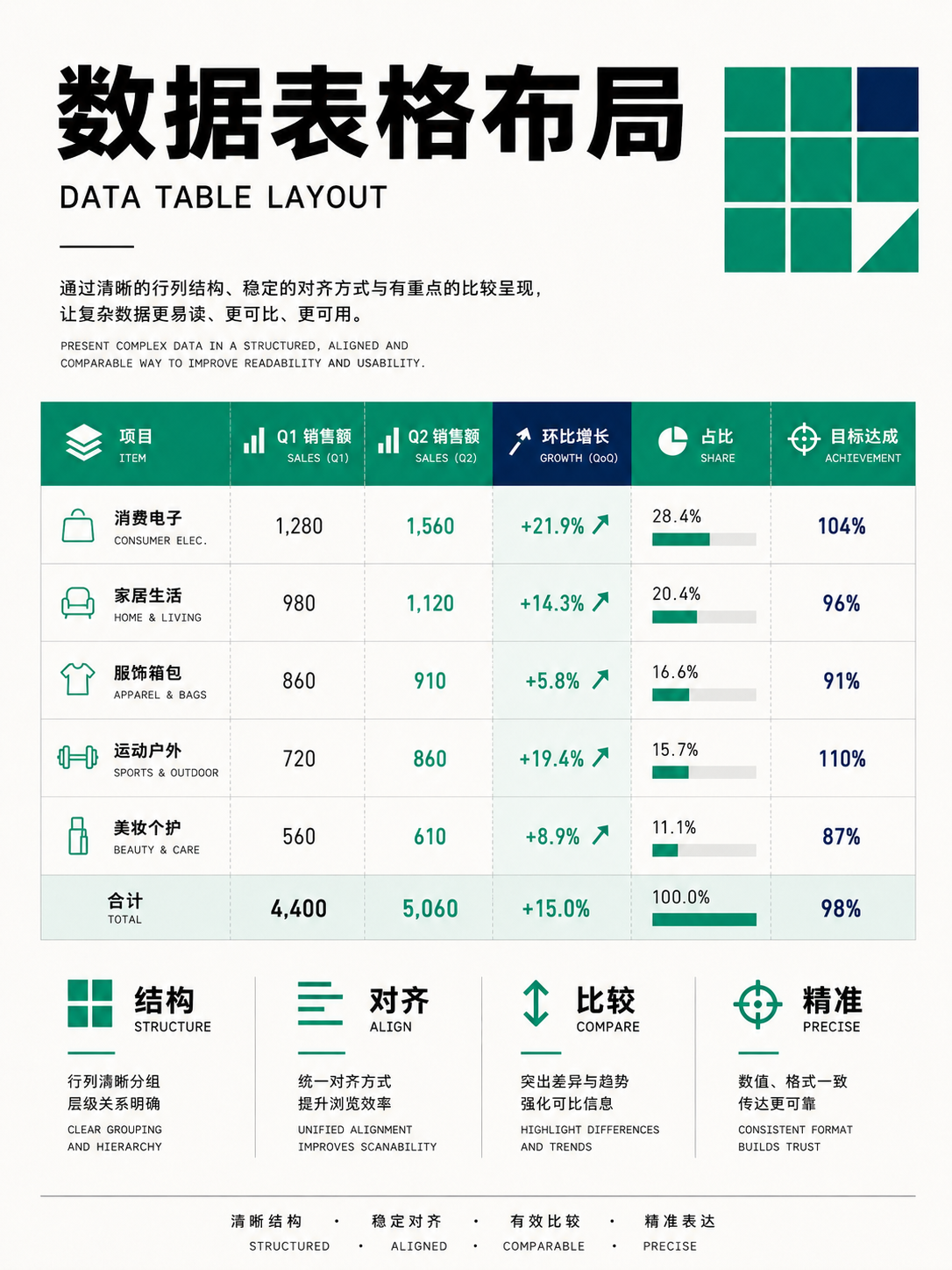
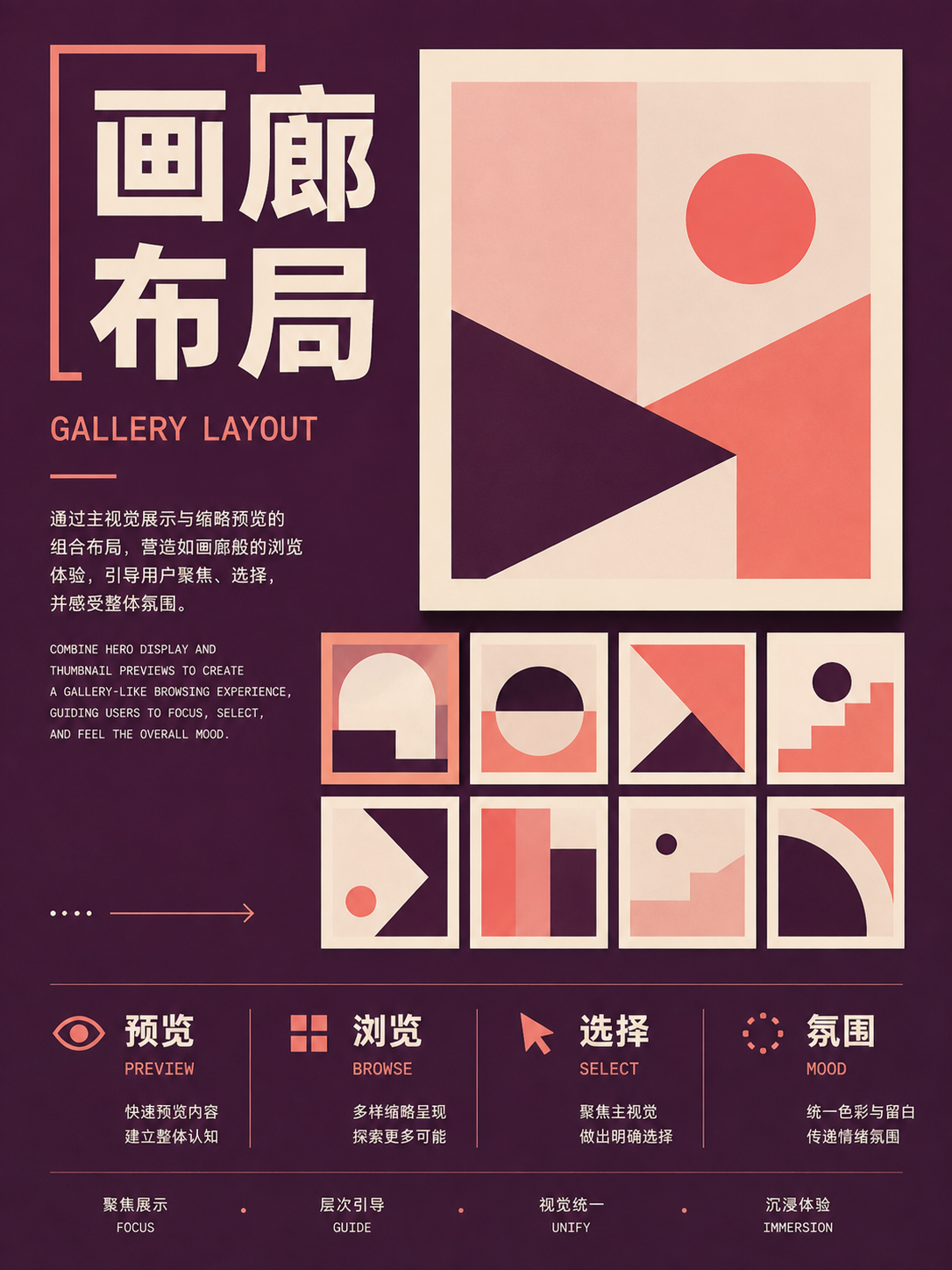
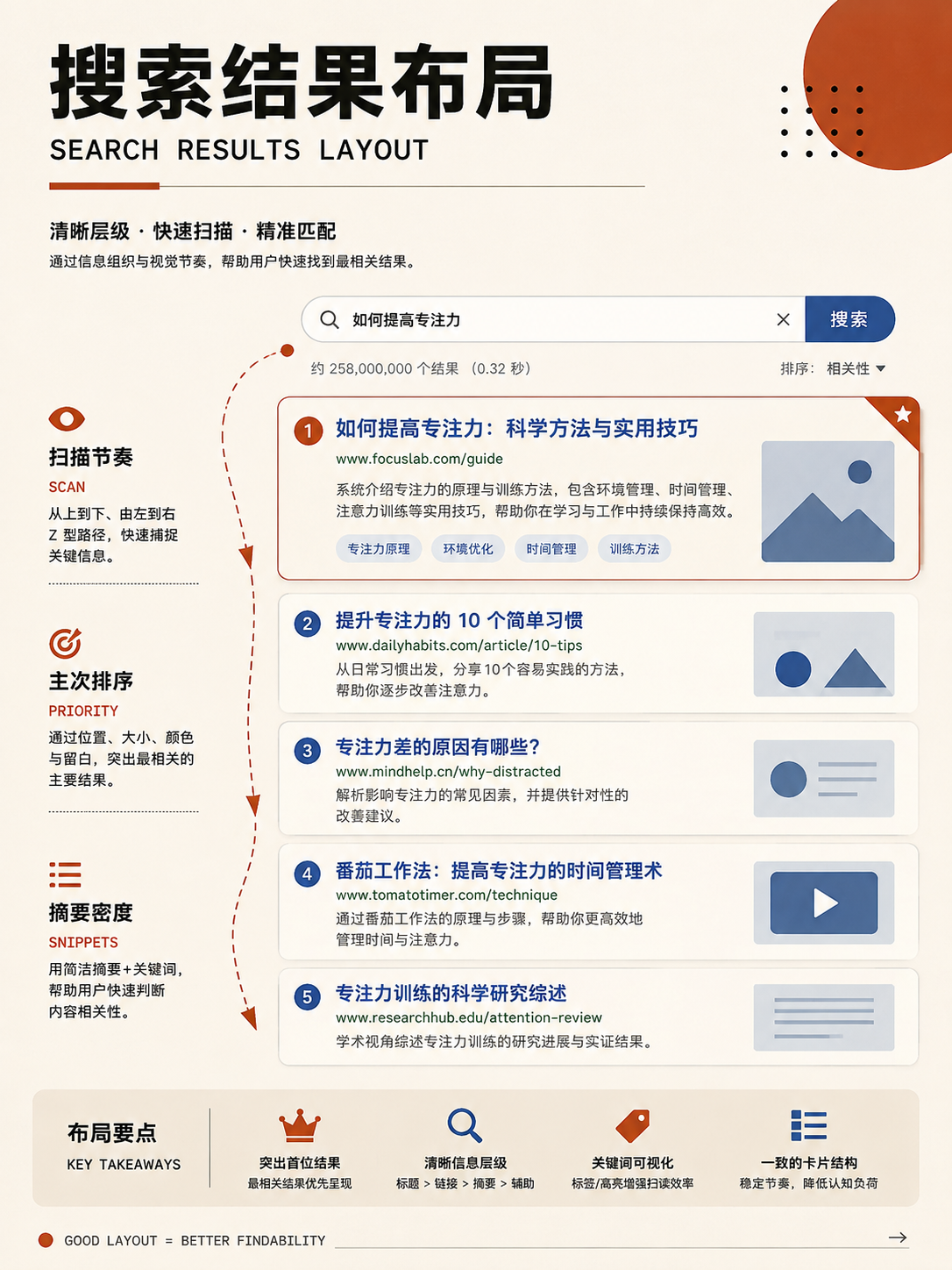
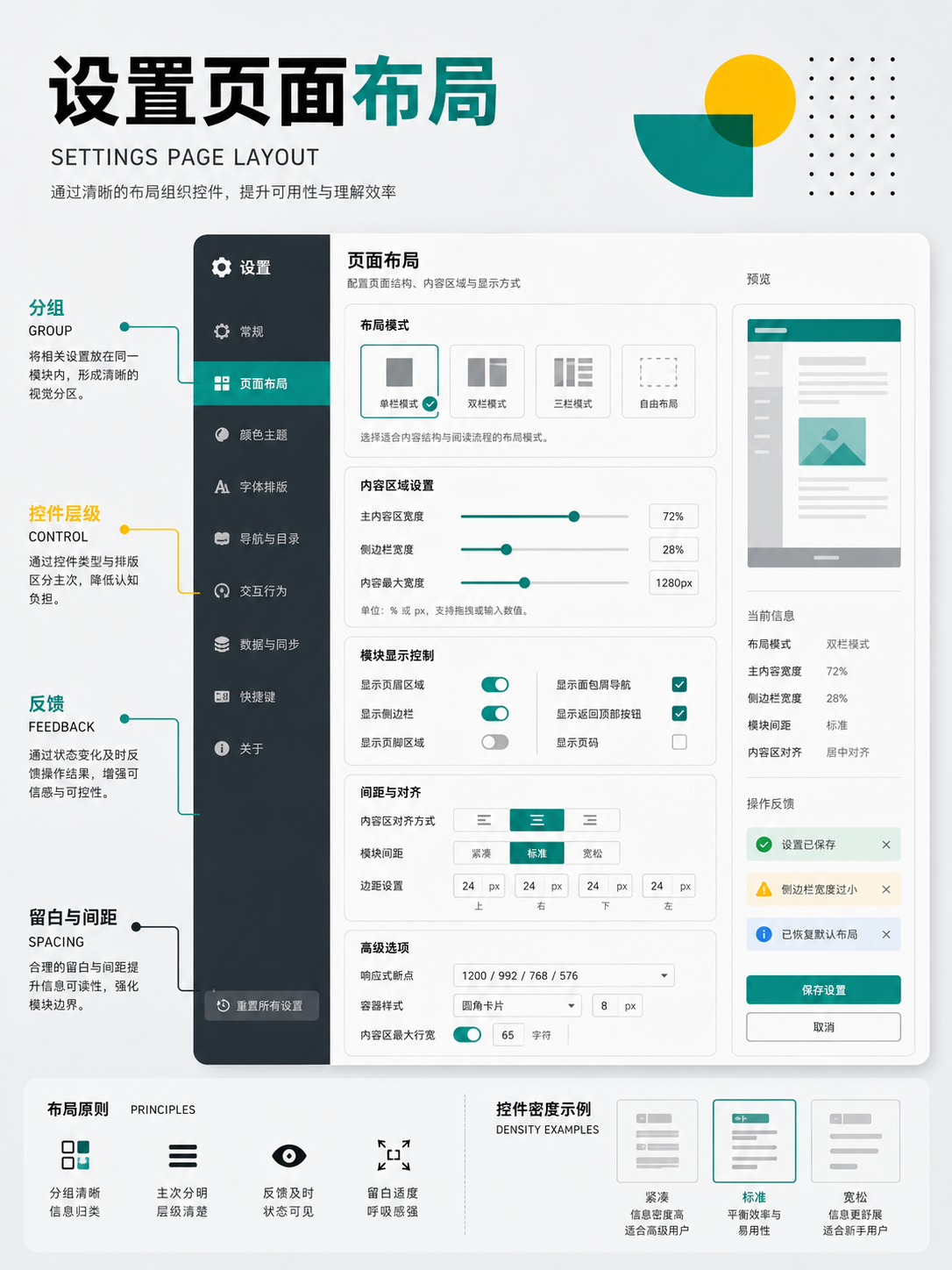
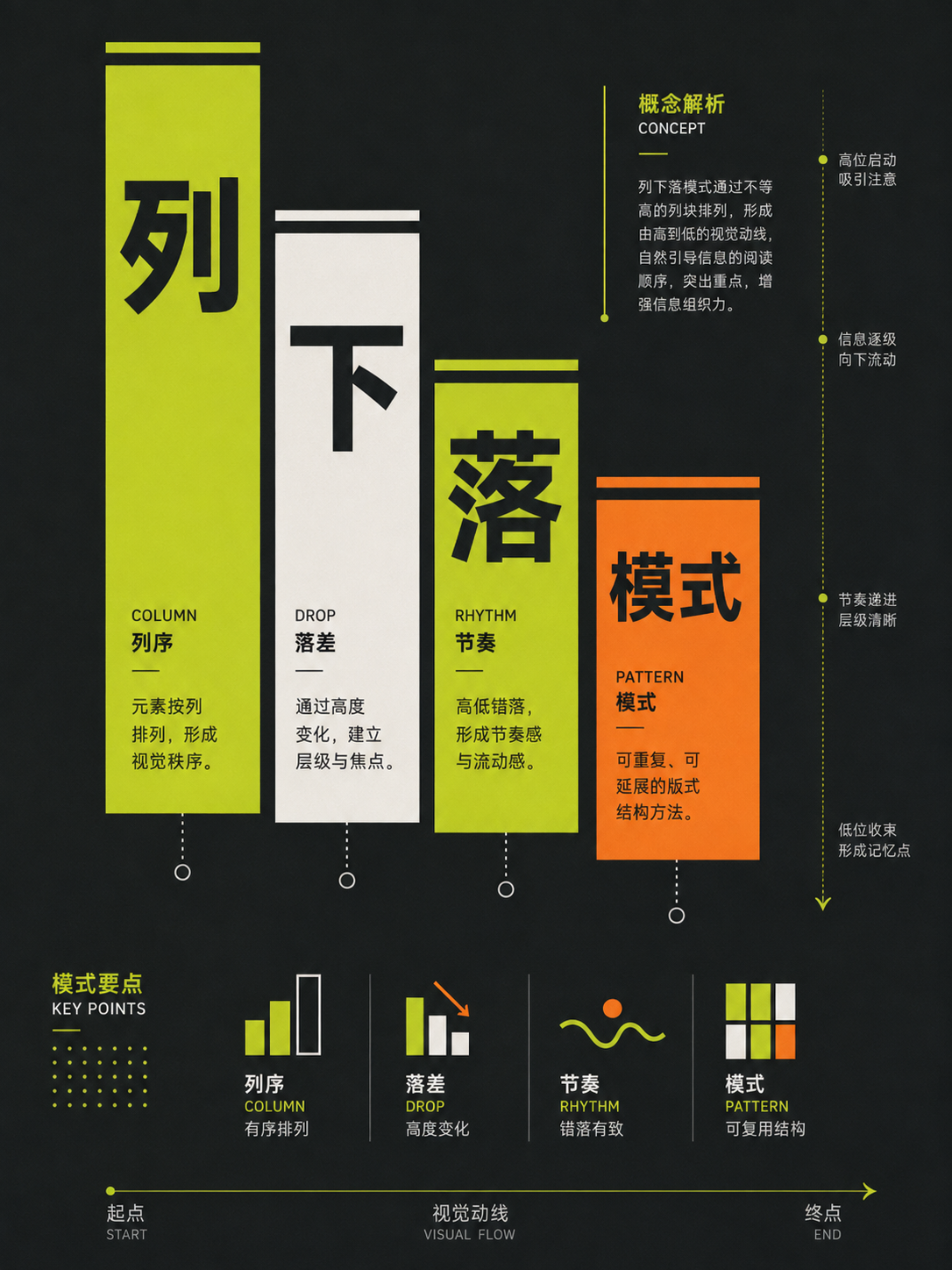
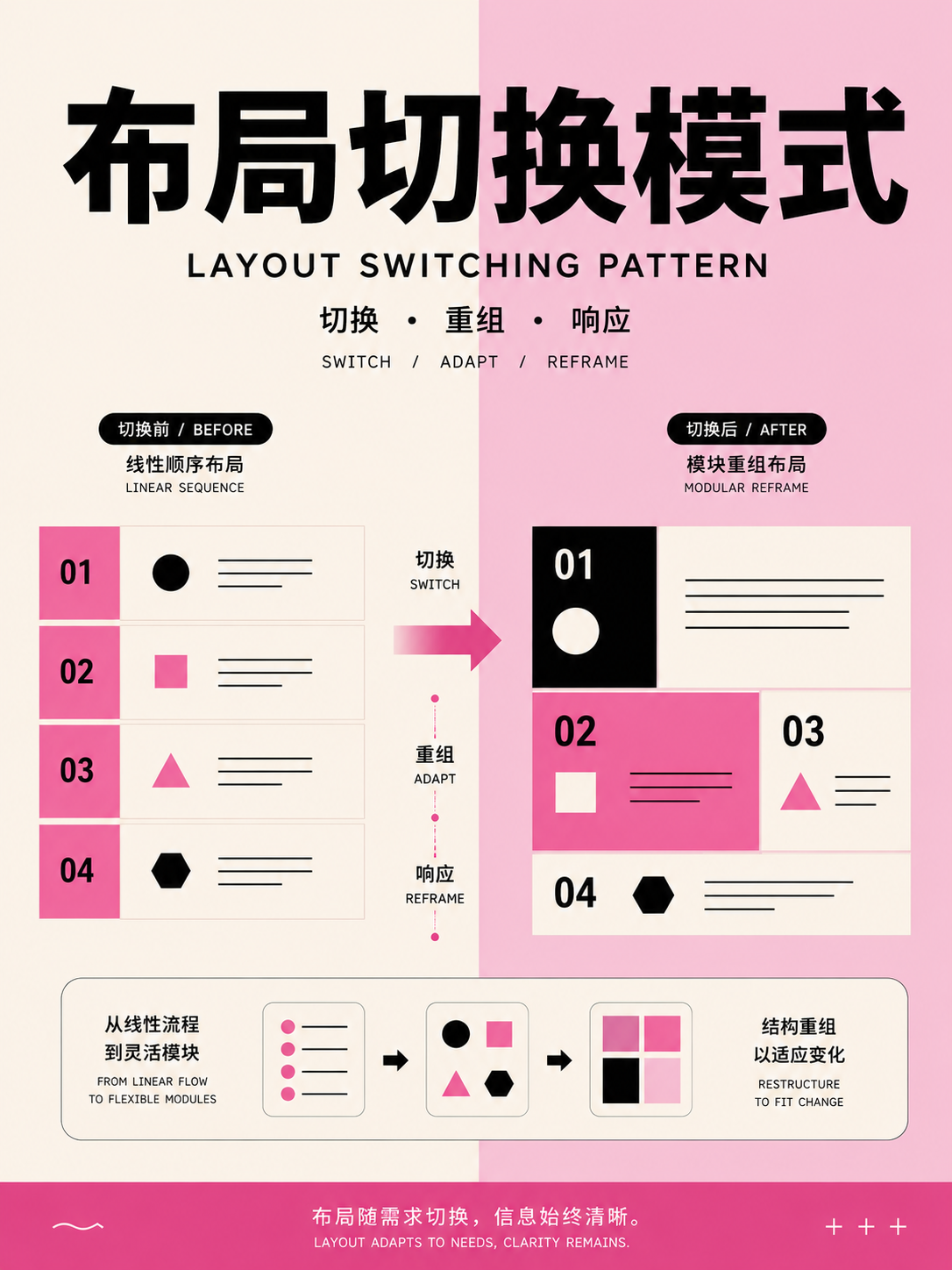
Content and product patterns
UseChoose feeds, dashboards, tables, forms, search, or canvas based on user task, not just appearance.
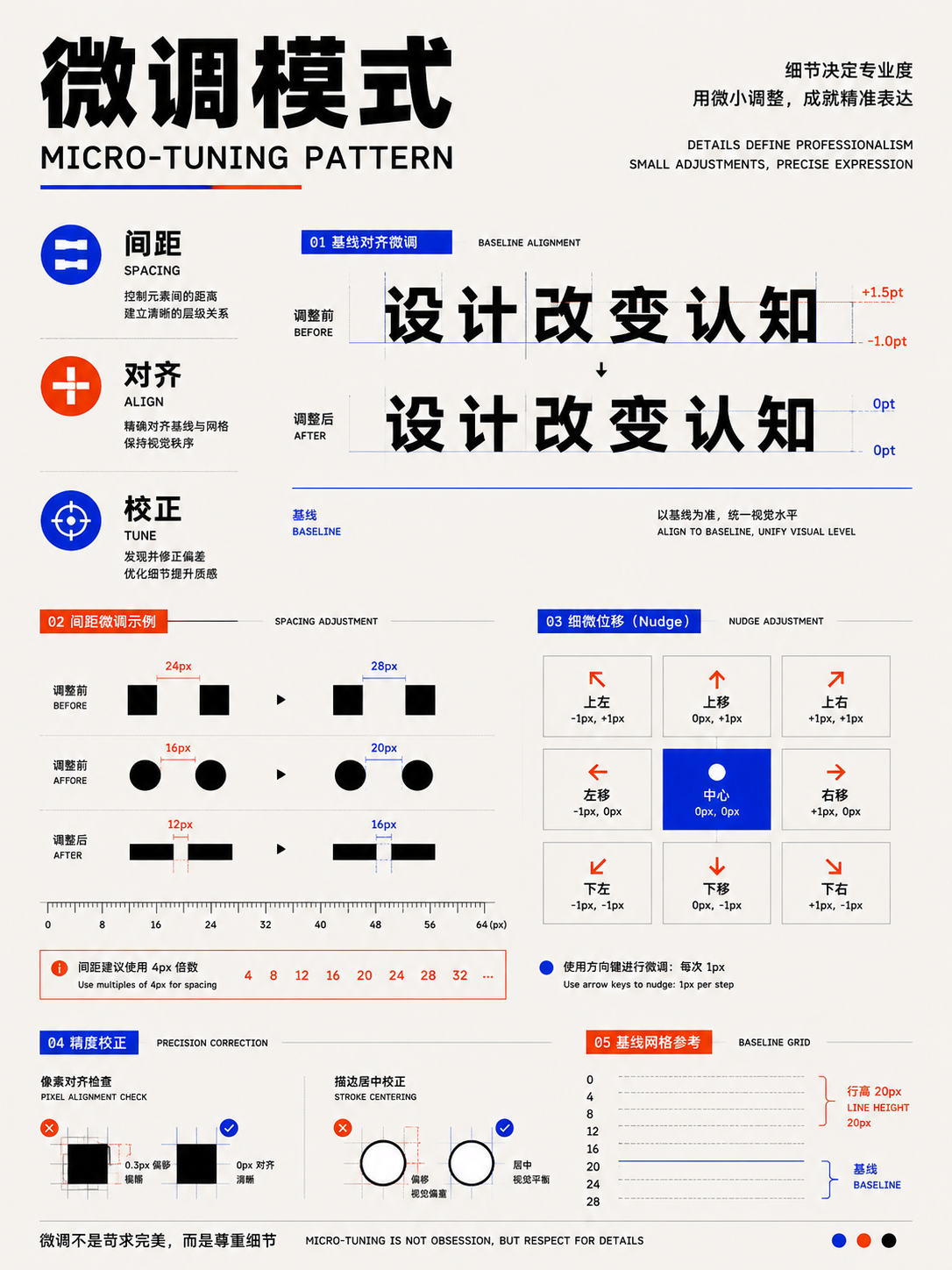
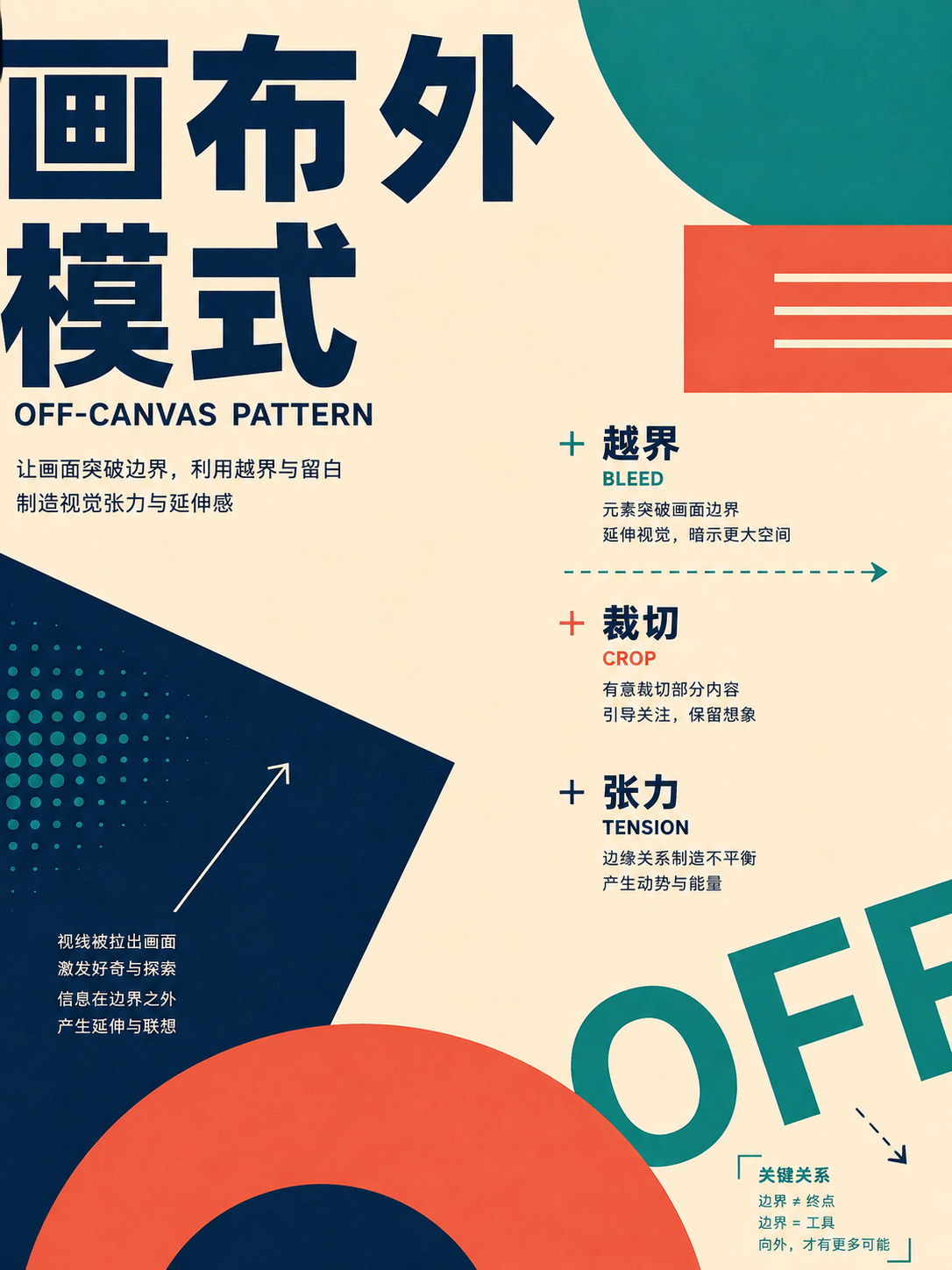
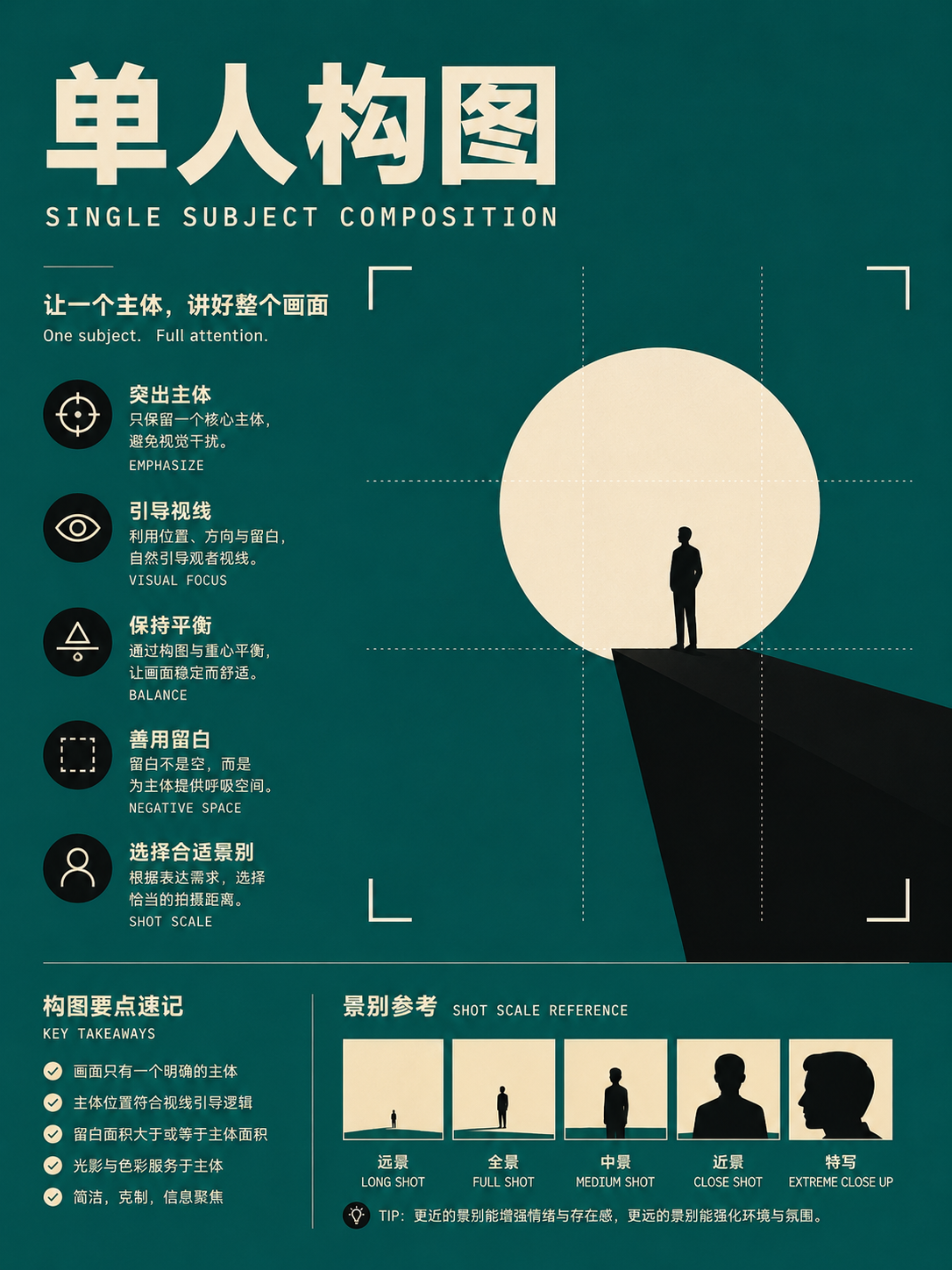
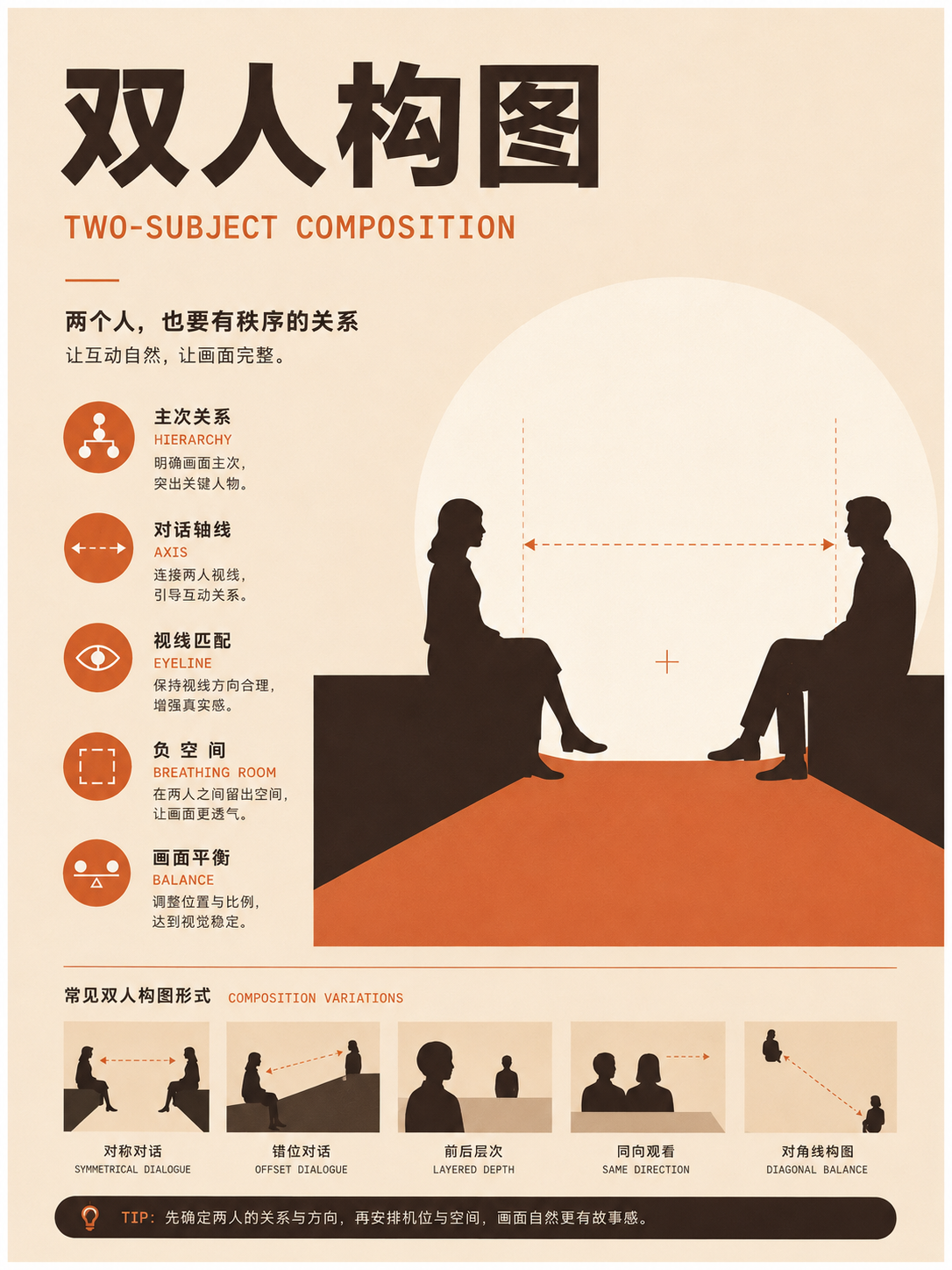
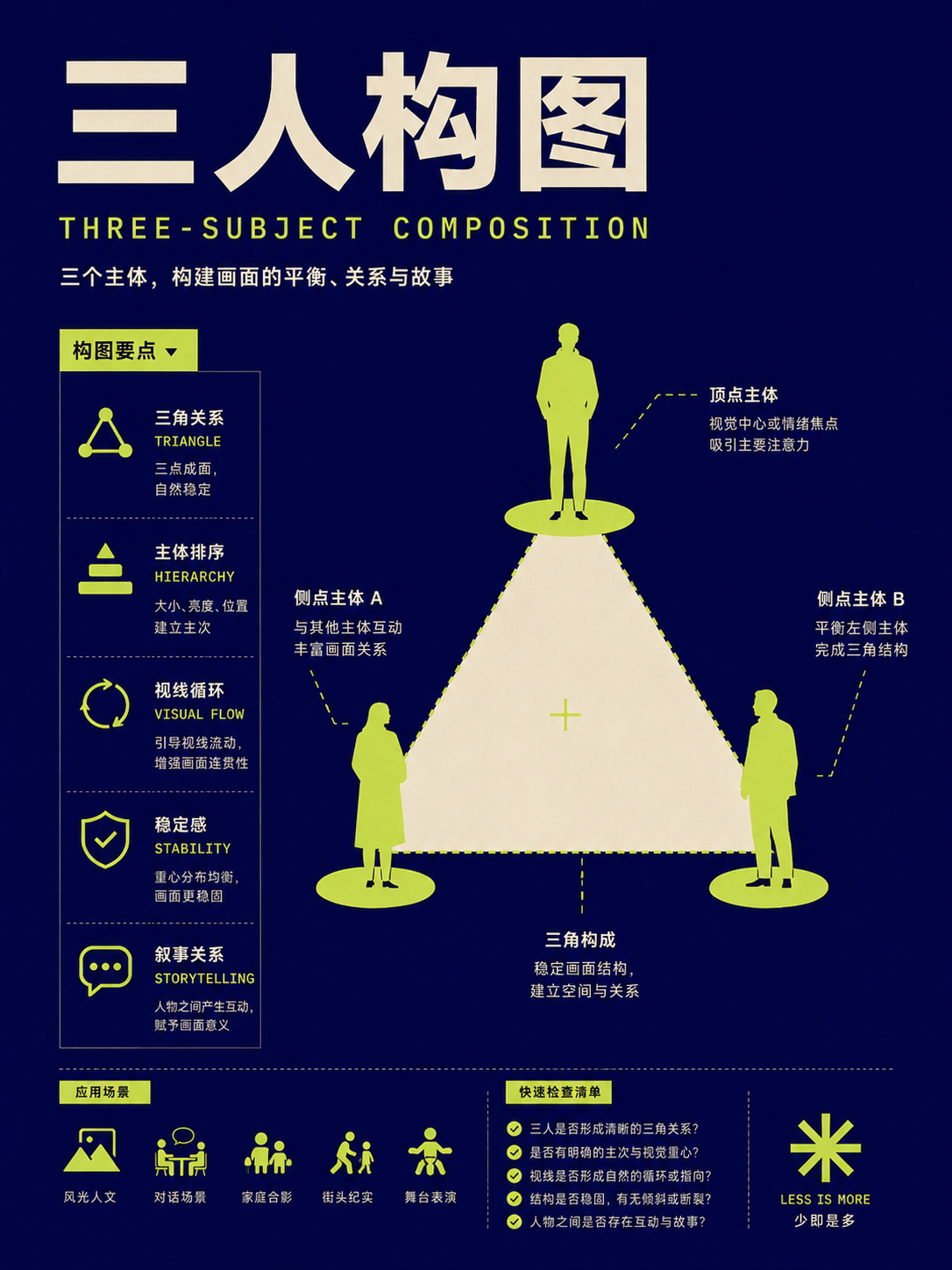
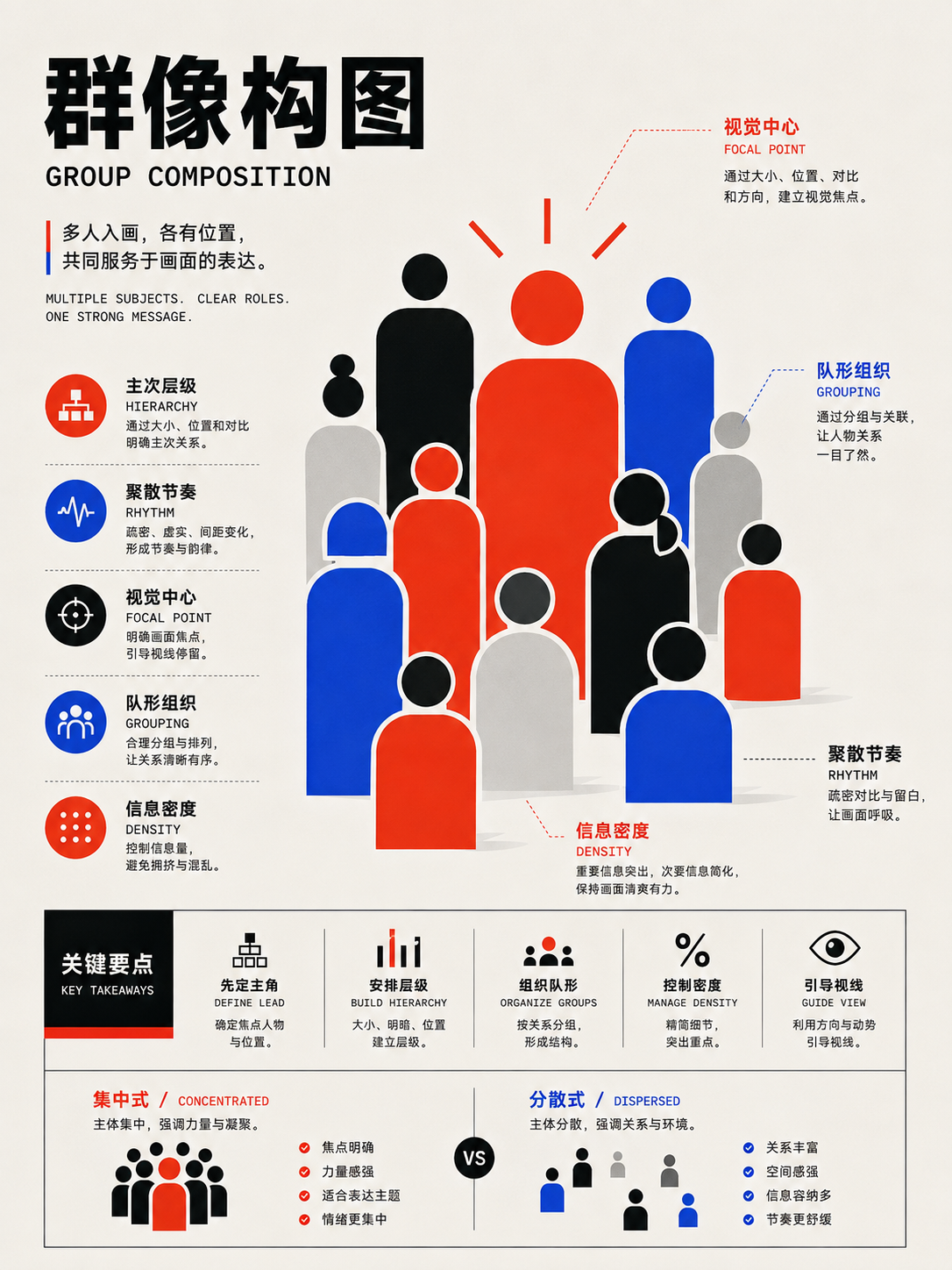


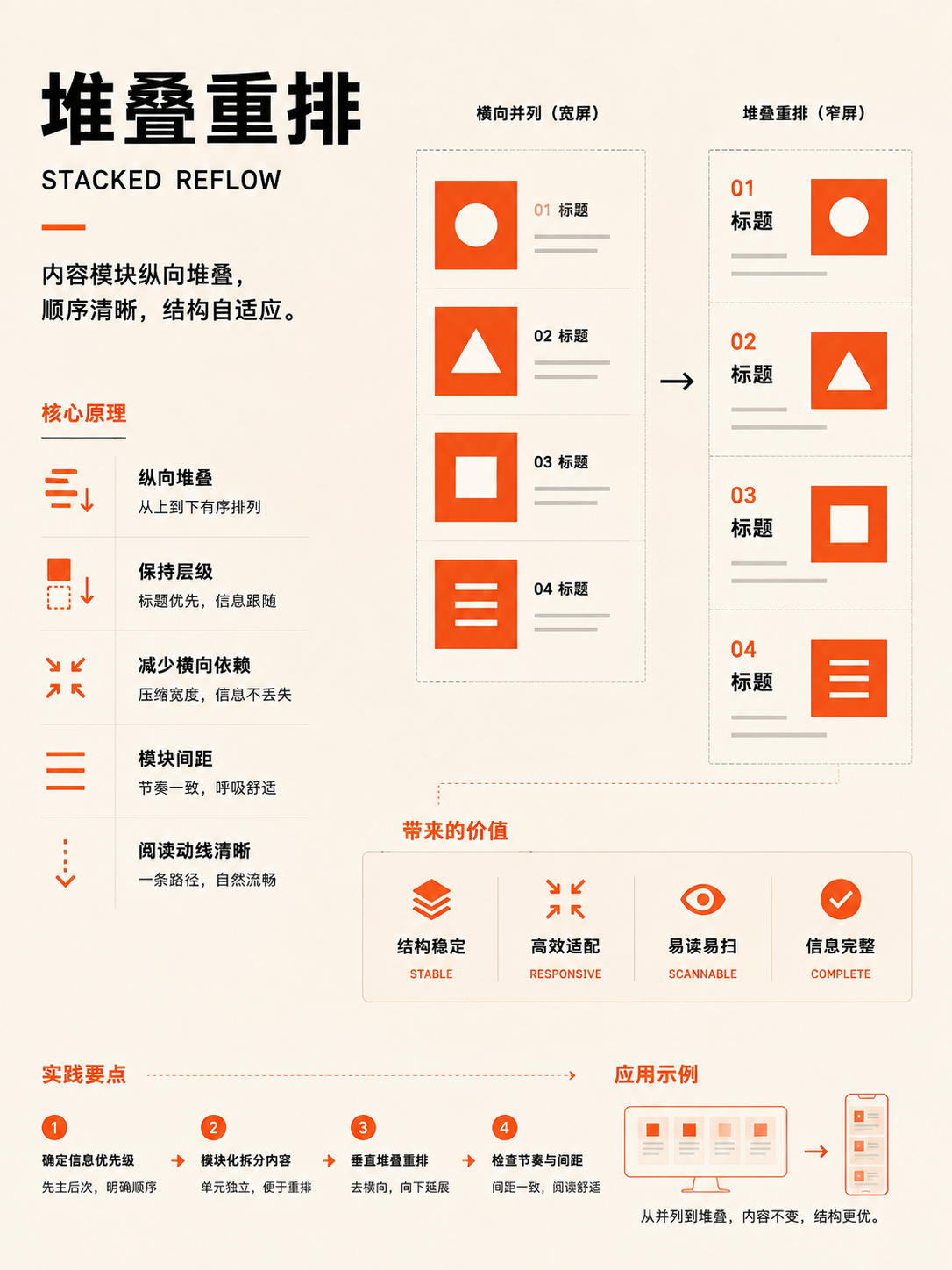
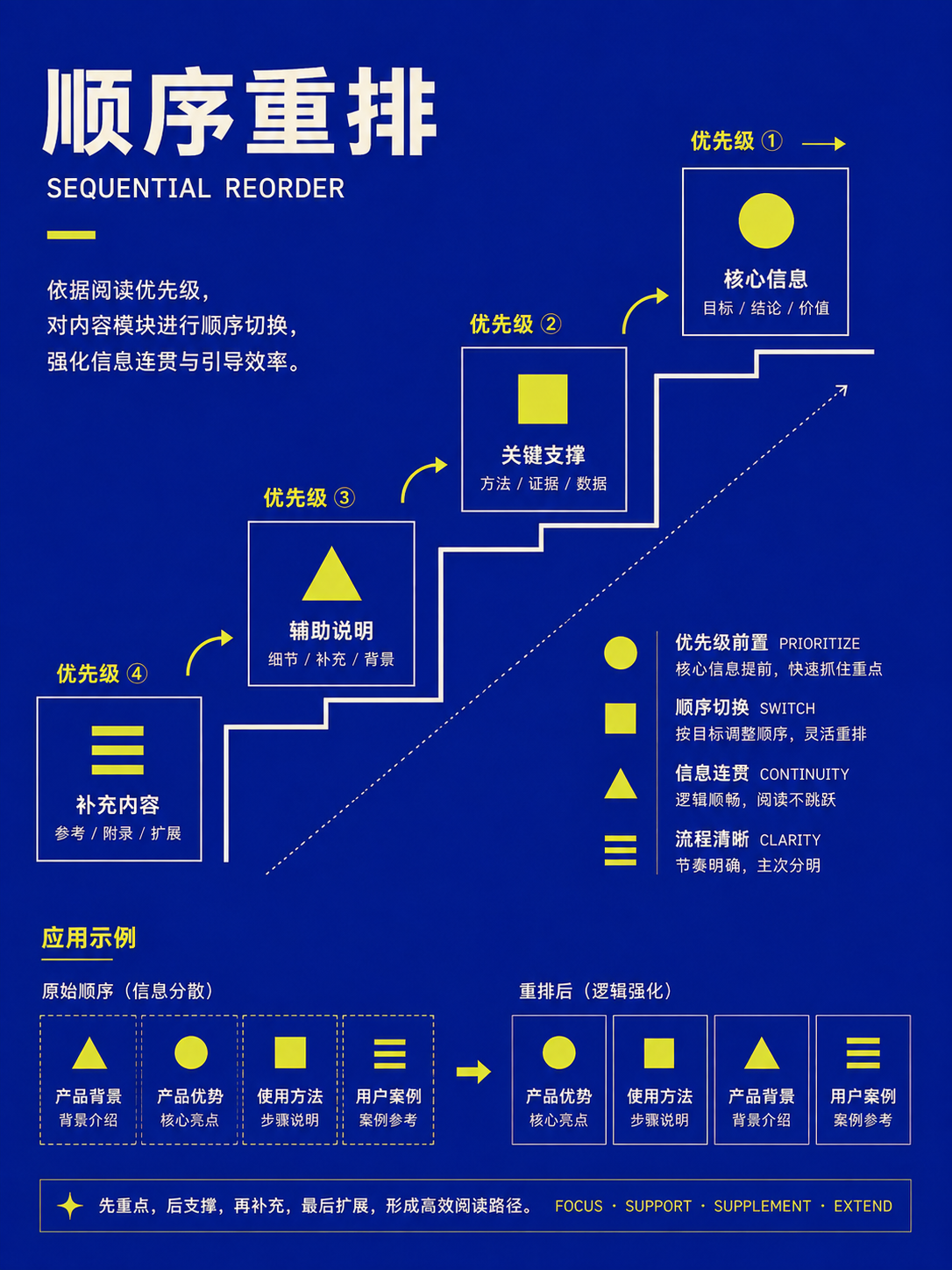
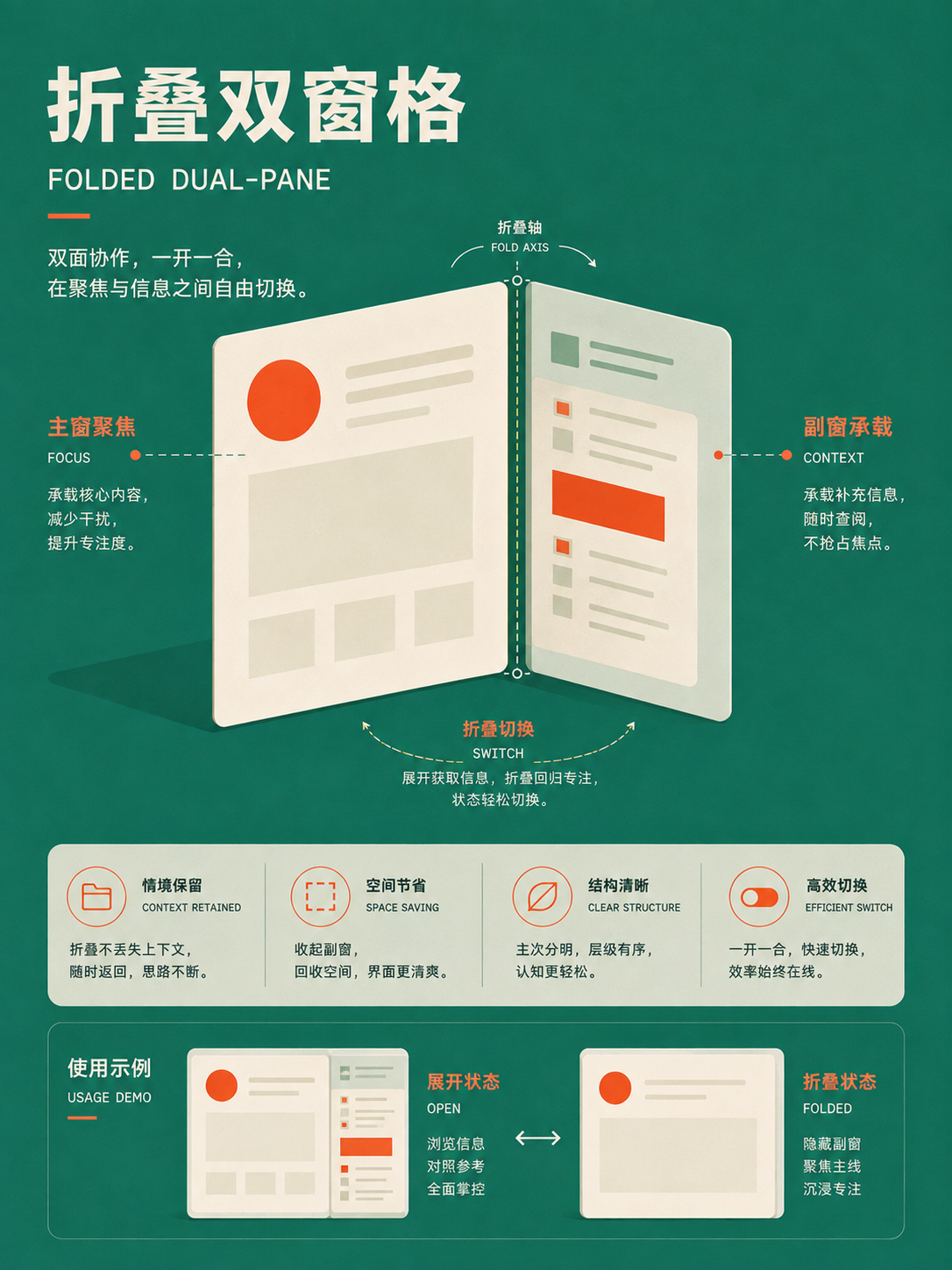
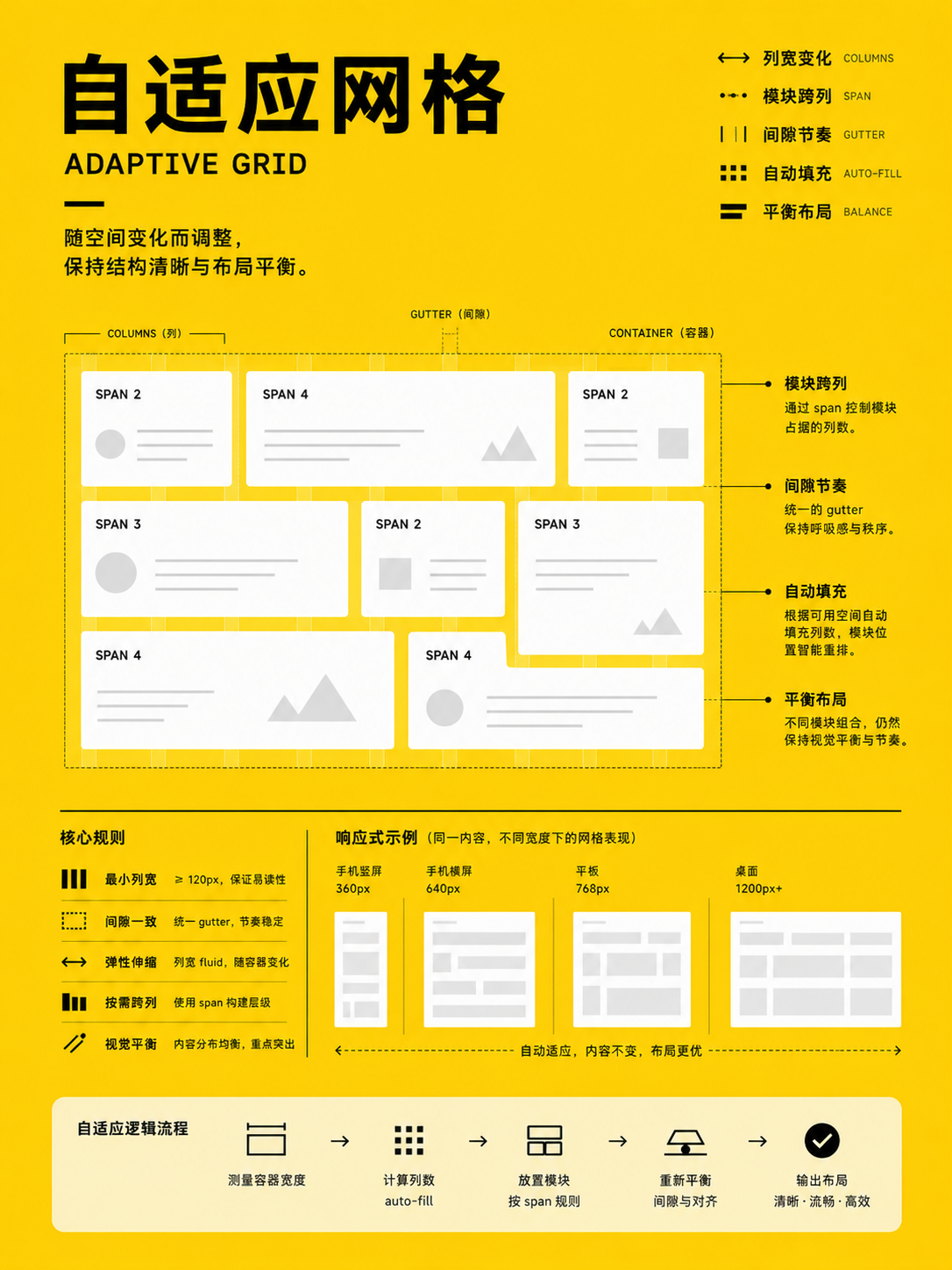
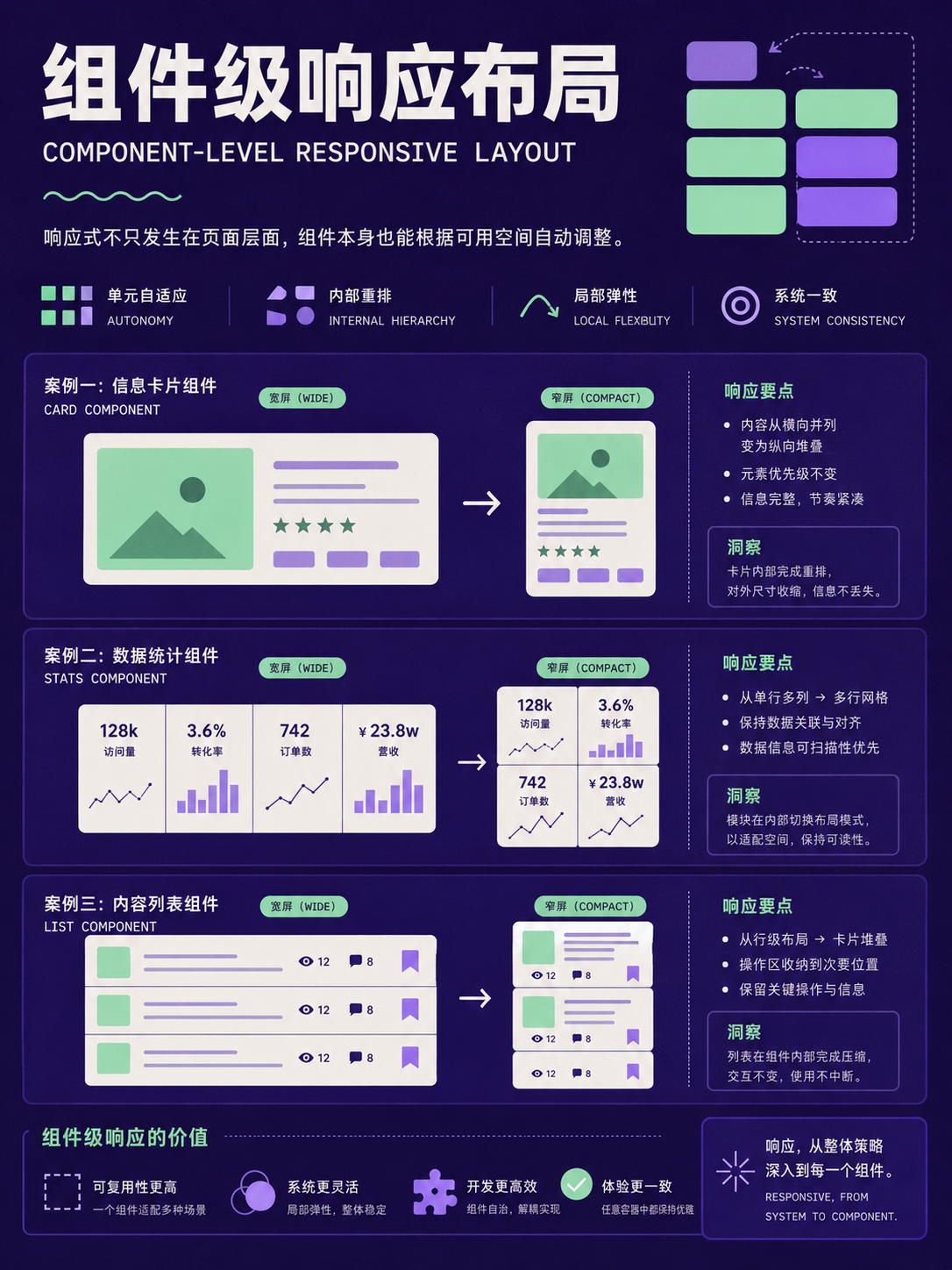


Responsive reflow patterns
UseSpecify whether elements stack, reorder, collapse, or move off-canvas at each breakpoint, rather than saying 'responsive'.
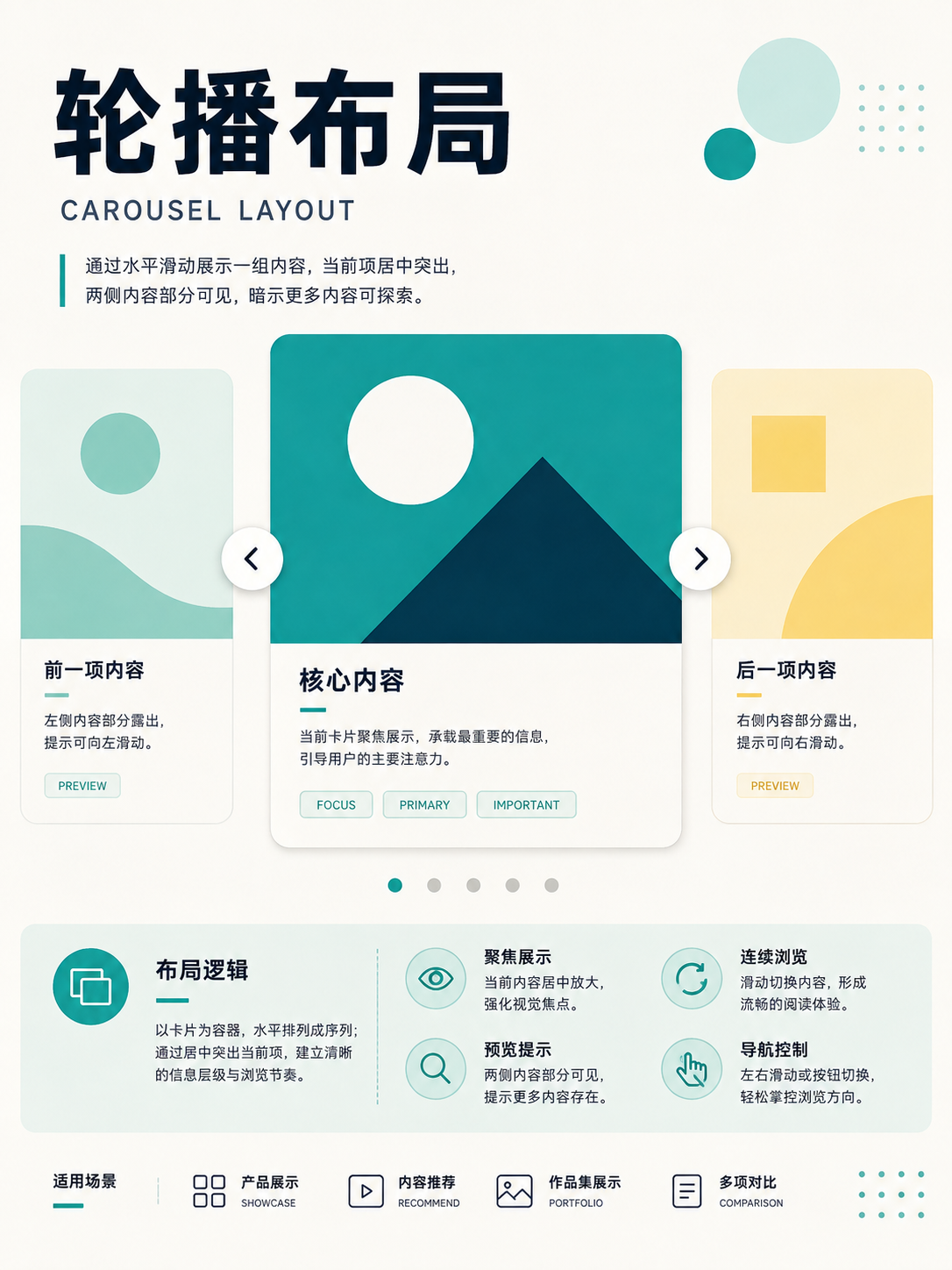
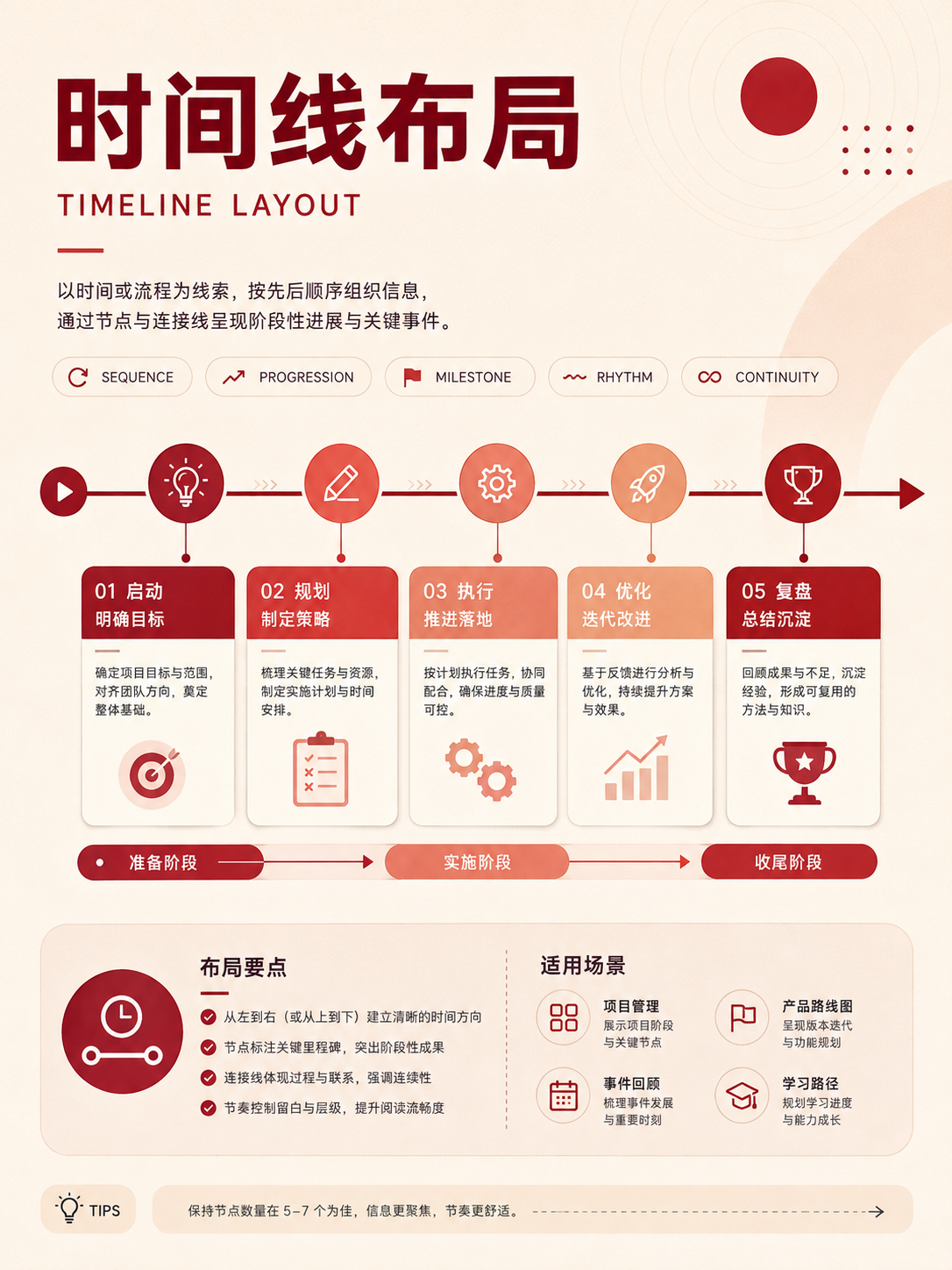
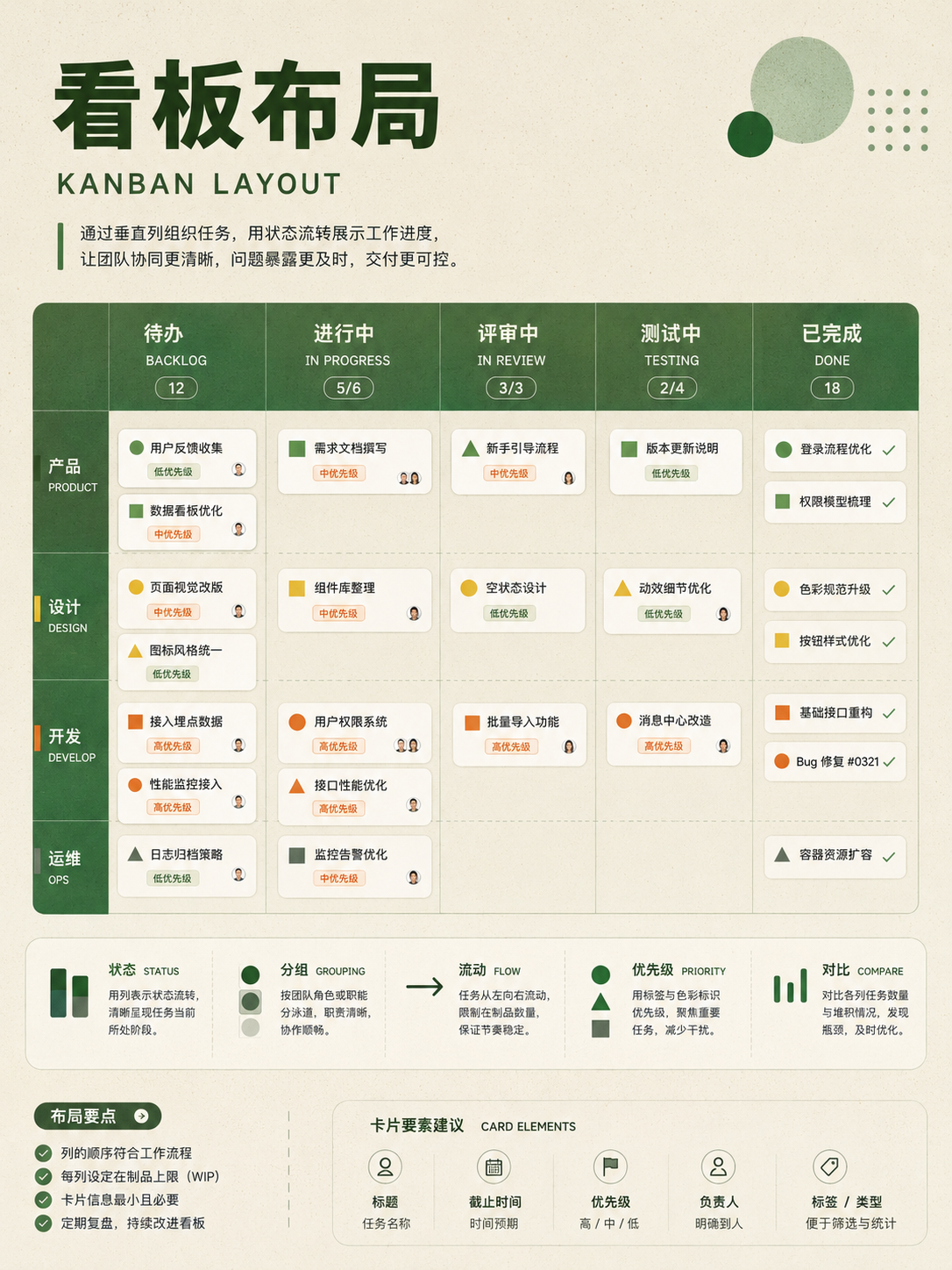
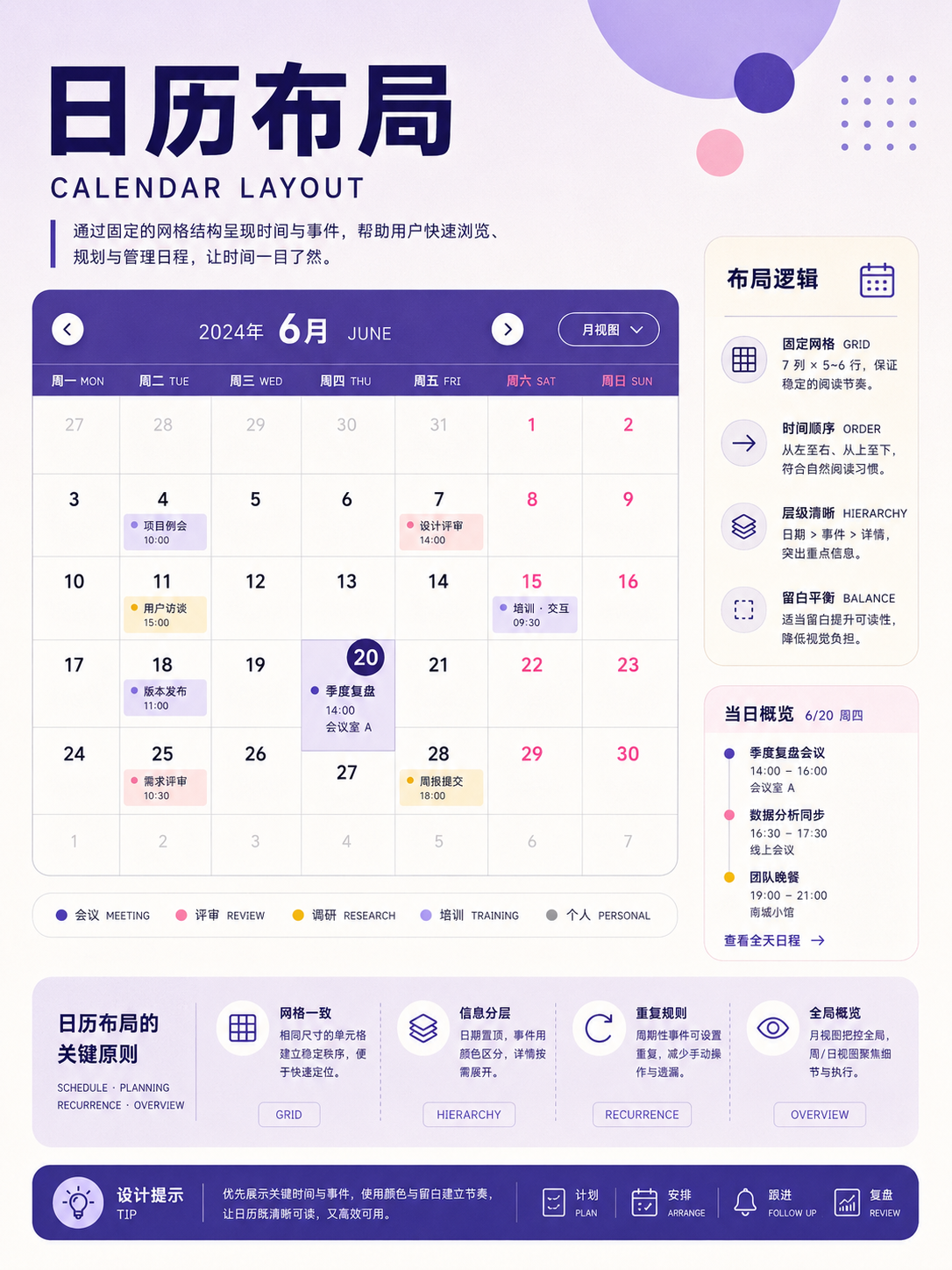
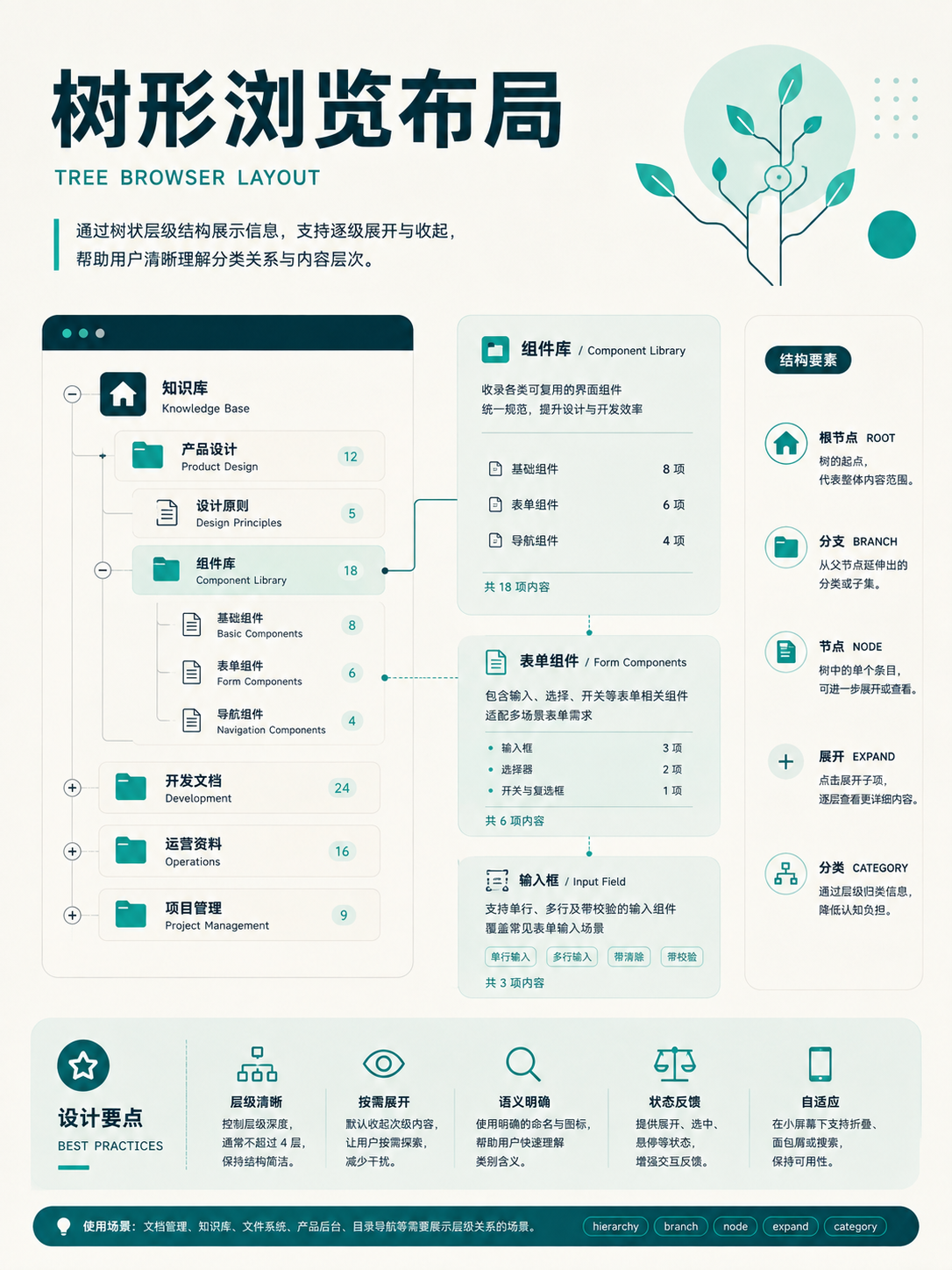

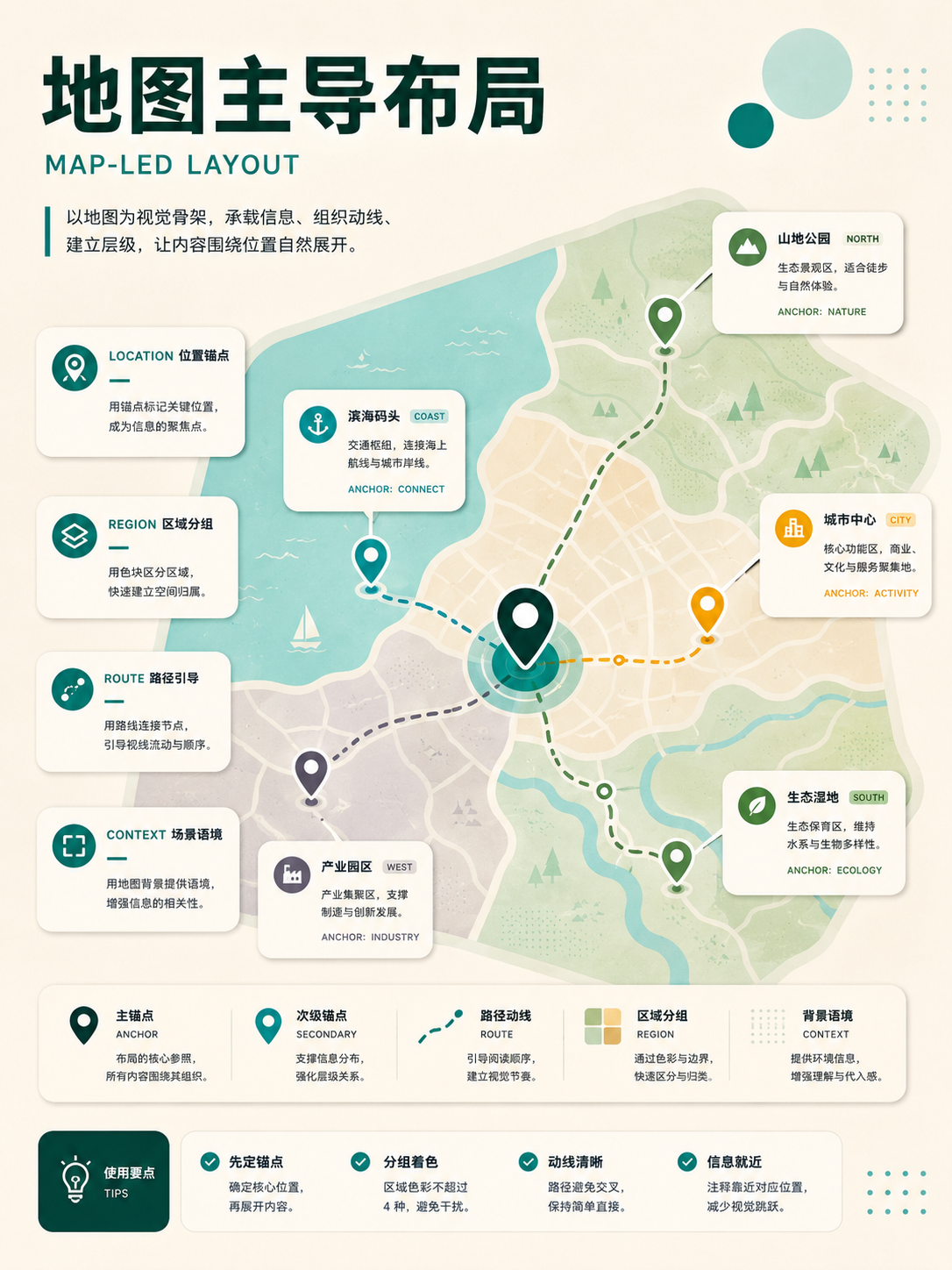
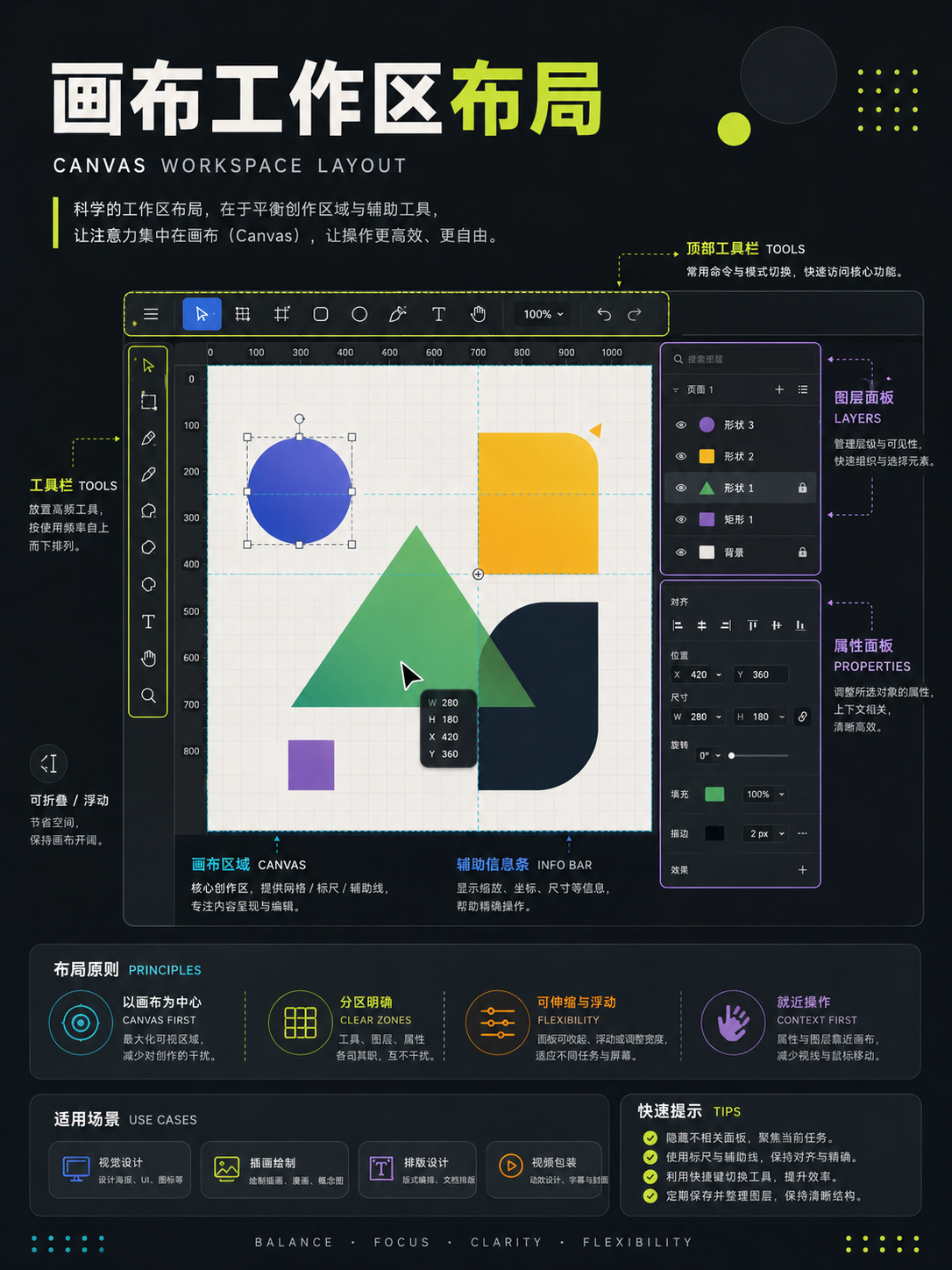
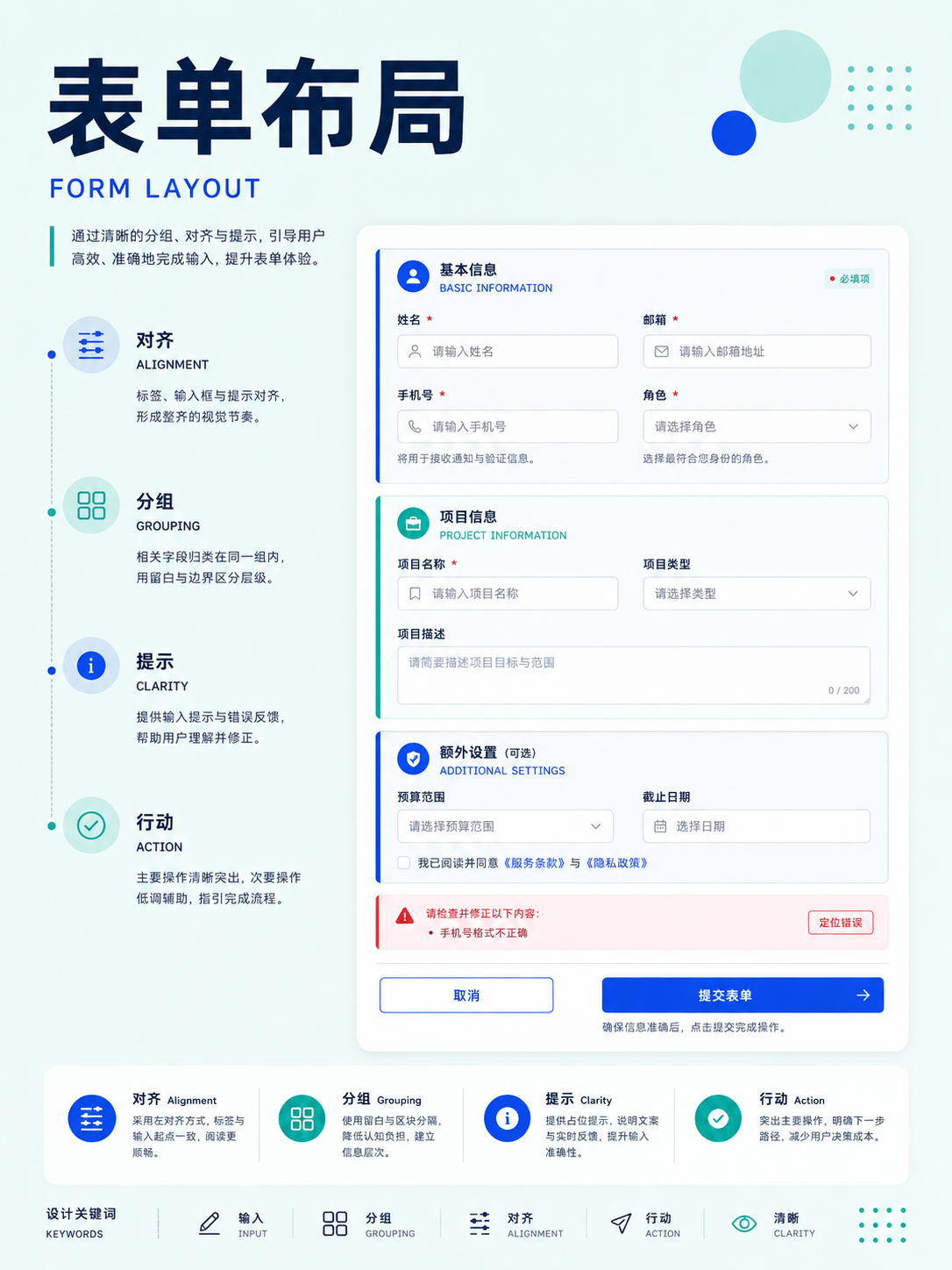

No matches in this category. Clear the keyword to restore all images.
34dc39c。Click a thumbnail to open the 1086 × 1448 high-res PNG; catalog names are for locating images only—always verify the actual content before using.06 · Cinematography: organizing people, perspectives, and depth of field
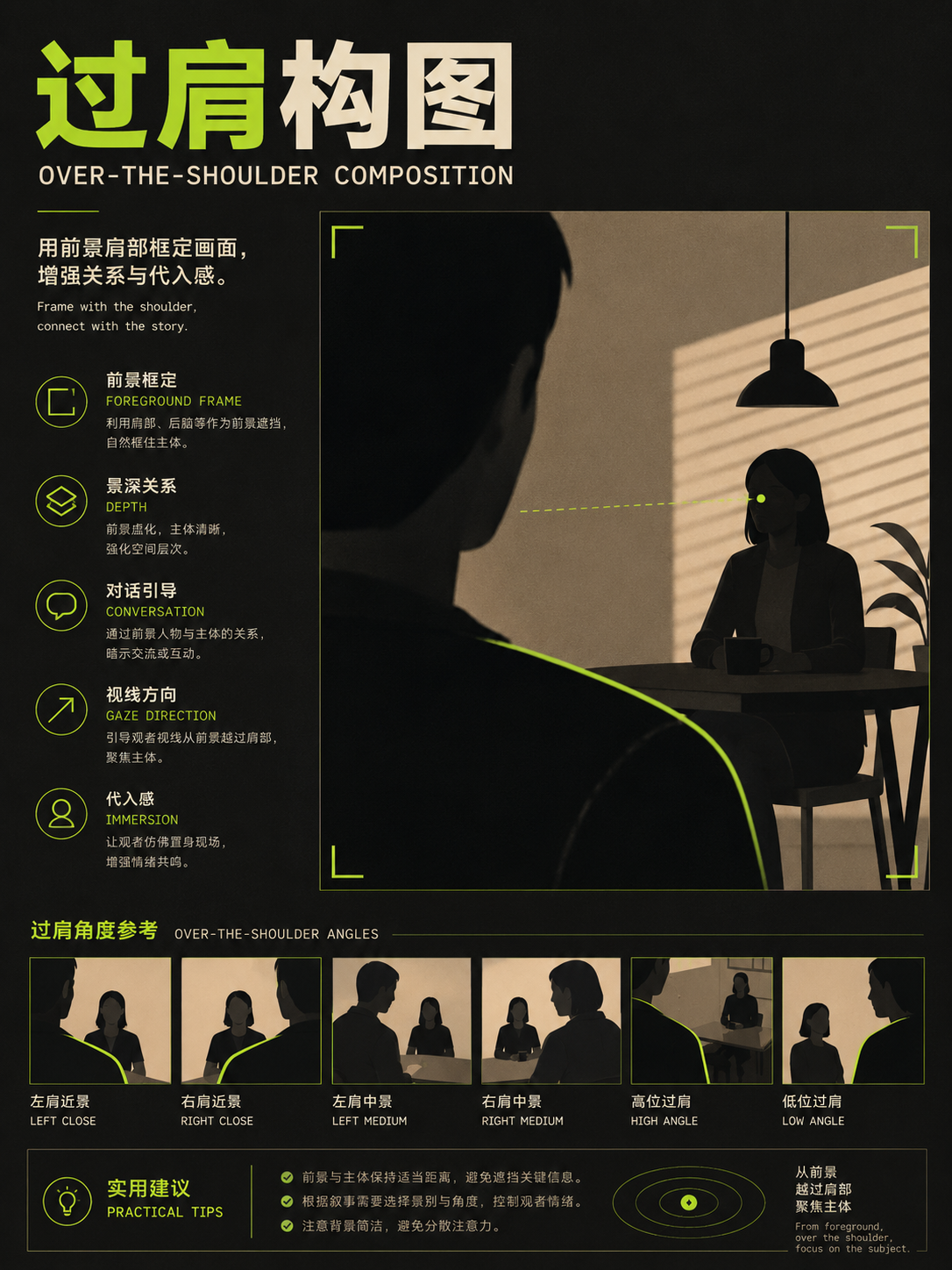
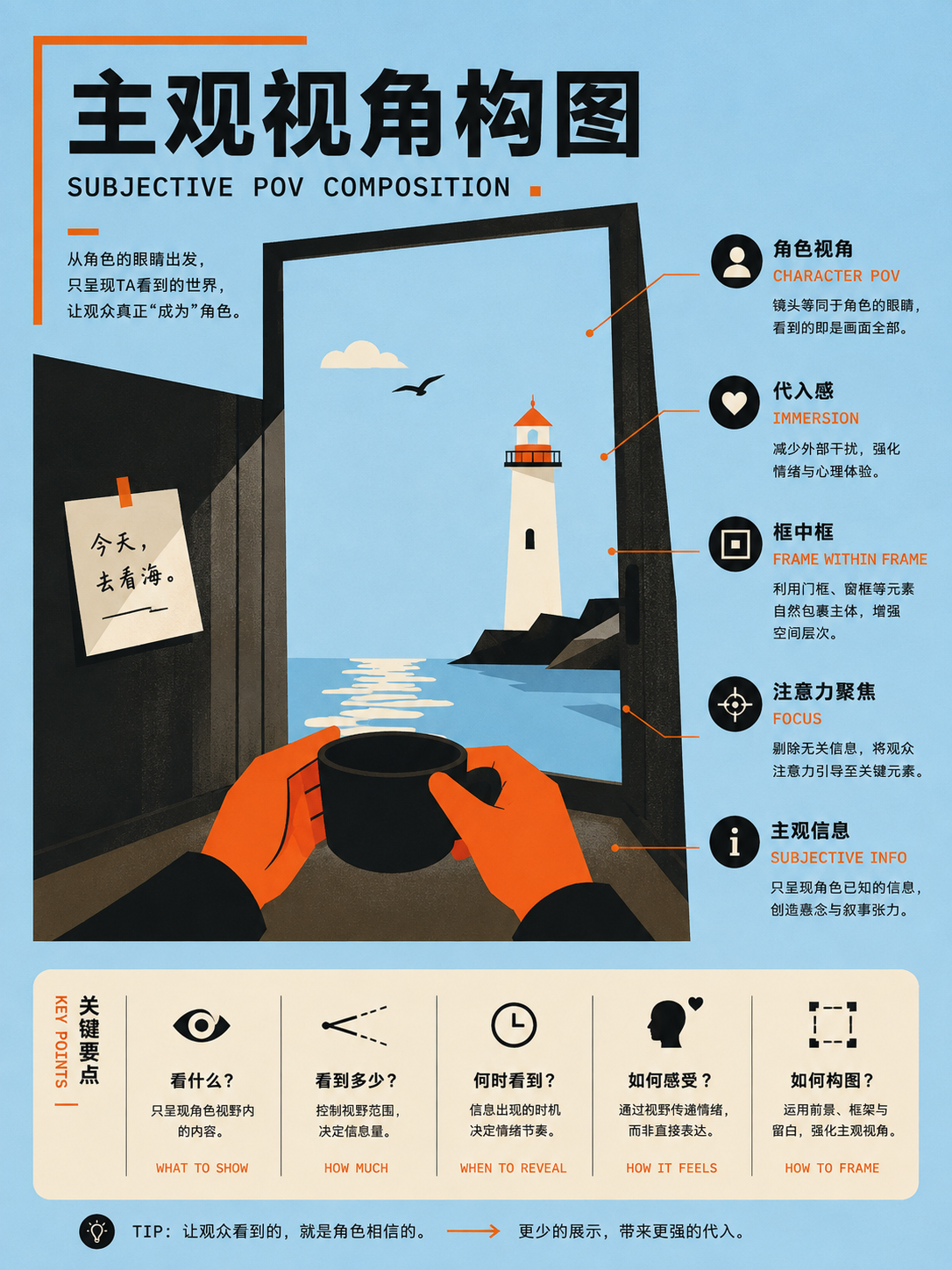
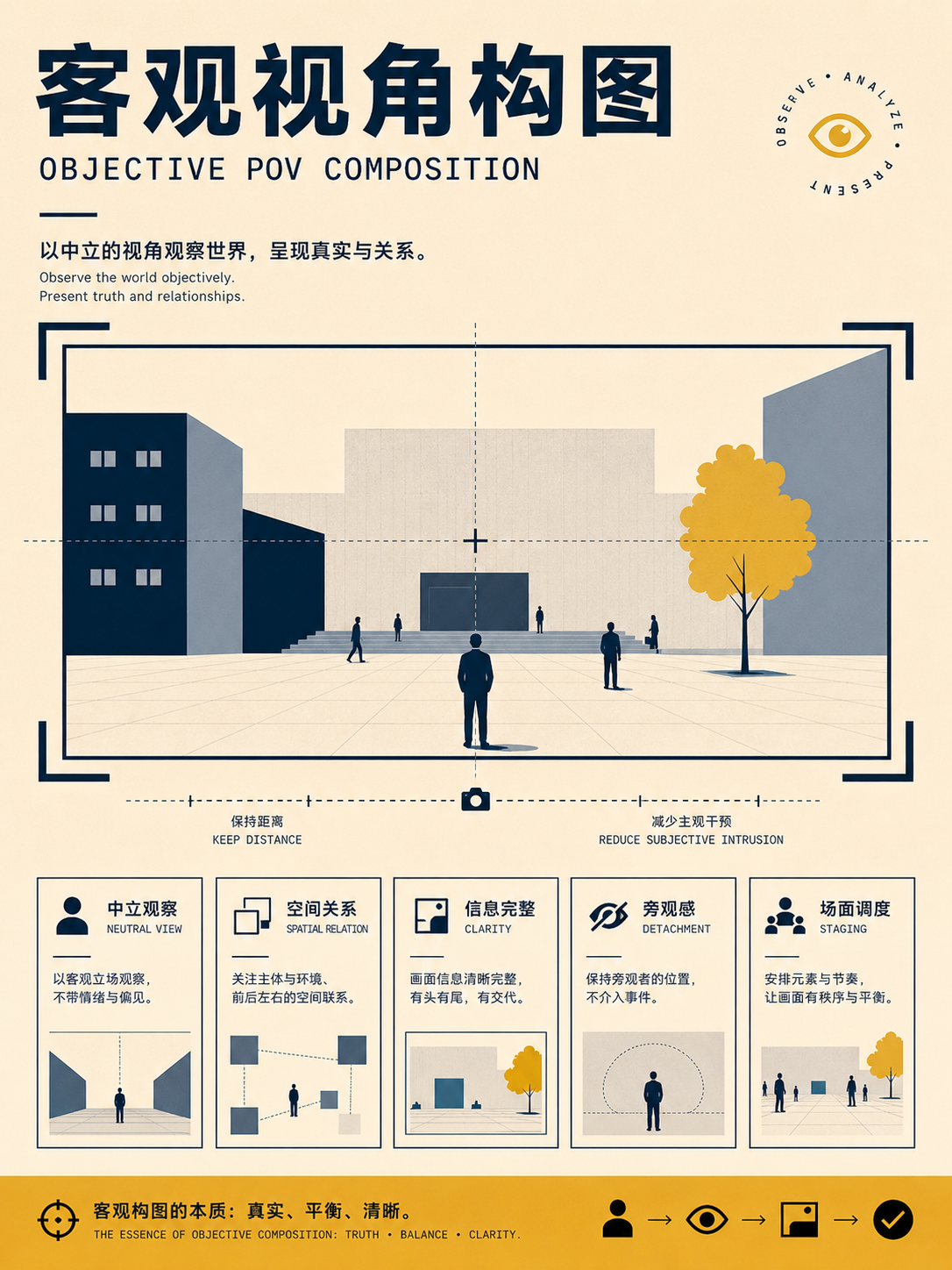
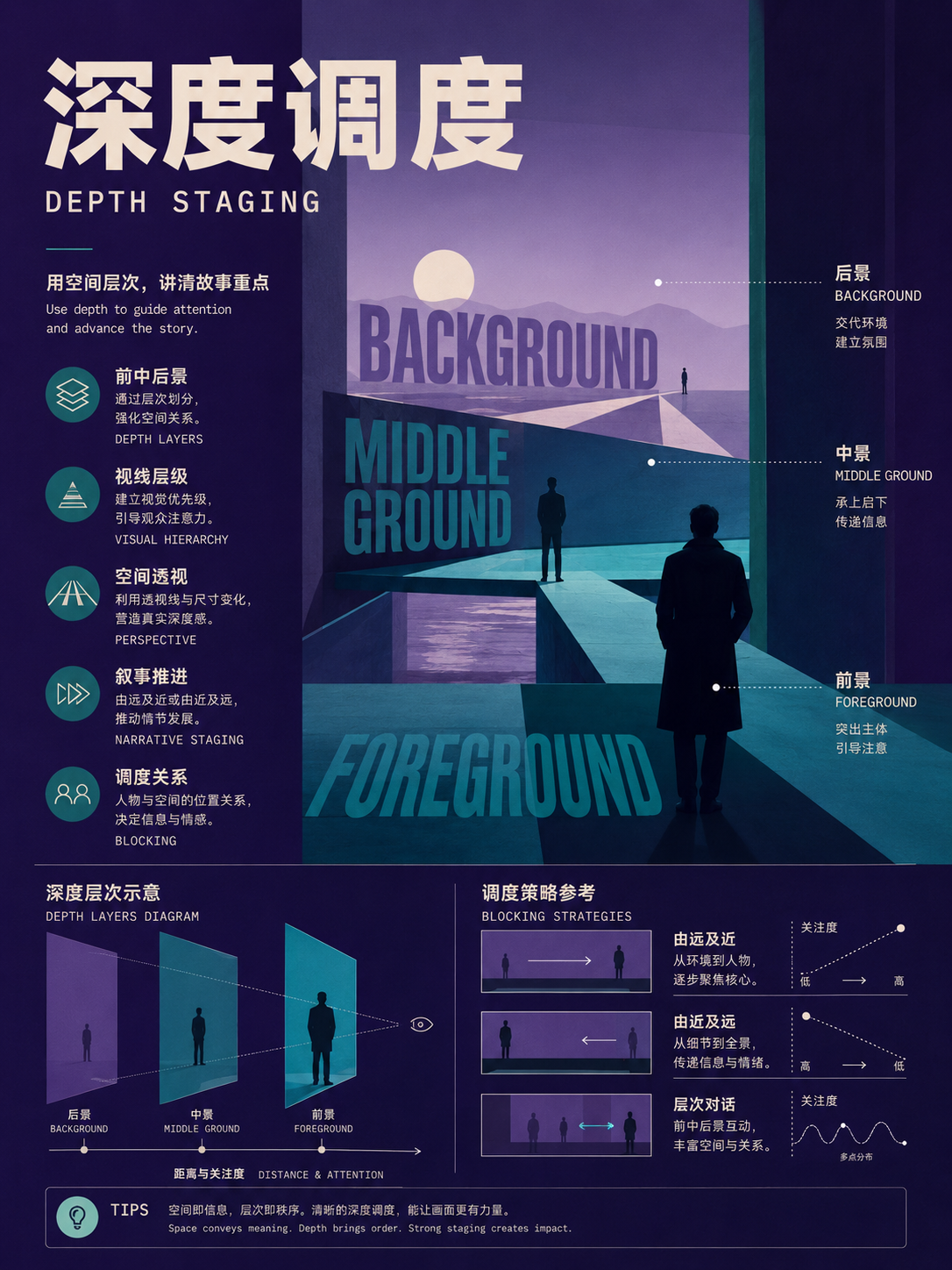
These 14 cards are suitable for storyboards, interviews, and narrative video. They start with the number of people in the frame and then proceed to cover subjective and objective camera angles, over-the-shoulder shots, shot coverage, and staging. When using them, always consider the surrounding shots to ensure spatial and eyeline continuity.
Full Atlas · 14 images
Film and Motion
Extend a single frame into shot relationships:FocusNumber of people, camera angle, shot coverage, depth of field, and staging。
14 / 14 visible
People count and group shots
UseDetermine character relationships and power distance first, then decide the staging for a single, two, three, or group shot.
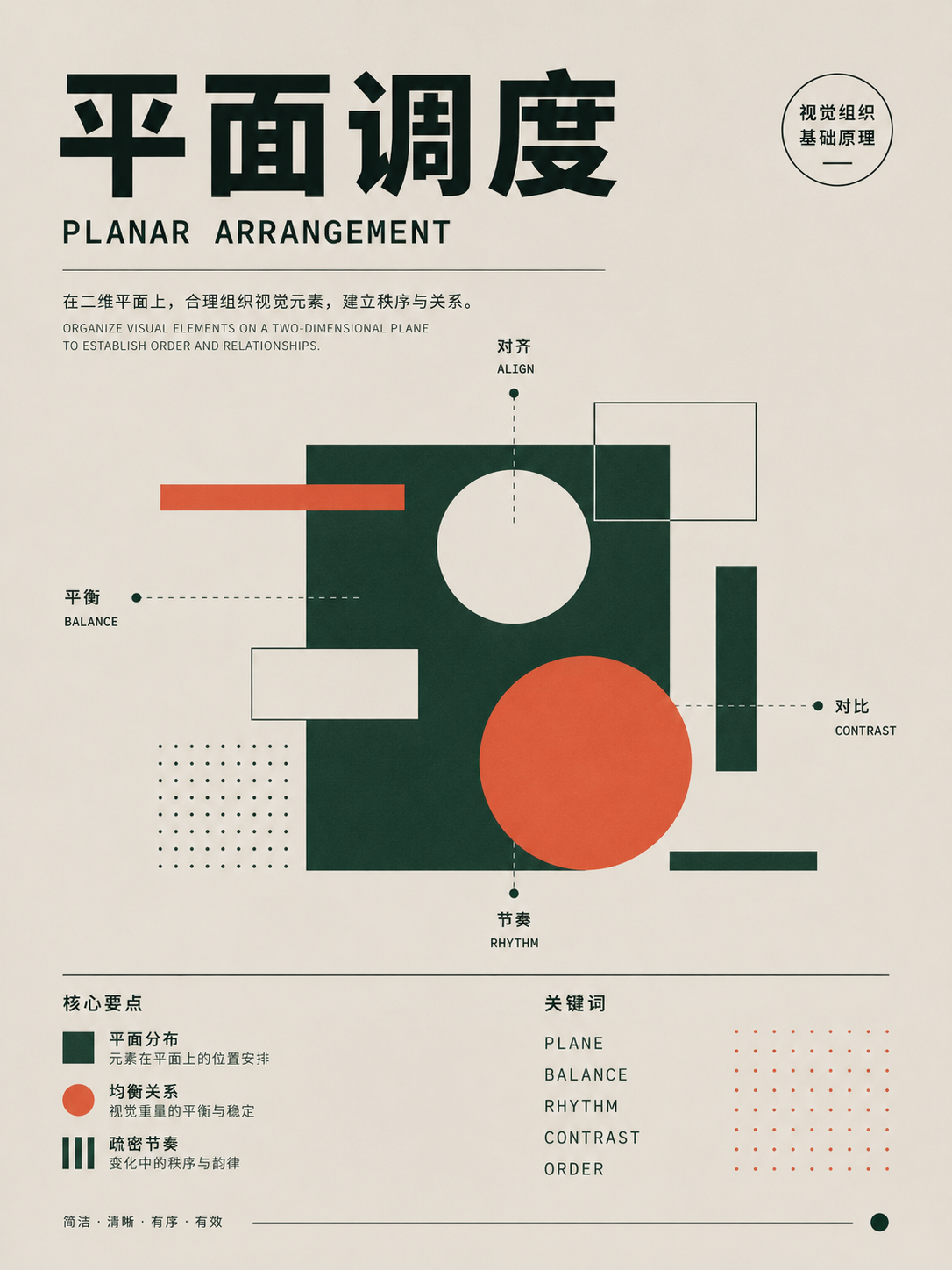
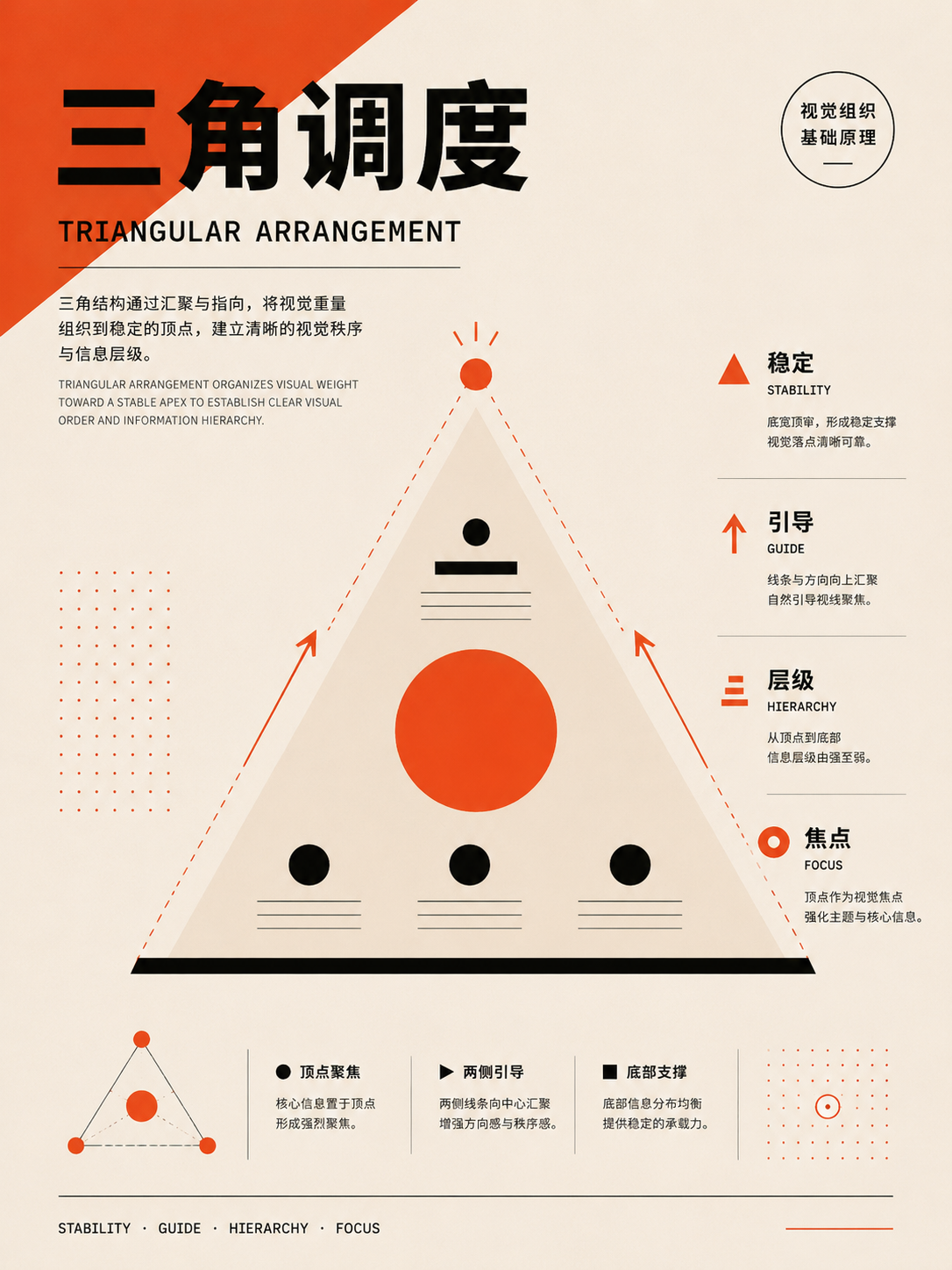
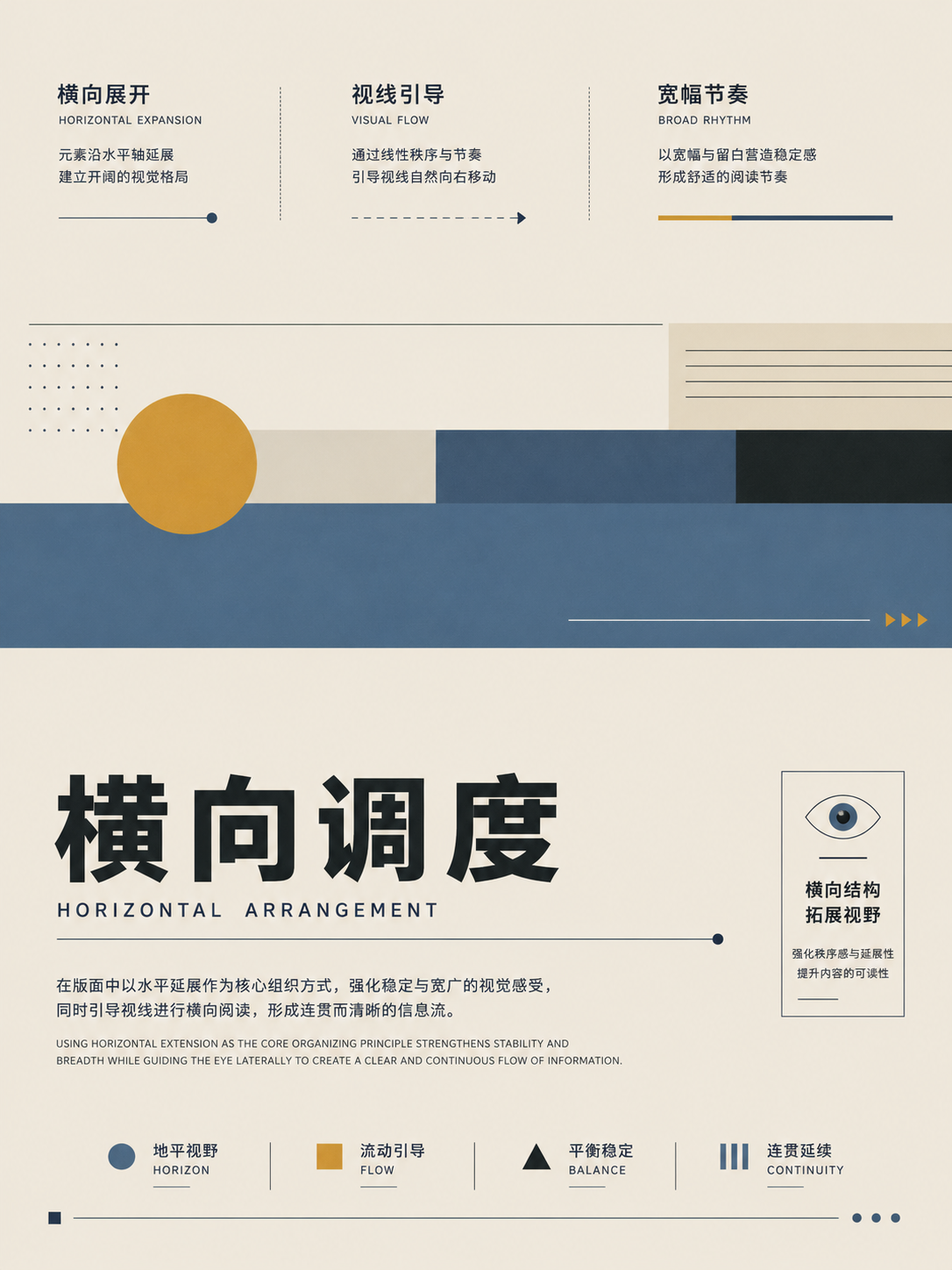
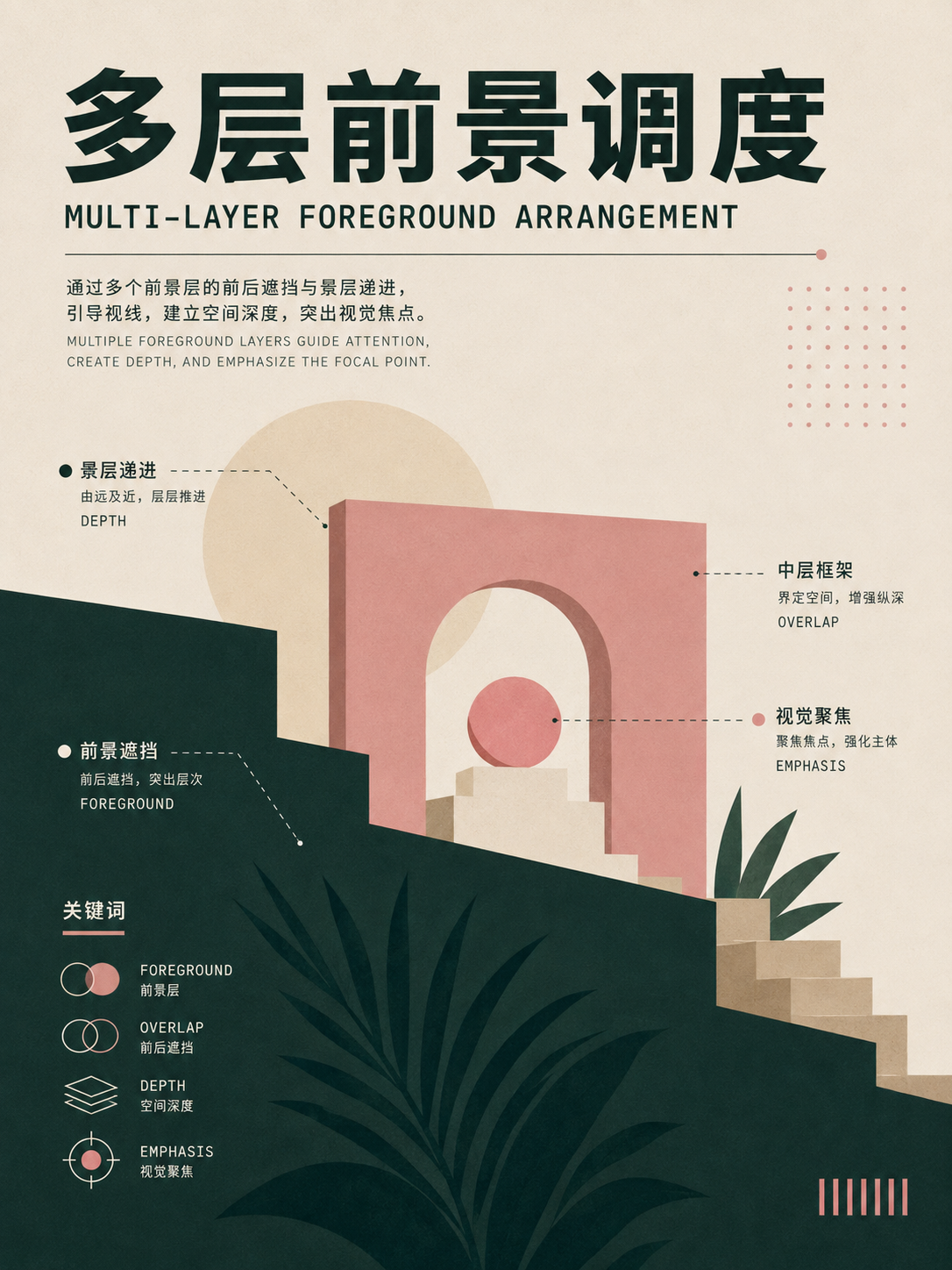
Camera angle and shot coverage
UseFor the same scene, consider at least an establishing shot, a character POV, and a reaction shot to maintain spatial continuity in editing.
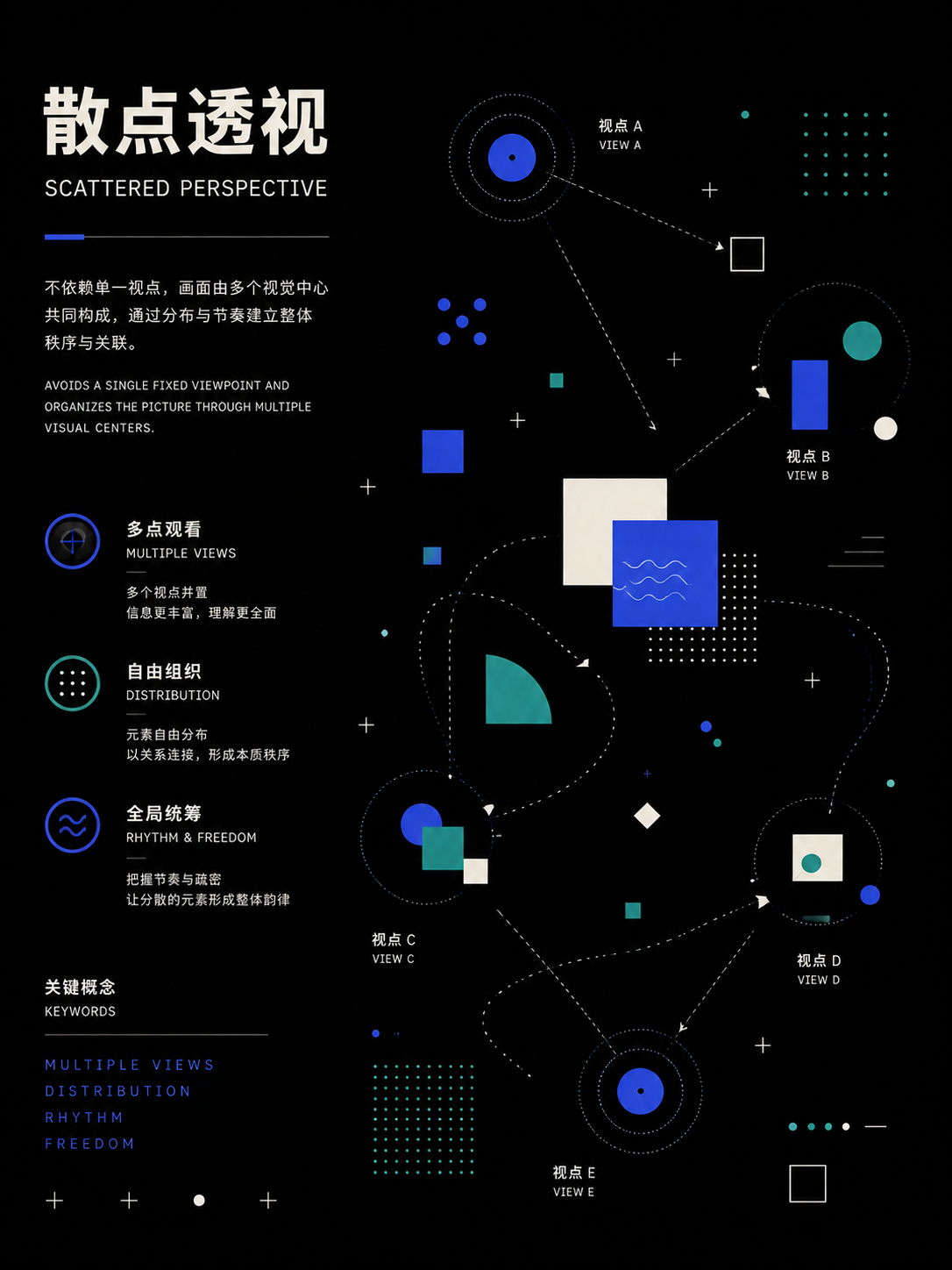
Staging and depth of field
UseDistribute actors across foreground, middle, and background or horizontal layers, using blocking and depth of field to drive relationship changes.
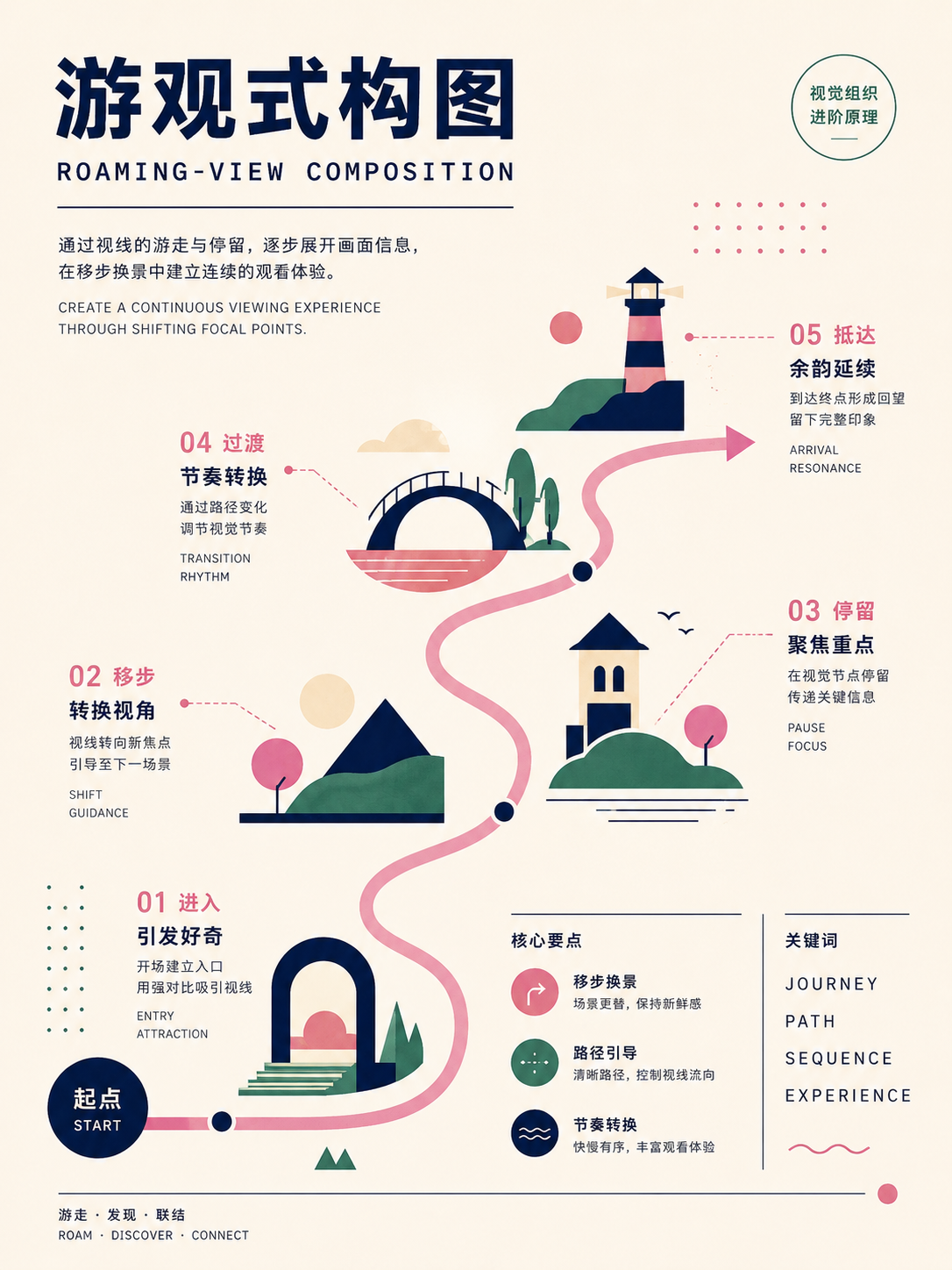
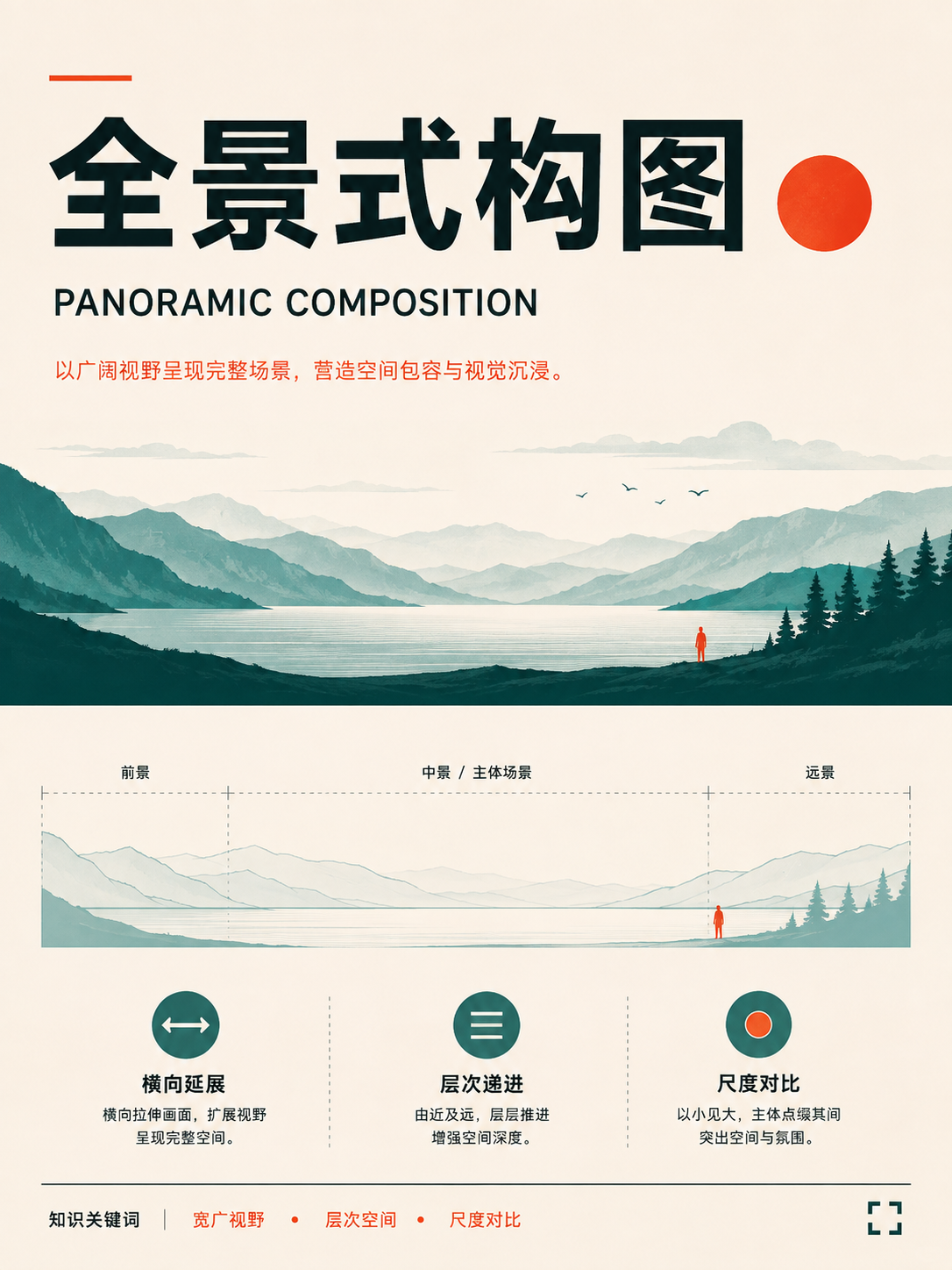
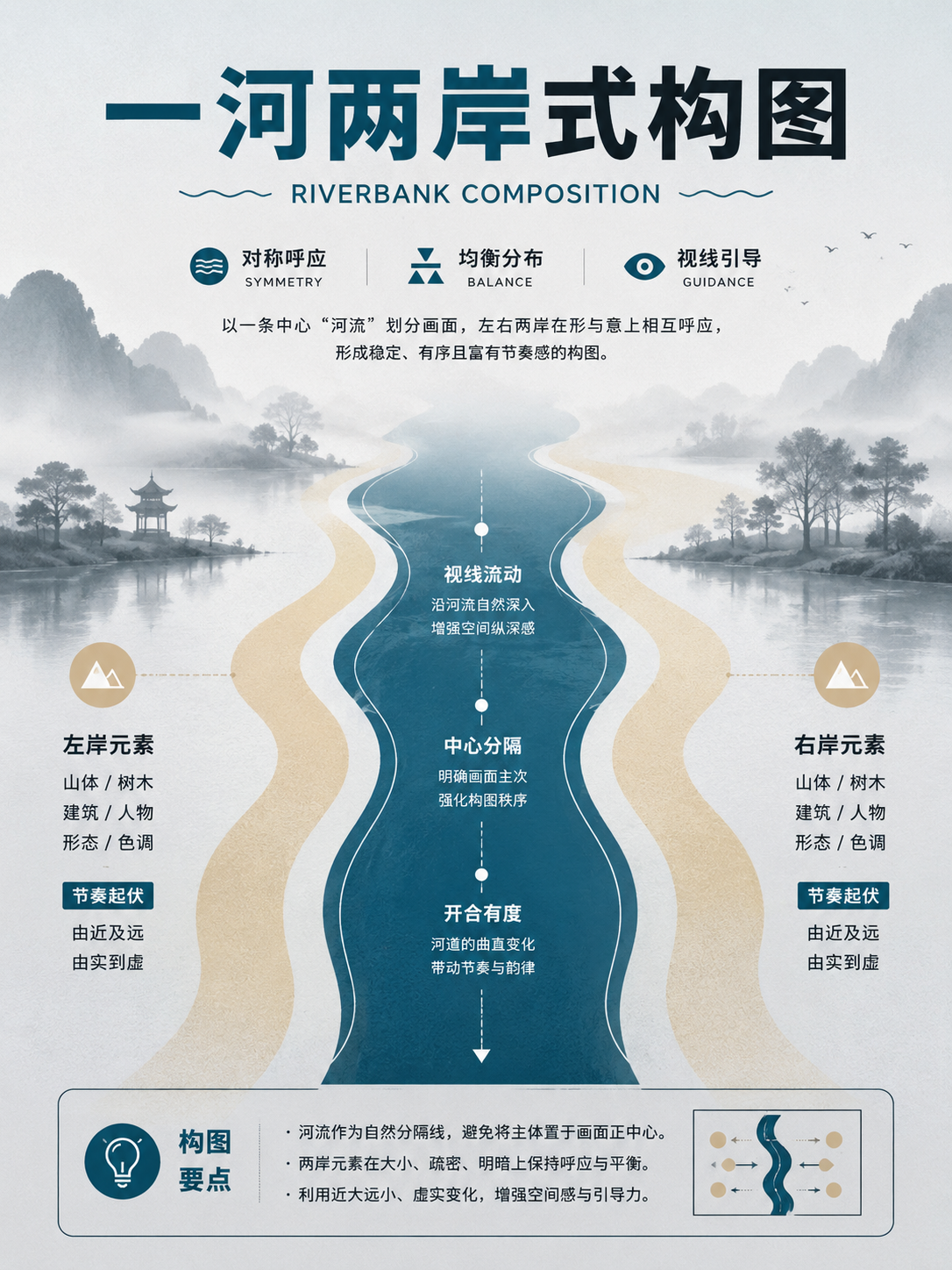
No matches in this category. Clear the keyword to restore all images.
34dc39c。Click a thumbnail to open the 1086 × 1448 high-res PNG; catalog names are for locating images only—always verify the actual content before using.07 · Chinese Traditional Composition: using 'wandering,' 'void-solid,' and 'compositional law' to organize space
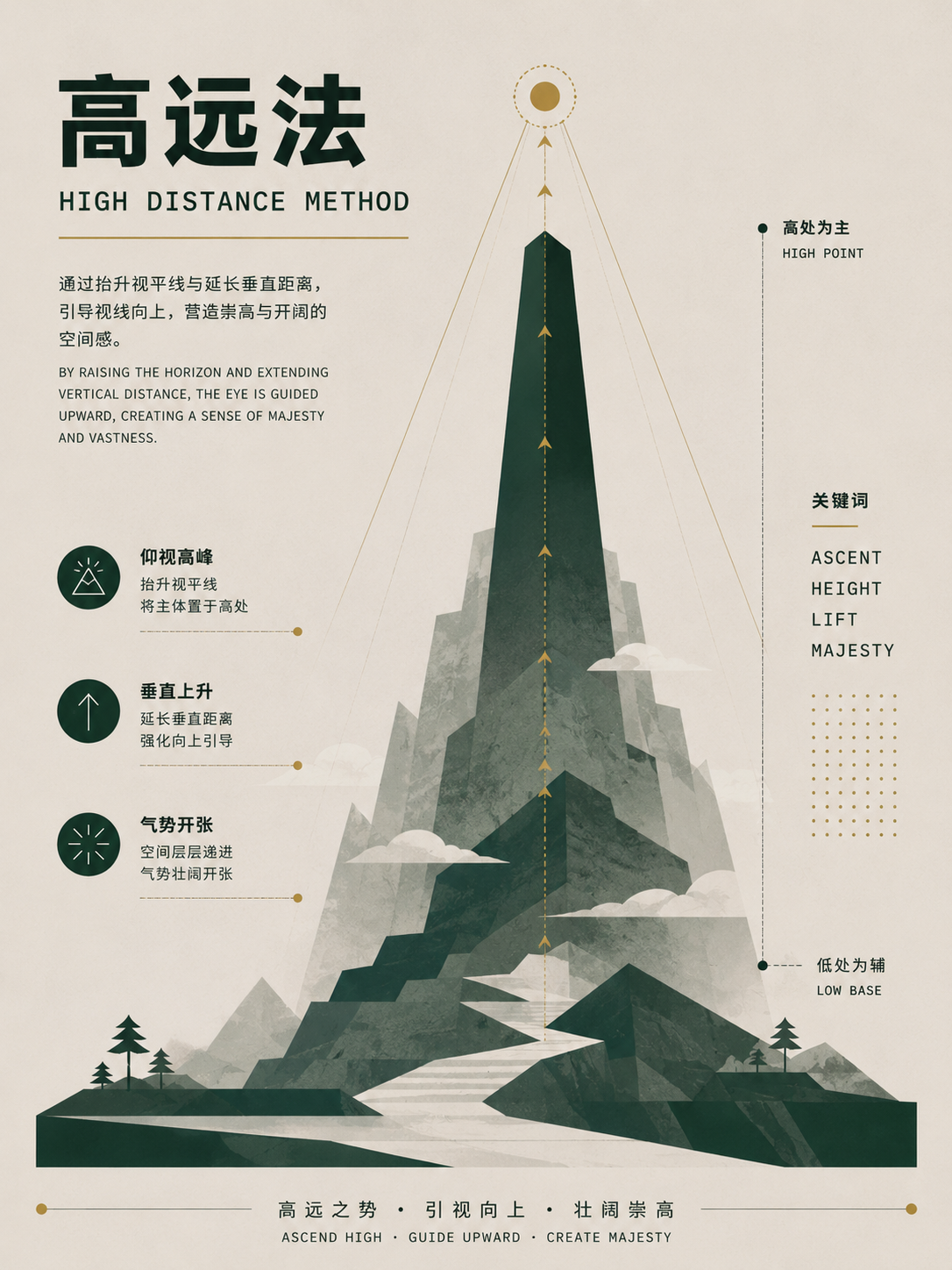
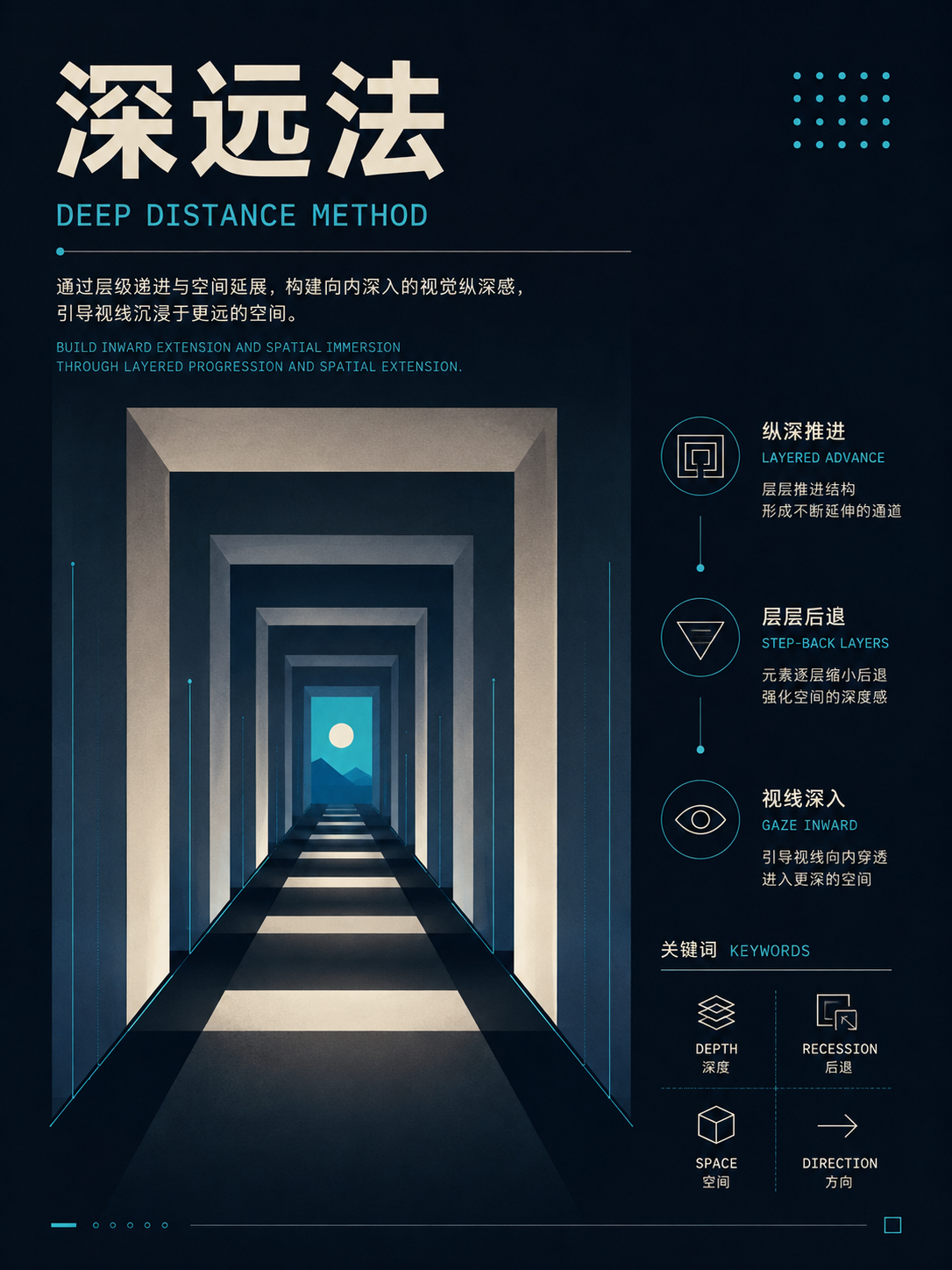
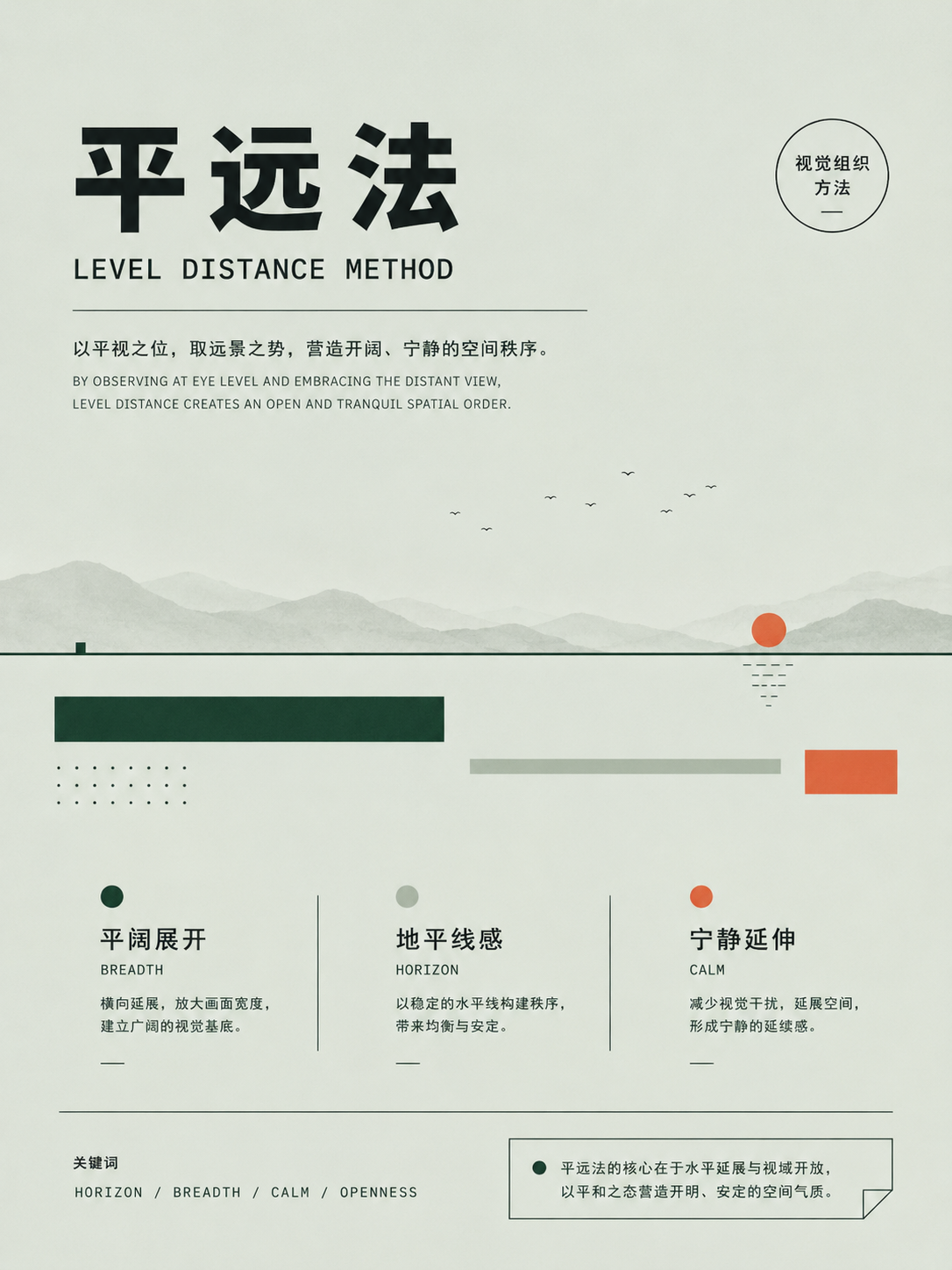
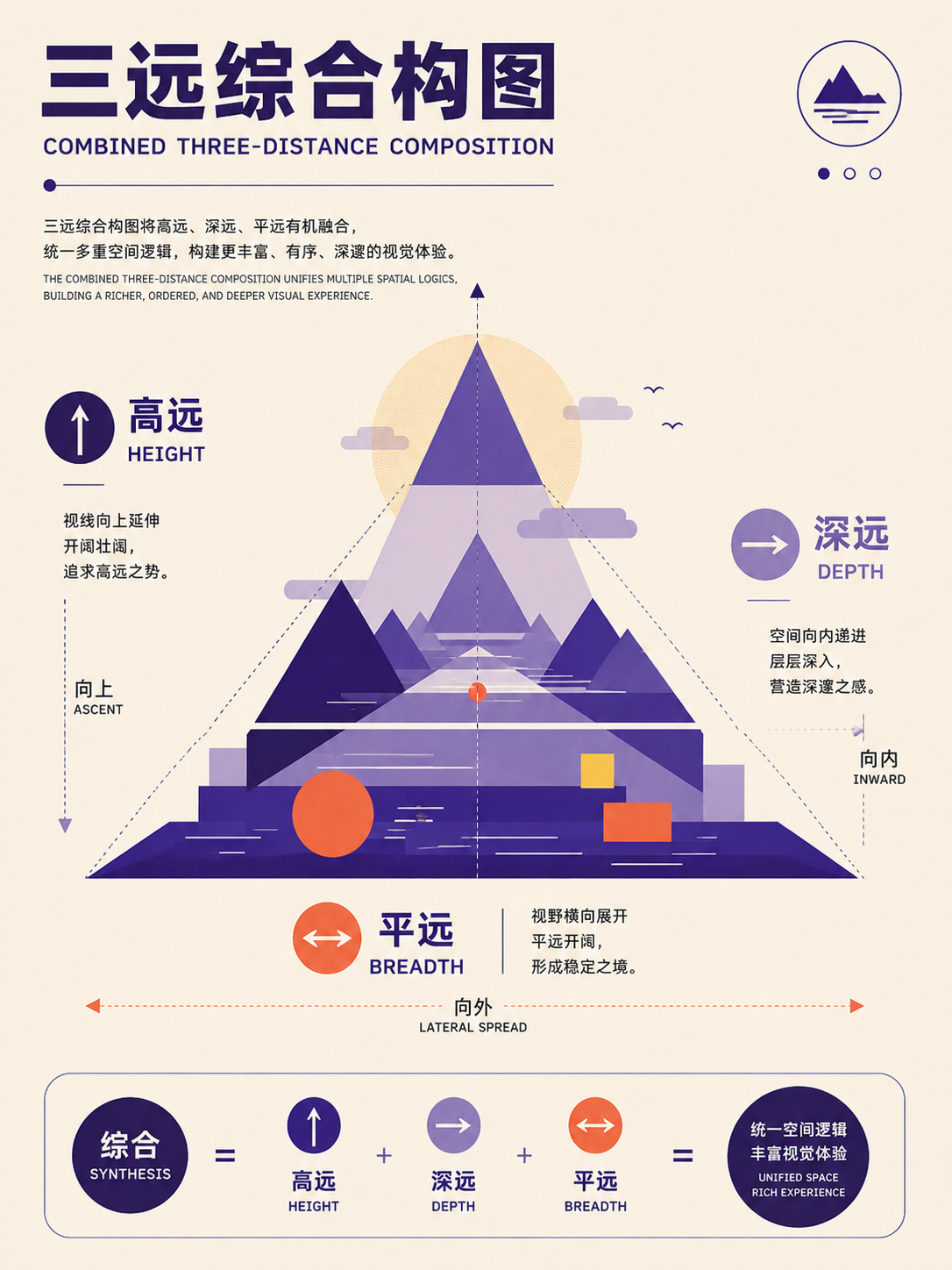
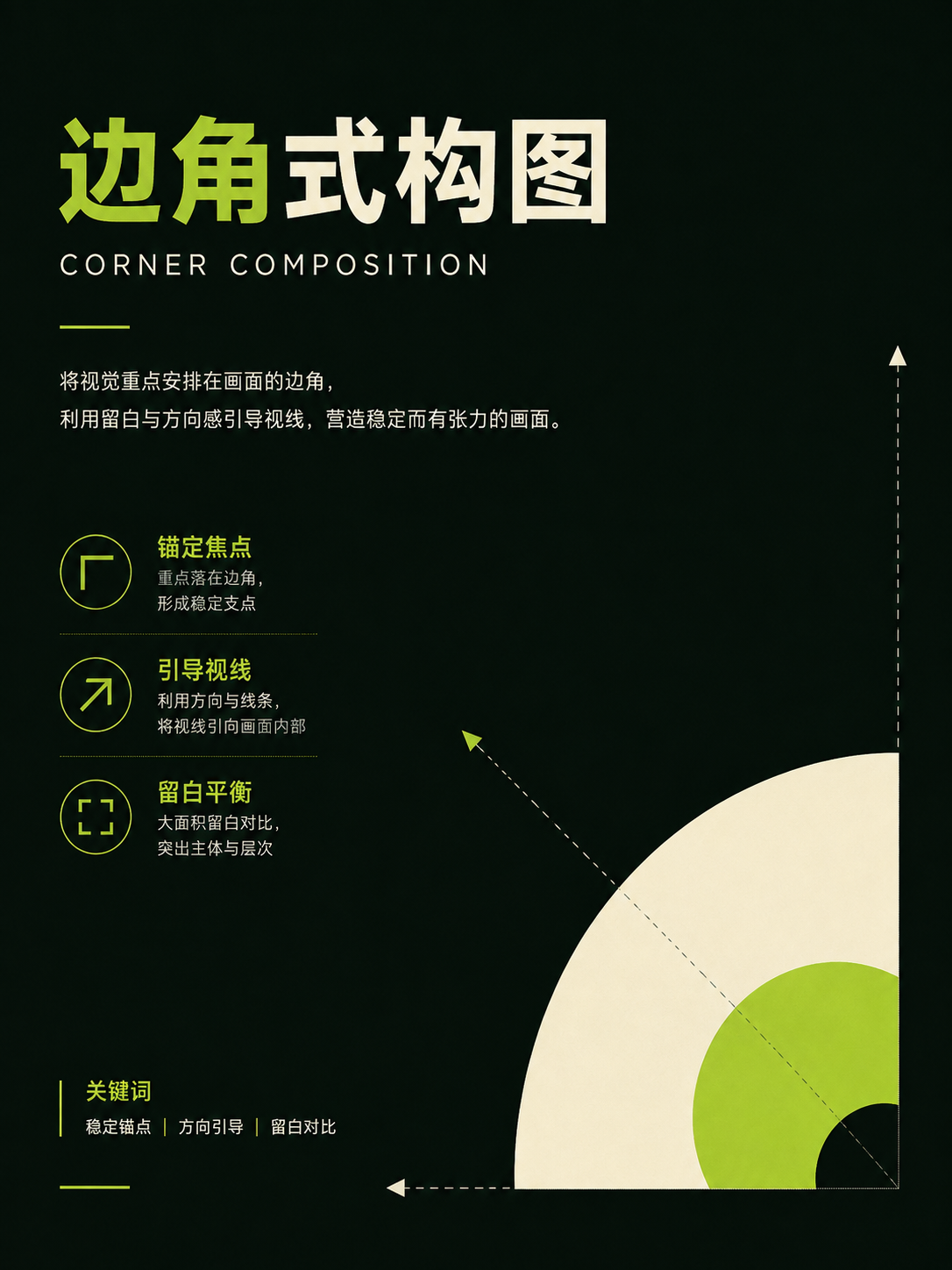
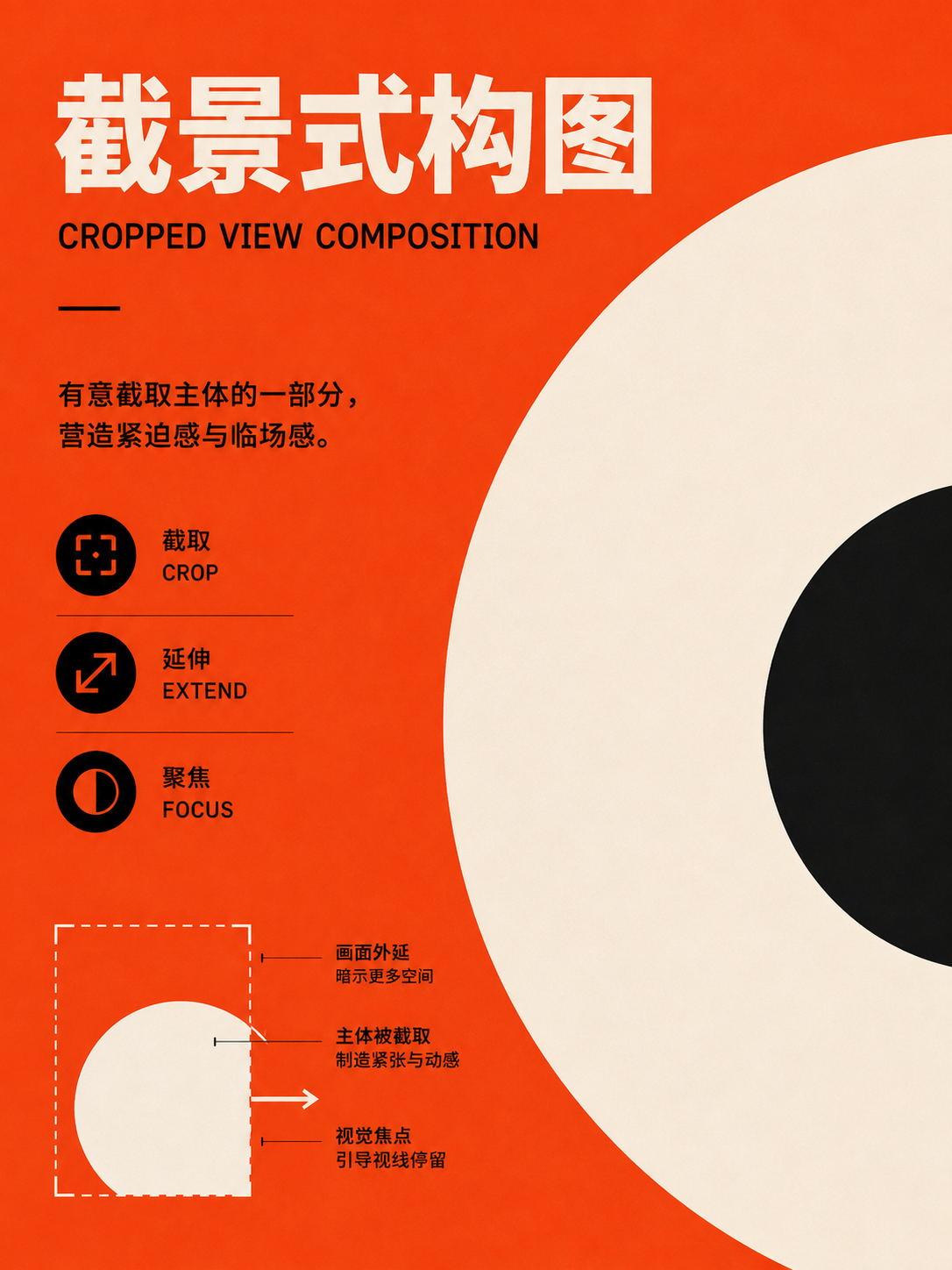
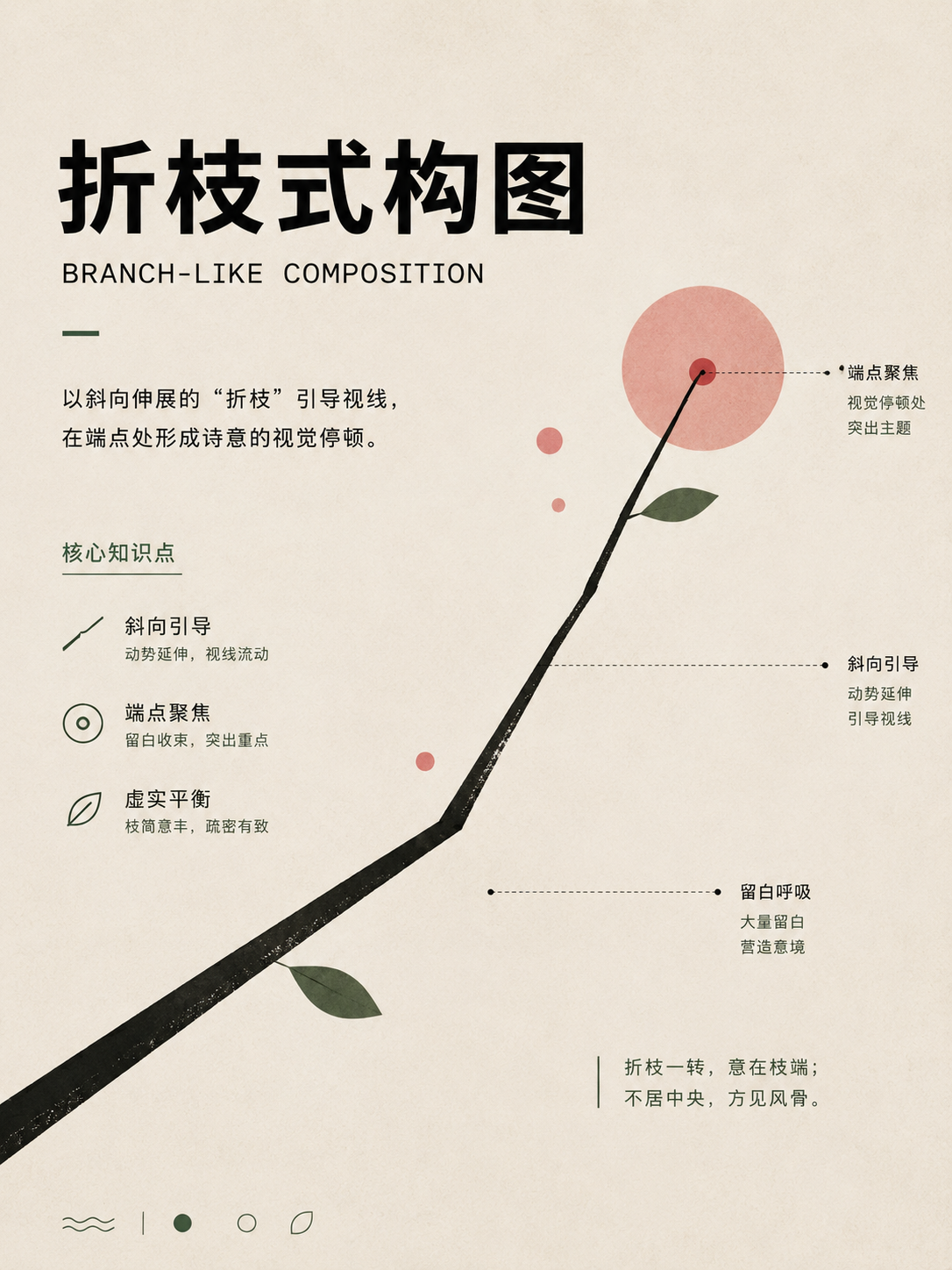
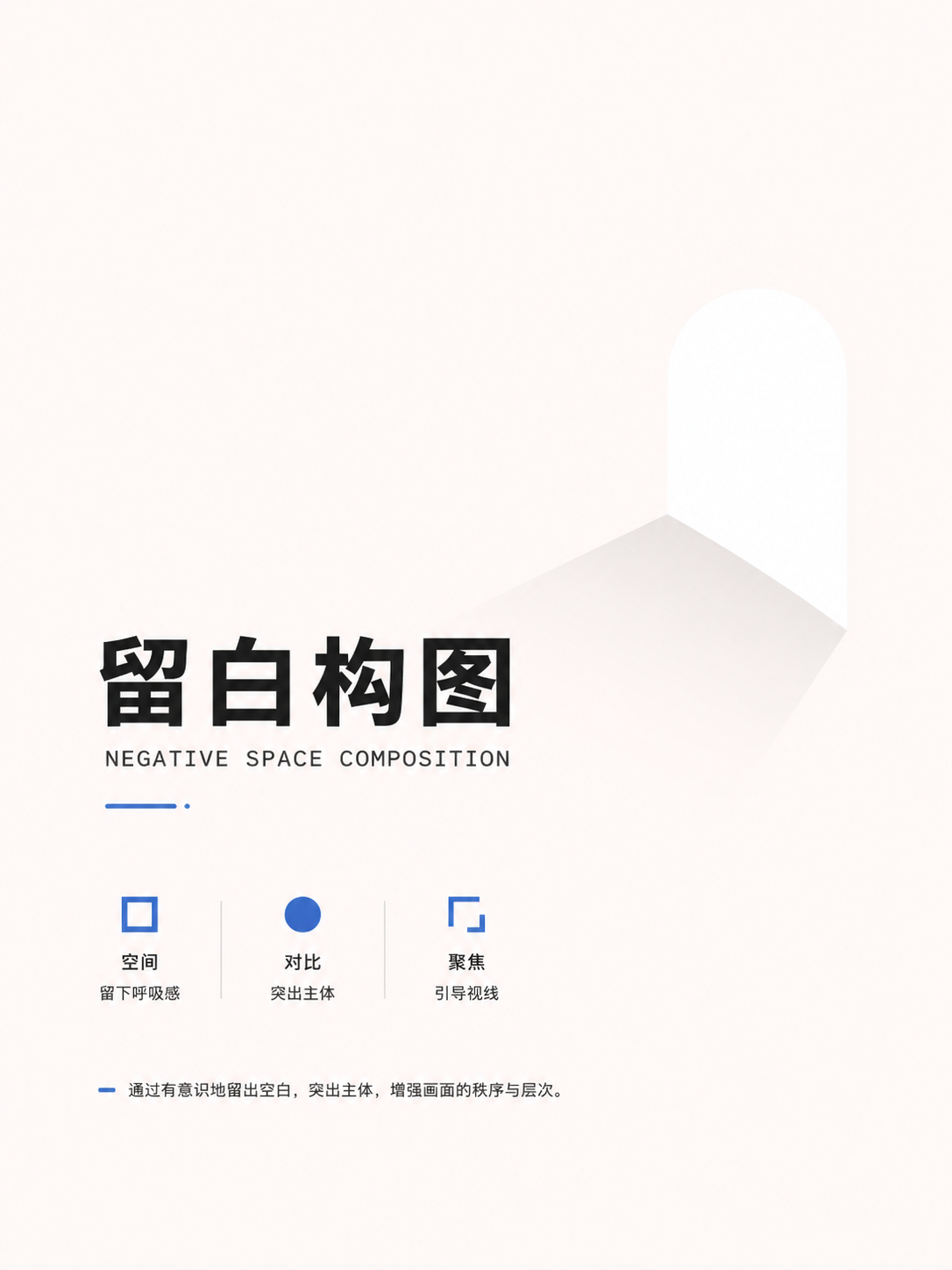
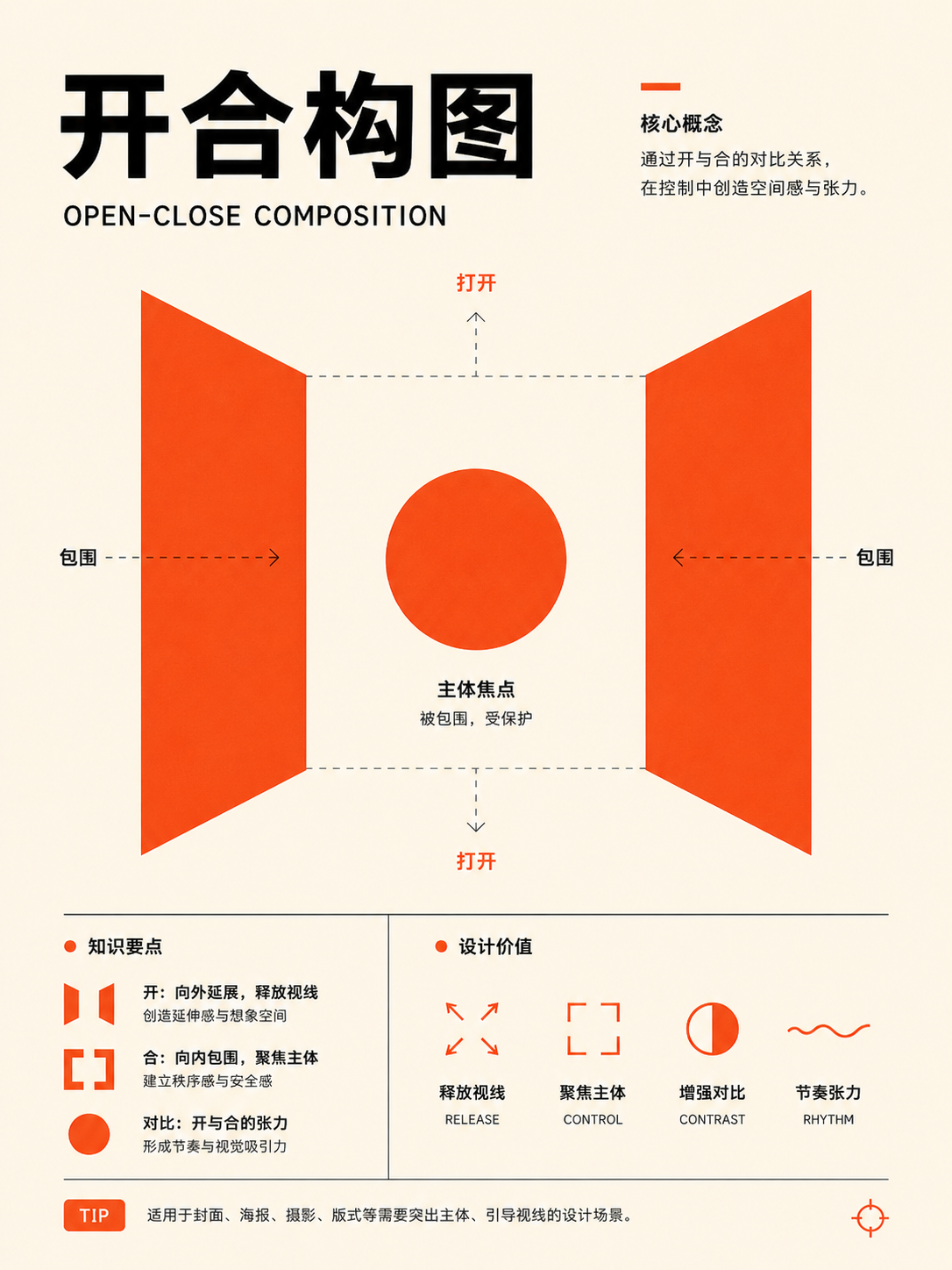
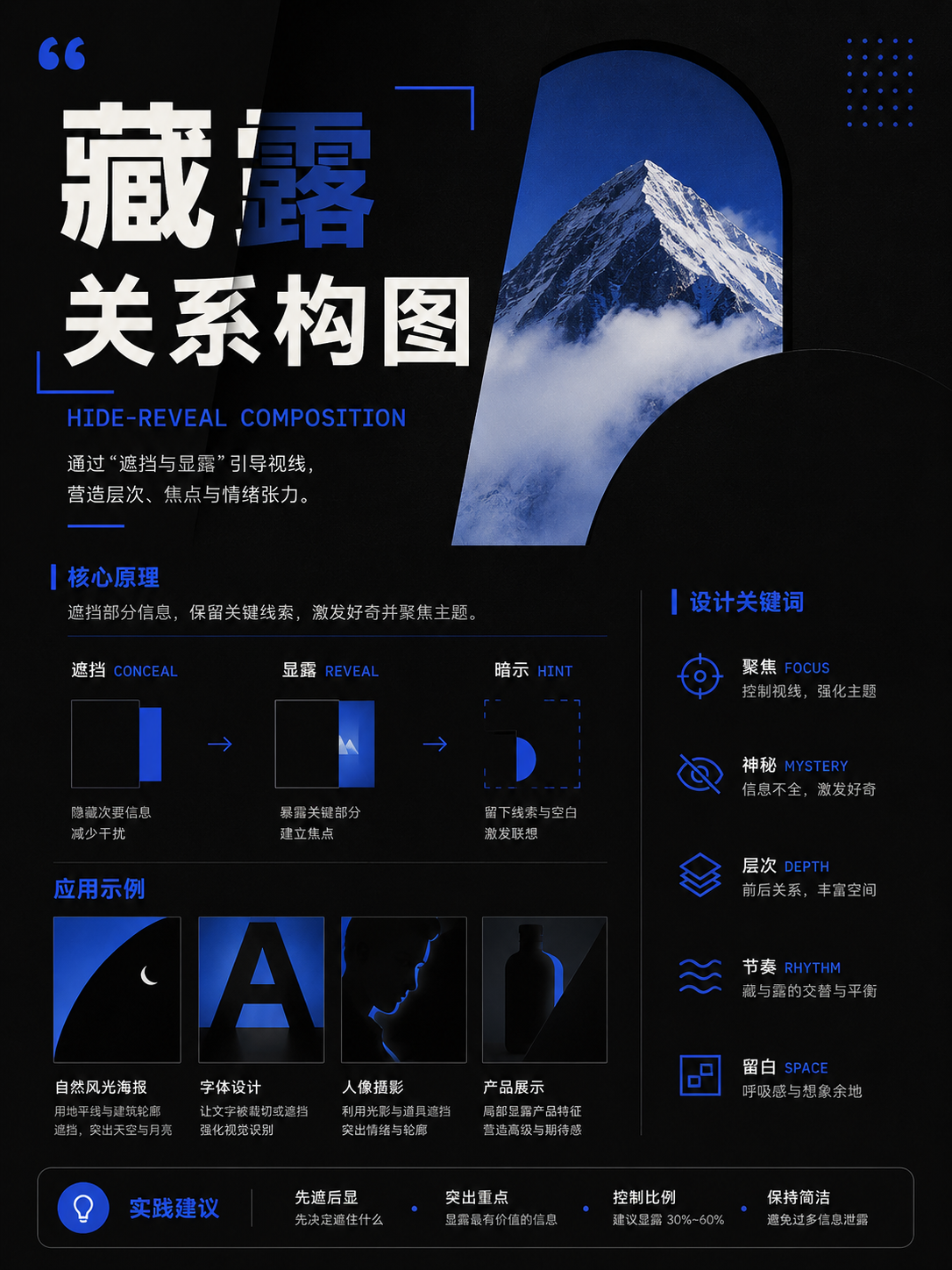
These 20 cards include the Three Distances, scattered perspective, corner-focused framing, partial views, negative space, density contrast, 'opening-closing' dynamics, and the interplay of 'hidden-revealed.' They're suited for cultural themes, scroll-like narratives, and visual designs needing an Eastern sense of space. Extract the viewing principles and spatial relationships; there's no need to replicate ink wash textures or classical ornamentation.
Full Atlas · 20 images
Chinese Traditional Composition
Organize space with wandering view, void-solid, and composition rules:FocusThree distances, scattered perspective, corner composition, negative space, and opening-closing。
20 / 20 visible
Three distances, perspective, and wandering view
UseFor continuous space and handscroll narration. The viewing path can move; it doesn't need to obey a single vanishing point.
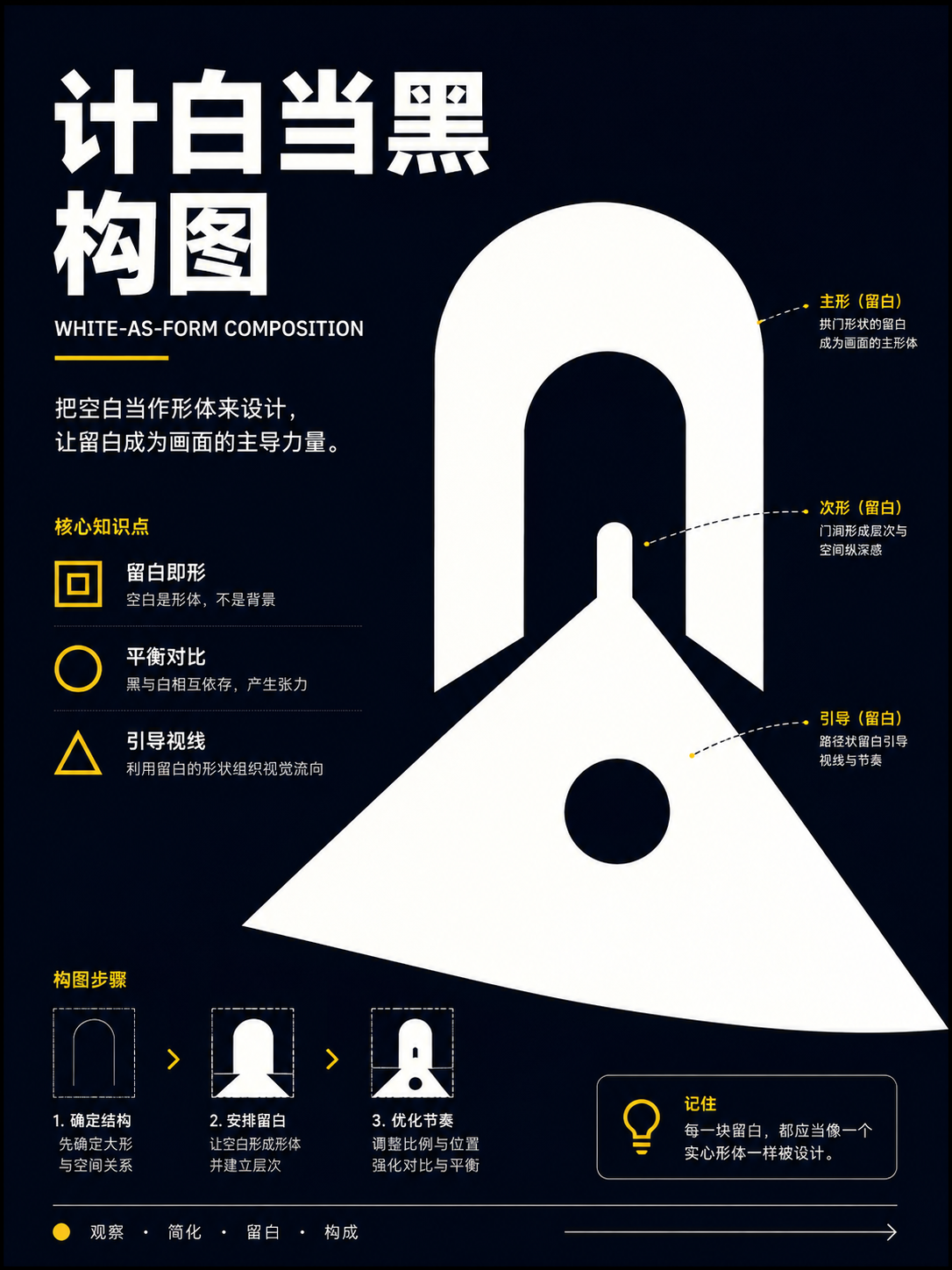
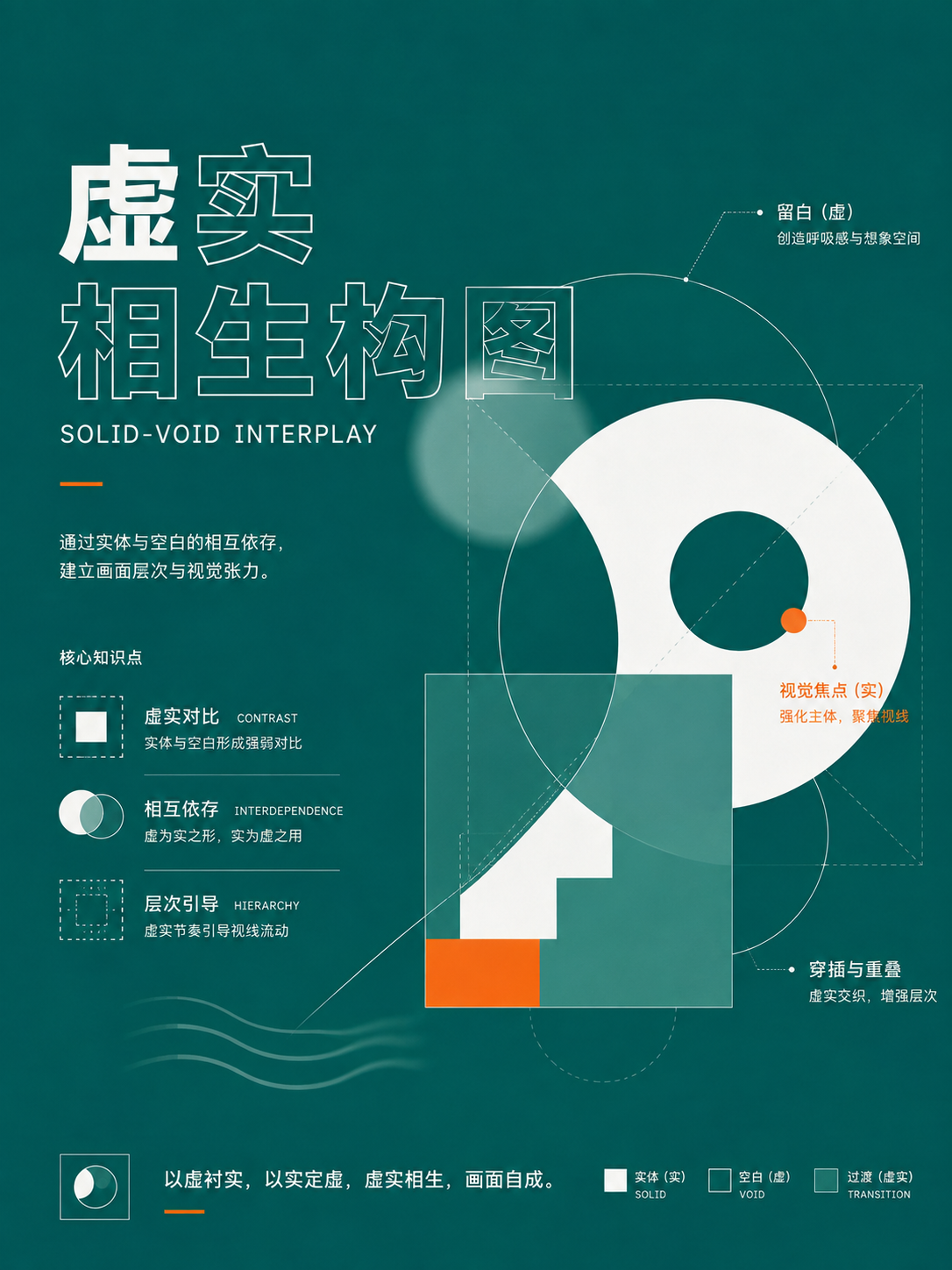
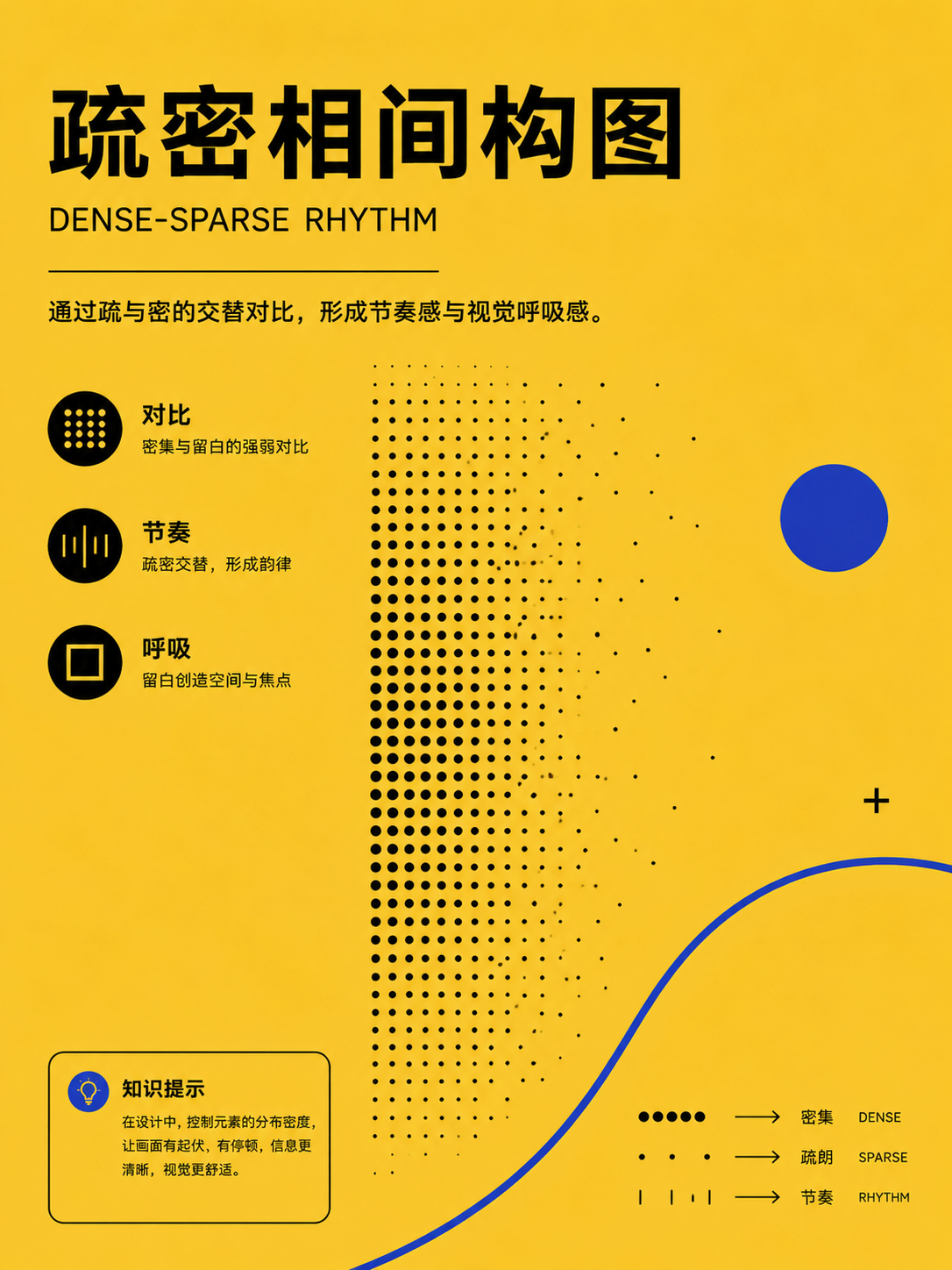
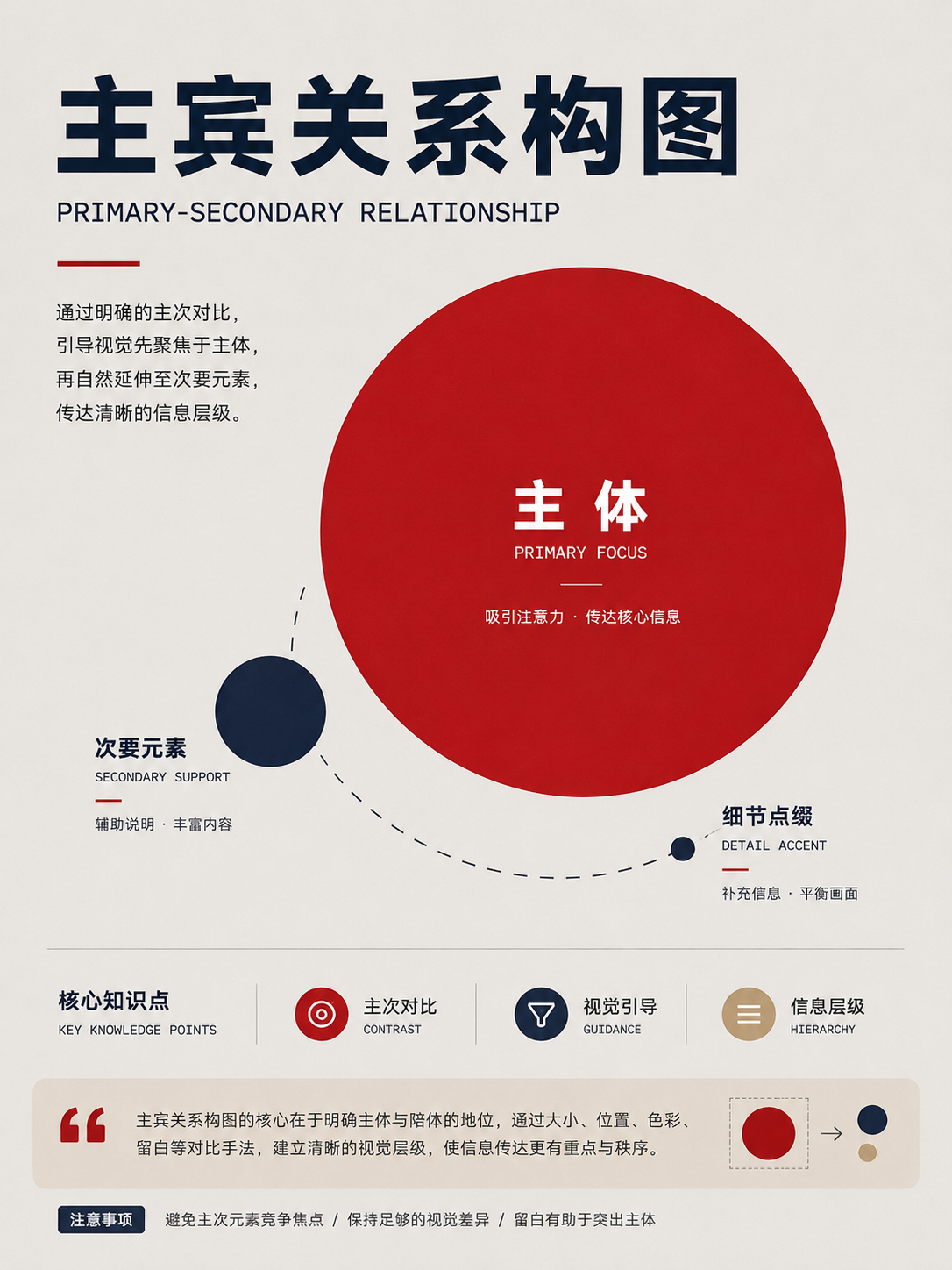
Framing and scene types
UseUse full views, corners, cropped scenes, and broken branches to control how much is revealed and hidden.
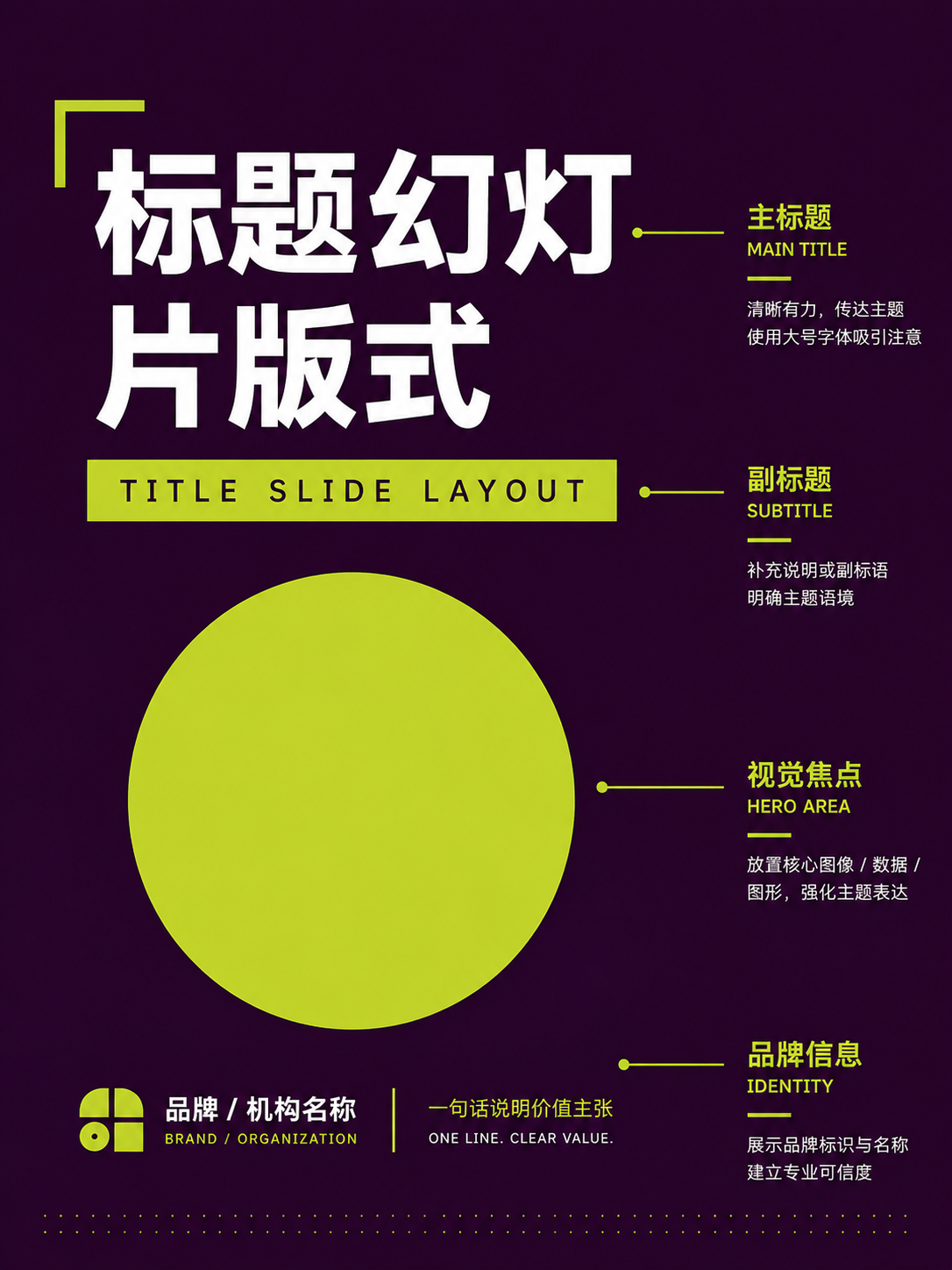
Negative space, void-solid, and composition rules
UseTreat blank space as active. Use density, primary-secondary, opening-closing, and hidden-revealed to organize breathing and rhythm.
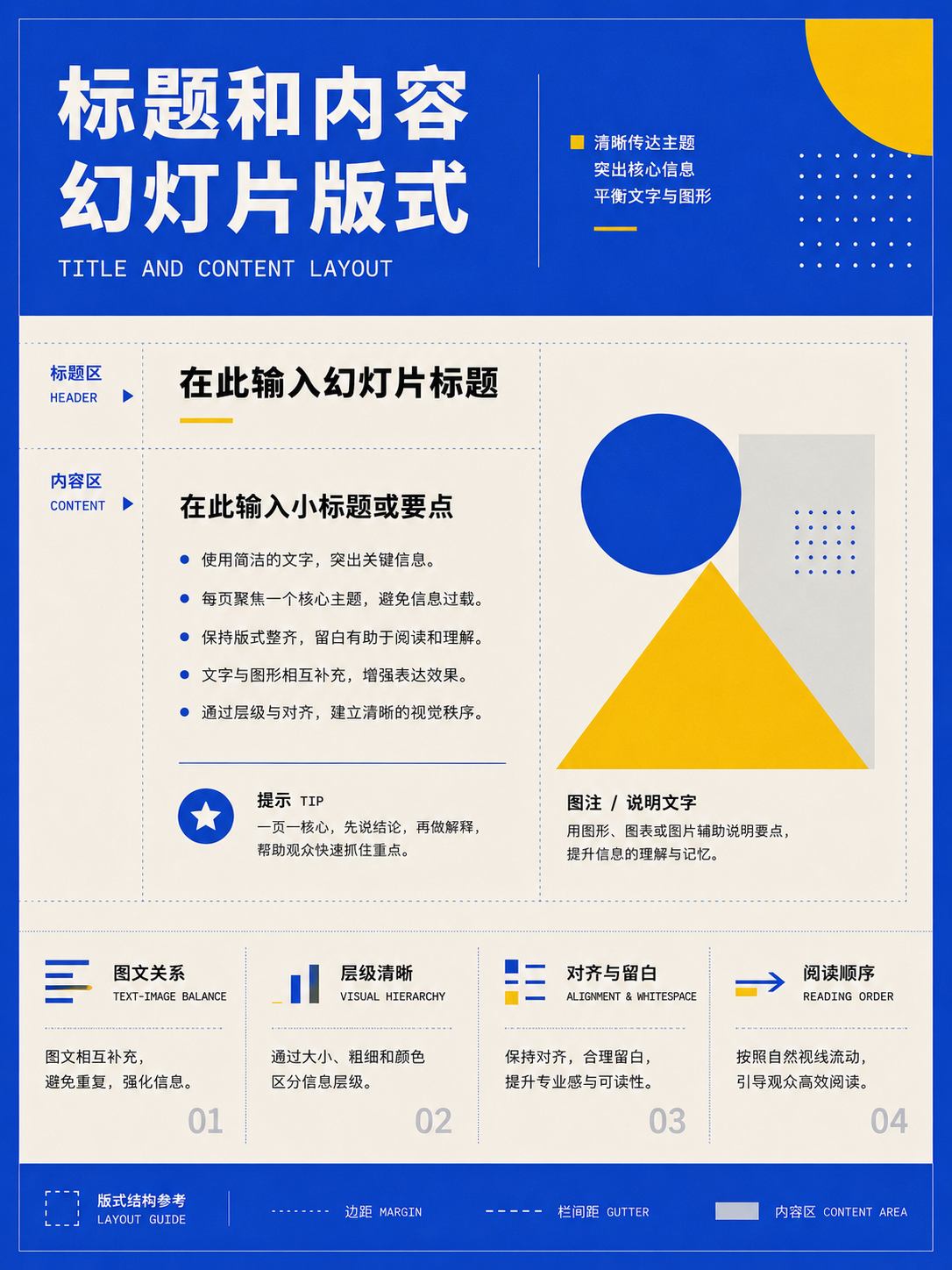
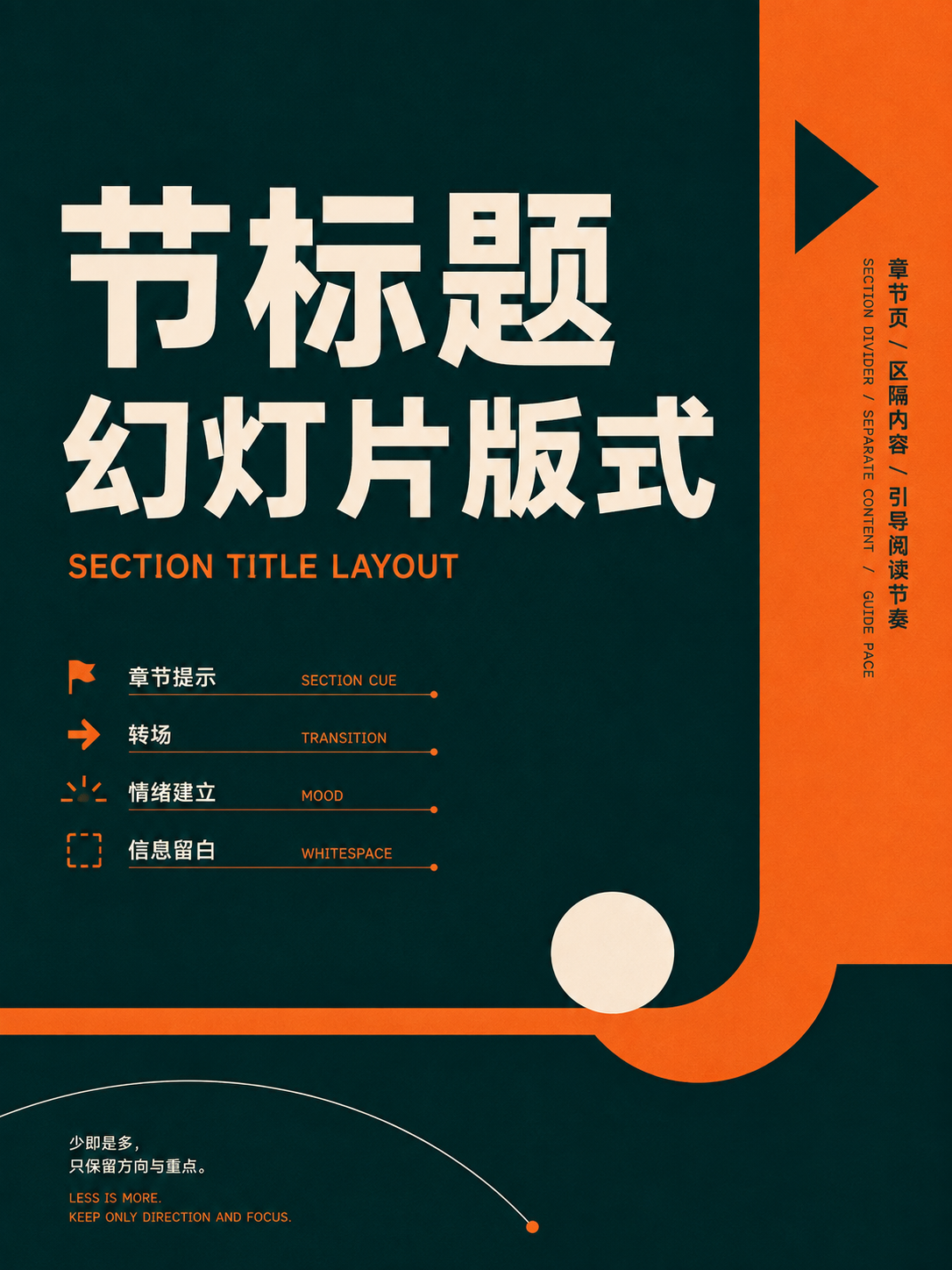
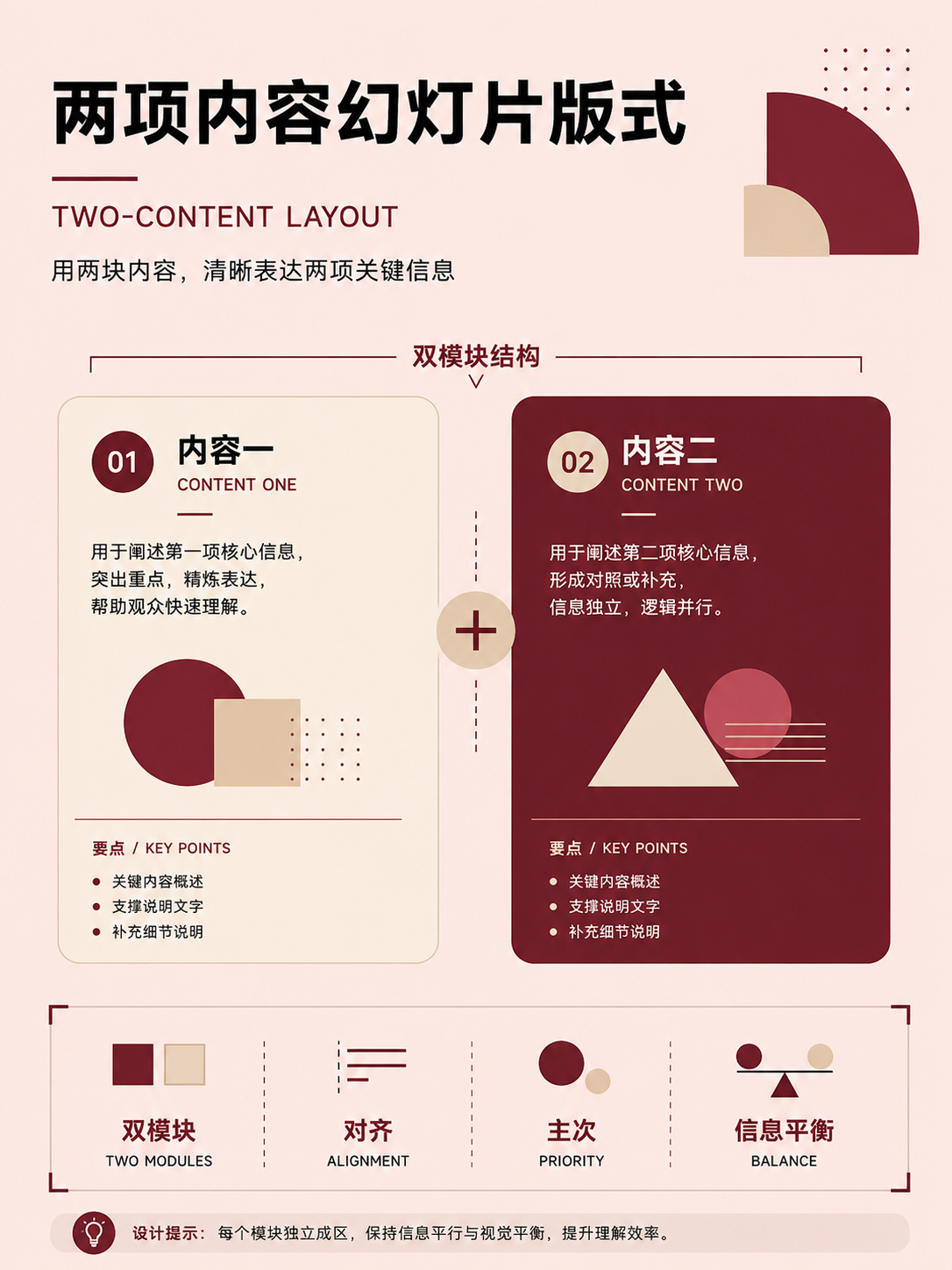
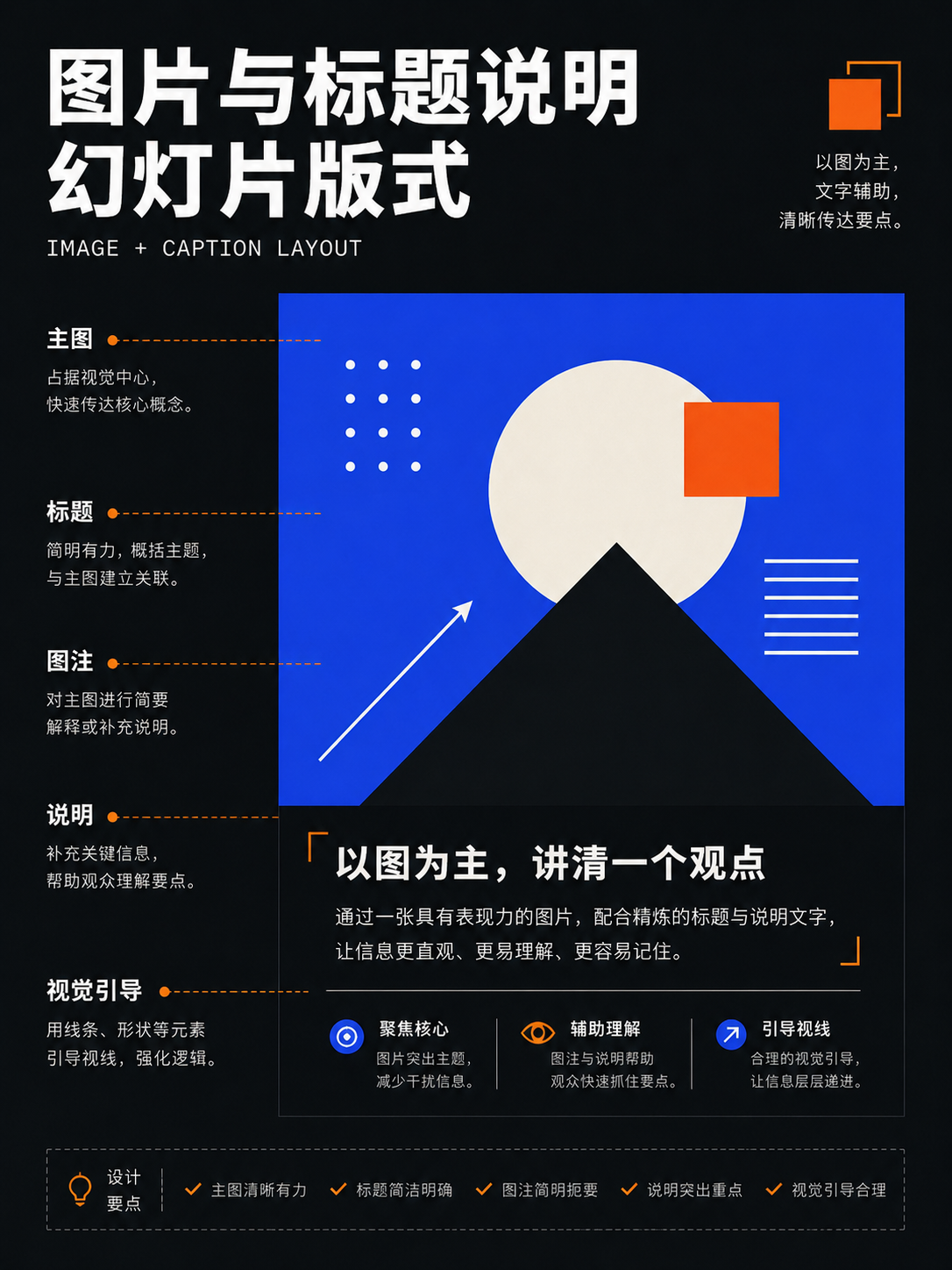

No matches in this category. Clear the keyword to restore all images.
34dc39c。Click a thumbnail to open the 1086 × 1448 high-res PNG; catalog names are for locating images only—always verify the actual content before using.08 · Presentations: making each slide serve a single narrative purpose
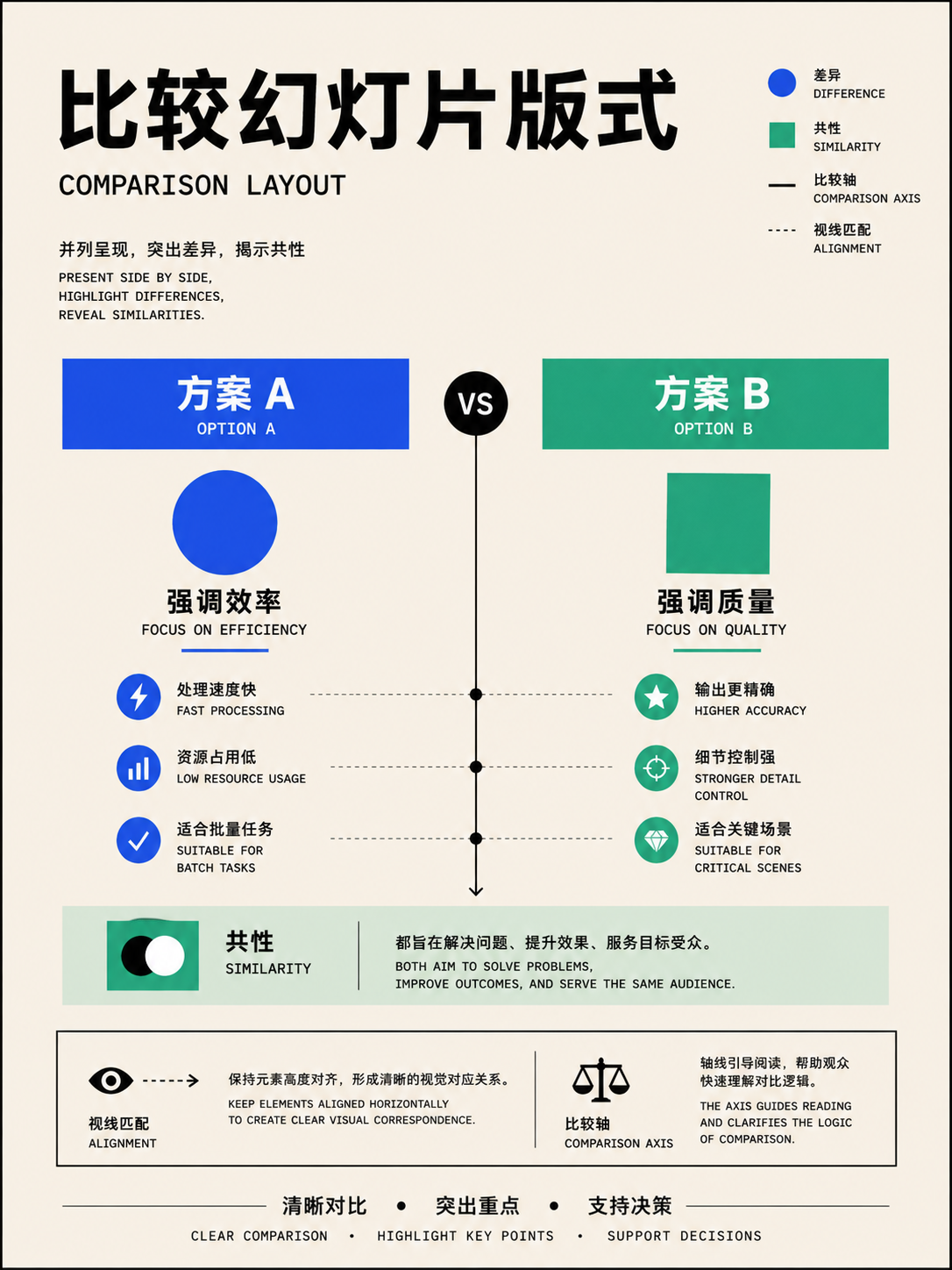
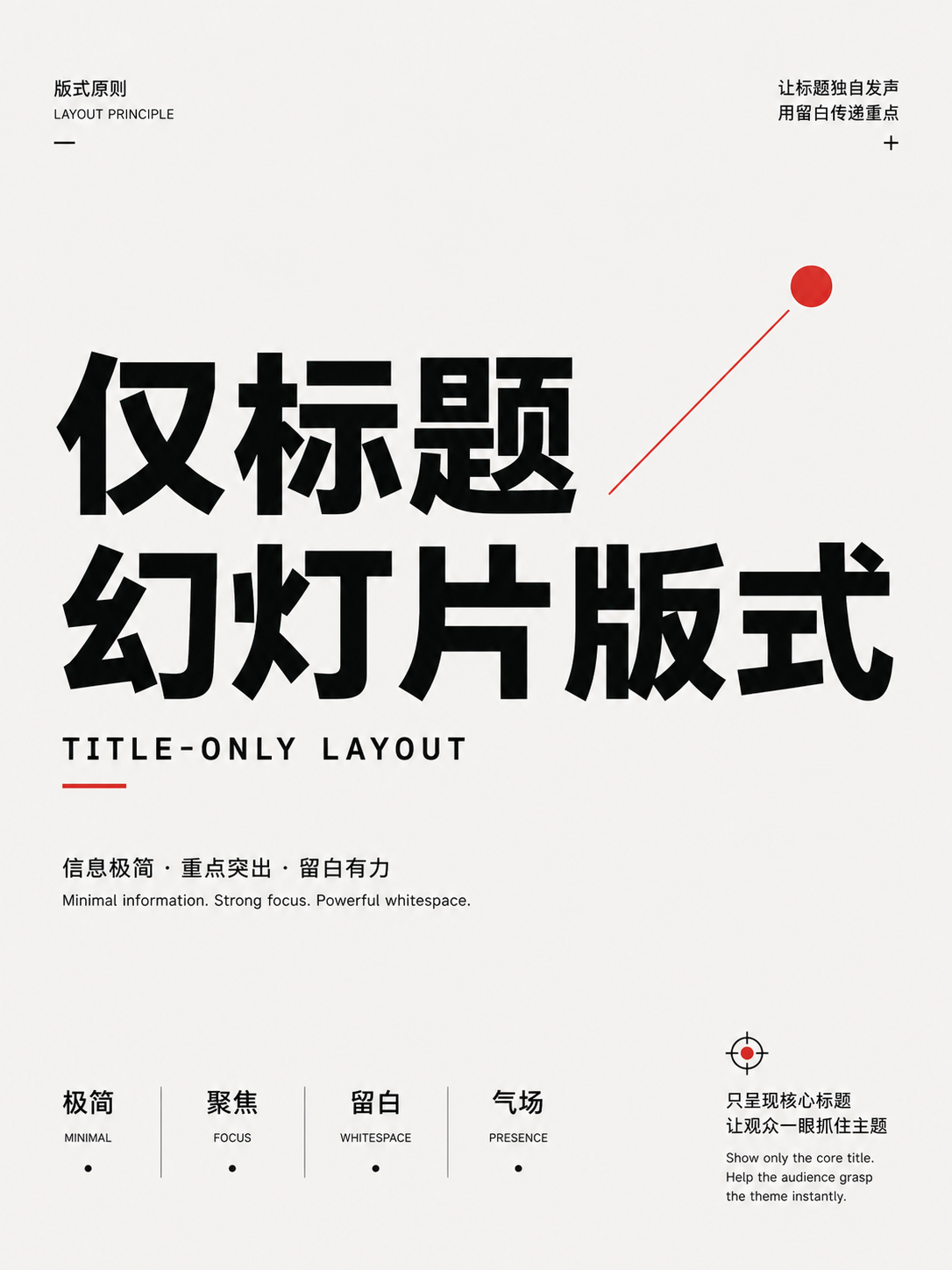
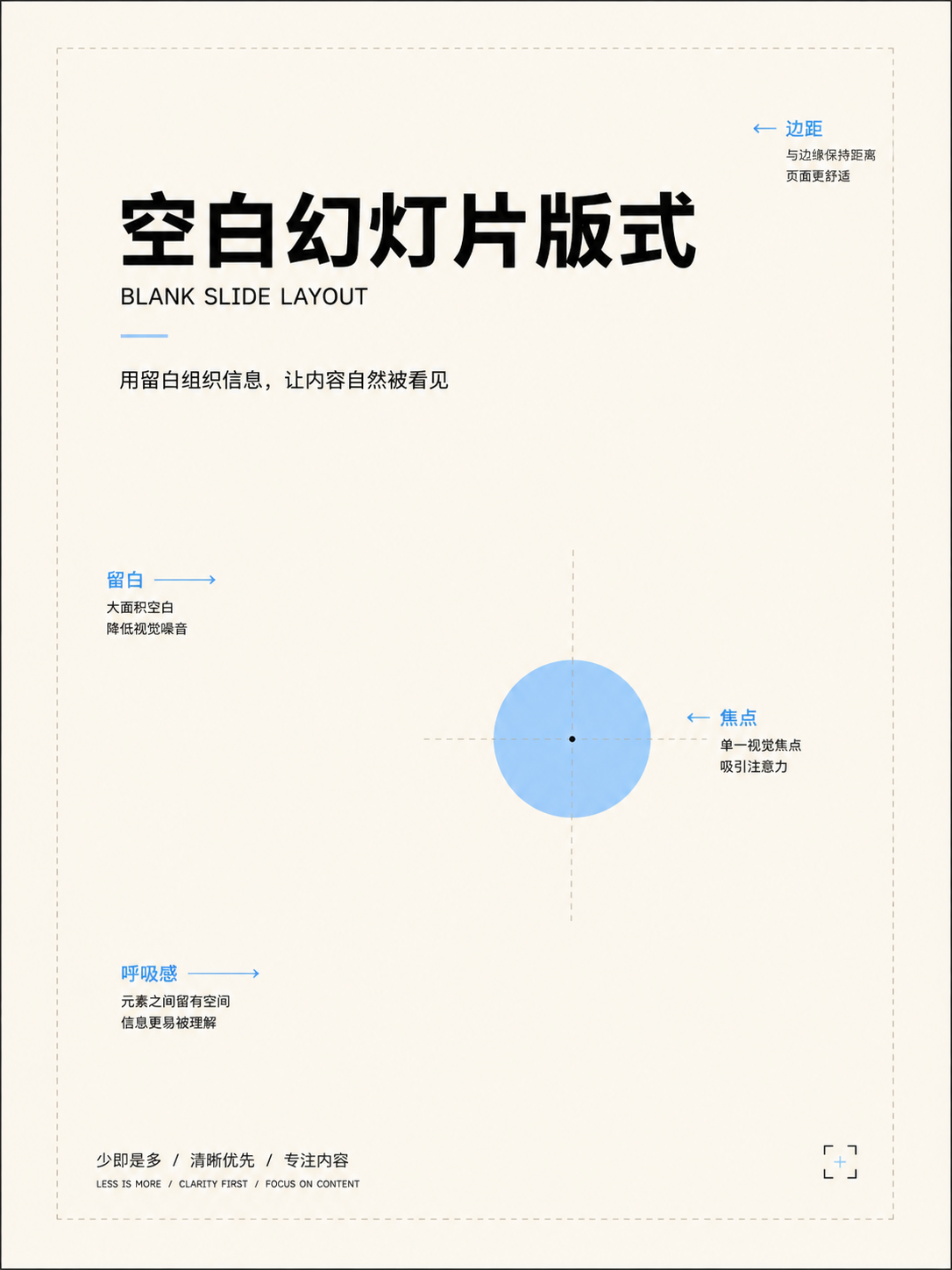
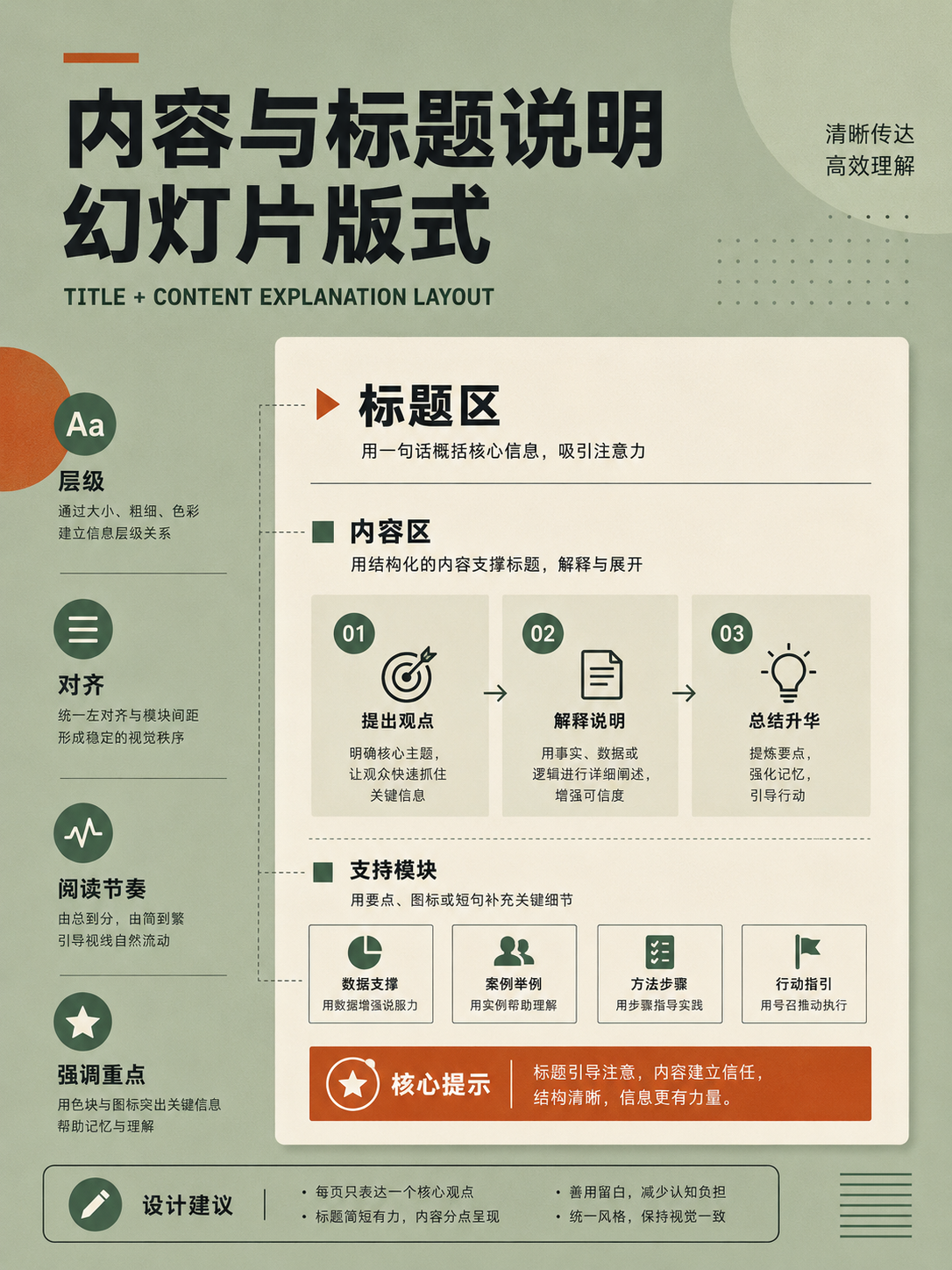
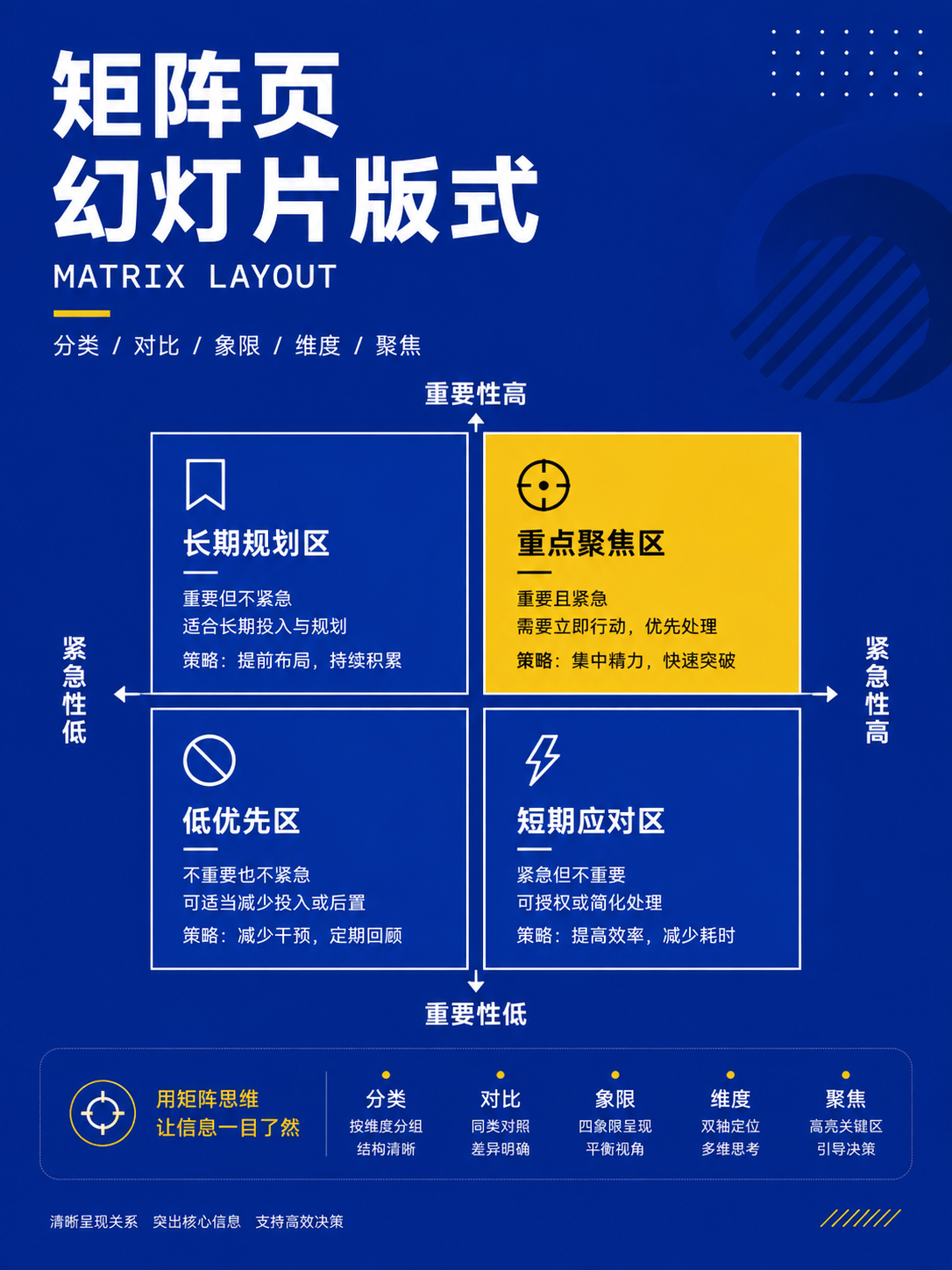
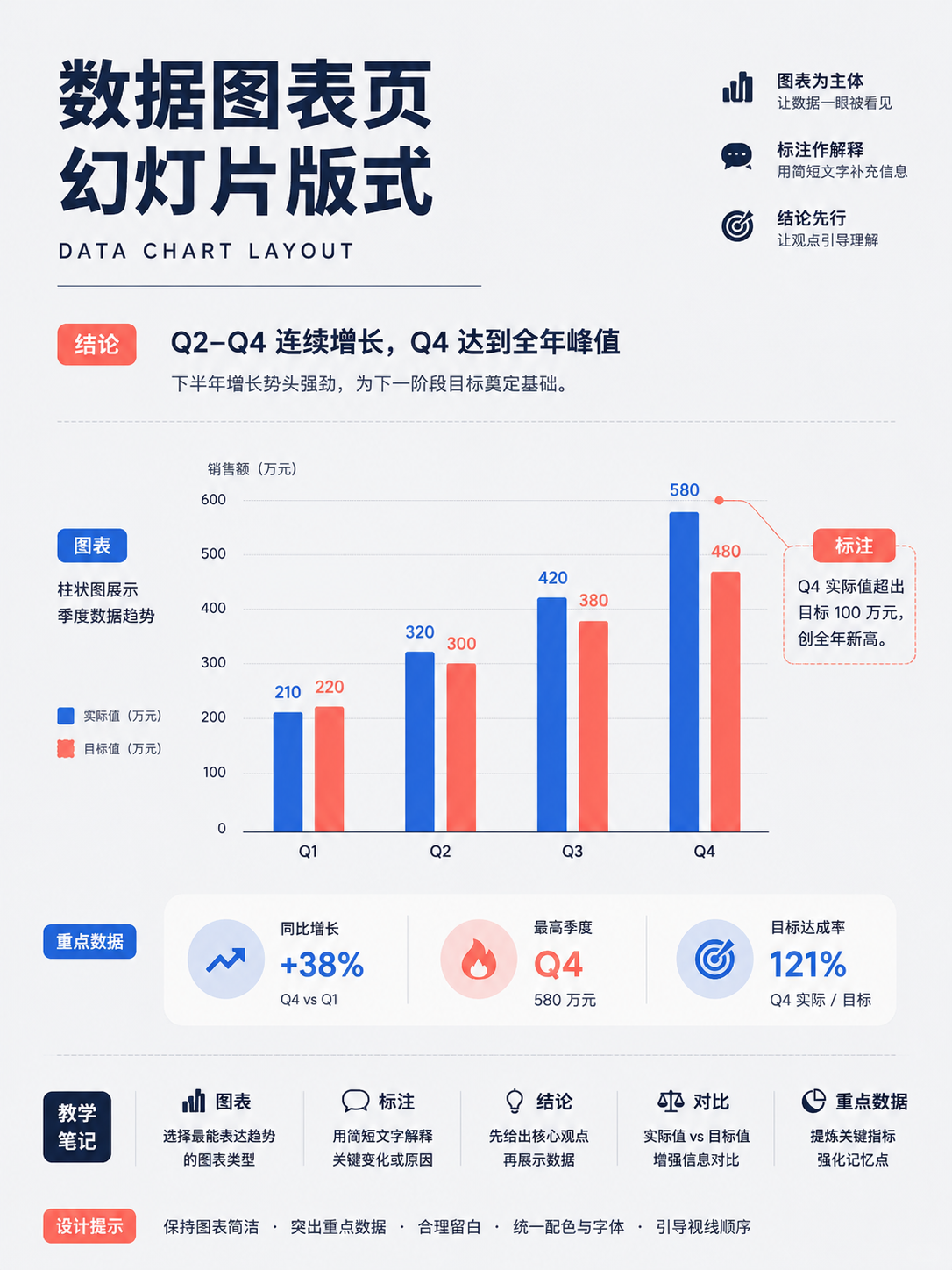
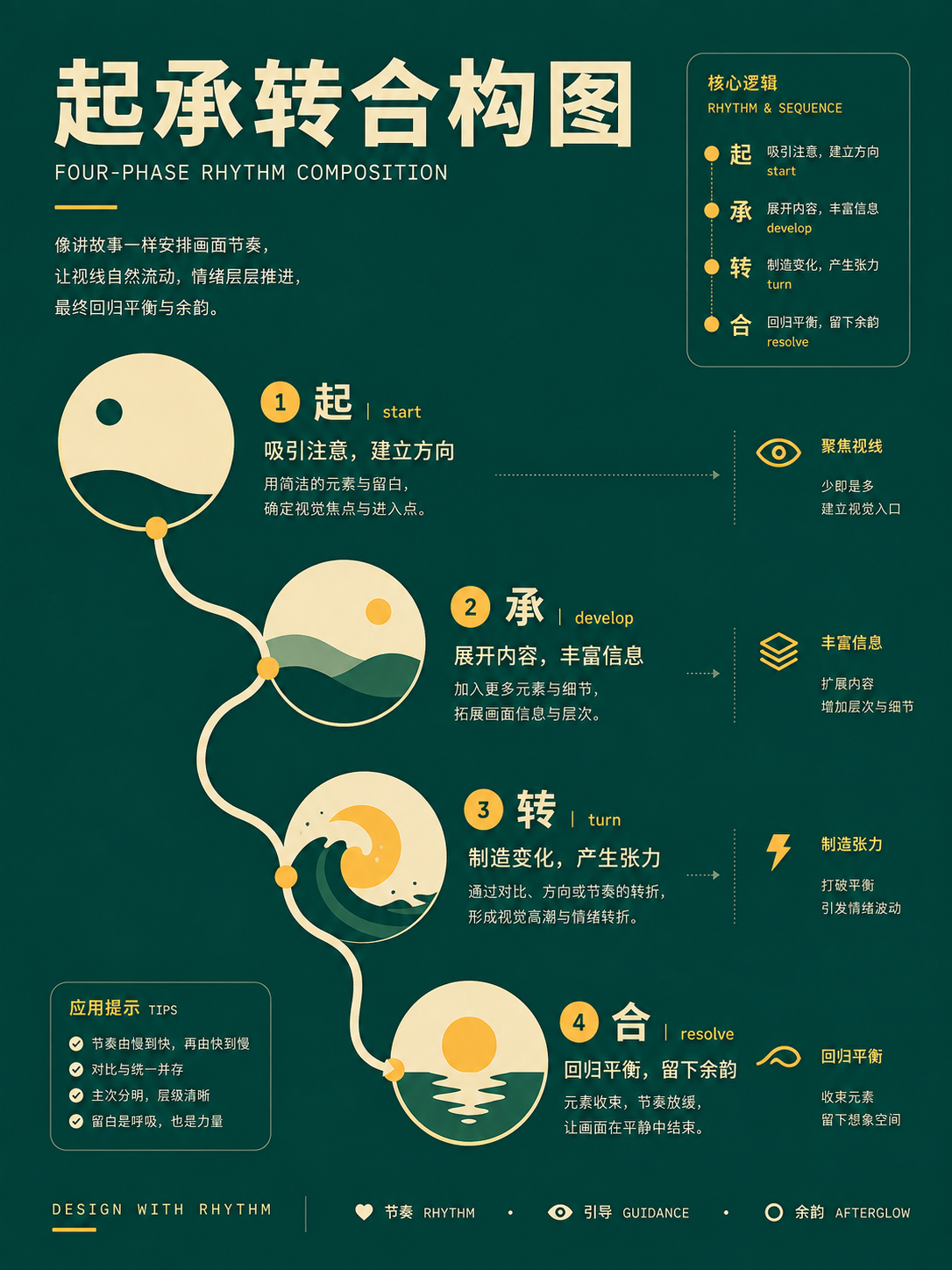
These 16 cards extend from title, section, and comparison slides to big-number, timeline, process, matrix, data chart, and full-bleed image layouts. Before choosing a layout, write down the job of that slide, such as 'announce a metric,' 'compare two options,' or 'explain a three-step process.'
Full Atlas · 16 images
Presentation Pages
Choose pages by narrative function:FocusTitle, comparison, data, timeline, process, and full-image pages。
16 / 16 visible
Basic slides
UseChoose a title, section, comparison, or content slide based on the page's role in the talk; keep one action per page.
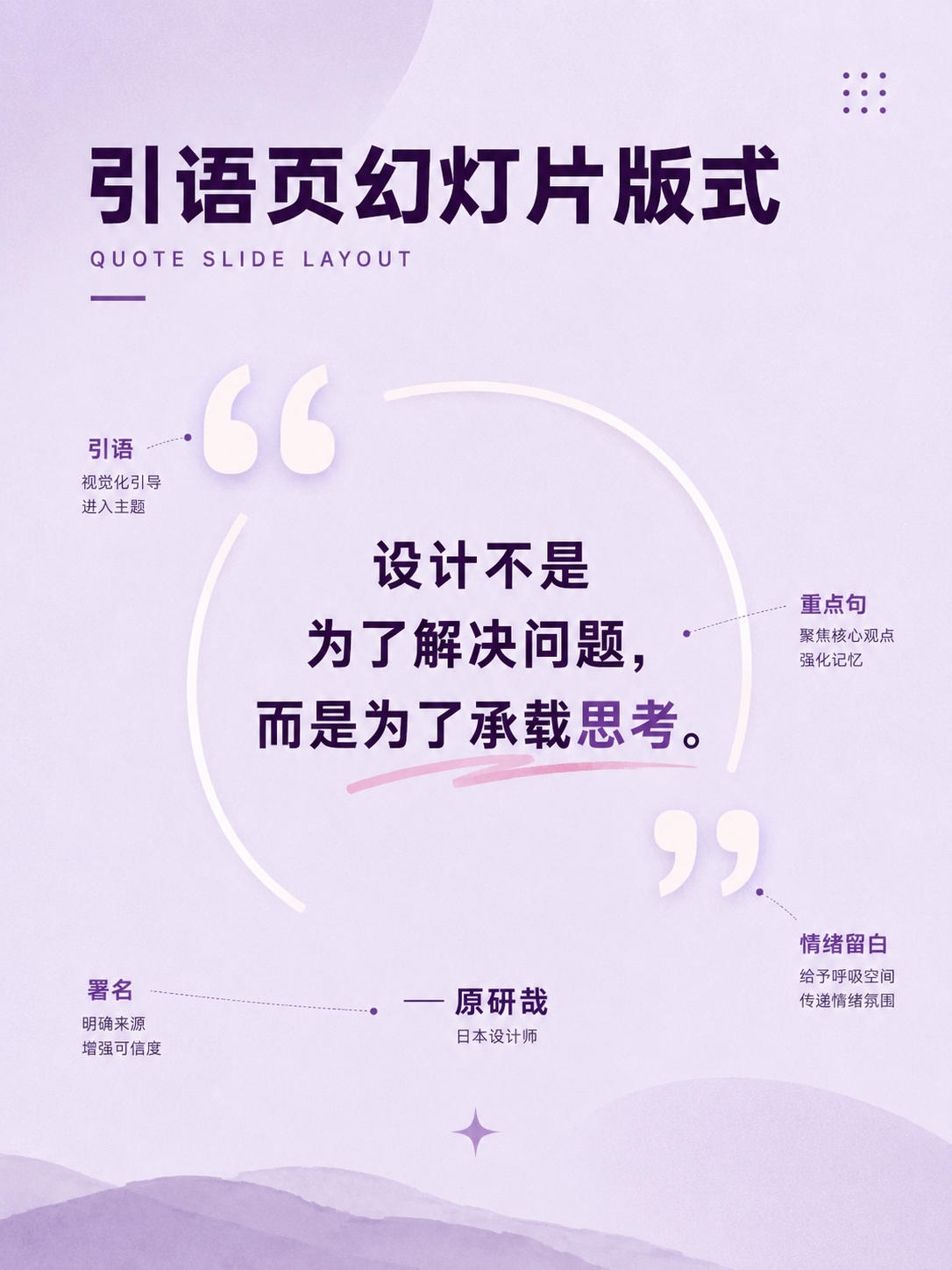
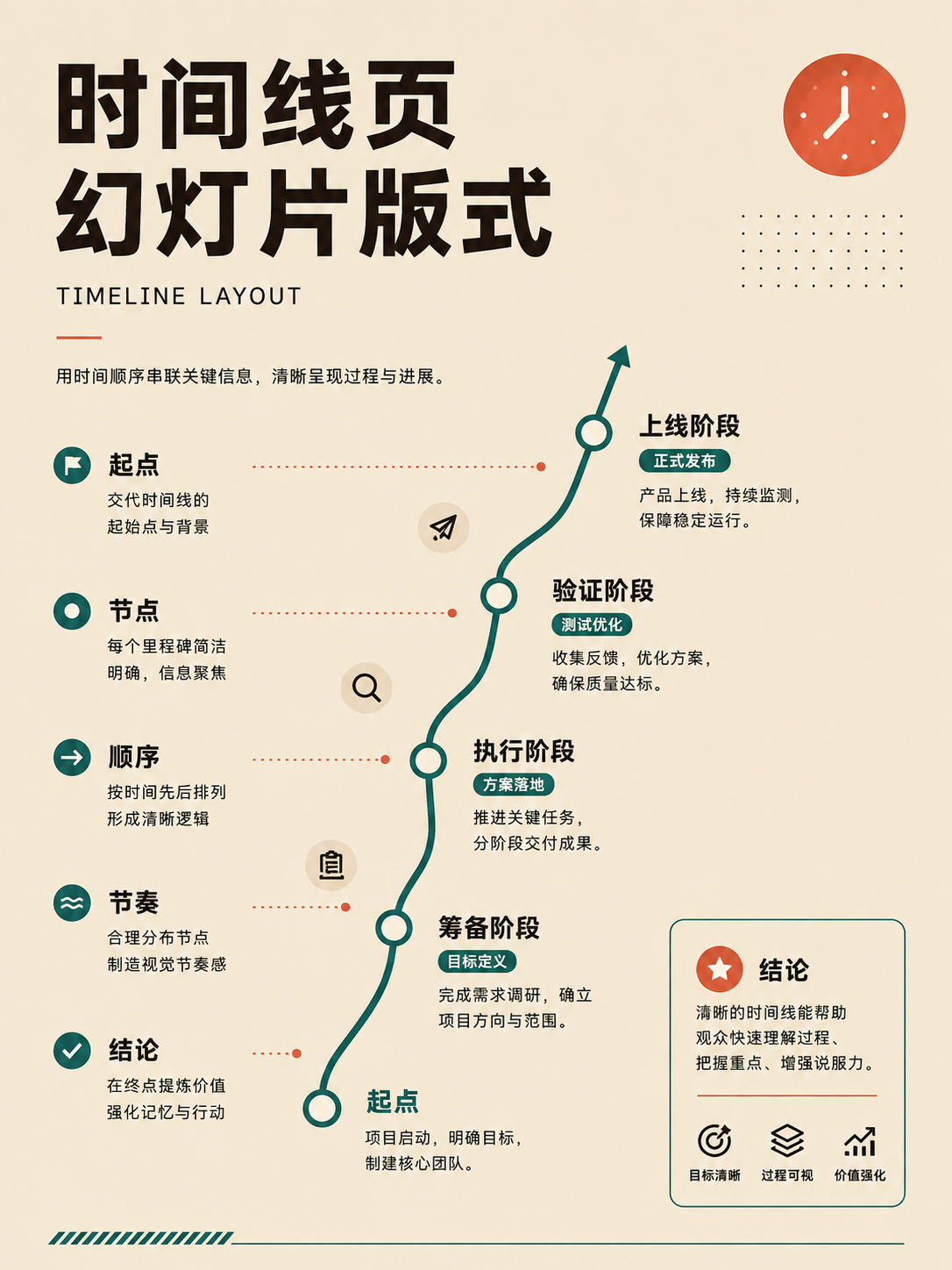
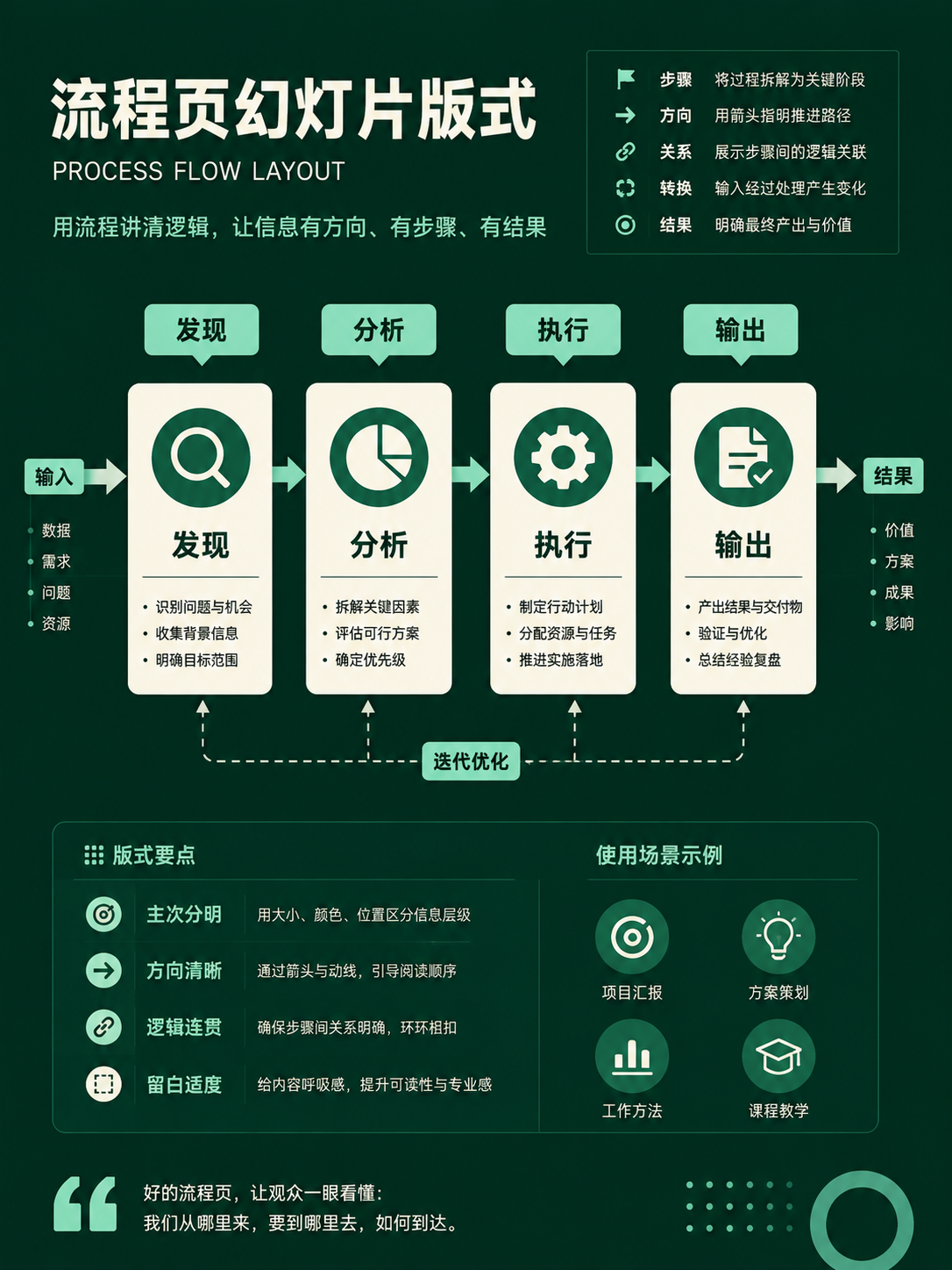

Narrative and data pages
UseNumbers, quotes, timelines, processes, and matrices each have different reading orders; decide the single judgment the audience should take away.
No matches in this category. Clear the keyword to restore all images.
34dc39c。Click a thumbnail to open the 1086 × 1448 high-res PNG; catalog names are for locating images only—always verify the actual content before using.Five practical scenarios: moving from reference to final product
Scenario one: Designing a cover for an article
Start by listing your content: one title, a subtitle, a hero image (person or product), and a logo. Then, go to the Composition Logic category and pick three directions, such as negative space, off-axis placement, and diagonal flow. Quickly apply your same content to three black-and-white frameworks and compare only the hero size, title placement, and whitespace.
The final design rationale might be: the hero image is positioned at the upper right, a continuous column of whitespace on the left carries the two-level title, and the logo sits in the lower left, out of competition with the headline. The reference only provides spatial relationships; your final design will use its own colors, typography, and photography.
Scenario two: Laying out a long-form visual article
First, estimate the length of your text, the number of images, and the need for captions or pull quotes. Then, look at options like single column, multi-column, image-led, sidebar, and modular grid layouts. Body copy needs a stable column width; data, quotes, and supplementary material can be placed in independent modules.
A desktop two-column or sidebar layout won't simply shrink down to mobile. Write your reflow rules in advance: the main column keeps its order, sidebar content moves after the relevant paragraphs, multi-column tables get horizontal scrolling, and decorative images don't disturb the reading order of the text.
Scenario three: Designing a product webpage
Sketch the user journey first, then choose the page pattern. A marketing page often comprises a hero section, benefit cards, social proof, and a call-to-action button. A backend product might need side navigation, a data grid, filters, and a detail pane.
When implementing, start with the normal document flow. Use a stack for vertical rhythm, a cluster for groups of related buttons, and a grid to organize cards. Small-screen rules should be explicit, such as 'three columns become one,' 'the detail view moves after the list,' and 'the navigation collapses into a drawer,' rather than just 'responsive.'
Scenario four: Building a set of presentation slides
Start by assigning a functional label to each slide: title, problem, evidence, comparison, conclusion, next steps. Then, select a layout based on that role. A big-number slide should carry only one key metric. A comparison slide should keep the two sides symmetrical. A timeline slide should move sequentially through events. A data-chart slide should have its conclusion stated directly in the title.
The whole deck needs a sense of rhythm. If five consecutive slides use the same card grid, the information will lose impact. A section divider, a full-bleed image, or a big-number slide can provide the necessary pause and emphasis.
Scenario five: Planning an interview or narrative video
Start by defining the relationship between the people and the space they occupy. Then, sketch out establishing shots, two-shots or over-the-shoulder shots, and single-person reaction shots. For each shot, document the subject's position, eyeline, shot size, and foreground/background elements. Deep staging (blocking) allows a relationship to evolve within a single shot, while coverage gives you options in the edit.
All five scenarios share a common methodology: Define your content → Select a category → Compare a few candidates → Extract the relationships → Write them as constraints → Validate with real content.
Using AI to apply a layout: turning a reference into an executable prompt
Prompts like 'reference the style of 001' don't provide enough information. The model needs to know which relationships to inherit and which visual elements to avoid copying. A complete prompt should contain at least six components:
- Task and canvas: What are you producing, and what are its dimensions and aspect ratio?
- Content list: What title, body text, hero image, data, and buttons need to be included?
- Reference object: The specific card number, folder name, and a confirmed view of the original image.
- Structural constraints: Focal position, area ratios, alignment lines, grouping, and the reading path you want to achieve.
- Visual constraints: Your brand colors, the typeface's character, image treatment, and the desired level of whitespace.
- Do-not-copy list: Explicitly state what not to replicate from the original, such as its text, color palette, branding, or specific assets.
Expand 'reference this image' into six layers of constraints
- 01Task and canvas
Deliverable type, dimensions, aspect ratio, platform
- 02Content inventory
Title, body copy, hero image, data points, buttons
- 03Reference object
ID, catalog name, and a verified source image
- 04Structural constraints
Position, area, axis, grouping, reading path
- 05Visual constraints
Brand colors, typeface personality, image treatment, negative space
- 06No copying
Don't replicate the source image's text, brand, assets, or decoration
For example, a 4:5 product poster could be prompted like this:
Create a 4:5 vertical product poster. It should have a two-line title, a one-line subtitle, one product image, and one action button. Use the confirmed three-part spatial relationship: the product occupies about 52% of the right side with its visual center near the upper-right intersection; the title and subtitle form a single text axis on the left; the button is in the lower left. Retain roughly 20% of the frame as continuous whitespace. Use the brand blue and a warm white background, and do not replicate the text, typefaces, icons, or decorative elements from the reference.
After the model generates the image, evaluate it against the original six questions: is the focal point in the agreed position, is the hierarchy clear, does the eye path reach the action point, and does a small screen or a long title break the structure? The reference is just a skeleton; your content goals are the final measure of success.
What to do when folder names don't match the images
The repository's automated checks only verify that files are present; they can't understand the content of the images. In a spot check of 8 images, 001 rule-of-thirds composition matched its folder name, but the other 7 did not. This is a small sample and may not represent the entire collection of 350.

Catalog:001 Rule of Thirds
Image:Rule of Thirds
Match
Catalog:095 Visual Hierarchy
Image:One-Point Perspective
Mismatch
Catalog:140 Image-Dominant Layout
Image:Random System
Mismatch
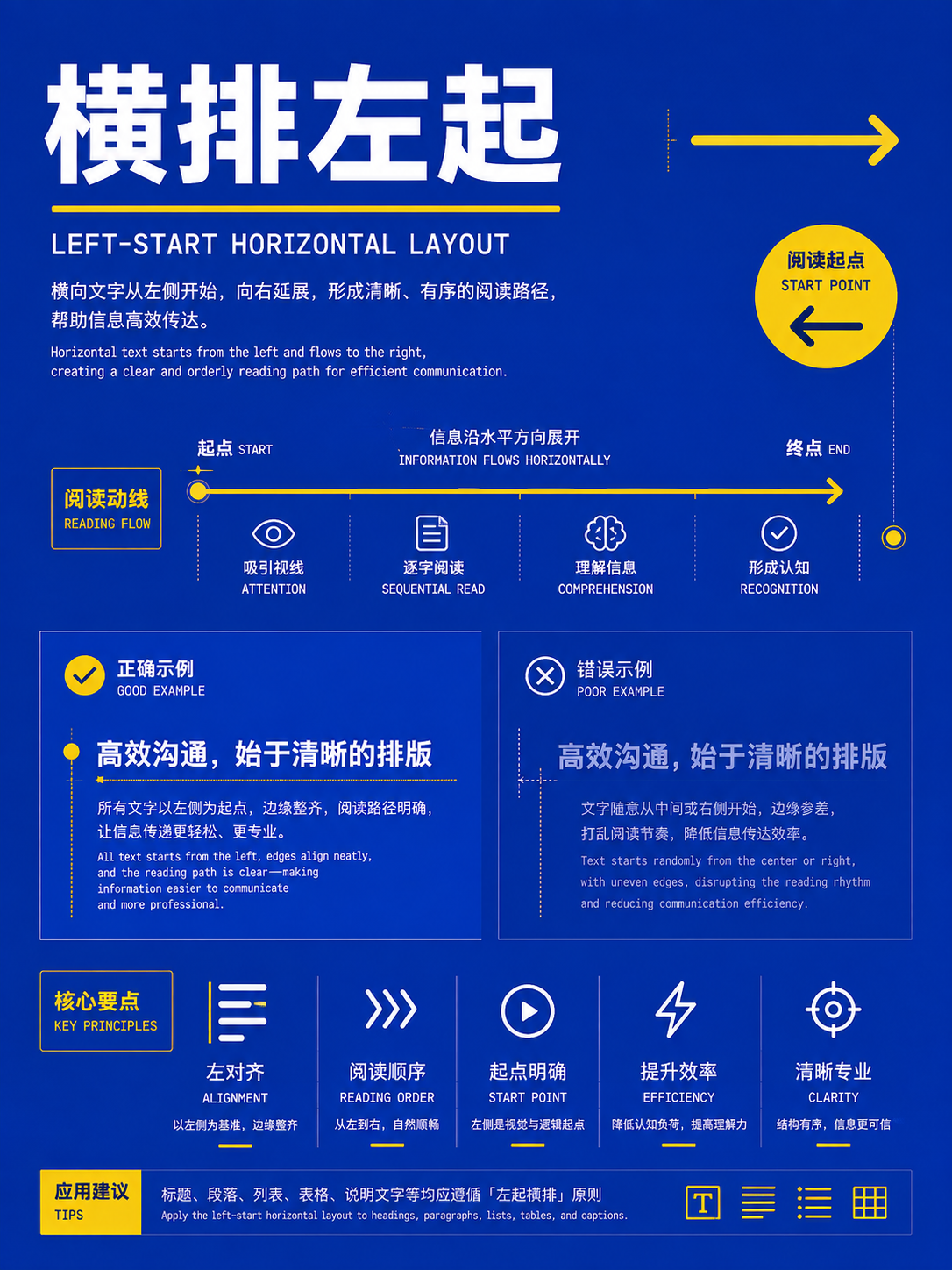
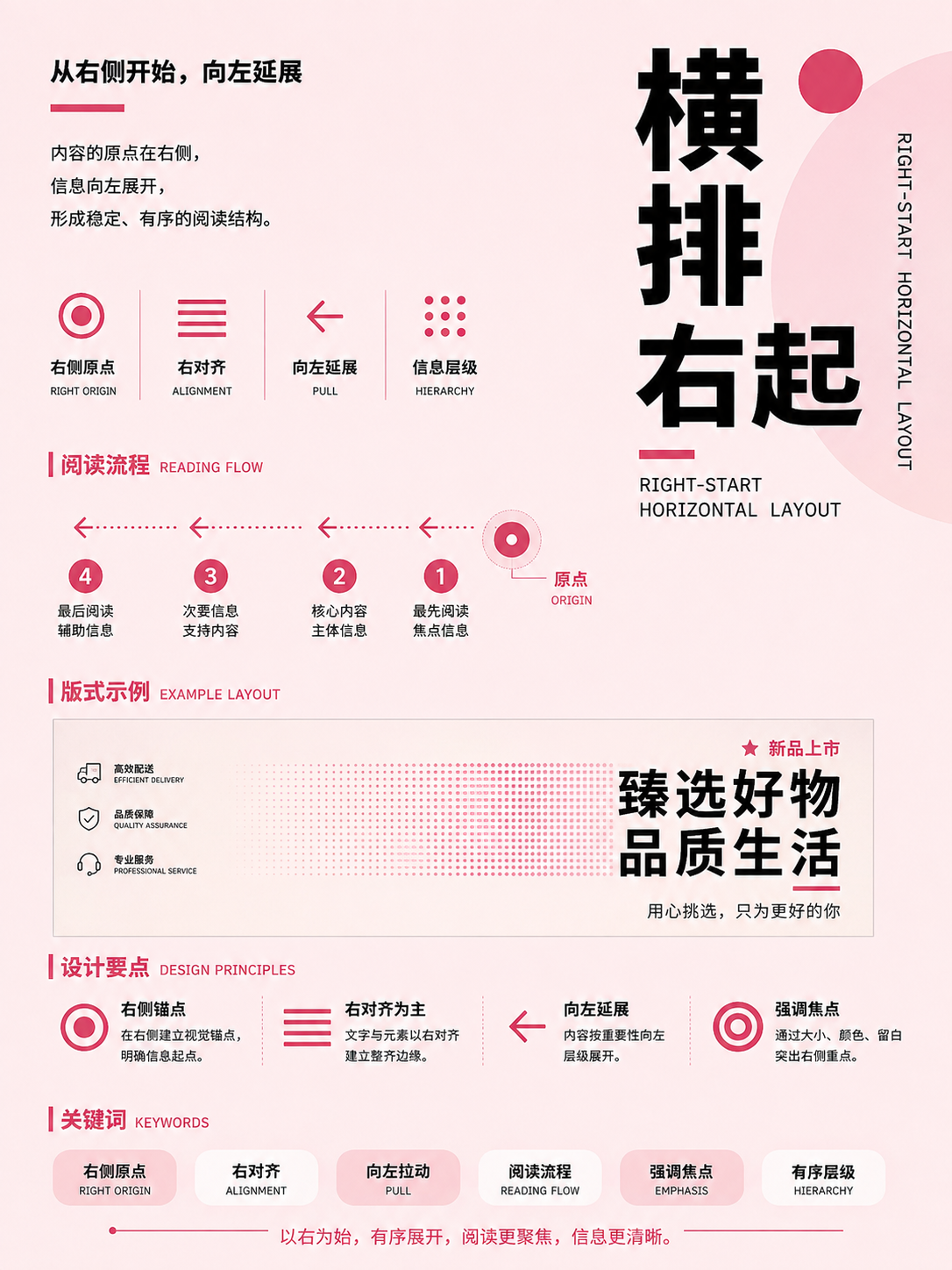
Catalog:168 Axis System
Image:Horizontal Typography
Mismatch
Catalog:250 Fluid Grid Primitive
Image:Flow Root Layout
Mismatch
Catalog:310 Deep Staging
Image:Wandering View Composition
Mismatch
Catalog:315 High-Distance Method
Image:Broken Branch Composition
Mismatch
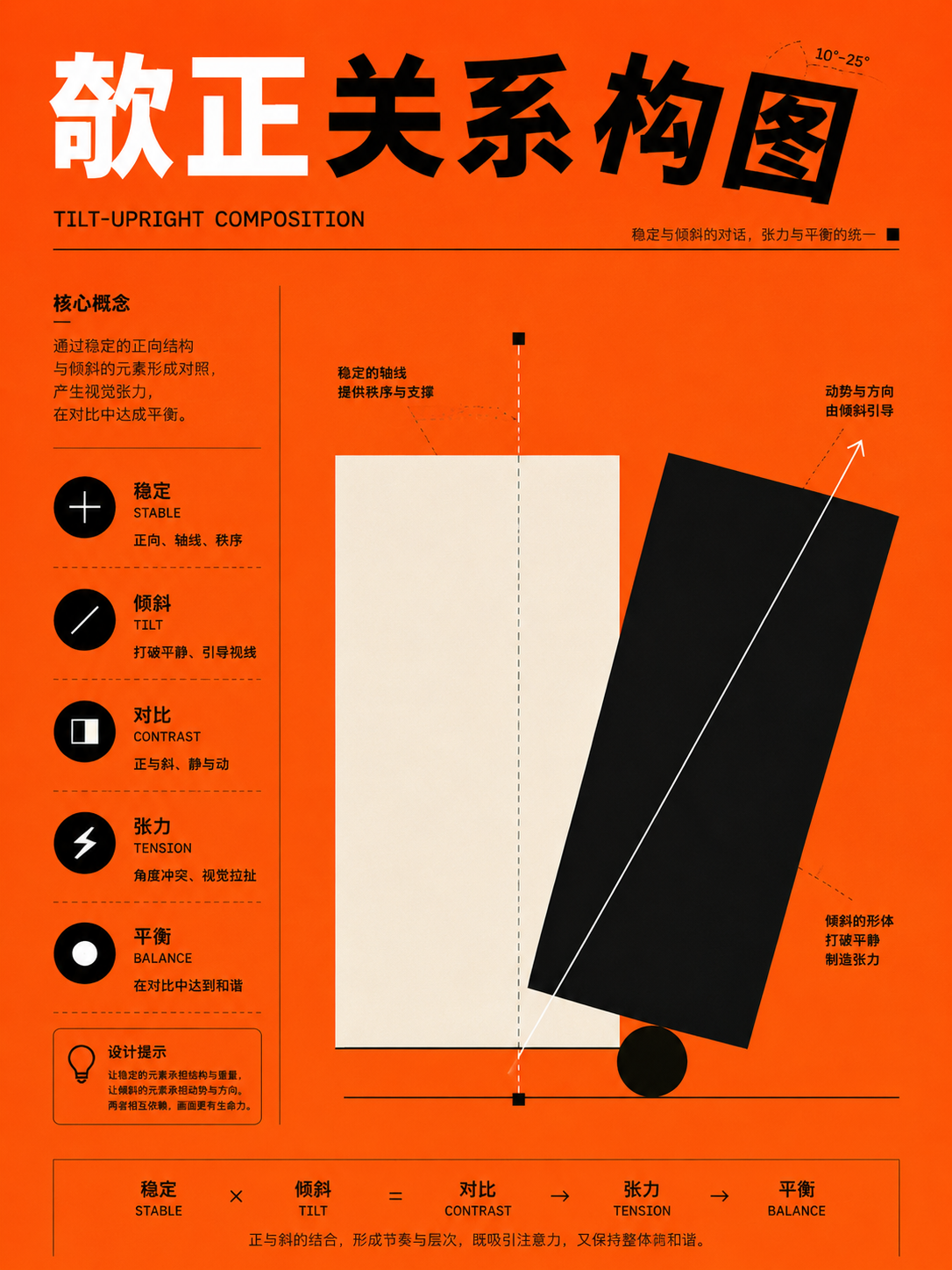
Catalog:344 Big Number Slide
Image:Leaning-Upright Relationship
MismatchHere's the rule to follow: Use the folder names to narrow your search, but always open the image to confirm its actual content. When briefing AI, a team, or a client, describe the layout based on what you see in the image.
How to download and use the collection
- Just browsing? Check the full visual index.
- Want all 350 images (about 560 MiB)? Head to the v2.0.0 Release.
- Need to filter in bulk? Use the CSV or JSON.
The repository is licensed under CC BY 4.0. When you use it, keep the source and license link, and note any changes you've made. Before any commercial use, double-check that the people, brands, and other assets in the images are permitted for your intended use.
When picking a layout, it's enough to explain the spatial relationships you used and why they fit the content at hand.
Members can copy or download the full Markdown, and let their AI subscribe and ask.
Found this useful? Leave your email — every new explainer, the moment it's out. Unsubscribe anytime.