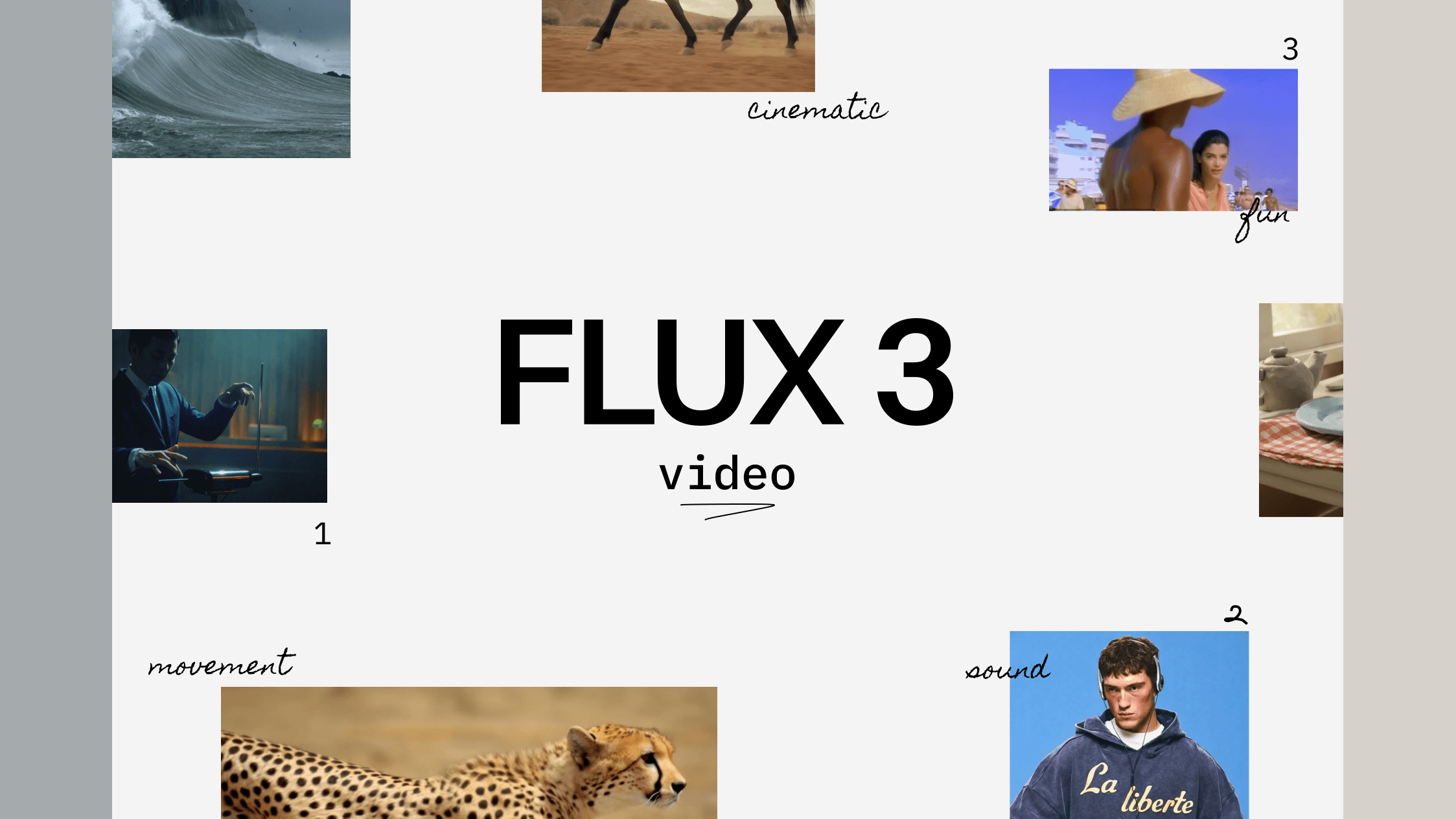
Black Forest releases FLUX 3 Video: matches Seedance 2.0, generates audio and video together, supports a dozen plus languages
Up to 20 seconds, 24fps, native HD; three modes share one API; video extension costs 2.5x more and runs 5 seconds shorter. Benchmarks are BFL's own.
- Because audio and video come from a single generation pass, lip-sync holds across a dozen plus languages.
- Draft mode lets you explore for a third of the price; when you pick one, it re-renders at full quality exactly as-is. No drift. That's the real selling point.
- Video extension is also listed at $0.43/sec — 2.5x the base rate, and it runs 5 seconds shorter. That detail isn't on the launch page.
FLUX 3 Video core capabilities
Black Forest Labs has released FLUX 3 Video: type a prompt or provide an image, and you get a video with sound directly. The headline feature is native multimodality — visuals and audio (background, effects, dialogue) are generated together in one pass, with synced lip movements. Single generation runs up to 20 seconds at 24fps, native HD, with an optional bump to Full HD (1920×1088). As of today, BFL's API is open to everyone, and it's also integrated into a set of unnamed partner platforms. Pricing is fully public.
Here's everything at a glance — each point gets unpacked below.
Type a prompt or feed it 1–10 images, and you get coherent motion with matching sound effects.
Specify the first frame, the last frame, or any moment in between. You can also feed it a clip up to 4 seconds long and let it continue the story.
One generation can hold multiple camera angles and moves, so you're not stuck with a single locked-off shot.
English (with multiple accents), Chinese, Spanish, French, German, Japanese, Portuguese, Russian, Italian, Indonesian, Turkish, Hindi, and Punjabi are all explicitly supported. Lip movements match the spoken lines.
Set fhd and it runs an upsampler pass (generates at a lower res, then a dedicated model adds detail) for 1920×1088 output in 16:9.
Drafts cost a third of the price. Pick one and re-render at full quality with the same subject, composition, and motion.
A 10-second HD video runs about $1.70. Video extension is separate, from $0.43/sec — more on that below.
FLUX 3 was announced in late July as invite-only for video, with image and open-weight releases planned later. This is its real public debut.
A quick look at its range
The official blog skips the tech specs and opens with four wildly different clips: a bear walking through a forest, a vintage CRT terminal typing on its own, a hand-drawn space telescope, and a horse trotting in dark, rim-lit light. BFL's point is that reality doesn't look like one thing. Every image and sound is just a fragment of it, so the model shouldn't just know how to shoot Hollywood trailers.
> initalizing system… > loading kernel modules… OK. 10 sec. Source: Black Forest LabsOne detail worth noting in that terminal clip: the first line printed on screen reads initalizing — missing an "i." Meanwhile, "accurate on-screen text" is one of the highlighted capabilities. The materials don't clarify whether the prompt spelled it that way or the model made a typo.
Three modes, one endpoint: text-to-video, image-to-video, video extension
All three modes actually use the same endpoint. Every request goes to POST /v1/flux-3-video with an identical request body. The only difference is the mode field, which simply tells the API what you're working with:
The docs pull a neat trick: they walk one scenario through all three modes. First, use t2v to generate "she takes his hand and pulls him laughing through the lantern-lit alley." Then grab that video's first frame and feed it to i2v with a new camera instruction, getting a completely different video with the same opening. Finally, feed the whole original clip to v2v and have the couple burst out of the alley into a night market. Each request feeds on the previous one's output, so the relationship between modes clicks immediately.
curl -X POST https://api.bfl.ai/v1/flux-3-video \
  -H "x-key: $BFL_API_KEY" \
  -H "Content-Type: application/json" \
  -d '{
    "mode": "t2v",
    "prompt": "she takes his hand and pulls him laughing
               through the lantern-lit alley, the camera
               chasing them, paper lanterns swaying overhead",
    "duration": 8
  }'
Switch mode to i2v or v2v, and add a keyframes or start_video field for the other two modes. Everything else is optional: aspect ratio and duration default to auto (the model decides), resolution defaults to hd, and audio is on by default.
Let's start with the most basic text-to-video. The official demo doesn't ease you in: a whole house is mounted on a crash-test sled and slammed into a concrete wall.
Now video extension. The rules: you provide a clip up to 4 seconds long, tell it what happens next, and it continues the motion, camera, dialogue, and audio. The official demo marks the seam directly on screen: the first 4 seconds are the original footage, everything from second 4 onward is generated. A dashcam drive down a coastal boulevard, and then a moose runs out:
Keyframes: pin up to 10 images, the model fills the gaps
Image-to-video works differently here than elsewhere — there's no separate "first frame" field. All images go into keyframes — how many you provide and where you pin them determines what you're doing.
- Provide 1 image: it becomes the opening frame.
- Provide 2 images: one at the start, one at the end, and the model invents the journey between them.
- Provide up to 10 images: you're handing over a storyboard.
- Use
[seconds, image]pairs: pin a specific image to second 4, for example.
The official demo has a built-in timeline, showing the mechanism directly: three keyframes pinned at 0:00, 0:04, and 0:10, with the caption "FLUX 3 interpolates the keyframes" — FLUX 3 fills the frames between the keyframes. In the third thumbnail, the little red sailboat is already capsized. You just set three points; the how — the water coming in, the tipping over — is its story to invent.
The start-and-end-only version shows how much it makes up on its own: START FRAME on the left is an empty room, END FRAME on the right is a furnished living room, and in between the caption reads FLUX 3 fills the in-between. Furniture unfolds from the floor like origami — none of that morphing was specified by anyone.
Native audio: because sound and video are generated together, lip-sync works
AI videos have always fallen apart the moment someone opens their mouth, and it's the approach that's to blame. The old way is a three-stage pipeline, each step waiting on the last:
- Stage 1: generate the visuals. The model doesn't know the dialogue's rhythm, word stress, or pauses — it hasn't heard anything yet.
- Stage 2: run the dialogue through a separate TTS model. This model can't see the video; it just makes the words sound human.
- Stage 3: try to sync the lips to the audio afterward. By now you're patching — good enough for a rough match, but not syllable-accurate.
Two seams sit between the three stages, and either can drift. That's why the old approach dreaded face close-ups: lips half a beat off, and the audience is instantly pulled out of the scene.
No seams. Dialogue, sound effects, and ambient audio are generated together with every frame — products of a single generation pass. Lip movement and sound placement come from the same model state. There's no "post-hoc alignment" step at all.
The API is also designed with "audio by default:" leave generate_audio unset and it's true — you get a video with sound, no extra flag needed.
For languages, thirteen are named: English (multiple accents), Chinese, Spanish, French, German, Japanese, Portuguese, Russian, Italian, Indonesian, Turkish, Hindi, and Punjabi, followed by an "etc." Korean isn't on the named list, and how far that "etc." extends isn't specified in the materials.
The dialogue demo shows two men in suits arguing into vintage microphones across a table — a 20th-century TV debate, running a full 20 seconds without a break:
The multilingual clip is more interesting for another reason: the same woman in a red raincoat appears in three scenes, speaking in each — a restaurant booth, a night-market food stall, and a laundromat. The same face carries across the cuts without drifting.
Multi-shot transitions, and the real places it knows
Across a 20-second clip, a black cat jumps from a bedroom bed to a sofa, then the shot cuts to outside, looking back at the house's window from the street — the cat is still there — then cuts again to the garden and shrubs. The camera genuinely changes position and cuts that still connect — not just pans and zooms within one shot. Getting this effect before would have meant generating several clips and editing them yourself:
Another demo shows off what BFL calls "world knowledge + real-world grounding." The idea: a few words of prompt can produce a documentary-style or educational clip. The footage looks like it was shot in Freiburg's old town: the narrow street gutters locals call Bächle, a red-sandstone Gothic cathedral, a pair of tourists with cameras. The whole thing feels like an 80s or 90s travel video. The clip isn't labeled with a location, but Freiburg happens to be BFL's own headquarters — the "Black Forest" in the company name is the region right there.
Draft Mode: a third of the price, then re-render your pick exactly as-is
Anyone who's tried video generation knows its maddening quality: you write a prompt, get a decent result, and want another one that's "similar but better." Re-submitting is a completely new generation. Subject, composition, and motion can all change — the one you liked might never come back. And every roll of the dice costs money.
Draft Mode splits this into two steps:
Step one: add draft: true to the request and get a quick preview. Drafts run at 1x time and 1/3 cost; full quality takes 1.8x time. Those three numbers are literally printed on the comparison video's frame. At that price, you can afford to roll a few.
Step two: once you've picked one, the draft result includes a draft_cache package. Download it, set mode to draft_enhance, and send it back. The model re-renders that same generation at full quality.
"The same shots, the same seed, nothing re-interpreted."
Black Forest Labs developer docs (translated by this site)
A normal re-roll is like drawing a new card — you take what you get. draft_cache is a save point for that roll. You don't have to draw again; just load the file and re-render at maximum quality.
So Draft Mode isn't just a discount. It splits exploration from delivery into two separate costs: exploring costs a third per roll, and only the one you approve gets full price — and what you pay full price for is exactly what you approved.
Price sheet: video extension at $0.43/sec — 2.5x the base rate
Full pricing for all three modes is in the docs:
| Mode | What you provide | Duration | Full quality | Draft |
|---|---|---|---|---|
| Text-to-video | A prompt | 5–20 sec | $0.17/sec (hd) $0.29/sec (fhd) | $0.06/sec |
| Image-to-video | Prompt + 1–10 images | 5–20 sec | $0.17/sec (hd) $0.29/sec (fhd) | $0.06/sec |
| Video extension | Prompt + your clip | 5–15 sec | $0.43/sec (hd) $0.54/sec (fhd) | $0.12/sec |
Three things jump right off the table:
- Video extension is significantly pricier. At HD, extension costs $0.43/sec — more than 2.5x the base $0.17/sec. A 10-second video costs $1.70 from scratch, but $4.30 for extension. Why? The docs don't say.
- Video extension is also shorter. The other two modes go up to 20 seconds. Extension maxes out at 15 — a full 5 seconds less.
- Drafts are always rendered in hd — there's no fhd draft option.
Let's translate that into a concrete example. One 10-second HD text-to-video:
- Go straight to full quality: $1.70, but you get one result. Don't like it? Roll again.
- Blind-roll 3 full-quality versions and pick one: $5.10.
- Roll 3 drafts, pick one, re-render: 3 × 0.6 + 1.7 = $3.50, and the final version is the one you picked.
One more trap to watch for: generated result links are signed and expire after about 2 hours. Download your videos promptly — don't wait until the next day.
Scores: first in text-to-video, ties Seedance 2.0 in image-to-video
BFL published a human-preference ELO chart, computed from pairwise comparisons. Both full rankings are in the image:

The leads aren't in the same league:
The 45-point lead in text-to-video is meaningful. In image-to-video, it's a mere 2 points ahead — and the official text itself uses the word "ties" Seedance 2.0, not "wins."
Two more things worth noticing on that chart:
- Veo 3.1 isn't on the text-to-video leaderboard. It appears at #8 (975) on the image-to-video side, but isn't among the ten entries on the text-to-video chart. The materials don't explain why.
- The comparison used Seedance 2.0. ByteDance released Seedance 2.5 on July 31st, and it's not included here.
One important caveat: this benchmark was organized by BFL itself, and it puts BFL's own model in first place. It's not a third-party evaluation. The demo videos above are embedded as-is, so you can judge for yourself.
Not-yet-released features, and a few restrictions
The docs' first screen states that FLUX 3 is in preview status. Two features are explicitly marked "coming soon": video editing, and Omni Reference, which uses images and videos as reference material to control generation.
Further down the roadmap are FLUX 3 Image (image generation and editing) and FLUX 3 Dev (open-weight version). Open weights remain dead last, consistent with the July announcement. The launch tweet also mentions 2K and 4K are on the way.
On safety: BFL engaged a third-party firm, Cinder, for pre-release evaluation covering risks like Non-Consensual Intimate Imagery (NCII) and Child Sexual Abuse Material (CSAM). The API has a safety_tolerance parameter from 0 to 4, defaulting at 2, with 0 being strictest. Three hard caps are written into the docs regardless of what you set:
- Sexual content is capped at level 3;
- Hate content is capped at level 2;
- Any request containing a reference image or video is capped at 2.
The launch page is titled "FLUX 3 Video, Part 1: Generation." There's no architecture, training methodology, or technical report anywhere — only the capabilities and the API. Exactly how the model achieves synchronous audio-video generation isn't something you can verify from published materials yet.
FLUX 3 Video is here: audio and visuals from one generation pass; re-render your selected draft exactly as-is
Black Forest Labs unifies text-to-video, image-to-video, and video extension behind a single API, open to everyone today. This page covers capabilities, mechanics, and pricing with visuals.
↓ One page, one animated figure
Type a prompt or provide an image, and get a video with sound — background, SFX, and dialogue included. Text-to-video, image-to-video, and video extension share one API with an identical request body; only the mode field varies, telling the API what you have: nothing, images, or an existing clip.
✔ Pin up to 10 images as keyframes; the model invents every frame between them
✔ Multiple camera cuts within a single generation, and they connect
✔ Named support for 13 languages of dialogue (English, Chinese, Japanese, German, Hindi, etc.), with lip movements that match
✘ Video extension caps at 15 seconds, 5 fewer than the other two modes; it accepts source clips up to 4 seconds long
✘ Korean isn't on the named list of languages — it's left to "etc."
✘ The launch page is titled "Part 1: Generation" — no architecture or training details anywhere; how it achieves synchronous audio-visual generation isn't verifiable from published materials
AI videos always fell apart the moment someone spoke. The old approach was a three-stage relay: generate video, then TTS, then sync — with two seams that could each drift half a beat. That's why close-ups were its nemesis. FLUX 3 folds all three into a single generation, and the API is audio-on-by-default: leave generate_audio unset and it's on.
doesn't know the dialogue's rhythm
② Run dialogue through a separate TTS
this model can't see the video
③ Sync lips to audio afterward
patching by now
dialogue / SFX / ambience
two tracks from the same
model state, grown together
no "post-hoc" sync
step at all
The most annoying thing about video generation: you roll something decent, want "similar but better," re-submit, and get a completely new generation — subject, composition, and motion can all change, and the one you liked may never come back. Draft Mode splits this into two steps.
All pricing is public. One detail isn't on the launch page and only lives in the developer docs: if you have an existing clip and want to extend it, the rate jumps to $0.43/sec.
The launch page includes a human-preference ELO chart (relative scores from pairwise comparisons; it only shows which model was preferred more often, not absolute quality). The two leads aren't in the same league.
- × Generate video first
doesn't know the dialogue's rhythm - × Then a separate TTS reads the lines
it can't see the video - × Finally force-sync lips & audio
patching by now
Audio track
different face
camera drifted
that first one
is gone forever
and none of them is quite right.
STILL NO FINAL
= $0.6
✓ Pick this
re-render at $0.17/sec.
Same shots, same seed —
subject, composition, motion unchanged.
costs 2.5x the base rate,
and caps at 15 sec — 5 fewer.
Seedance 2.0: 1049.
Members can copy or download the full Markdown, and let their AI subscribe and ask.
Found this useful? Leave your email — every new explainer, the moment it's out. Unsubscribe anytime.