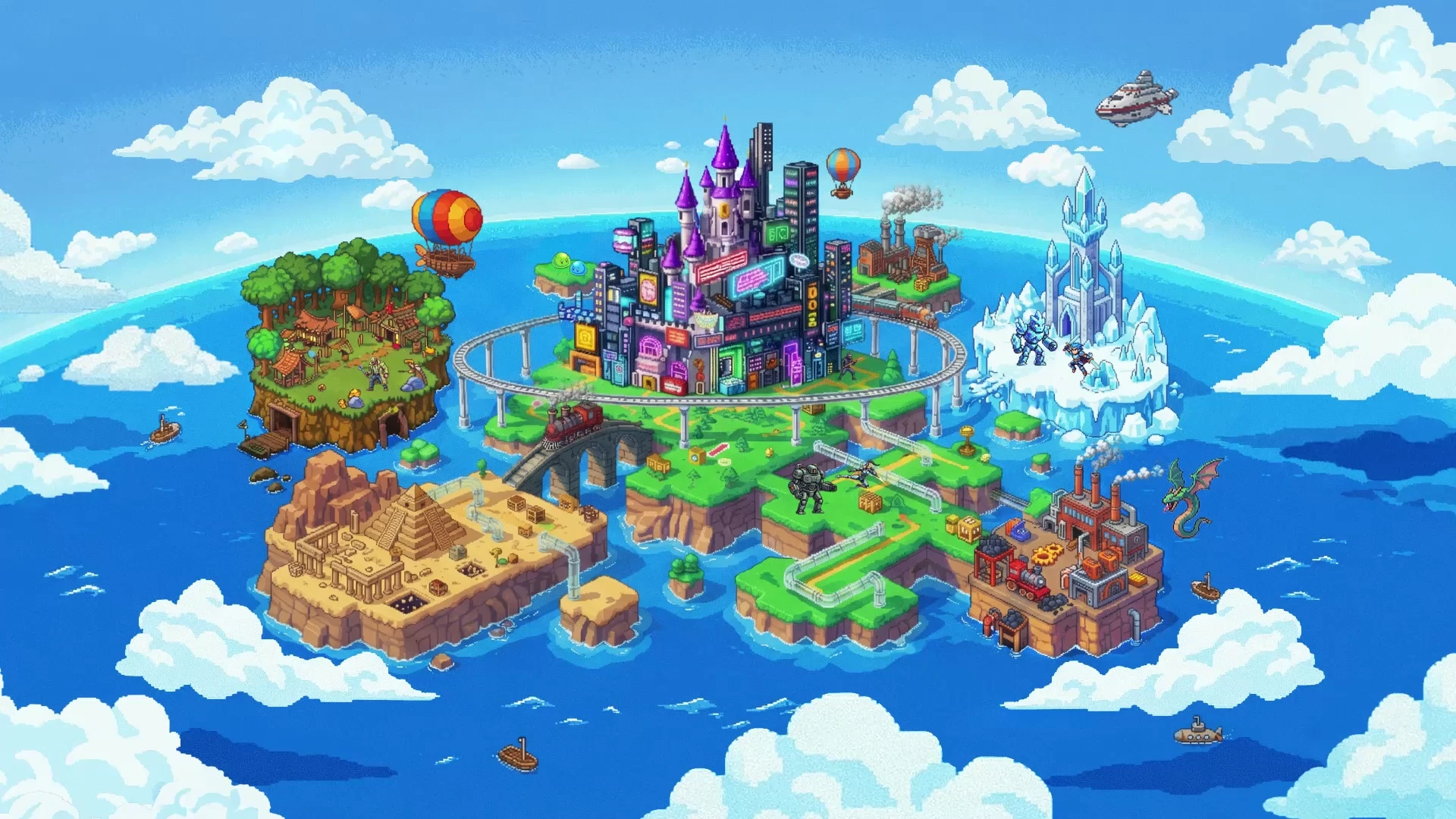
Google Launches Playground: Build Your Own Games Without Any Coding Experience
Describe gameplay in words, generate, playtest, and tweak in the browser, then share with friends: a look at how creation works on Playground through four official demos and eight community titles.
Many people have had game ideas, but turning those ideas into playable games has traditionally required overcoming steep technical hurdles: learning complex game engines, writing lines of code logic, hand-crafting art assets, and producing sound effects. For anyone without programming experience, even the most intriguing concept rarely made it past the starting line of development.
Google Labs has launched an experimental game creation platform called Playground at playground.google, changing this reality: it lets you build your own games in plain language without any coding experience. The entire creation workflow takes place inside the browser: you start by describing your desired themes and rules in everyday words to get an AI-generated playable build, continue refining scenes and gameplay feel through text chat, and finally play and share on the same platform. According to Google, the AI can generate a runnable mini-game in just a few minutes. Completed games can be played instantly across desktop and mobile browsers, shared with friends, feature multiplayer support for select genres, offer leaderboards for public single-player titles, and even allow creators to download the full underlying source code in a single bundle.
Describe What You Want to Play, and Let AI Generate the Game
Building a game in Playground feels much like briefing a technical partner in a chat app. Upon entering the creation interface, the prompt box offers dimensional options for 2D game and 3D game alongside a Single player tag. Creators can either type directly into an empty prompt box, begin with pre-set template prompts, or use the "Start with a build Guide" onboarding path. (Official demo notes: Screen images simulated)
The official scratch-build demo uses a mini-game about an ube latte. The prompt describes both a bustling café setting and a retro pixel-art aesthetic, while clearly defining player controls: using arrow keys to steer a small coffee cup left and right to catch falling sugar cubes. The view then transitions to a studio layout with chat on the left and playtesting on the right, displaying the café backdrop, coffee cup, and scoring interface. For first-time creators, this example provides a concrete starting point: beyond saying "what I want to make," clearly specify the setting, visual style, player controls, and the exact actions to accomplish.
The official promotional video illustrates this process with several everyday, slightly whimsical ideas; the edit highlights prompt inputs and resulting gameplay without showing the full generation wait times:
- Casually asking for a "cozy ube latte game where you catch falling ice cubes with a cup," which then displays gameplay titled UBE CAFE, complete with score tracking and directional control buttons.
- Next, requesting a "yarn demolition derby," with footage showing balls of yarn crashing into each other on a track.
- For strategy games, simply entering "make a sandwich tower defense game, and because I hate olives, make olives the invading enemies," which turns into a playable tower defense level featuring sandwich defense towers and invading olive monsters.
What Can You Build? A Look at Eight Official Showcase Titles
Beyond the whimsical brainstorming in the promo video, the official website gallery showcases eight creator-built titles. All of these titles are tagged as single-player games. Below are their gameplay overviews alongside their official showcase covers, which help illustrate their themes and visual styles:
- Platforming and Arcade Shooters: The dream-themed platformer Snooze Jump has players climbing upward through clouds, offering both a relaxed standard mode and a demanding speedrun mode for climbing leaderboards; the deep-sea arcade shooter Octo Pop uses a chunky retro pixel-art aesthetic, where players guide Ollie the octopus through glowing deep-sea trenches, navigating and fighting; and the alpine extreme sports simulator Summit Swoop centers on a snowboard championship with strict combo multiplier timers.
- Tactical Battles and Physics Drops: The tactical shooter Polygon Pazer features flat-shaded polygonal tanks and a retro Mode-7 pseudo-3D perspective in turn-based 3v3 team deathmatches; the official website tags this title as single player, with 3v3 describing the in-game team size rather than online multiplayer; meanwhile, the falling-physics stacking game Pitfalls takes place against skyscraper backdrops, focusing on physics-based stacking.
- Trivia, Word Puzzles, and Casual Sports: Truth Ninja combines fast-paced reflex mechanics with trivia quizzes as players answer rapid-fire questions to defend the Temple of Truth; Word Cube projects word puzzle gameplay into three-dimensional space for a 3D spelling challenge; and the sports title Foosball Shootout transforms classic tabletop foosball into a fast-paced casual shooting game.


Turning Everyday Photos into Game Assets
Art assets are often the most time-consuming part of game development. Playground allows users to upload reference photos directly (currently supporting PNG and JPG formats, with video not yet supported) to steer the visual style of a game.
Uploaded original photos are not embedded directly into the game; instead, the AI transforms them into stylized assets matching the game's art direction, guiding themes, backgrounds, or character designs. (Uploaded content must still comply with platform safety guidelines)
In the demonstration, a creator asks to put their pet cat Charlie into the game, prompting: "Can you put my cat in the game?" The video subsequently shows a cat-and-yarn-ball arena scene alongside mobile touch gameplay.

After Playtesting, Tweak Rules and Scenes Through Chat
After receiving the initial version, you can playtest and iterate: Playground offers continuous conversational fine-tuning. Clicking the pencil edit icon in Your Games opens the Creation Studio.
Inside the Creation Studio, creators don't have to navigate complex parameter panels or script code; they simply describe gameplay changes in plain language right in the prompt box. The official edit demo illustrates this step using a platformer: the creator types a request in chat to add a double jump so the character can reach higher pillow platforms. The demo then cuts back to the game, resuming playtesting. Modifications like this change what the player can do; creators express the desired outcome, then verify through playtesting whether the adjustment feels right.
The Help Center advises: when editing a game, make one clear, focused request at a time. For instance, tune jump height first, and once that feels right, adjust enemy spawn rates; avoid piling multiple complex modifications into a single lengthy prompt.
Moreover, game modifications take place entirely within an isolated "private draft" state. Even if the game was previously published publicly, your backend experimentation on a new version will not affect other players currently enjoying the live build until you are satisfied and click publish again.
Sharing with Friends: Requirements for Multiplayer and Leaderboards
Playground does not limit itself to solo experiences; it features a built-in suite of social and casual competitive capabilities:
- Multiplayer Support: Before initial generation, toggling the "Multiplayer" tag in the prompt box allows the platform to generate multiplayer mechanics (currently in early preview), spanning both turn-based duels and real-time competitive action requiring quick reflexes.
- Instant Cross-Device Play: Games run directly in web browsers, with most titles responsive across mobile, tablet, and desktop viewports; actual responsiveness depends on the creator's build. When discovering an appealing game on a desktop browser, pages provide a QR code or an option to send an SMS link to open it conveniently on a phone; specific button sizing and touch controls should still be tested on mobile devices.
- Global Leaderboards and 100-Member Private Group Leaderboards: The platform integrates deeply with the Google Play Games profile system, allowing players to set custom gamer tags and avatars. Leaderboards have distinct requirements:
- Global Leaderboards: Available exclusively for publicly listed single-player games, showcasing top scores worldwide;
- Group Leaderboards: Designed for friends and circles, also applicable to public single-player titles. Creators can create private group leaderboards and generate custom invite links to share with friends, family, or gaming groups (supporting up to 100 members per group). Even if your account has global privacy protections enabled and hidden from the public web, accepting an invitation and confirming that your nickname and scores are visible to group members allows you to join group rankings.
- Following Favorite Creators: Players can follow talented independent creators, whose newly published works are automatically surfaced in a dedicated feed on your discovery page.
Export Your Game and Choose Who Can See It
Playground provides source code export while letting creators control public visibility:
- One-Click Source Code Export: Inside the Creation Studio, clicking the "Export (Download Zip)" button at the top downloads a
.ziparchive. Unpacking it reveals the game's complete HTML, JavaScript, CSS code, and generated assets. These exported files can be inspected, preserved, and further modified; when migrating to other environments, creators should still verify whether features depend on online services, as export capability does not prove that all functionality runs offline. - Four Visibility States: New creations default to private and are not automatically made public; creators must manually publish or adjust visibility. The four states differ as follows:
| State | Who Can Play or View | Appears in Public Discovery |
|---|---|---|
| Draft | Creator only; no standalone game link yet | No |
| Private | Creator only; can play compiled game | No |
| Unlisted | Anyone with the dedicated link | No; excluded from leaderboards |
| Listed | Public to platform users after content screening | Yes; single-player titles can enable leaderboards |
- Data Ownership: Users can review or delete gameplay history item-by-item at any time via a dedicated MyActivity page, or delete their account along with all games, scores, and associated data in settings with a single click, barring a small number of records required to be retained by law.
How Generation Quotas Work: Held First, Settled Upon Successful Compile
Generating games consumes backend AI compute, so Playground manages creation volume with generation quotas:
- Free Allowance and Premium Upgrades: The platform provides creators with a weekly auto-refreshing free token quota; users needing higher generation frequency can subscribe to the Google One AI plan for additional weekly quota.
- No Charge on Unsuccessful Runs: Playground uses a hold-first, settle-later model: when you click "Generate," tokens are merely placed on temporary hold; tokens are only finally deducted once the complete game codebase compiles successfully and can actually launch into gameplay. If you manually cancel by clicking "Stop" during generation, or if the run fails or times out, the held tokens are automatically refunded to your account in full.
- Background Asynchronous Generation: Generation times vary depending on peak traffic and prompt complexity. You do not need to wait on the generation screen; you can freely browse and play other games while your project builds, and finished games will automatically appear in your "Your Games" list.
- Family Sharing Restrictions: Google One family sharing does not currently support sharing Playground game generation tokens; members cannot pool or transfer quotas.
Unity Spark Is an Upcoming Direction, Not Yet Widely Available
Google announced plans to integrate Playground with Unity Spark in the future, aiming to deliver more sophisticated professional-grade mechanics, high-fidelity 3D, and the capabilities of the Unity runtime. Google states this is currently under testing with a closed beta coming soon; Unity's website lists it as Coming Soon with waitlist registration open.
The Unity site already displays demo games like Space Corridor, reflecting Google's vision of letting creators start from text prompts and gradually expand into more sophisticated Unity experiences. How exactly games will be connected or migrated has not yet been detailed in current materials; these plans should not be mistaken for capabilities already available to all Playground users.
Who Can Play, and Who Can Create Today
Playground remains in an early experimental stage with specific access criteria:
- Regional and Age Limits: Initially restricted to US users aged 18 and older, with plans for gradual rollout to additional countries and regions;
- Completely Free to Play: Any user meeting regional and age requirements can immediately play all existing community games in the public gallery for free;
- Batched Creation Access: Because generation compute must be scaled progressively, game creation for free users operates on a waitlist (users can click Join Waitlist on the site to wait for rollout batches); subscribers to the Google One AI plan can unlock creation access directly without waiting in line.
For everyday players who have long wanted to make games but were deterred by code and complex engines, Playground represents a fresh creation paradigm: offloading low-level engineering to AI so creators can get a playable build earlier, then iteratively adjust gameplay, rules, and mobile controls. While skipping the initial coding barrier saves substantial effort, creators must still judge for themselves whether a game is fun and how well it controls.
Members can copy or download the full Markdown, and let their AI subscribe and ask.
Found this useful? Leave your email — every new explainer, the moment it's out. Unsubscribe anytime.